


Creating a brand identity sounds simple until you actually try to do it.
You need a logo, colors, fonts, social graphics, export files, and enough consistency that your website, product, and marketing do not feel like separate projects.
That is where AI logo and branding tools help. The best tools do more than generate a quick mark. They help you turn a rough idea into a usable visual system with logo files, brand kits, social templates, mockups, and reusable assets.
In this guide, we cover 8 of the best AI logo and branding tools in 2026. We compared them by ease of use, design quality, customization, export options, brand-kit depth, and pricing. Pricing can change, so treat the numbers below as starting points checked for 2026.
Quick Picks
-
Best overall brand kit: Looka
-
Best for on-brand visual assets: Bloom
-
Best all-in-one design suite: Design.com
-
Best for prompt and sketch control: Logo Diffusion
-
Best for fast template-based logos: BrandCrowd
1. Looka
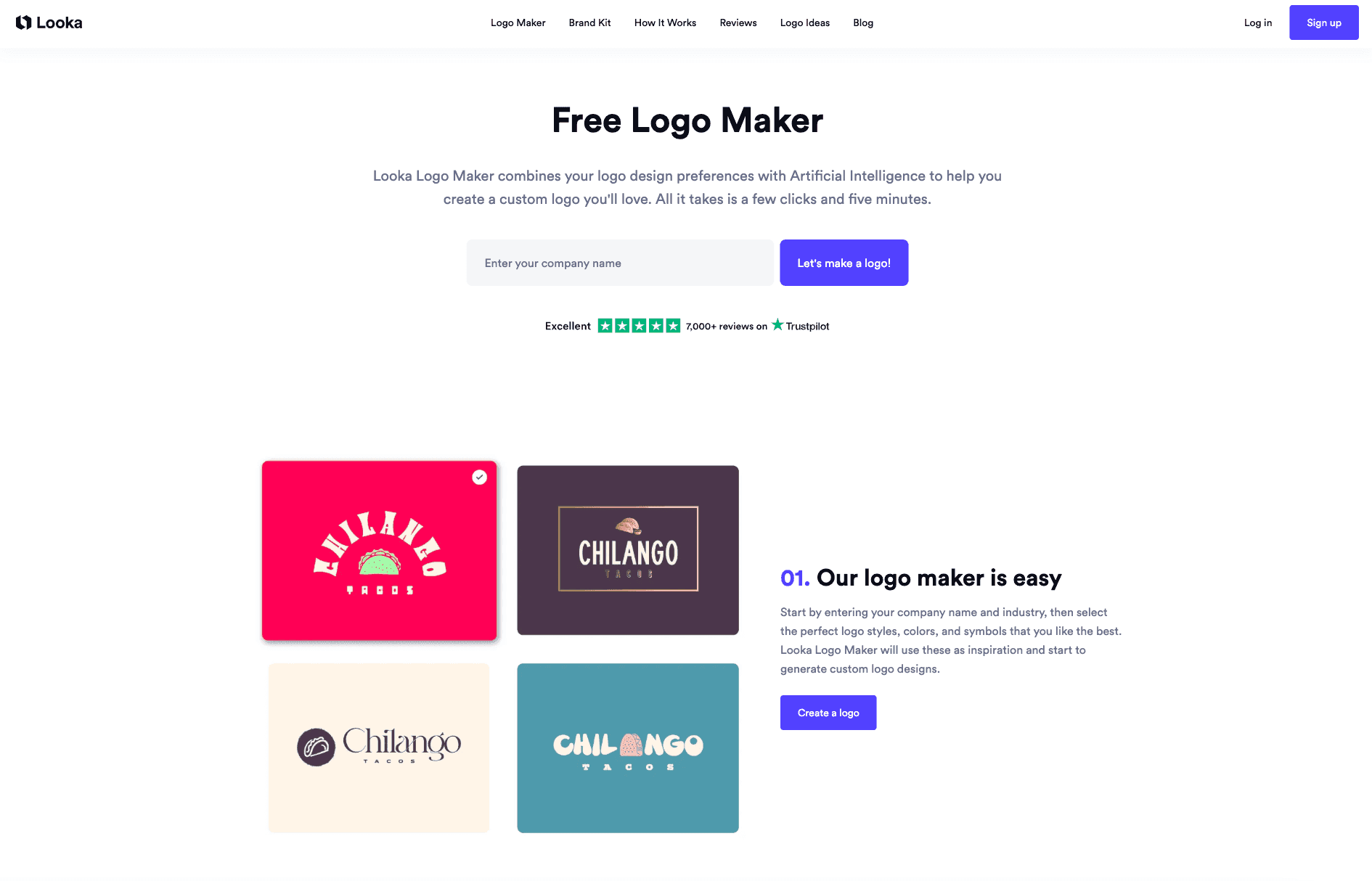
Looka is one of the strongest options if you want a logo and a complete brand kit from the same place. You enter your company name, choose styles, colors, and symbols, then Looka generates logo concepts you can edit.
Its biggest advantage is what happens after the logo. Looka can create matching brand assets like social media graphics, email signatures, invoices, business cards, and marketing templates based on your logo colors and fonts.
Best for: founders and small businesses that want a polished logo package plus reusable brand assets.
Exports: PNG, JPG, SVG, EPS, PDF, transparent backgrounds, black-and-white versions, and color variations.
Pricing: one-time logo downloads start around $20, while the Brand Kit subscription starts around $96 per year.
2. Bloom

Bloom is built for turning an existing website or visual direction into a more complete brand system. Instead of only making a logo, it helps generate on-brand images and assets that feel consistent across marketing pages, social posts, and product visuals.
This makes Bloom especially useful when you already have a brand foundation but need more visuals that match it. Designers, marketers, and founders can use it to move faster without creating every asset from scratch.
Best for: teams that need consistent brand visuals, not just a standalone logo.
Brand-kit depth: strong for branded imagery, campaign visuals, and design consistency across content.
Pricing: free and paid options are available, with limits depending on usage.
3. Design.com
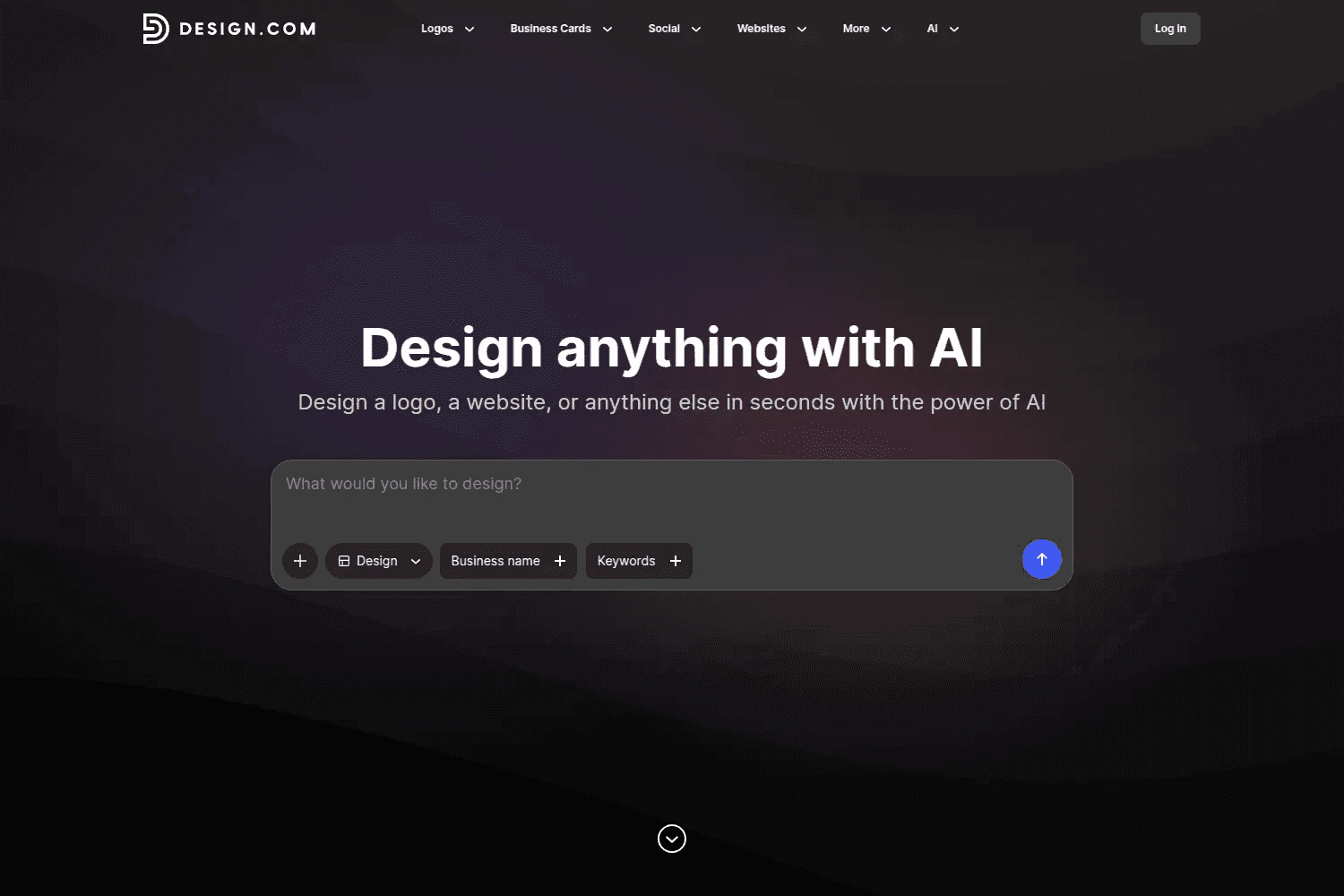
Design.com is an AI-powered design suite for logos, business cards, social posts, banners, flyers, presentations, and simple websites. You enter your business name, choose a design direction, and customize the generated results in a browser editor.
The platform works well if you want one place to create the basic pieces of a small business brand. It combines logo generation with a large template library, background remover, business name generator, and website builder.
Best for: freelancers and small teams that need many branded assets from one tool.
Customization: fonts, colors, icons, layouts, templates, and exports are easy to adjust.
Pricing: free plan available; paid plans start around $15 per month, with higher tiers for teams and full feature access.
4. Logo Diffusion
Logo Diffusion is a dedicated AI logo generator for people who want more creative control. You can generate logos from prompts, sketches, or existing designs, then refine the results in the editor.
It supports many logo styles, including minimalist marks, mascots, emblems, vintage badges, and tech logos. Vector export is also useful if you need files that work for print, websites, and brand guidelines.
Best for: users who want prompt-based generation and sketch-to-logo workflows.
Exports: SVG and other logo-ready formats depending on plan.
Pricing: free plan with limited credits; paid plans start around $24 per month.
5. Logome
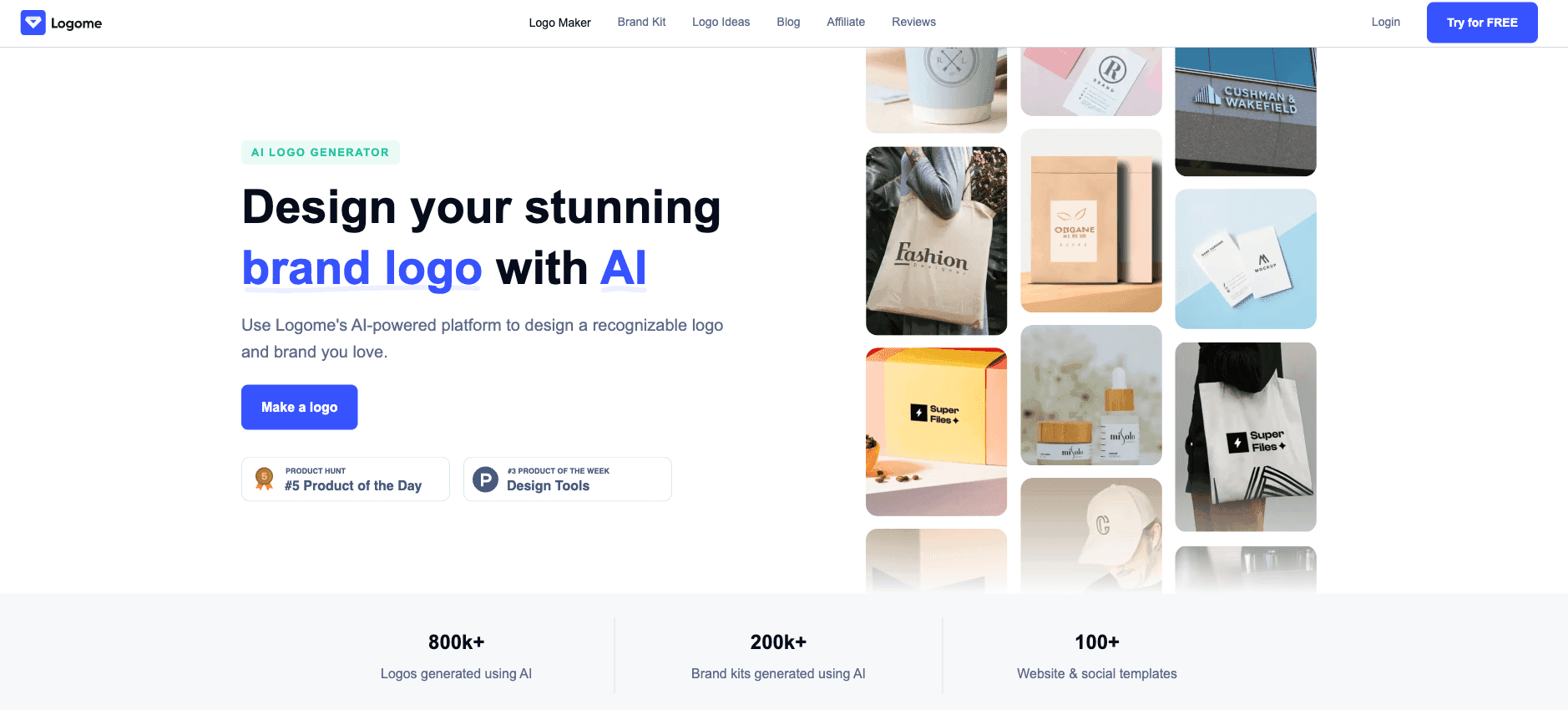
Logome is an AI logo maker for startups, creators, and small businesses that want a quick brand identity. You start with your brand name and design preferences, then customize the generated logo with colors, fonts, and layout options.
Logome also creates matching assets after the logo is generated. That includes brand kits, simple website templates, and social layouts based on your colors and typography.
Best for: simple brand launches where speed matters more than advanced design control.
Brand-kit depth: logo files, color schemes, fonts, social layouts, and basic web presence assets.
Pricing: free generation is available; paid plans unlock downloads, brand kits, and extra customization.
6. Brandmark
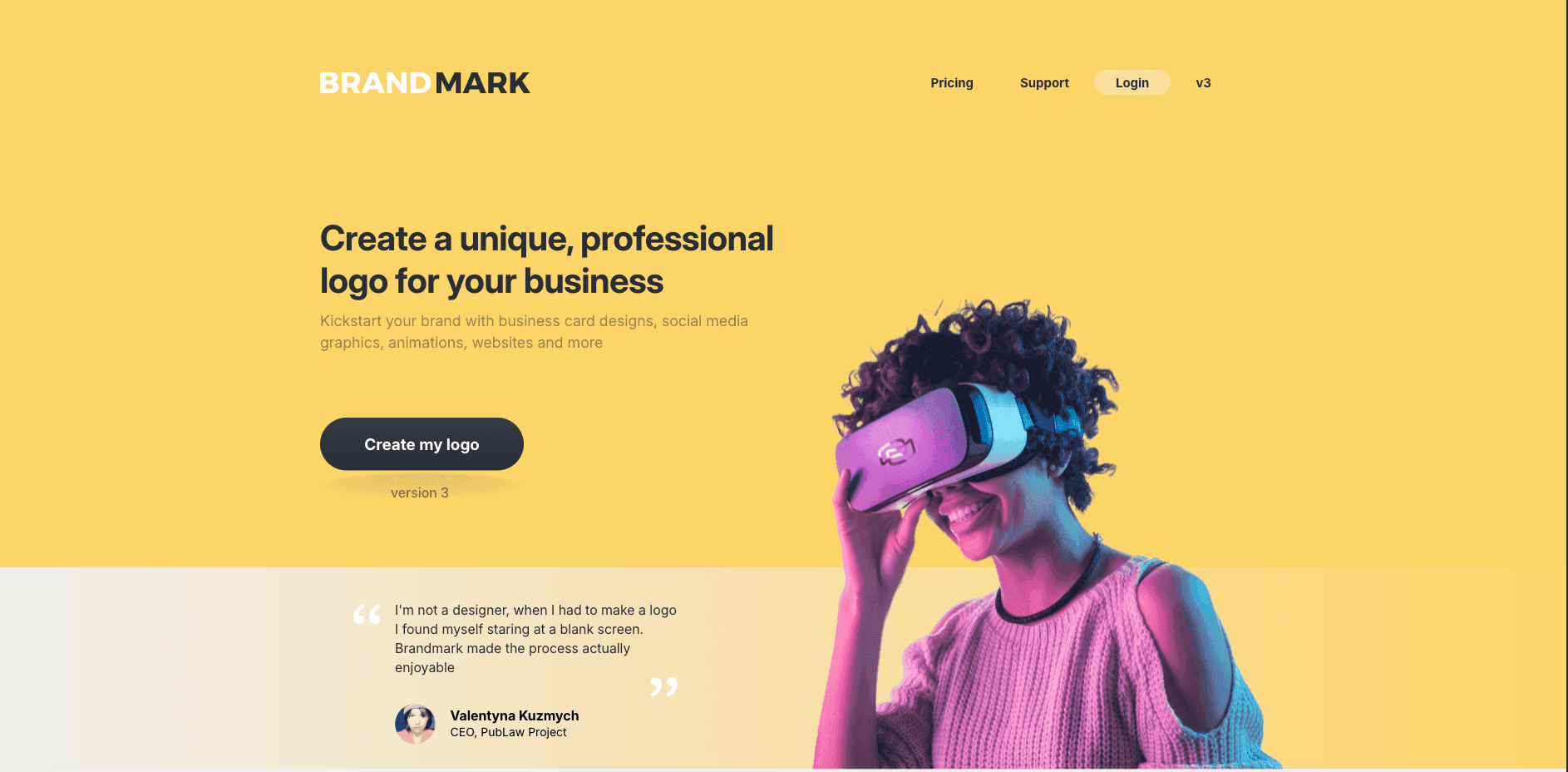
Brandmark focuses on simple, professional logo generation with practical brand assets. You enter your business name and keywords, then the AI creates logo options using icons, typography, and color combinations.
After choosing a direction, you can edit the logo in the browser and download a package that can include vector files, brand guidelines, business cards, social graphics, invoice templates, presentations, and mockups.
Best for: businesses that prefer a one-time purchase instead of an ongoing subscription.
Exports: PNG, SVG, PDF, source files, and brand guideline assets depending on package.
Pricing: one-time packages start around $35, with larger brand packages around $95.
7. Sologo AI
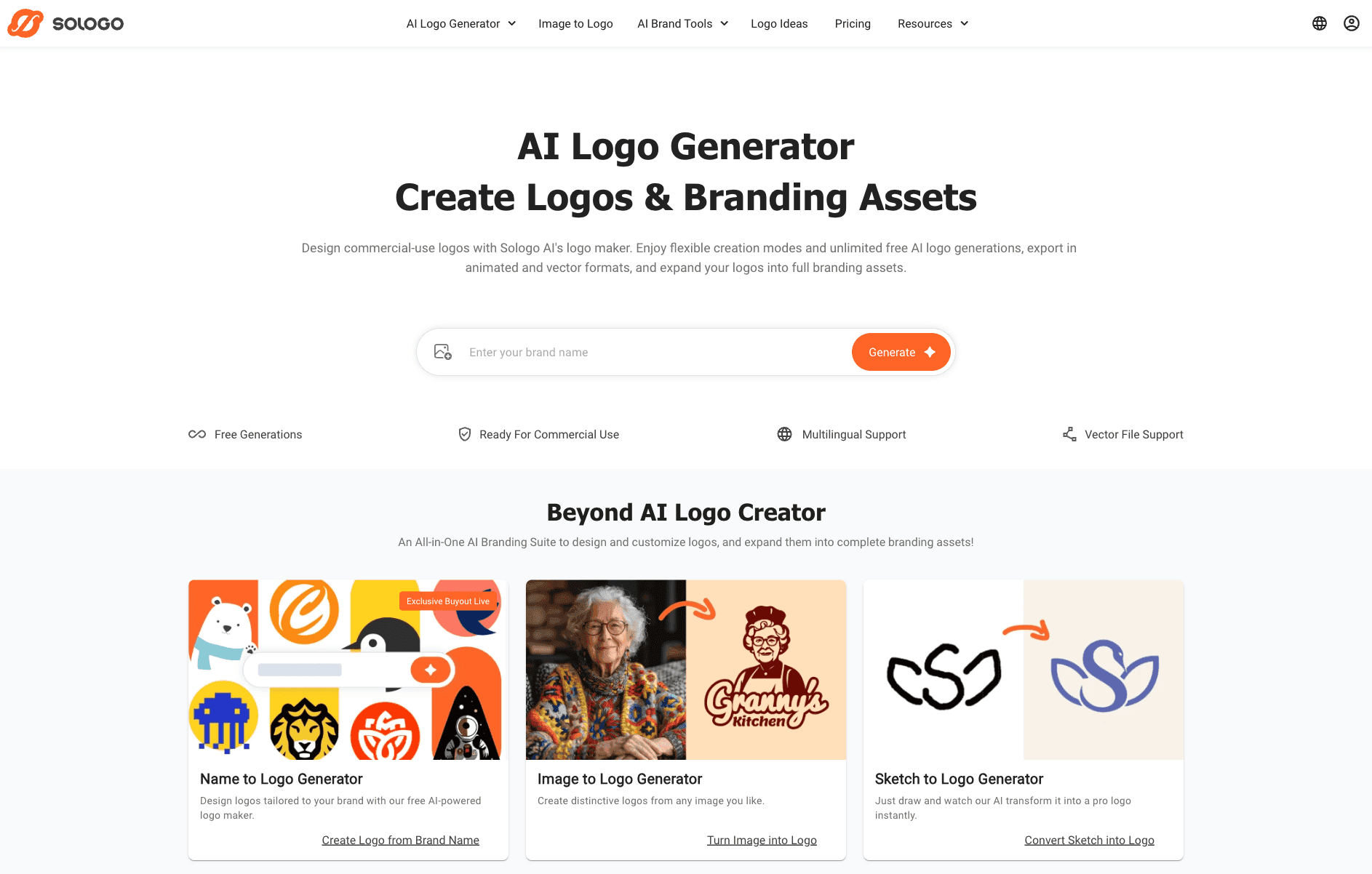
Sologo AI is a flexible logo generator that can create logos from text, images, or sketches. You can start with a brand name, upload a reference, or draw a rough idea and let the AI generate variations from there.
The platform supports vector and animated logo exports, which makes it useful for websites, social posts, and lightweight brand videos. It is a good fit if you want more input options than a standard template-based logo maker.
Best for: users who want text-to-logo, image-to-logo, and sketch-to-logo options in one tool.
Exports: PNG, JPG, SVG, PDF, and animated logo formats depending on plan.
Pricing: free plan with limited credits; paid plans start around $9.90 per month or $95 per year.
8. BrandCrowd
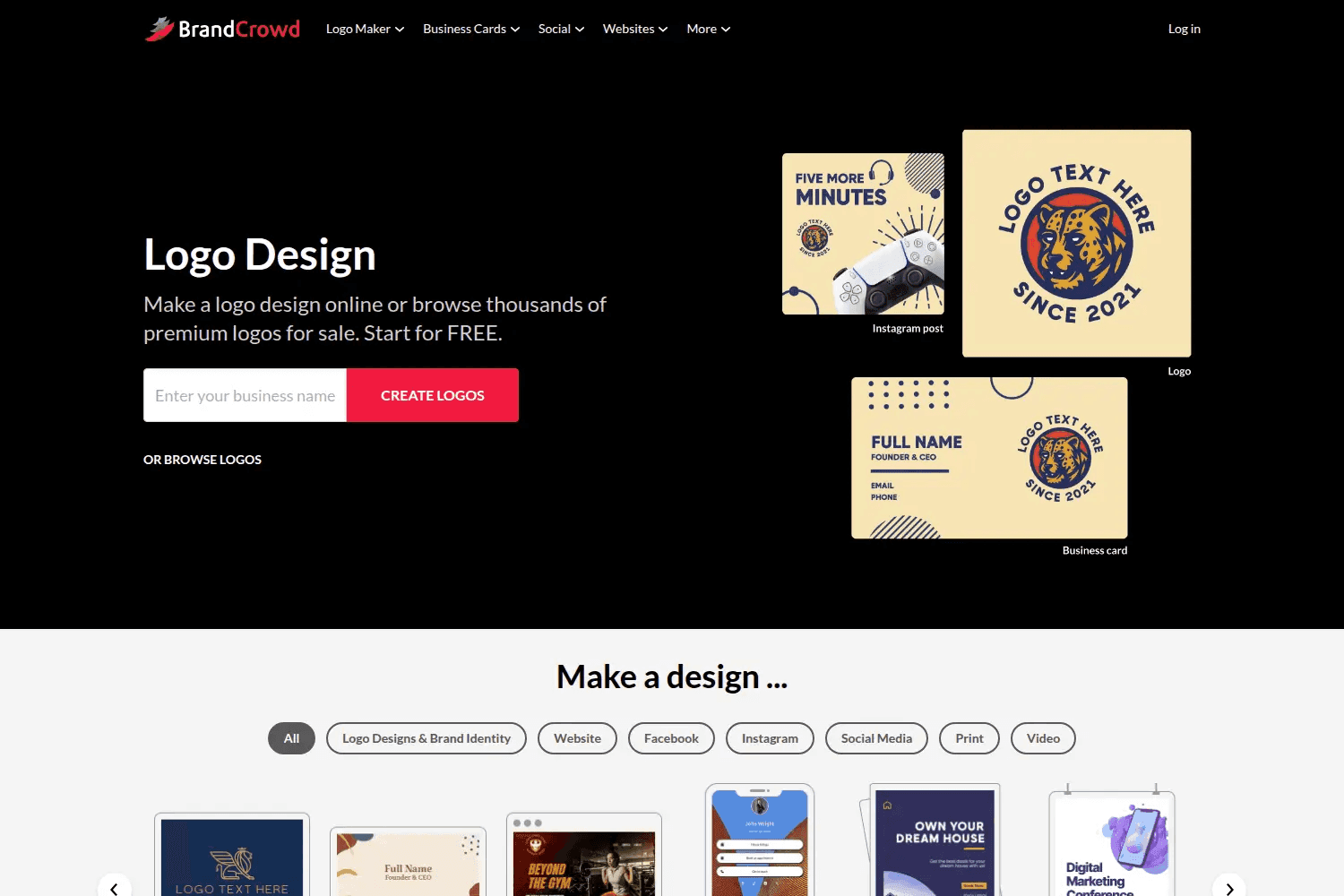
BrandCrowd is best if you want speed and variety. Instead of generating everything from scratch, it gives you access to a large library of ready-made logo templates that you can customize with your business name, colors, fonts, icons, and layout.
It also includes templates for business cards, social media posts, banners, email signatures, flyers, posters, and videos. That makes it useful for users who want a consistent visual style without building a custom identity from zero.
Best for: creators and small businesses that prefer browsing polished templates over prompt engineering.
Customization: fast edits for text, colors, layouts, and branded marketing templates.
Pricing: browsing is free, but downloads and premium assets require payment.
How to Choose the Right AI Branding Tool
The best tool depends on what you are trying to create.
Choose Looka if you want the safest all-around logo and brand-kit package. Choose Bloom if your priority is generating on-brand visuals from an existing site or visual system. Choose Logo Diffusion if you want prompt and sketch control. Choose BrandCrowd if you want template speed. Choose Design.com, Brandmark, Sologo AI, or Logome if you want a broader set of brand and marketing assets.
For most founders and creators, the smartest path is to start with a tool that gives you editable exports and reusable brand assets. A logo alone is rarely enough. You will also need colors, fonts, social graphics, and files that work across your website, pitch deck, product, and marketing channels.
Do not forget to check out more design resources on Toolfolio: