



The best design apps for MacBook are Sketch and Figma for UI, web and app design, backed by a few Mac apps that handle the work around design: mymind for visual references, RightFont for fonts, CleanShot X for screenshots, Blitzit for focus, Setapp for app bundles, and Miro for whiteboarding. All of them run on macOS, so they work on both MacBook Air and MacBook Pro.
| App | Best for | Runs on |
|---|---|---|
| Sketch | UI and interface design | Mac |
| mymind | Saving and finding visual references | Mac, Web, iOS, Android |
| RightFont | Managing and activating fonts | Mac |
| CleanShot X | Screenshots and screen recording | Mac |
| Blitzit | Tasks, focus timer and time tracking | Mac, Windows, Web |
| Setapp | 260+ Mac apps in one subscription | Mac (plus iOS apps on some plans) |
| Figma | UI design, prototyping and collaboration | Mac, Windows, Web, iOS, Android |
| Miro | Whiteboarding and diagrams | Mac, Windows, Web, iOS, Android |
Looking for graphic design or illustration apps instead? Browse all design tools on Toolfolio.
Every designer faces the same problem. You open the Mac App Store and see thousands of design apps. Everyone claims their app is the best. You read reviews that sound fake. You download apps that look good but feel clunky. You waste time testing tools that don't fit your work.
This gets expensive fast. Most design apps cost real money. You can't try everything. You need apps that actually work for design work, not just apps that look pretty in screenshots.
I have tested hundreds of design apps over the past few years. I use Mac for all my design work. I know which apps save time and which apps waste it.
This guide covers the apps that actually matter for designers on Mac.
1. Sketch
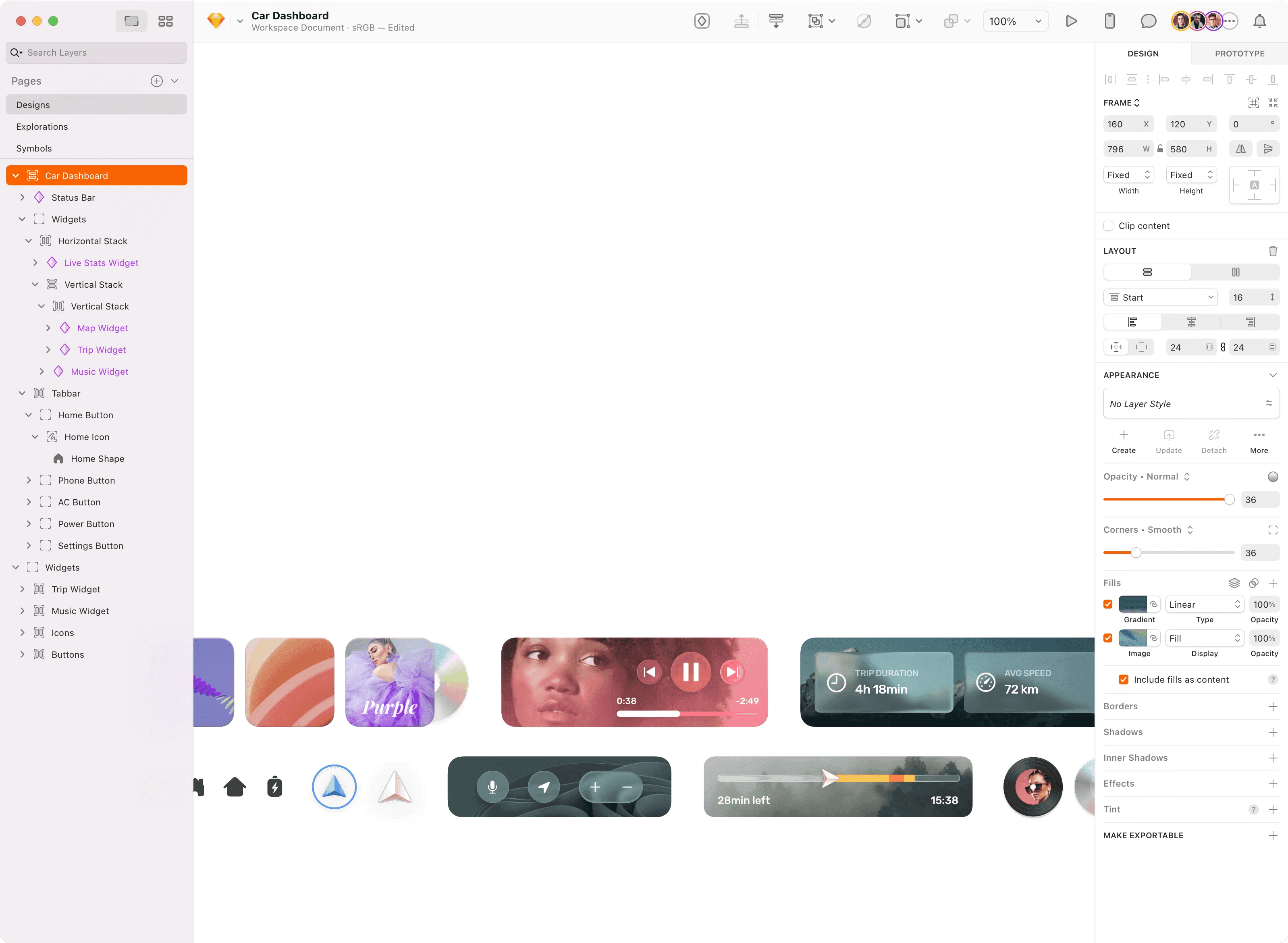
Sketch remains the gold standard for UI and interface design on Mac. This native macOS app feels fast and responsive in ways that web-based tools simply cannot match.
The interface stays out of your way while giving you precise control over every pixel, making it perfect for designing apps, websites, and digital interfaces.
The stack layouts and nestable frames save hours of manual positioning work. You can build complex interface layouts that automatically adjust when content changes, which means less time fixing alignment and more time designing.
Prototyping happens right inside Sketch without switching apps. You can link screens together, add overlays for modals and menus, and test interactions with realistic animations.
Pricing starts at €9 per month for the full collaborative version or €108 for a one-time Mac-only license.
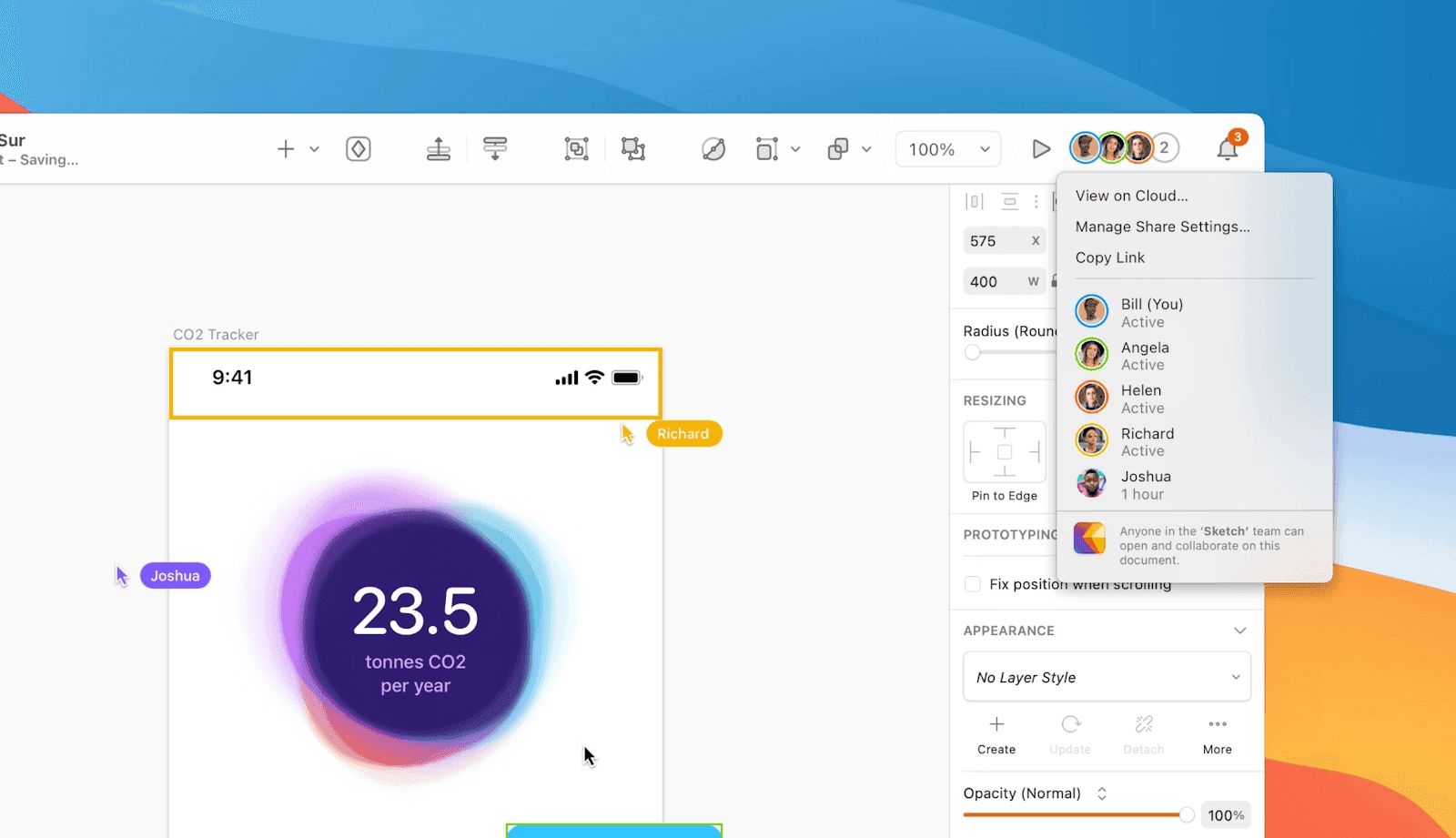
The collaboration features include real-time co-editing, shared component libraries, and free developer handoff tools.
2. mymind
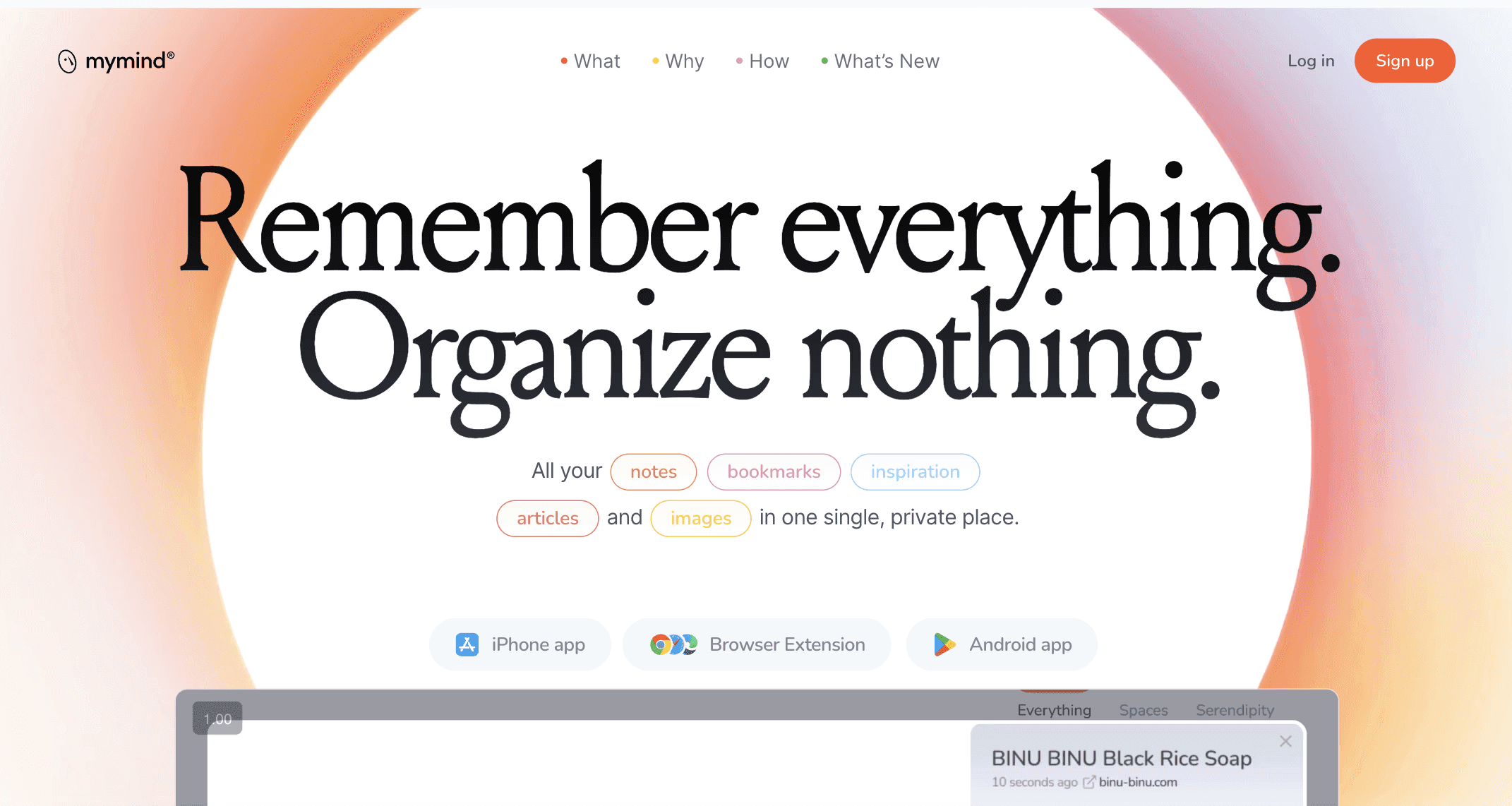
MyMind changes how you save and find visual references completely.
This AI-powered app automatically organizes everything you save without any folders, tags, or manual sorting from you. You just save articles, images, notes, and bookmarks, then search by color, keyword, or whatever you remember later.
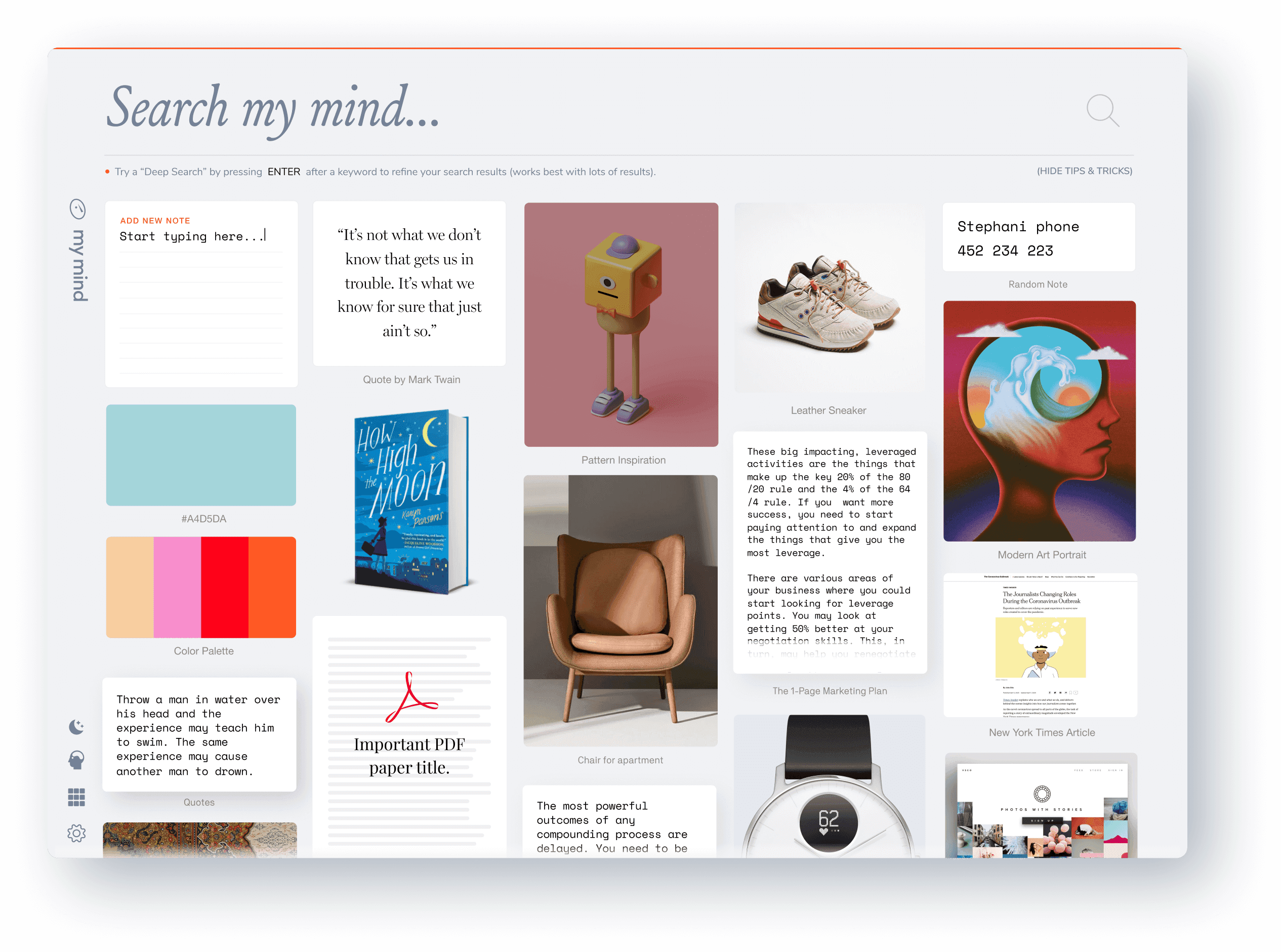
The visual timeline view shows everything you've saved in a beautiful, Pinterest-like layout that makes browsing your saved content actually enjoyable. Smart Spaces automatically group related content together, so your inspiration photos end up in one place and your technical articles in another without you doing anything. The app reads text inside images and screenshots, making even memes and handwritten notes searchable.
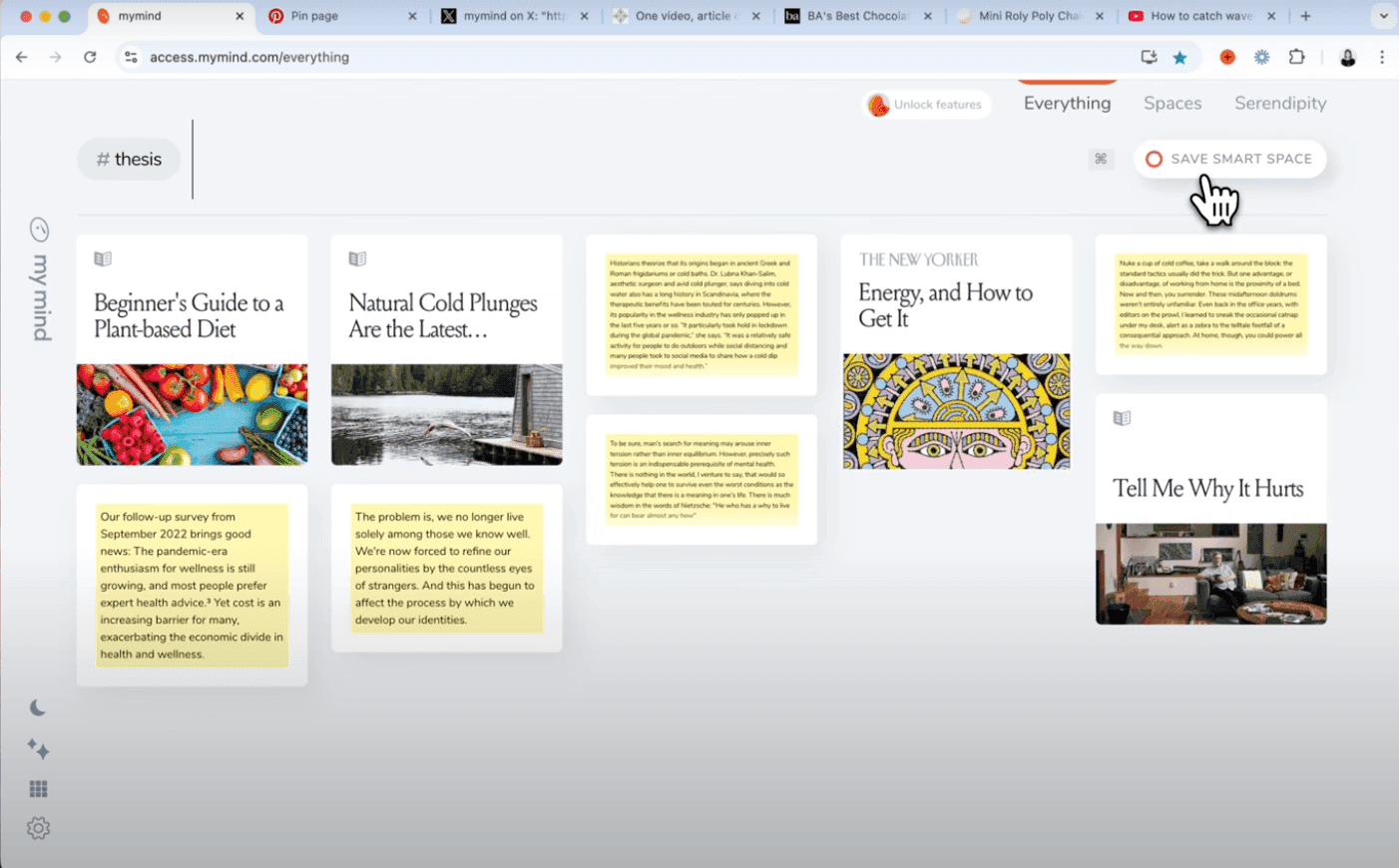
Reading Mode strips away ads and distractions from saved articles so you can focus on the actual content. The Same Vibe feature analyzes images and finds other saved content with similar colors and aesthetics, which is perfect for mood boarding and visual inspiration work.
Pricing starts at $4.99 per month for basic bookmarking or $7.99 for the full Student plan with unlimited saves and AI features.
3. RightFont
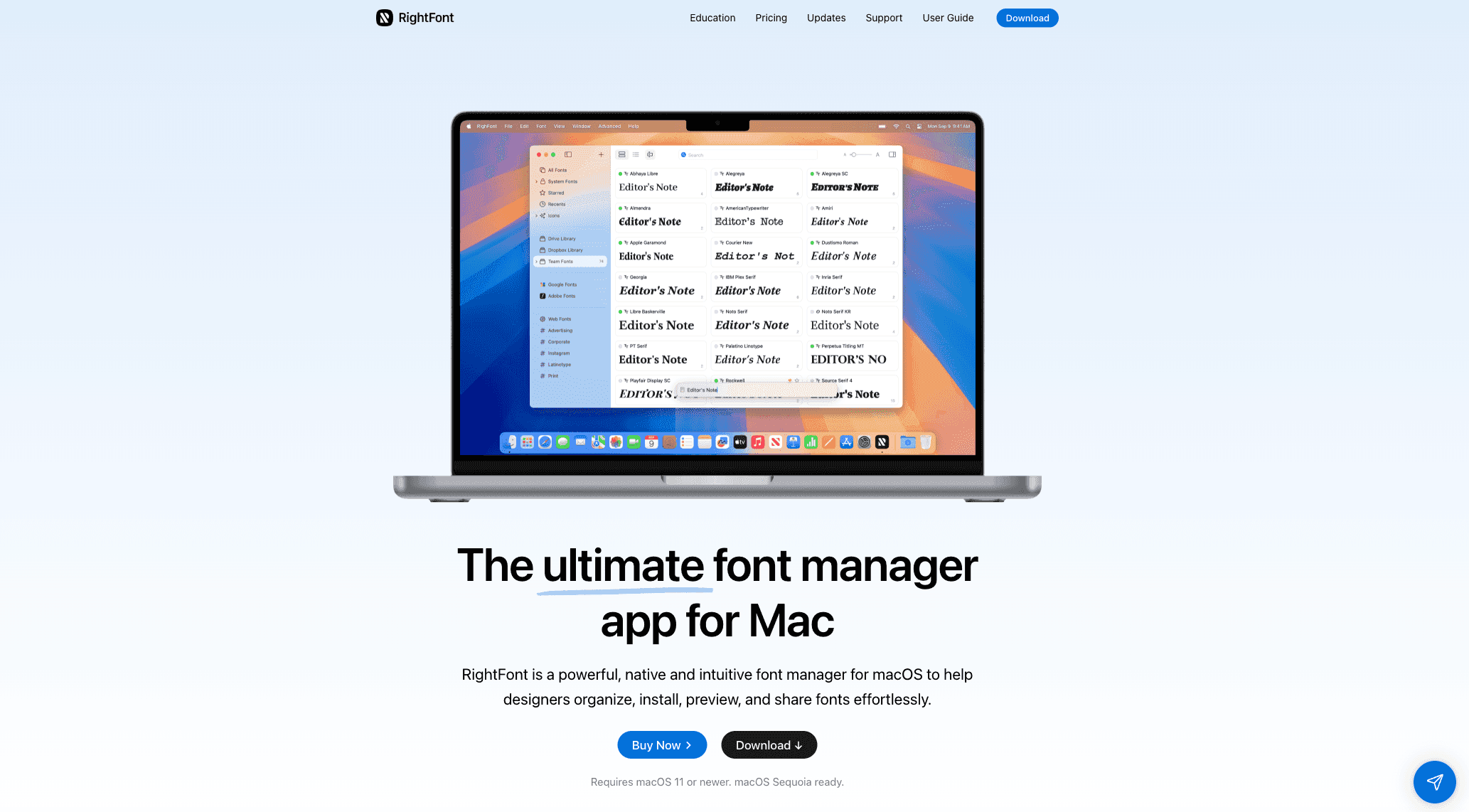
RightFont solves the font chaos that every designer faces with thousands of fonts scattered across their Mac.
This native font manager automatically detects and activates missing fonts when you open Photoshop, Illustrator, or Sketch files, which means no more "font not found" errors that break your workflow.
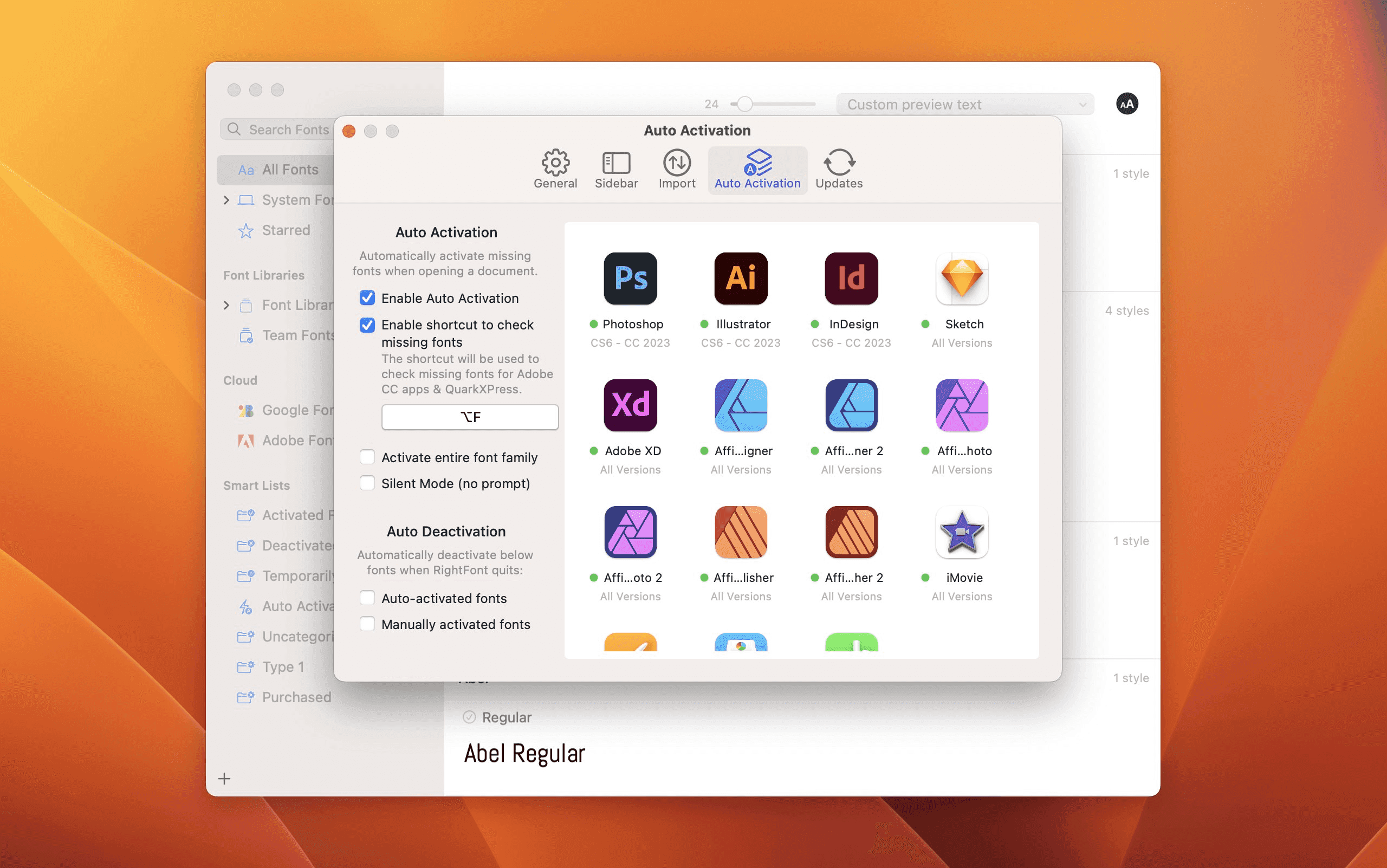
The unified search and smart filtering makes finding the right font actually fast instead of scrolling through endless lists. You can search by name, weight, category, or even create custom tags for project-specific font collections. The Google Fonts integration syncs your web fonts locally so you can use them in any Mac app without switching between browser and desktop.
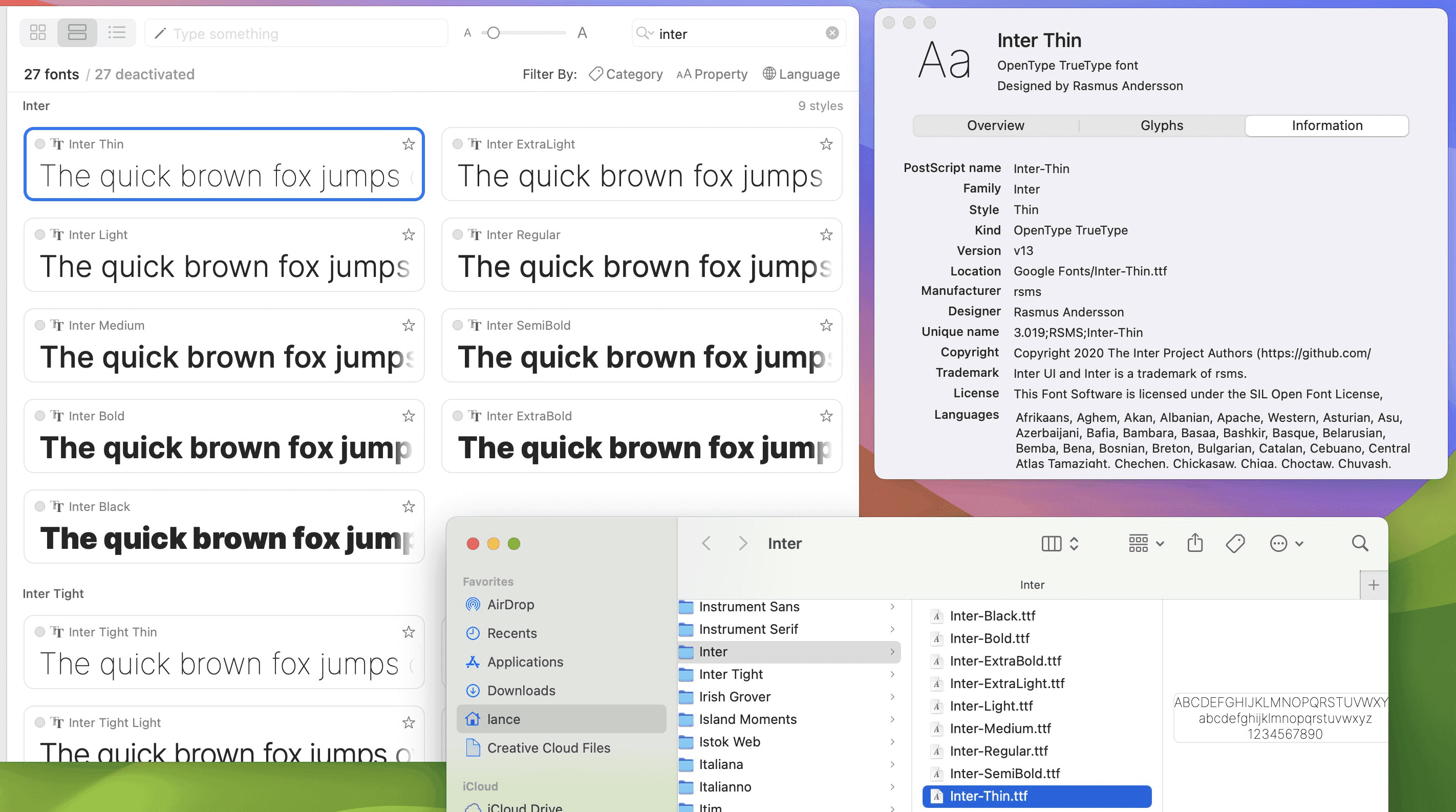
One-click font changing works directly with your design apps like you need to just select text in Sketch or Photoshop, click a font in RightFont, and it changes instantly. The glyphs panel shows you every character and symbol in each font, which saves time when you need specific icons or special characters for your designs.
Pricing is $59 for a single license with one year of updates, or $251 for a 5-device team license. No subscription required, you buy it once and keep it forever.
RightFont works best for designers who work with lots of fonts and need seamless integration with professional design apps rather than basic font preview.
4. CleanShot X
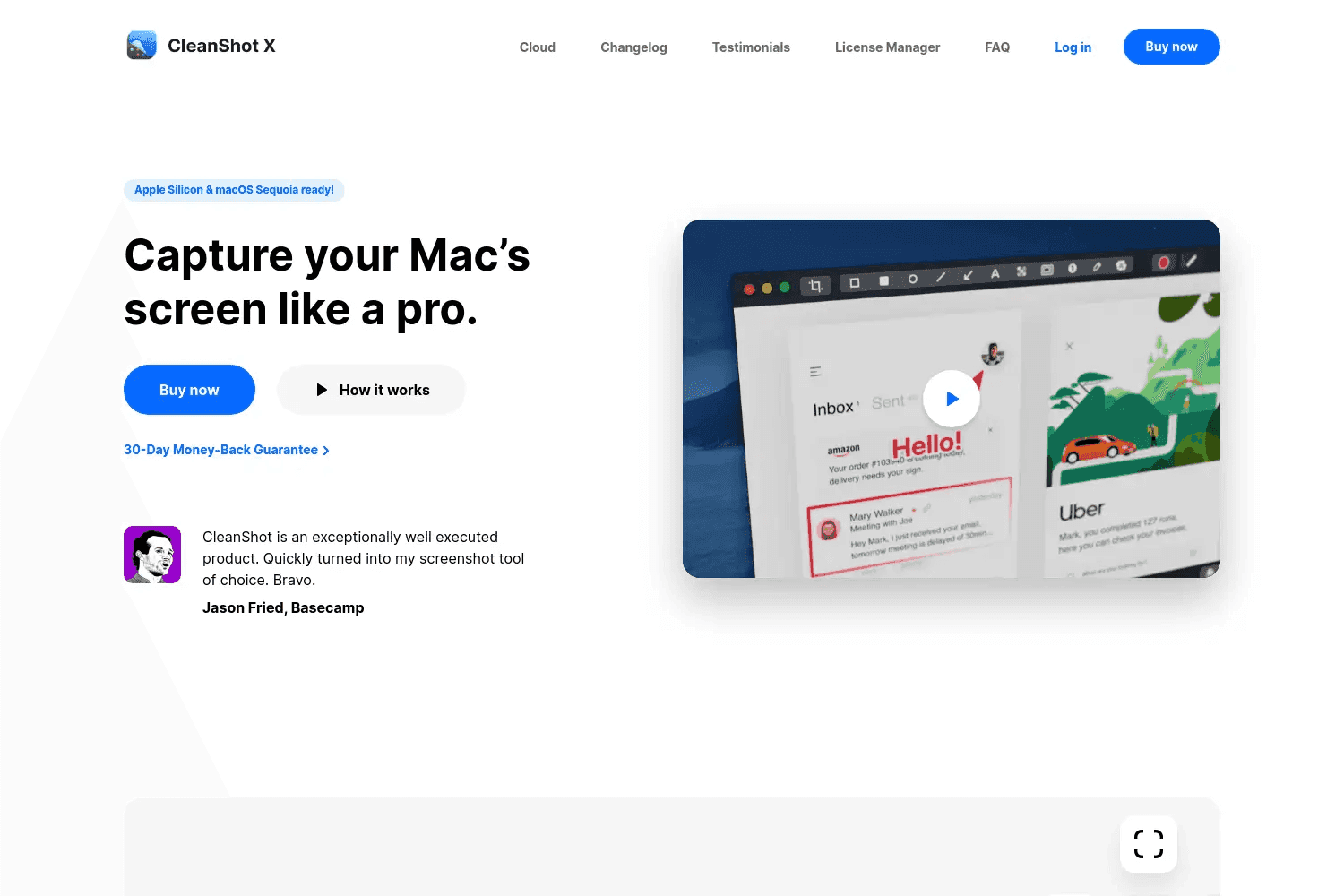
CleanShot X replaces Mac's basic screenshot tool with something actually useful for design work.
This native app captures scrolling screenshots of entire web pages or chat conversations, adds professional annotations with arrows and highlights, and records screen videos with webcam overlay all in one tool.
The Quick Access Overlay appears right after you take any screenshot, letting you instantly annotate, copy, or drag the image into other apps without saving files to your desktop first.
The background tool adds padding and custom backgrounds to screenshots, making them look professional for presentations or social media posts instead of raw browser captures.
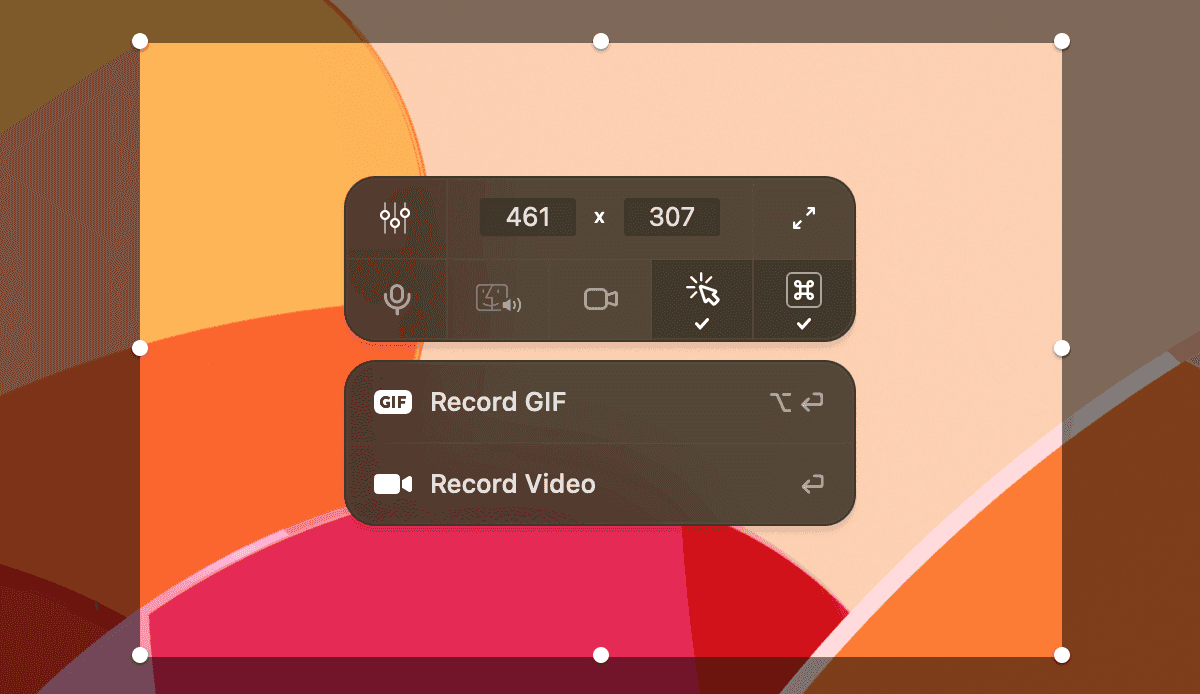
Screen recording captures system audio and microphone simultaneously while highlighting mouse clicks and keystrokes, which makes tutorial videos much clearer.
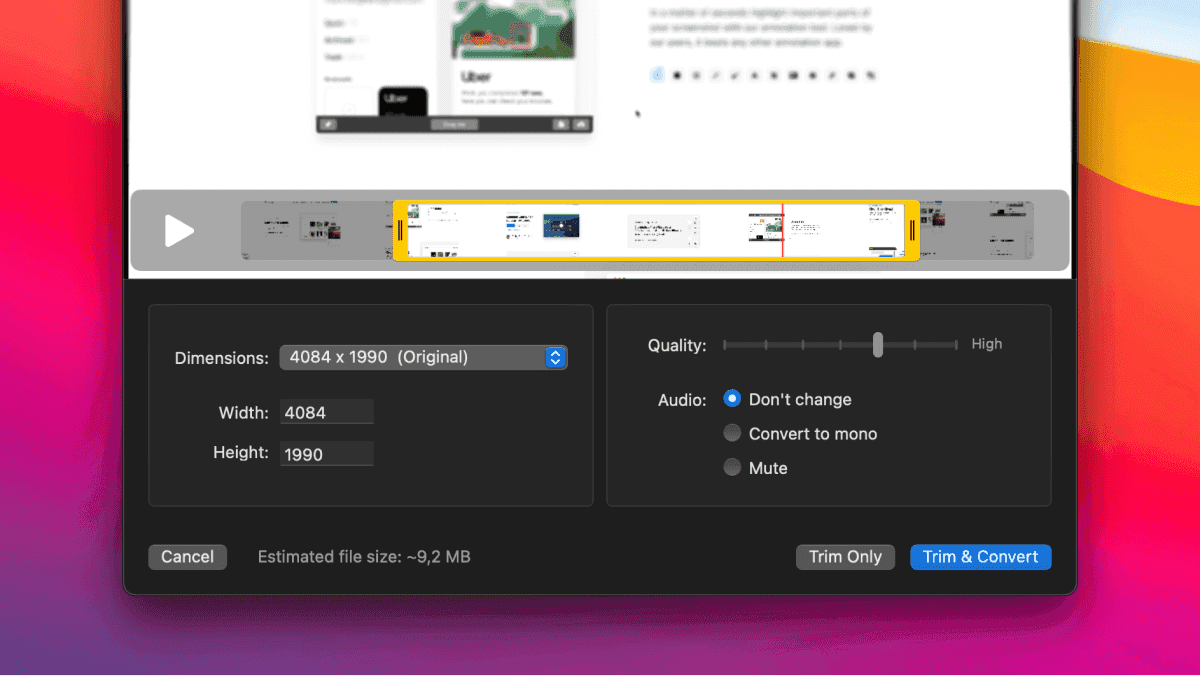
The built-in video editor trims clips and adjusts quality without opening separate apps.
Pricing starts at $29 one-time for the basic app with 1GB cloud storage, or $8 per month for unlimited cloud storage and team features. The one-time purchase includes one year of updates, then you can keep using the app forever without paying more.
CleanShot X works best for designers who take lots of screenshots and need professional annotation tools rather than basic capture functionality.
5. Blitzit
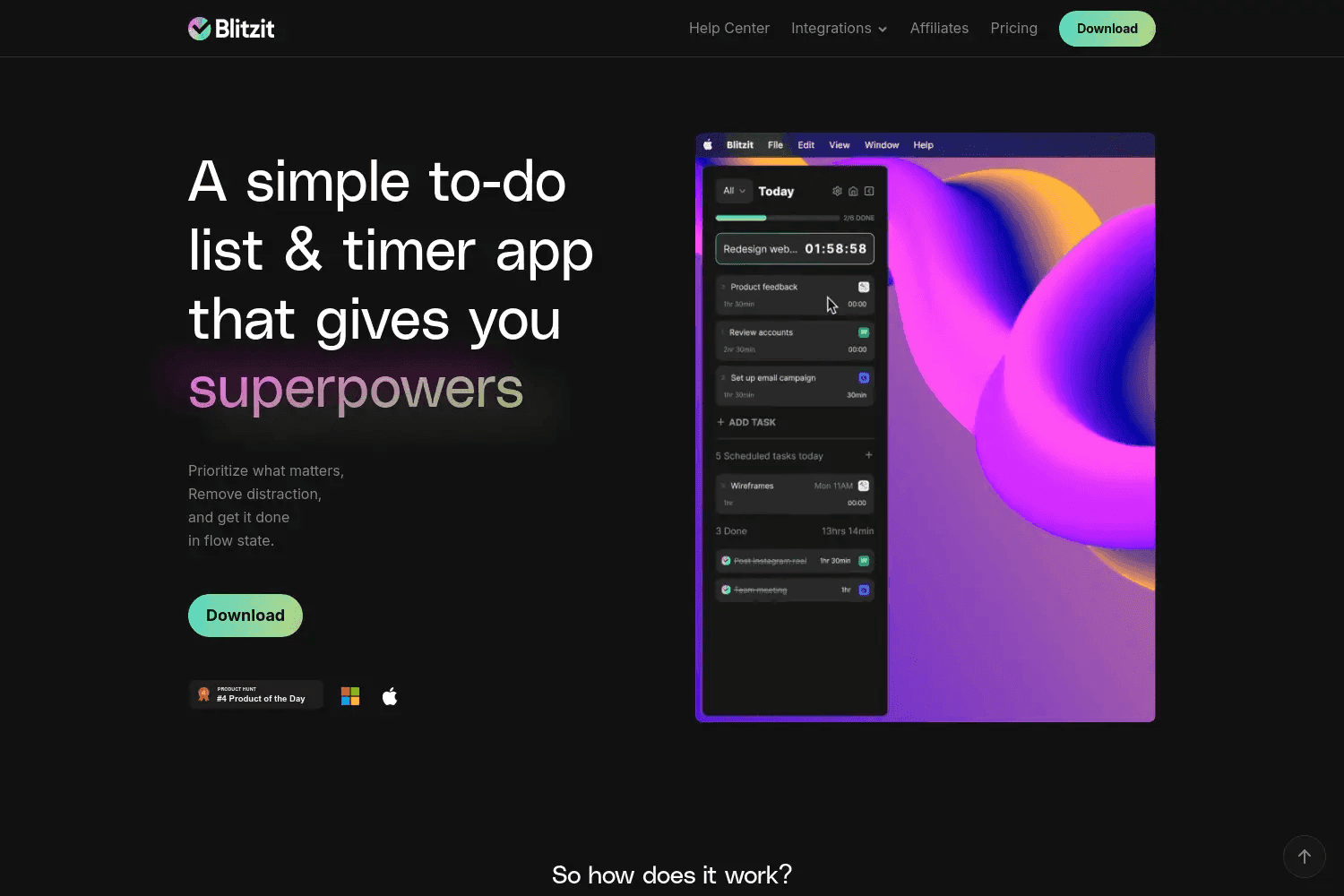
Blitzit fixes the biggest problem with most task apps, they make planning harder than actually doing the work.
This simple timer and task manager starts automatically when you begin a task and stops when you check it off, so you never forget to track time or wonder where your day went.
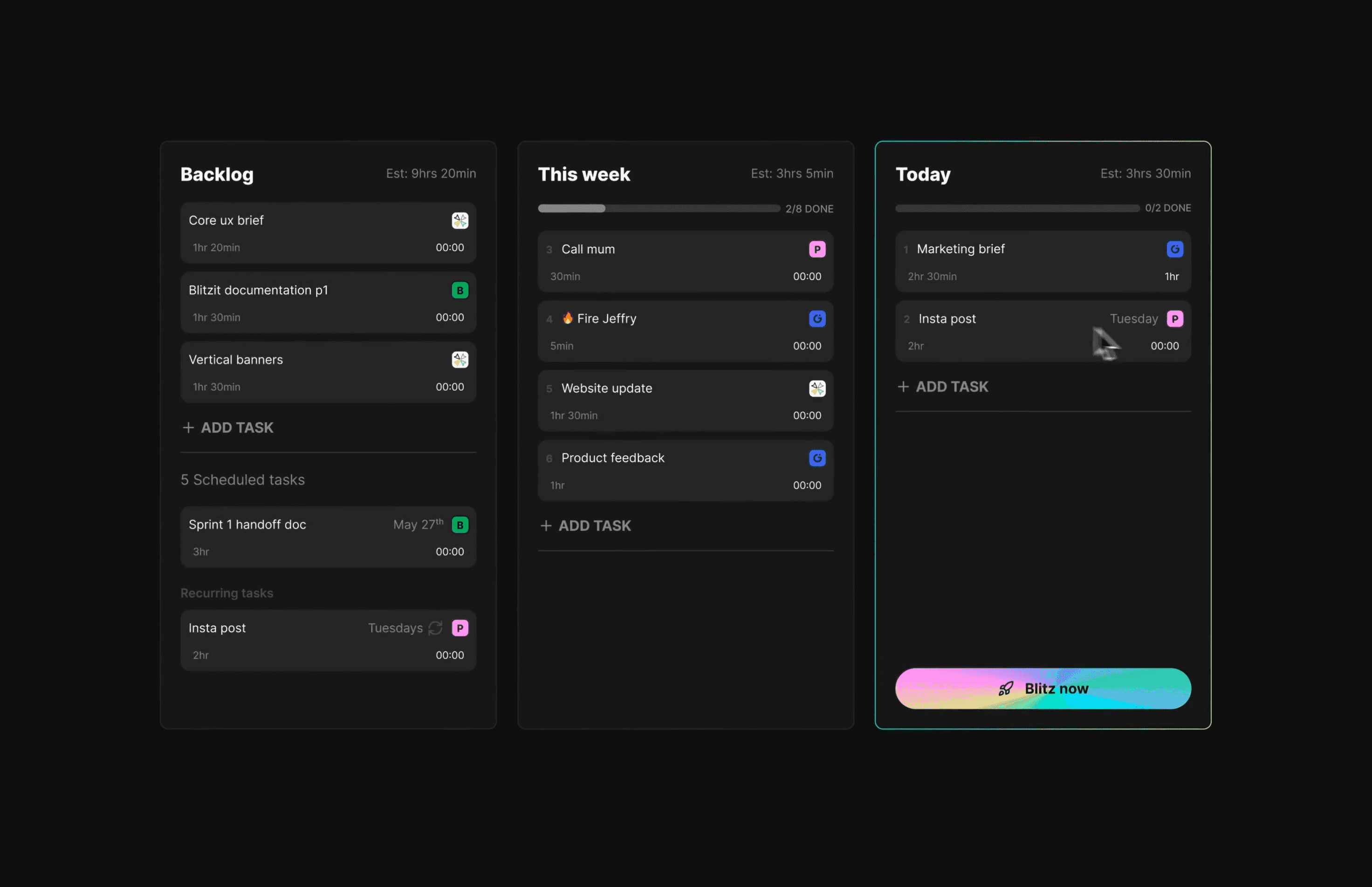
The floating timer stays visible on your screen while you work in Sketch, Photoshop, or any other app, keeping you aware of how long tasks actually take versus your estimates. This helps you get better at planning design projects and billing clients accurately.
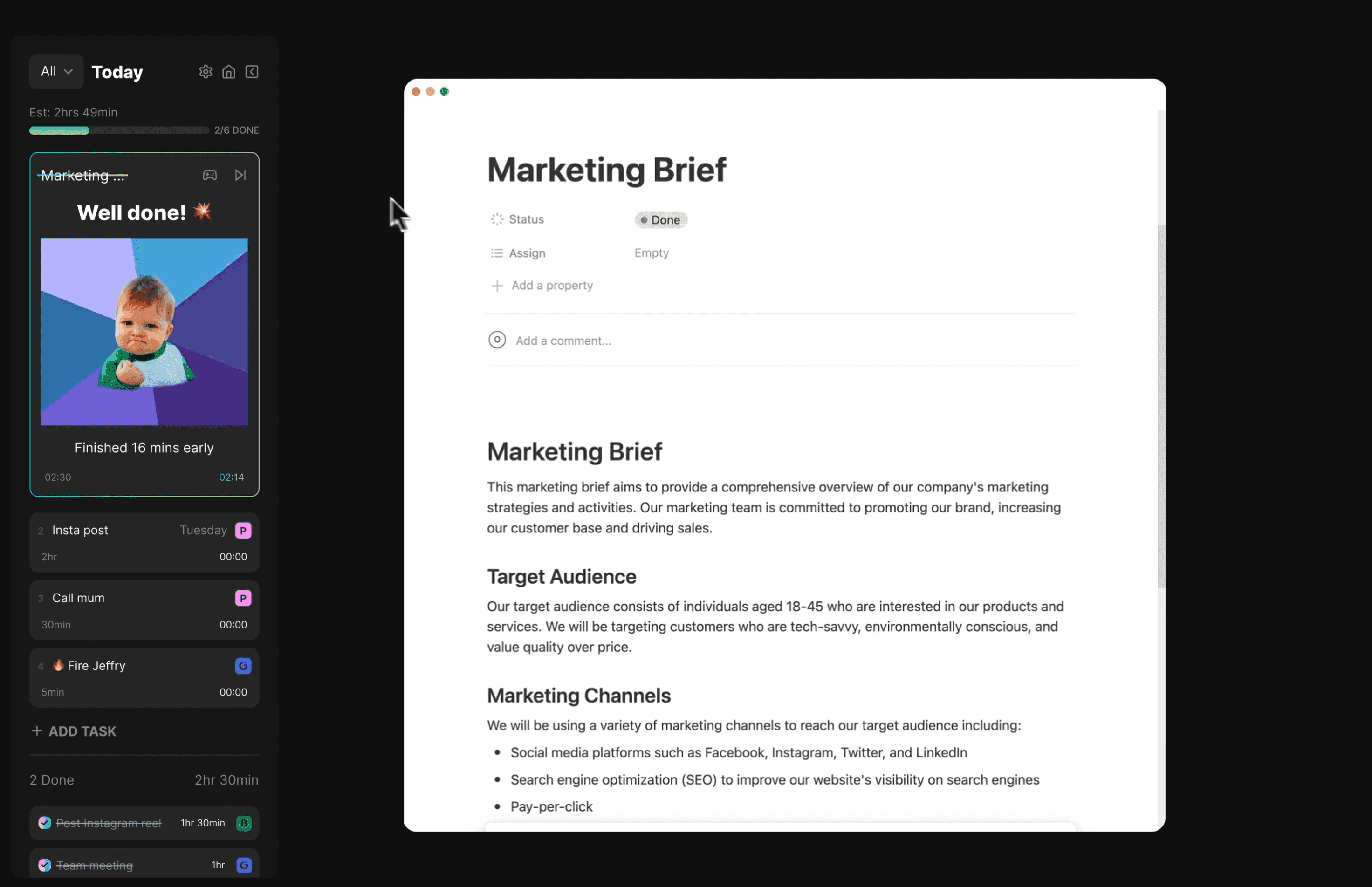
The Pomodoro timer breaks work into focused sprints with automatic breaks, which is perfect for design work that requires deep concentration.
Google Calendar and Notion sync pull your existing tasks automatically, so you don't have to rebuild your workflow from scratch.
Pricing is $4.99 per month or $77 for lifetime access with all future updates included. Blitzit works best for designers who struggle with time awareness and want to build better estimation skills without switching between multiple productivity apps.
6. Setapp
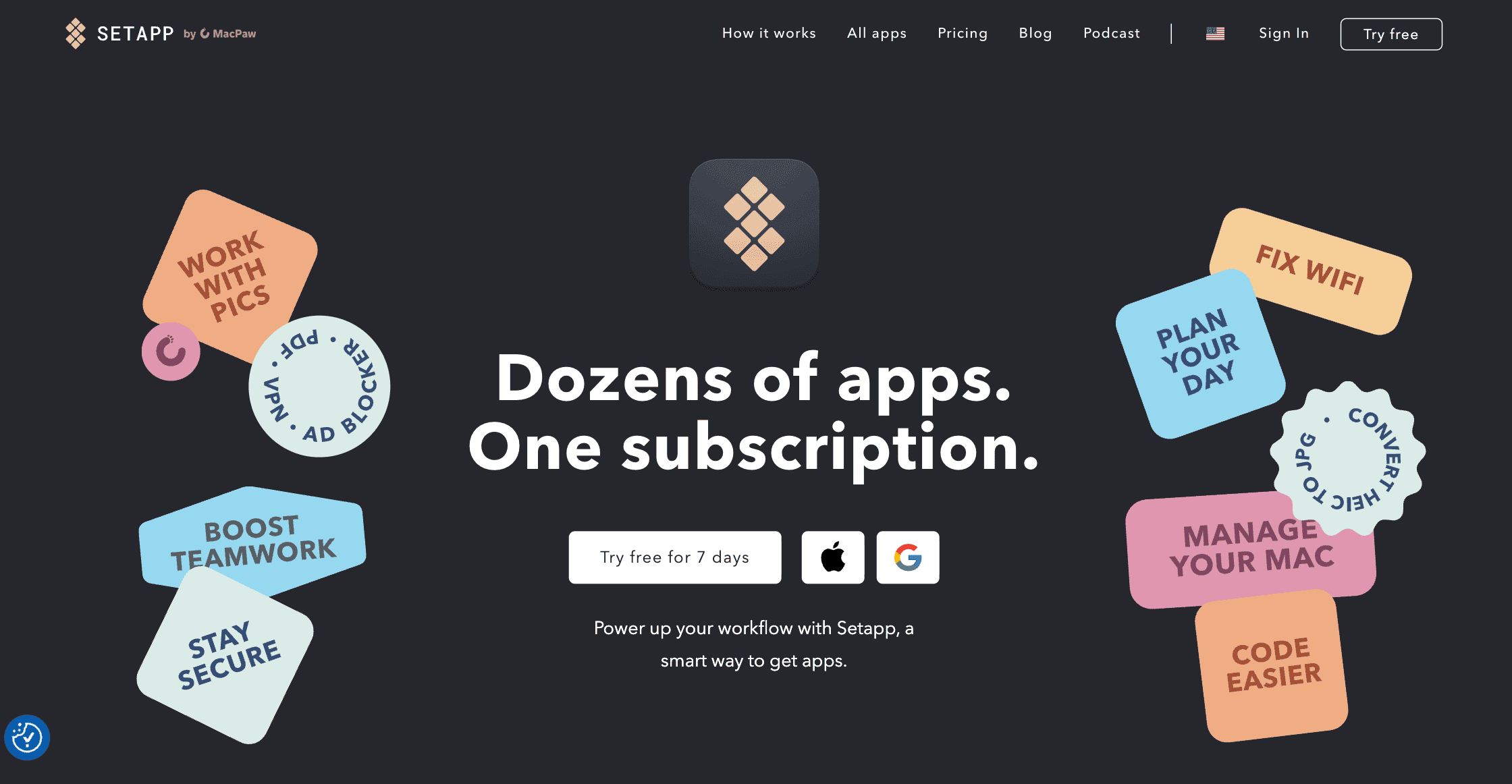
Setapp gives you access to 260+ Mac apps for one monthly price instead of buying each app separately. This subscription service includes many design tools, productivity apps, and utilities that would cost hundreds of dollars if purchased individually.
The task-based search helps you find the right app for specific design needs without browsing through categories. Type "remove background from photos" and Setapp shows you the best apps for that job.
You can install and try any app instantly without individual trials or purchases, which saves time when you need a specific tool for a client project.
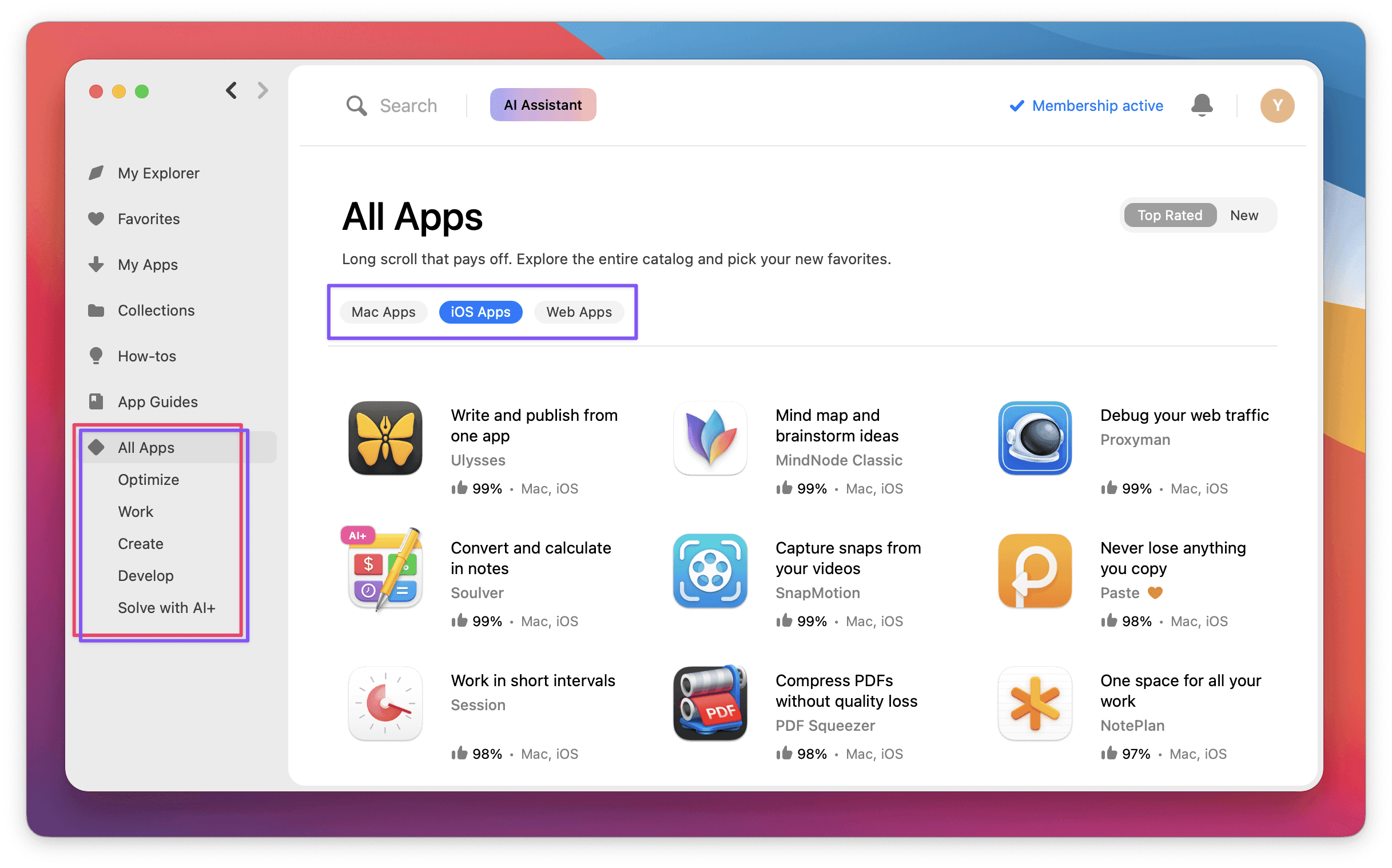
The selection includes professional design tools, file converters, productivity apps, and Mac utilities that designers actually use daily. Many apps that cost $20-50 individually are included, making the math work if you use even 3-4 apps regularly.
Pricing starts at $9.99 per month for Mac apps only, or $12.49 for Mac plus iOS apps on 4 devices.
Setapp is a must have mac app for designers who use many different tools and want to try new apps without committing to individual purchases, but only if you actually use multiple apps each month.
7. Figma
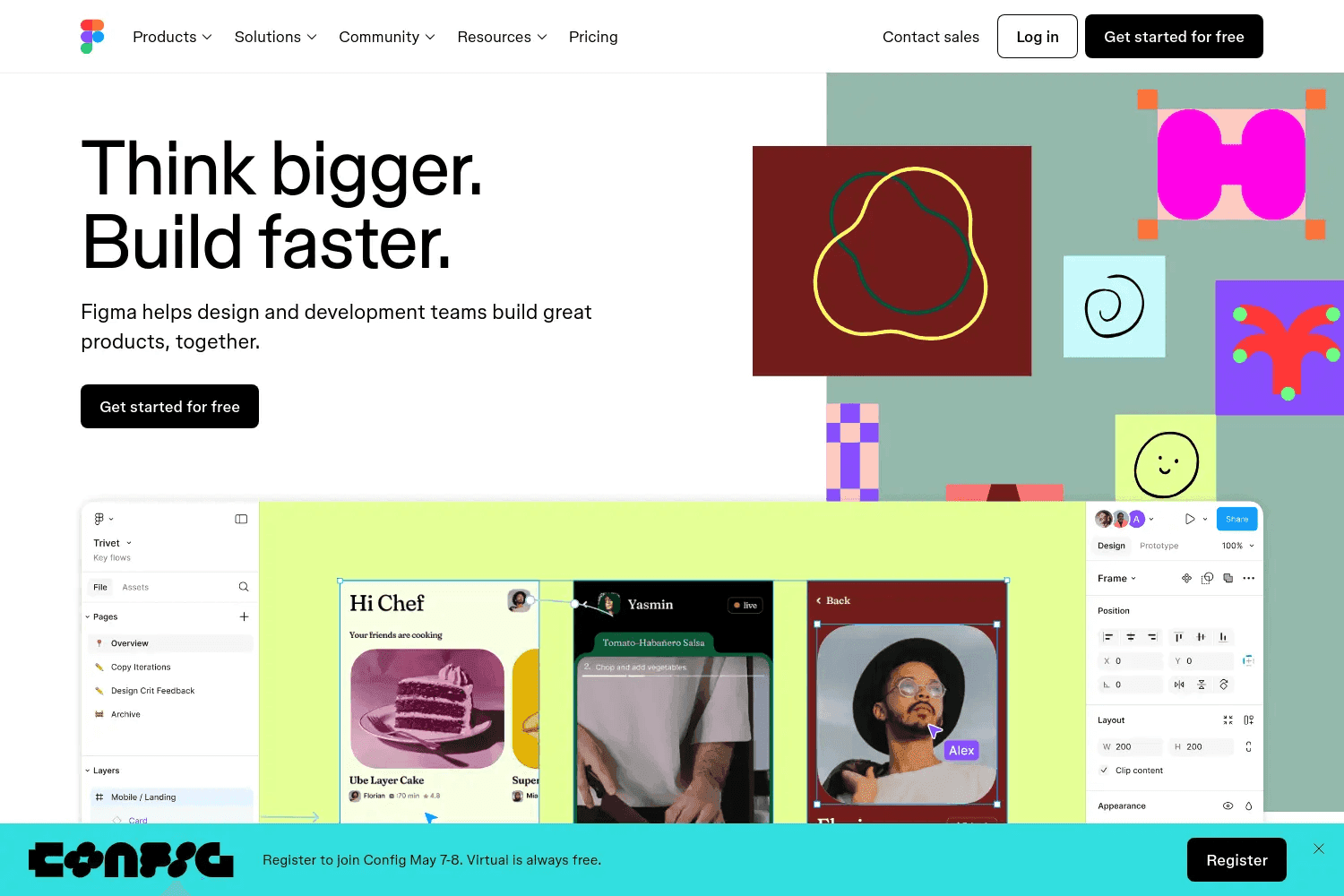
Figma is the industry-standard design tool that every Mac designer already knows they need.
This collaborative platform handles UI design, prototyping, and design systems in one place, replacing the need for separate tools like Sketch plus InVision.
You get vector editing, component libraries, auto-layout, and interactive prototyping with real-time collaboration that actually works without constant syncing issues.
Real-time collaboration is why Figma dominates design teams. Multiple designers can work on the same file simultaneously, developers can inspect designs and grab code, and stakeholders can leave feedback directly on mockups.
The Mac desktop app performs better than the browser version, especially for complex files with hundreds of layers.
Figma replaces Sketch ($99), InVision ($15/month), and Zeplin ($12/month) while adding collaboration that none of those tools match.
8. Miro
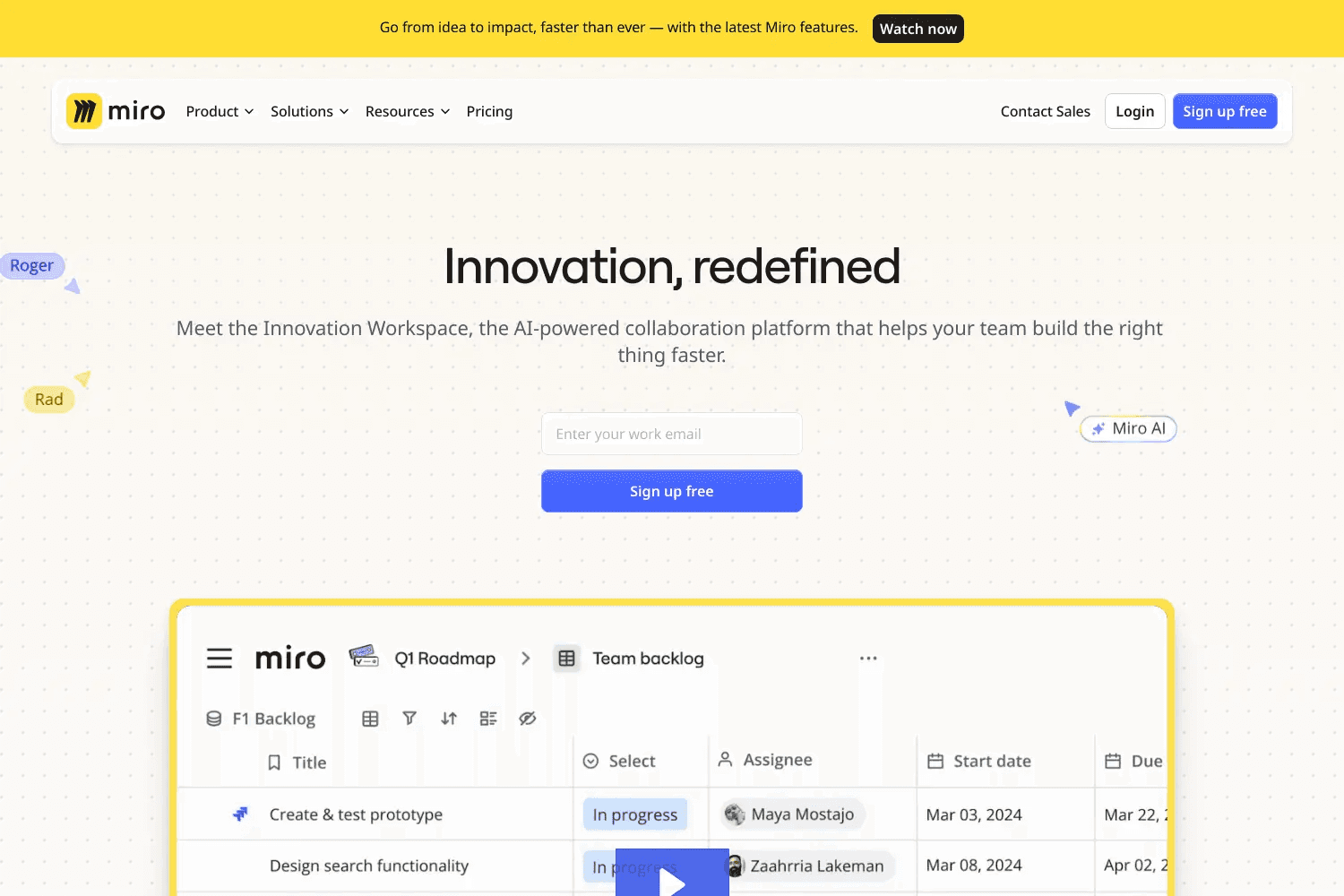
Miro is the infinite whiteboard that turns messy brainstorms into organized diagrams, process maps, and system designs.
This collaboration platform goes beyond basic sticky notes with AI-powered diagramming that converts your ideas into polished flowcharts, technical diagrams, and process maps in seconds.
AI-powered automation handles the grunt work of creating diagrams and documentation. Transform brainstorms into product briefs, generate system architecture from rough sketches, and auto-create process maps from meeting notes.
Free for personal use with up to 3 boards, then $8 per user monthly for unlimited boards and advanced features like private sharing and integrations.
Miro replaces separate diagramming tools, project management boards, and collaboration platforms while adding AI capabilities that speed up documentation and alignment across complex projects.
Wrapping Up: Best Design Apps for MacBook
Design work on Mac thrives when the right tools are in place. The goal isn’t to collect every app but to choose the ones that actually make your process smoother.
Test a few, keep what fits your workflow, and let the rest go. The best setup is the one that helps you focus more on creating and less on managing software.
At Toolfolio, we share resources built to make those choices easier. You can explore more design tools in our directory or even submit your own for others to discover.