
Yes. heyclicky has a free forever plan with 25 talk messages and 25 agent messages a month, plus dictation, and no card needed. Pro costs $20 a month and Max $100 a month (20% less billed yearly). It is Mac only (macOS Sonoma 14.2 or later); Windows is still a waitlist. Checked on heyclicky.com, Oct 19, 2026.
heyclicky on Toolfolio. Updated Oct 19, 2026.
heyclicky pricing at a glance
heyclicky is an AI assistant that lives on your Mac. Press the hotkey and it sees your screen, talks you through whatever you are stuck on, draws on screen to point the way, and can run agents that do tasks for you (for example in Gmail or Notion).
Prices shown on heyclicky.com on Oct 19, 2026:
| Plan | Monthly | Yearly (per month, billed yearly) | Talk | Dictation | Agent messages / month |
|---|---|---|---|---|---|
| Free | $0 | $0 | 25 messages / month | "Plenty" | 25 |
| Pro (popular) | $20 | $16 | Unlimited | Unlimited | 150 |
| Max | $100 | $80 | Unlimited | Unlimited | 1,000 |
Students can get 50% off the first month of Pro by sending a school email or student ID to heyclicky (open to new and existing subscribers).
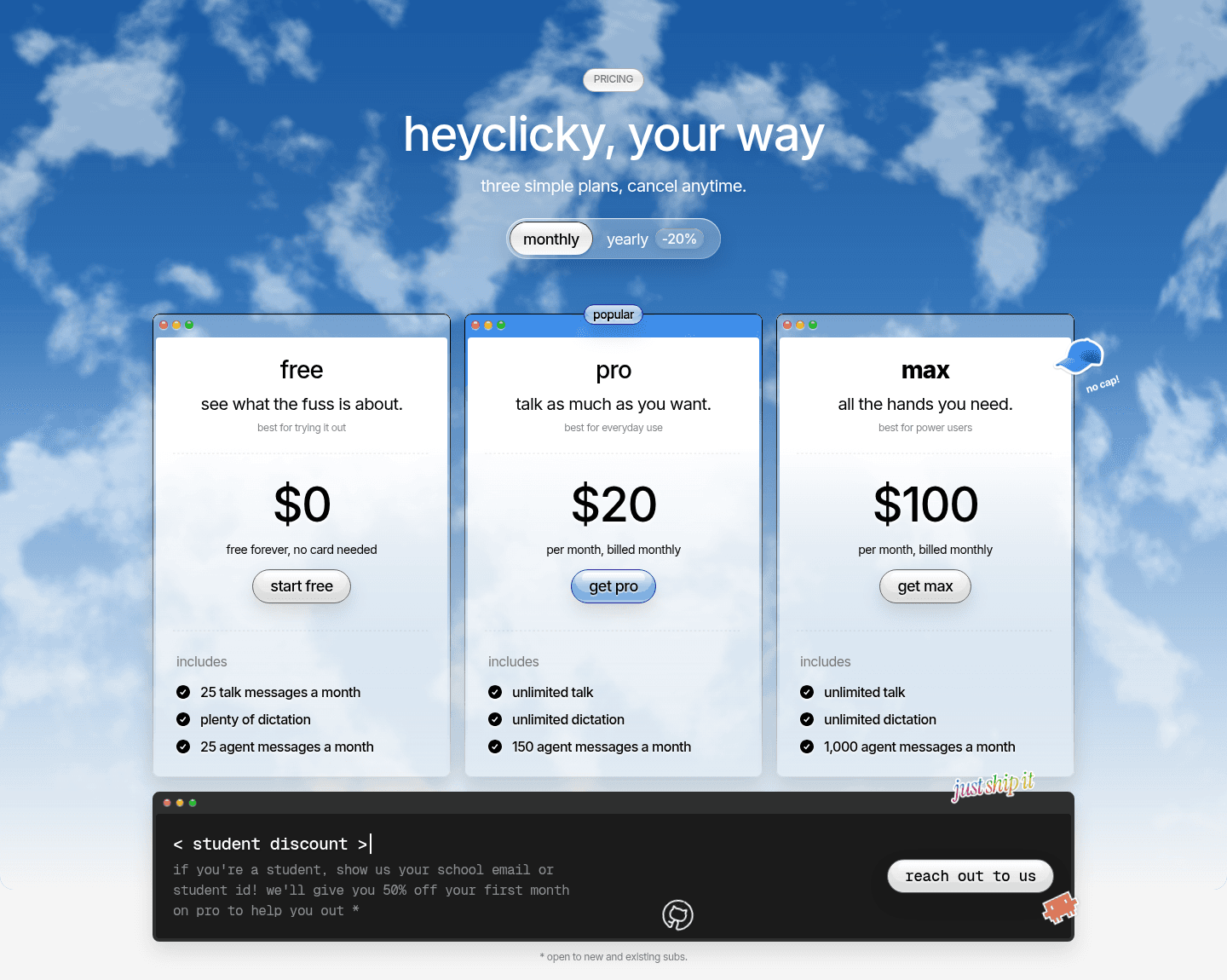
heyclicky plans with monthly billing selected (heyclicky.com, Oct 19, 2026).
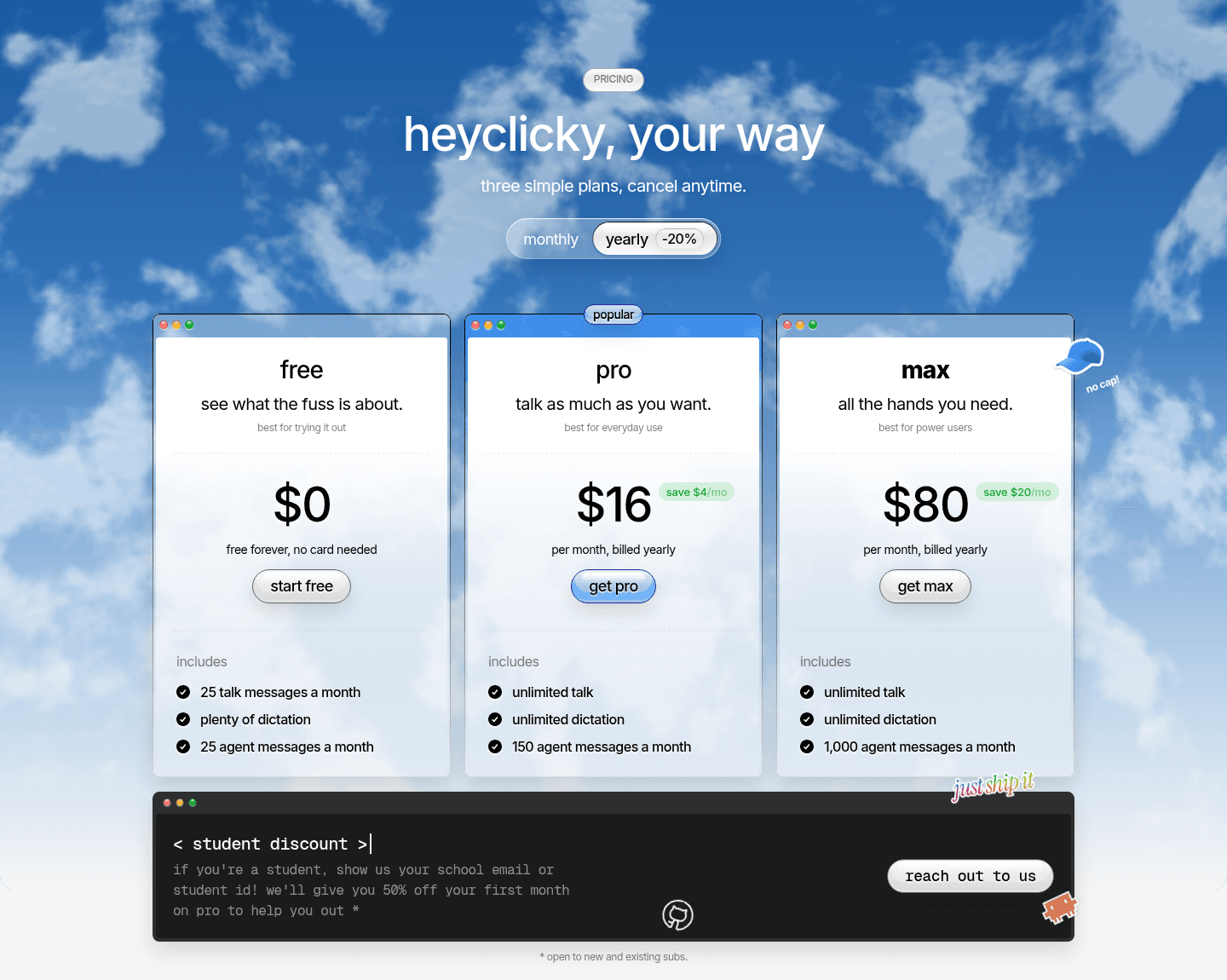
heyclicky plans with yearly billing selected (heyclicky.com, Oct 19, 2026).
Is heyclicky free?
Yes. The free plan is "free forever, no card needed" and includes 25 talk messages, 25 agent messages and plenty of dictation each month. The download button on the homepage is labeled "100% free" because the app itself costs nothing to install; the message limits are what paid plans raise.
Talk vs agent messages: what you actually pay for
- Talk is the conversation: you ask out loud and heyclicky answers and points on screen.
- Agents are heyclicky doing a task for you. These are counted per month on every plan.
If you hit your agent limit, talk keeps working; only agent messages pause until your next cycle, or you upgrade. For most people the agent allowance (25, 150 or 1,000) is the number that decides the plan.
Is there a heyclicky Windows version?
Not yet. heyclicky's FAQ says: "for now, yes. heyclicky is mac-only (sonoma 14.2 or higher). windows is coming, join the waitlist." The homepage has a windows waitlist button that opens a short form ("clicky for windows") asking for your email and what you want to use it for. No release date is given.
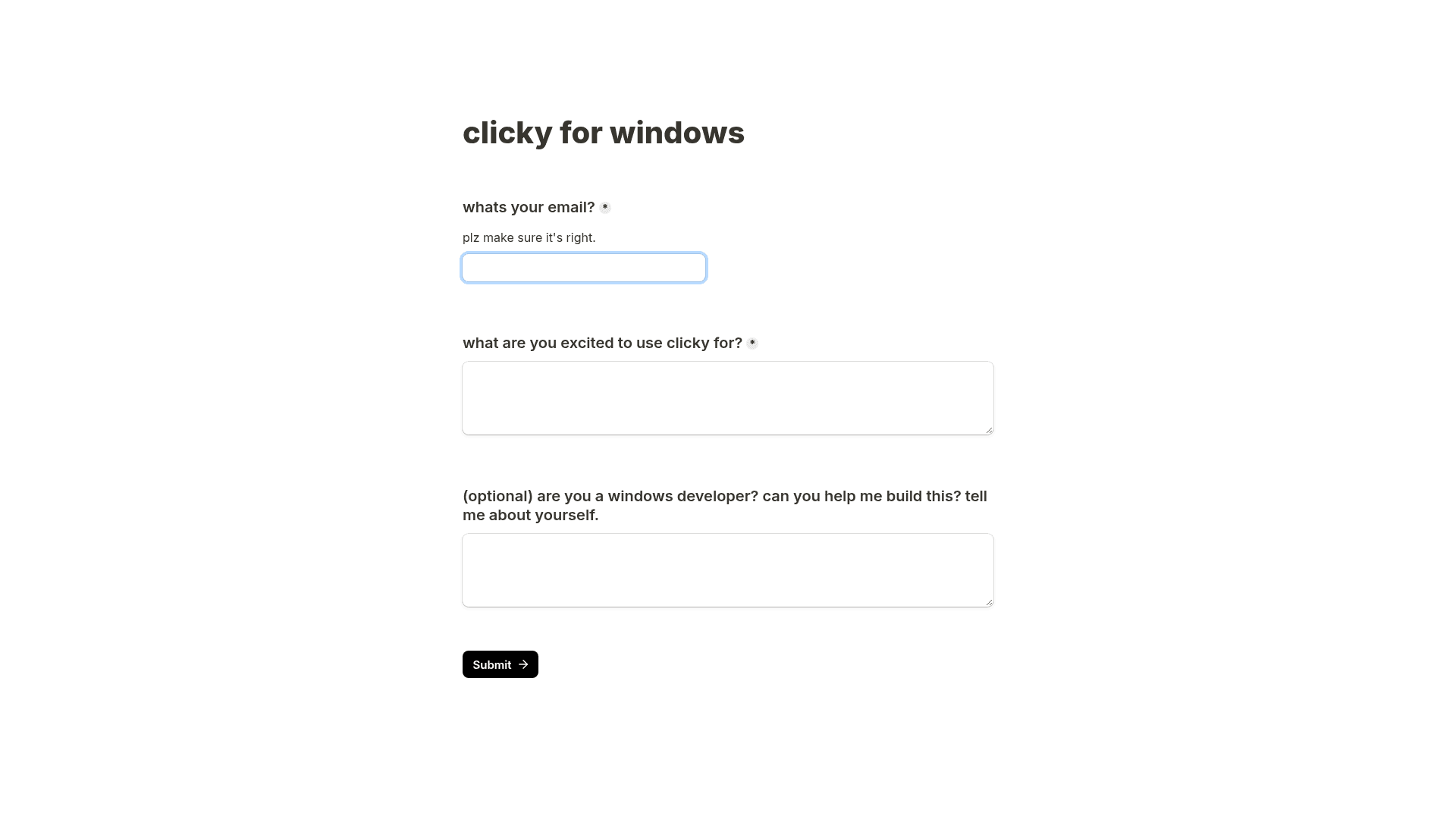
The heyclicky Windows waitlist form linked from heyclicky.com (Oct 14, 2026).
If you need a screen-aware assistant on Windows today, compare the similar assistants listed on the heyclicky tool page instead of unofficial "heyclicky for Windows" downloads.
How to download heyclicky
- Go to heyclicky.com and click download for mac.
- The download is a .dmg file served from heyclicky's official GitHub releases.
- Install it on macOS Sonoma 14.2 or later, set your hotkey, and start on the free plan.
Is heyclicky safe and private?
According to heyclicky's FAQ, it only looks at your screen when you press the hotkey, screenshots are never stored, and it keeps basic text summaries for context. You can delete your account and all its data in settings.
Can you cancel anytime?
Yes. Plans are month to month with no lock-in. You cancel in one click and keep access until the end of your cycle.
FAQ
Is heyclicky free?
Yes. The free plan includes 25 talk messages, 25 agent messages and dictation each month, with no card needed.
How much is heyclicky Pro?
Pro is $20 per month billed monthly, or $16 per month billed yearly. It includes unlimited talk and dictation and 150 agent messages a month.
Does heyclicky work on Windows?
No, not yet. heyclicky is Mac only and requires macOS Sonoma 14.2 or later. Windows users can join the waitlist on heyclicky.com.
What happens when I run out of agent messages?
Talk keeps working. Agent messages pause until your next billing cycle unless you upgrade.
Is heyclicky safe?
heyclicky says it only sees your screen when you press the hotkey, never stores screenshots, and lets you delete all data in settings.
Which apps does heyclicky work with?
Anything on your screen. heyclicky says no plugins or integrations are needed for talk; agents can connect to services like Gmail and Notion.
Is there a student discount?
Yes. Students get 50% off the first month of Pro by contacting heyclicky with a school email or student ID.
Bottom line
heyclicky is genuinely free to start, and the free plan is enough to see whether a voice-driven, screen-aware assistant fits how you work. Upgrade to Pro ($20, or $16 yearly) when you want unlimited talk and more agent tasks; Max is only worth it for heavy agent use. Windows users will have to wait: it is Mac only for now.
See the heyclicky tool page for features and similar assistants such as Wispr Flow and Superwhisper.