Many people search for a tool that helps them remember things without adding more work to their day. They want a private place to save notes, links, ideas, and images without fighting folders or labels. They want a calm space to think, not another busy app that demands attention.
 mymind attracts these people because it promises something different. It offers one place for everything you want to keep, organized for you by design. It removes social features, trackers, and clutter. It tries to give you a space that feels personal and quiet.
This review looks at what mymind is, why people use it, and how well it delivers on its promise. The goal is to help you decide if it fits the way you think and work.
mymind Review: Quick Verdict


All your notes bookmarks inspiration articles and images in one single, private place.
Verdict: mymind is worth it if you want a private, ad-free place to save links, images, notes, and articles without organizing anything by hand. It is not the right fit if you want a fully free tool, team sharing, or deep folder structure. Paid plans start at $4.99 per month.
mymind Pricing (2026)
All your notes bookmarks inspiration articles and images in one single, private place.
| Plan | Monthly | Yearly | What you get |
|---|---|---|---|
| The Bookmarker | $4.99/month | Not listed | Simple visual bookmarking with no card limit and no AI features |
| Student of Life | $7.99/month | $79/year | Unlimited cards, AI tagging, image text recognition, Smart Spaces, and Serendipity |
| Mastermind | $12.99/month | $129/year | Everything in Student of Life, plus advanced AI, Reading Mode, article backup, video uploads up to 500 MB, AI summaries, and a PDF analyzer |
| Newton | Not available yet | $299/year | Announced by mymind, not yet available |
Pricing checked on mymind.com/pricing in November 2026. Yearly billing saves about 20%, and mymind says it runs no ads and never sells your data.
What is mymind?
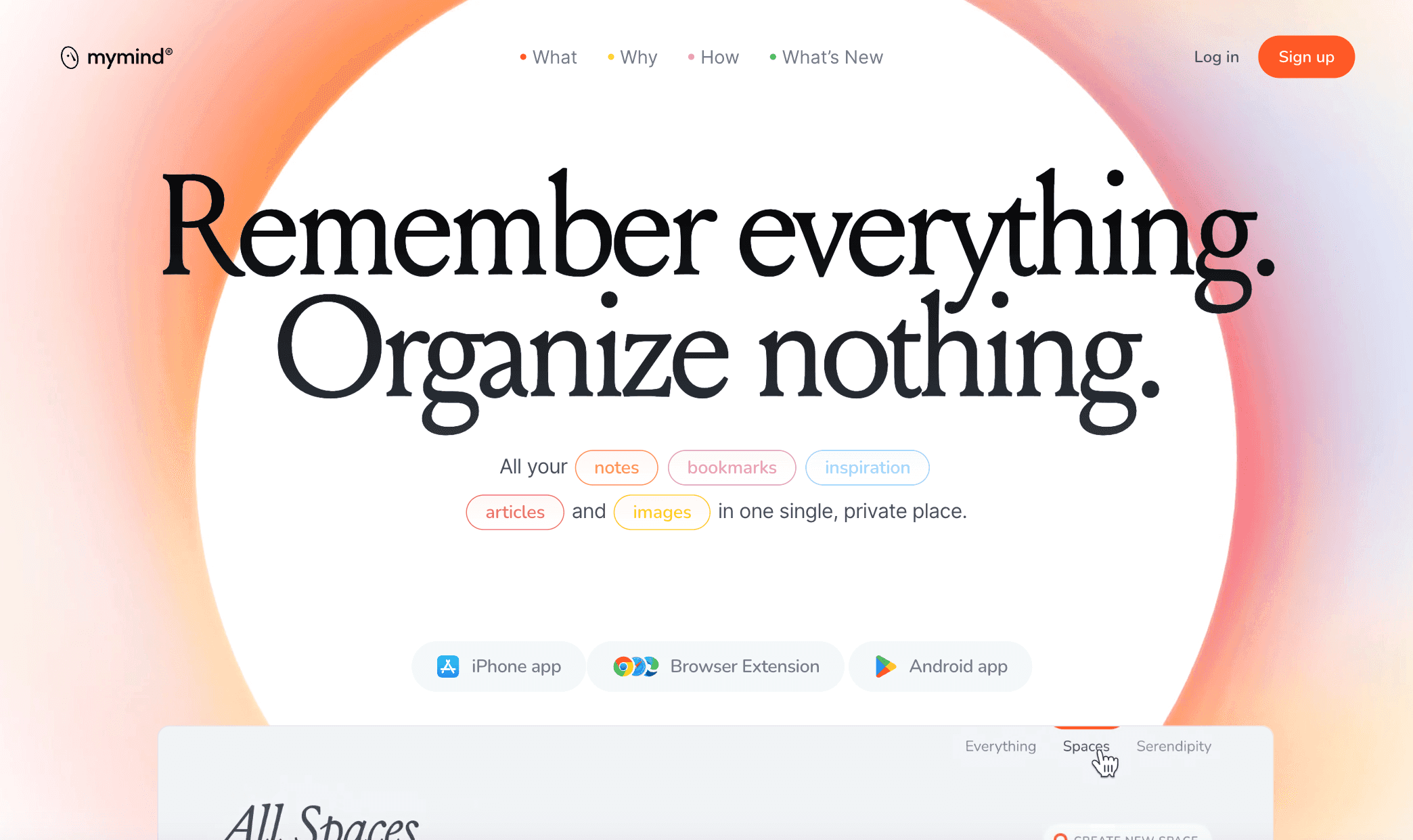
mymind is a private “second brain” tool. It gives you one place to save everything you come across during the day.
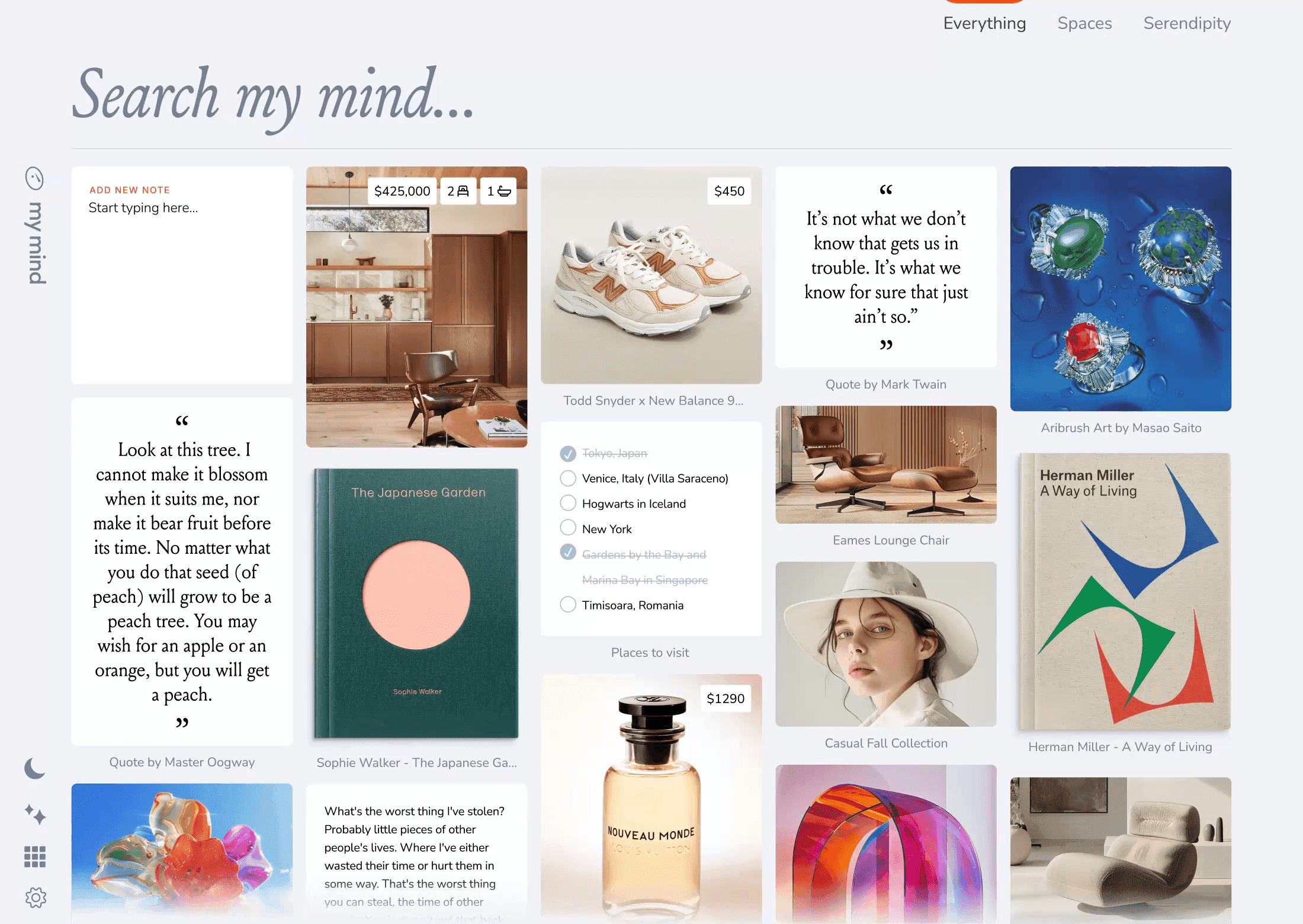
You can save notes, links, articles, images, books, products, PDFs, and quick ideas. It works like a personal archive that needs no folders, labels, or structure.
mymind removes the usual noise found in many productivity apps. There are no social features, ads, or public profiles. The design is clean and quiet on purpose. It tries to create a space that feels personal and safe, not public or social.
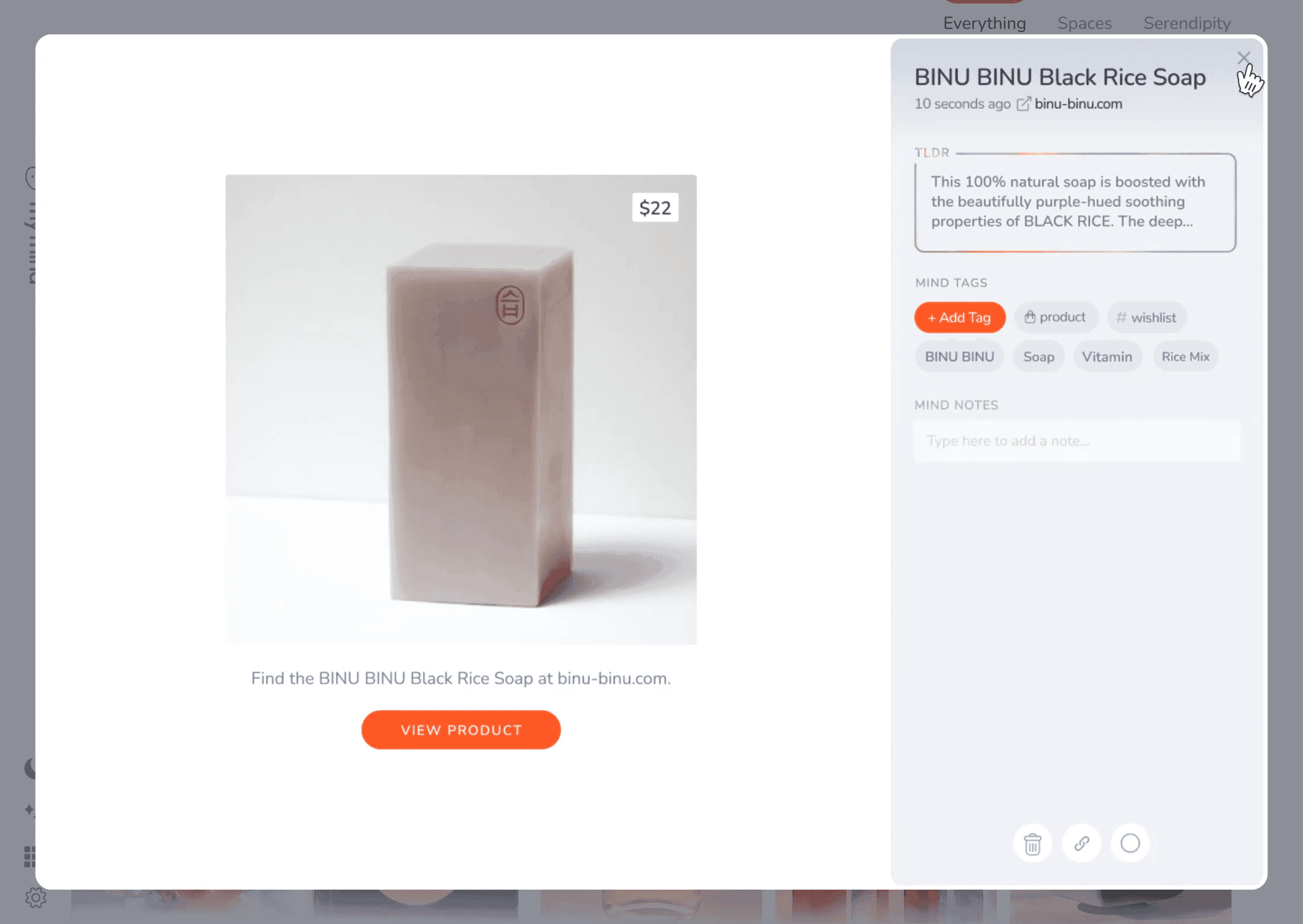
The core idea is simple: you save anything with one click, and the system handles the rest. mymind uses AI to look at each item and understand what it is. It auto-tags your saves and treats each type of content differently. Articles appear in a clean reader view. Products show details. Books show their covers. Notes stay distraction-free.
Because the app has no folders, search becomes the main way to find things. You type what you remember (keywords, colors, dates, brands, topics) and it brings up matching saves.
The search is built to feel like natural thinking. Instead of organizing everything up front, you simply save what matters and look it up later.
Pros and Cons of mymind
The Good (Pros)
mymind’s strongest feature is how effortless it makes saving things. You can capture notes, links, images, and articles in seconds, and the system organizes them for you.
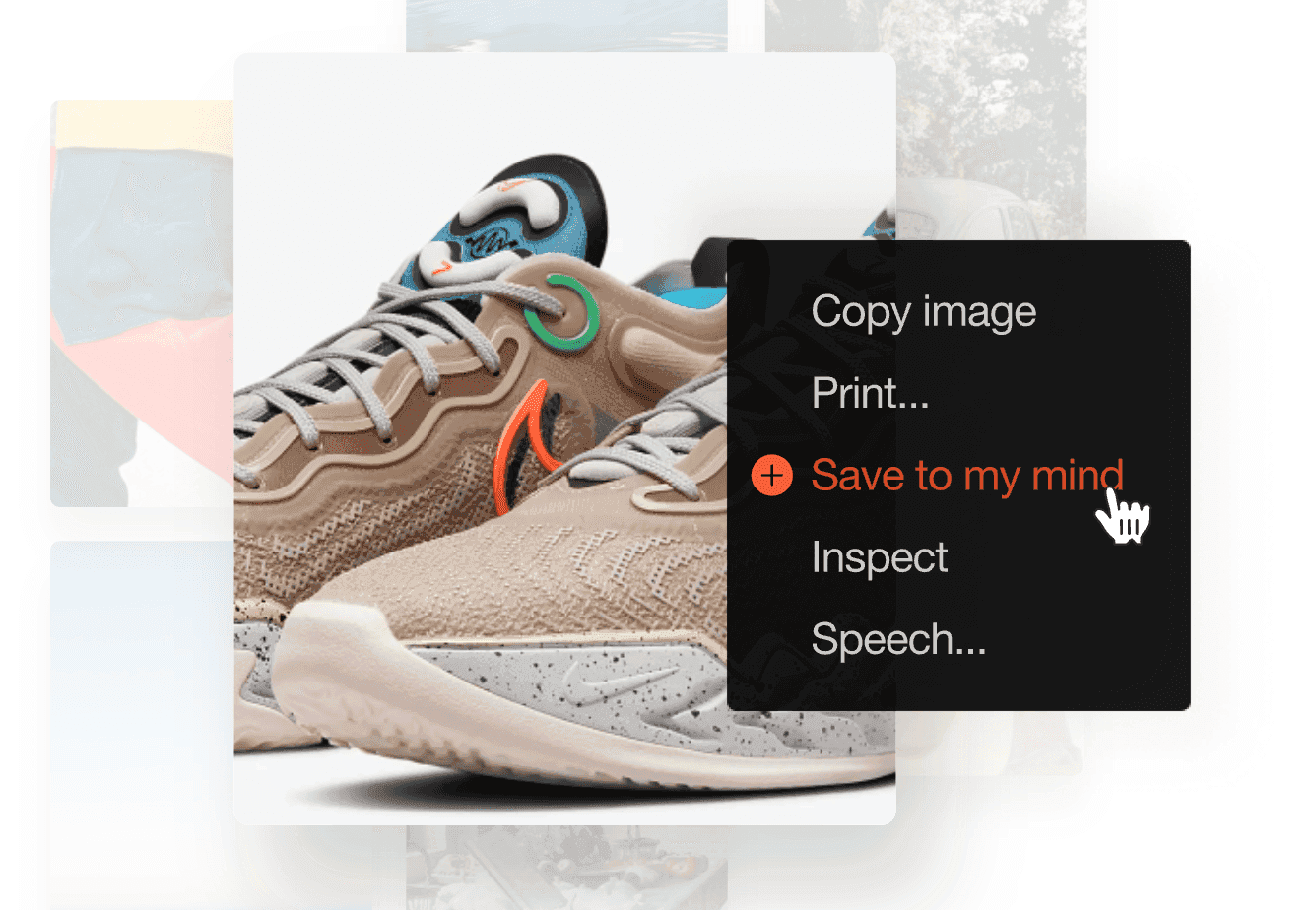
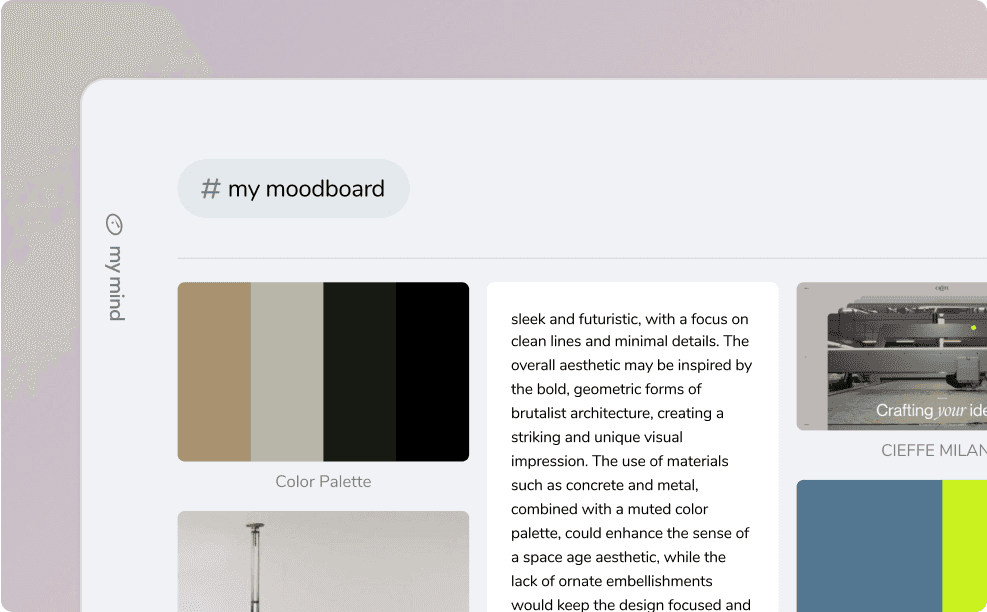
The AI reads what you save, tags it, and displays it in a clean visual grid. You do not need to think about folders, names, or categories.
Search is powerful and feels natural. You can type a keyword, a color, a brand, a date, or even text you remember from an image.
mymind scans everything, including text inside pictures, scanned pages, and handwritten notes. This makes it easy to find things you saved months ago without planning ahead.
The thing we liked the most is that privacy is a major part of its identity. There are no ads, no social features, and no tracking. Everything you save stays private. The interface also reflects that idea. It is calm, minimal, and focused. The reading mode removes ads and pop-ups, so saved articles feel clean and easy to read.
The app supports many content types. It handles books, products, recipes, videos, documents, and long notes.
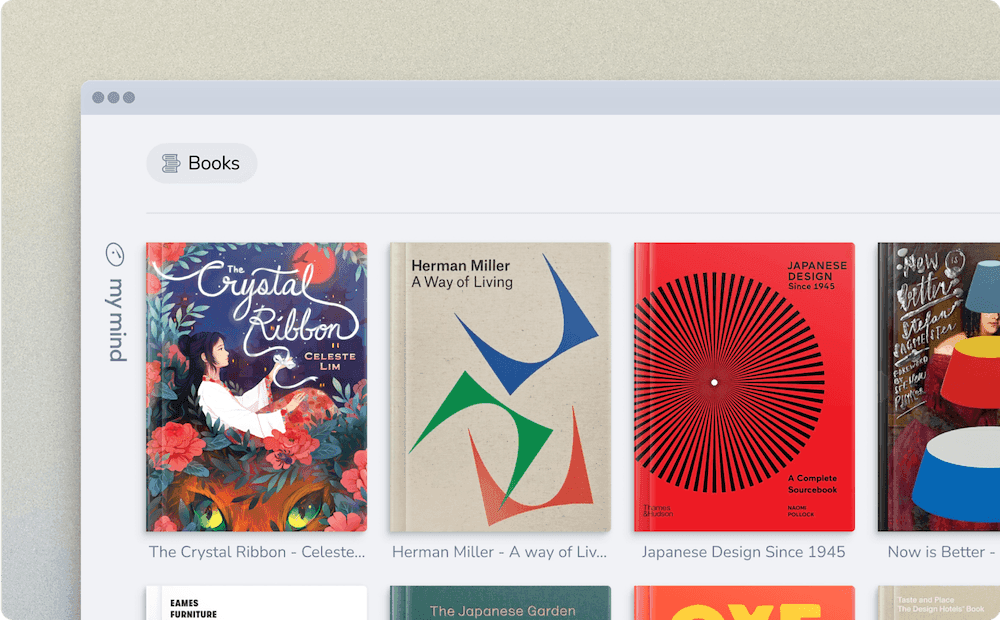
Each type is displayed in a way that feels intentional. For visual thinkers, the grid and image search create a natural sense of recall. Many neurodivergent users also find it helpful because it removes structure and lets them work without planning.
The team updates the product often. Users report quick fixes, steady improvements, and a sense that the developers listen and respond. On desktop, the app is stable, fast, and reliable.
The Bad (Cons)
- It is a paid product, with plans from $4.99 per month, and the AI features require Student of Life or Mastermind. The pricing makes sense for a privacy-first tool, but users looking for a fully free service may find this limiting.
- There is no collaboration or team sharing. This is a deliberate choice to keep mymind private and personal, but it may not fit users who need shared spaces or group workflows.
- There is no public API. This protects user privacy and keeps the tool focused, but it prevents deeper automation, integrations, or custom workflows that some users expect.
- The app is not built for complex formatting or long-form document creation. Notes support clean formatting and Markdown, but users who expect a full WYSIWYG editor or advanced document tools may feel constrained.
- mymind does not include traditional project management or task-based workflows. This is intentional, but some users wanting an “all-in-one” productivity app may find this limiting.
- Import options are limited compared to broader second-brain apps. Export is strong, but users who need bulk import from multiple sources may want more flexibility.
Our Verdict: Should You Get mymind?
mymind stands out as a solid choice if you’re looking for a private, easy-to-use space to save ideas, links, images, and notes without fuss.
It works best when you value simplicity over heavy structure. The app’s strength lies in making capturing and retrieving content effortless: no folders, minimal setup, and a powerful search engine working behind the scenes.
If you are a visual thinker, someone who hates organizing, or you simply want a clean tool for your personal archive, mymind is well worth trying.
In short, if you’re hunting for a calm, private space to collect and recall everything you care about with minimal friction, go ahead and give mymind a try. If your priority is structure, collaboration, or detailed control, make sure you weigh those needs before committing.