Clip Path Bae
Easily create and customize clip paths for Webflow projects without coding.
Loading section…
Easily create and customize clip paths for Webflow projects without coding.
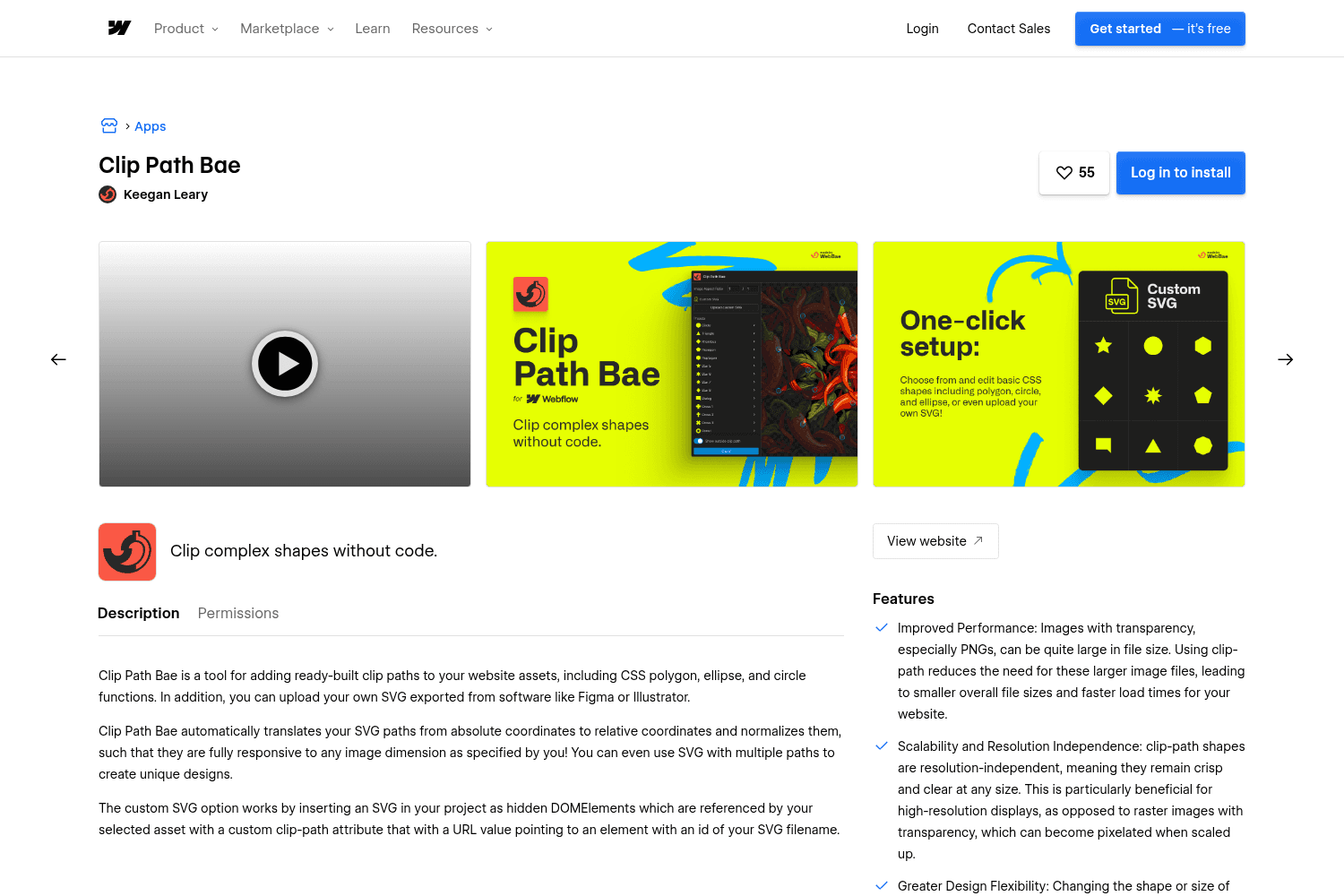
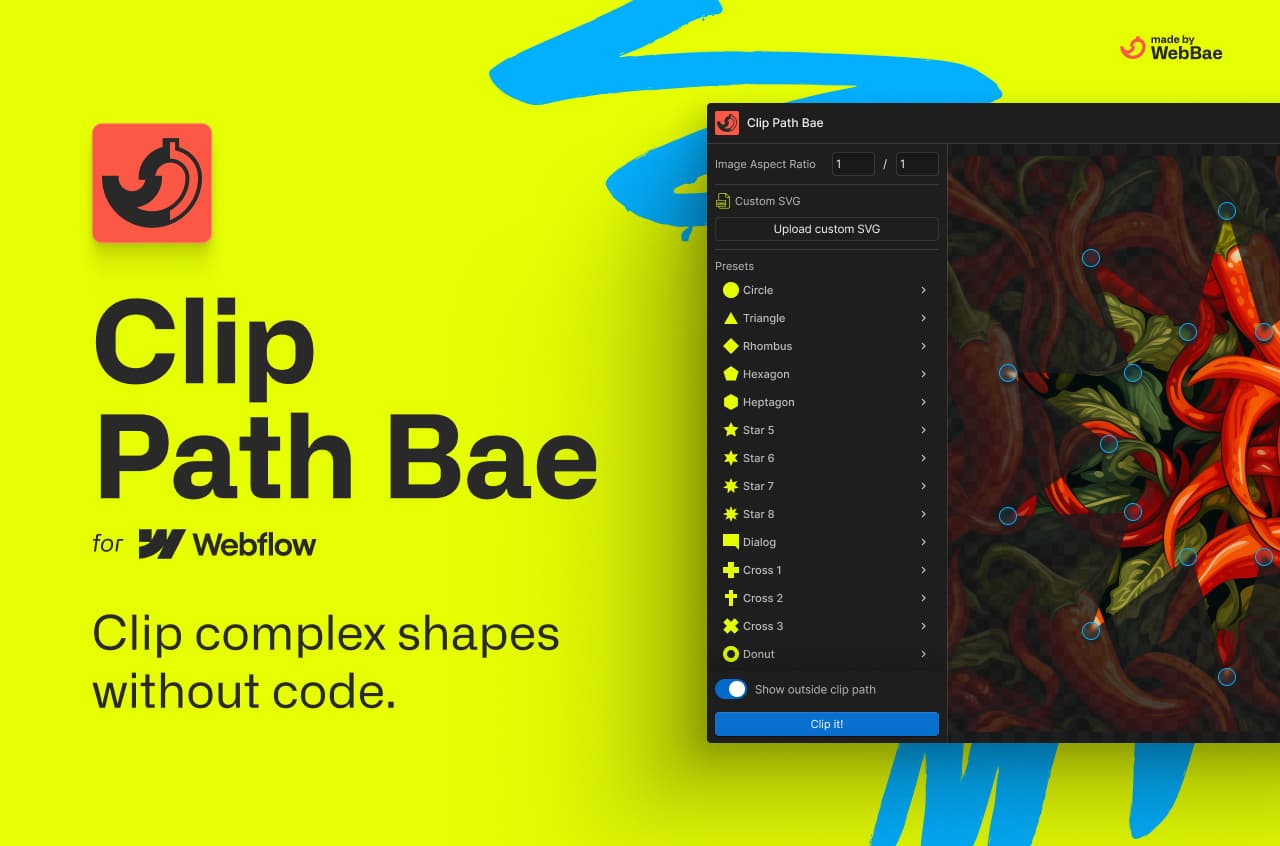
Easily create and customize clip paths for Webflow projects without coding.
Clip Path Bae is a tool for adding ready-built clip paths to your website assets using CSS polygon, ellipse, and circle functions, as well as the ability to upload your own SVGs. It automatically translates SVG paths to be responsive and allows for dynamic interaction and animations without the need for coding.

Measure how your brand shows up in AI answers, get prioritized recommendations, and ship improvements at scale with the help of AEO agents — all natively in Webflow.
 webflow.com·
Discover the latest enhancements to the Designer Extension in build mode, featuring improved functionality and tools that elevate your web design workflow on Webflow.
webflow.com·Explore how Frontify revitalized its product narrative using Rive, transforming a simple concept into a dynamic storytelling experience that enhances brand engagement.
webflow.com·Explore how Roboflow's innovative growth engine has attracted a million developers, delving into the strategies and technologies that drive its success in the AI landscape.
webflow.com·svg.designcode
SVG Pattern Builder allows you to create, customize, and download unique animated SVG patterns
Shapeoholic
Unlock creativity with over 140 free SVG shapes for seamless design integration
Copy-Paste SVG Shapes
Access 120+ basic SVG shapes and easily copy the SVG code for your projects.
Coolshap.es
Collection of free geometric shapes for design projects.
Path
Path helps you showcase your work and credentials through a professional personal site that connects to a broader network. Quickly transform your resume into an interactive profile.
SVGator
SVGator is a platform for animating SVG illustrations without coding.
Community rating
—out of 5
0 reviews

SVG Pattern Builder allows you to create, customize, and download unique animated SVG patterns
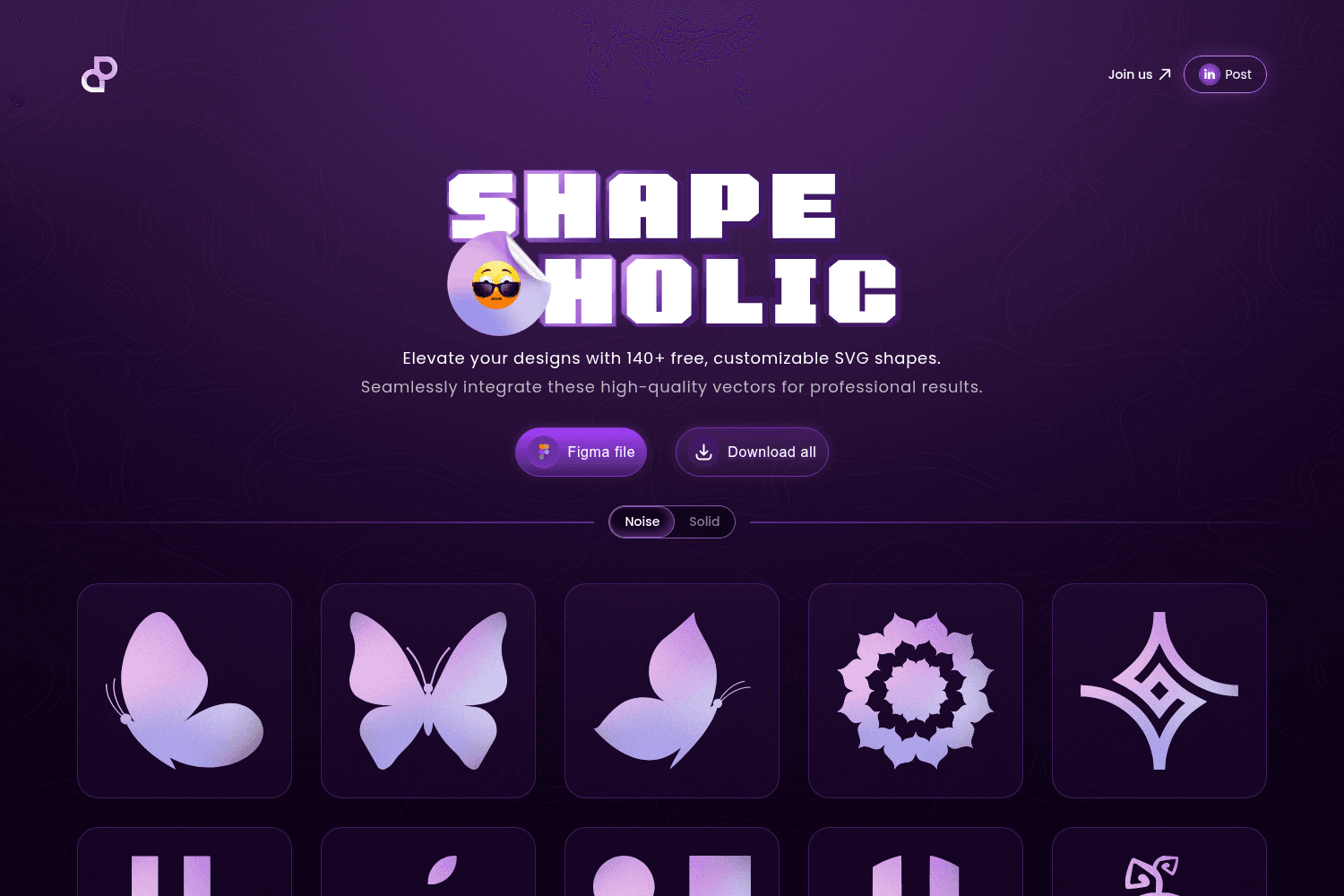
Unlock creativity with over 140 free SVG shapes for seamless design integration

Access 120+ basic SVG shapes and easily copy the SVG code for your projects.
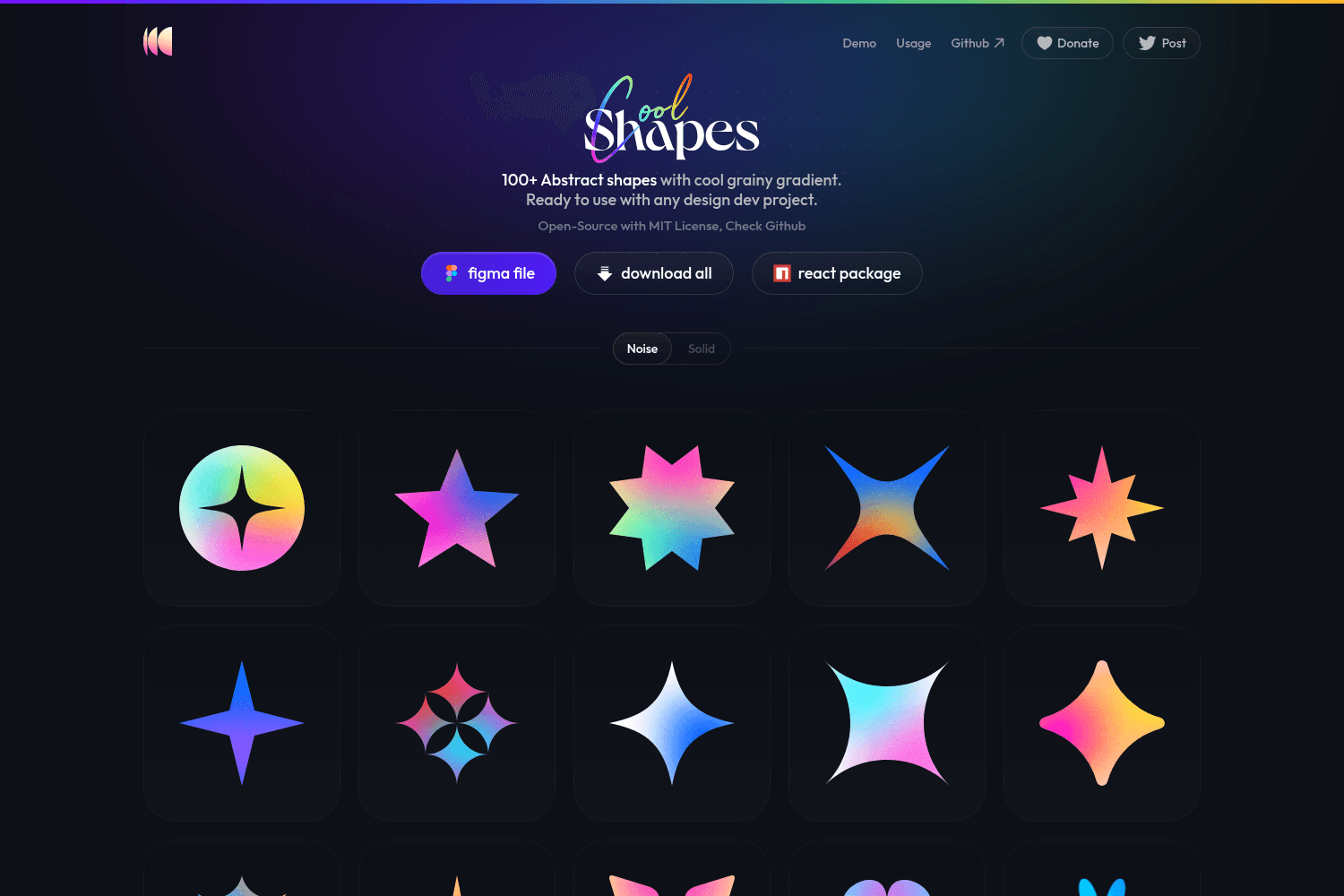
Collection of free geometric shapes for design projects.
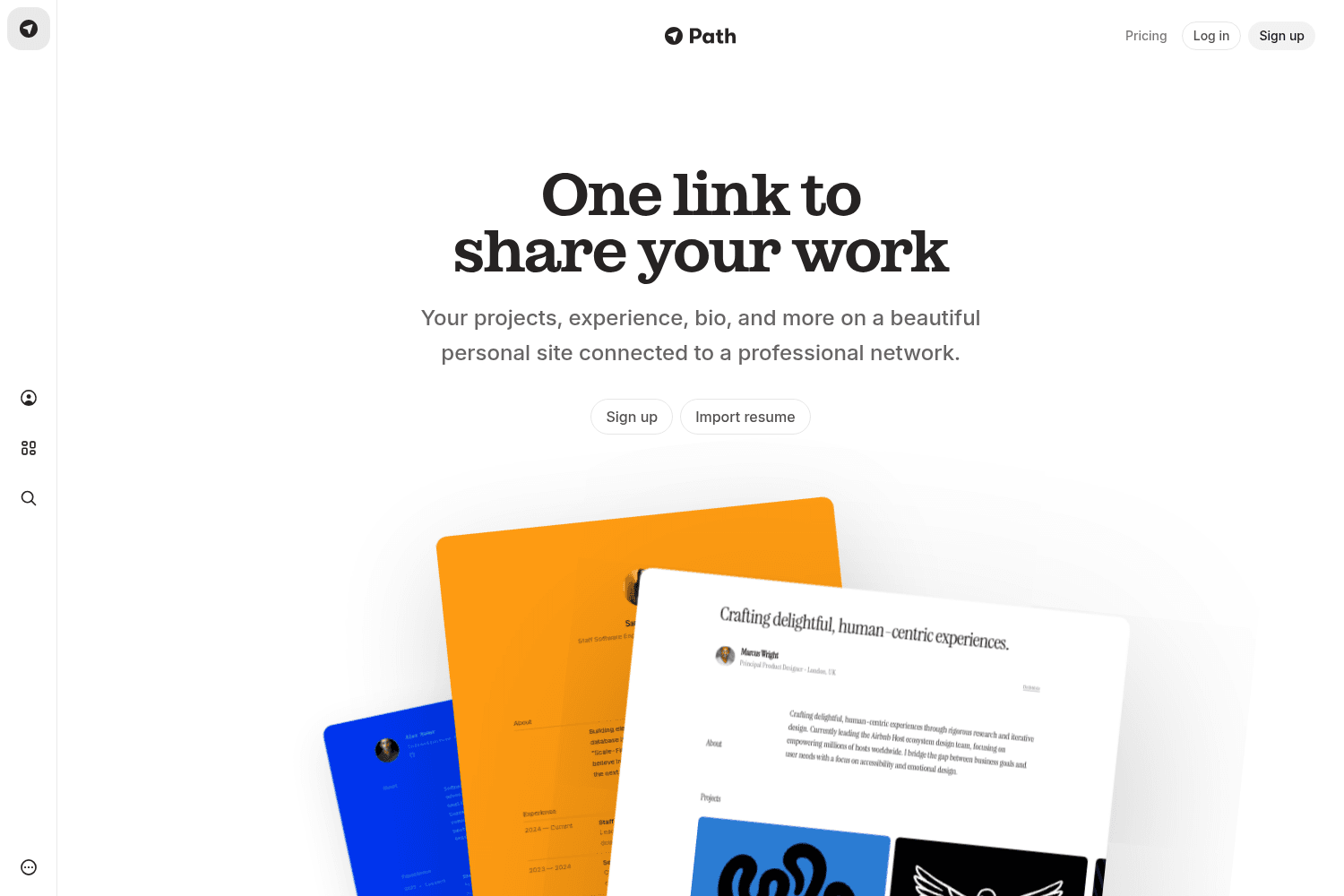
Path helps you showcase your work and credentials through a professional personal site that connects...
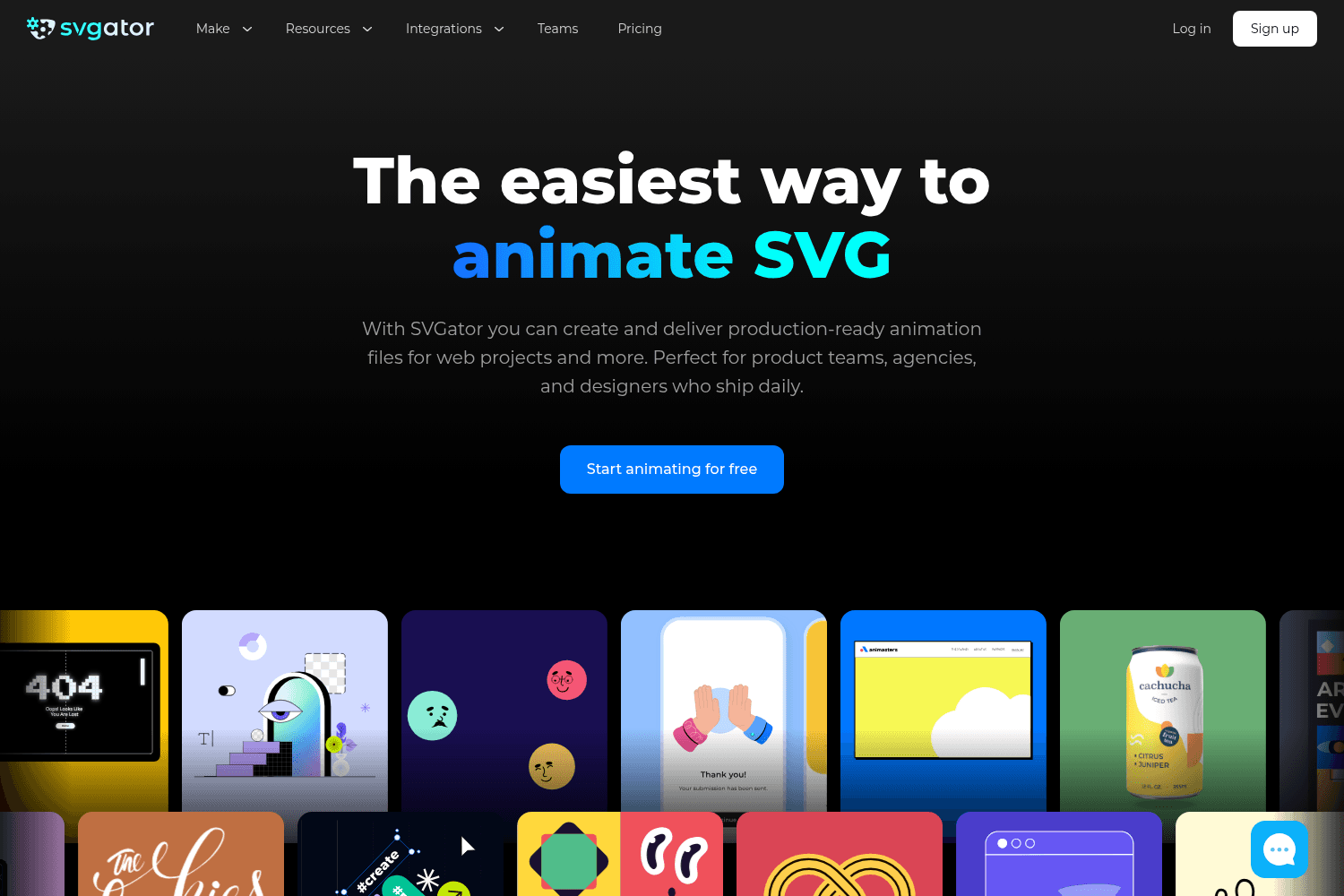
SVGator is a platform for animating SVG illustrations without coding.
Create organic blob shapes in Figma easily.
Free collection of customizable SVG icons for enhancing web and print designs.