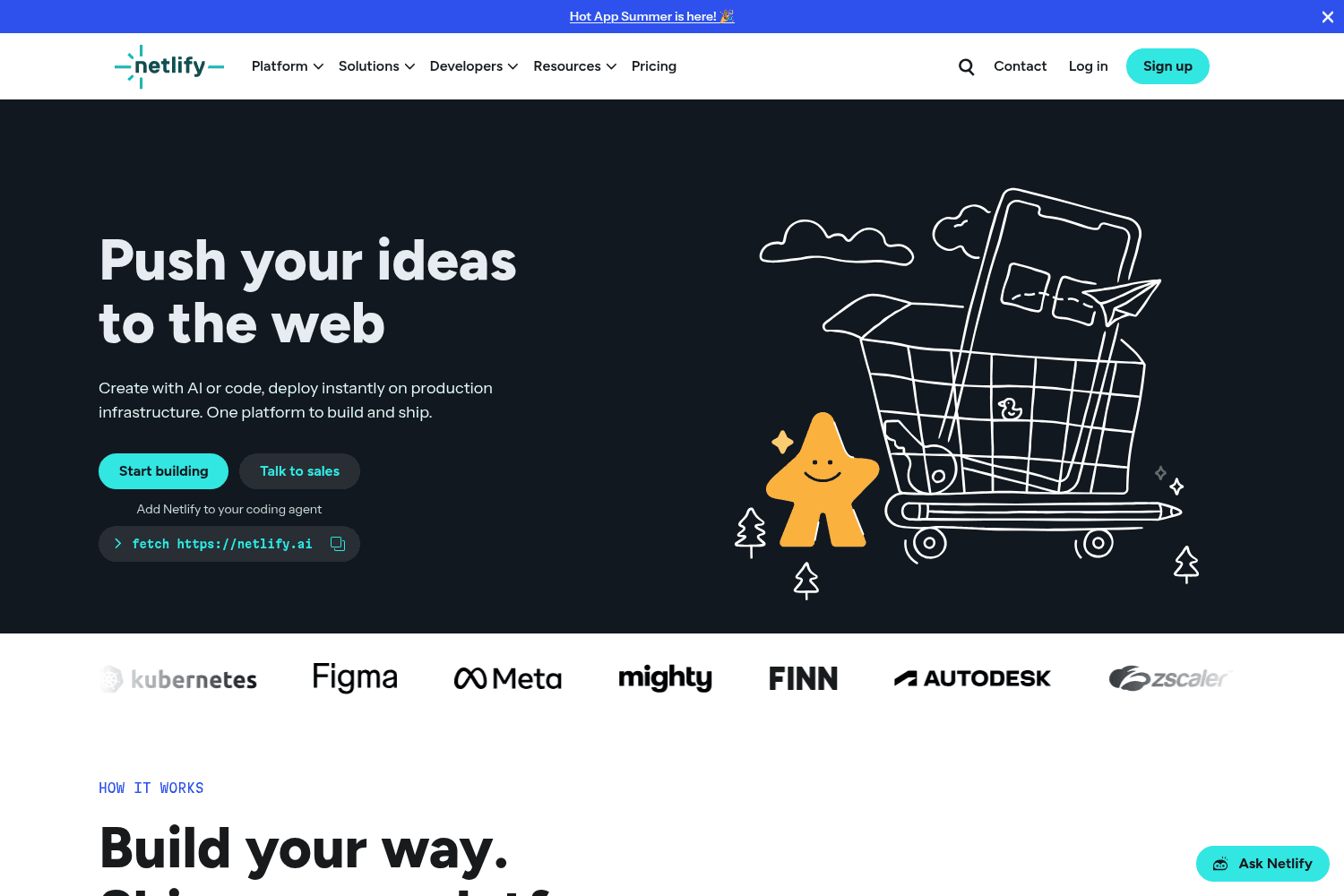
Build and deploy your web applications effortlessly!
Netlify simplifies the process of deploying web applications by allowing developers to create, manage, and iterate on their projects efficiently. With built-in AI features, instant global deployment, and seamless integration with various tools, it serves both individual developers and teams seeking a robust platform to bring their ideas online rapidly.
Features & Use Cases
Instant global app deployments for every user
Integrated AI tools for development and deployment
Real-time collaboration with deployment previews
Serverless functions for backend logic handling
Optimized media delivery via Image CDN
Robust security features, including DDoS protection
Connect your agent to Netlify's official hosted MCP server to work with projects, deploys, and environment configuration. Use it when inspecting a site or carrying out a deployment-related task within your account permissions. Provide the intended project and environment, then review the selected operations and the resulting deployment or configuration.
Help your agent store and retrieve files, JSON objects, and cache-like state with Netlify Blobs. The skill explains store scope, deploy-specific data, and runtime access. Use it when implementing uploads or persisted generated output, supplying the data shape, access requirements, and deployment context so the agent can choose the appropriate store.
Learn more
How this skill helps
Help your agent store and retrieve files, JSON objects, and cache-like state with Netlify Blobs. The skill explains store scope, deploy-specific data, and runtime access. Use it when implementing uploads or persisted generated output, supplying the data shape, access requirements, and deployment context so the agent can choose the appropriate store.
When to use it
Use it when your task matches the workflow described above and you want your agent to follow the author’s guidance.
How to get started
Choose Copy for agent and paste it into your coding agent with your task, relevant files, and the result you want. Ask the agent to read the linked instructions, check prerequisites, and propose a small first step you can verify.
Guide your agent through managed Postgres on Netlify using the current database client, migrations, and runtime connection workflow. The skill covers local development and database branches for deploy previews. Use it when adding a data-backed feature or maintaining an integration, sharing the existing schema, queries, deployment setup, and the application behavior to support.
Learn more
How this skill helps
Guide your agent through managed Postgres on Netlify using the current database client, migrations, and runtime connection workflow. The skill covers local development and database branches for deploy previews. Use it when adding a data-backed feature or maintaining an integration, sharing the existing schema, queries, deployment setup, and the application behavior to support.
When to use it
Use it when your task matches the workflow described above and you want your agent to follow the author’s guidance.
How to get started
Choose Copy for agent and paste it into your coding agent with your task, relevant files, and the result you want. Ask the agent to read the linked instructions, check prerequisites, and propose a small first step you can verify.