
Step-by-step guide to connecting Screenshot Studio's local MCP server to Claude Code, Cursor, VS Code, Codex, and Antigravity — so your AI assistant can edit App Store screenshot captions and designs directly.
View MCP details

Effortlessly create and manage App Store screenshots with intuitive design and streamlined uploads.
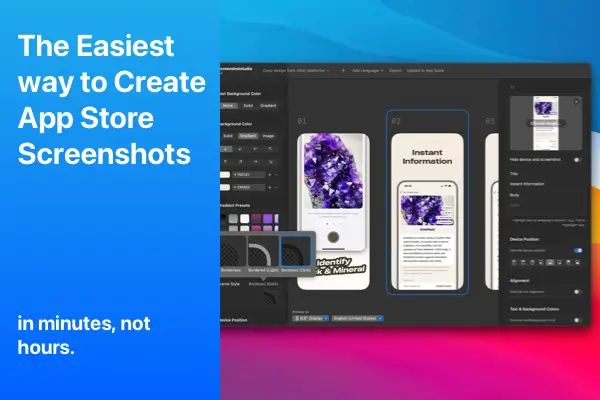
Screenshot Studio is an intuitive tool designed for developers to easily create and manage app store screenshots. It offers an array of features including screenshot editing, AI-driven localization in various languages, and direct uploads to App Store Connect. With professionally designed templates and bulk exporting functionality, it significantly reduces the time and effort required to prepare app images for publication.
Step-by-step guide to connecting Screenshot Studio's local MCP server to Claude Code, Cursor, VS Code, Codex, and Antigravity — so your AI assistant can edit App Store screenshot captions and designs directly.
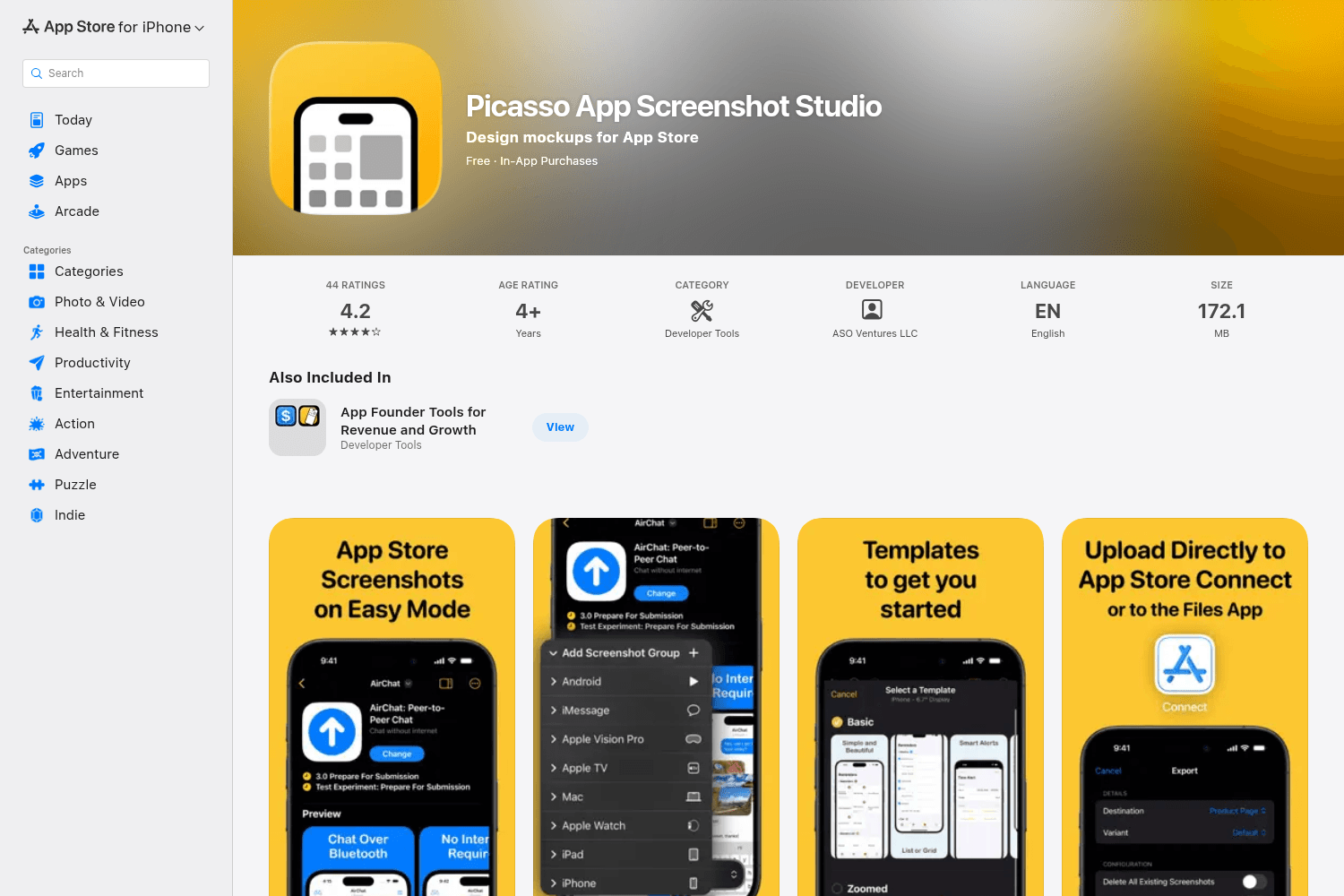
View MCP detailsPicasso App
Picasso helps create stunning app screenshots effortlessly.
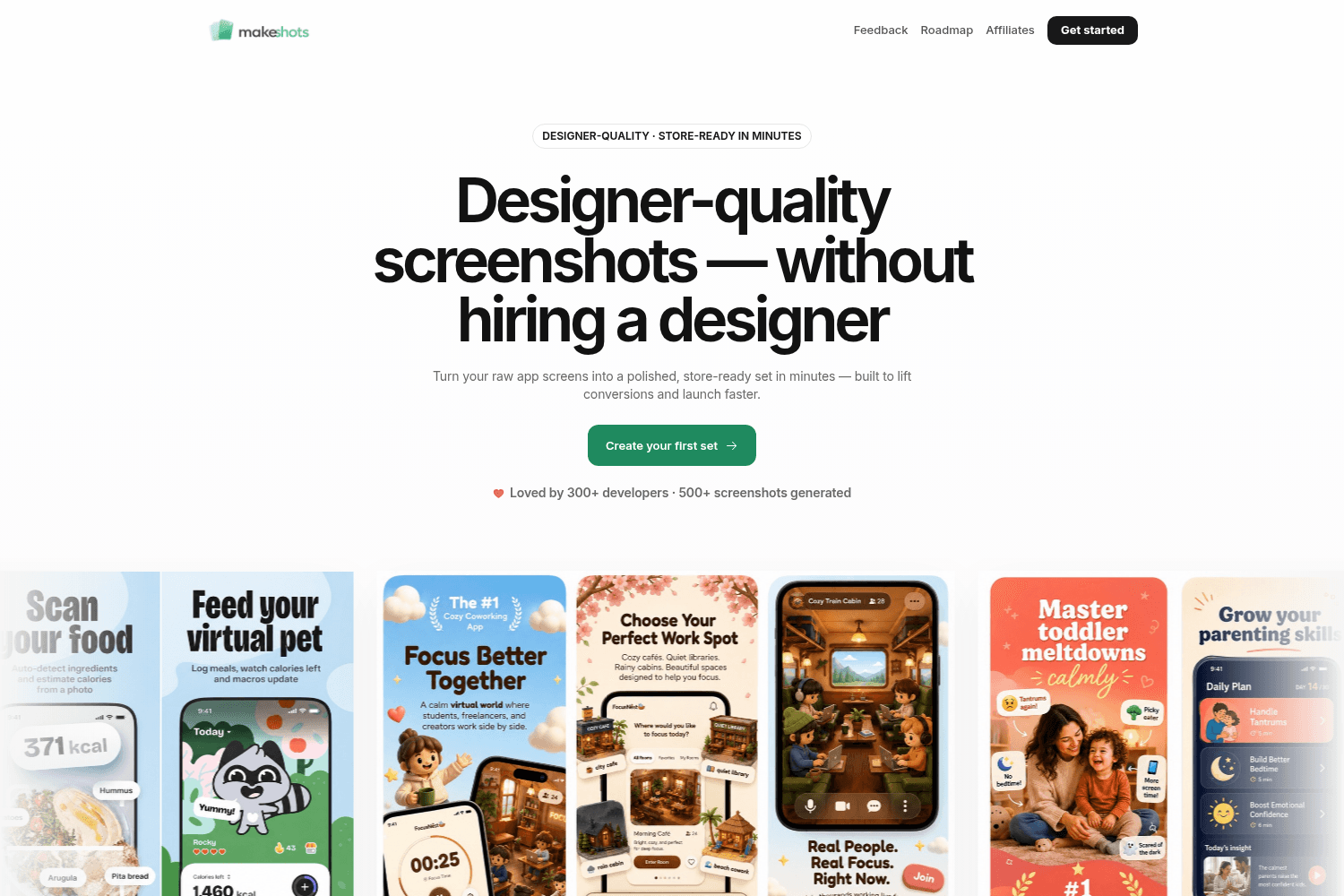
MakeShot
MakeShot is a web-based tool that allows developers to generate designer-quality screenshots for their apps quickly, enhancing visual appeal for app store listings.
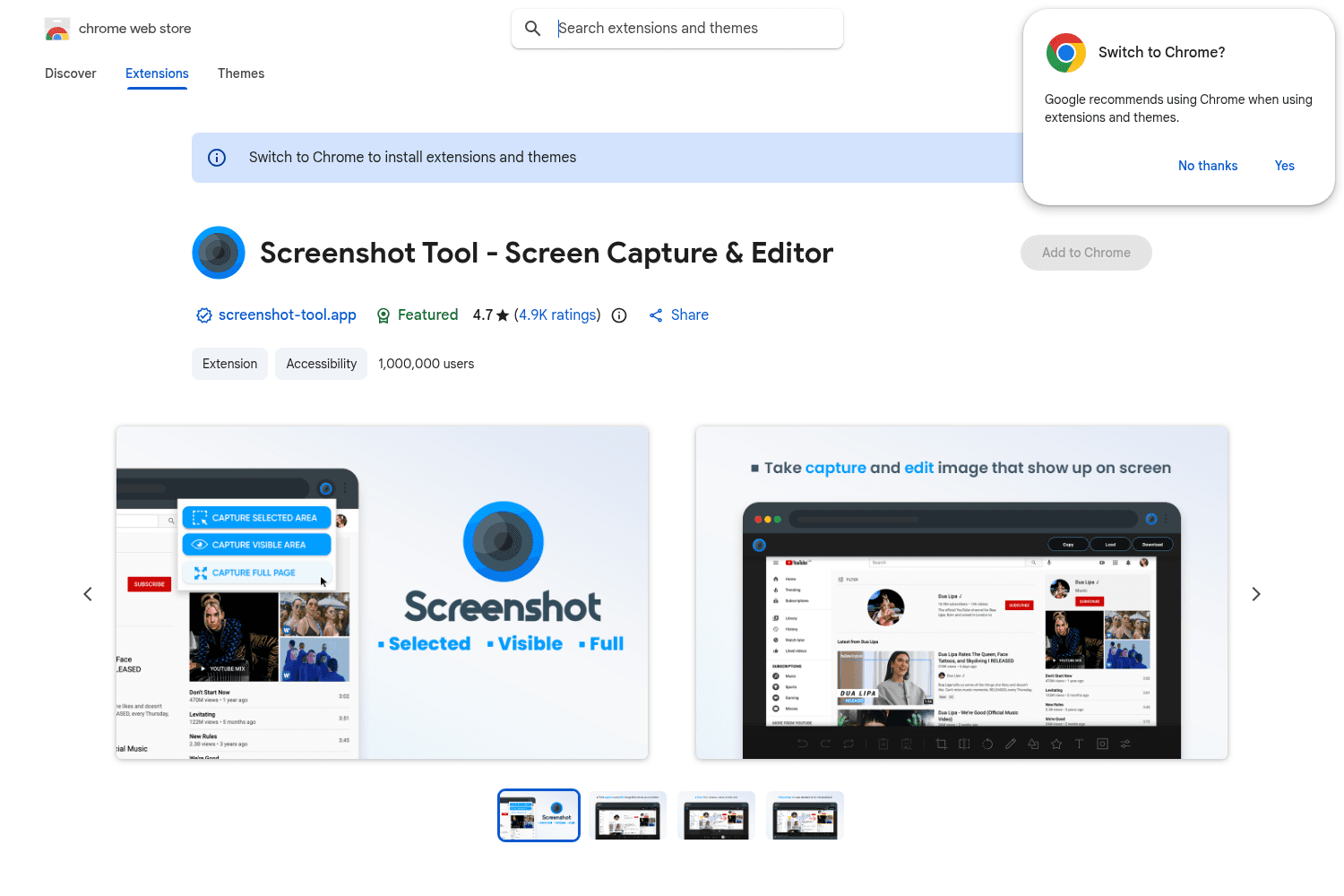
Screenshot Tool
Chrome tool for versatile screenshot capabilities.
ScreenSnap Pro
Top screenshot app for Mac with cloud upload for developers, designers, creators
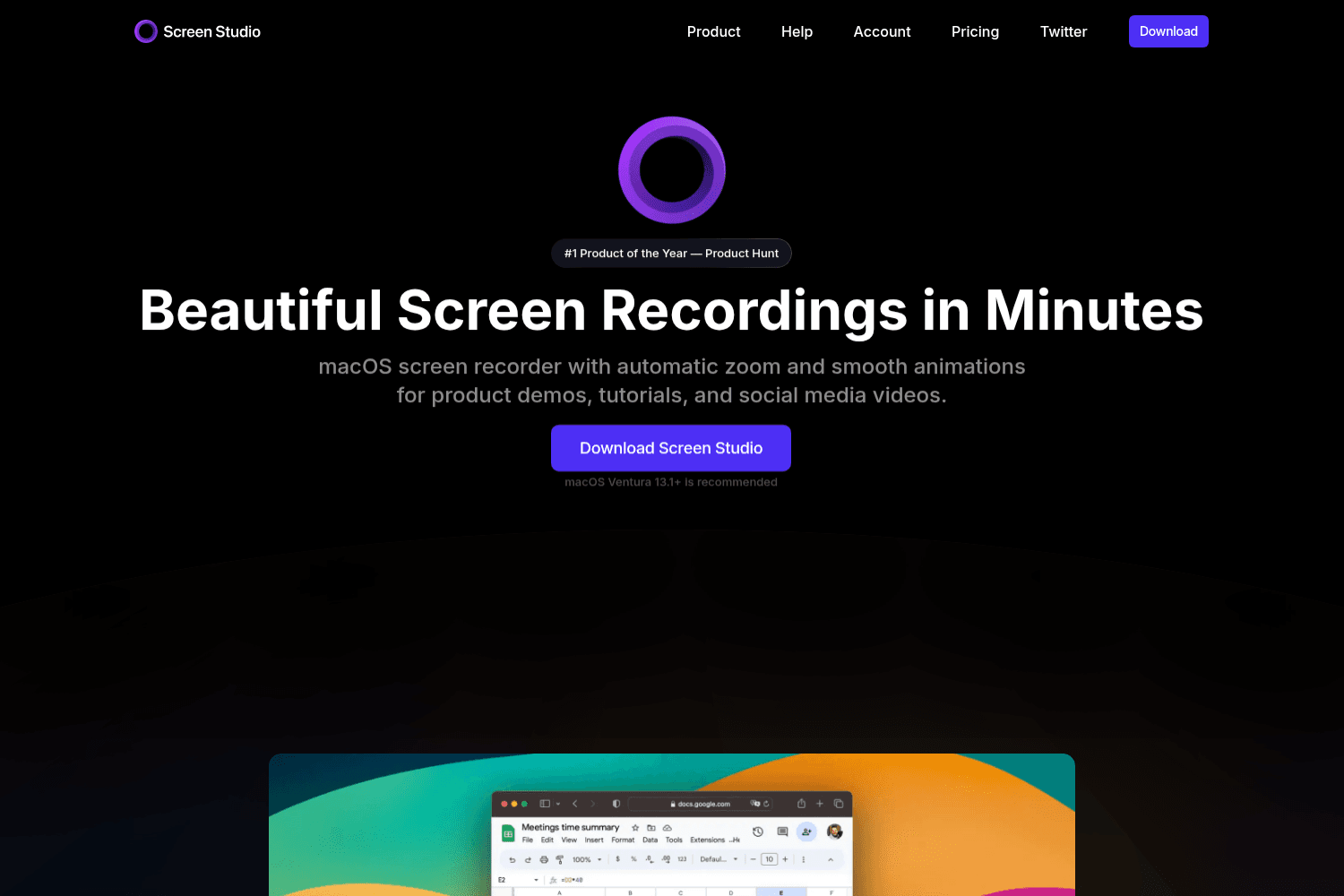
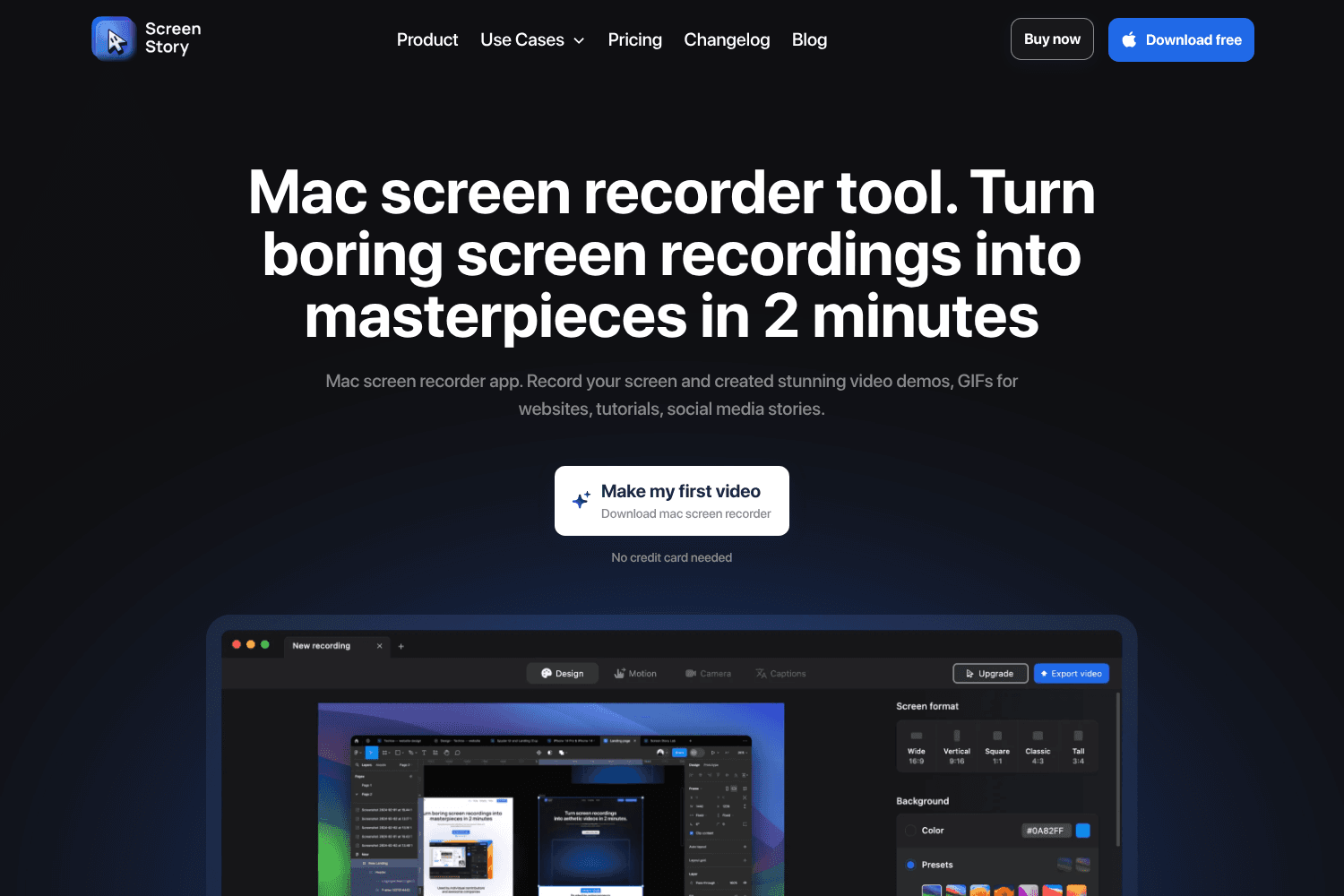
Screen.Studio
Online tool for creating and sharing screen recordings.
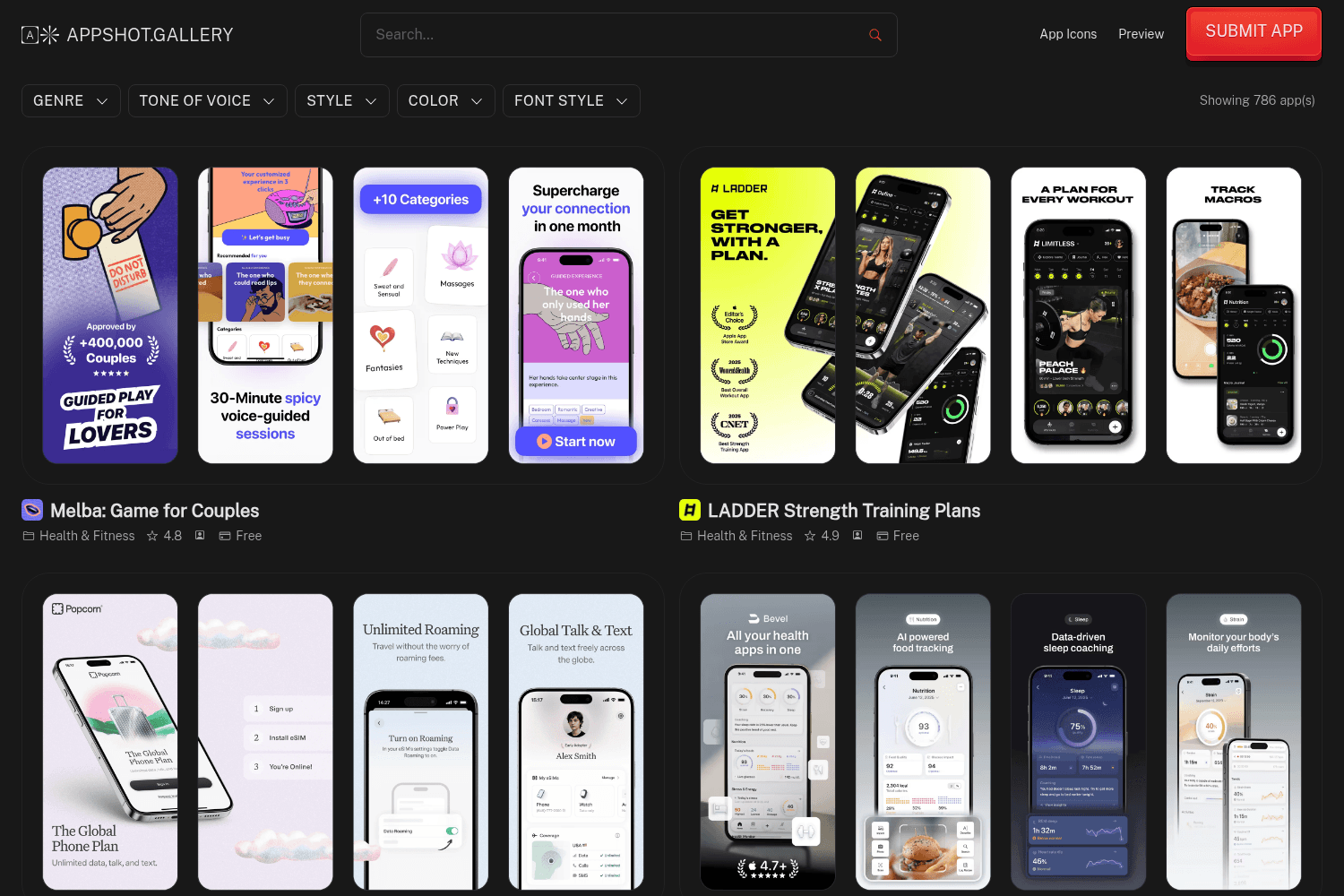
APPSHOT.GALLERY
Explore a curated gallery to boost ASO and mobile UI design
Community rating
—out of 5
0 reviews
Be the first to review Screenshot Studio
Share what worked for you and what could be better.