Xnapper
Capture and share stunning screenshots effortlessly with advanced editing tools.
About
Capture and share stunning screenshots effortlessly with advanced editing tools.
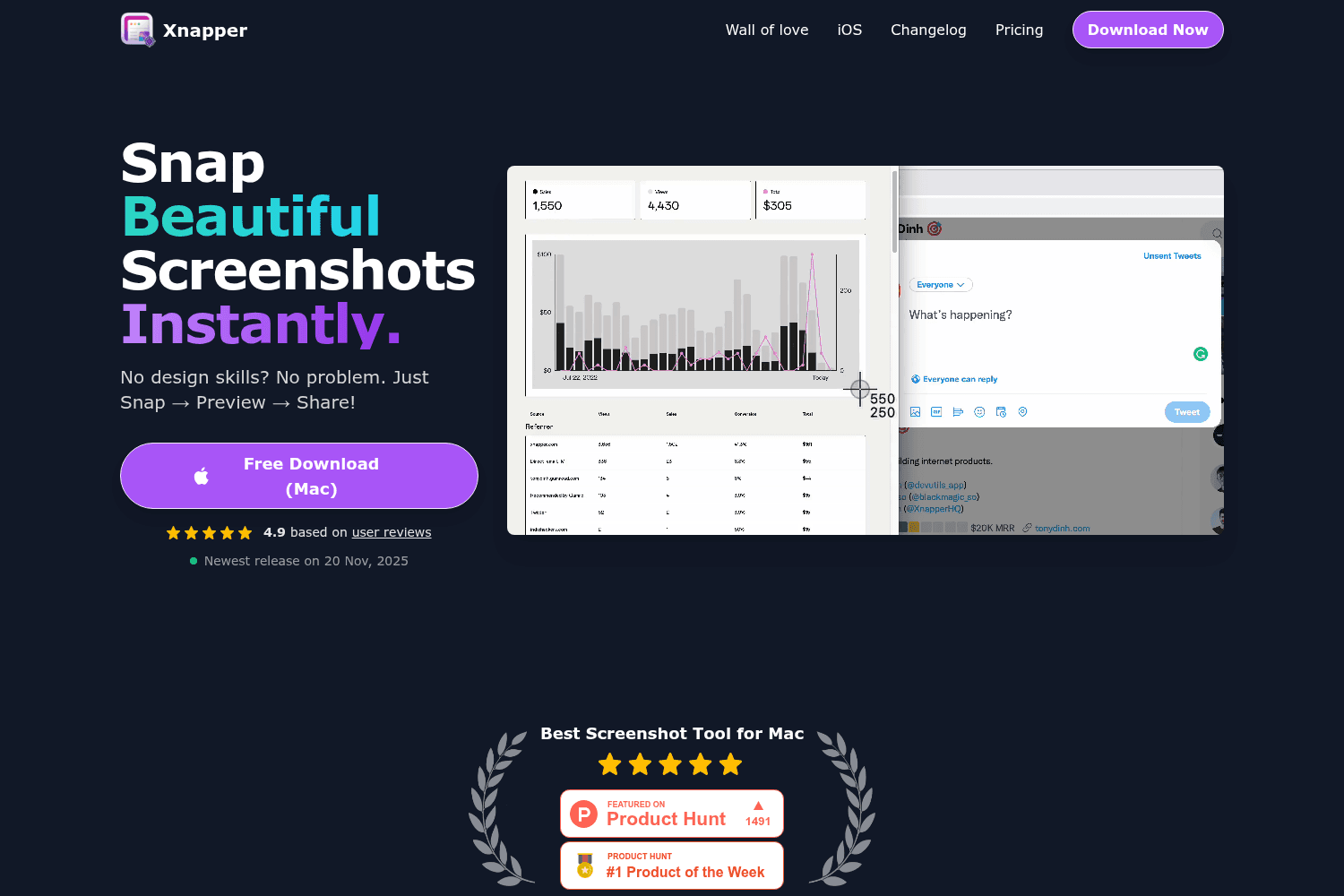
Xnapper empowers users to take beautiful screenshots within seconds. It features automatic balancing, background color adjustments, and redaction of sensitive information, all while ensuring ease of use with built-in text recognition and customizable screenshot settings.
Features & Use Cases
- Snap beautiful screenshots instantly with ease
- Automatic balance for perfectly aligned screenshots
- Automatically redact sensitive info like emails or cards
- Built-in text recognition allows easy text copy
- Customizable settings for enhanced screenshot creation
- Supports various social media sizes and ratios easily
Articles
View more
Top 5 Tools for Wedding Planners in 2026
A practical 2026 stack for wedding planners: client management, wedding planning, timeline building, visual collaboration, and guest photo collection.
 xnapper.com·Dec 31, 2025

7 Best Snipping Tools for Mac to Capture Screenshots
Discover the best snippings tools for Mac to easily capture and edit screenshots.
xnapper.com·Dec 30, 2025
Top 5 Canva alternatives in 2026 (Free)
Discover the top 5 free Canva alternatives for 2026, including Xnapper, Adobe Express, and more. Compare features, pricing, and find the perfect design tool for your needs.
xnapper.com·Dec 30, 2025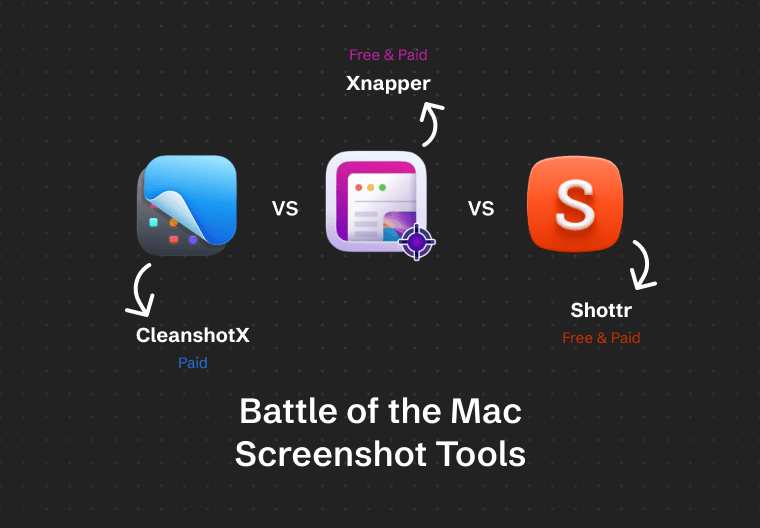
Shotbase vs. CleanshotX vs. Shottr vs. Xnapper: The Best Screenshot Tools for Mac Compared
Shottr vs CleanShot X vs Xnapper vs Shotbase: current prices, best use cases and key features of the top Mac screenshot tools, with a quick comparison table.
Changelog
View moreXnapper macOS - v1.5.0
v1.5.0Added screen recording support on macOS with floating hub (full screen, partial, window), enabled user preferences for video, integrated video editor with cutting and clip rearranging, implemented export with quality options and clipboard support, extended cloud upload and link sharing to support video.
Xnapper macOS - v1.4.1
v1.4.1Added monitor DPI scaling support for screenshot capture, switched from static full-screen screenshots to dynamic region capturing, updated zoom calculation and safe padding when adding or uploading images, improved scale handling in comparison algorithm, and included bug fixes and stability improvements.
Tech stack
View more






Alternatives
View moreScreenSnap Pro
Top screenshot app for Mac with cloud upload for developers, designers, creators
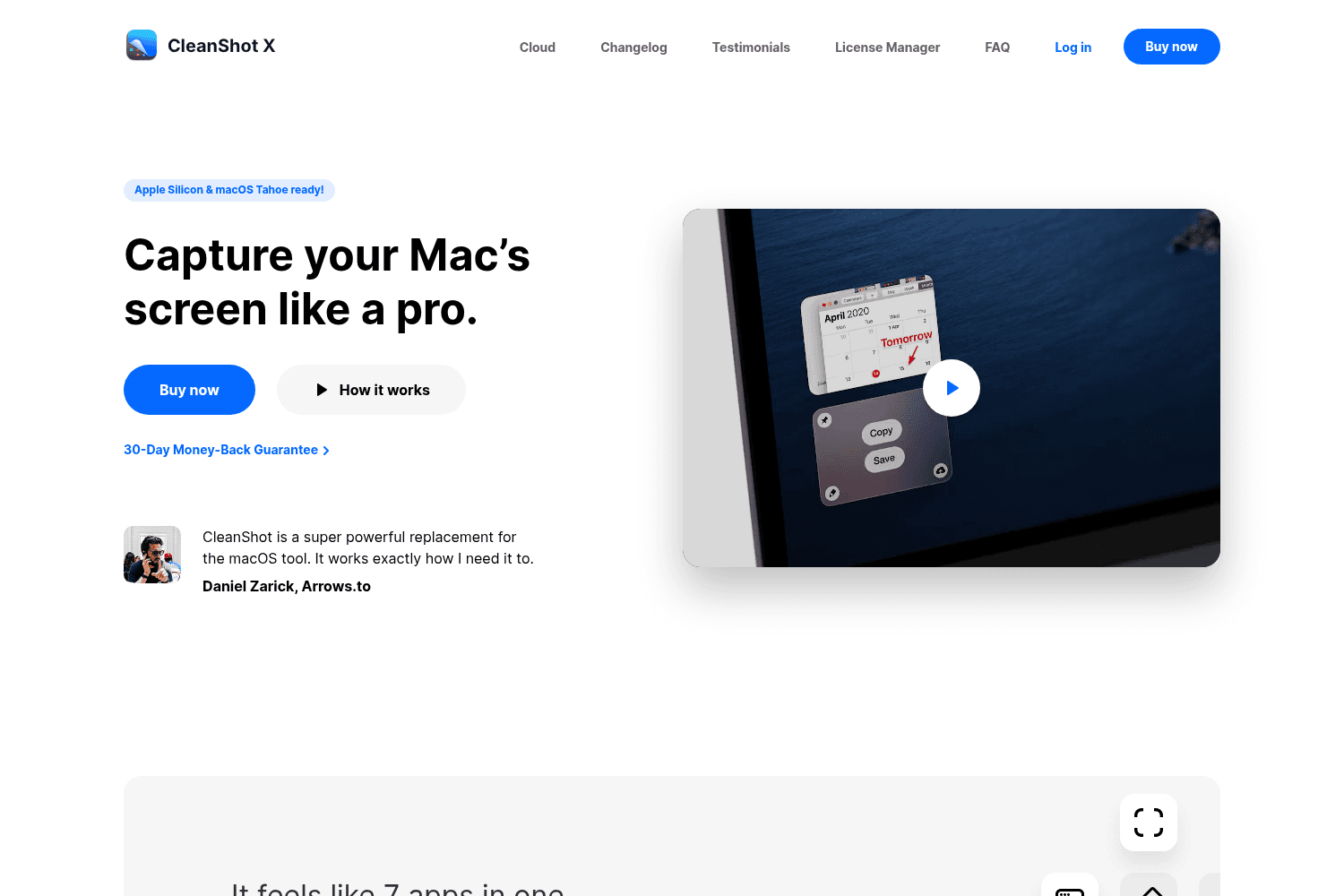
CleanShot X
Comprehensive screenshot and screen recording tool.
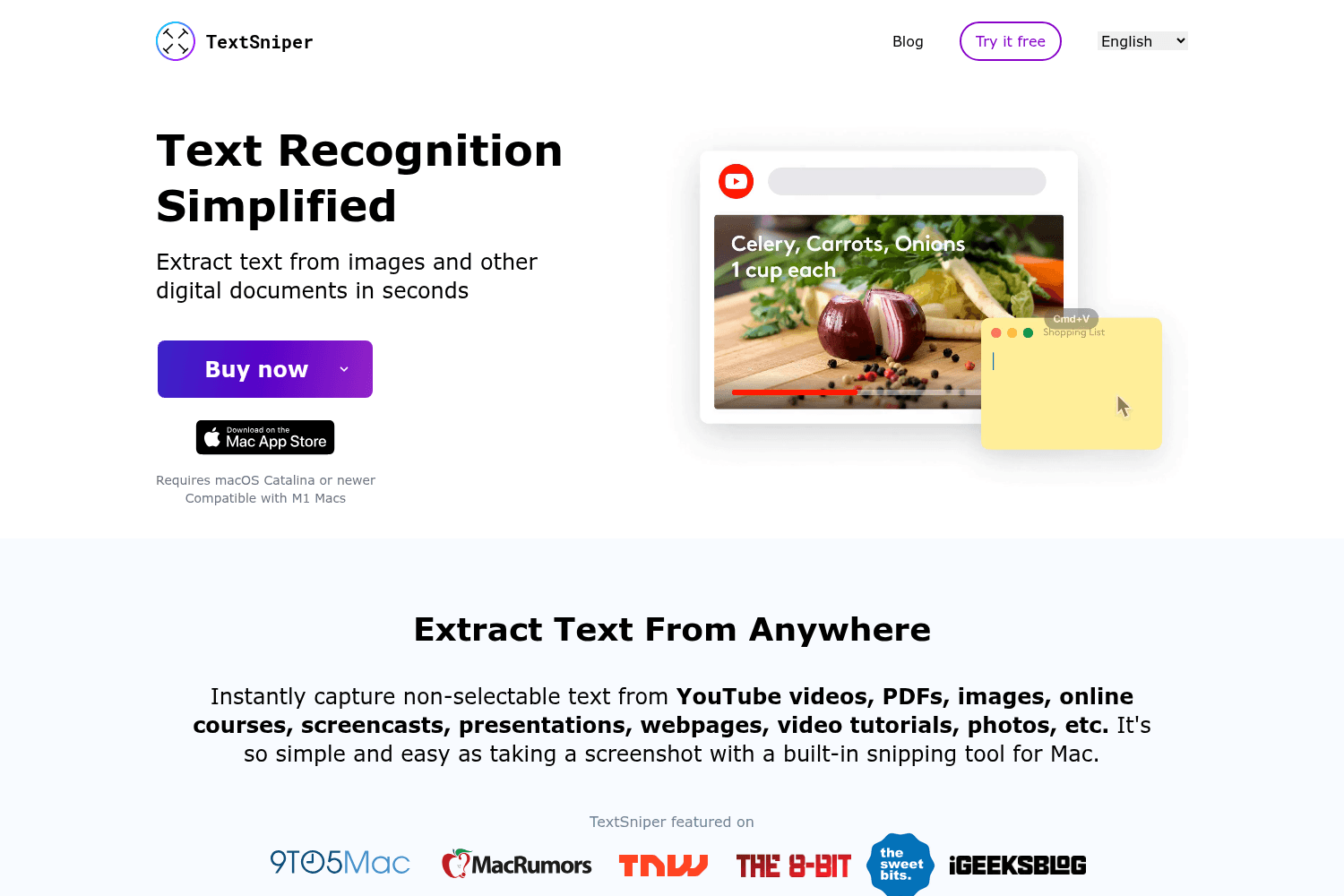
TextSniper
Capture text from your screen
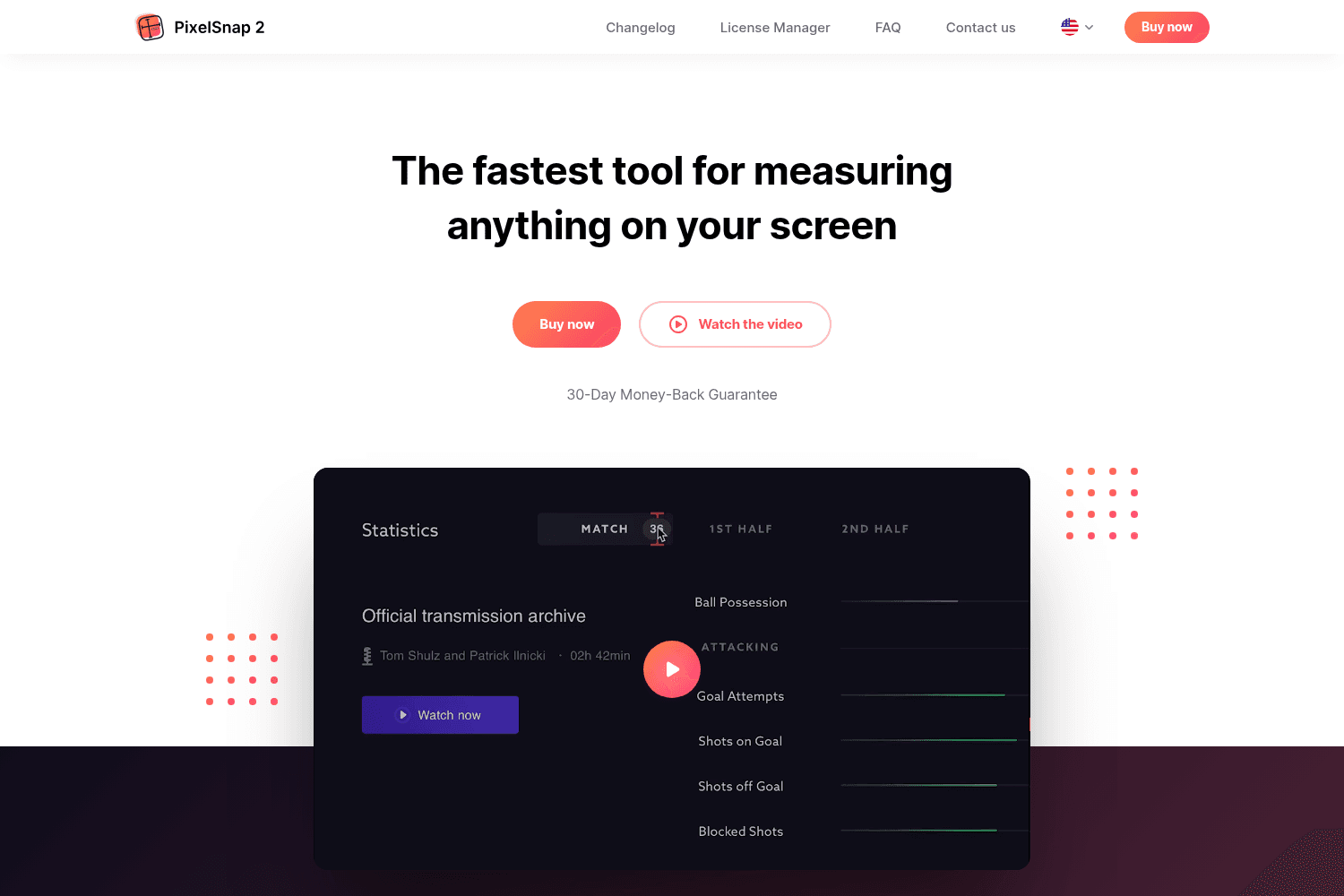
PixelSnap
Measure distances and dimensions on your screen with pixel-perfect precision.
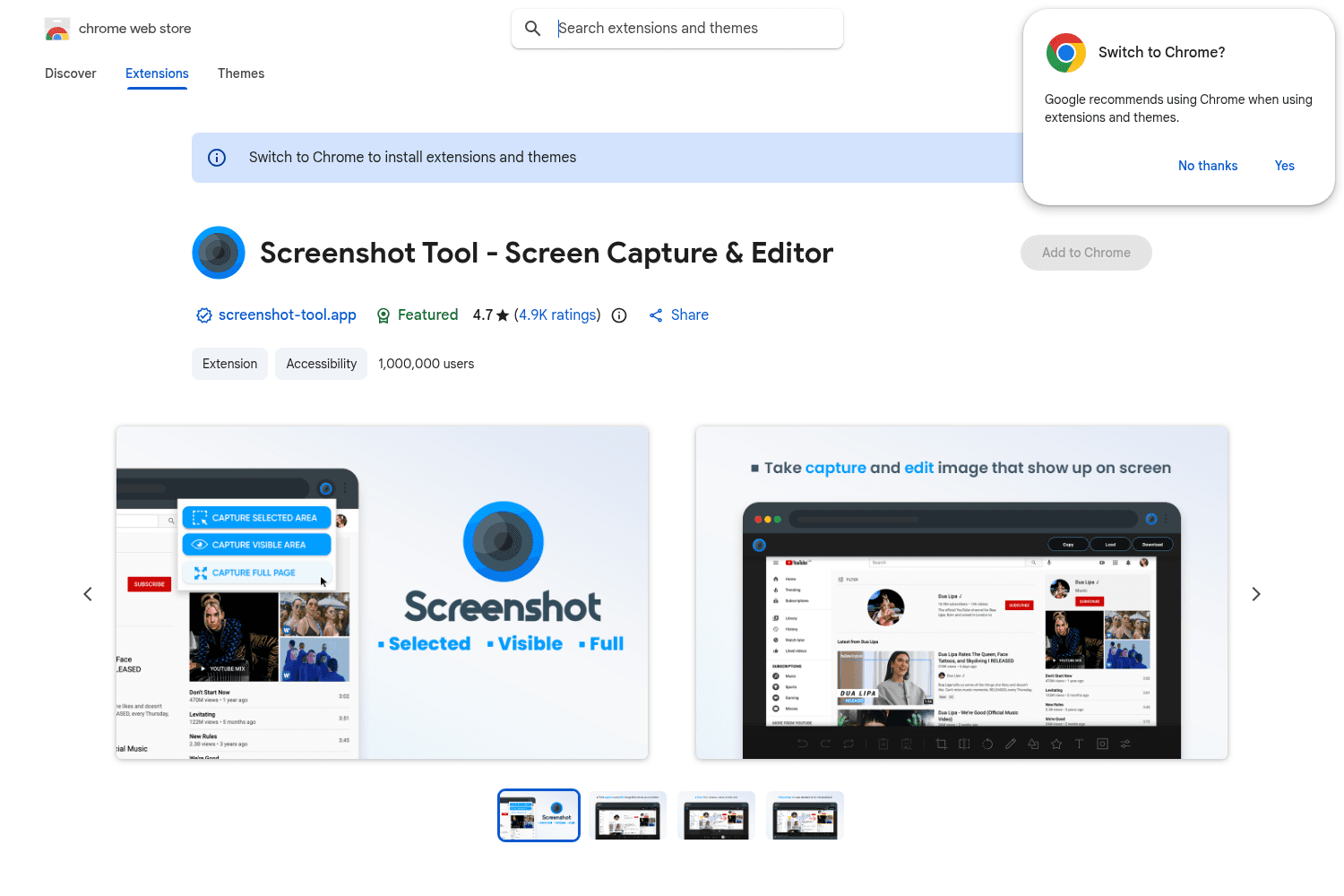
Screenshot Tool
Chrome tool for versatile screenshot capabilities.
Shottr
Streamlined screenshot application


Reviews
Community rating
—out of 5
0 reviews