
Brevo
Simplify customer engagement with Brevo's all-in-one email marketing and CRM solution.
Loading section…
Simplify customer engagement with Brevo's all-in-one email marketing and CRM solution.
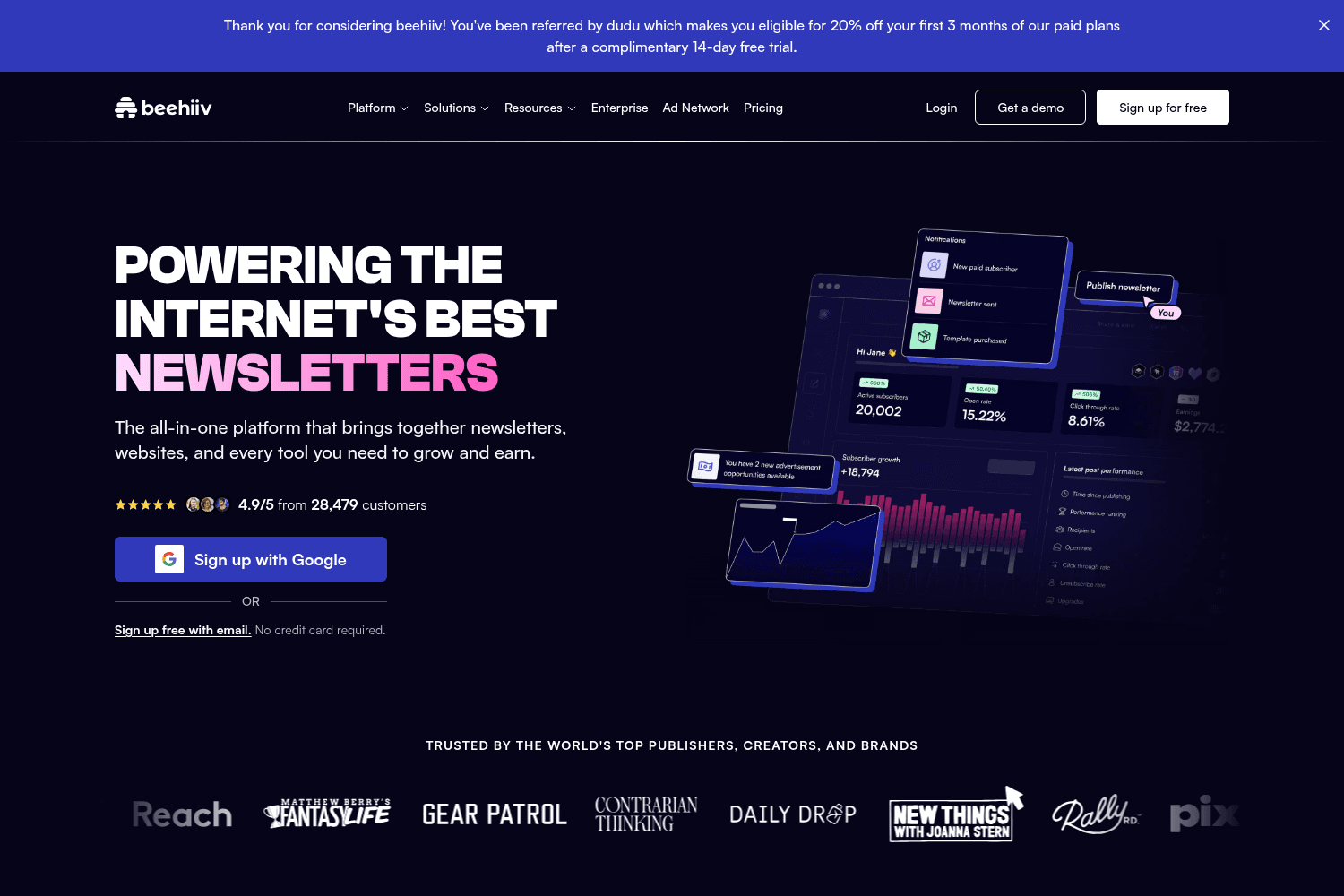
Platform for creating, managing, and monetizing newsletters.
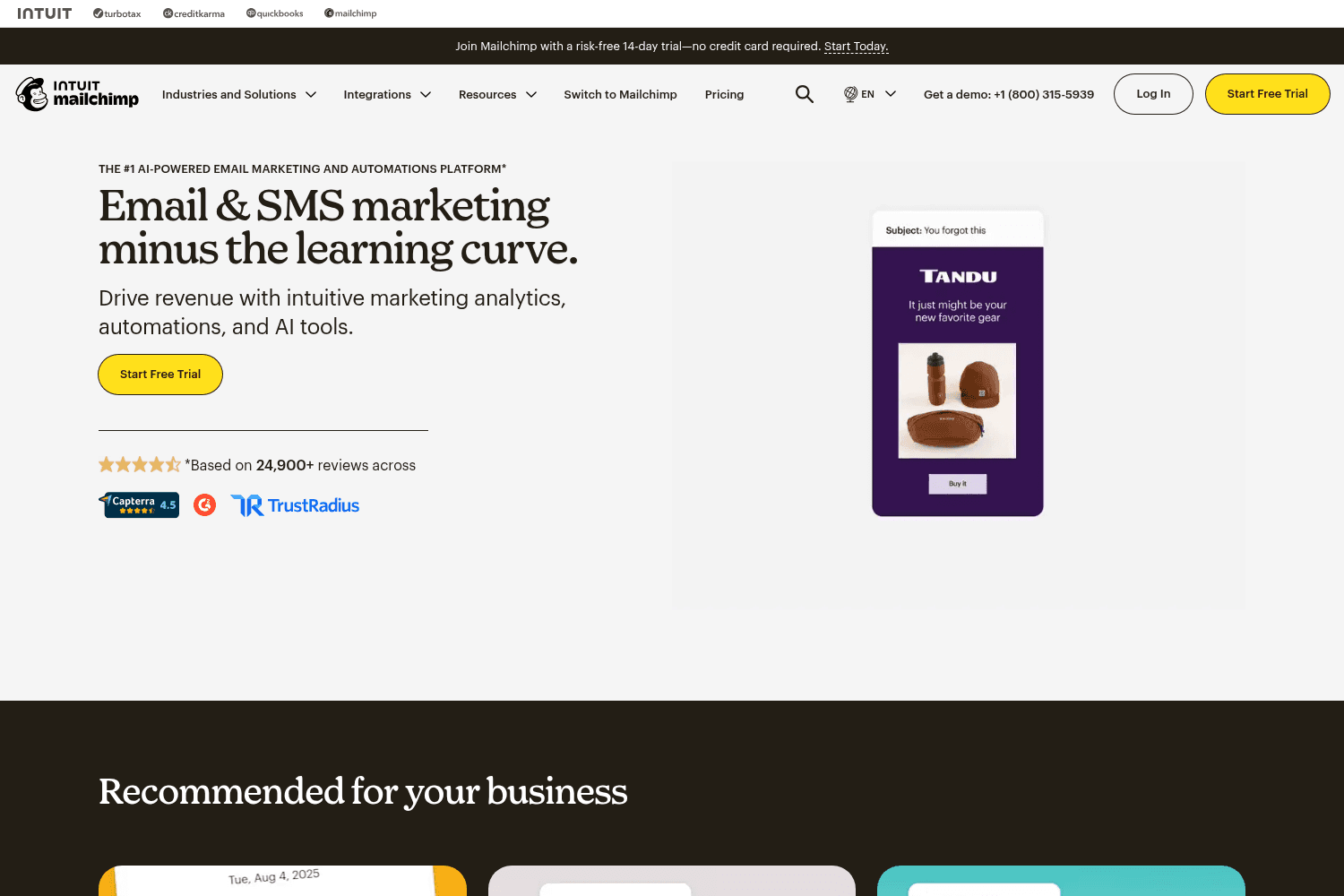
Email marketing platform and automation tools.
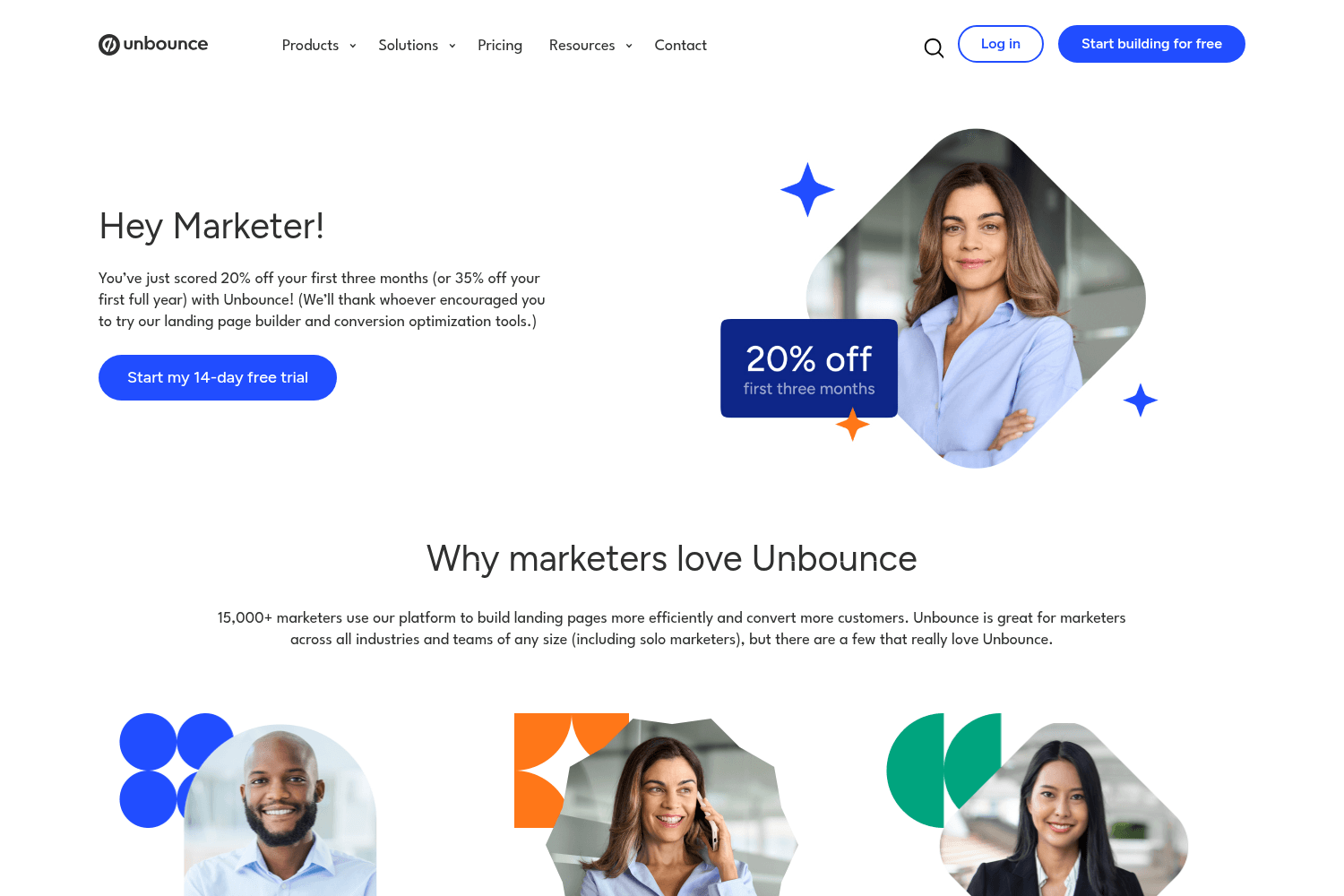
Platform for building and optimizing landing pages for marketing.

Blaze creates personalized social media, blogs, newsletters, and websites.
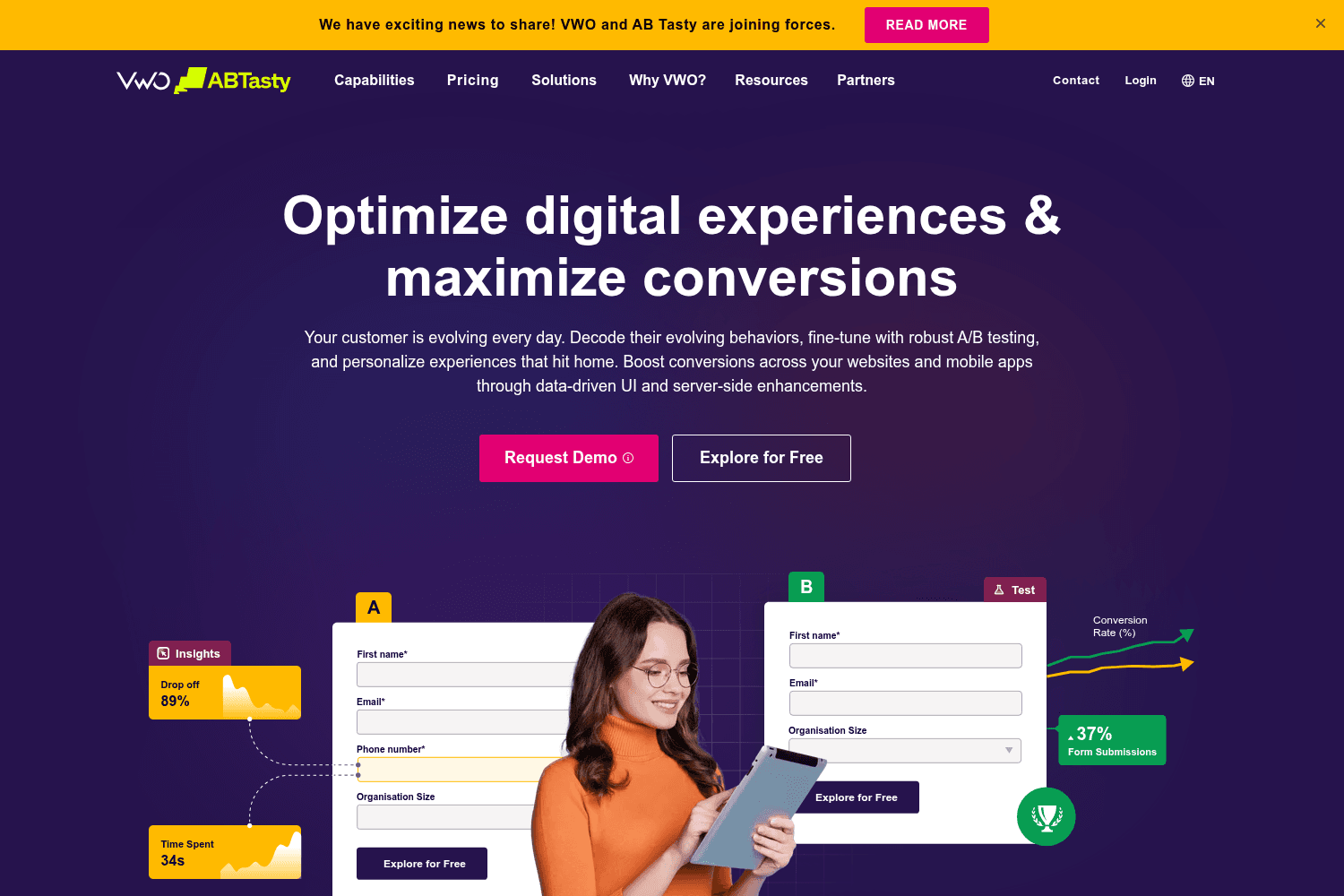
VWO is a platform for A/B testing, personalization, and visitor analytics.
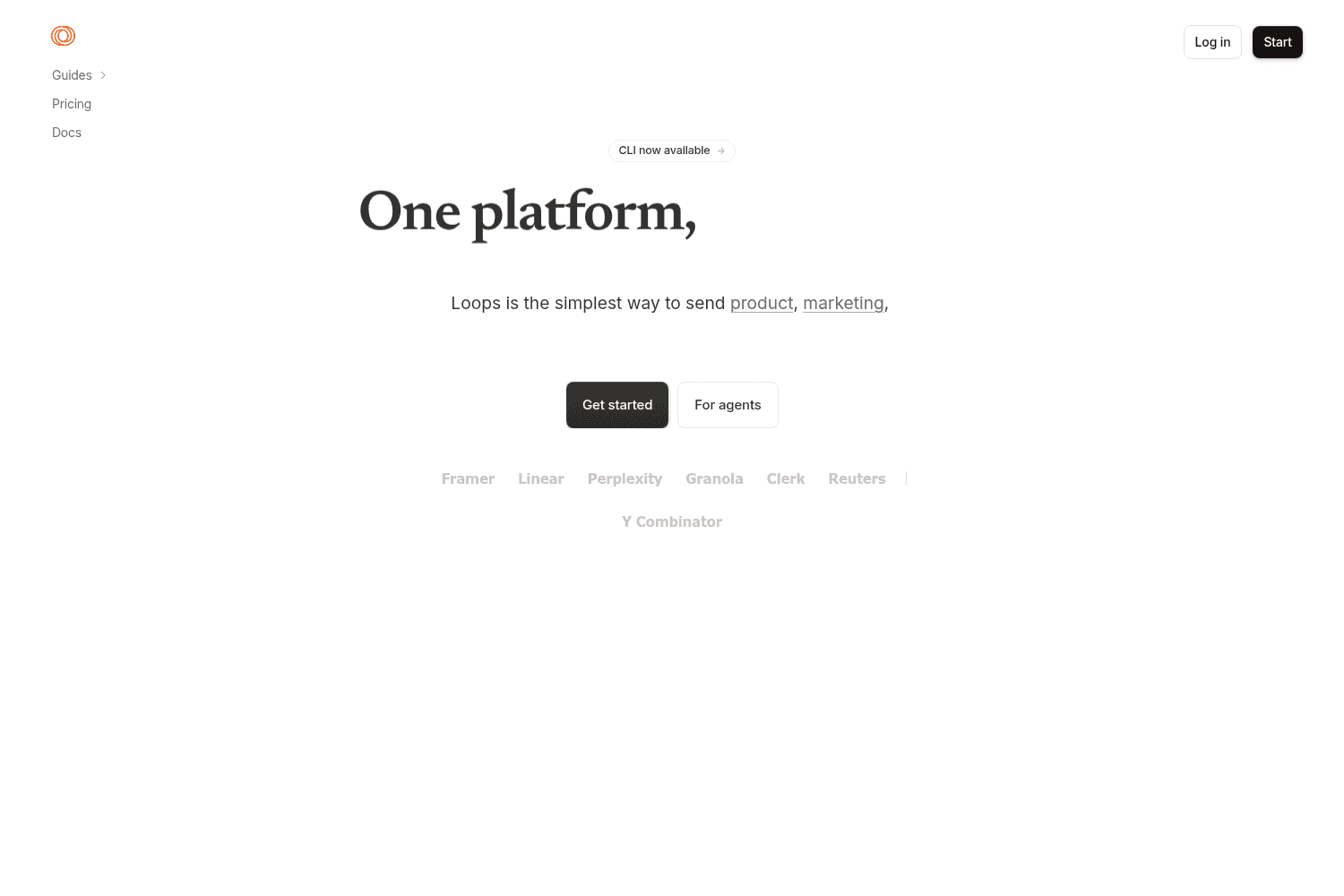
Email Marketing Platform for SaaS.
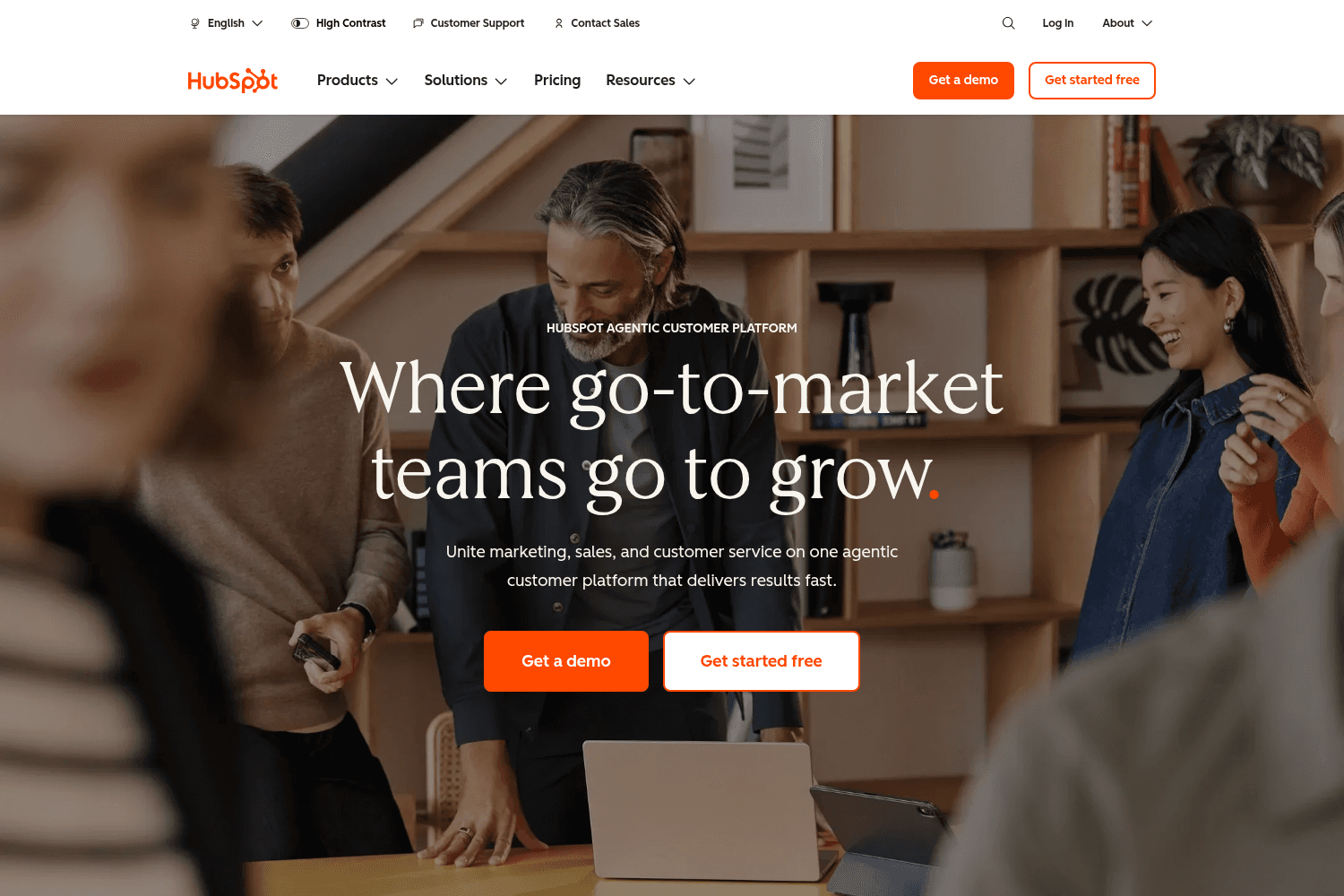
HubSpot offers an agentic customer platform that integrates marketing, sales, and customer service s...
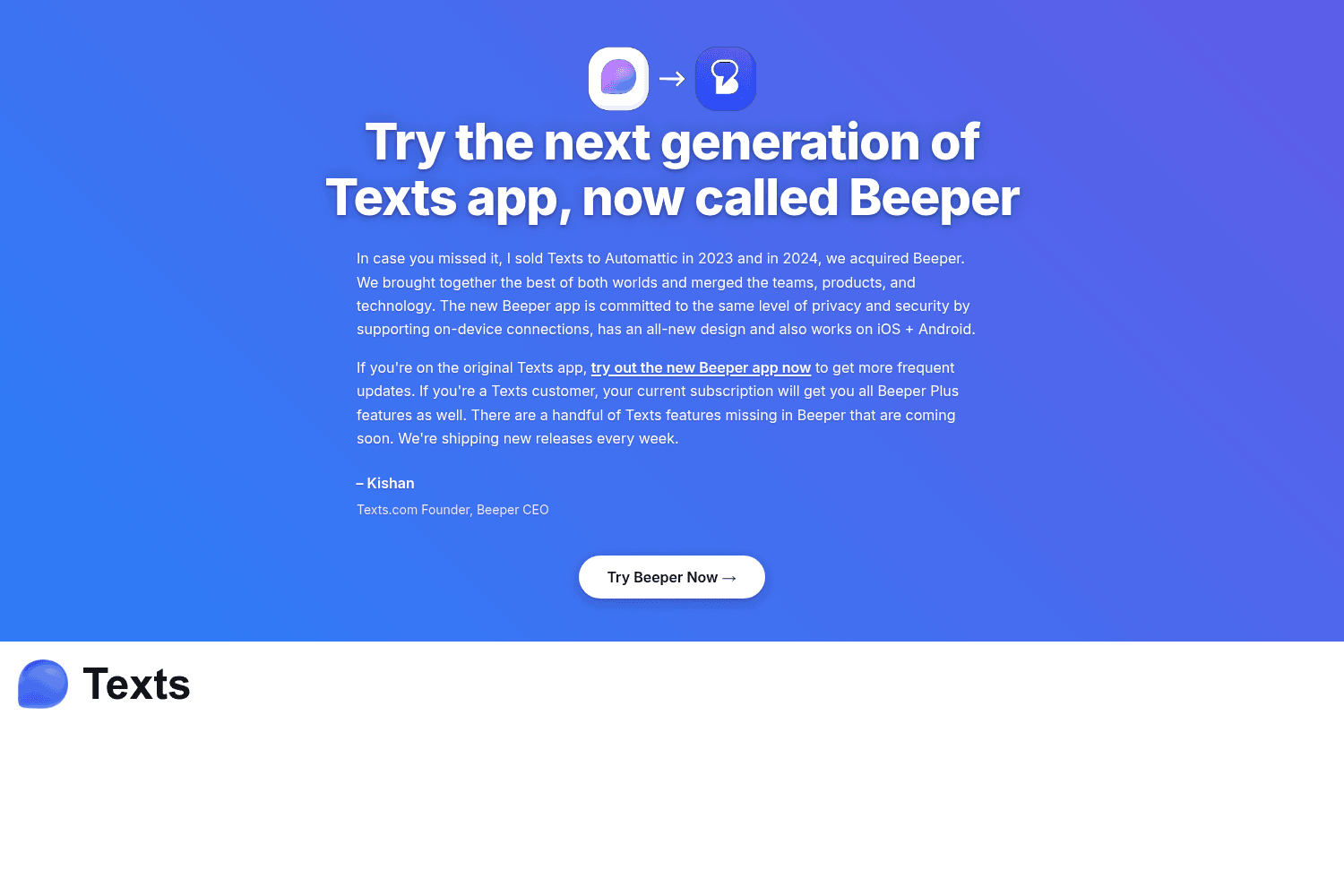
Texts lets you send and receive messages from all major platforms.
Turn anonymous social followers into known CRM contacts. With Cohort by Brevo you can reward real customer actions on Instagram, TikTok, YouTube, and more, then sync every interaction back to Brevo in real time.
Track conversions across Email, SMS, and automated journeys, all in one dashboard. Define what counts as a conversion, pick the attribution model that fits, and get a clear view of ROI across channels.
Sent a campaign with a broken or outdated link? You can now fix it without sending a correction email. Edit any link in a sent campaign within 24 hours and all future clicks will automatically redirect to the new URL.
Trigger automations from any date stored on a custom object — like a contract renewal date, subscription end date, or license expiry. No more workarounds with contact attributes.
Five new connectors are now available in the Brevo App Store. Connect your data source, map fields to CRM attributes, apply transformations, set your sync frequency, and monitor ingestion in real time.
Visualize your marketing performance, contact data, and ecommerce activity all in one place. Activate your data without needed IT support. Access pre-built and custom dashboards, calculate customer scores, and ask questions in plain language to get instant answers from the Brevo AI Data Analyst.
Describe your goal and Brevo AI generates a ready-to-edit automation workflow for you — trigger, steps, and structure included. No blank canvas.
Send one campaign, reach everyone in their language. Build a single email and Brevo automatically delivers each contact the version that matches their preferred language or region.
Keep your automations and campaigns organized with tags. Create tags based on any criteria that matters to you — audience segment, goal, language, or market.
Stop re-applying the same filters every time. Save any combination of filters, columns, and sorting as a named view — then access it instantly as a tab on your Contacts, Deals, or Companies pages.


