
Builder
Streamline development and content management with AI-driven tools in one platform.
Loading section…
Streamline development and content management with AI-driven tools in one platform.

Full-stack platform to build, deploy apps from prompt or even Figma Designs

Webstudio is an open source website builder for creating fast, maintainable websites.

Collaborative interface design tool.

Create custom Airtable apps with an intuitive UI kit on Figma

No-code platform for building digital products.

Instantly create mobile apps from your ideas with this innovative app builder platform.

Interactive design tool for prototyping apps & websites
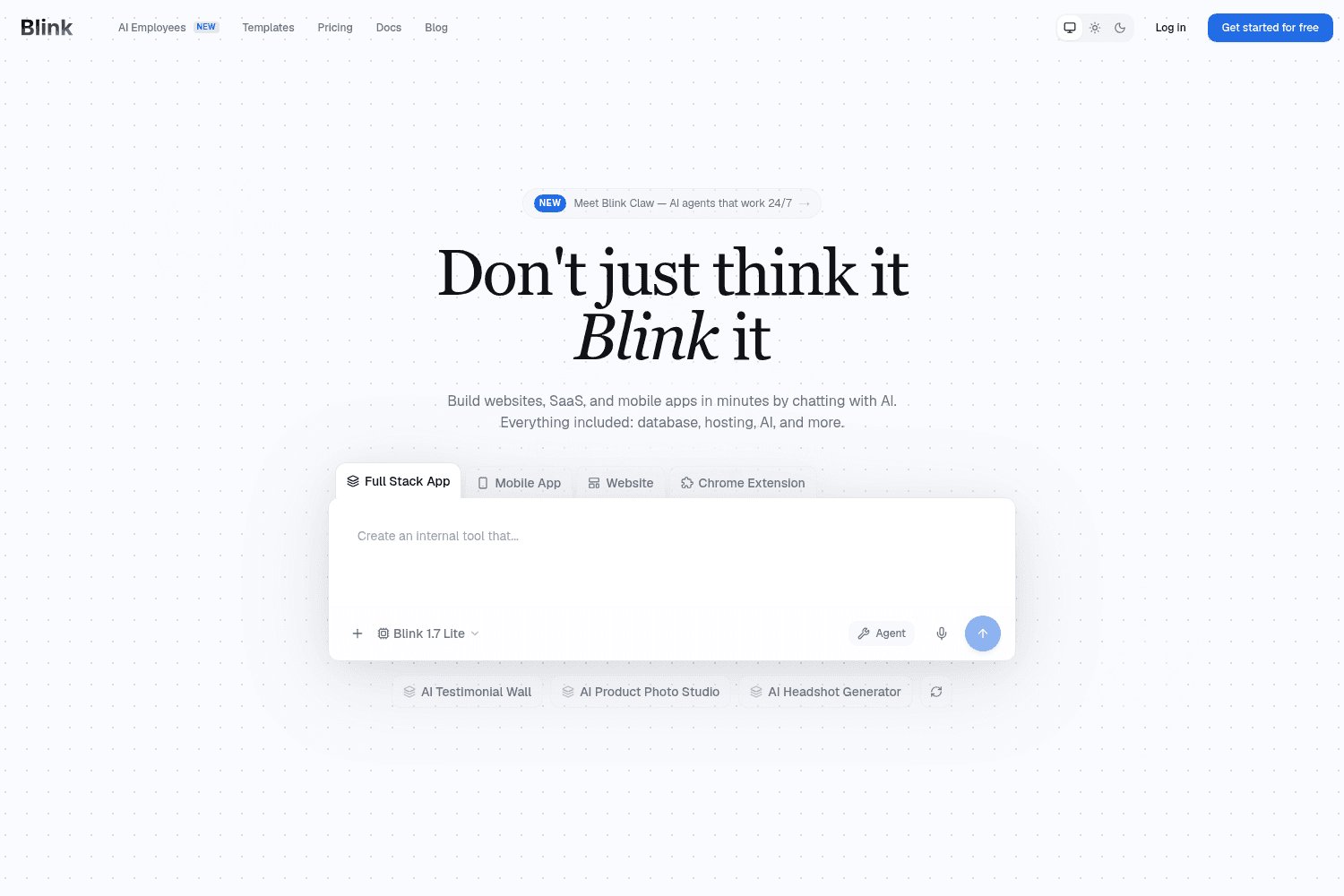
Blink is an AI platform that designs, builds, and hosts your business online without any coding requ...
Bring Builder prototypes into your repo, push local branches for visual collaboration, and generate code grounded in your design system.
Paste the handoff snippet from Claude design directly into Builder to start building.
Select multiple Figma frames and import them together with no size limits. Build responsive components from different breakpoints, import multi-screen flows, or generate entire apps with routing and shared components.
One index now gives the agent, design mode, and the insert menu full knowledge of your design system. Reference tokens and components with @-mentions in chat, see tokens in design mode, and insert components from the menu.
Request and leave reviews on branches before you send a Pull Request. This helps teams collaborate more effectively and catch issues sooner.
With the Chrome extension, highlight an element in your live product, describe the change, and Builder creates an AI-modified branch with the update. Use it to make quick UI tweaks, polish designs, adjust copy, and fix bugs as you browse.
Run several agents at once and keep progress visible while you manage the work in parallel.
Leave feedback directly on a branch with comments that support media and @-mentions. Tagged teammates get an email that links straight to the branch.
A new real-time view for PRs that makes async collaboration easier. Open branches attached to a PR so feedback doesn't bottleneck on a single developer.
Delegate work to specialized agents like a code reviewer, debugger, or test runner. Sub agents run in their own context windows, and Builder can automatically route tasks to the right one.


