Clipchamp
Edit and produce high-quality videos easily with Clipchamp's user-friendly online platform.
Loading section…
Edit and produce high-quality videos easily with Clipchamp's user-friendly online platform.

All-in-one video editing app

Tool that helps turn long videos into short-form content.

Create interactive stories.

AI-powered tool that turns YouTube videos into TikToks, Shorts, and Reels in one click.

AI video editor using natural language prompts. Easy social media cuts, remove repeated takes.
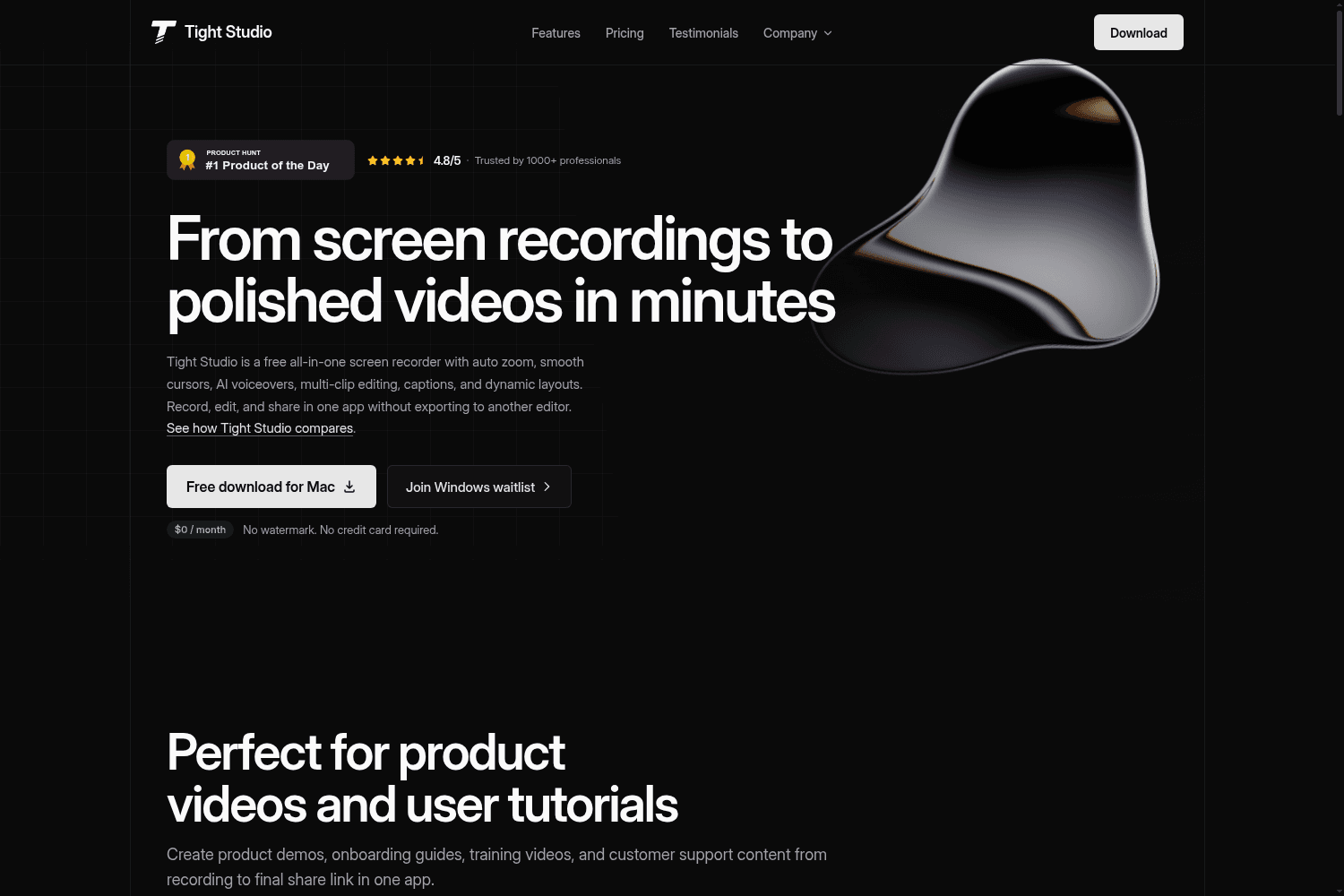
Tight Studio is a free all-in-one screen recording software that allows users to record, edit, and s...

Powerful, free video editing app with professional features for creators.
AI-powered platform automating video clipping and posting for creators and media brands.
Seamlessly download unlimited MP3 files like music, AI voiceovers, audio recordings, and video dialogue in high-quality for free with audio-only exports.
Reduce the background noise, echoes, and mic static in videos and audio tracks to improve the clarity of your sound with AI-powered noise suppression.
Build your videos on the perfect foundation of a custom colored video background or eye-catching gradient background. Choose from default color choices, use the HSV color picker, or enter a HEX code to achieve your unique video aesthetic.
We’re always improving the video editor to create the best online video editing experience for our users. Enjoy time-saving updates like the new video resizer, accurate editing timestamps, and grouping functions.
Take a closer look at your video thanks to the latest editor update. In a few clicks, preview videos in full screen mode as many times as you like.
Explore new vector shape overlays in the content library. Choose from varieties like basic, organic, hand drawn, and more then customize color, size, and orientation.
We've created light and dark mode—a highly requested improvement allowing users to customize Clipchamp theme settings to make video editing easier.
We've updated the way you resize videos in Clipchamp. Select from a range of aspect ratio presents like 9:16, 16:9, 1:1, 4:3, 4:5, 2:3, and 21:9 found in the floating toolbar.
Learn how to organize video clips, music, and text into groups to streamline your video editing experience and create perfectly synced videos.
Rotate videos, images, logos, and graphics 360 degrees for free, without any limitations.


