
Databuddy
Monitor your website's performance effortlessly while ensuring user privacy with Databuddy.
Loading section…
Monitor your website's performance effortlessly while ensuring user privacy with Databuddy.
Over this week, we shipped a Nuxt module that works out of the box, hardened query batching across the ClickHouse layer, and built an MCP tool for comparing metrics around deployment boundaries. We also fixed several stability issues around readonly users, uptime redirects, and revenue attribution.
The new @databuddy/nuxt module lets Nuxt developers add tracking and feature flags through a single client plugin. No app.vue modifications needed. Script injection, SPA tracking, and error handling work automatically, with full TypeScript support and SSR-safe composables.
The compare_around_event MCP tool helps agents analyze what changed when you deployed. Run three comparisons in parallel - summary metrics with delta/direction, error classes (new and movers), and top pages - across any date boundary and window size.
The batch executor groups builders by schema signature for UNION execution, adding output_fields for all 31 builders and optimizing queries to reduce the number of round-trips in the revenue dashboard.
ClickHouse readonly=1 users rejected client-side settings. Now, chQuery detects the readonly error, caching that decision and retrying without the settings, thus preserving cache and analyzer benefits on writable users.
Changed the probe to follow redirects properly, preventing false positives for downtime during http-to-https transitions.
Added mapWithConcurrency to cap dashboard batches at 3 in-flight groups, protecting the cluster from load spikes while keeping cached refreshes fast.
The status page now surfaces incidents returned by status-page.getBySlug instead of hard-coding "No incidents reported."
Revenue builders now correctly apply filter WHERE clauses for filtered overview cards, time-series, and attribution tables.
To prevent tag forging, raw Slack text is now stripped of angle-bracket delimiters before being interpolated into prompt-frame tags.
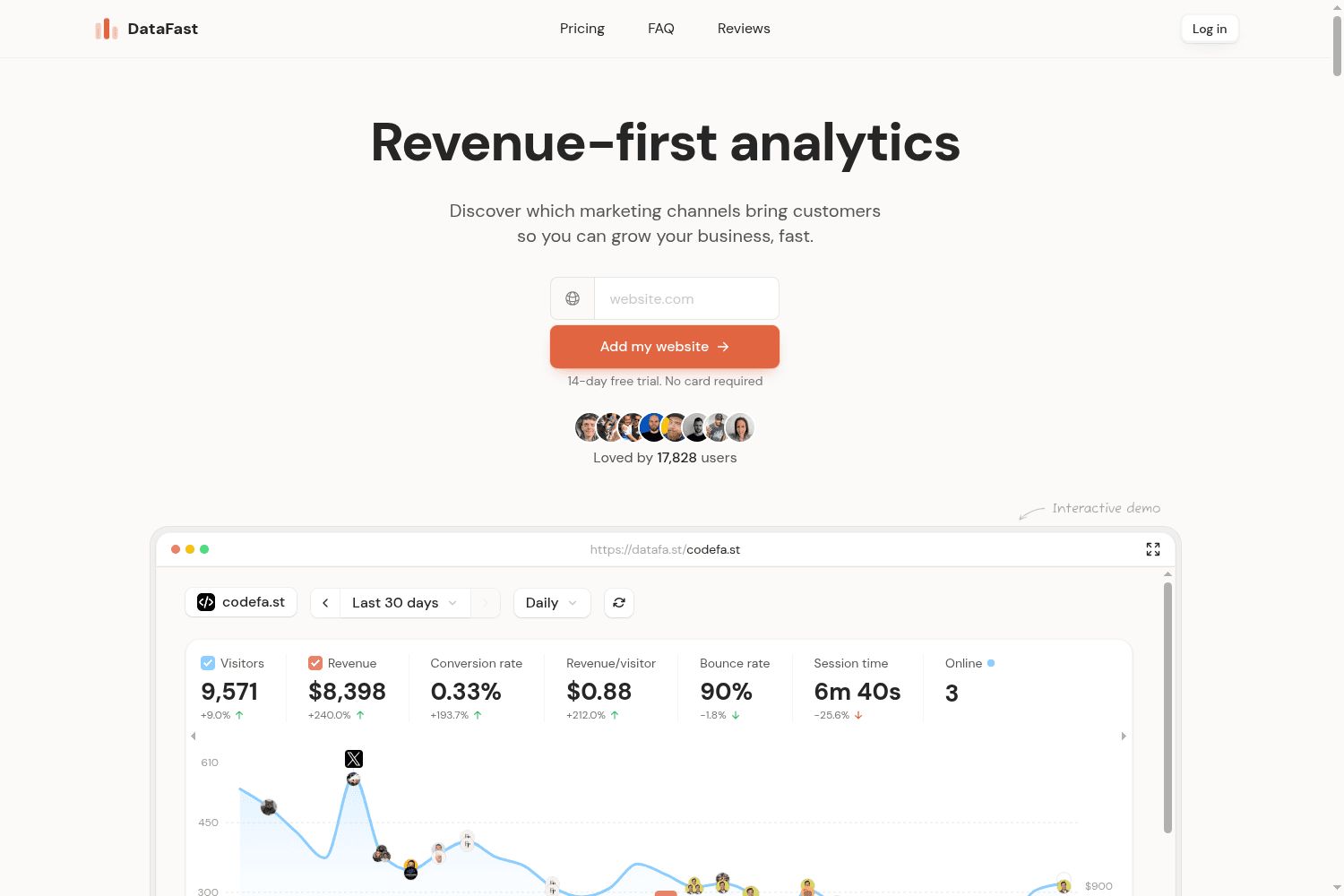
Actionable analytics for founders to analyze traffic and optimize marketing channels.

Automate client reporting with customizable dashboards for SEO, PPC, social media.
Privacy-first website analytics for SaaS with real-time, cookieless tracking
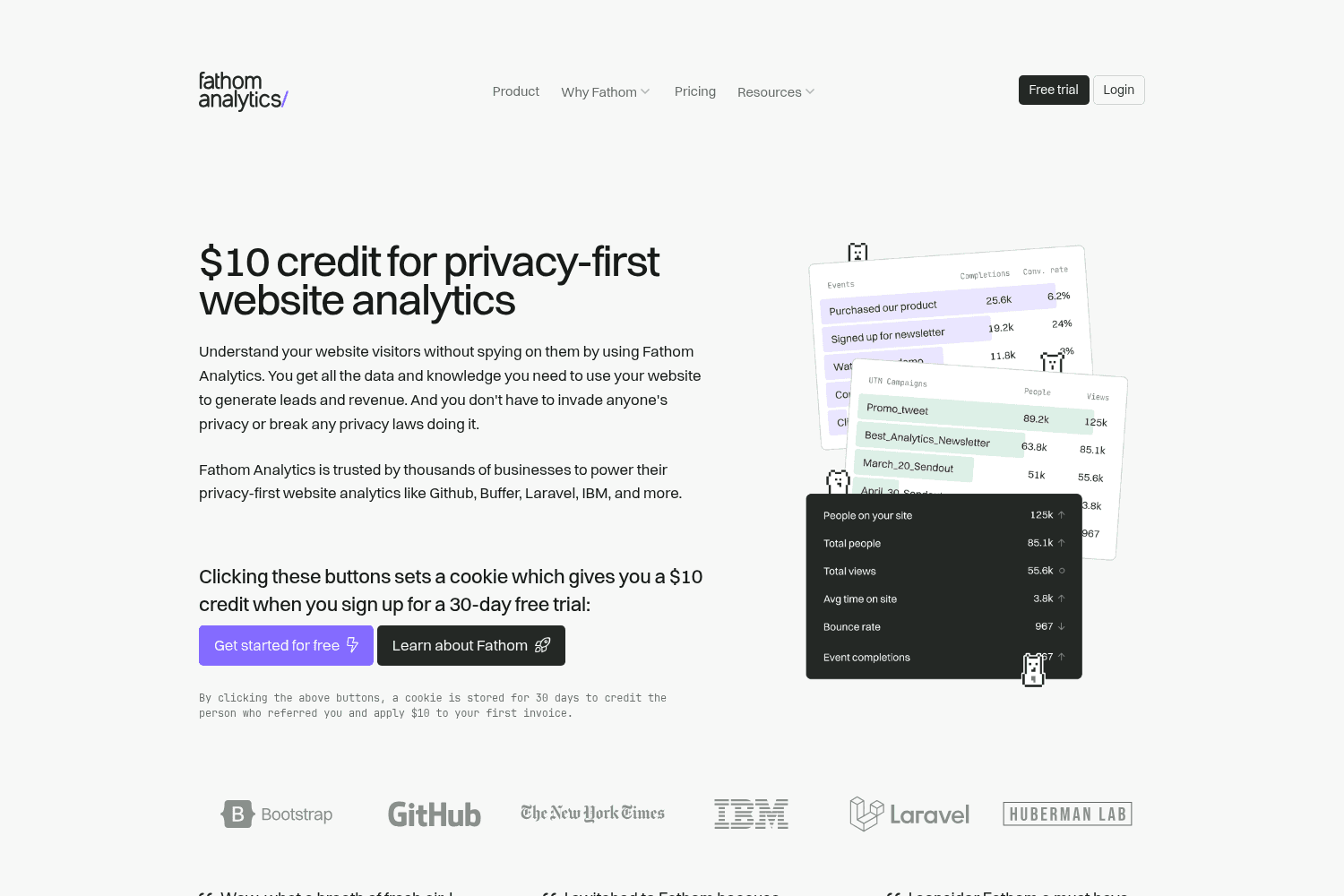
Privacy-focused analytics for websites.

Distribb is an AI-driven SEO growth platform that automates content creation and backlink building t...

Visual drag-and-drop builder for creating high-quality Shopify pages.

Kobbe is a privacy-focused web analytics platform that allows users to monitor traffic, conversions,...
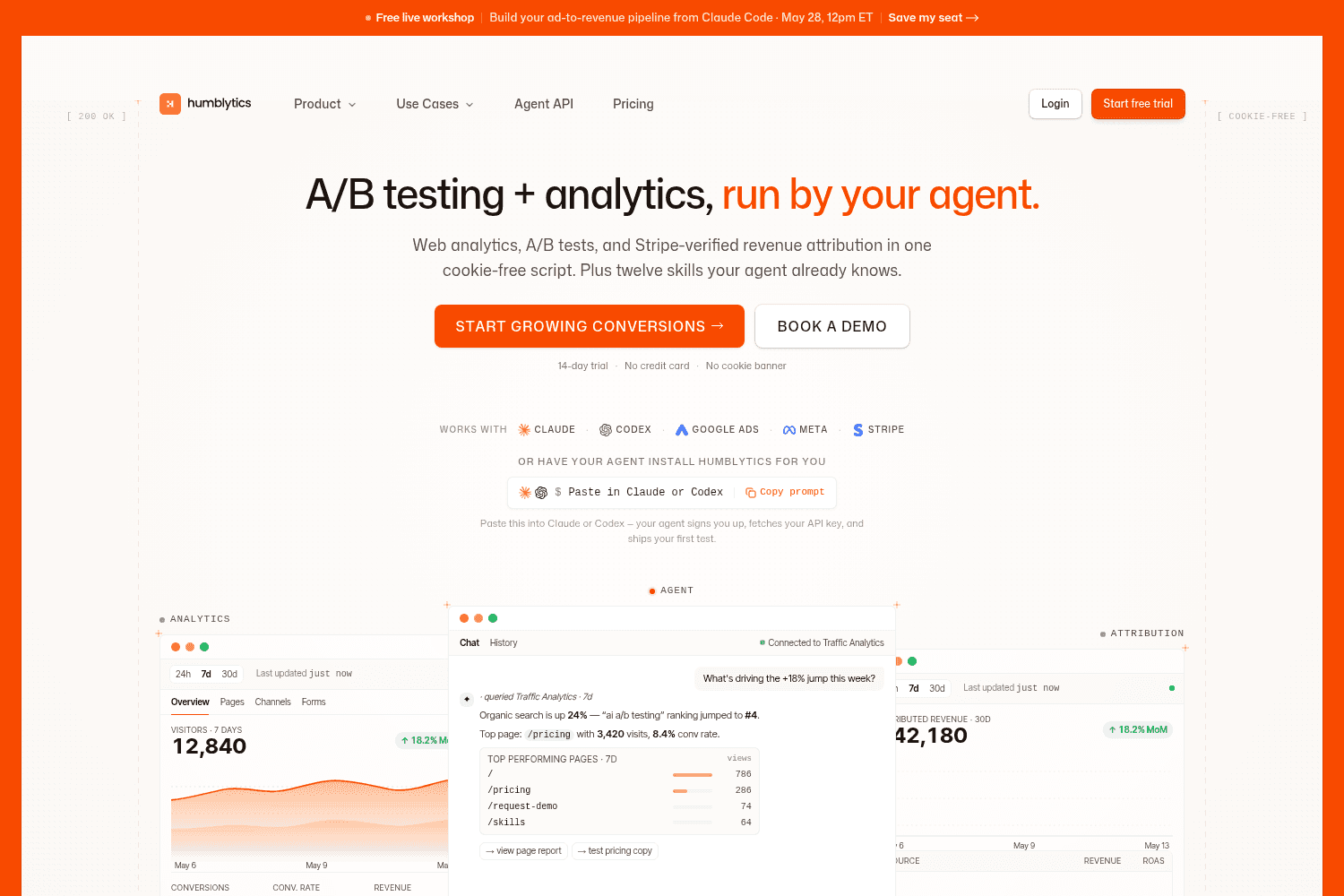
Analytics platform for Framer & Webflow.


