
Figma Make
Transform design ideas into interactive prototypes swiftly using AI-powered tools.
Loading section…
Transform design ideas into interactive prototypes swiftly using AI-powered tools.
Bulk edit and resize campaign assets at scale in Figma Buzz. Upload a spreadsheet to create assets, then multi-select cells in the table view to manage content and design properties like sizes and brand imagery across hundreds of variants at once.
Grid is generally available and now makes it easier to reorder columns and rows, auto-position items into empty cells, and auto-add or remove rows to fit so you spend less time on manual fixes.
Figma's purpose-built agent is embedded where design already happens. It generates and remixes designs, automates rote work, and respects your design systems out of the box.
Figma Slides now has sections, making it easier to organize and navigate your presentation. Name your slide rows, drag to reorder them, and jump between sections directly from Presenter or Audience View.
Skills are markdown files that outline the conventions and workflows you use repeatedly, so you get prototypes that match your standards with fewer prompts. Import existing skills or create one in Make.
In our latest Release Notes we covered the newest updates across Figma, including live demos showing how leading product teams are co-designing with AI agents.
Move between files in the Figma desktop app without the usual interruptions that slow you down. Links open where you already are, recent work is a search away, and what's next loads before you get there.
Make introduces new features for more control and context as you build, including voice-to-text, question cards, version history, and more.

Create custom Airtable apps with an intuitive UI kit on Figma
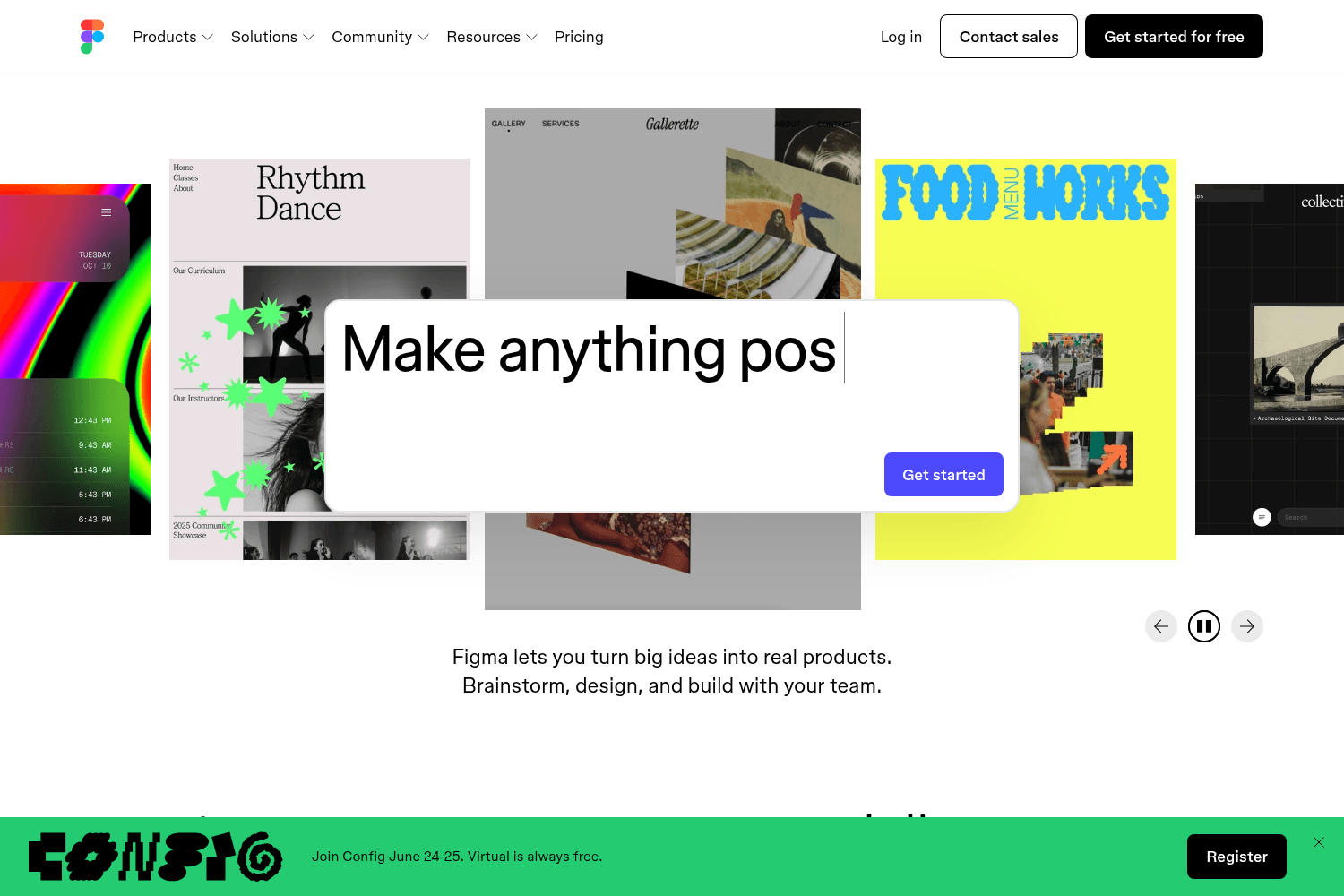
Collaborative interface design tool.
Automation platform connecting multiple online services.

Resources and articles on design systems.
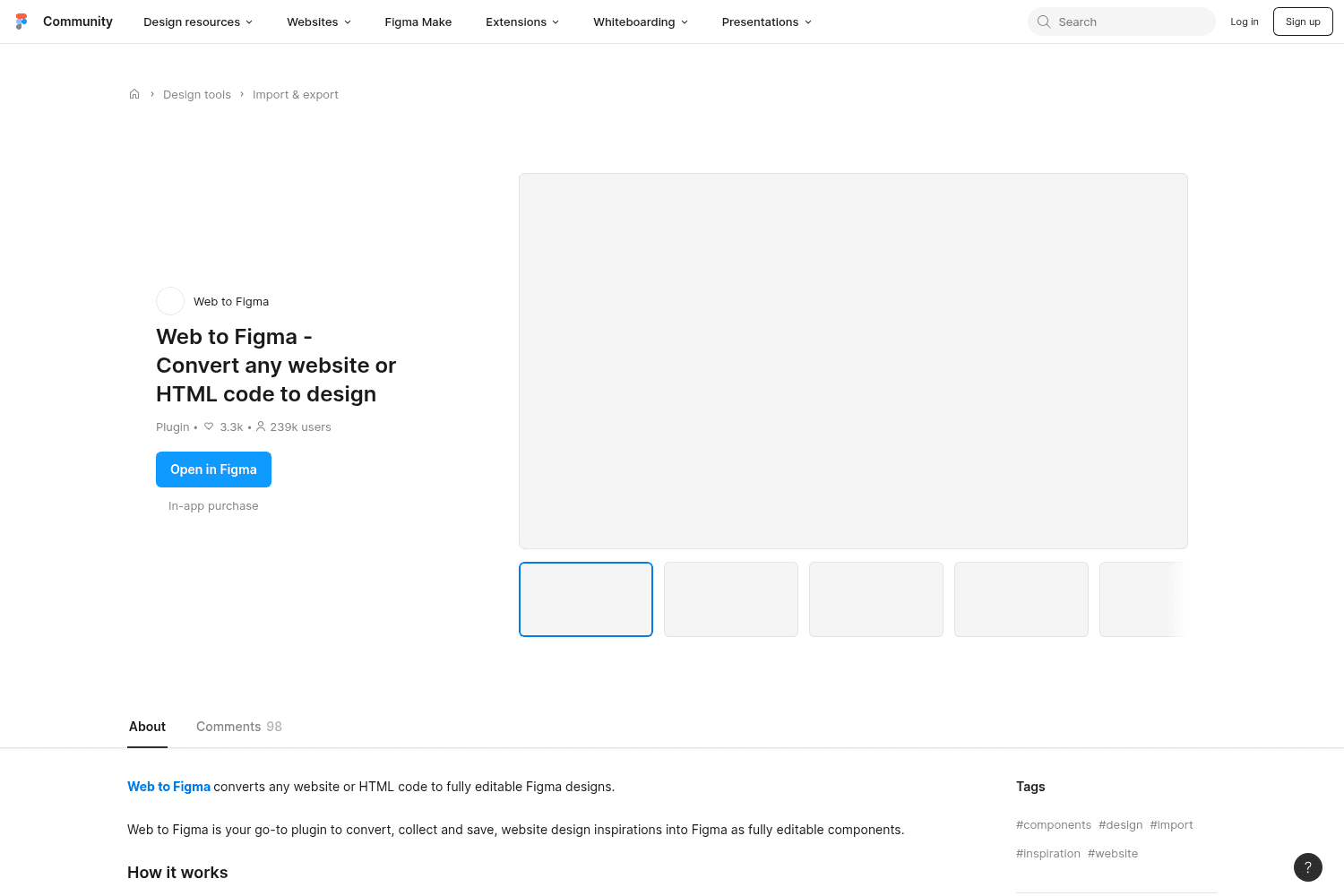
Convert web designs to Figma.
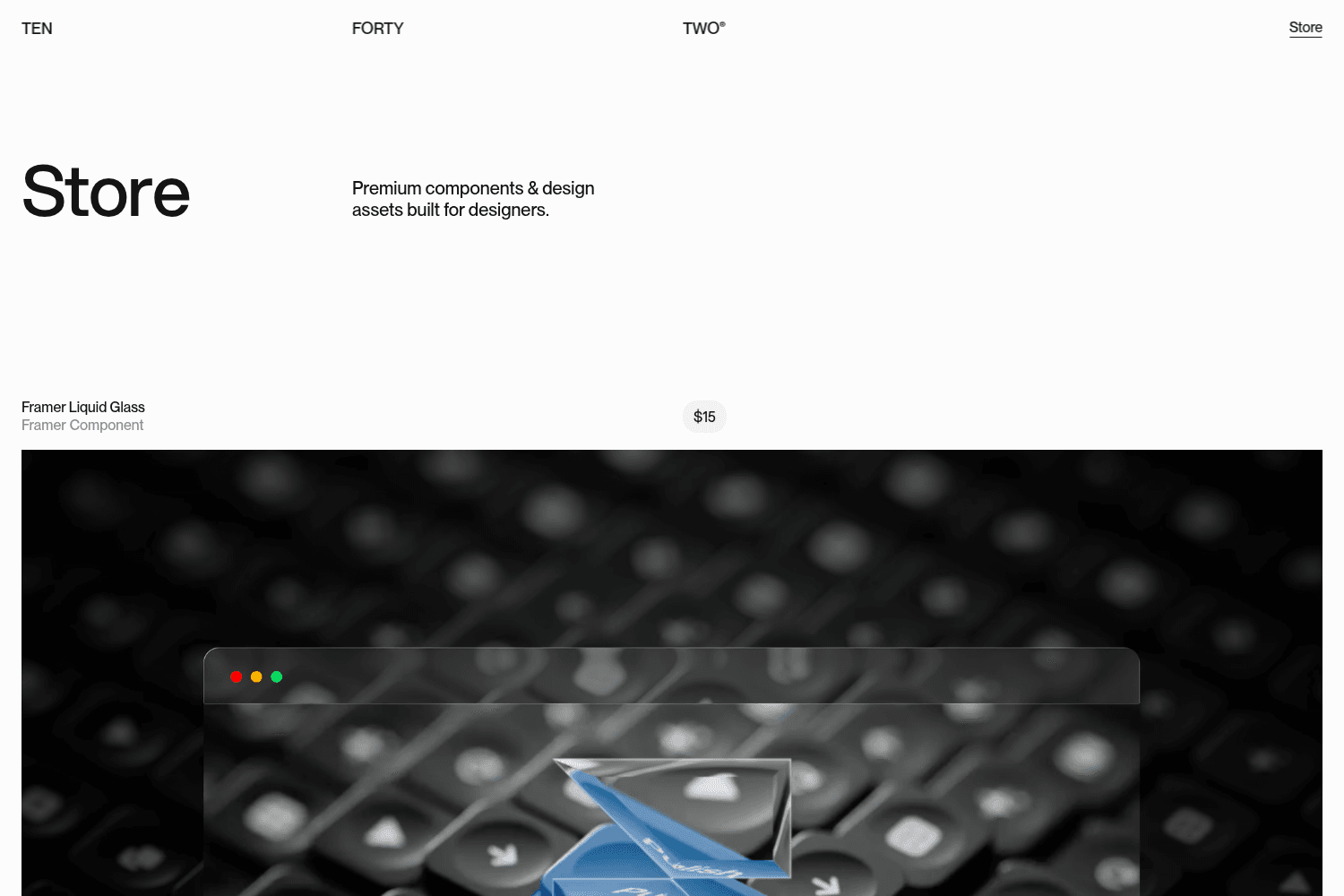
Innovative design studio crafting unique brand identities for startups and global giants
Converts design screenshots into editable Figma designs using AI.
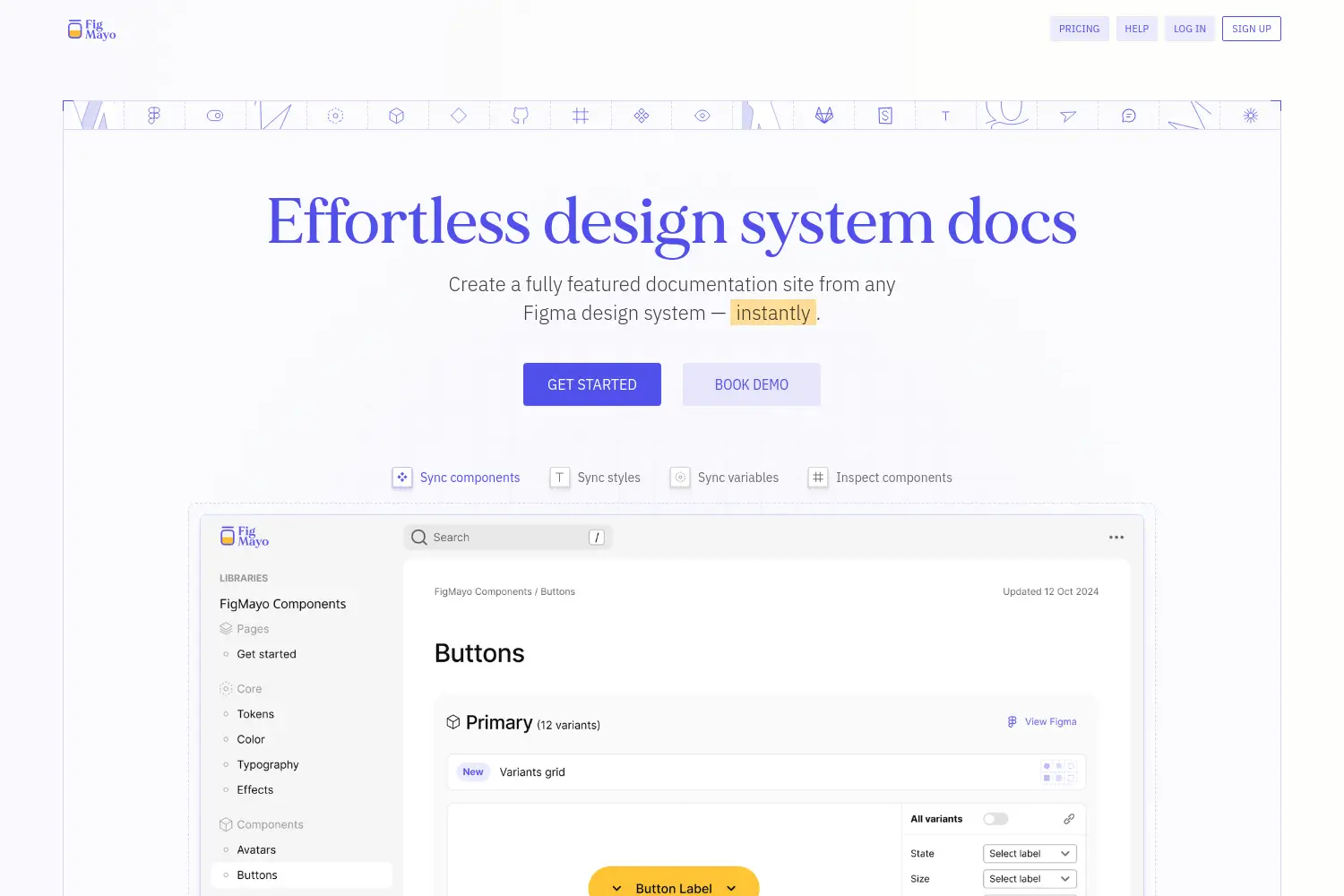
Publish design systems as website from Figma.


