FocuSee
Transform screen recordings into polished videos effortlessly with smart AI enhancements.
Loading section…
Transform screen recordings into polished videos effortlessly with smart AI enhancements.

Online tool for creating and sharing screen recordings.
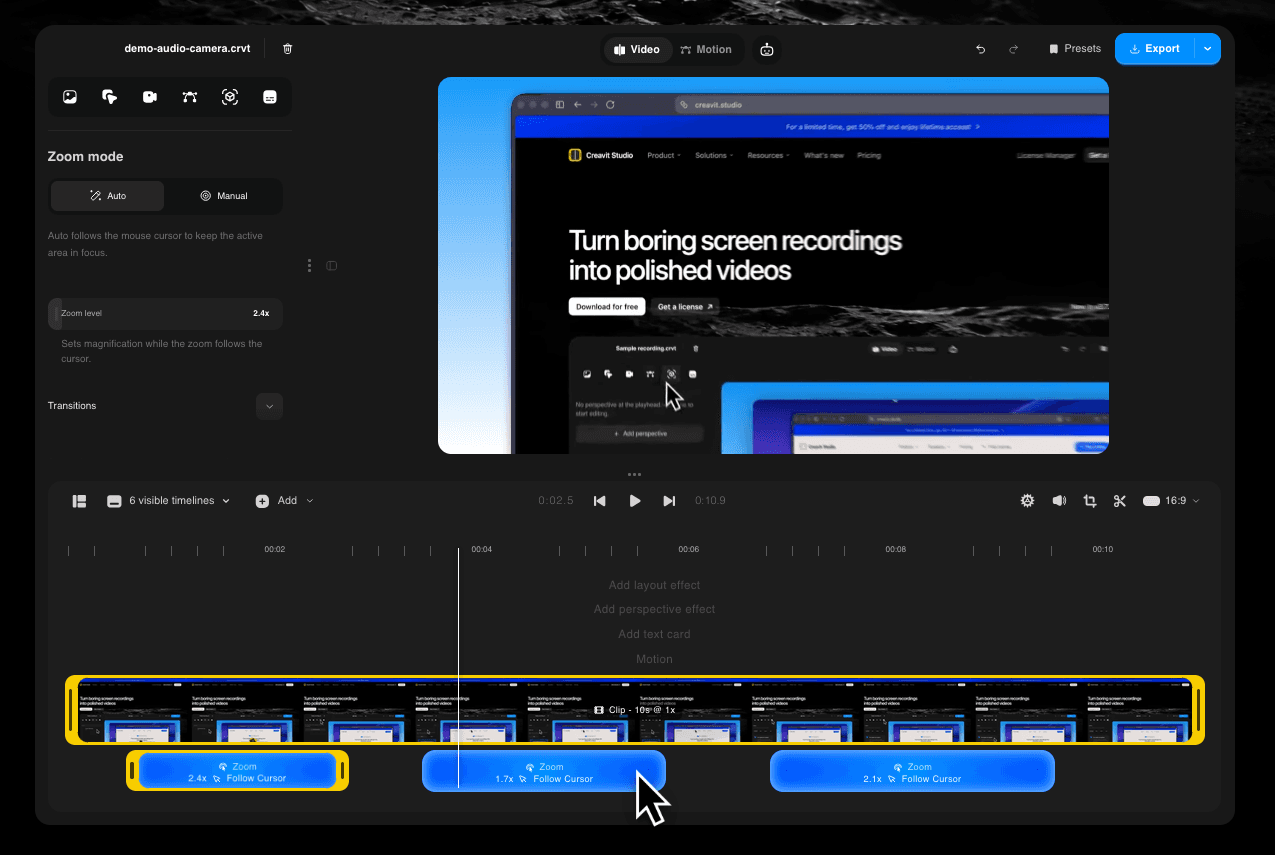
Creavit Studio is a powerful macOS screen recording tool that allows users to transform their screen...
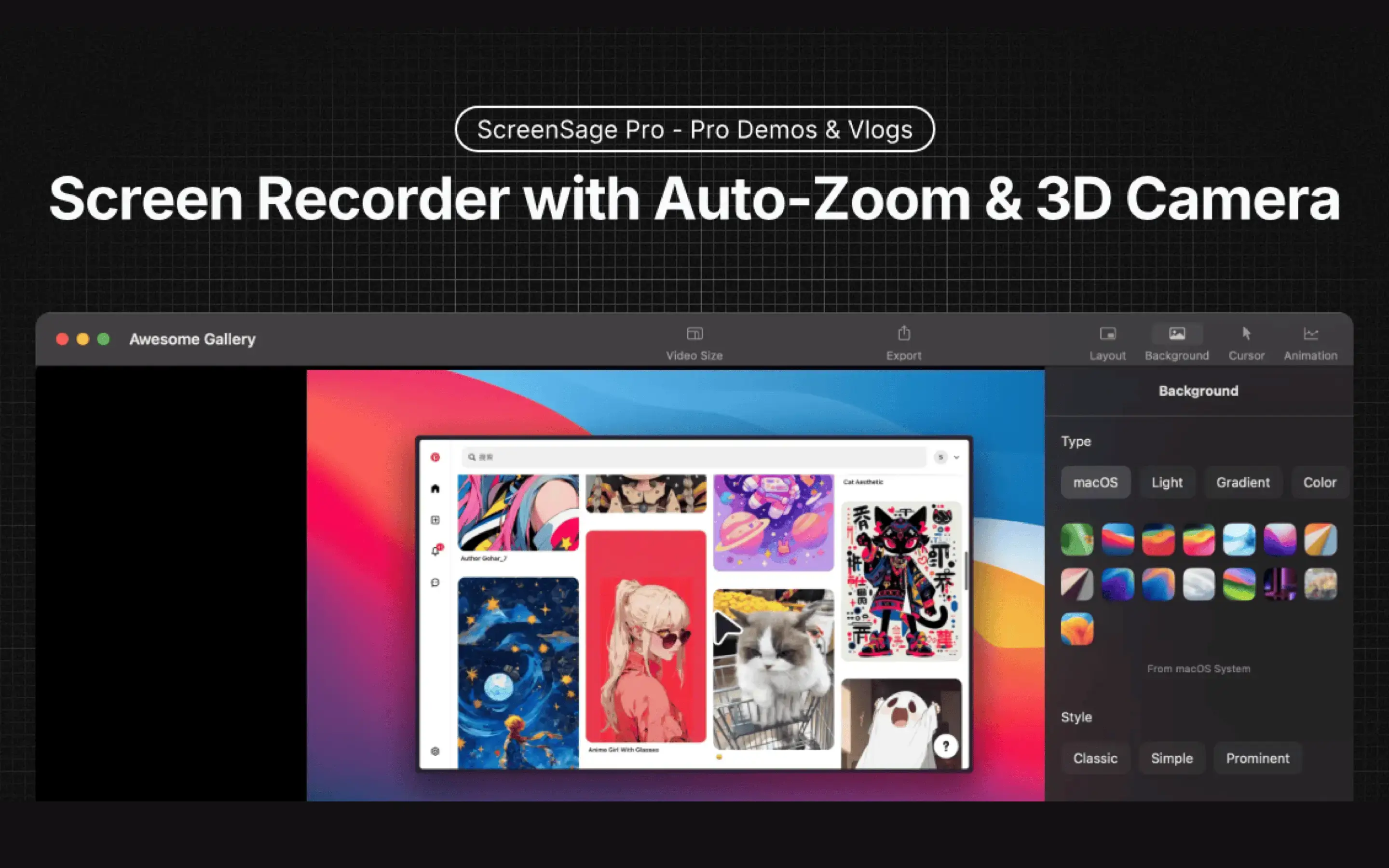
Mac screen recorder for demos and tutorials with auto-zoom and polished exports
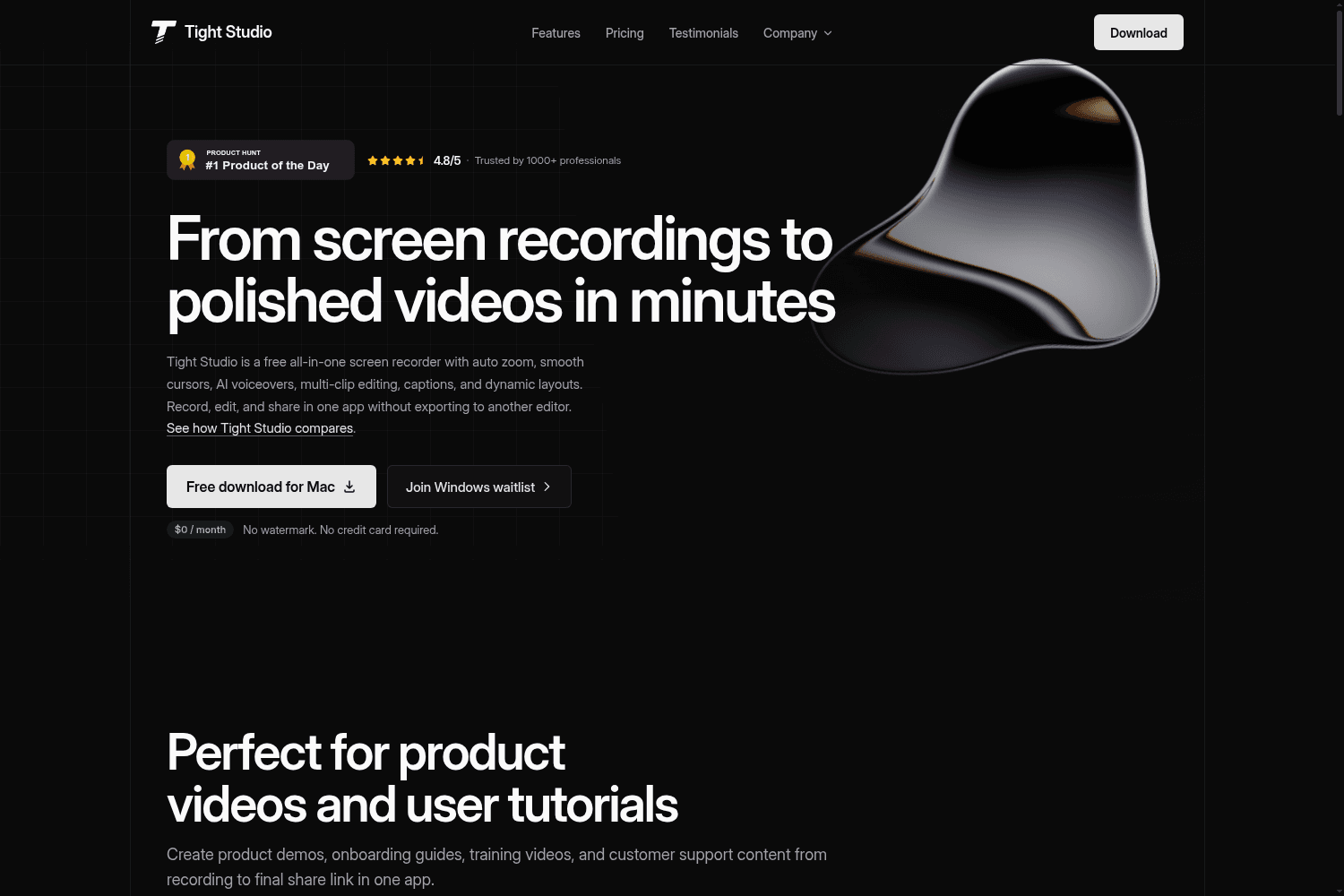
Tight Studio is a free all-in-one screen recording software that allows users to record, edit, and s...

Open-source screen recorder for MacOS/Windows/Linux with auto-zoom and cursor animations.

Tool for transcribing and summarizing Zoom meetings in real-time.

Create engaging screen recordings.

Cursorful is a free Chrome extension screen recorder that auto zooms on your clicks. No sign-up, no ...
1. Added video annotation feature: Supports text, shapes, and arrows for clearer expression of key content. 2. Supports adding multiple spotlights and mosaics to a single frame for more flexible annotation.
1. Added 3D Motion feature. 2. Supported more keyboard shortcuts. 3. Added timeline element snap alignment. 4. Supported MP4 export at original resolution. 5. Supported GIF export at 360P and 640P. 6. Supported hiding cursor on individual clips. 7. Added shortcuts to copy/paste element attributes. 8. Teleprompter default speed adjusted to 1x, min 0.5x.
1. Support for original resolution export. 2. Improved video export clarity and reduced file size. 3. Support for GIF export in 360p and 640p resolutions. 4. Support for quality selection when exporting GIF. 5. Optimized timeline editing stability and enhanced interaction experience. 6. Fixed various issues that affected stability and functionality in the app.
## Win(2.1.0) 1. Added mobile screen recording for iOS and Android. 2. Added a new setting to control whether videos auto-play when the editor opens. 3. Added playback speed options to video preview. 4. Added Portuguese language support. 5. Enhanced recording stability. 6. Improved the usability of Spotlight and Blur features. 7. Optimized default recording shortcuts. 8. Improved sharing logic: successful shares no longer require a password by default. 9. Fixed known bugs and improved the editing experience. ## Mac(2.1.1) 1. Added Portuguese language support. 2. Improved the zoom interaction for smoother control. 3. Enhanced recording stability. 4. Boosted export performance.
# **✨** New 1. AI Transcribing lets you auto-edit your video by simply editing the text. 2. AI Avatar creation using your microphone, so you never have to be on camera. 3. AI Vocal Enhancement instantly upgrades your mic audio to studio quality. 4. Camera Background Control to easily remove, replace, or blur your backdrop. 5. AI Auto-Captioning generates multi-language subtitles for global reach. 6. Smart Mic Noise Reduction eliminates background distractions. 7. New Mouse Styles & Animations for enhanced visual flair in your videos. 8. Cursor Hiding for a cleaner screen presentation. # 🚀Improved 9. Refreshed UI and Interactions for a smoother, more intuitive experience. 10. Optimized Project Naming for faster and more efficient file management. 11. Stability and Performance Update with bug fixes and core enhancements.
# **✨** New 1. Added Blur Effect to easily blur sensitive content. 2. Added option to choose video quality when exporting. 3. Added new mouse cursor styles. 4. Support for selecting fixed aspect ratios in the custom recording area. 5. Added option to show or hide desktop icons during recording. 6. Added option to enable or disable auto-generated Zoom effects # 🚀Improved 1. Improved window recording interaction to make target window selection easier. 2. Enhanced spotlight effect and interaction.
# **✨** New 1. Added cloud sharing for quick video sharing. 2. Added mosaic feature to easily cover sensitive information. (1.6.0 Mac) 3. Added option to choose video quality during export. (1.6.0 Mac) 4. Supports custom recording area selection with fixed aspect ratio. (1.6.0 Mac) 5. Supports choosing whether to record desktop icons in [Settings - Recording Settings]. (1.6.0 Mac) 6. Supports choosing whether to automatically generate Zoom in [Settings - Recording Settings]. (1.6.0 Mac) # 🚀Improved 1. Optimized window recording interaction for easier target window selection. (1.6.0 Mac) 2. Improved the addition effect and operation of the spotlight feature. (1.6.0 Mac)


