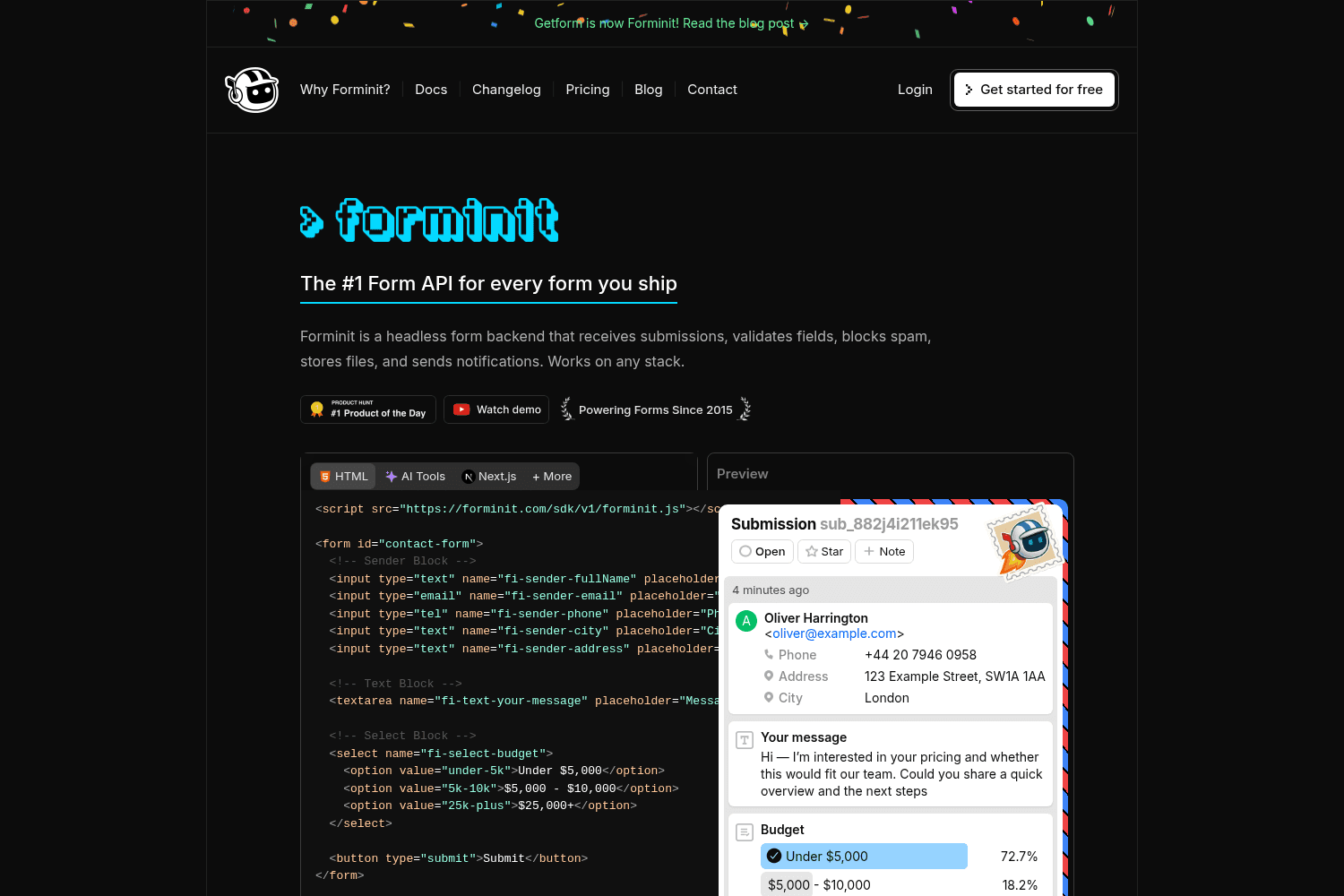
Forminit is a comprehensive headless form backend service that handles form submissions, validation,...
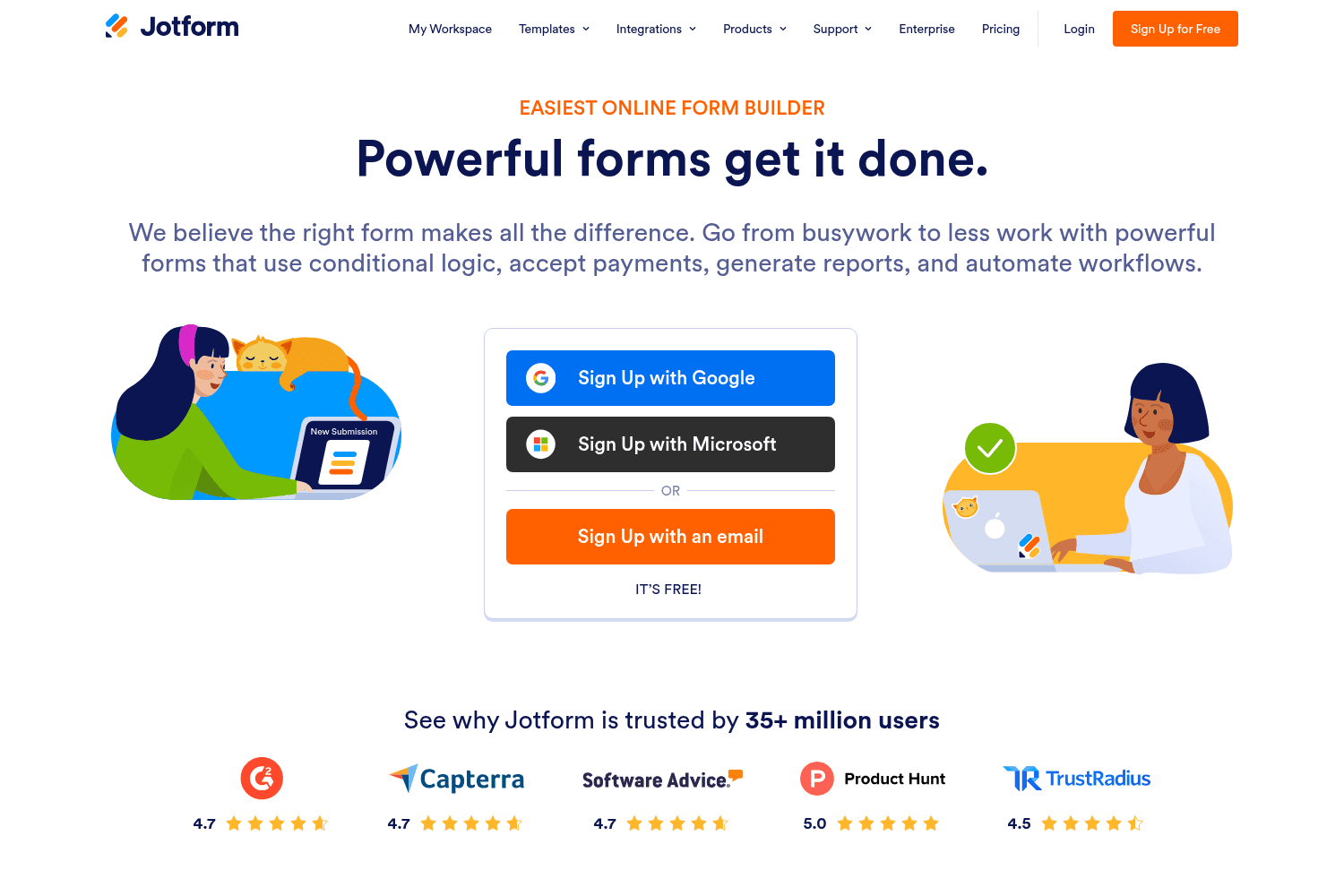
Jotform is an online form builder that allows users to create powerful forms easily.
Free online form builder.
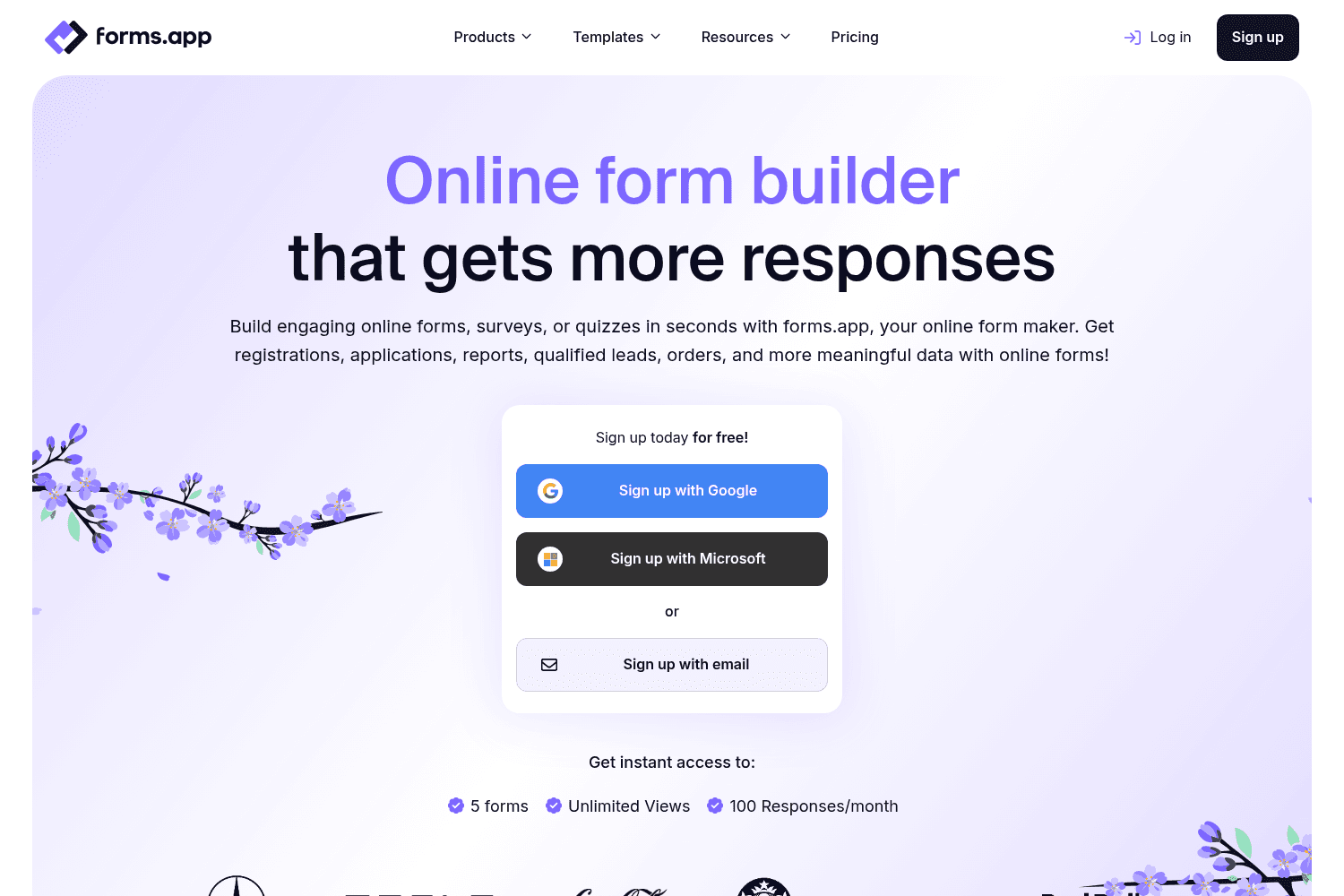
Create online forms, surveys & quizzes easily with forms.app—enhance data collection. Free & Paid op...
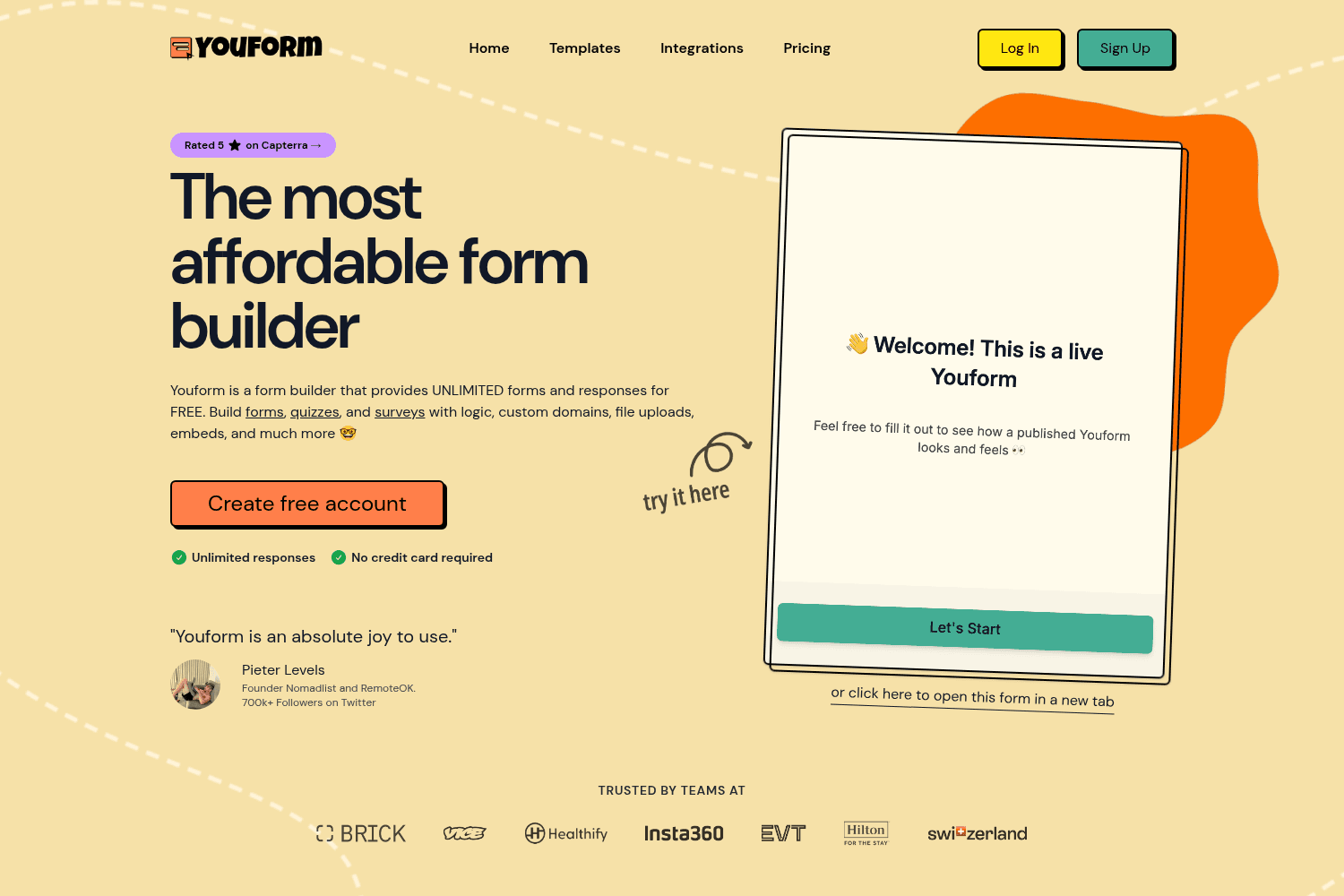
Youform offers unlimited form creation with responses for free. Features include logic, templates, a...
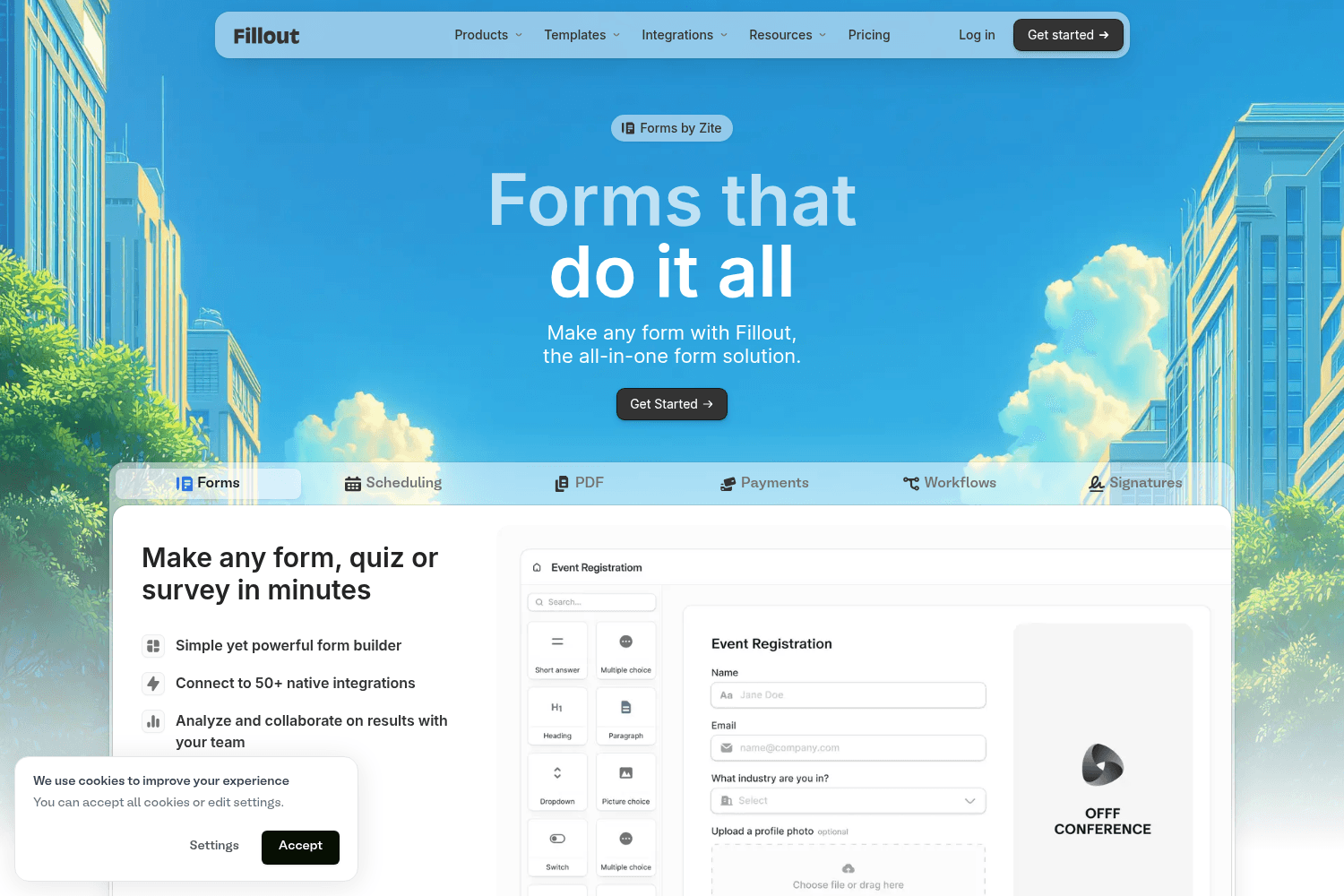
Fillout is a powerful form builder for creating surveys, quizzes, and forms easily.
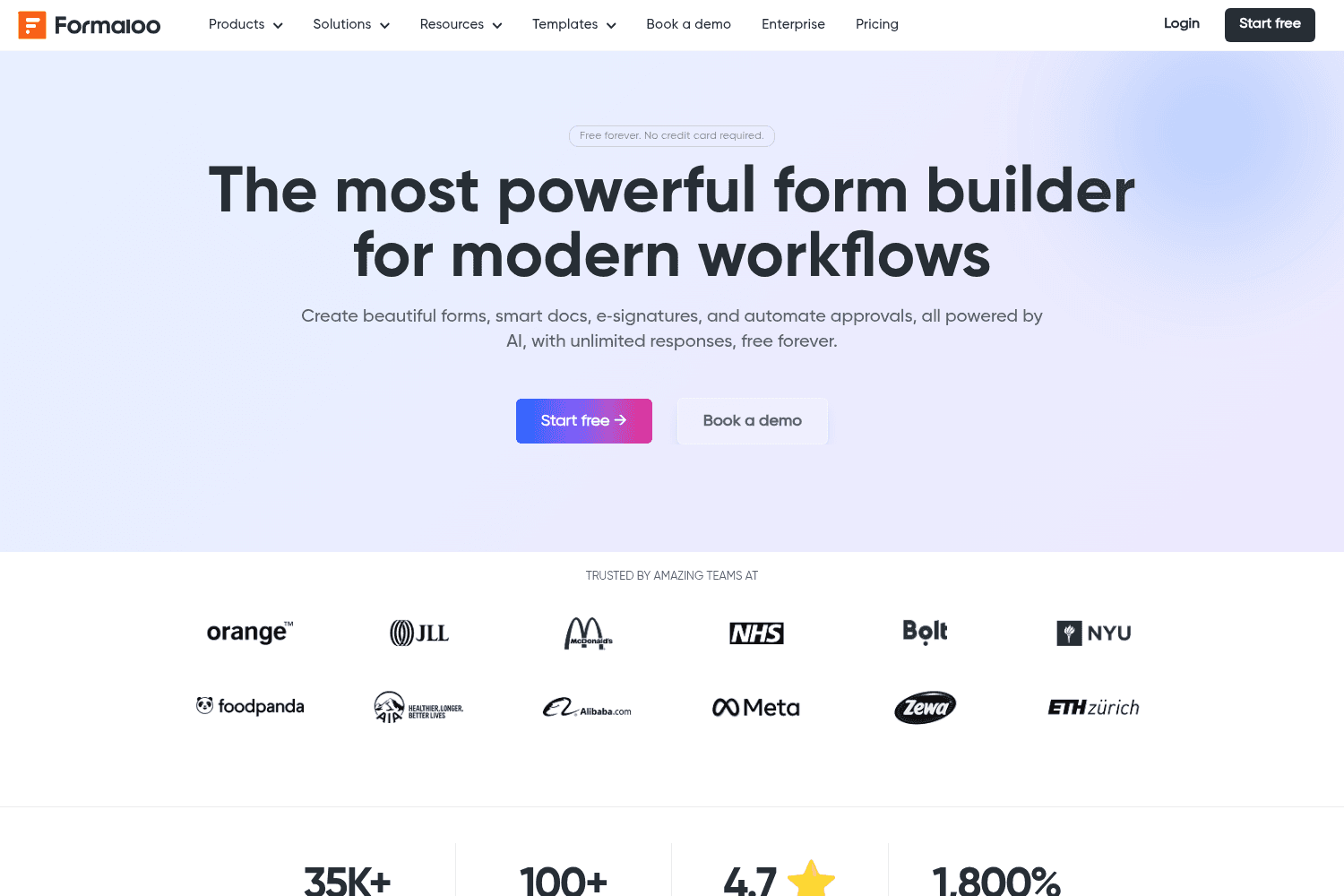
Create secure forms and automate workflows with Formaloo, an all-in-one platform.
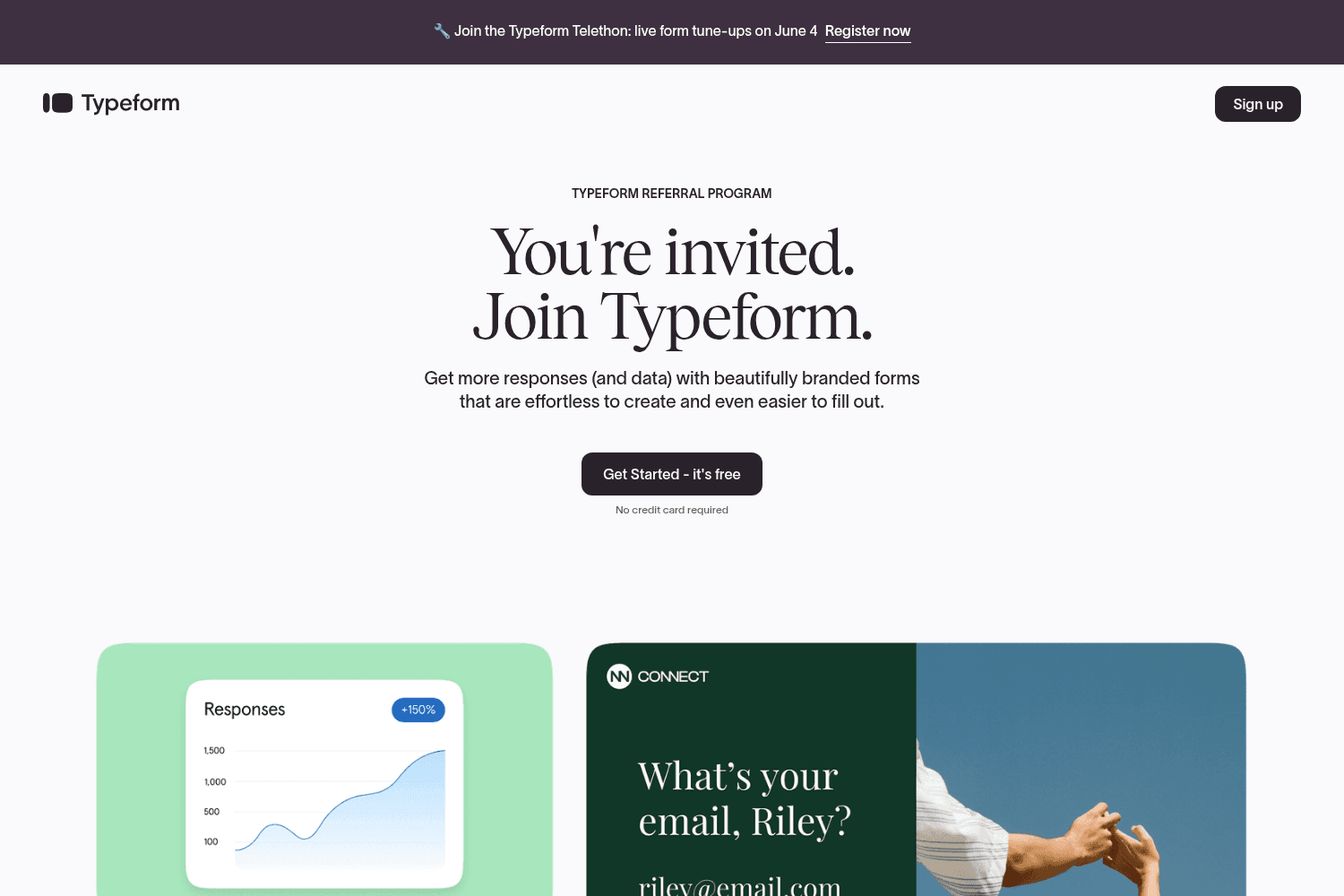
Interactive forms, surveys, and quizzes builder.

Form abandonment is a common problem that can have a big impact on a business's success. When a user leaves an online form without completing it, it can lead to lost sales, missed opportunities, and wasted time and money. In fact, nearly 70% of site visitors will abandon a form
 formcarry.com·

Building a contact form on your Shopify website is a great way to collect customer data and keep in touch with your customers. In this article, we will walk you through the process of adding a contact form to your Shopify website in 7 steps.
formcarry.com·
In this guide I’m going to show you how to create a HTML contact form that sends you an email by bare minimum code. Collecting form submissions is an essential part of any business.
formcarry.com·
One of the most time consuming thing about forms is definitely uploading files, sometimes you may need an HTML form with file upload functionality, in this guide we are going to start by as simple as possible than we are going to jump to advanced techniques.
formcarry.com·
Contact forms are one of the best ways to convert more leads, and get the information you need from your visitors in a specific order, but usually it's not so easy to craft, in this guide we are going to make it easy like a cake!
formcarry.com·
Although email is an old technology, it's still preserves its popularity. According to a 2017 Zapier blog post: The number of people using email for team communication is more than 2.5 times higher than team chat apps like Slack.
formcarry.com·
In this tutorial, we are going to create a sample app using Express.js to upload files to Amazon S3, then we are going to save our submission to the MongoDB.
formcarry.com·
Uploading files using Base64 encoding is a common practice, the usage of the technique has been increased since React and Vue.js like frameworks gained popularity. In this guide I'm going to show you how to upload files using base64 encoding.
formcarry.com·