
forms.app
Effortlessly build forms and surveys to streamline your data collection process.
Loading section…
Effortlessly build forms and surveys to streamline your data collection process.
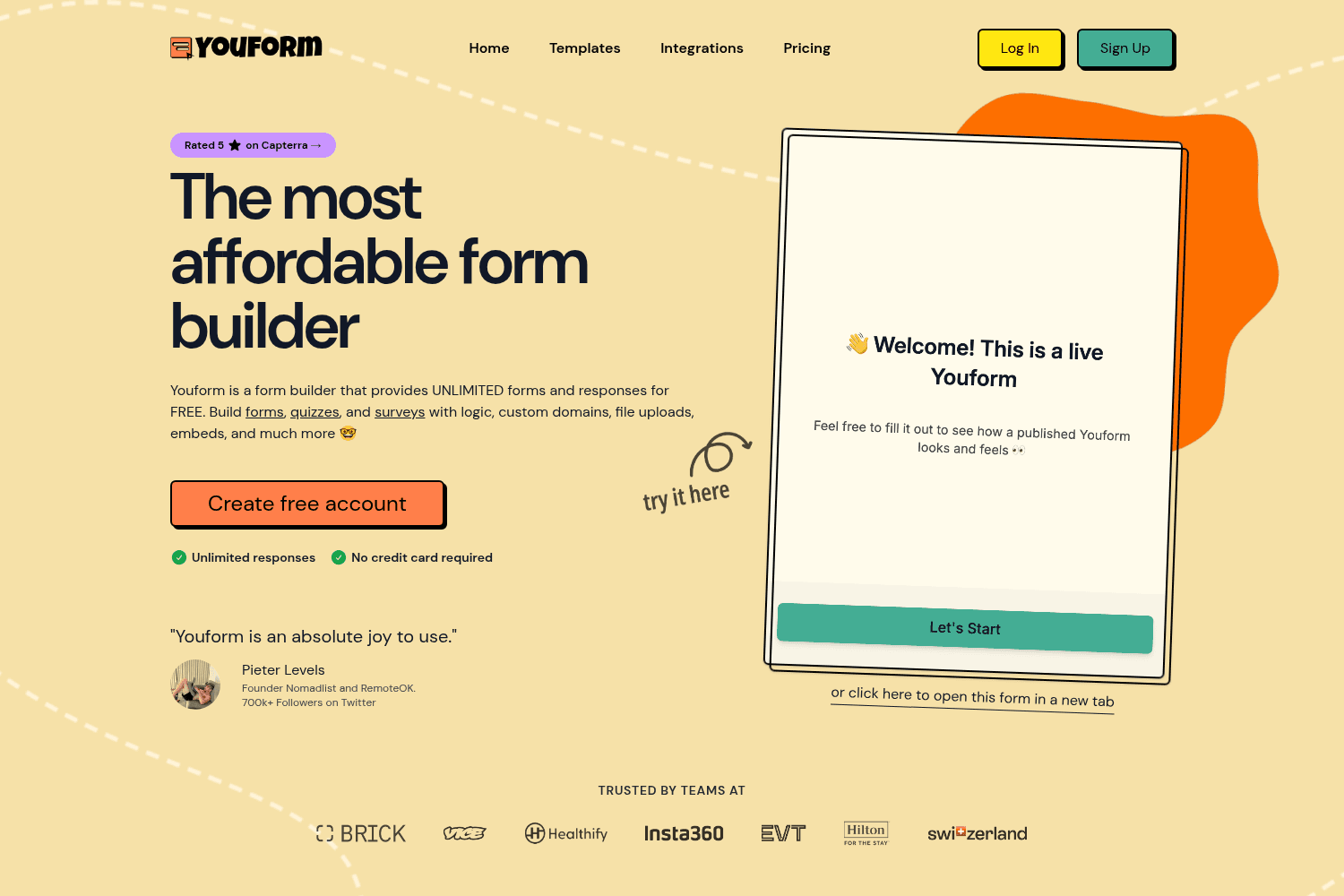
Youform offers unlimited form creation with responses for free. Features include logic, templates, a...
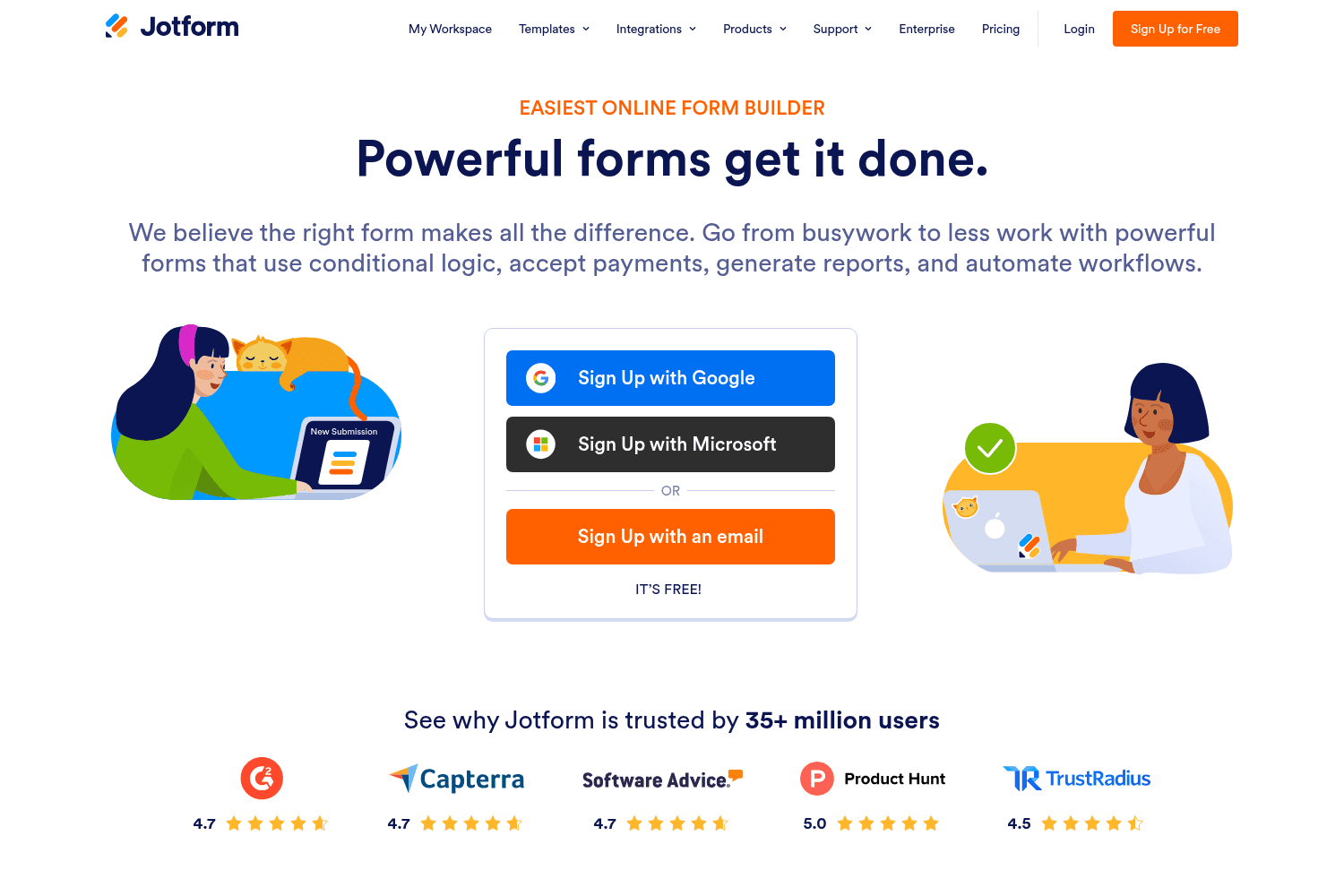
Jotform is an online form builder that allows users to create powerful forms easily.
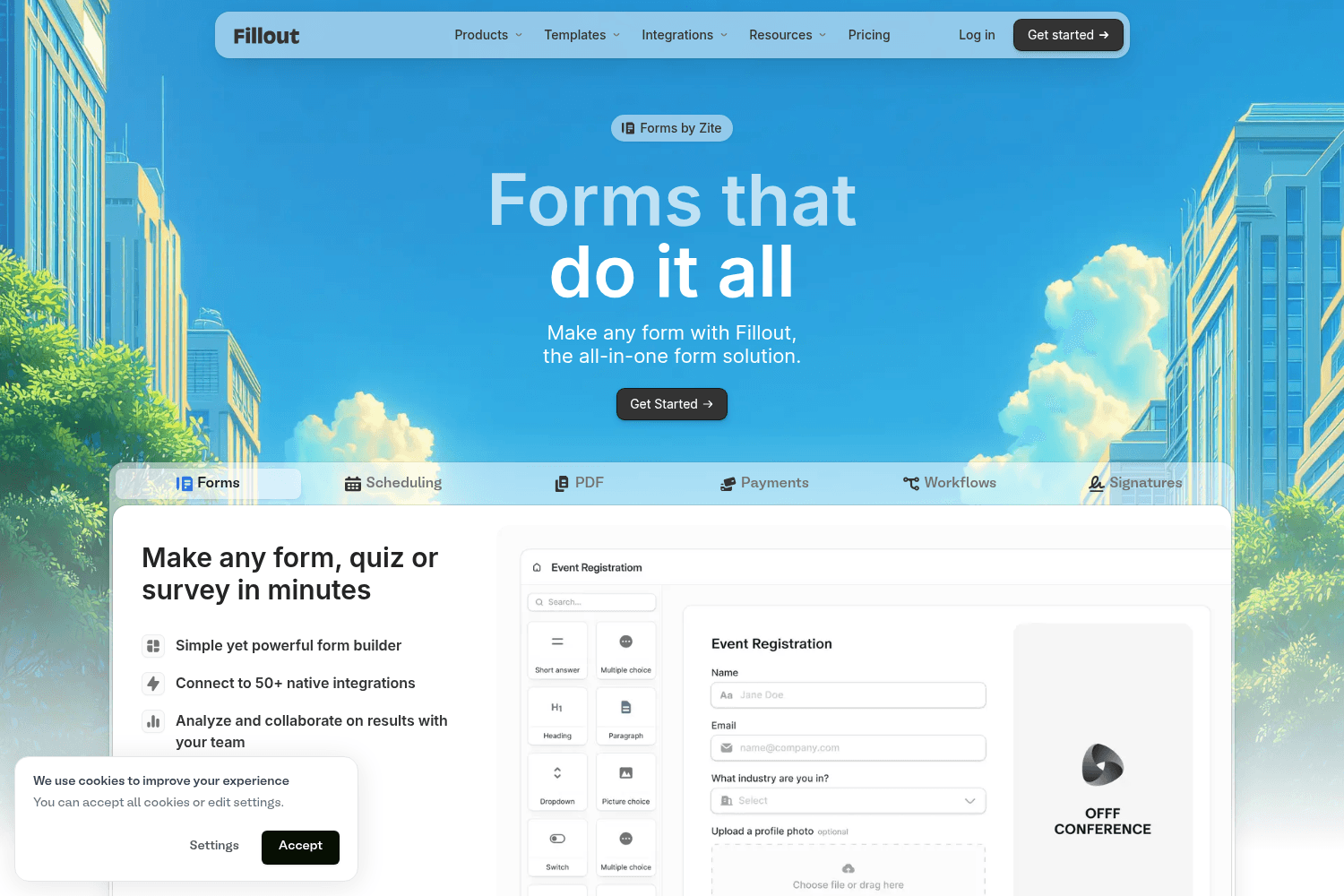
Fillout is a powerful form builder for creating surveys, quizzes, and forms easily.
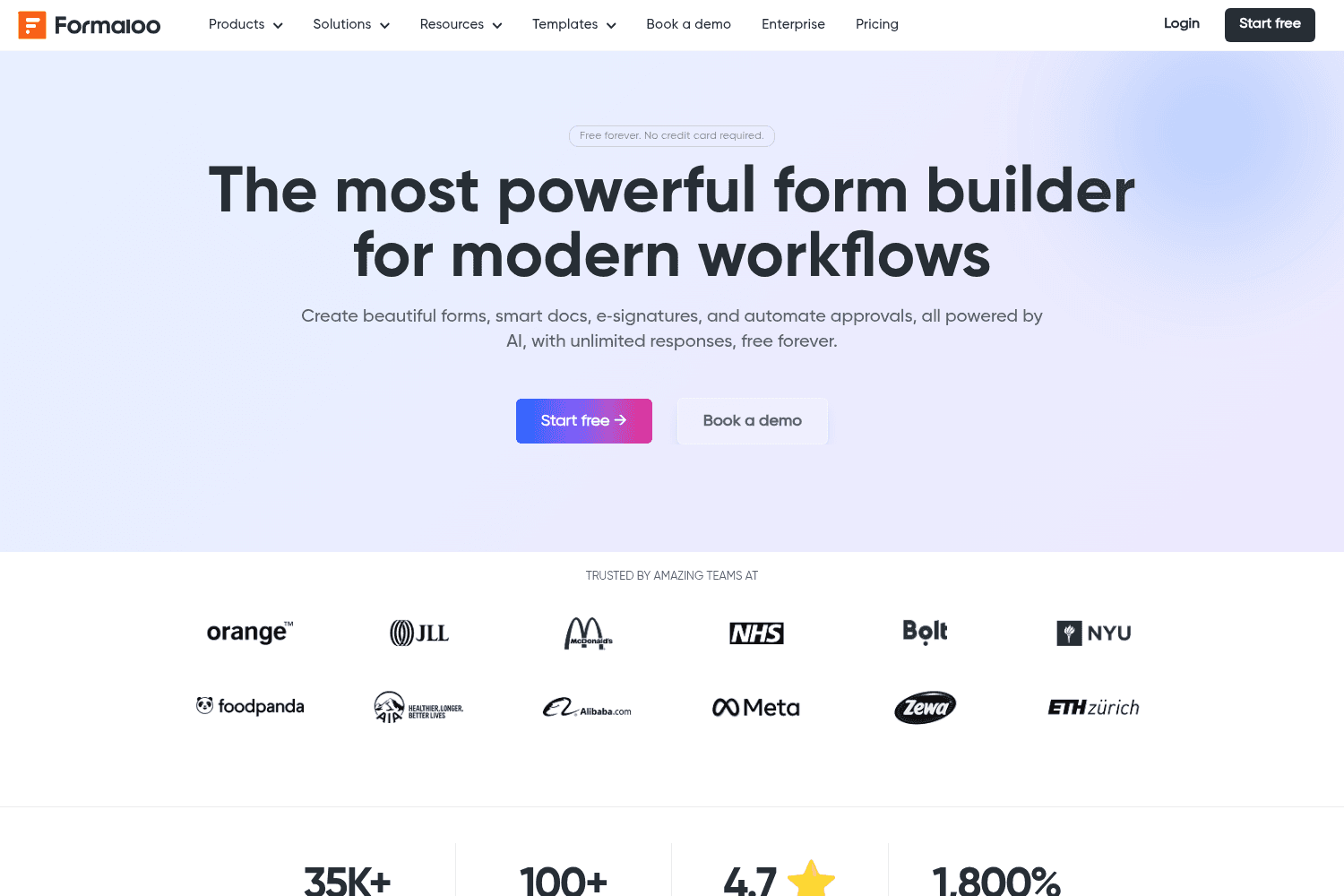
Create secure forms and automate workflows with Formaloo, an all-in-one platform.
Interactive forms, surveys, and quizzes builder.
Free online form builder.
Formcarry is a form API that streamlines the process of collecting form submissions without needing ...
AI-powered design-to-code, visual editing, and enterprise CMS in one development platform.
Our Products field lets you display your products and sell online in minutes. With the new update, we've made the whole experience smoother and more powerful: - Adding your product catalog is now faster and more intuitive than ever. - Run campaigns and reward your customers with discount codes. - Include or add tax to your orders.
Some responses are, almost, submitted, but eventually stay as drop-offs. forms.app’s latest update puts form responses under a different light. You can now view partial responses and send follow-up messages to help people finish and submit the form.
Knowing where the drop-offs happen is the first step to stopping them. With the drop-off analysis, you can do just that and start optimizing your forms. Here's what's new with this update: - A new drop-off analysis section is now available under the 'Insights' tab in your form results. - A new metric called completion rate has been added under drop-off analysis. - A color-coded bar chart is available with drop-off analysis, so you can visualize your form’s completion funnel.
forms.app has been independently recognized as a top form builder across G2, Capterra, GetApp, Crozdesk, Software Advice, and Trustpilot as one of the best form builders. It's all possible thanks to you!
No more “asdws” for names and emails. You can now integrate your forms with Clearout to use Form Guard. It’s an email verification tool that validates submissions before respondents can submit.
The form results page gets the first update of the year 2026, and we are thrilled to share it with you. - You can now filter statistics by time, device, or location. - “Insights” now serve an overview section, with detailed graphs for locations, devices, and platforms. - A new response/view chart is available for tracking responses, views, average time, and submission percentage over time.
Have multilingual forms? With this quality-of-life update, you can translate any form response right in the Results tab. No more copy-pasting and no more wasting time on translation.
We are all for TL;DRs and reviews. And this update is about just that. - Enable “Show summary before submission” to let people review their answers and get cleaner responses with fewer mistakes. - Summarize your responses, each on its own, to get summaries without going through all the answers.
Editing the PDFs of your form responses is now available! With our new PDF editor, you can: - Fully customize your response PDFs - Add your logo and brand elements to make them truly yours - Hide or rename questions in PDFs - Use customized PDFs in your email notifications or Google Drive integrations.
forms.app Community is here! This is your new space to shape the future of forms.app! - Request features or upvote what you like so we know what matters most - Ask questions and get answers from other users and our team - View our roadmap to see what we’re building now and what’s coming next


