
Framer Community
Connect with fellow designers to share projects and boost your Framer skills.
Loading section…
Connect with fellow designers to share projects and boost your Framer skills.
Today we’re adding two new Logo Shaders to our library: Spectrum and Crystal. Spectrum is a sleek, black-and-white shader with deflecting lines of light that can be distorted in all kinds of ways. Crystal lets you turn your logo into glass by letting you add your own images, adding realistic refractions, bevels, contours, animations, and dispersion.
Plugins are back in the CMS. Since the release of CMS 3.0, we’ve been collecting your feedback and adding improvements. Plugins now have a dedicated view in the CMS sidebar, making them easier to find and use. Additionally, the `Save` button issues in the item overlay have been fixed, and you can now return to the Canvas by hitting `Esc`. More of these improvements are being worked on, including advanced sorting options to let you combine primary and secondary rules.
Introducing Logo Shaders, a new kind of Framer Shader that lets you upload SVGs or PNGs and bring them to life. Use them to add stunning, dynamic effects to your logos. We’re launching with two Shaders, Gradient and Glass. Animations gently respond to the edges of your shape, while effects like Contour, Dispersion, and Bevel add realistic depth, as if your logos were truly 3D. Especially impactful on teaser pages and product launches.
The Framer CMS has been completely redesigned to make managing large collections faster and more intuitive. The new table view introduces full inline editing across all cells, eliminating the need to open overlays for most changes, with support for multi-cell selection, bulk actions, and quick copy and paste. Statuses, toggles, references, images, icons, and colors can all be updated directly in place. Keyboard navigation has been re-engineered from the ground up. Columns can now be resized, reordered, and customized, giving full control over the layout.

Resource hub for Framer overrides.

Interactive design tool for prototyping apps & websites

Innovative design studio crafting unique brand identities for startups and global giants
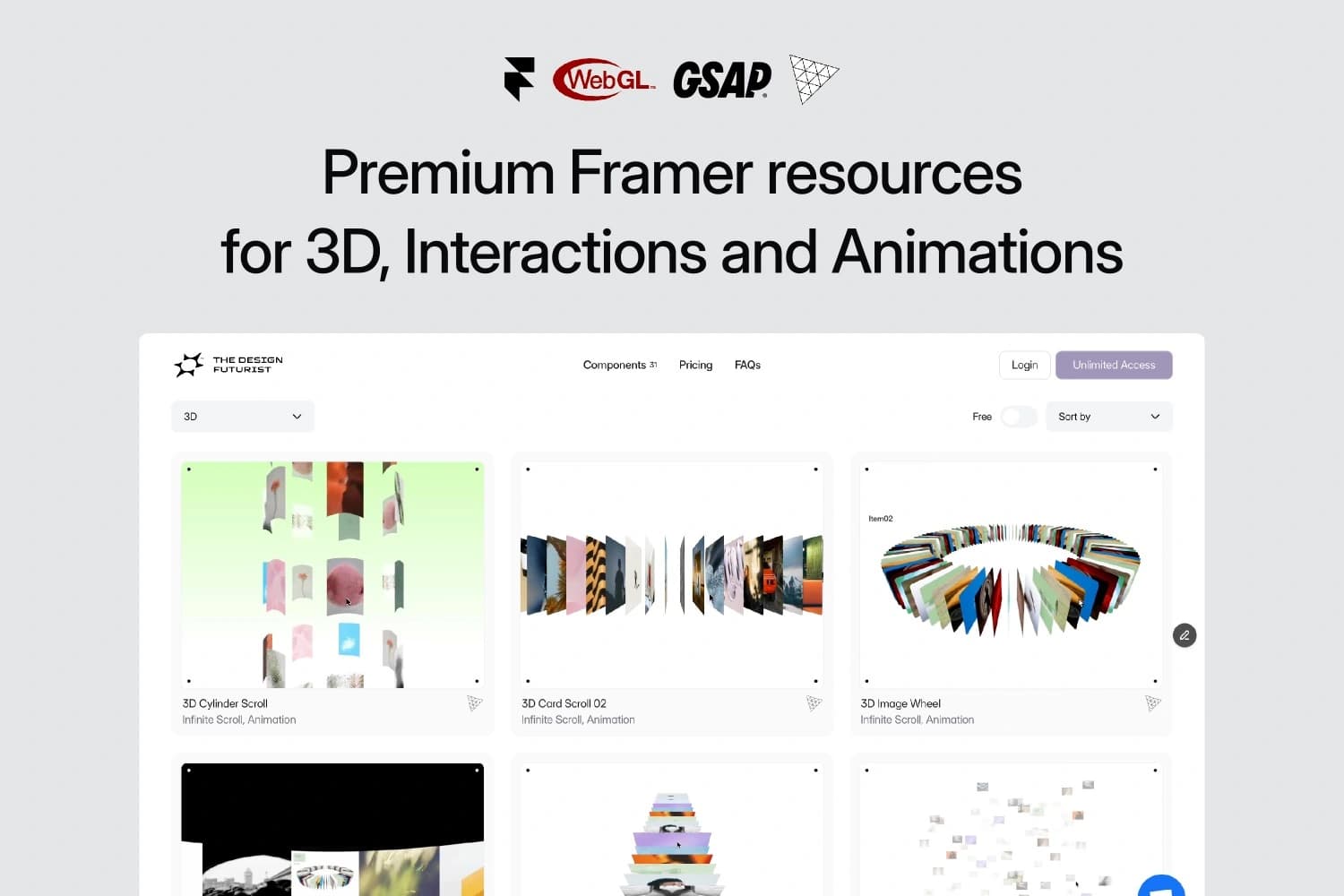
Framer Component Library – Add 3D, interactions, and animations to your Framer website.

Seamless client feedback on Framer sites with built-in comments
Framer templates for fast website building with drag-and-drop. No coding needed.

Component library designed for Framer projects.
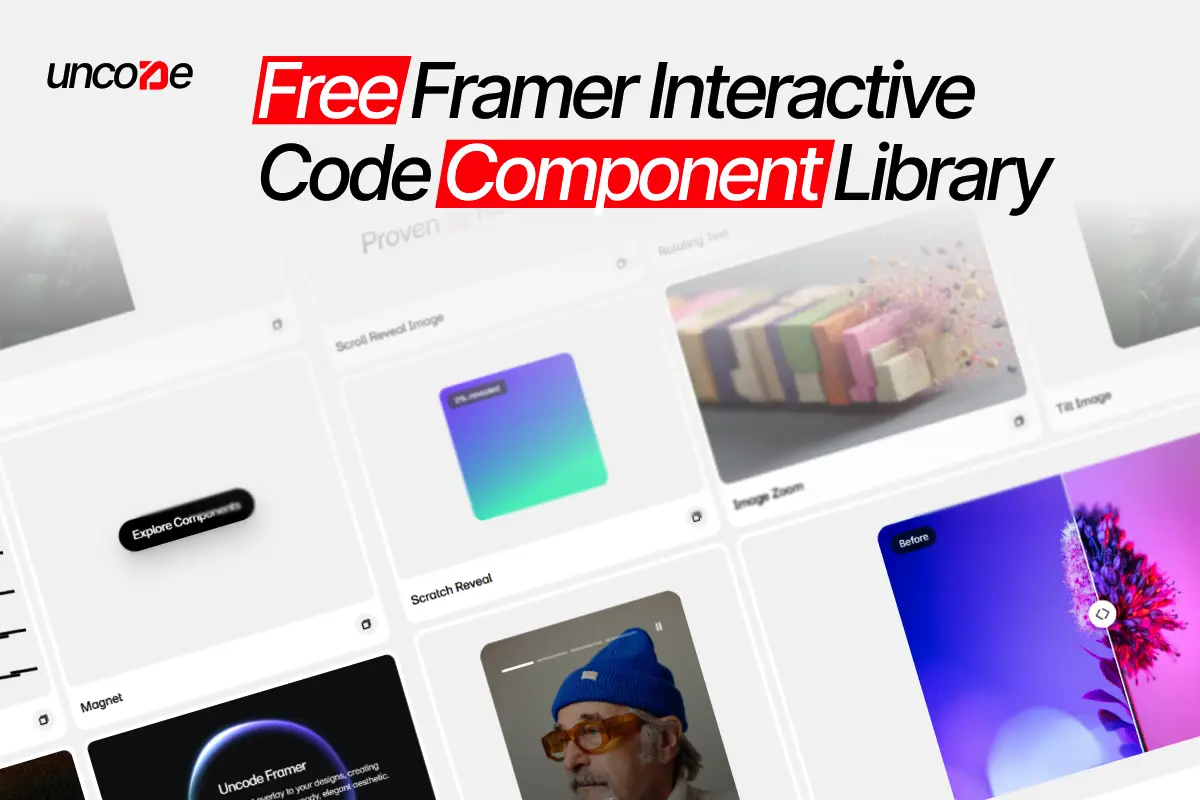
Free library of Framer components to enhance designs effortlessly.


