
HoldSpeak
Supercharge your Mac typing with fast, offline voice-to-text dictation across 100+ languages.
Loading section…
Supercharge your Mac typing with fast, offline voice-to-text dictation across 100+ languages.

Voibe offers fast, private offline dictation for Mac, tripling typing speed without needing the inte...

AI voice-to-text tool for fast, accurate dictation on macOS and Windows. Supports 100+ languages.

AI-powered voice-to-text tool for macOS ensuring secure transcription.
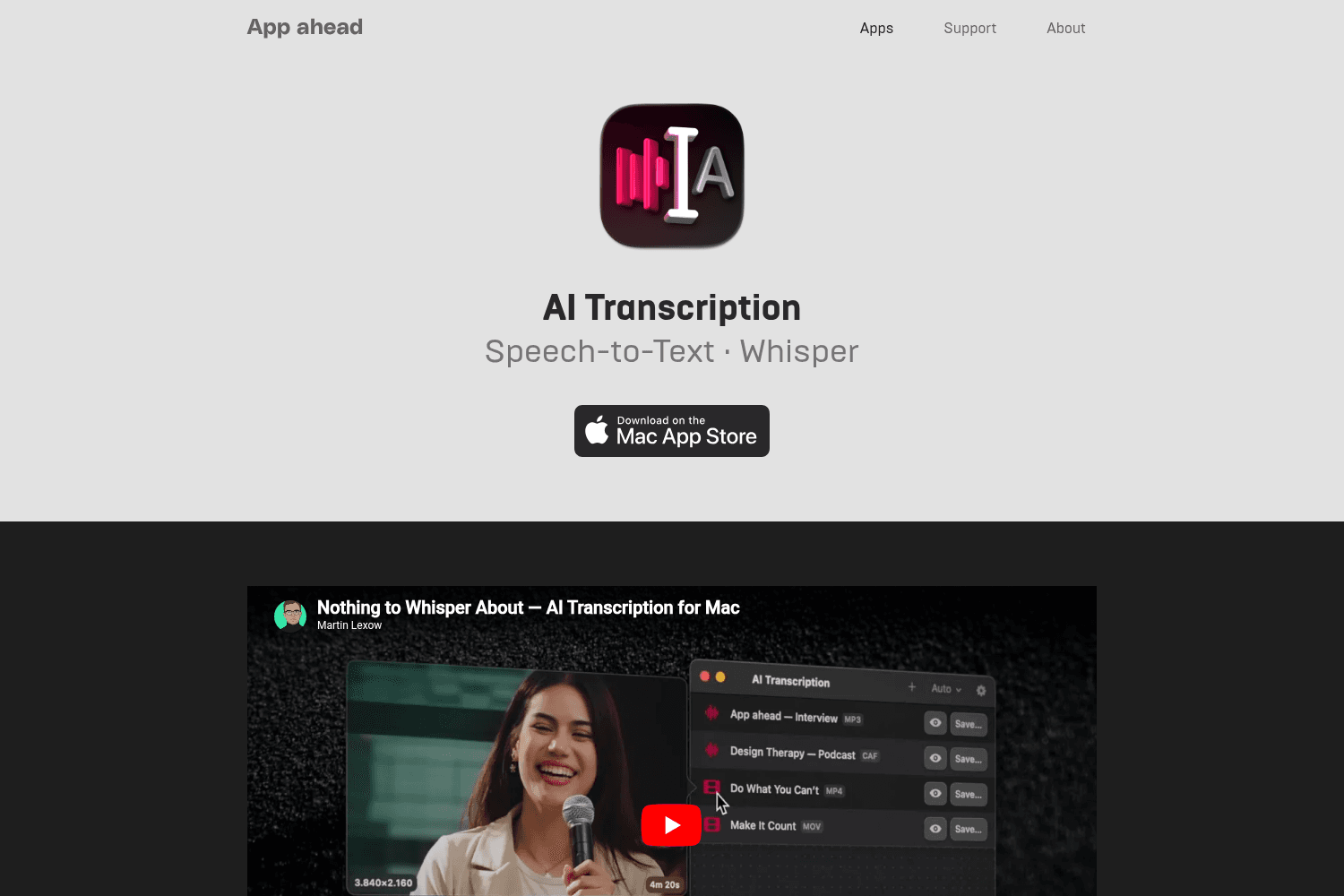
Transcribe speech from audio and video files directly on macOS without internet.

Voicy is a privacy-focused speech-to-text app that allows users to dictate text across various appli...

SupaMaus enables users to translate gestures and speech into actionable context for AI agents seamle...

Experience effortless voice dictation with Flow, the ultimate tool for faster writing.

Automate support with AI agents using SiteSpeakAI's chatbot builder, custom-trained for your busines...
- Fixed an issue where multi-channel microphones produced poor or no speech recognition. - Improved audio stream lifecycle
- Fixed a potential deadlock issue when updating the configuration.
- Dictation history is now stored in a local database for fast query - Added pagination to the history tab - Added support for deleting individual dictation entries - Added a confirmation dialog when clearing history
- Optimized UI (buttons, inputs, dialog overlay) - Better prompt when recording cannot be started - Better prompt for activation - Better error message for license activation network error - Recording now provides more stable real-time audio level feedback. - Added "Don't see it?" hint in onboarding to help users find HoldSpeak in the menu bar - Added "Manage License" button in app - Better audio recording. Fixed latency to cancel recording
- Fixed a rare issue where switching models in settings caused the app to freeze
- You can now cancel recording by pressing the ESC button - Fixed crashes when the model output invaded UTF-8 tokens
Enhanced the trial experience and fixed some known bugs
- System-preferred locales now appear at the top of language selection for easier access
- Introduced hands-free dictation. Pressing the hotkey less than 0.5s will lock the recorder. Short-pressing the hotkey again will stop the recording and start the transcription. Learn more [here](https://holdspeak.link/short-press-to-lock) - Added dictation history, which can be found both in the menu bar and app Settings. Learn more [here](https://holdspeak.link/history)


