
Jitter
Effortlessly create and collaborate on motion graphics with a user-friendly design platform.
Loading section…
Effortlessly create and collaborate on motion graphics with a user-friendly design platform.

Create custom Airtable apps with an intuitive UI kit on Figma
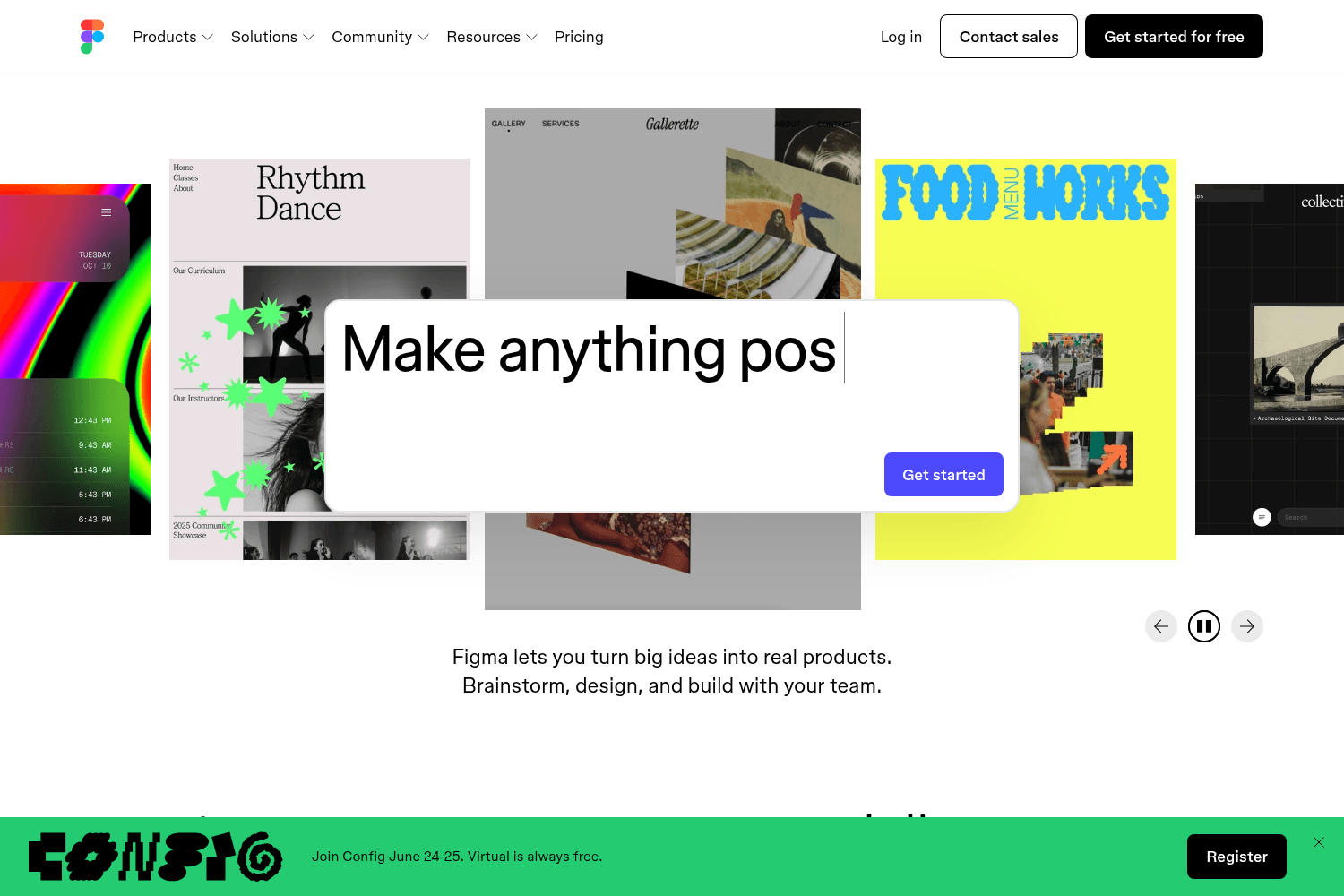
Collaborative interface design tool.
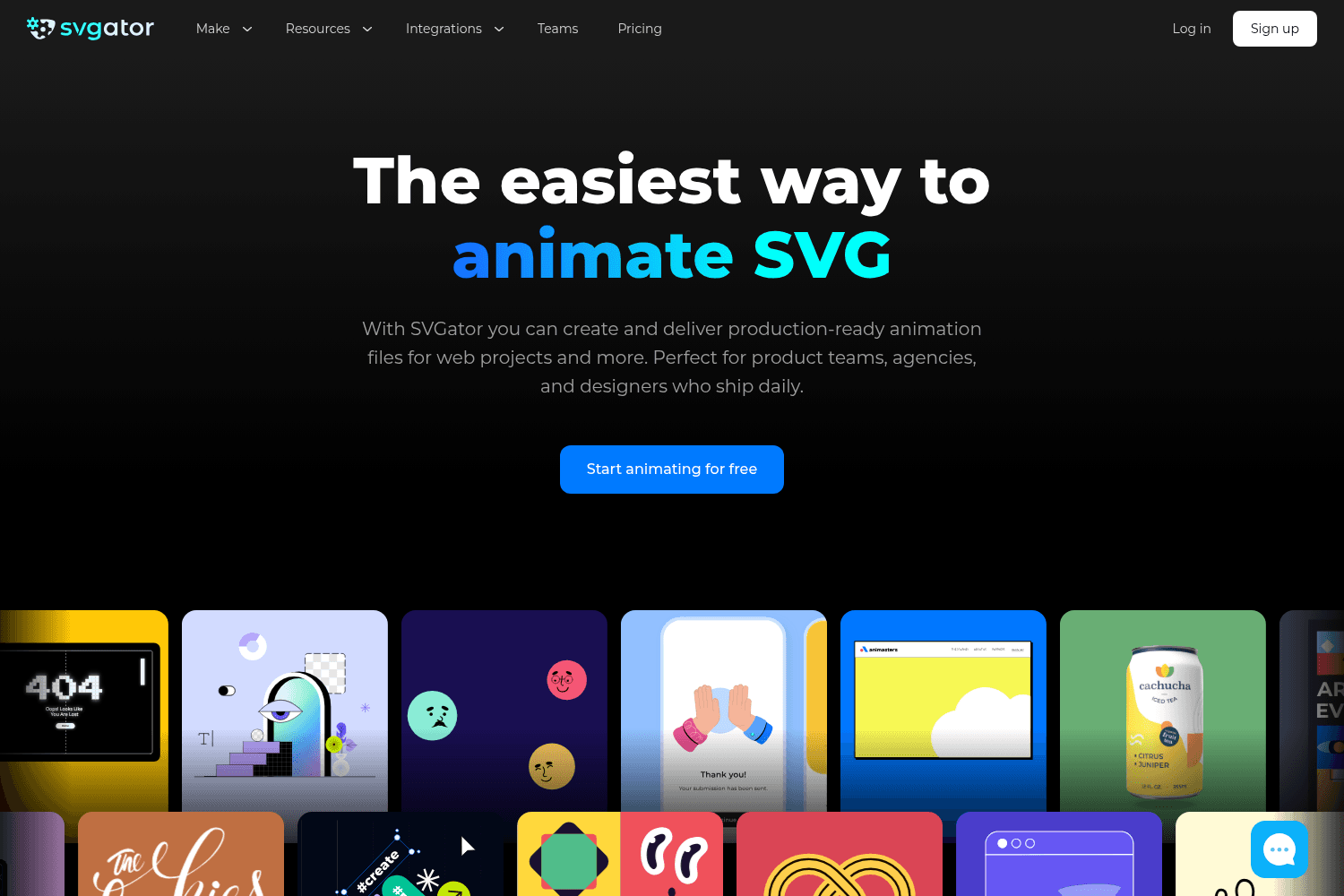
SVGator is a platform for animating SVG illustrations without coding.

Community platform for sharing Framer projects and tips.
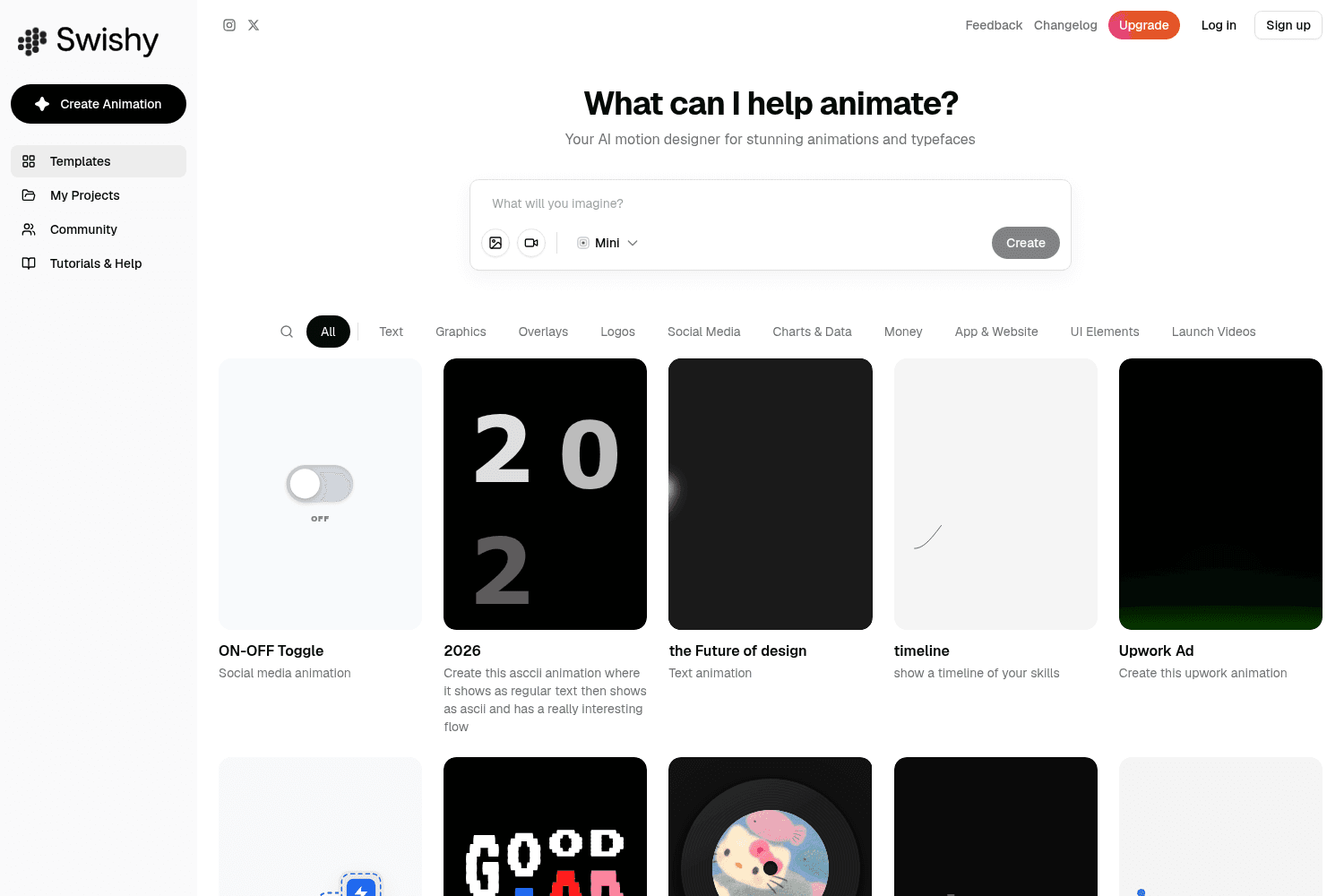
Swishy AI turns prompts into motion graphics, kinetic typography and text animations without After E...
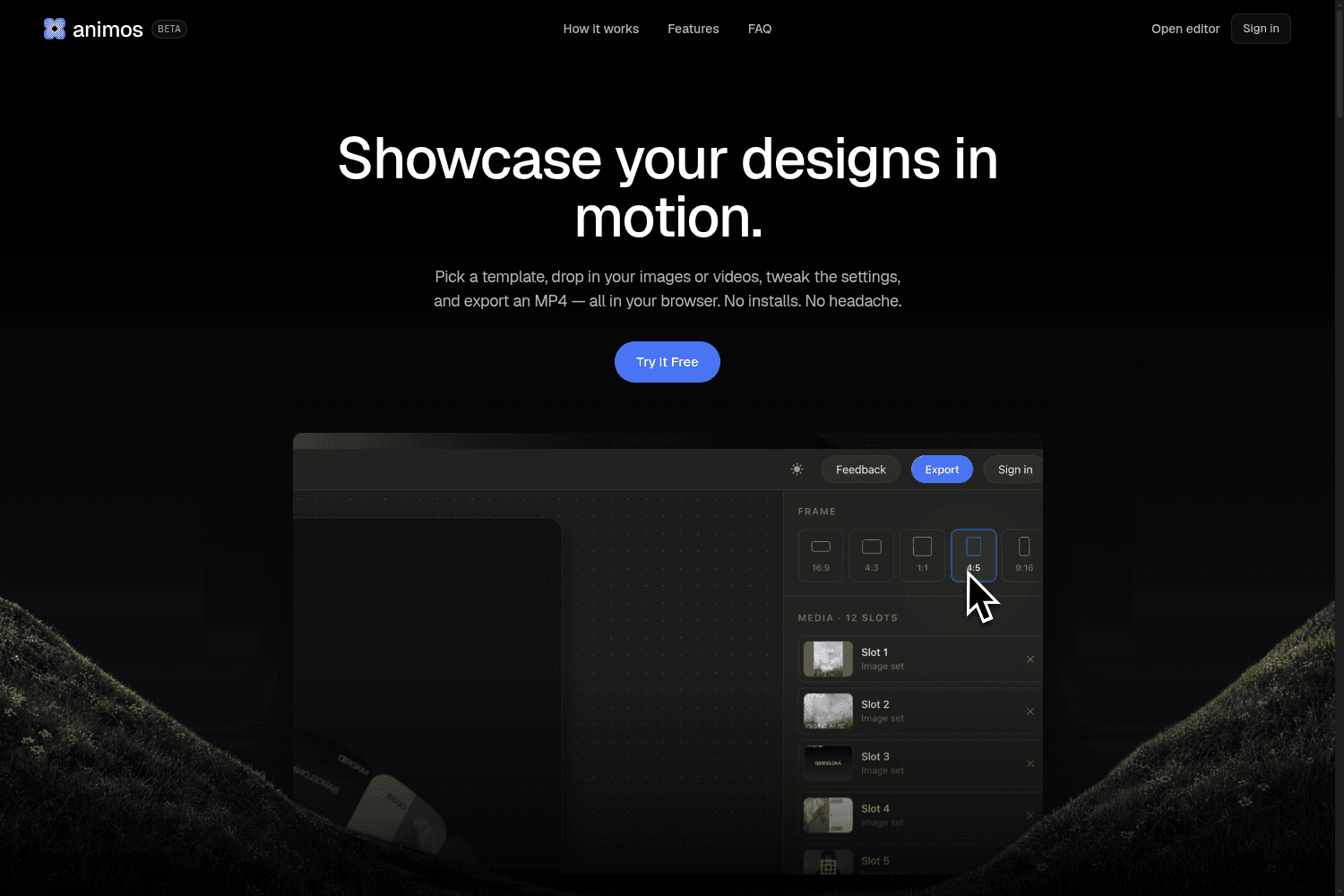
Animos simplifies the process for designers and creatives, enabling them to easily showcase their de...

Motioner is a design-first professional motion workspace that empowers creative teams with modern de...
Innovative design studio crafting unique brand identities for startups and global giants
You can now use the glass effect in Jitter: both as a static effect in the Design tab and an animation in Animate.
Today we're launching Jitter AI: an unlimited set of creative tools you can build yourself with just a prompt.
If you're working with multiple artboards, exporting just became a lot faster. You can now select the artboards you need and export them all at once in a click.
You can now add organic, wave-like distortion to your elements in Jitter.
You can now adjust each corner radius of a shape separately in Jitter.
Jitter now lets you create advanced custom shapes made up of multiple parts and holes.
Jitter now supports custom text effects! Build fully custom text animations and reuse them across files to keep your motion consistent and on-brand.
Managing Jitter files with many layers just got a little smoother. You can now quickly hide (or show) and lock (or unlock) multiple layers in one sweep.
Prompting is now part of Image to Video in Jitter! You can now tweak the auto-generated prompt or replace it completely to get exactly the video you want.
Today we're launching Jitter for Figma Draw! You can now import your Figma Draw designs into Jitter in a click and start animating them right away.


