
Lunatask
Manage tasks, habits, and notes securely in one comprehensive productivity tool.
Loading section…
Manage tasks, habits, and notes securely in one comprehensive productivity tool.
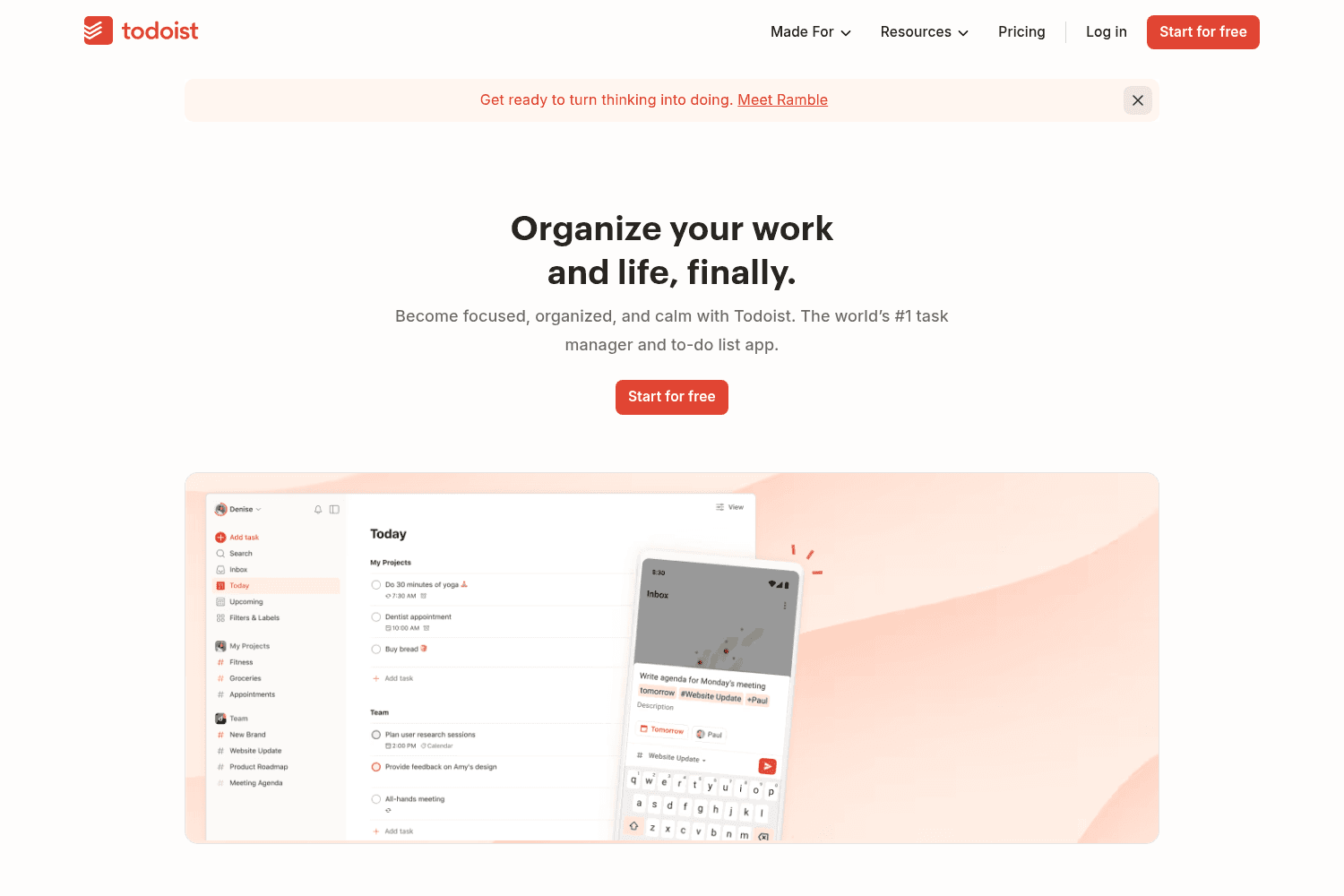
Task management app for organizing and prioritizing to-dos
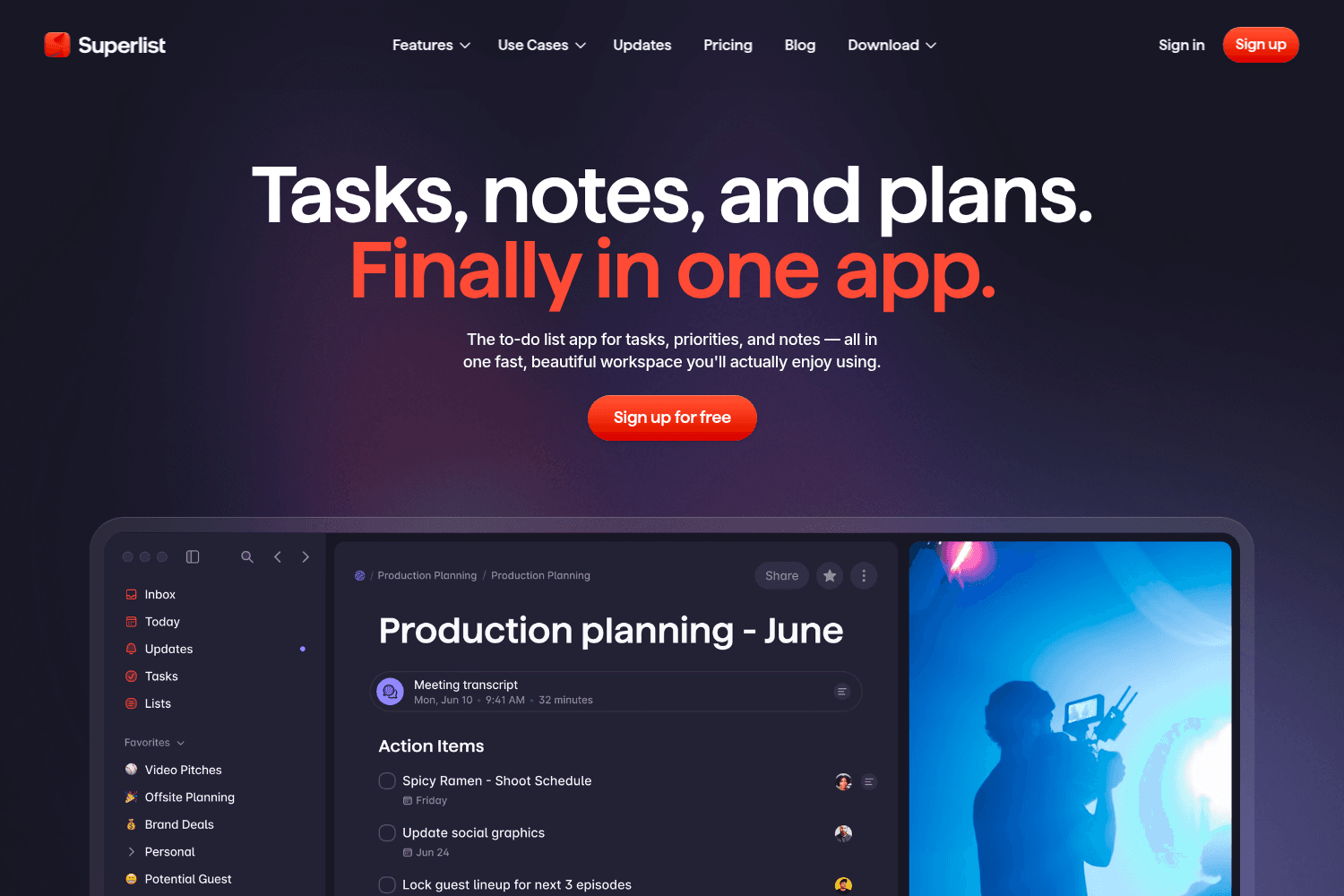
Task management tool for productivity and collaboration.
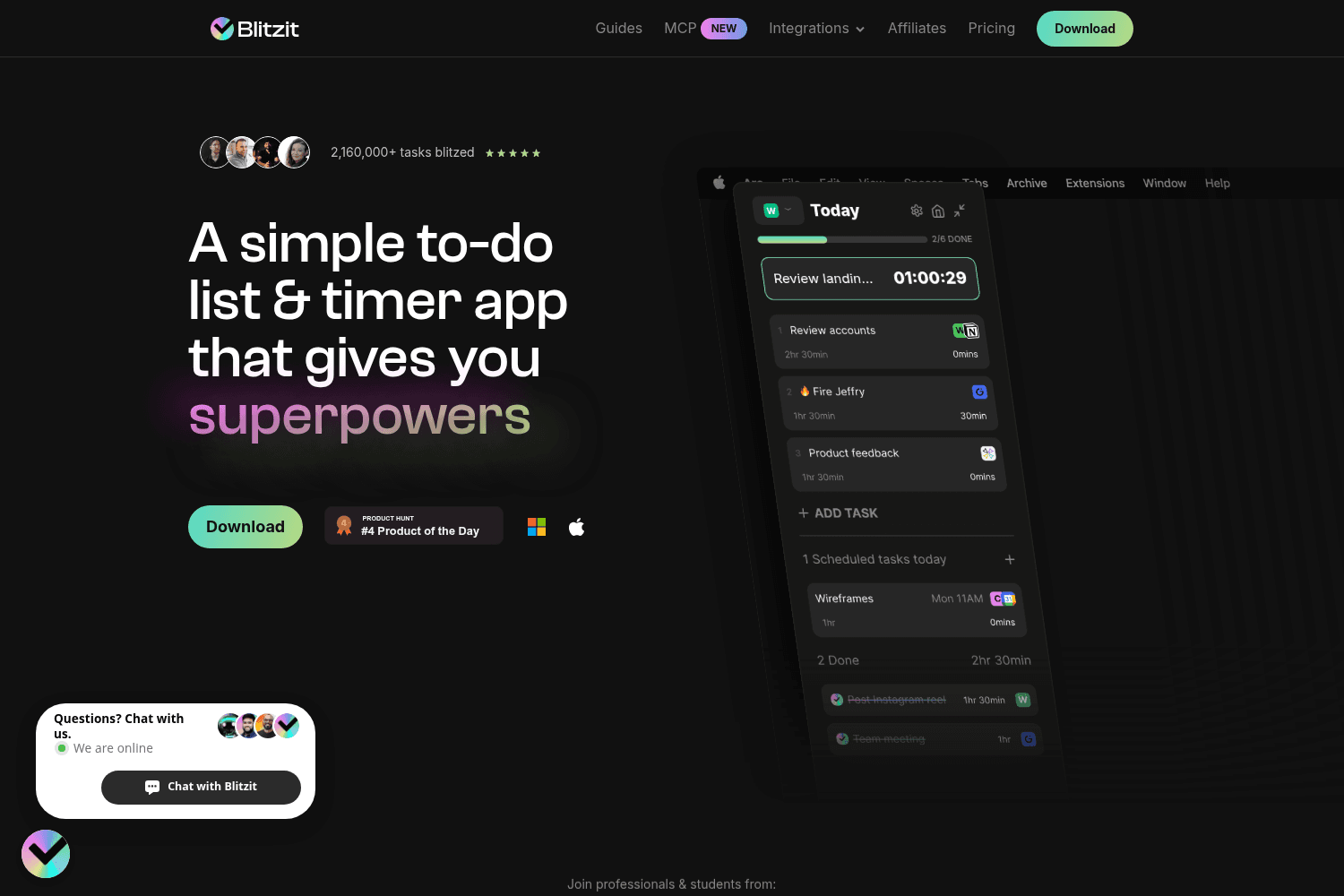
Streamlining app for quickly managing and completing tasks
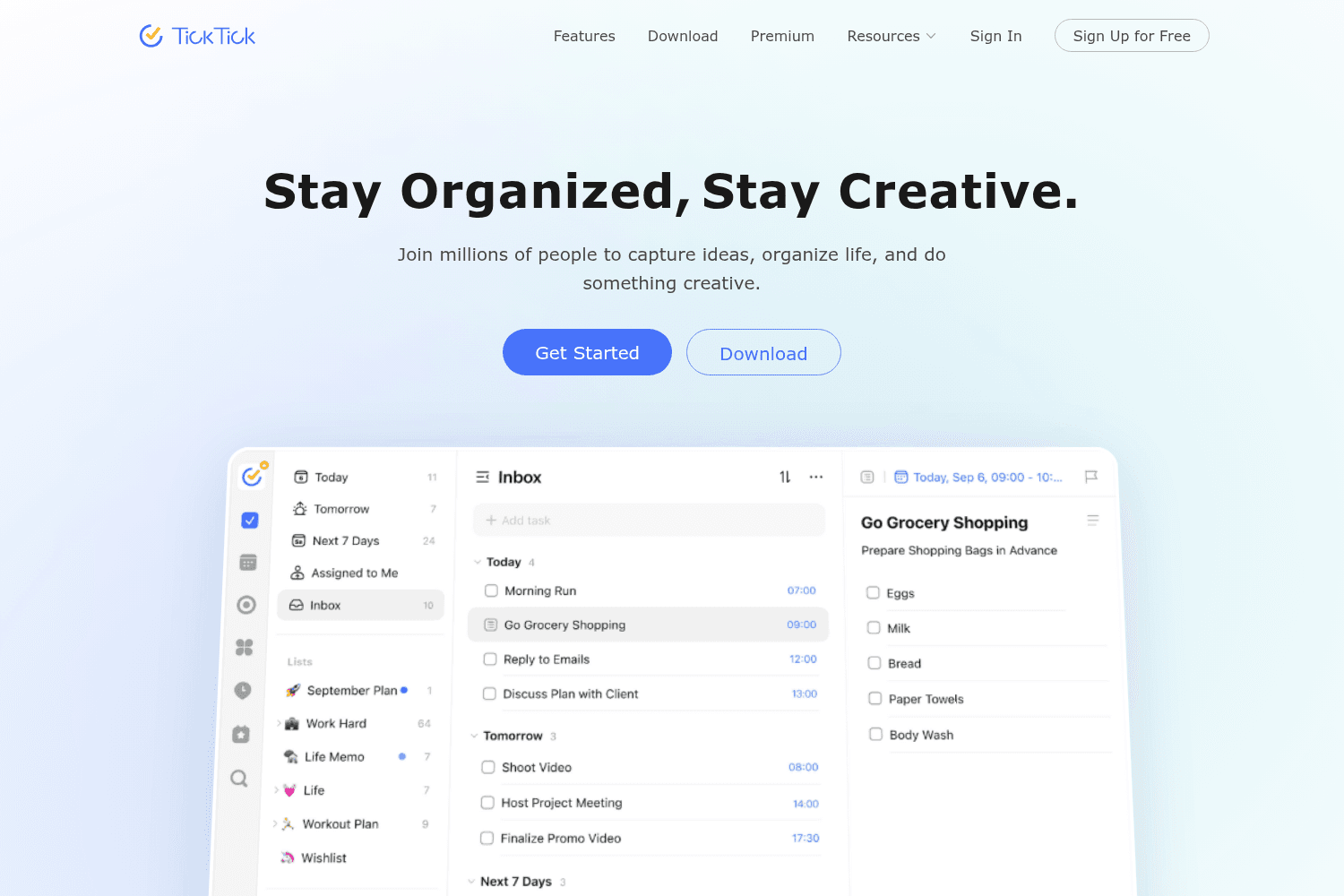
All-in-one productivity app to organize tasks, calendars, and habits
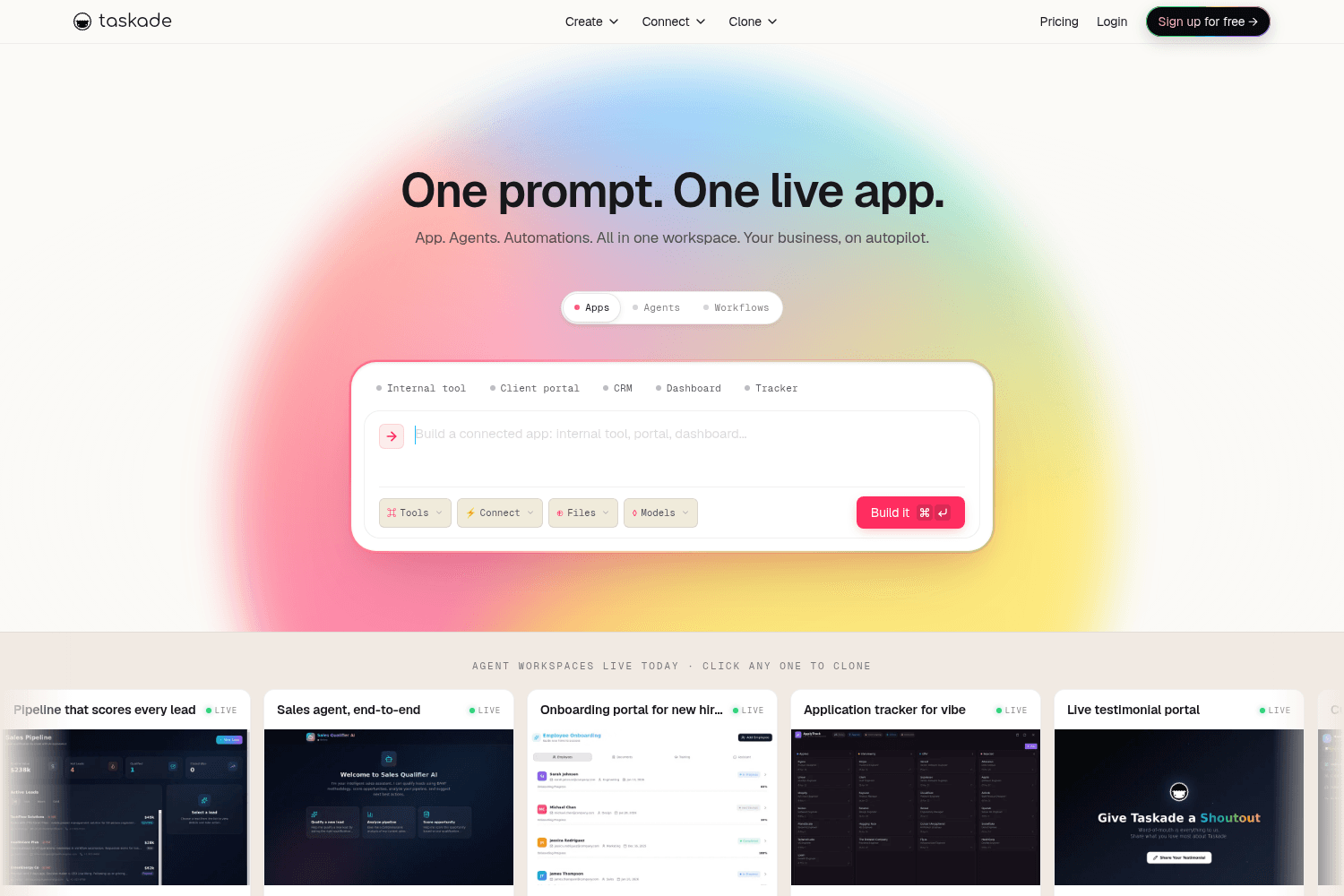
AI-powered task management and note-taking tool for team collaboration.
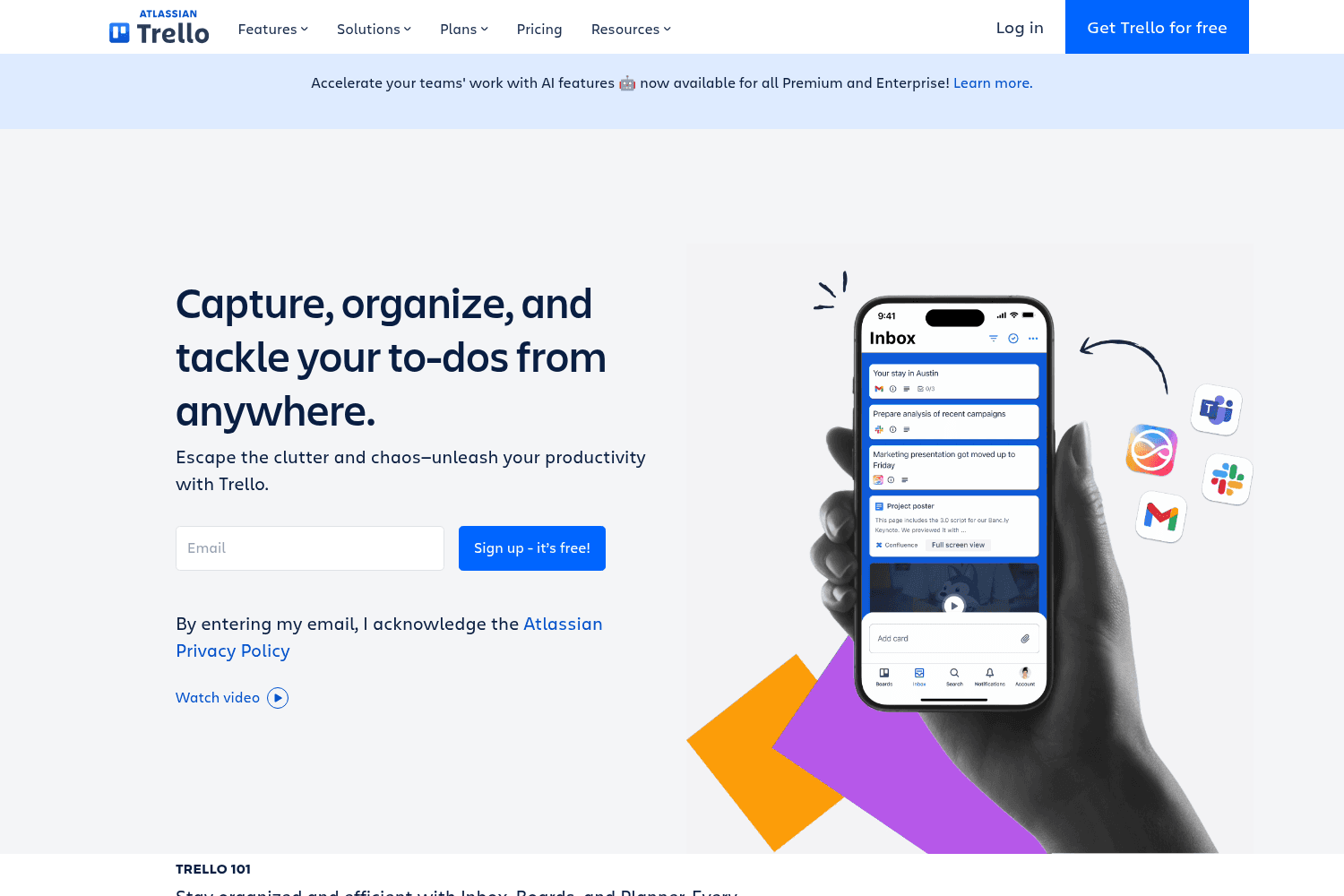
Trello is a collaborative task management tool that helps teams organize projects, workflows, and ta...
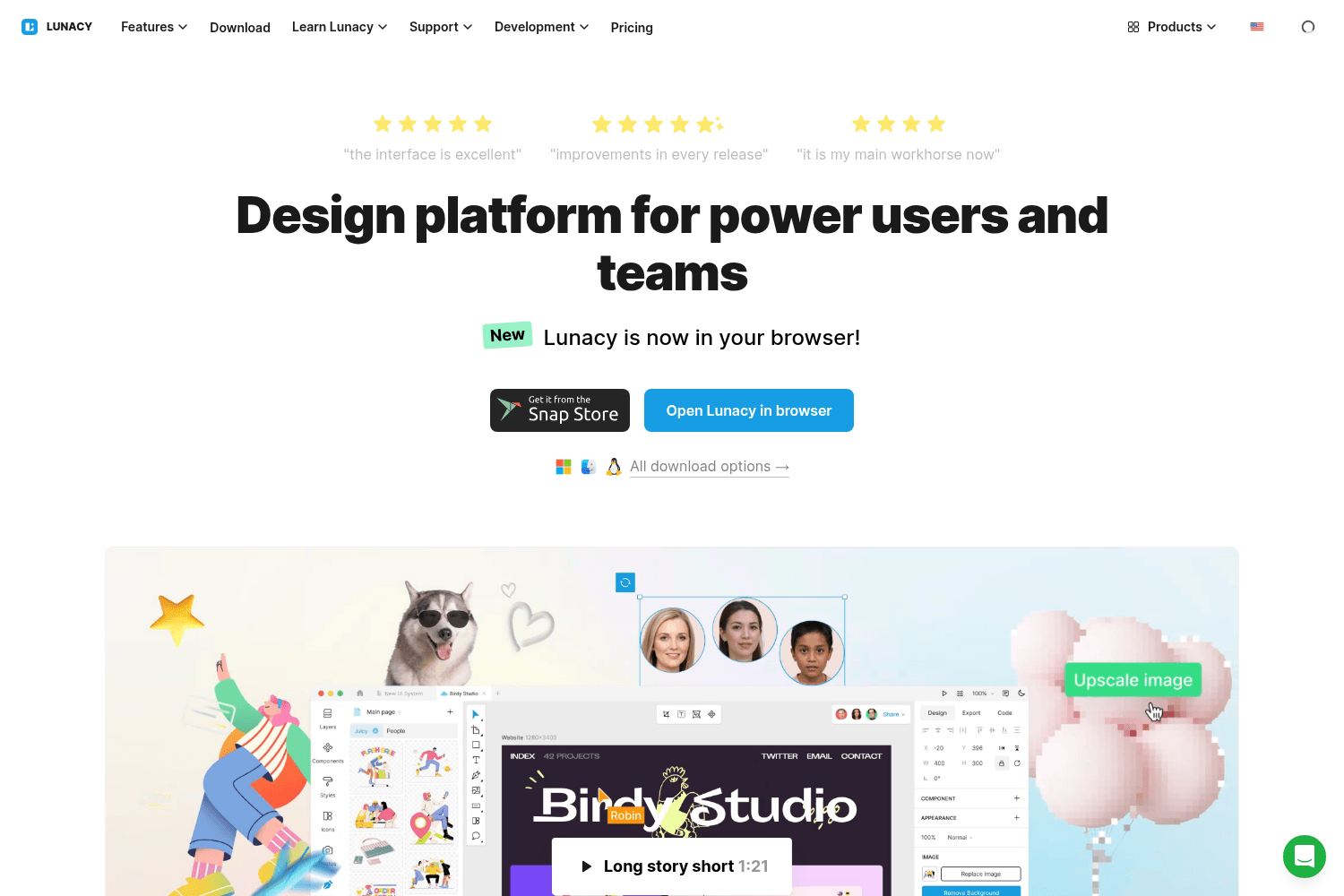
Free graphic design software to edit Sketch files on Windows, macOS, and Linux.
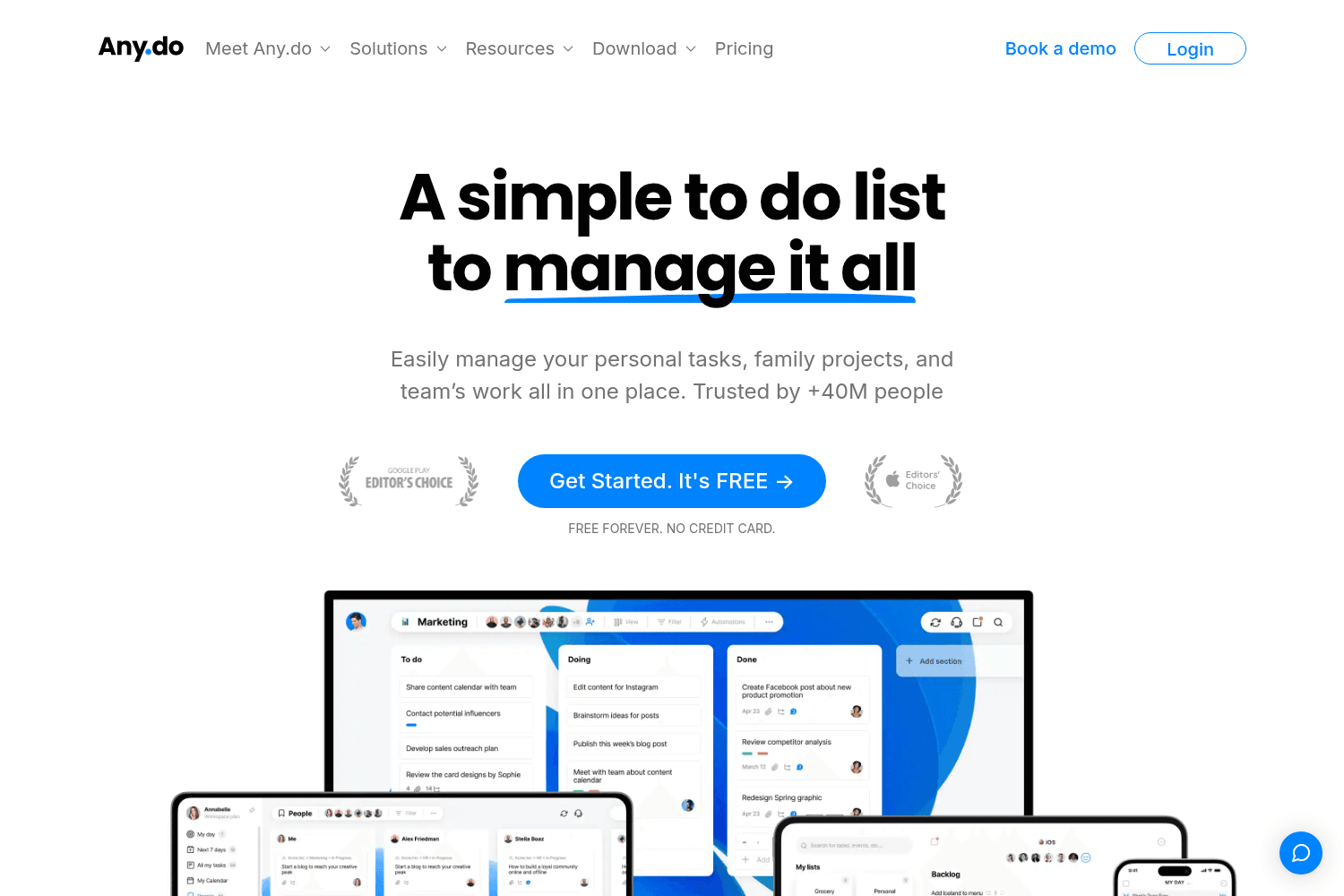
Comprehensive to-do list app for tasks, projects, and team collaboration. Trusted by millions.
Moving a task between goals no longer switches the currently shown task list on mobile.
You can now search for text inside a currently opened note (on desktop).
Priority picker shows more prominently in task detail and long-press actions menu on mobile.
You can now press `Escape` to exit a goal list and return to the main list of tasks for an area in our desktop app.
When searching on desktop, the first result is now preselected – so you can open it instantly by pressing `Enter`, without needing to press `Arrow Down` first.
An experimental set of safeguards, drift corrections and other detection and auto-recovery mechanisms was added to our mobile Markdown editor to prevent glitches.
Google Calendar authorization was moved from an in-app window into your system browser.
Auto-lock is back! The issues that previously caused this feature to be temporarily disabled are now fixed.
Our desktop app now remembers scroll position when switching between notes or going elsewhere in the app and then back.
We redesigned the “Show multi-line task names” task list option, making it a first-class citizen in our mobile app.


