Milanote
Visual project organization tailored for creative teams to enhance collaboration and idea capture.
Loading section…
Visual project organization tailored for creative teams to enhance collaboration and idea capture.

Organizational and note-taking platform.
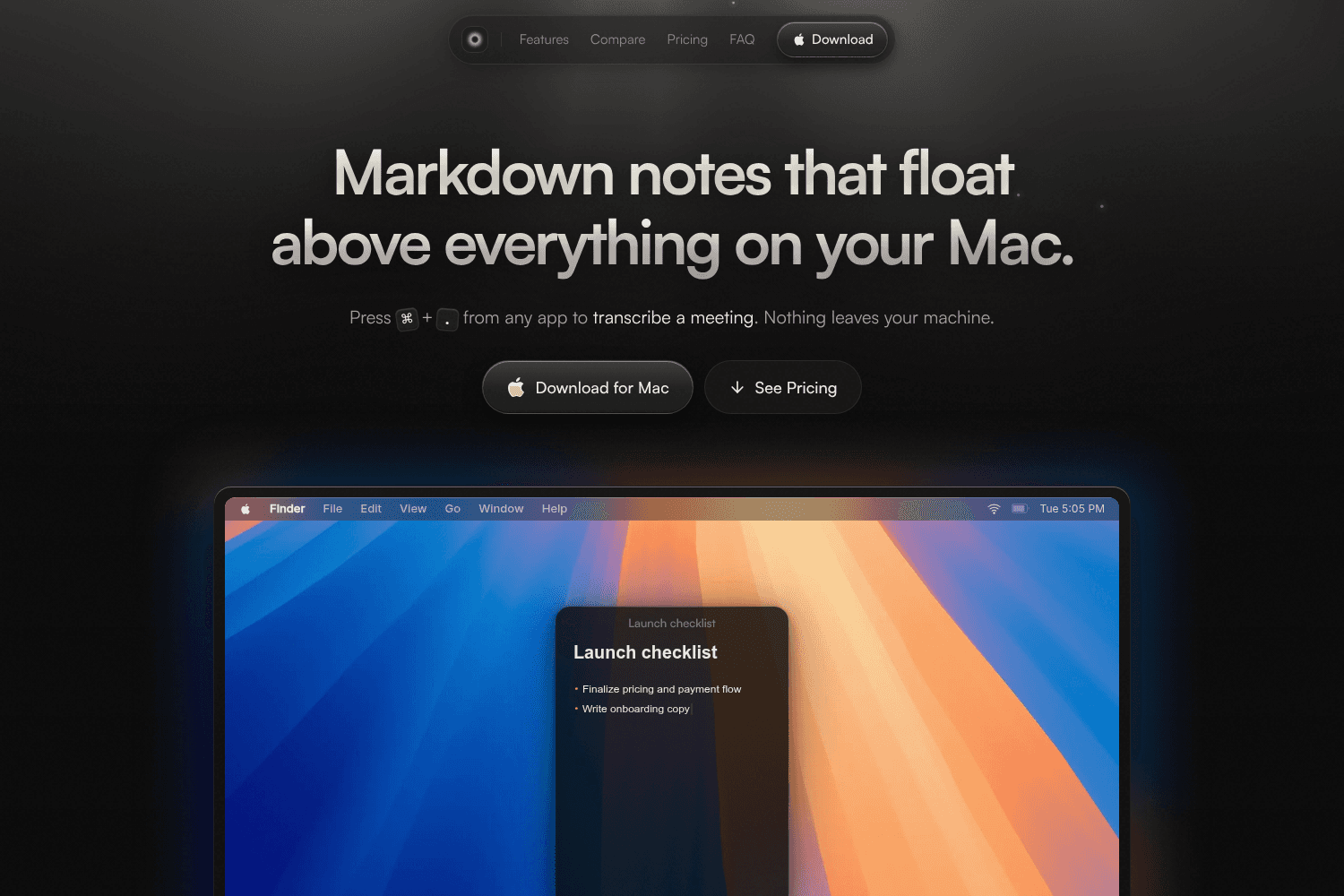
Mote is a floating note-taking app for Mac that stores notes locally without any account or cloud se...

Modular design system.

Inspect website elements, export code. Extract CSS, colors, fonts, SVGs easily.

Trello is a collaborative task management tool that helps teams organize projects, workflows, and ta...

Collaborative note-taking and document organization tool.

Tool for creating app store previews and marketing assets.

All your notes bookmarks inspiration articles and images in one single, private place.
Copy/Paste styles from one card to another. Here's how it works: 1. Select a card that you want to styles from 2. Press Copy (shortcut or right-click menu) 3. Select a different card 4. Paste styles: **Mac:** ⌘+Shift+V **PC:** Control+Shift+V
Toolbar options are now more consistent with a new "Rename" button - Plus minor bug fixes and performance improvements
Upgrades to tables and zooming in/out on boards - Plus minor bug fixes and performance improvements
Fixed the issue where typing a caption would miss the first letter - Documents now display the correct menu when you select text (on mobile) - Toolbars and menus on the iPhone app look good again
Fixed keyboard positioning on Android
Fixed a bug that caused some table rows to display errors - Stopped the iPhone app toolbar sneaking away from the keyboard
Added a new time format preference in Settings > Localization (12 or 24 hours) - Fixed mobile long-press incorrectly triggering context menus - Fixed board loading position that was sometimes a bit off - Fixed drawing bugs: Marquee selection and cropping works as expected again
Tables are now included in board exports
Improved scrolling in Unsorted and Documents on Android - Fixed a bug where table functions broke if you didn't use capitals - You can now cut/copy/paste comment cards - Improvements to searching the current board
Milanote ahora está disponible en **español** _(Milanote is now available in Spanish)_


