
Miro
Transform your ideas into actions with Miro's collaborative infinite canvas.
Loading section…
Transform your ideas into actions with Miro's collaborative infinite canvas.

Inspect website elements, export code. Extract CSS, colors, fonts, SVGs easily.

AI Fiesta provides access to multiple premium AI models in one interface, allowing users to compare ...
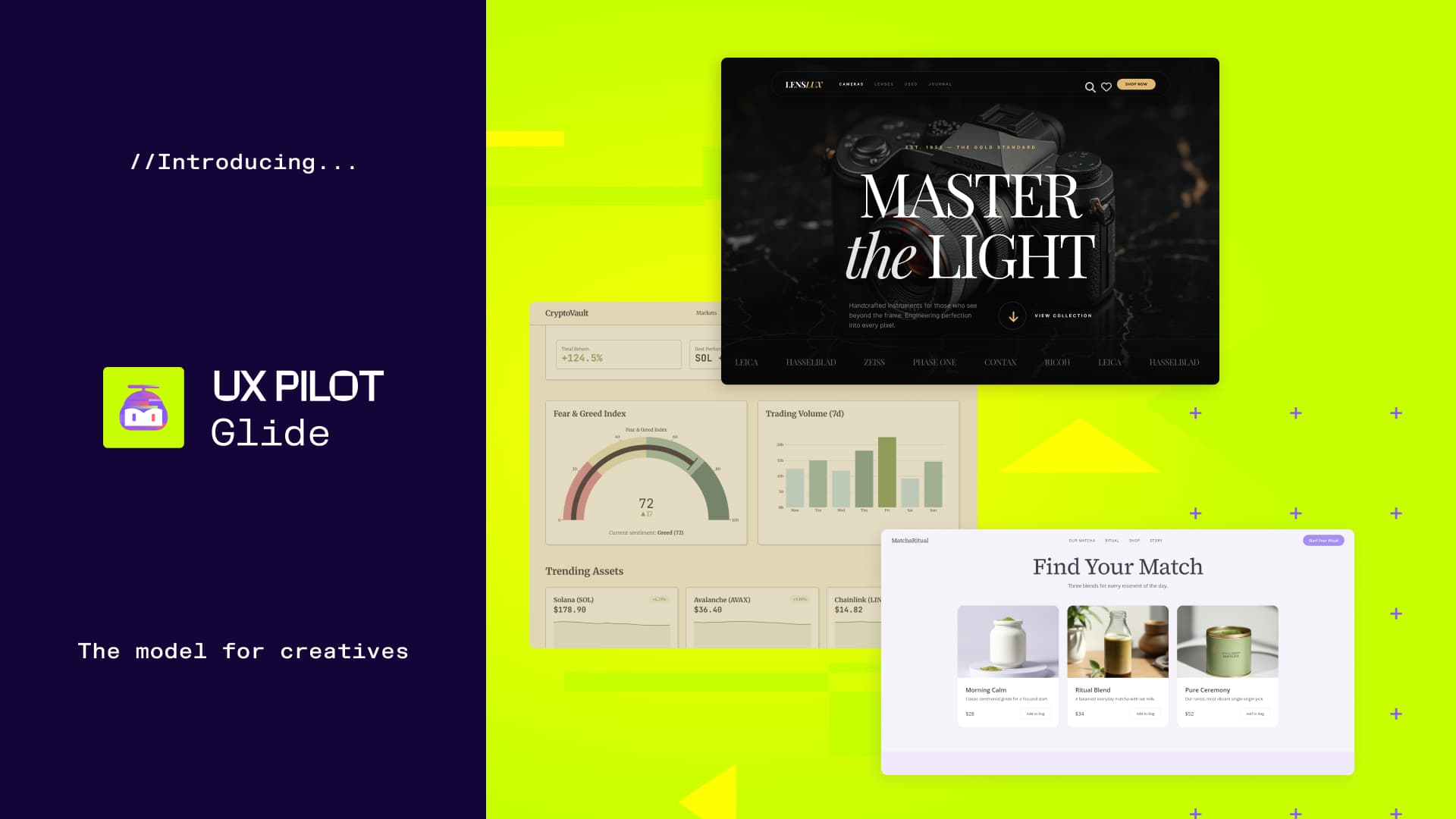
UX Pilot is an AI-powered design platform that allows users to rapidly create, iterate, and refine w...
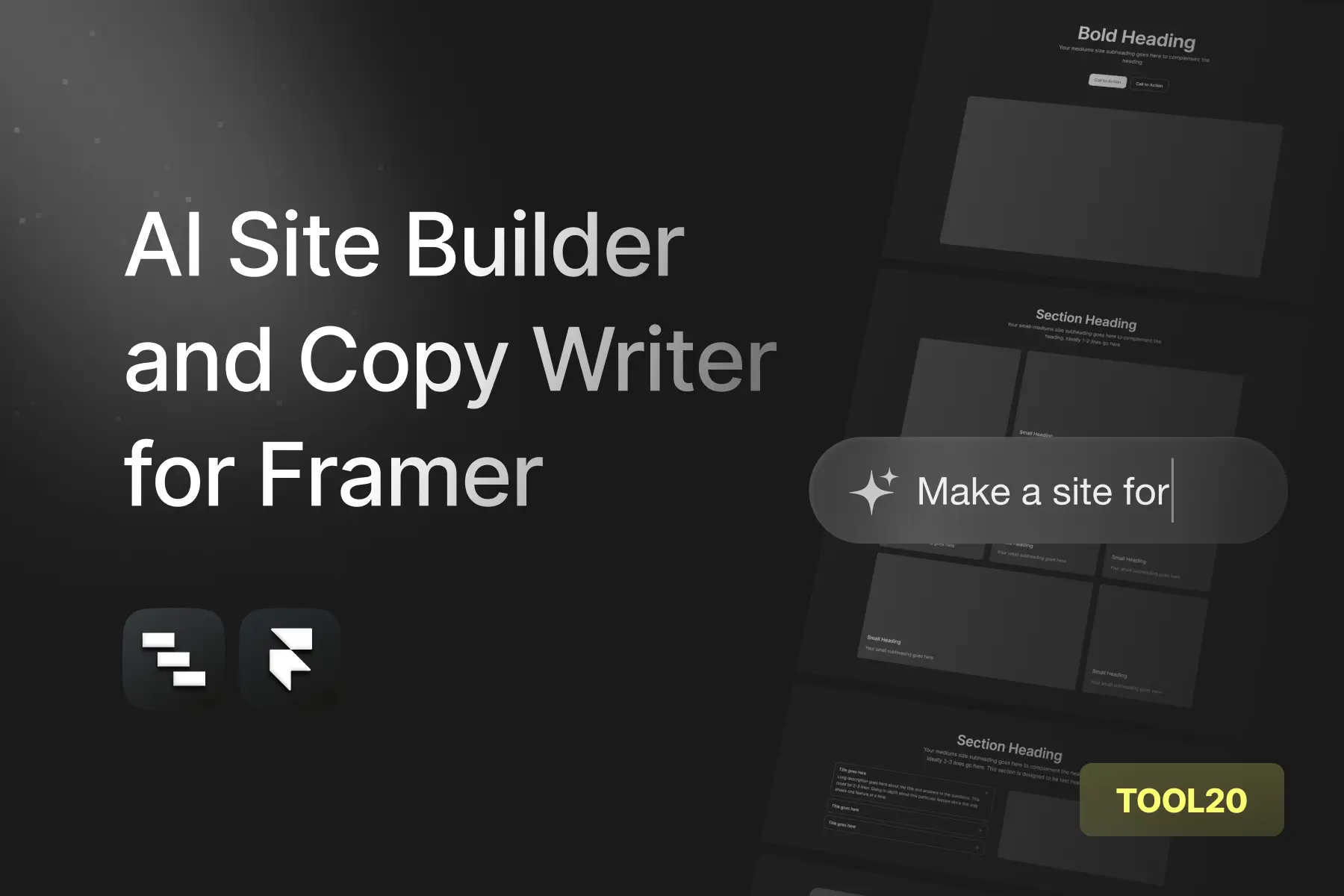
AI Frame is a smart site builder for Framer, automating tasks to boost creative work.

AI-powered platform for creating images, videos, and voice from text prompts.

Beautiful.ai is a powerful AI presentation maker designed to help users create stunning and professi...

AI-powered design tools for 2D/3D animations, text effects, and images.

AI-powered creative design tool.
Buttons in the Prototyping Library now support styled text and icons. Apply bold, italic, underline, or strikethrough to your label text, set alignment, and add an icon that aligns with the text. Additionally, paste a URL to use it as visual context for prototypes, automatically adopting its color theme.
Create professional diagrams with a new collection of 600 general-purpose shapes. Import Markdown documents as Miro Docs, and resize diagrams directly on the canvas easily.
Add horizontal and vertical divider lines from shapes and lines in the prototyping library. Divider lines stay fixed like UI elements and don’t auto-snap like connector lines.
Transform scattered board content into structured Miro Slides presentations with AI-powered outline generation and formatting.
Copy prototypes as SVGs and paste them into Figma. Higher-quality prototyping results with upgraded AI models enhance layout, structure, content, and image generation.
Toggle connector visibility in Prototypes to review screen flows or reduce visual clutter when editing and presenting.
Resize elements using precise dimensions in any Focus Mode. Apply colors directly from an image in Prototype Focus Mode.
The Prototyping Library now includes a new Advanced tab with 76 components to help build richer interfaces.
The Images and Icons Library is refreshed for a consistent experience, and the Prototyping Library expands to over 2,000 icons with improved browsing.
AI diagrams generate more relevant shapes and support custom styles. Miro activity is now integrated in Google Chat for easier access and collaboration.


