
OneTap
Effortlessly streamline your workflow with swift keyboard shortcuts and seamless device sync.
Loading section…
Effortlessly streamline your workflow with swift keyboard shortcuts and seamless device sync.

Endless clipboard to keep, search, and organize everything copied on Mac and iPhone.

Supaste saves your clipboard and screenshots in a beautiful visual history, automatically grouped by...
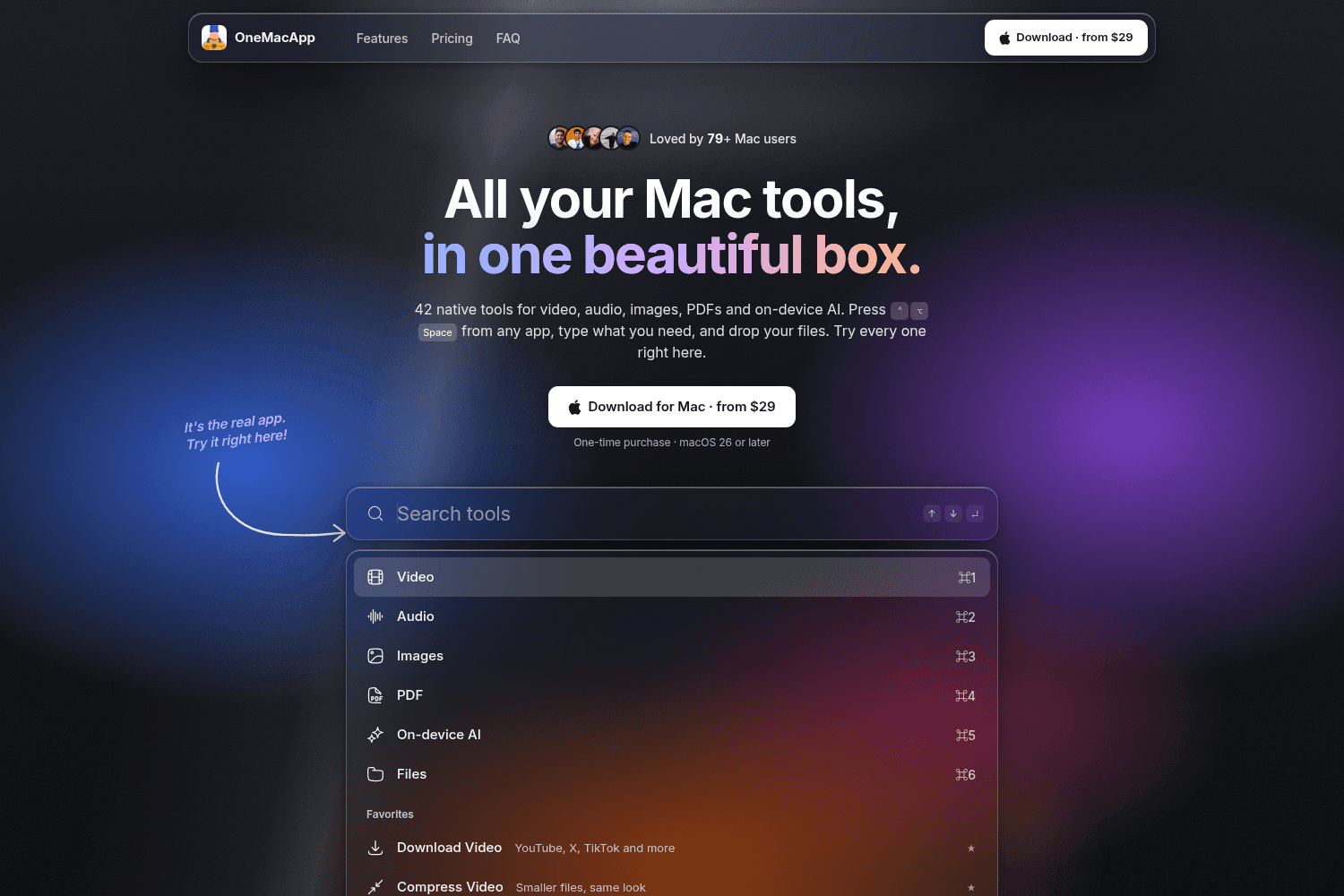
OneMacApp provides a suite of 42 native tools for various media tasks on Mac, enabling seamless edit...

AI-powered text enhancer for seamless writing across apps. Perfect for error-free, compelling writin...
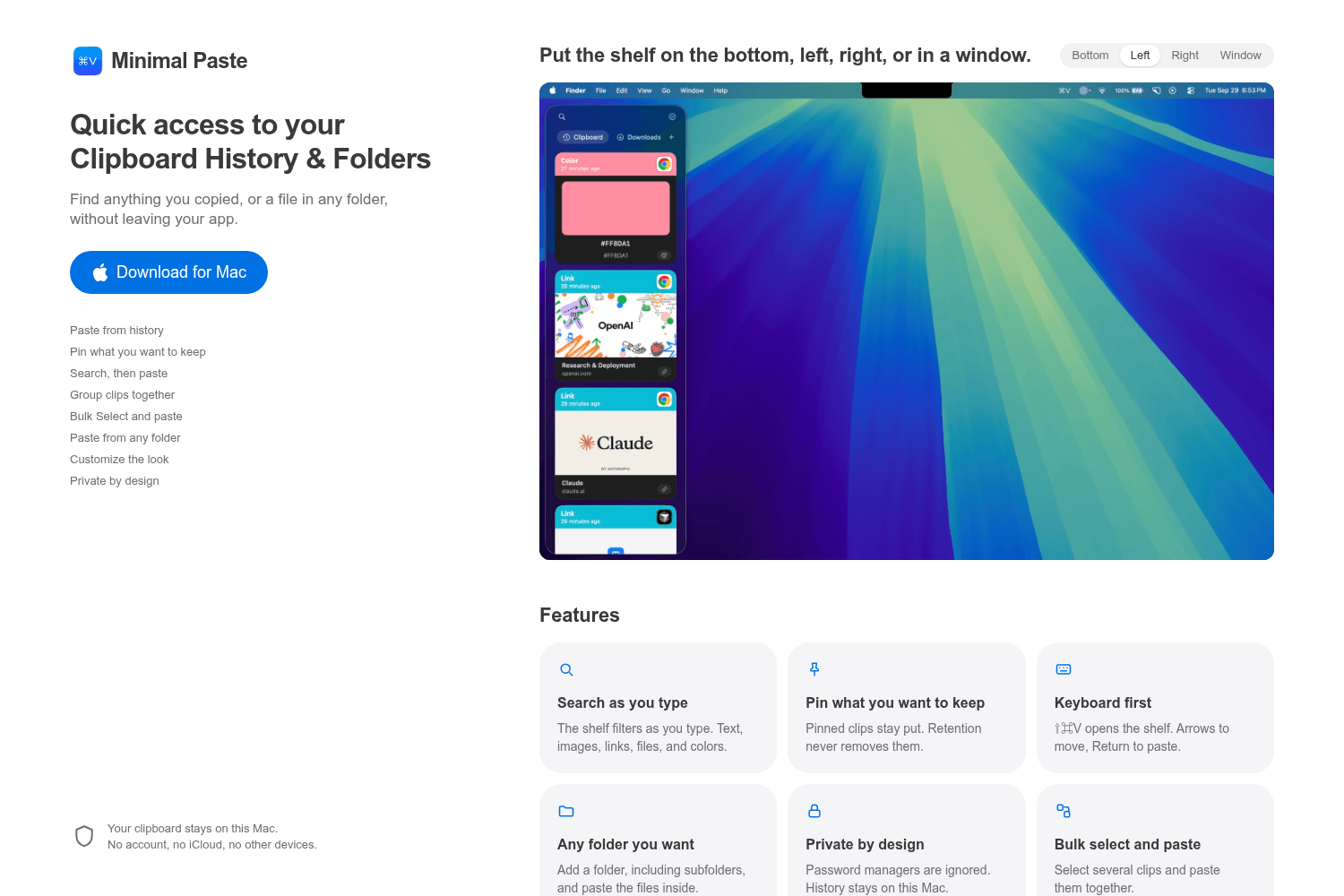
Minimal Paste is a clipboard manager for Mac that allows users to access their clipboard history and...

Automate repetitive typing with AI for faster communication.

Control your Mac entirely with the keyboard for faster navigation.

Streamlined screenshot application
If you've ever watched someone fly through their iPad without ever lifting their hands off the keyboard, you've watched someone who knows their shortcuts. And in 2026, the iPad is more keyboard-friendly than it's ever been — Stage Manager, multitasking gestures, and external keyboard support have turned it into a real laptop replacement for a lot of people.
 onetapapp.co·May 20, 2026
You copy something on your Mac — an address, a link, a block of text — and then you pick up your iPhone and it's just... gone. Or the reverse: you copy something on your phone and need it on your Mac, so you end up texting it to yourself like it's 2012.
onetapapp.co·May 12, 2026
If you've ever typed your email address for the hundredth time, rewritten a canned reply you've sent a dozen times this week, or gone hunting through your notes just to copy a link you use every day — this post is for you.
onetapapp.co·May 4, 2026
If you've ever lost something important the second you copied something else, you already know why a clipboard manager is one of those tools you don't realize you needed until you've used one for a week. Suddenly the idea of a single-slot clipboard feels like writing on a sticky note, throwing it away, and then trying to remember what it said.
onetapapp.co·Apr 27, 2026
If you've been using Paste and the price hike, missing feature, or clunky sync finally pushed you to shop around, you're not alone. Clipboard managers have quietly become one of the most essential Mac productivity tools of 2026, and the market has exploded with new options that rival — or beat — the old standards.
onetapapp.co·Apr 20, 2026


