
Opus
Transform long videos into engaging, shareable clips for social media with ease.
Loading section…
Transform long videos into engaging, shareable clips for social media with ease.

Tool that helps turn long videos into short-form content.

AI-powered tool that turns YouTube videos into TikToks, Shorts, and Reels in one click.

Online video editor.
AI-powered platform automating video clipping and posting for creators and media brands.

All-in-one video editing app

Create & edit AI-powered videos, avatars, and UGC product ads easily.

Library of short-form content ideas for social media inspiration.
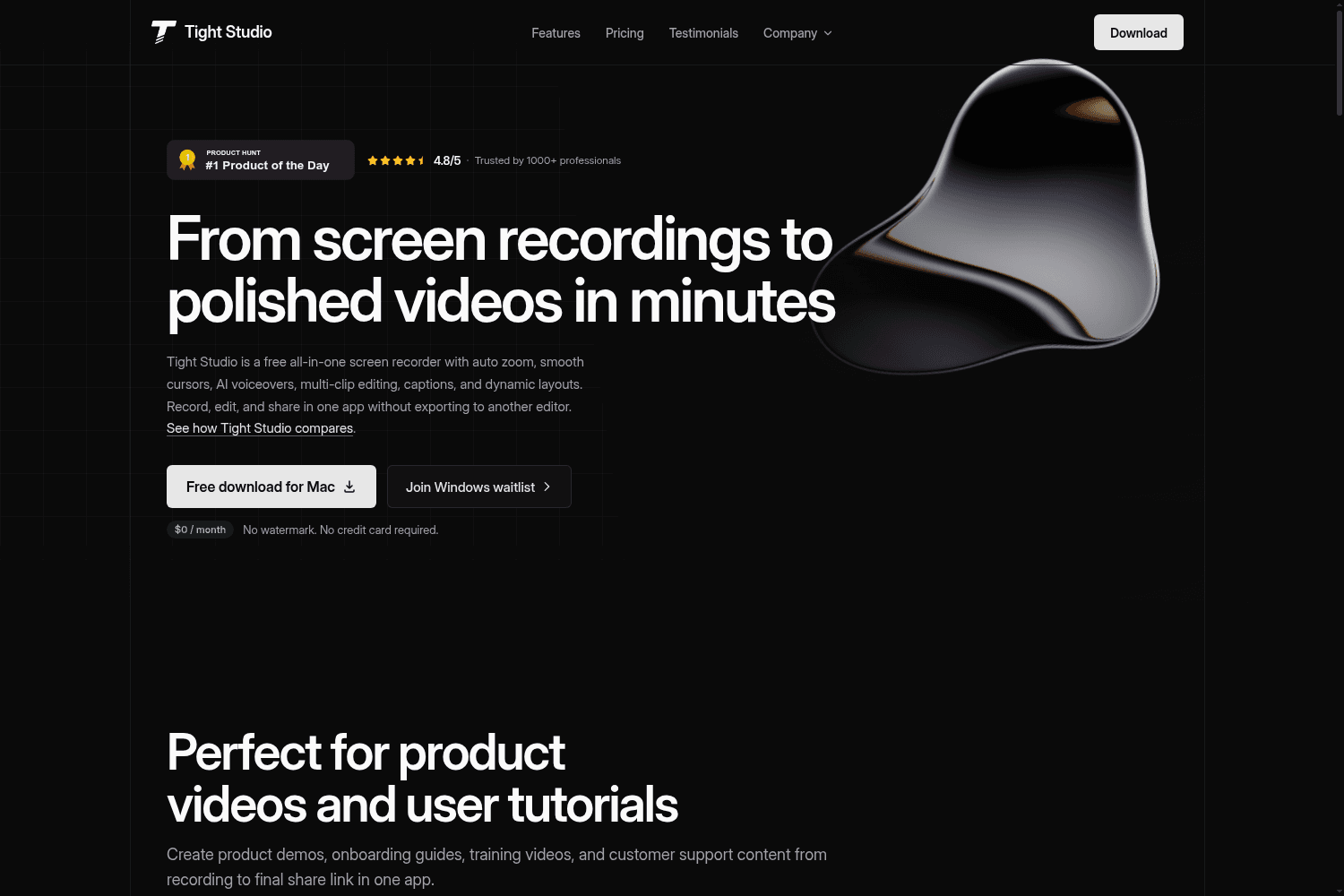
Tight Studio is a free all-in-one screen recording software that allows users to record, edit, and s...
You can now import videos from Zoom Clips, Apple Podcasts, and Medal.tv — just paste the link and OpusClip handles the rest. No downloading or re-uploading needed.
Creating variations of your clips just got a lot easier. You can now duplicate any clip directly from your results page — no more recreating edits from scratch.
Good news for Pro users! 4K export is now available on your plan. Just make sure to upload a 4K source video to unlock the 4K export option.
No more awkward auto-selected covers. You can now pick any frame from your video — or upload your own image — before you post.
If you've ever wanted to reprompt on a project and found it wasn't available, that's now fixed. Reprompt works across all your projects now.
The OpusClip iOS app now includes a full posting experience. Connect your social accounts, edit your title and description, pick a thumbnail, and publish to your accounts all in one click.
Auto Hook makes sure your video passes social algorithms in the first 3 seconds by automatically adding short text overlay to the first 5 seconds of your top 10 clips.
If you upload a 4K video, you can now export and post your clips in full 4K quality — no compression, no quality loss.
You can now automate your entire publishing workflow programmatically — no more manual scheduling one post at a time.
Snap Editing makes clips and overlays lock into place as you drag or trim, so everything lines up exactly where you want it.


