
Pika
Effortlessly create customized, on-brand images to elevate your marketing and presentations.
Loading section…
Effortlessly create customized, on-brand images to elevate your marketing and presentations.
There's a new pricing for teams. You can add upto 5 members with a fixed $25 a month or $250 a year pricing
These features are now available for free: All browser frames, All Background patterns, Backgrounds colors: custom colors and image backgrounds
To prevent abuse and to keep the service running, Pika is ending the free trials. This only affects future and new users
Now you can add annotate your screenshots with arrows. You can add an arrow using Add → Arrow option in the tool options on top of canvas. Arrows are customizable in size, color, position and more
A new template to design iPad Mini screens and the affiliate program is back, you can earn 30% in recurring commission for every sale you help Pika make.
Now when you set custom canvas size and save a preset, the canvas size will be saved as well. So when you apply the preset, the canvas size will be set automatically as well
Now you can retain input file names for exported images in Pika. You can enable this in Settings →Export
Now you can search and set background images from Unsplash. To do so, you can go to Background > Unsplash, there you can search for images and click on any to set as background
You can now export your screenshots and mockups in SVG format as well. This is a Pro only feature and works with all templates and tools in Pika
Now you can save your customizations as Presets in all templates in Pika. Previously, this was only available in the screenshot design tool. With Template Presets, you can quickly apply your customizations in just one-click. This is a Pro only feature

Modern icon library for web design & development.

Picasso helps create stunning app screenshots effortlessly.

Pikzels AI makes YouTube thumbnails from a prompt, recreates formats that already work, scores your ...

Explore high-quality 3D icons in PNG and Blender formats. Perfect for UI designer needs.
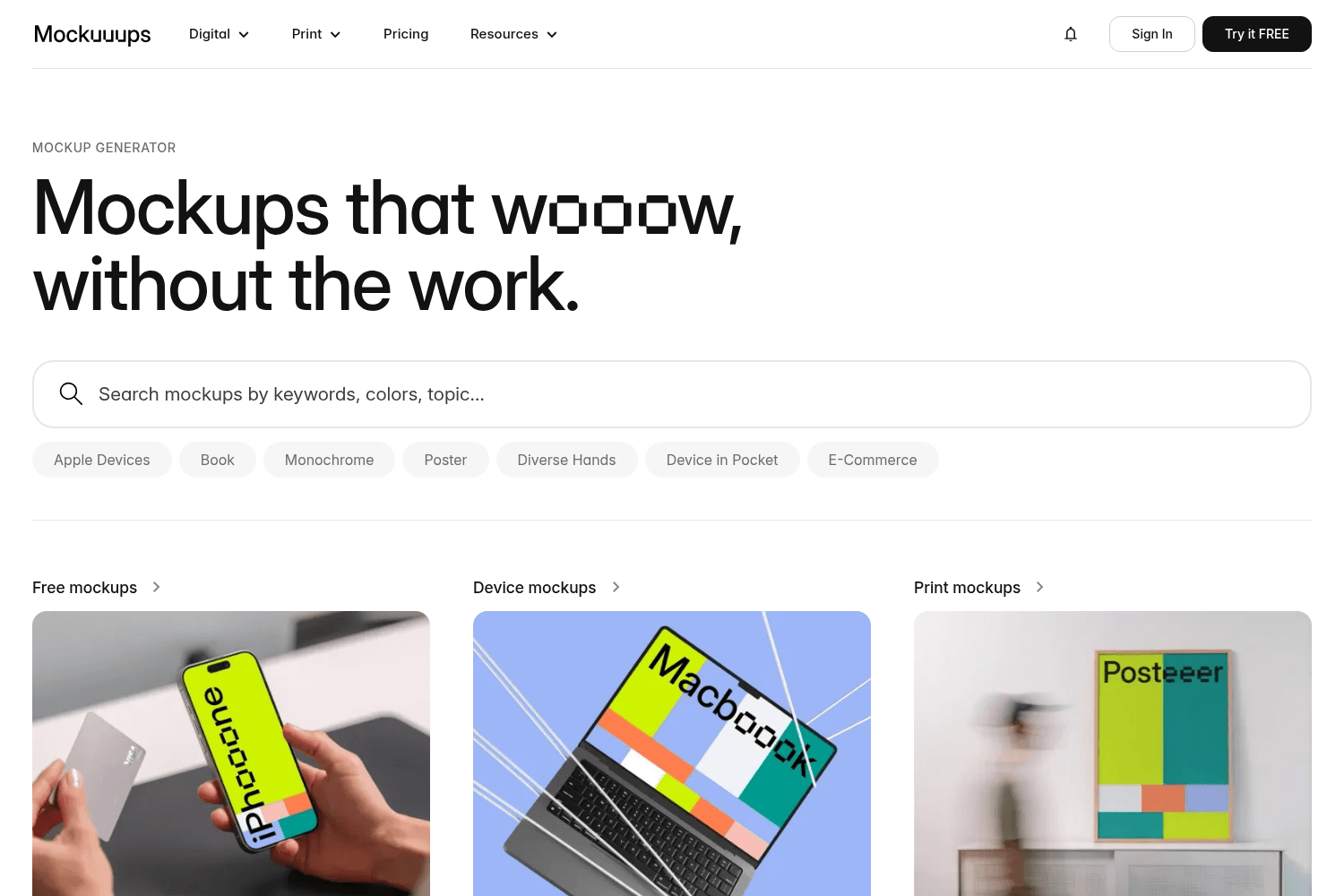
Easy-to-use tool for creating high-quality mockups for digital products.
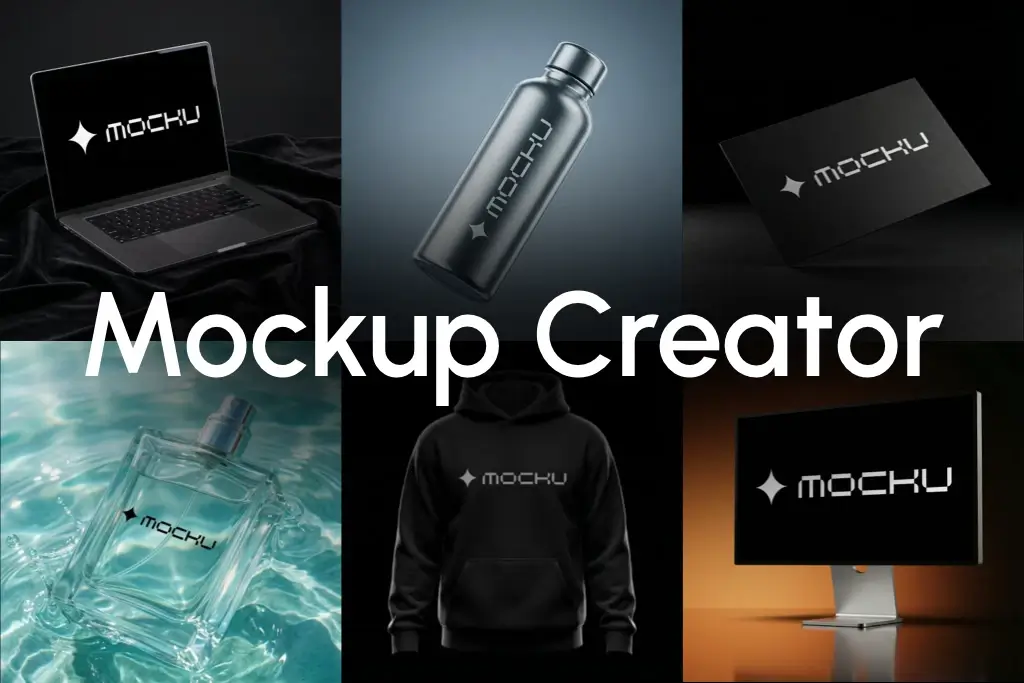
Generate realistic AI-powered device mockups from screenshots or URLs fast.

A color palette generator for design
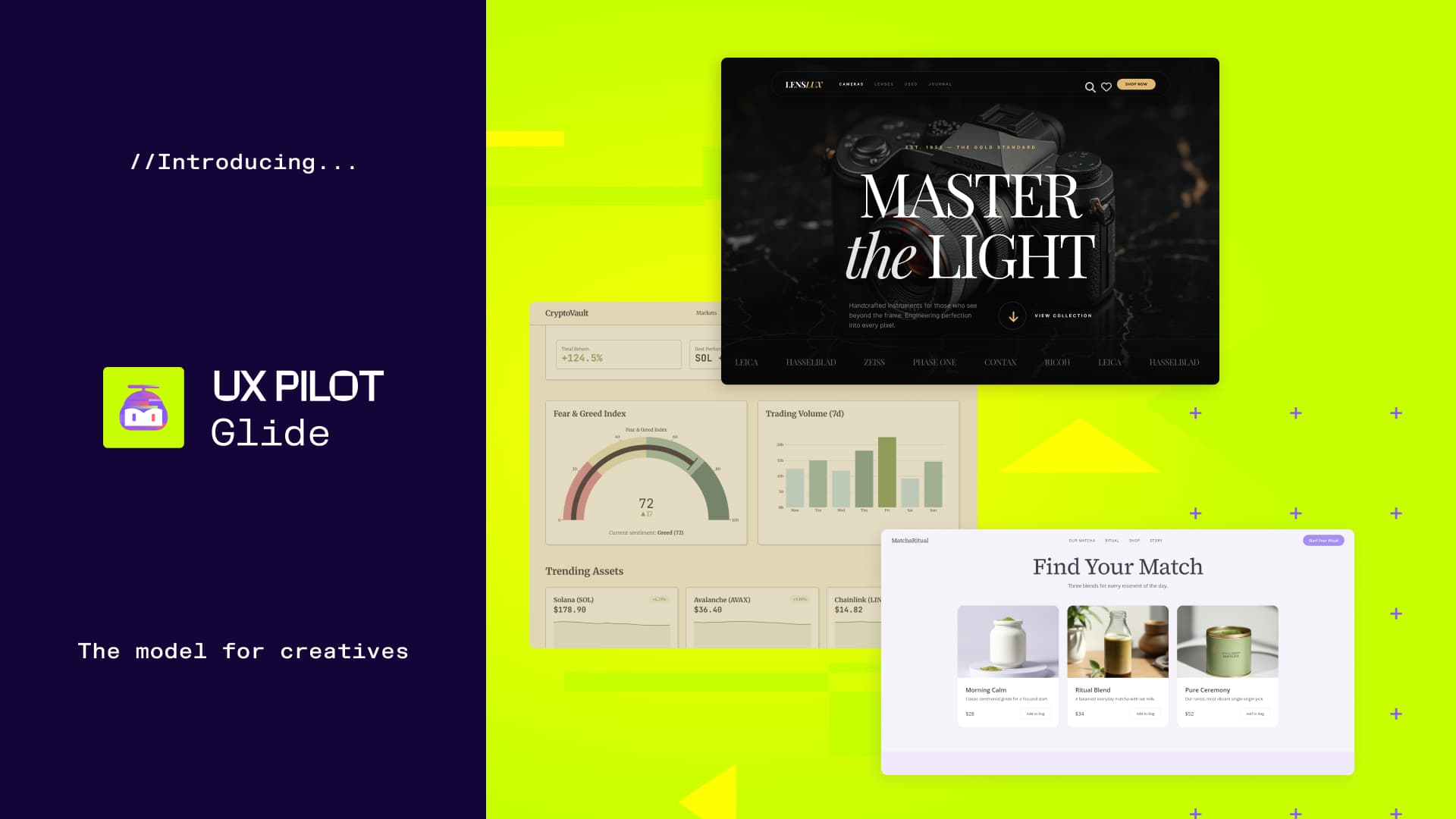
UX Pilot is an AI-powered design platform that allows users to rapidly create, iterate, and refine w...


