
Presentify
Enhance your presentations by annotating your Mac screen with ease and precision.
Loading section…
Enhance your presentations by annotating your Mac screen with ease and precision.
Learn how to use Presentify's Cursor Highlight feature to make your pointer visible during presentations, demos, tutorials, meetings, and recordings.
 presentifyapp.com·May 19, 2026
Learn how to use Presentify's Spotlight feature to dim distractions, guide attention, keep audiences focused, and present more clearly on Mac.
presentifyapp.com·May 11, 2026Learn how to use Presentify's Zoom feature to magnify small text, interface details, code, charts, and slides during presentations and screen shares.
presentifyapp.com·May 11, 2026Master Presentify's keyboard shortcuts to annotate your screen, highlight your cursor, spotlight key areas, and zoom during presentations on macOS.
presentifyapp.com·May 3, 2026Build a smooth Mac presentation stack by pairing a presenter remote with annotation and screen share software.
presentifyapp.com·Jan 15, 2026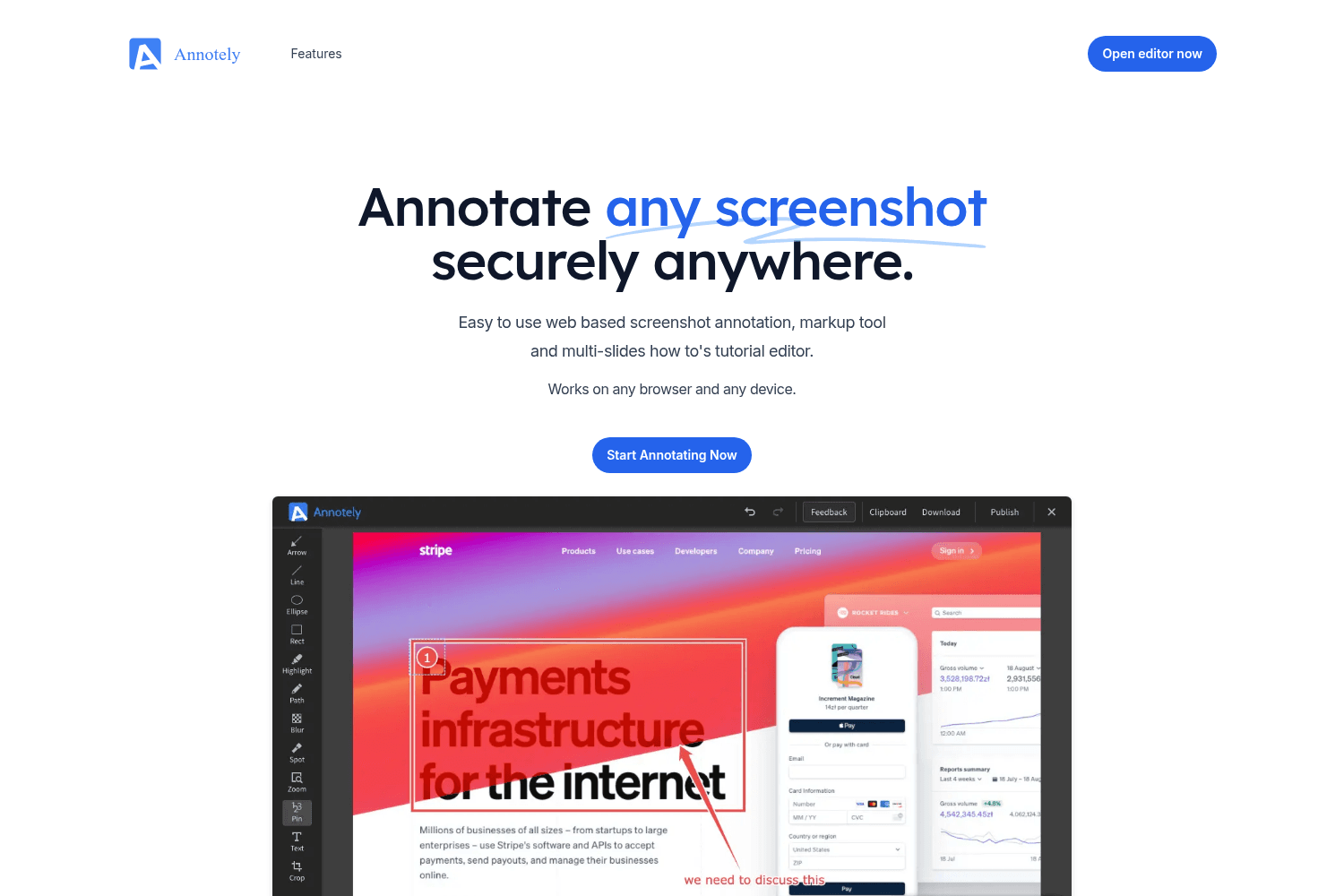
Annotate and share documents.
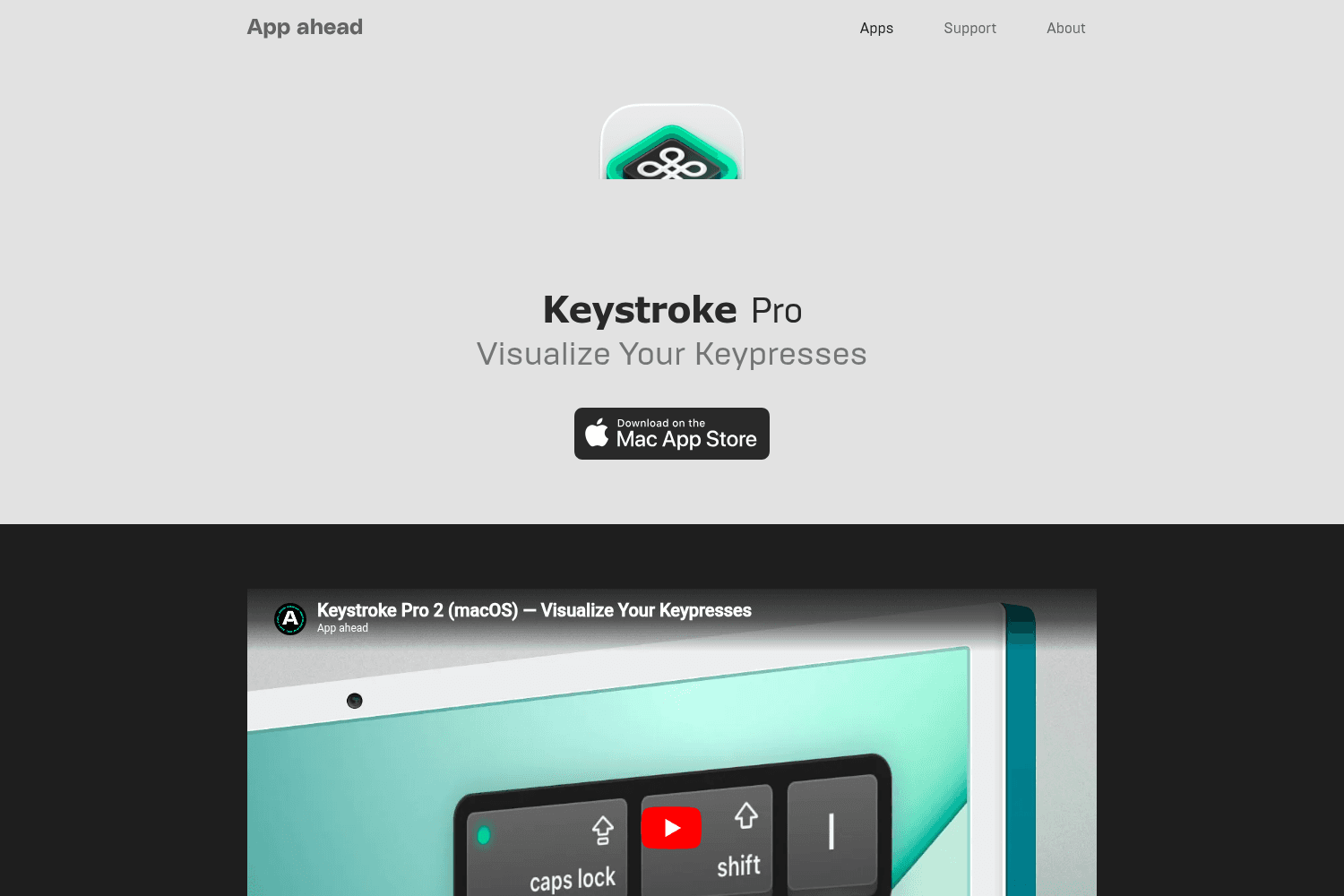
Visualize keypresses on macOS with customizable styles and animations

Top screenshot app for Mac with cloud upload for developers, designers, creators
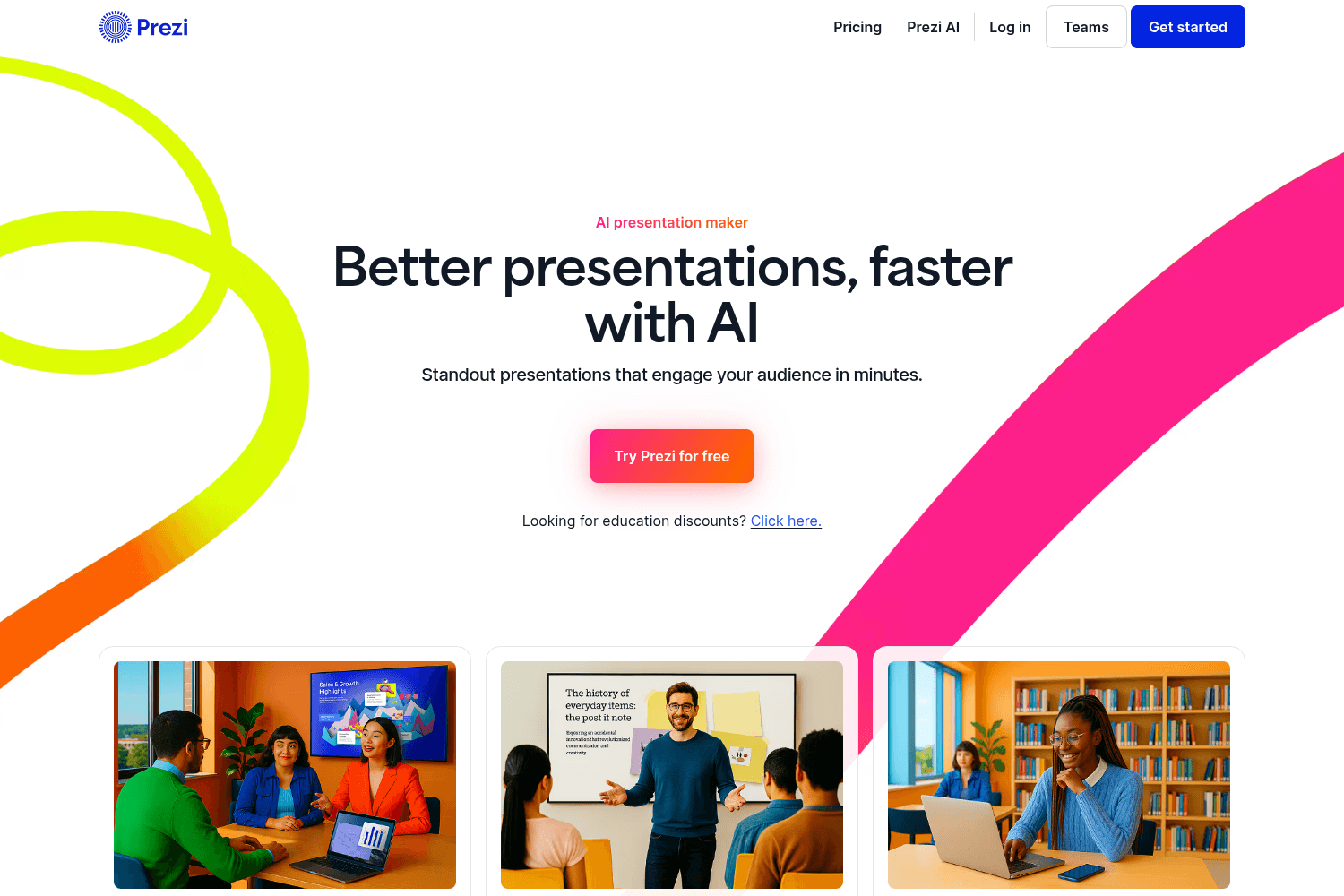
Prezi is an AI-powered presentation tool that helps users create engaging and interactive presentati...
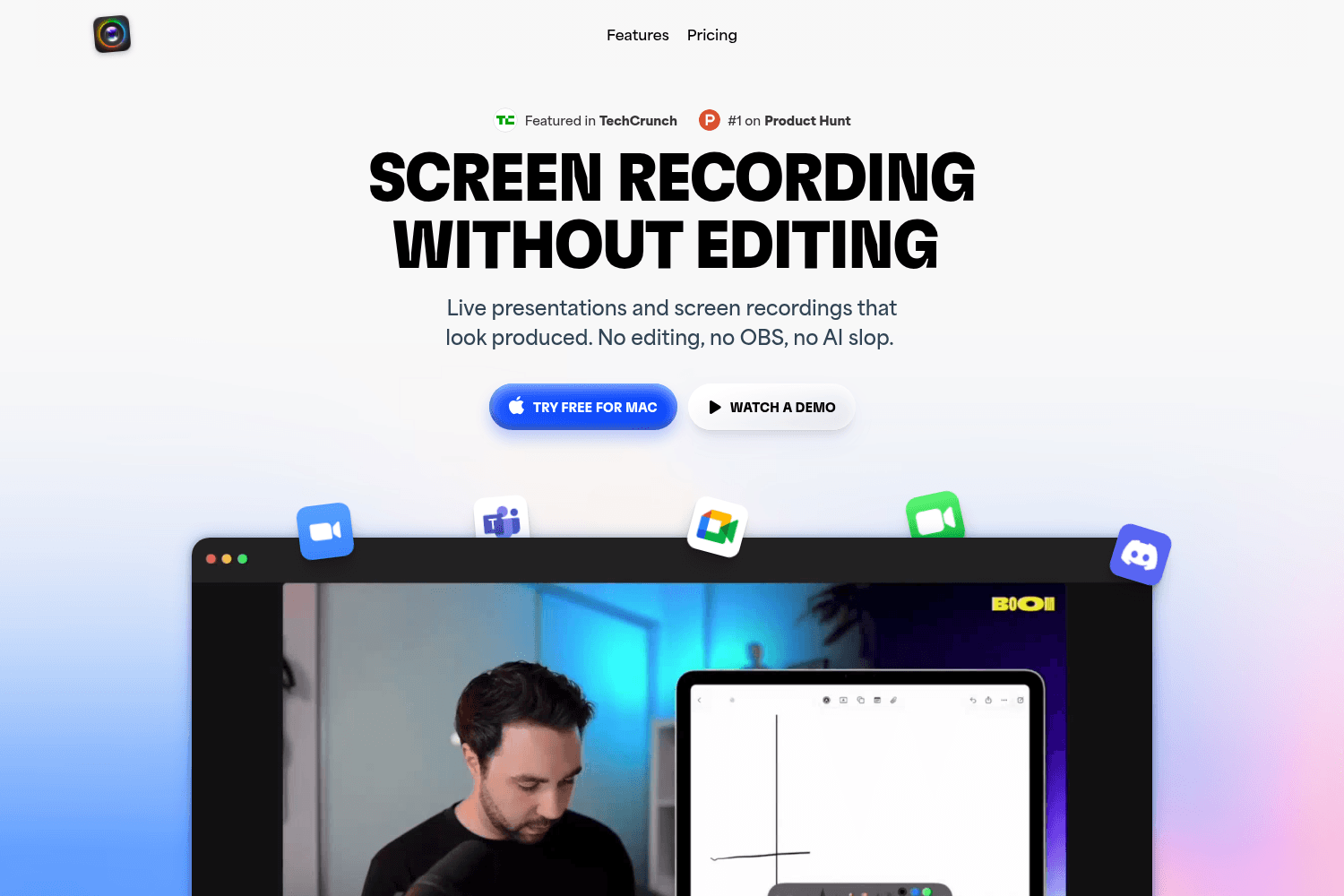
Boom for Mac lets you present live, record screens, and elevate your camera presence effortlessly.
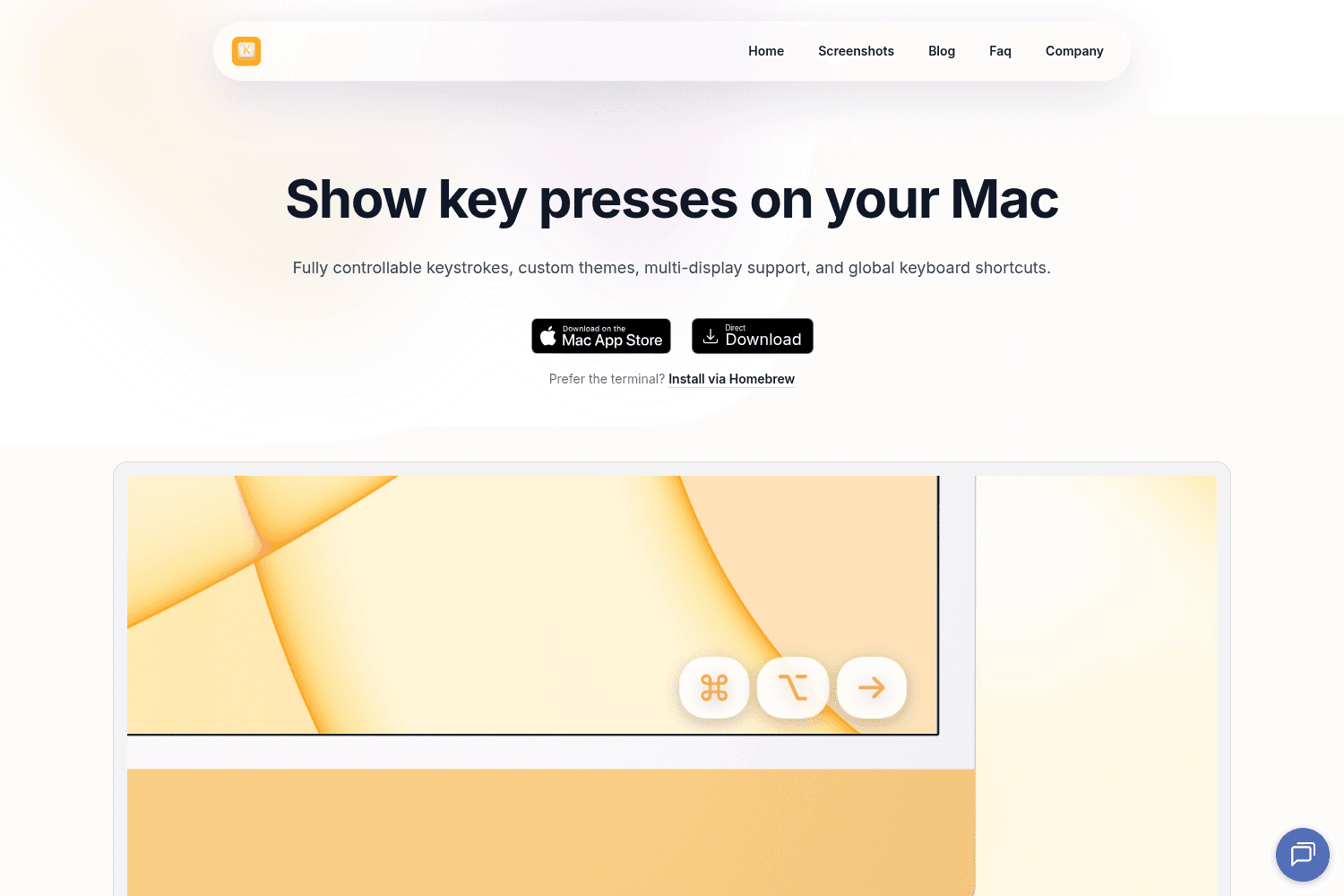
Displays key presses on Mac with themes, layouts, and multi-display support. Ideal for tutorials.
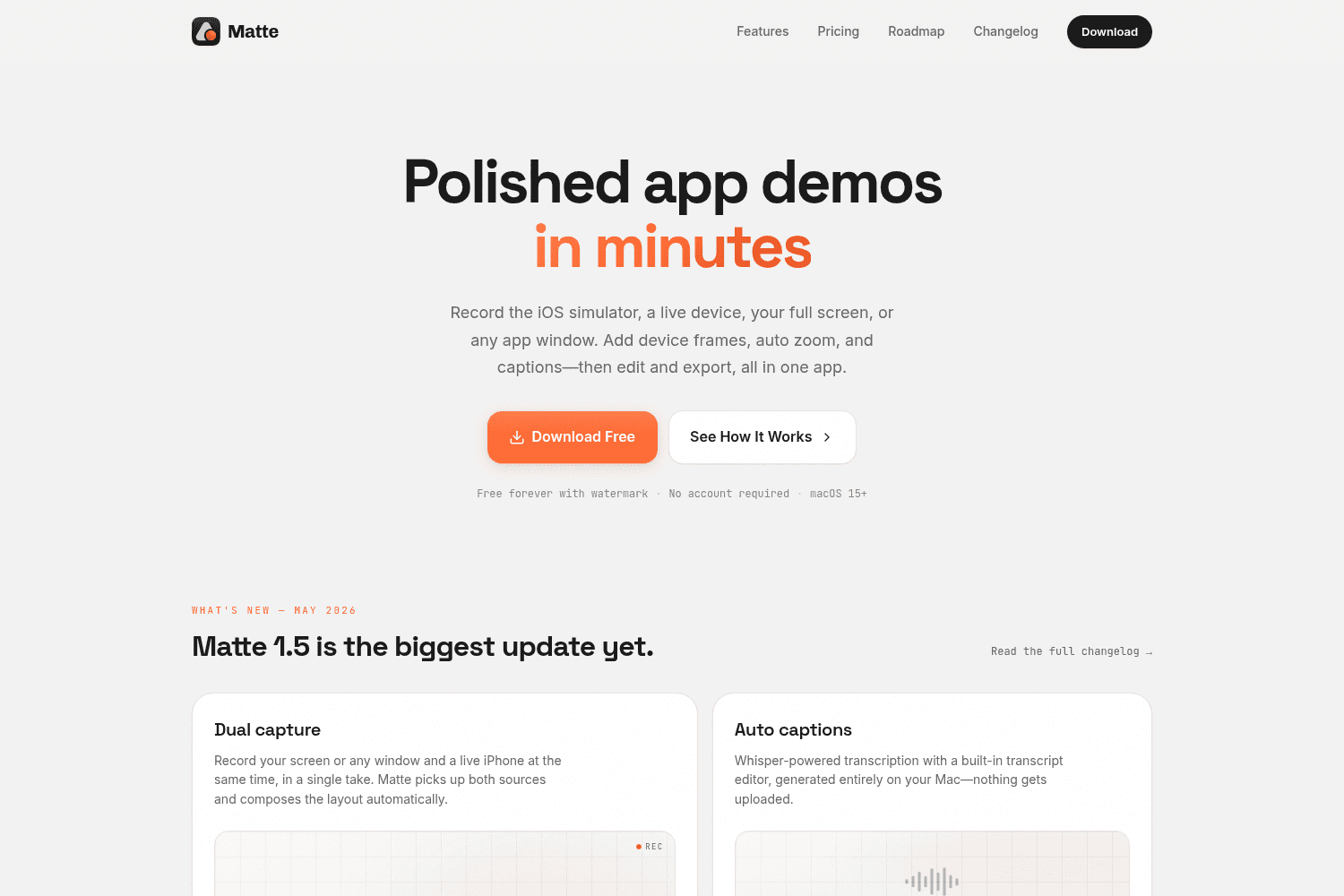
Matte is an all-in-one app that allows developers to record, edit, and export polished app demos qui...
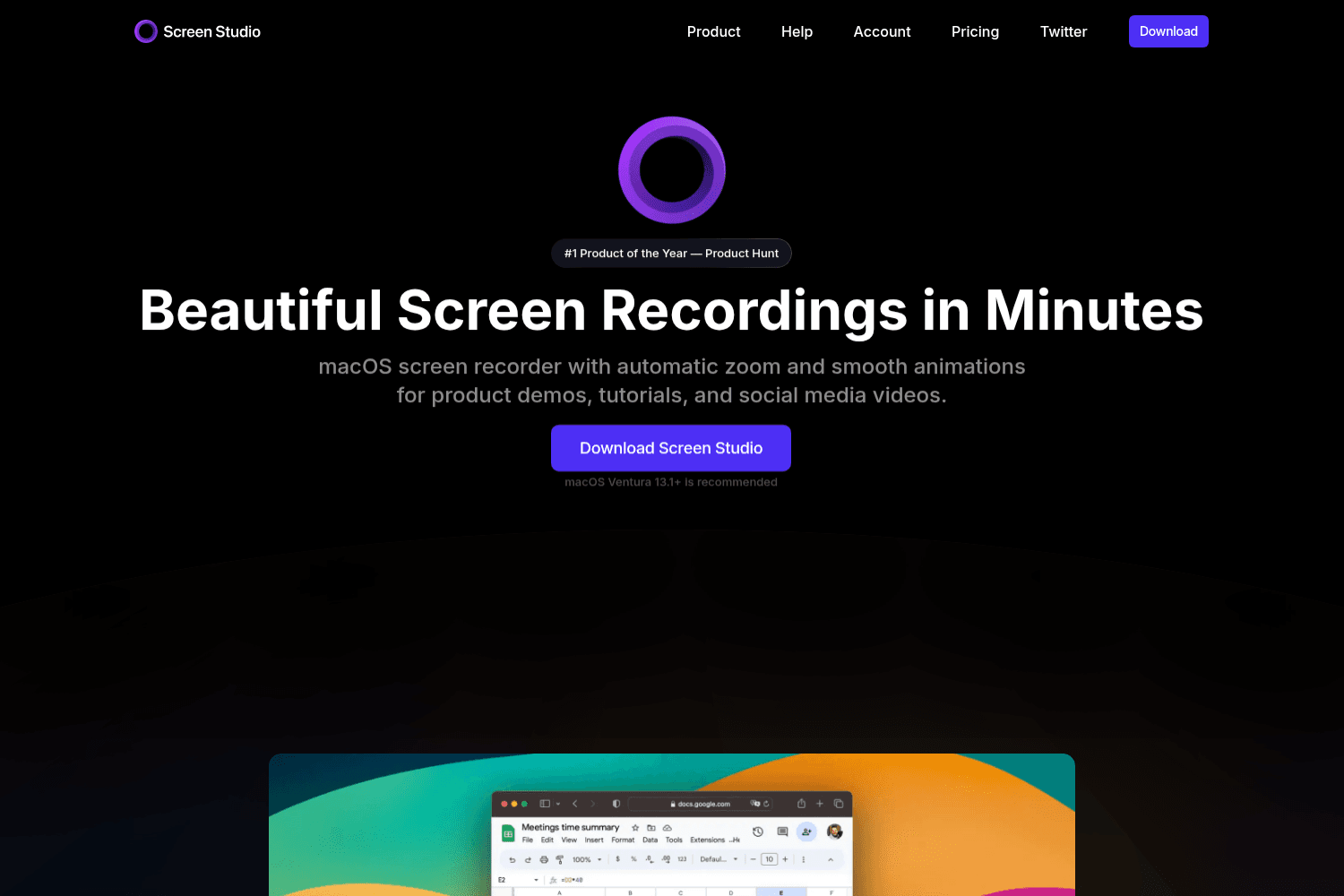
Online tool for creating and sharing screen recordings.


