
Raycast
Streamline your macOS productivity with one efficient launcher for all your tools.
Loading section…
Streamline your macOS productivity with one efficient launcher for all your tools.

Raylight is a web-based tool that allows users to create high-quality motion graphic videos quickly ...
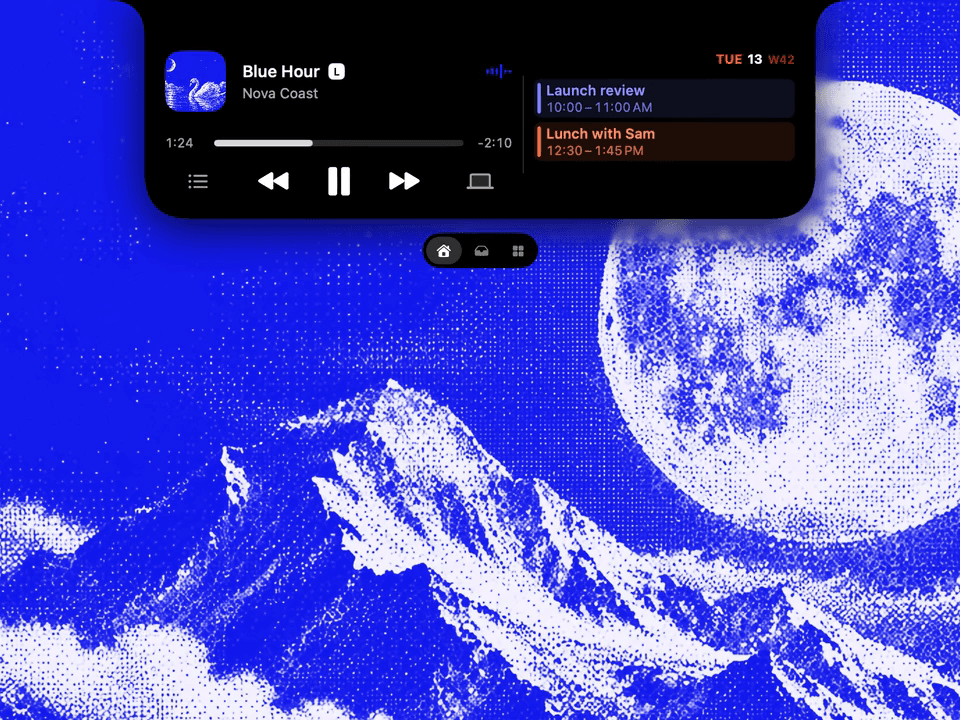
Droppy is a supercharged Dynamic Island productivity app for macOS that combines multiple utilities ...

Echo is a menu-bar app for Mac that remembers every song, podcast, and video you play across apps an...

Control your Mac entirely with the keyboard for faster navigation.
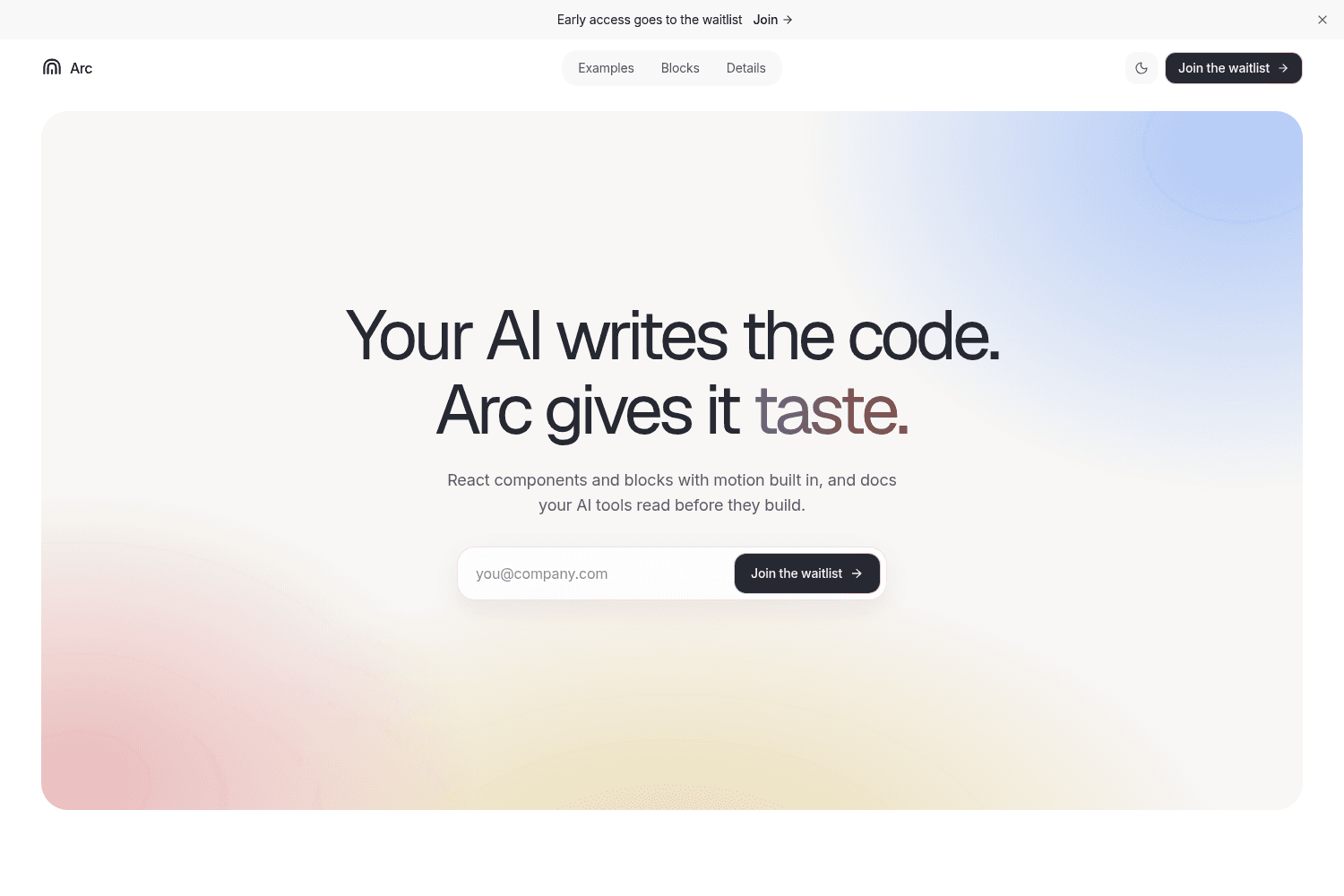
Arc provides a library of interactive React components and blocks to accelerate UI development, enha...

Comprehensive screenshot and screen recording tool.
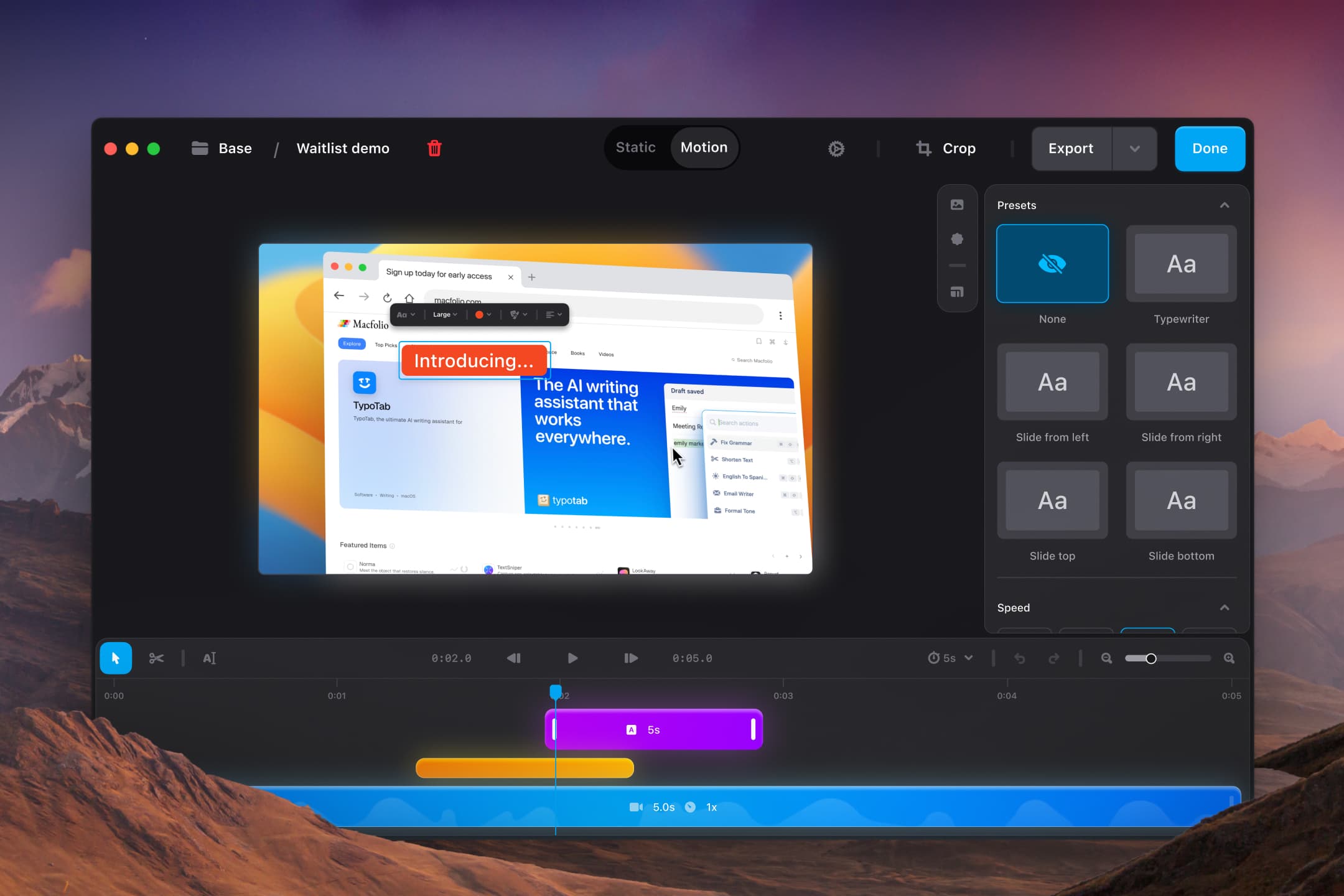
Shotbase is a comprehensive capture tool for screenshots, recordings, and organized workflows, desig...

TranslateAir offers instant AI translations & OCR for macOS, enhancing multilingual interactions.
As 2025 comes to a close, it’s the perfect time to reflect on how Raycast has helped you be more productive and stay in flow. Take a look at your Raycast Wrapped to get insights on your Raycast launches, extensions usage, and more.
macOS Tahoe is out, bringing many user interface changes. While there are no major new features, we've focused on implementing some design tweaks in Raycast, such as Liquid Glass controls in AI Chat.
Never take meeting notes again with Auto Transcribe, powered by Granola. Your meetings can now be transcribed and summarized, allowing you to focus on discussions.
Create alternate conversation paths from any point in your chat history. This experimental feature allows exploration of different directions without losing the original conversation.
Integrate your existing AI provider accounts with Raycast's interface. Now use Raycast AI with your own API keys for Anthropic, Google, and OpenAI.
Run nearly any open source LLM locally, with access to over 100 AI models through integration with Ollama. Experimental support for AI Extensions with local models is included.
Raycast includes integration with the Model Context Protocol (MCP), allowing access to tools from Quick AI and AI Chat by @-mentioning them.
Raycast is now available for Windows users, bringing productivity enhancements and features tailored for the Windows environment.
Enhanced overall application performance and reduced load times across various features, improving user experience significantly.


