
Riverside
Effortlessly record and edit professional podcasts and videos in an online studio.
Loading section…
Effortlessly record and edit professional podcasts and videos in an online studio.

Interactive design and animation software.

Revid.ai is an AI-powered platform that simplifies video creation, enabling users to transform their...

Create scalable short-form videos with AI-driven video generators and editors.

Create AI-powered videos quickly from text. Ideal for marketing & content creators.
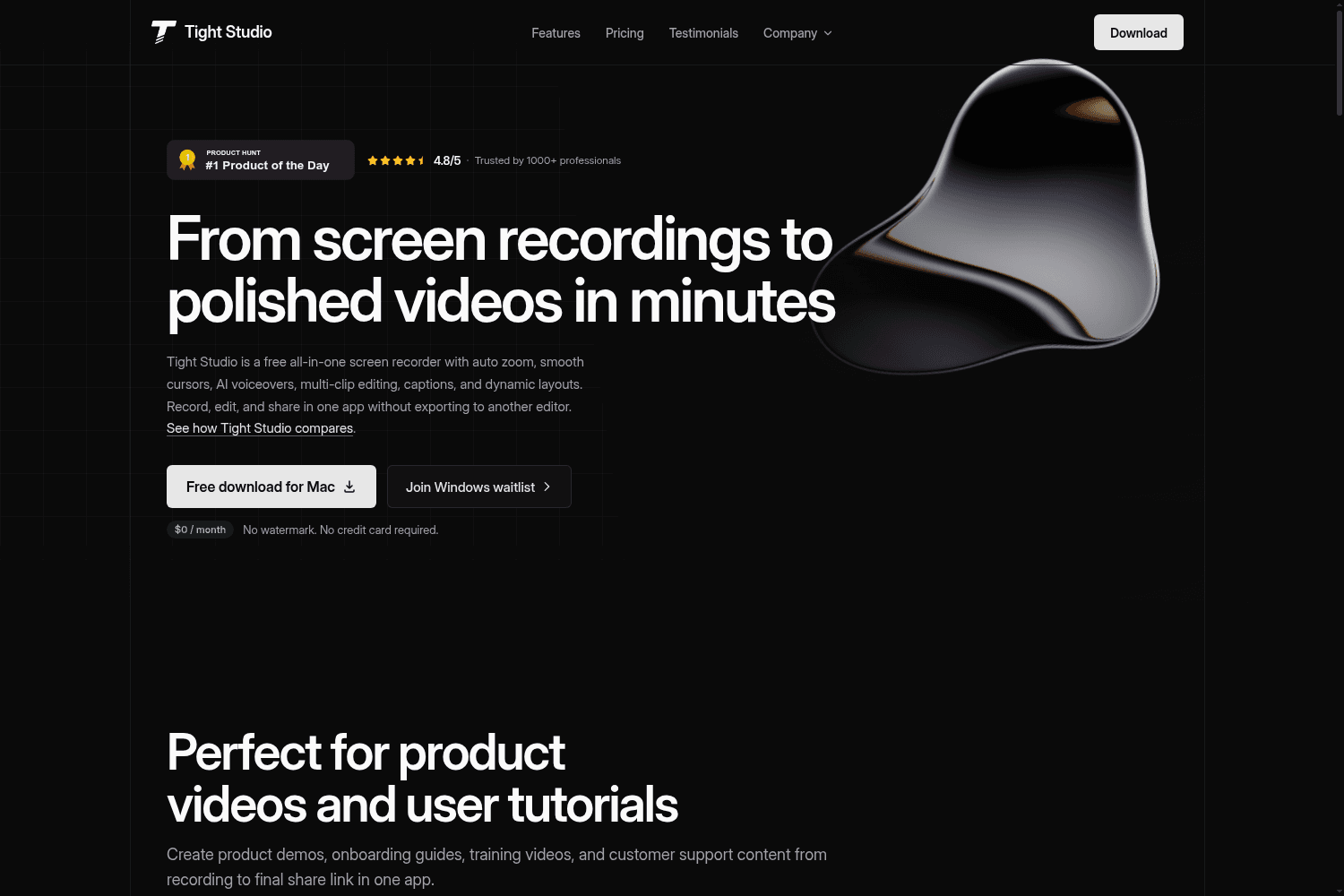
Tight Studio is a free all-in-one screen recording software that allows users to record, edit, and s...

Open-source screen recorder for MacOS/Windows/Linux with auto-zoom and cursor animations.

Restream allows users to go live on multiple platforms simultaneously and convert streams into short...

Create AI-powered video ads fast with custom avatars & voice cloning. No expertise required.
Read about Riverside's new iOS app, why we launched it, & how to use it to record high-quality podcasts and video interviews with remote guests.
Riverside is now SOC 2 Type 2 Compliant! Read on to understand what that means and why it's important.
Riverside partners with Spotify's podcasting platform, Anchor for video podcasts. Record on Riverside and share with millions on Spotify through Anchor.
Riverside now supports iPads! Starting today, you can enjoy the ease of recording from anywhere with studio quality, directly from your iPad.
Start editing videos with text using the New Riverside. Try our text-based audio and video editor which uses accurate AI transcriptions in 100+ languages!
Riverside 2.0 introduces automated editing tools, transcriptions, iPhone app upgrades, full HD screen-share recordings, and more!
Repurpose content into short clips suitable for social media. Multi-layout Clips is the best way to easily share clips everywhere without losing quality.
Turn your recording highlights into social growth without extra effort or time! Let Ai do all the work with Riverside's Magical Clips.
Create talking head videos and podcasts effortlessly with AI tools, audio enhancement and an easy interface. Find this and more in Riverside's new Editor.
Riverside is improving the workflow of online creators by giving them tools to easily create professional-quality content. Read on to learn how we do this.


