
Slashit App
Boost your productivity by automating repetitive typing tasks for seamless communication.
Loading section…
Boost your productivity by automating repetitive typing tasks for seamless communication.
Date and Time variable for inserting the current date and time into any template. Multi-select in clipboard history for managing several entries at once. Magical triggers no longer require a hotkey — run them straight from Quick Access. Double-click an option in single-select template values to advance instantly.
Shortcut updates now apply correctly. Magical no longer stops working unexpectedly in certain scenarios. Window focus issue on Windows that broke keyboard actions. Bullet list formatting in rich text fields.
Toggle clipboard history on or off from settings. Sound effects for snippet and clipboard actions. Auto-complete-safe snippet expansion to reduce accidental triggers. Surrounding context shown while filling in template variables. Keyboard navigation through Quick Access search results. Wait-for-interaction support — Magical can pause until you're ready.
Overhauled template and snippet expansion for smoother performance. Added a hotkey-removal option in settings to make reassignment easier.
Snippets in the trash were being expanded incorrectly. Multiple-choice multi-select bug that caused incorrect selections. Whitespace rendering in snippet and template previews. Clipboard image backup and restore during snippet expansion.
Numpad keys now work when creating and triggering Magical shortcuts.
Magical runs faster and more efficiently across common workflows.
Shortcuts now trigger correctly on AZERTY and other non-QWERTY layouts.
Create shortcuts in any language — Japanese, Korean, Chinese, and beyond. Shared team shortcuts activate automatically for everyone, no per-device setup.
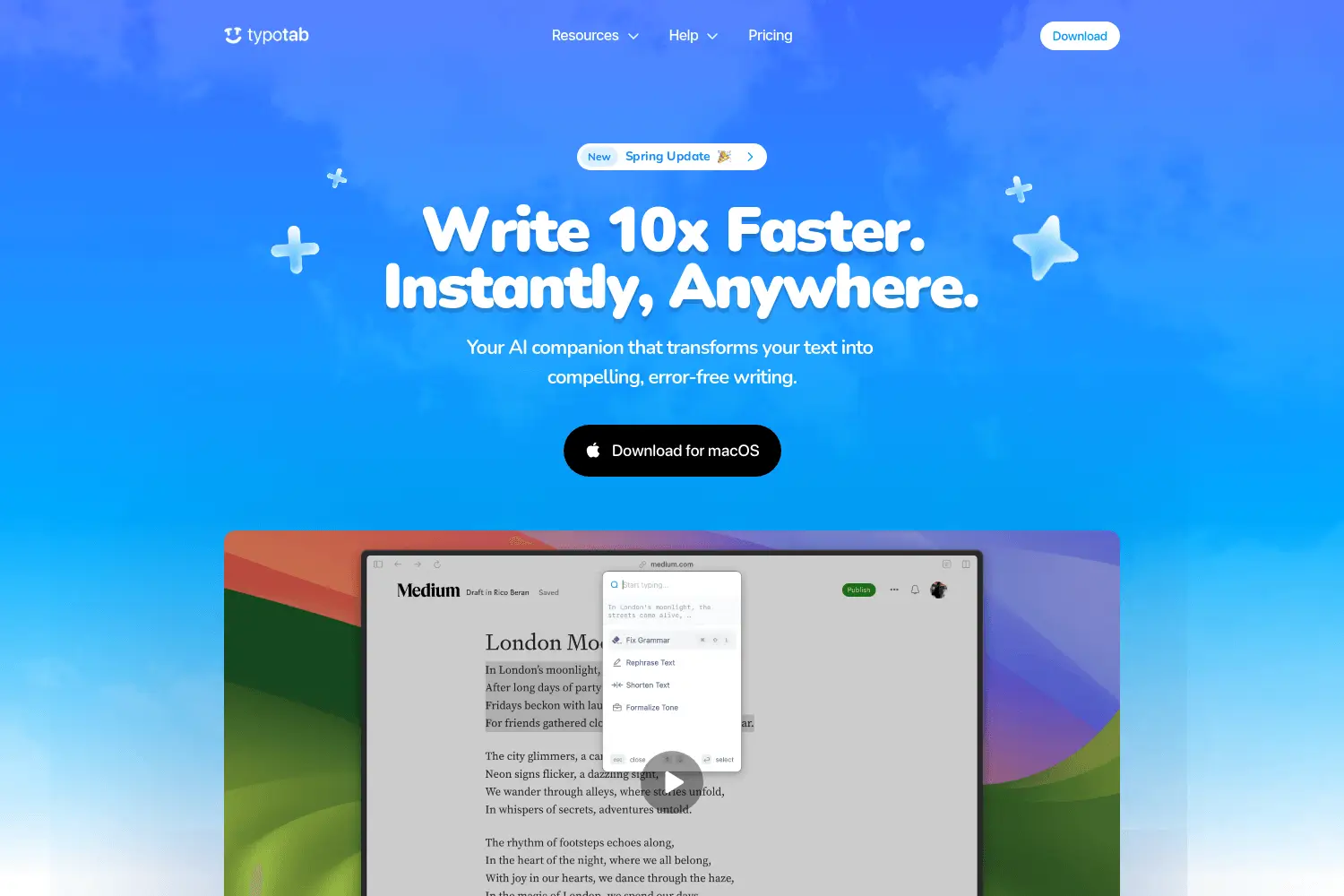
AI-powered text enhancer for seamless writing across apps. Perfect for error-free, compelling writin...
AI video editor using natural language prompts. Easy social media cuts, remove repeated takes.
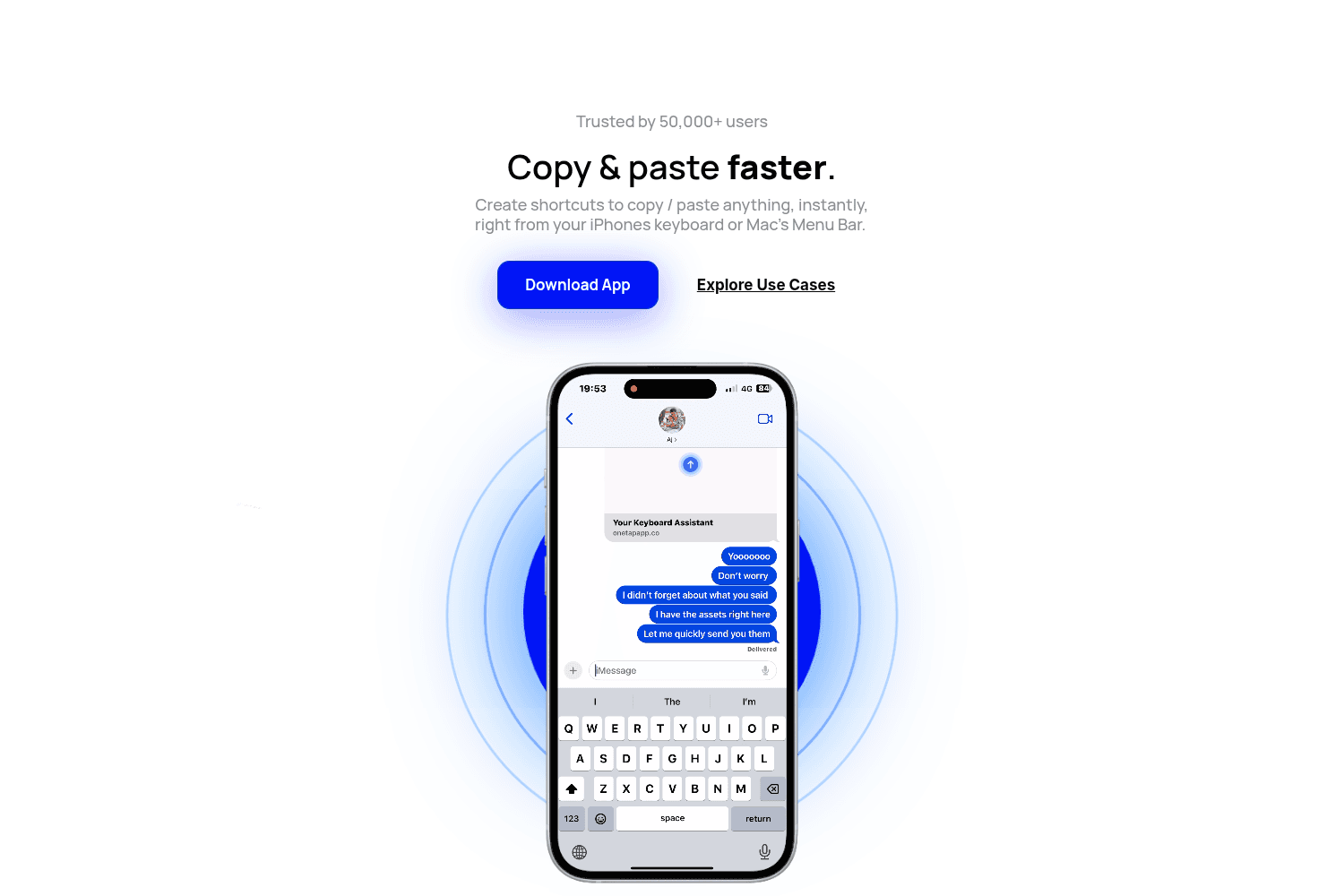
One-tap app creation.
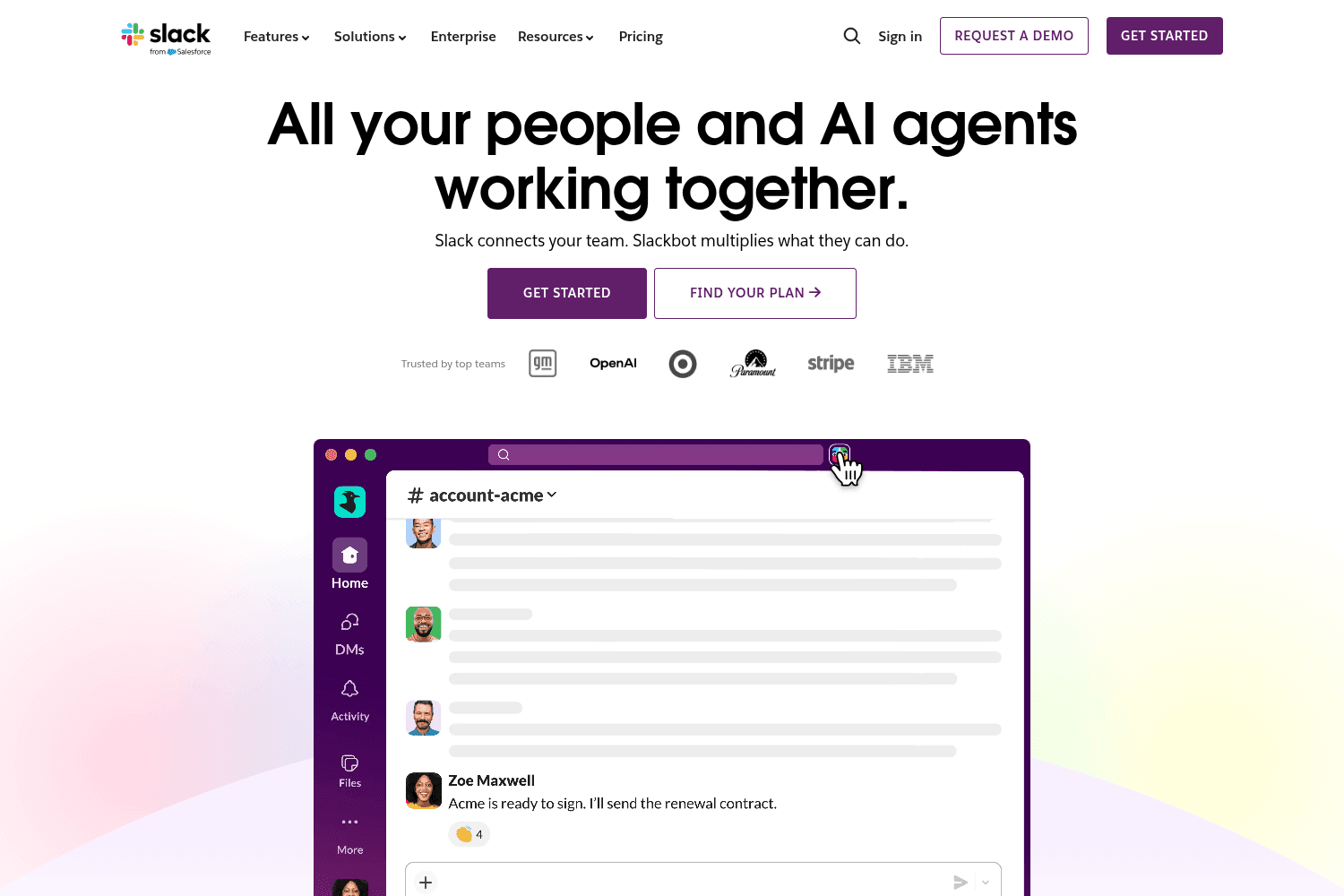
Messaging app for teams with integration and collaboration tools.
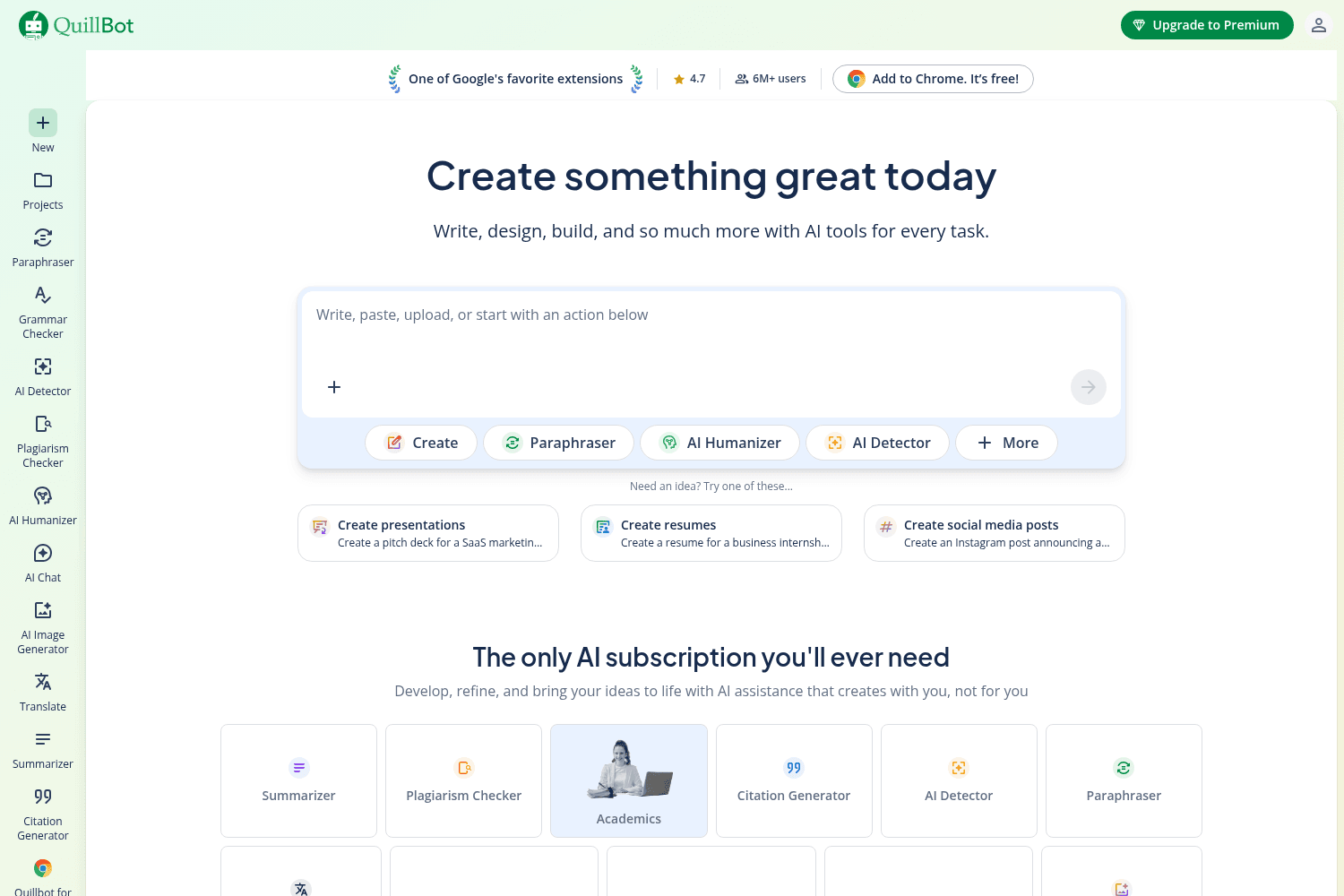
AI-powered writing and research assistant.
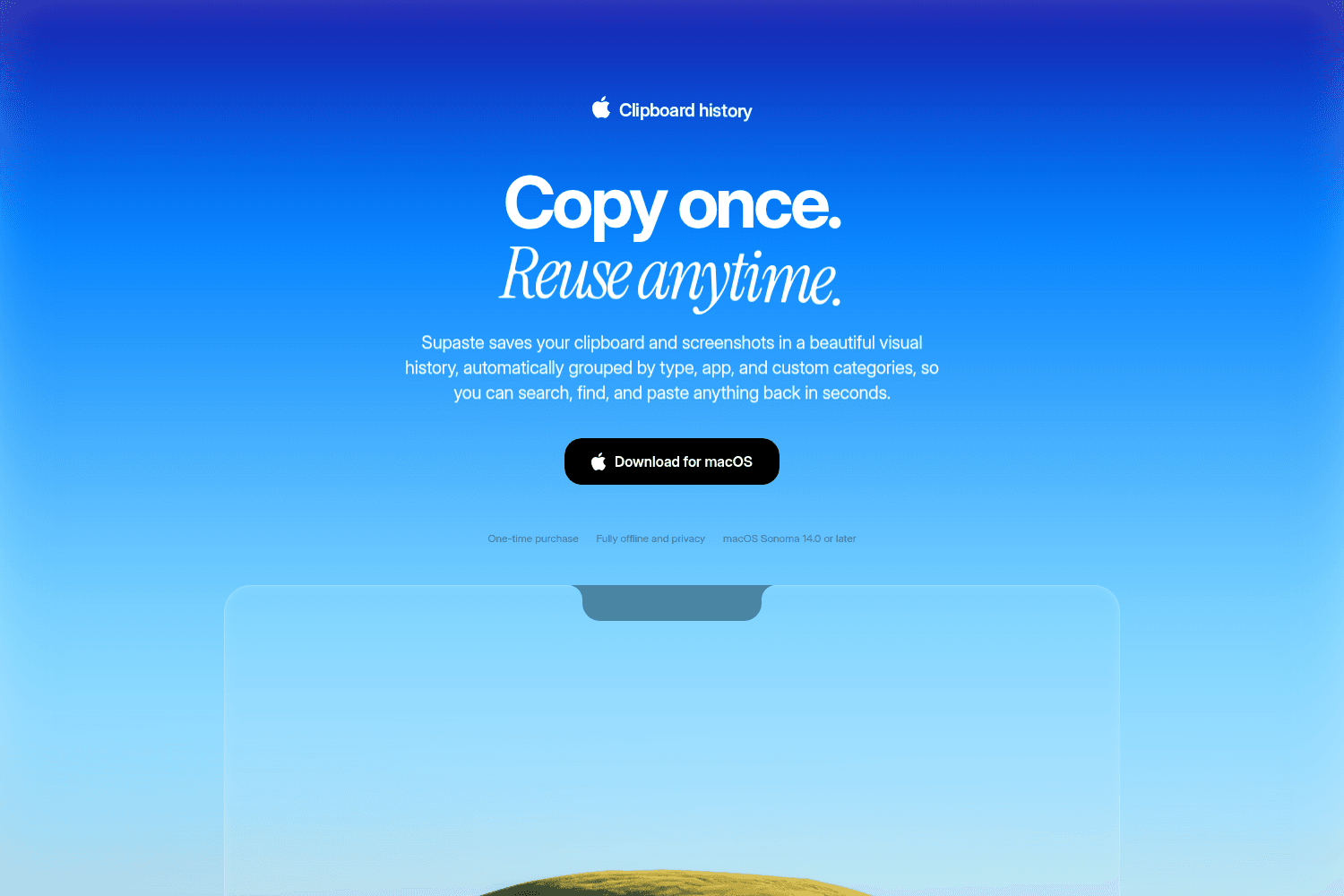
Supaste saves your clipboard and screenshots in a beautiful visual history, automatically grouped by...
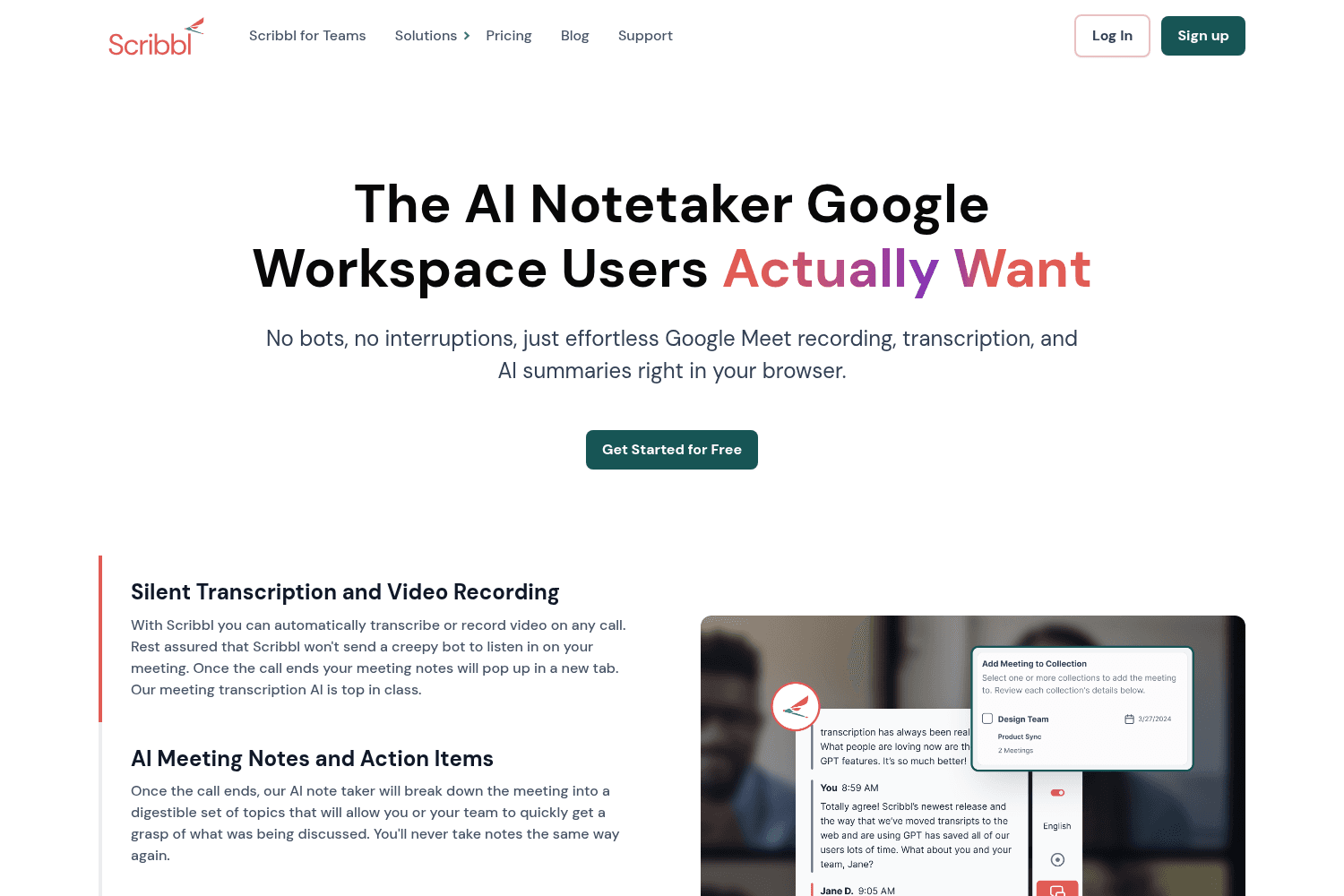
AI-driven meeting note taker for Google Meet, offering automated transcripts.
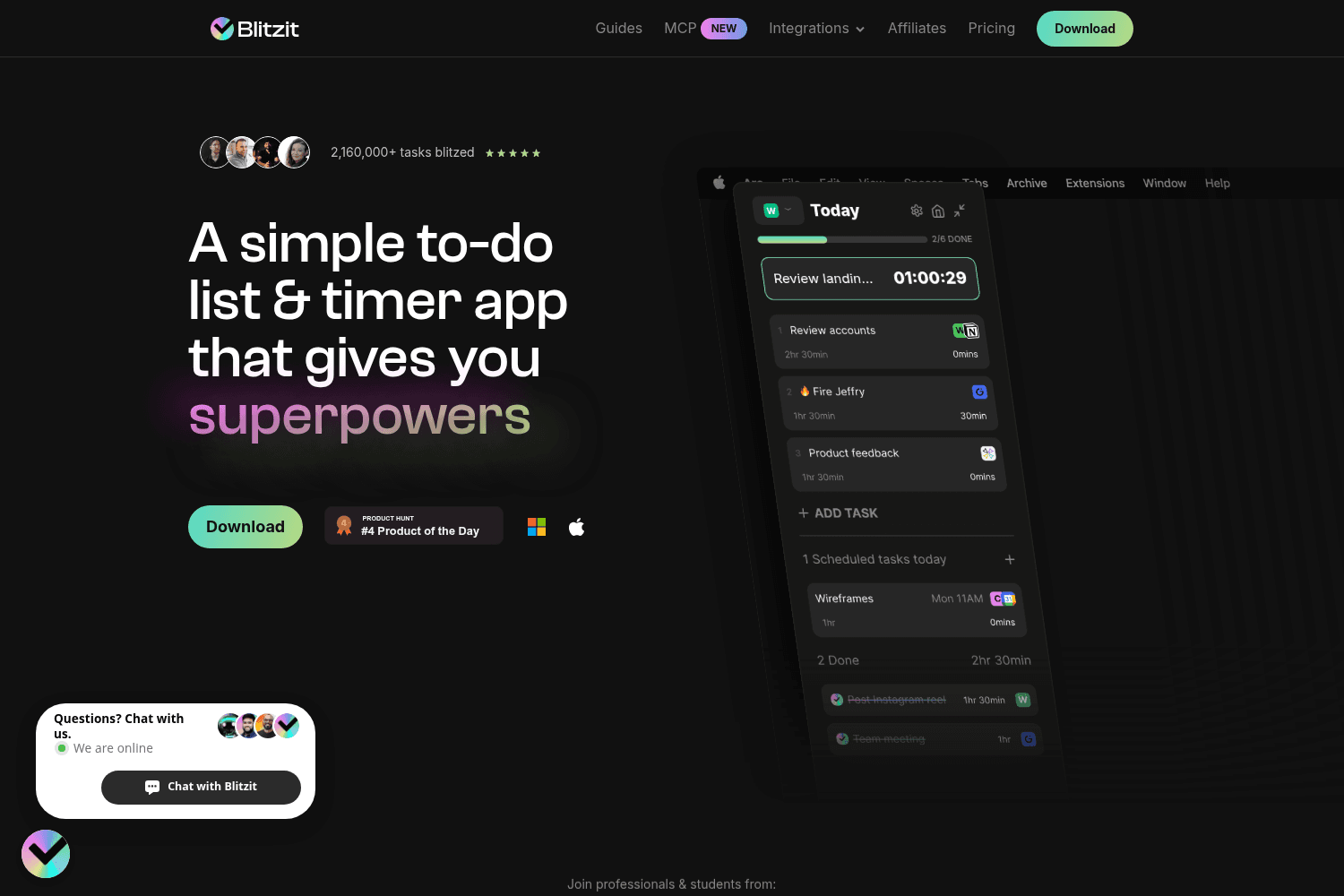
Streamlining app for quickly managing and completing tasks


