
Supermotion
Easily turn static visuals into dynamic videos with ready-made templates and animation tools.
Loading section…
Easily turn static visuals into dynamic videos with ready-made templates and animation tools.

Motion is an AI-driven platform that transforms simple text prompts into dynamic motion graphics vid...

Motioner is a design-first professional motion workspace that empowers creative teams with modern de...
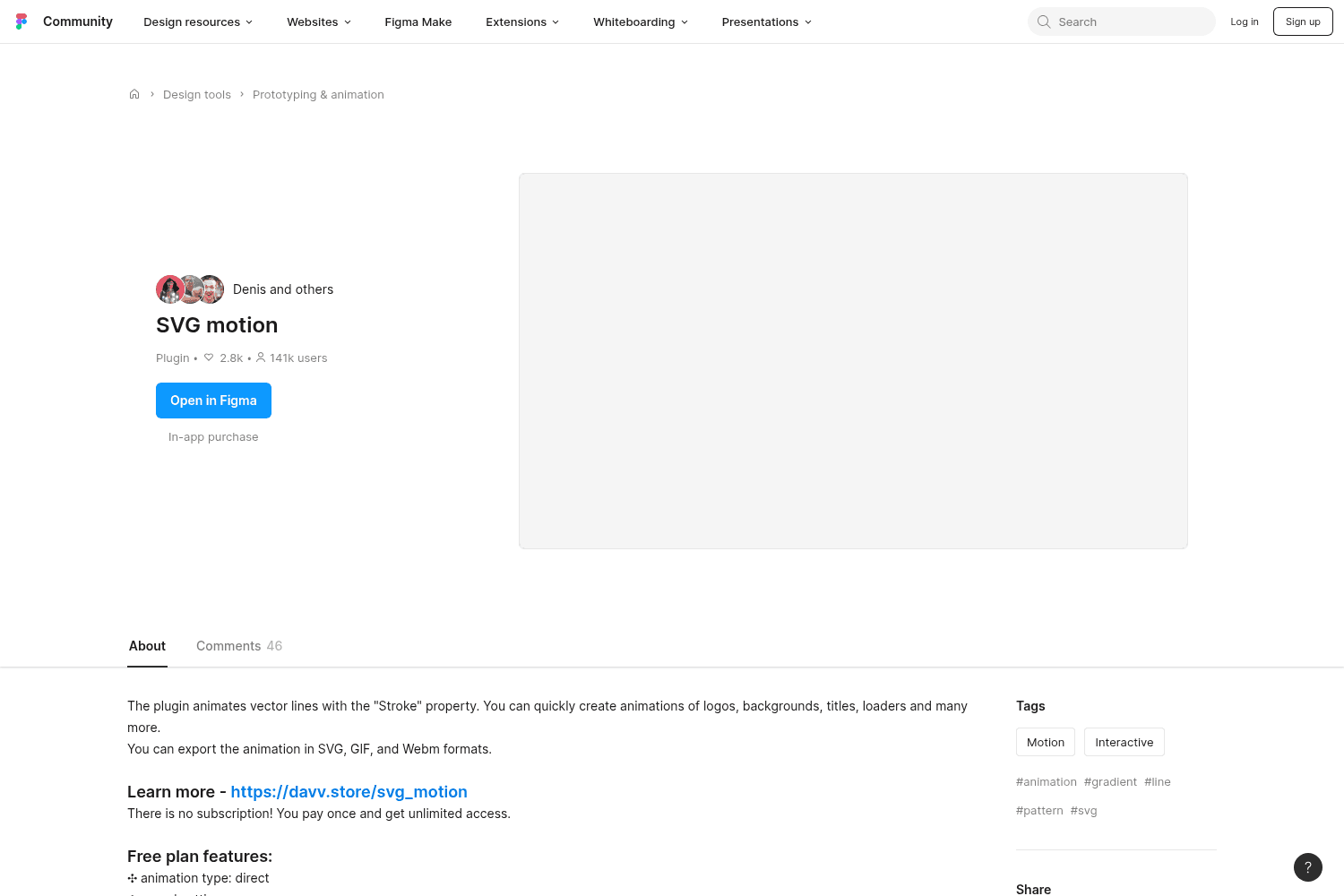
Figma plugin enabling SVG animations for designs.
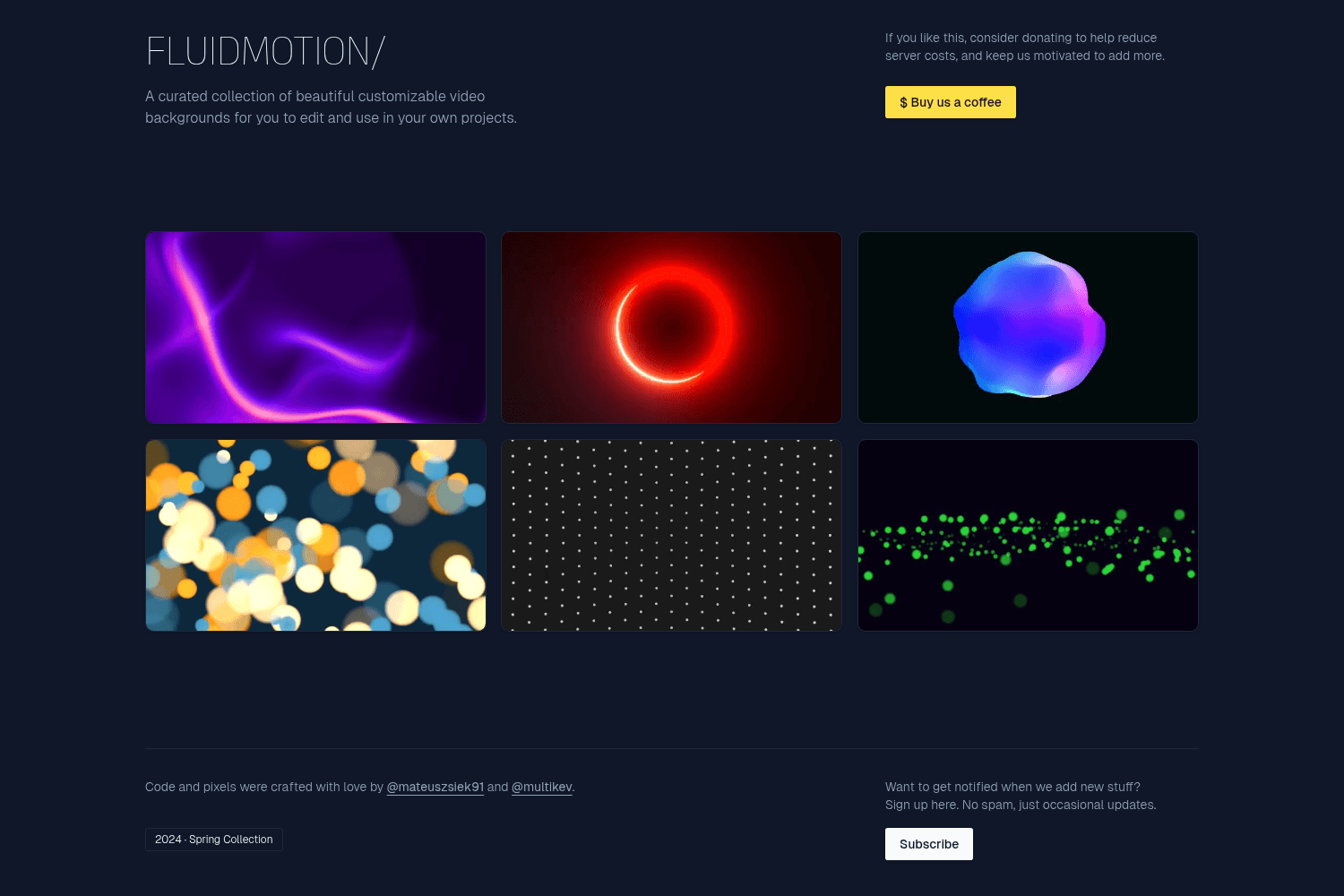
Customizable Video Backgrounds
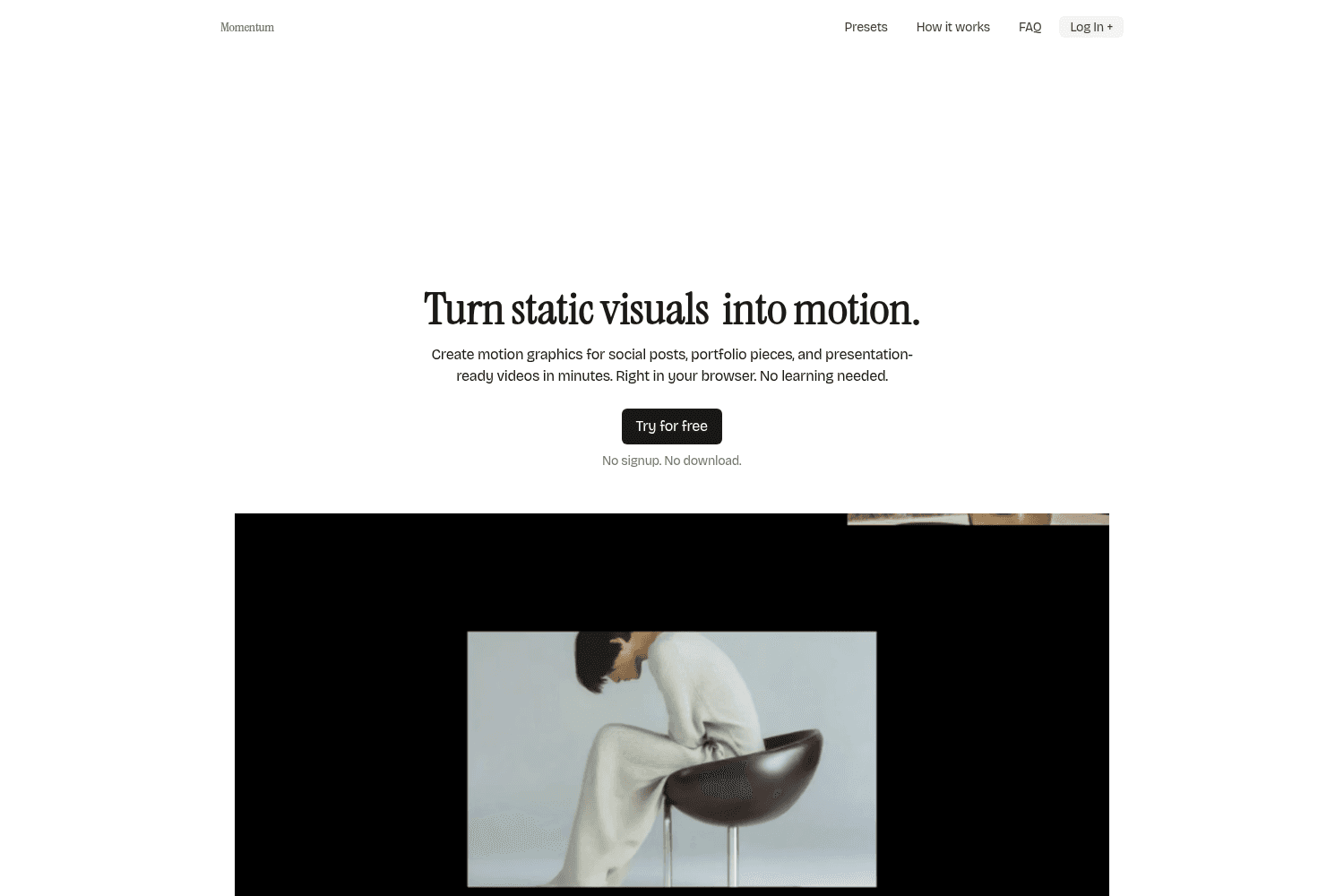
Momentum is a browser-based tool that enables users to easily create motion graphics using pre-desig...
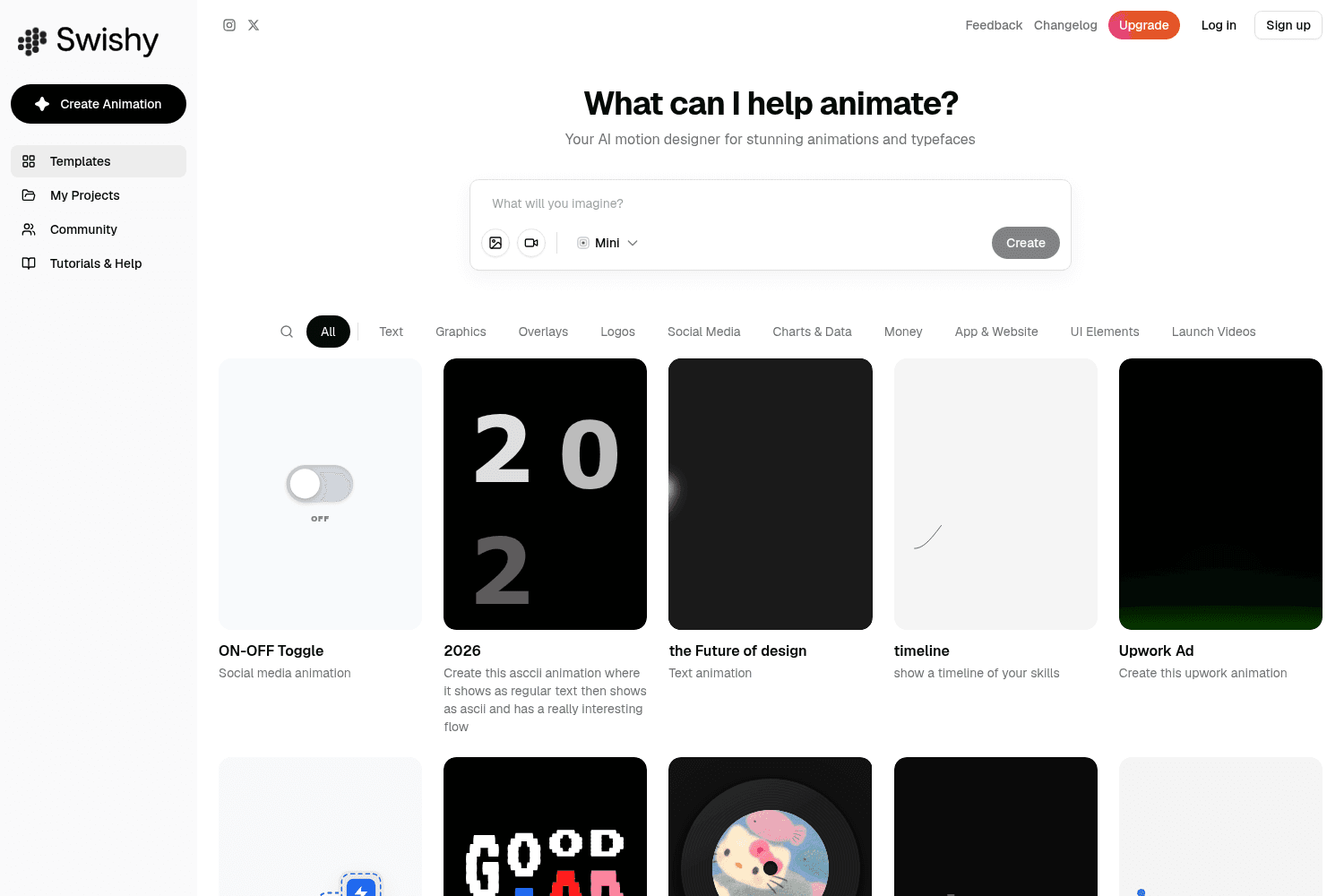
Swishy AI turns prompts into motion graphics, kinetic typography and text animations without After E...
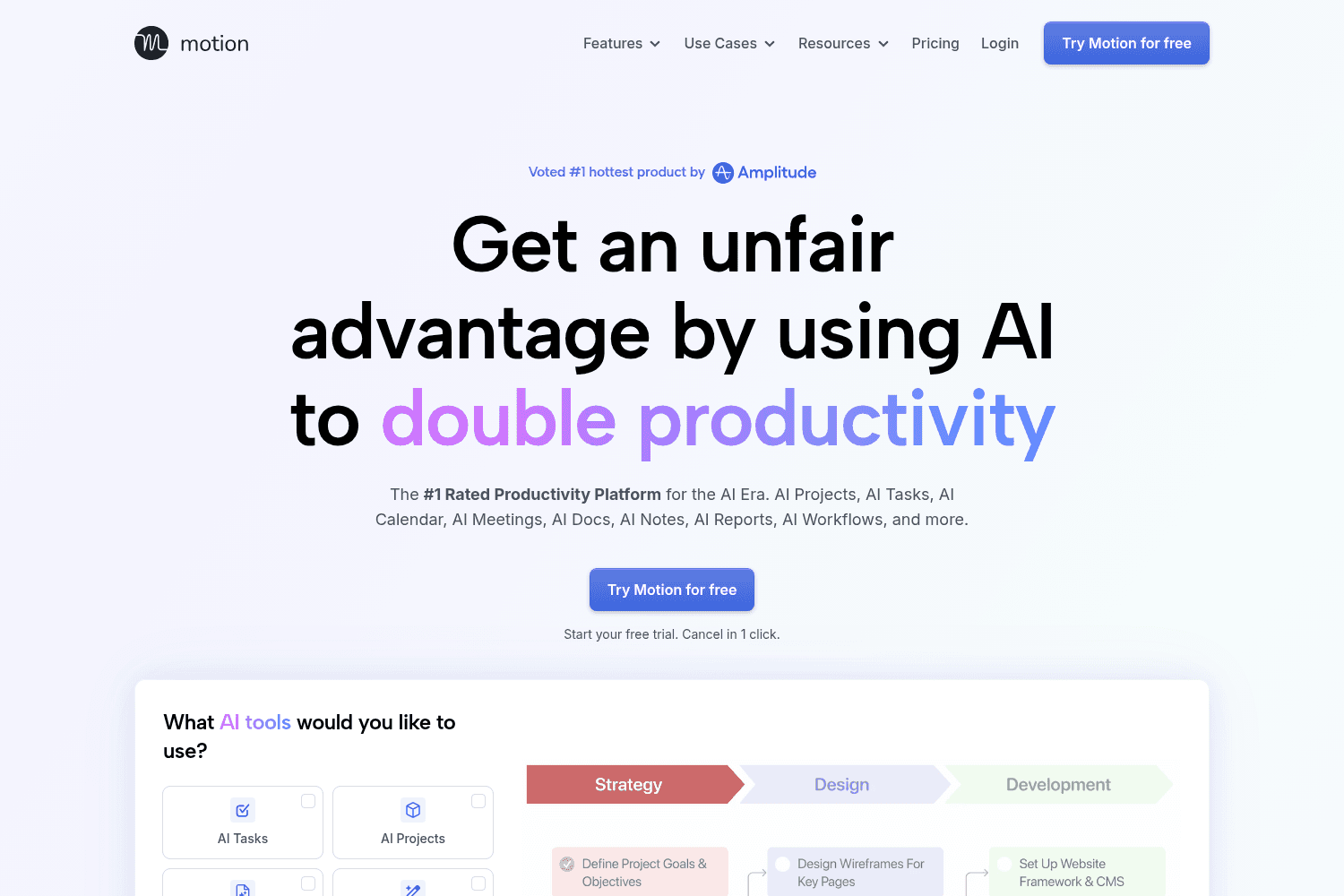
Manage human and AI employees to boost team productivity effortlessly
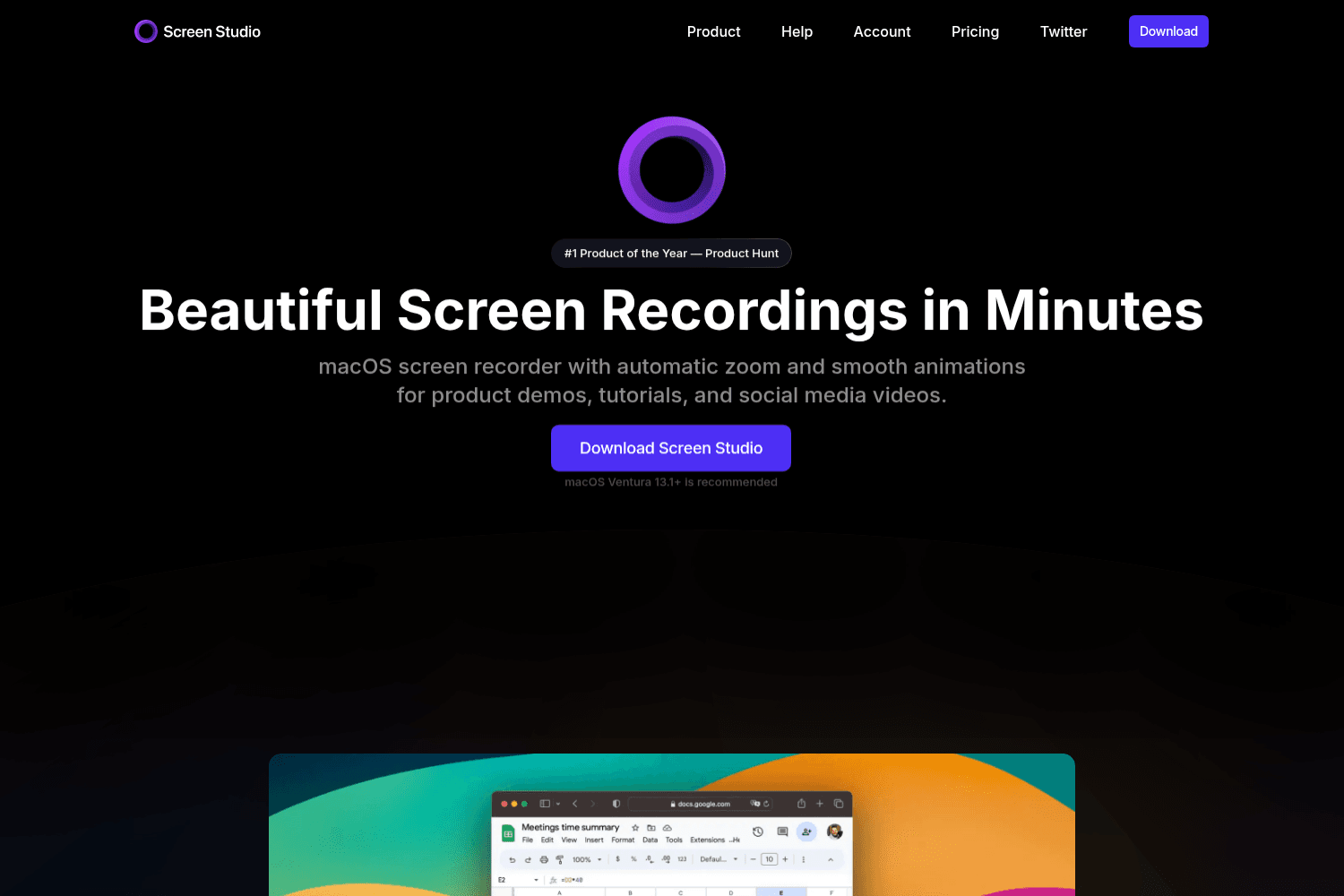
Online tool for creating and sharing screen recordings.
You can now share your videos with anyone using Sharable Links! Generate a unique URL for your video exports to easily share them with clients, teammates, or on social media. No login required for viewers!
**Projects** are here! Save, load, and organize your full video projects. Access all your saved projects from the new dashboard and create folders to keep them organized.
New **Shape Layers** and **Google Fonts** support! Add circle and rectangle layers to your videos and access hundreds of Google Fonts directly in the editor.
**Multi-Scene editing** is here! Create complex videos with multiple scenes, each with its own media, layers, and animations. Add smooth transitions between scenes.
New **Annotation Layers** to help you highlight and explain your content! Include arrow layers, image layers, and layer grouping for easier management.
Introducing the new **Library Tab** — your personal collection of reusable assets! Save scenes and text effects to reuse them across different projects.
Add a realistic **glare effect** to your device mockups for that extra polish! Adjust intensity and position to match your scene lighting.
Improvements to the **export panel**, making it easier to manage previous exports and providing more context during rendering.
You can now edit video inputs using the new **Clips** feature including options to split, trim, adjust speed, and freeze frames.
**SuperMotion now supports Dark Mode**, providing a sleek and comfortable viewing experience in low-light environments.


