



Arc shuts down on December 22, 2026, so you need a new browser soon. The best all round Arc alternative is Zen Browser: free, open source, with Workspaces, Essentials and Split View on Mac, Windows and Linux. Want AI? Pick Dia. Want the closest Arc clone on Mac? Try Crest or Ardia.
Zen Browser on Toolfolio. Updated October 25, 2026.
What is happening to Arc, and when
The Browser Company has said it is retiring Arc to focus on Dia, and gives a security focus as the reason. The dates on arc.net/farewell, checked October 25, 2026:
| Date | What changes |
|---|---|
| October 22, 2026 | New Arc accounts are blocked and an export and import option is added |
| November 23, 2026 | Browse for Me and the AI features switch off on iOS and Android, and Arc Search loses sign in and sync |
| December 22, 2026 | Arc stops working on macOS and Windows, accounts are deactivated, and personal data is deleted within 30 days. Arc Search for Android leaves the Play Store |
So there is a real deadline, but you have about two months. Export your data first, then pick a replacement below.
Arc browser alternatives at a glance
Prices and platforms come from each browser's own site, checked October 25, 2026.
| Browser | Price | Platforms | AI built in | Why it works as an Arc replacement |
|---|---|---|---|---|
| Zen Browser | Free (donations) | Mac, Windows, Linux | No | Workspaces, Essentials, Split View, Compact Mode |
| Dia | Free, paid AI plans | Mac, Windows | Yes (optional) | Made by the Arc team, Arc import |
| Crest | Free | Mac, iPhone, iPad | No | Spaces, sidebar, quick window, Arc import |
| Ardia | Free | Mac (Apple silicon) | No | Arc style sidebar on Chromium, Arc import |
| Aside | Free, Pro $20 a month | Mac, Windows | Yes (agent) | AI agent that runs tasks for you |
| Comet | Free, Plus $5 a month | Mac, Windows, iOS, Android | Yes (assistant and agent) | Perplexity's AI browser |
| Vivaldi | Free | Desktop, Android, iOS | No | Deep tab and layout customization |
| Brave | Free | Mac, Windows, Linux, iOS, Android | Yes (Leo, free) | Built in ad blocking, Leo across tabs |
| Orion | Free (Orion+ optional) | Mac, iOS | No | Fast WebKit browser, no telemetry |
The best Arc alternatives, one by one
1. Zen Browser: best overall
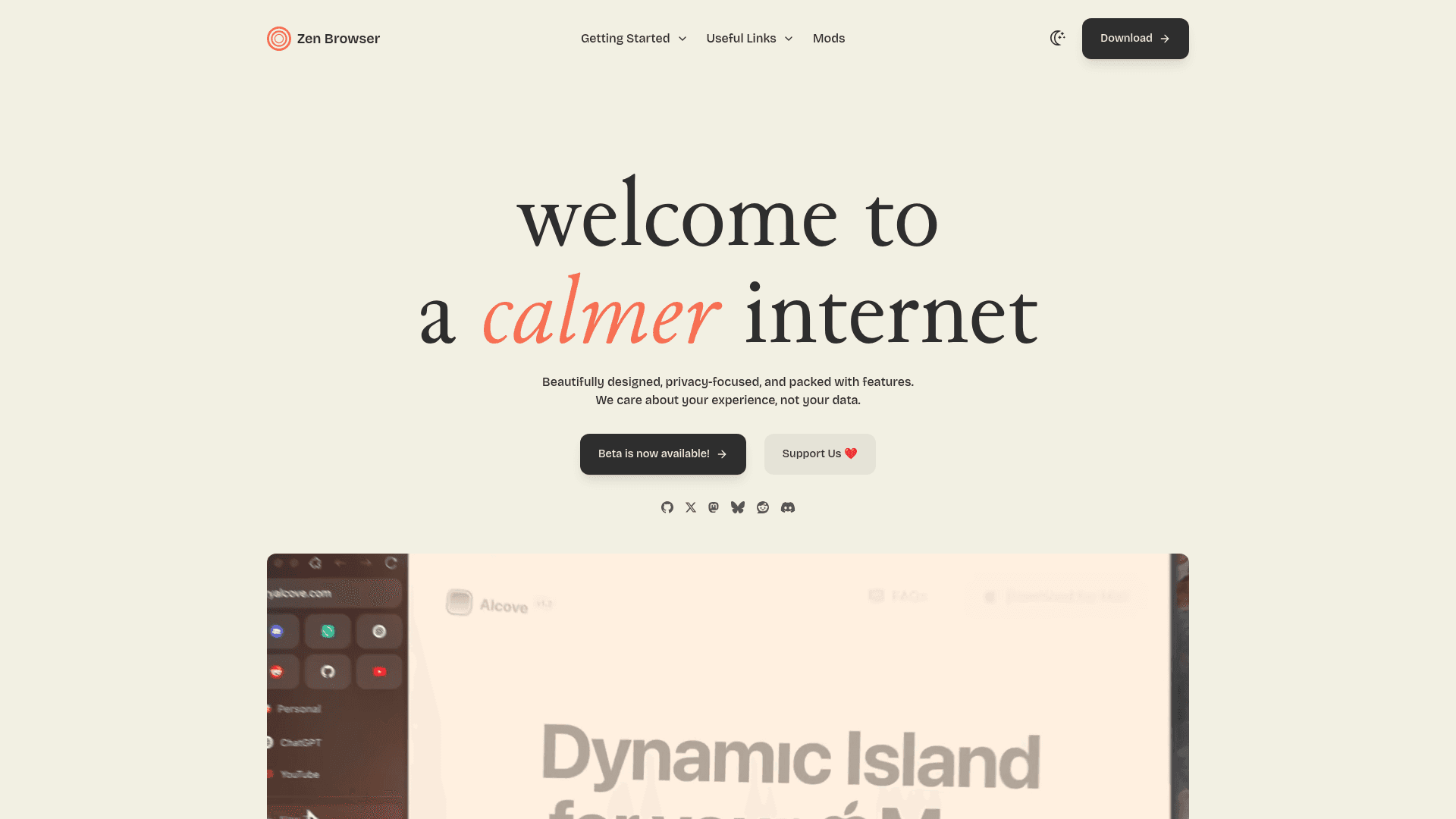
Zen Browser is the one most Arc refugees land on. It is free (it asks for donations), open source and built on Firefox, and it runs on macOS, Windows and Linux. Its layout borrows the Arc ideas people miss: Workspaces, Essentials, Glance, Split View and a Compact Mode that hides the chrome. Zen Mods let you restyle it. Releases carry a beta tag and it ships often; the current build is 1.23.4b from October 20, 2026, based on Firefox 158.
What it lacks versus Arc: it is Firefox based, so you use Firefox add-ons rather than Chrome-only extensions, and Zen does not advertise an Arc importer, so expect to rebuild your Spaces as Workspaces by hand.
2. Dia: best if you want AI
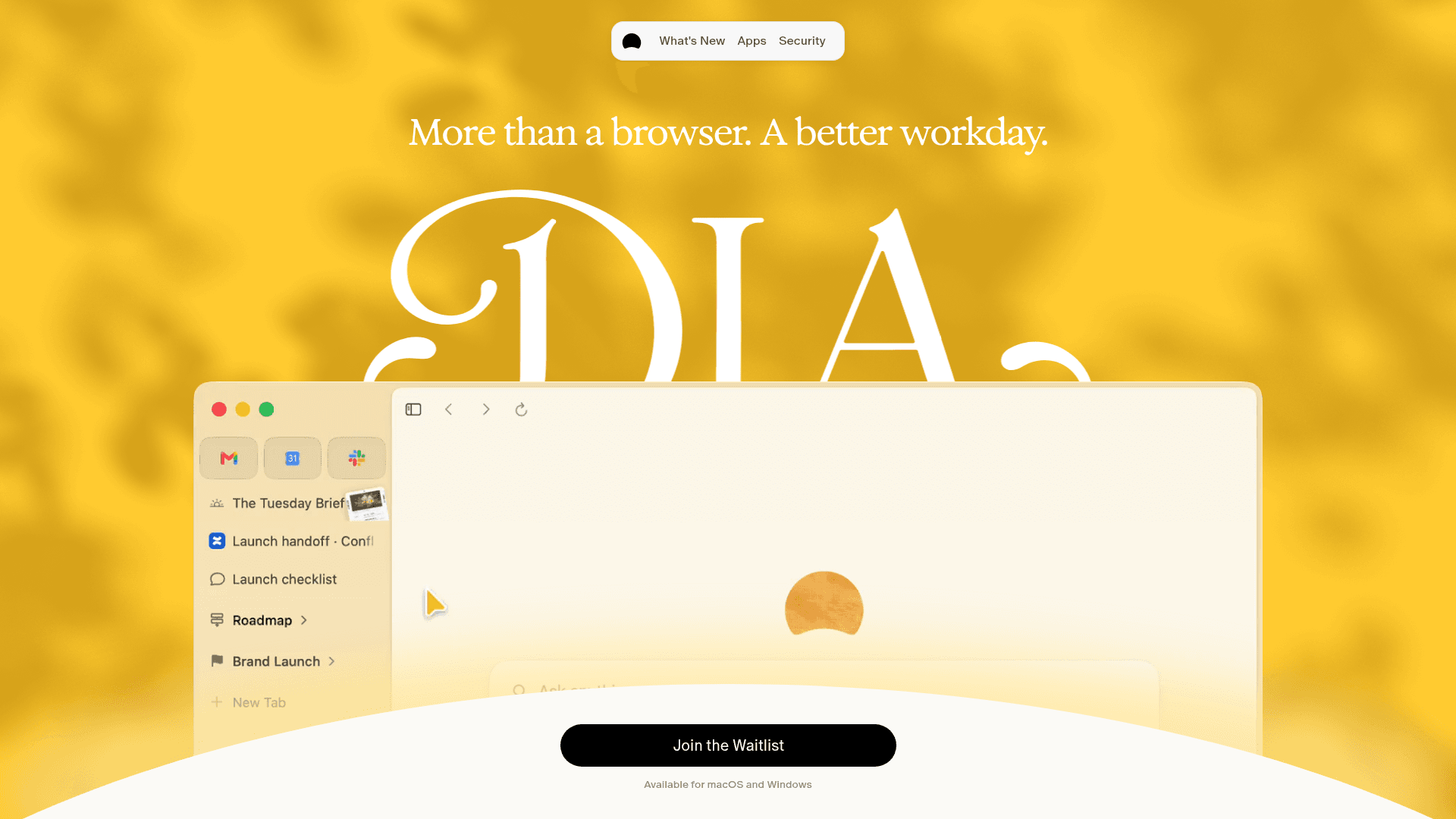
Dia is the browser from the people who made Arc, and the one they point Arc users to. Arc's own farewell page says Spaces become Profiles, Folders become Tab Groups, pinned tabs and favorites come across, and a sidebar tab layout is available. It also says the browser features you use in Arc are free in Dia and the AI is optional.
On Dia's plans page, the free plan (Better Browser) has profiles, tab groups, split view, picture in picture, an ad and tracker blocker and sync, with no AI. Better Answers is the paid AI step: the plan card shows $10 a month while the FAQ on the same page says $20 a month, so check the number at checkout. Better Days is $100 a month with 6x the usage, a Morning Brief and reports. There is a 14 day free trial of Better Days.
Dia runs on macOS (Apple silicon) and Windows 11, and it is actively updated: its changelog shows Mac v1.54.0 and Windows v1.3.0 on October 22, 2026, with Windows Sync and a move to Chromium M156. Some marketing pages still show a "Join the Waitlist" button, but press coverage and the changelog show it is available.
What it lacks versus Arc: it is not open source as far as I could find, and The Browser Company is now AI first (Dia is built on the same internal kit as Arc), so you are betting on the same company that just retired Arc.
3. Crest: closest Arc feel, open source
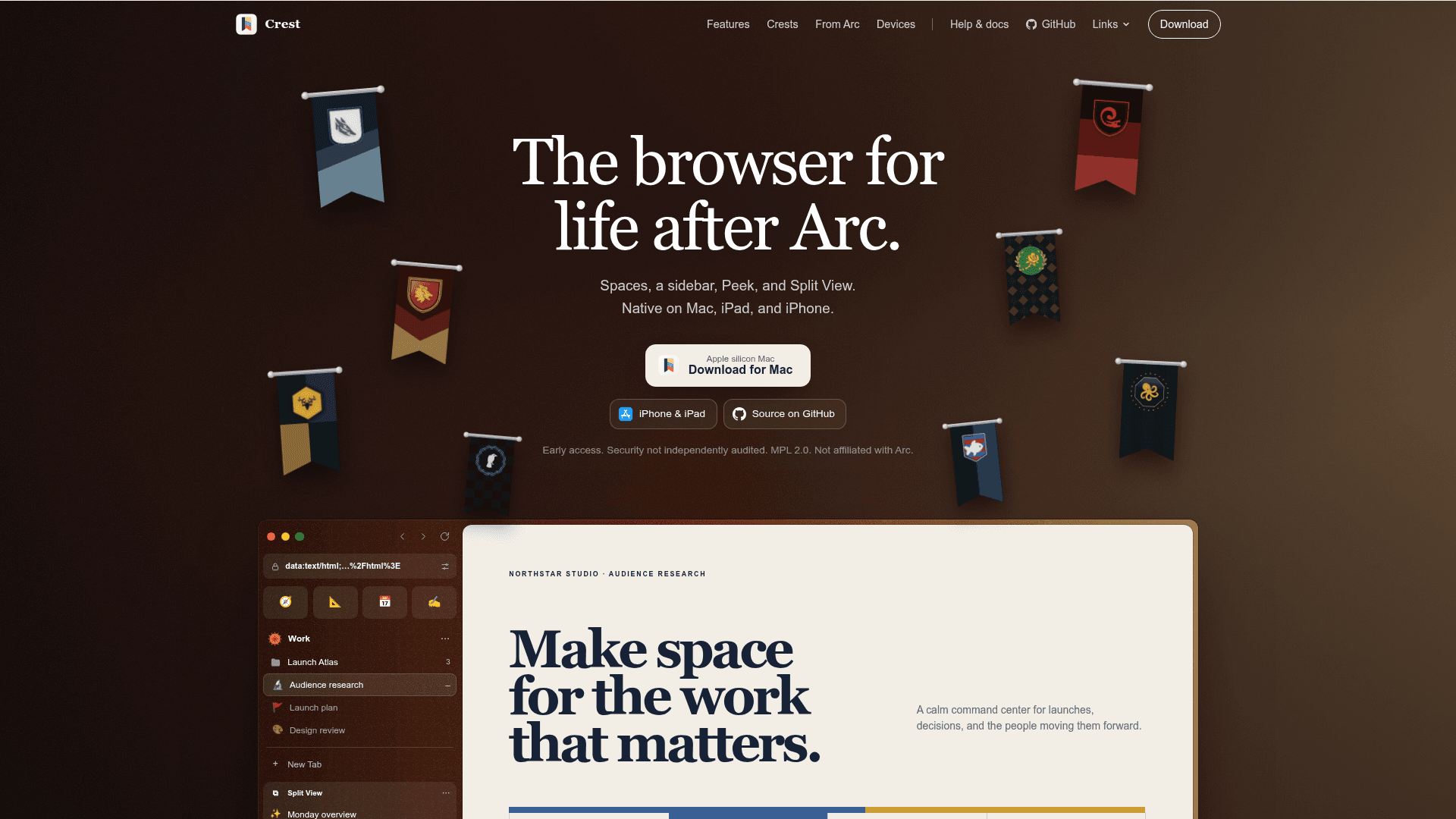
Crest describes itself as "the browser for life after Arc". It is free, open source (MPL 2.0) and in early access. It rebuilds Spaces, the sidebar, Peek, Split View, a Quick Window (the Little Arc idea) and link routing (Arc's Air Traffic Control). It imports from Arc, Zen, Chrome, Safari and Firefox, syncs through iCloud, and supports Chrome Web Store extensions on Mac. It runs on Apple silicon Macs (its repository targets macOS 26), with an iPhone and iPad app.
What it lacks versus Arc: it is early access, the project says its security has not been independently audited, it has no Boosts, and there is no Windows version.
4. Ardia: Arc sidebar on real Chromium

Ardia calls itself Arc's sidebar and Dia's polish on real Chromium. It is free and open source, ships with uBlock Origin built in (cookie banners included), runs Chrome Web Store extensions, and has a Little Arc style window (Opt+Cmd+N) and encrypted iCloud Drive sync. It can import Arc data including Spaces.
What it lacks versus Arc: it is Mac only, Apple silicon only, needs macOS 14 or later, and has no Intel build. It is also a young project, so expect rough edges.
5. Aside: an AI agent browser
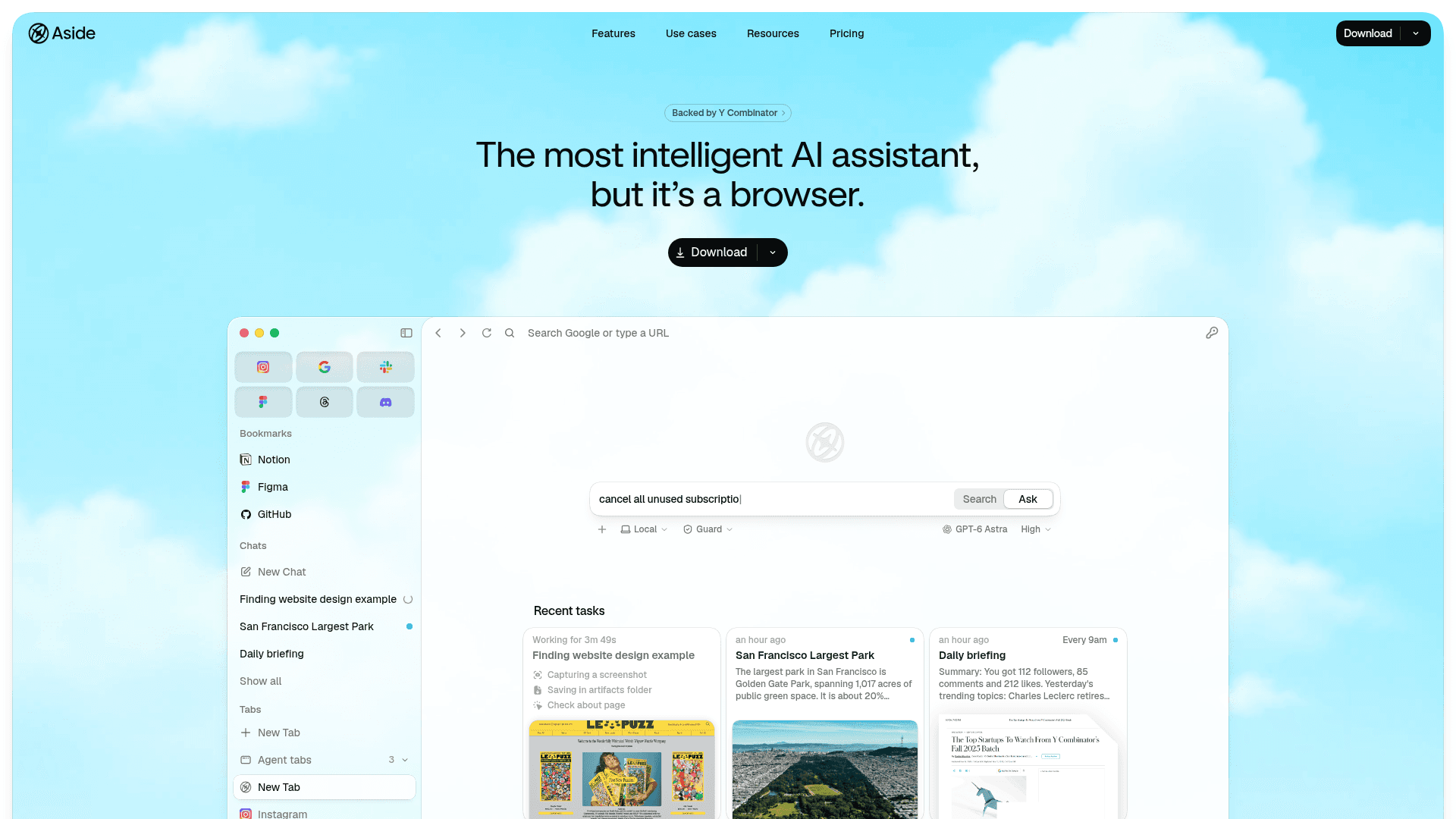
Aside is less an Arc clone and more an AI agent in a browser: you hand it multi step web tasks and routines. The free plan gives 500 credits a month, up to 3 routines, a password manager and memory. Pro is $20 a month (3x usage, deep research, unlimited routines), Max is $200 a month (40x usage), and yearly billing takes 20% off. It runs on macOS and Windows. The benchmark leadership claims on its site are the company's own, so treat them as marketing. Aside is moving fast: its co-founders have said a v2 will drop the "AI browser" label and reposition it as a personal work assistant, with Computer Use and a cloud agent, so the product may change shape soon.
What it lacks versus Arc: it does not aim to recreate Spaces or an Arc style sidebar, so it suits you if the agent is the point.
6. Comet: Perplexity's AI browser
Comet is Perplexity's AI browser with an assistant and agent built in. It has been free to download for everyone since October 2, 2025, runs on Mac, Windows, iOS and Android, and Comet Plus costs $5 a month (it is included with Perplexity Pro and Max). It is still actively updated: the iPhone app reached version 26.40.0 on October 20, 2026. Comet is now the main standalone AI browser from a big AI company, because OpenAI retired ChatGPT Atlas on August 9, 2026 (see the note below on where that leaves ChatGPT users).
What it lacks versus Arc: its pitch is the AI assistant, not tab organization, so its Spaces and sidebar story is thinner than Dia's, Zen's or Crest's.
7. Vivaldi: most customizable
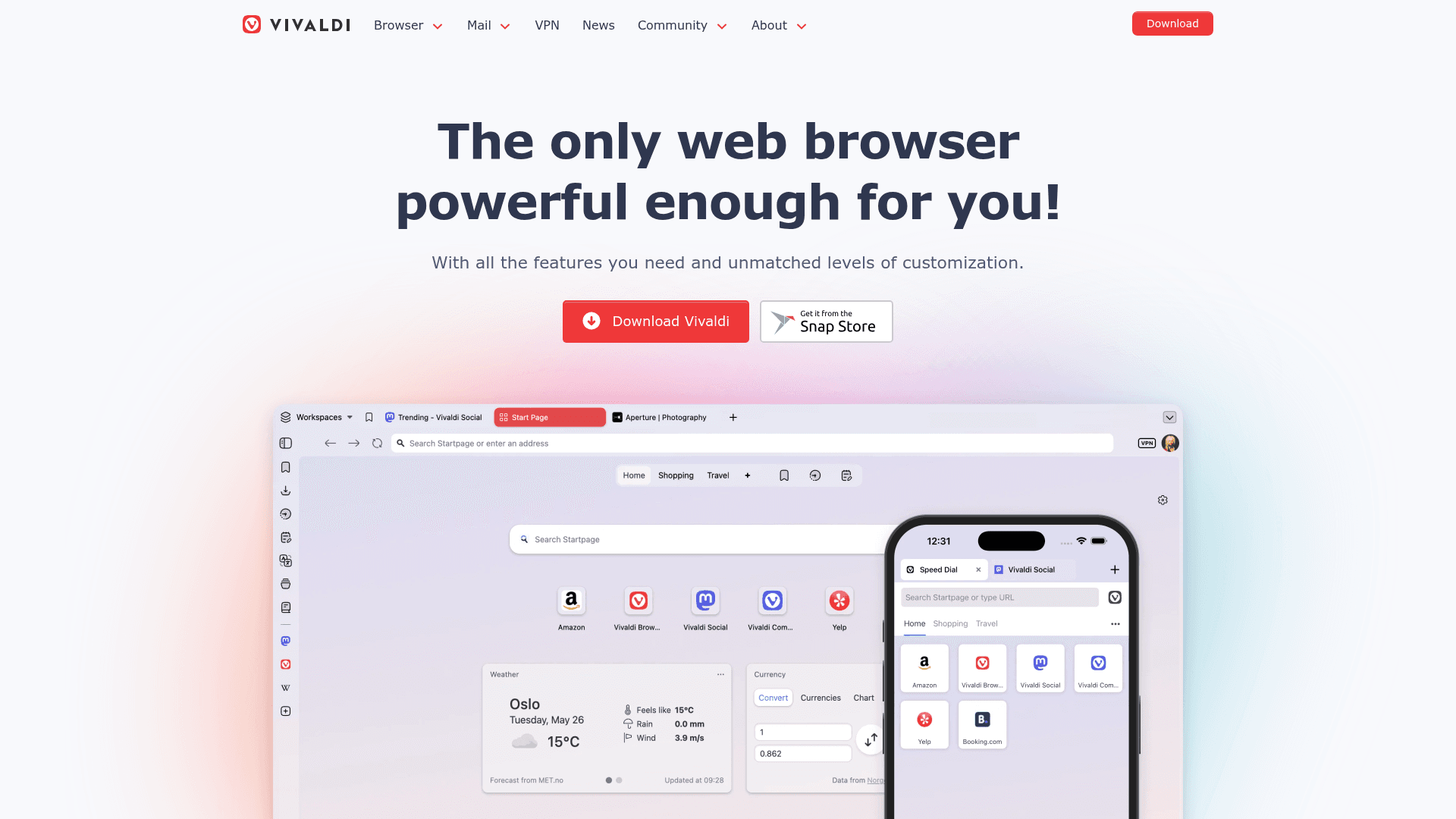
Vivaldi is free and runs on desktop, Android and iOS. It has built in ad and tracker blocking, sync, and a Mail, Calendar and Feed client, with tab stacks and vertical tabs as signature features. It is the pick if you want to tune everything.
What it lacks versus Arc: it is built for tinkering rather than Arc's calm look, and it does not advertise an Arc import. If you only want vertical tabs in Chrome, see how to enable vertical tabs on Chrome.
8. Brave: privacy first, with free AI
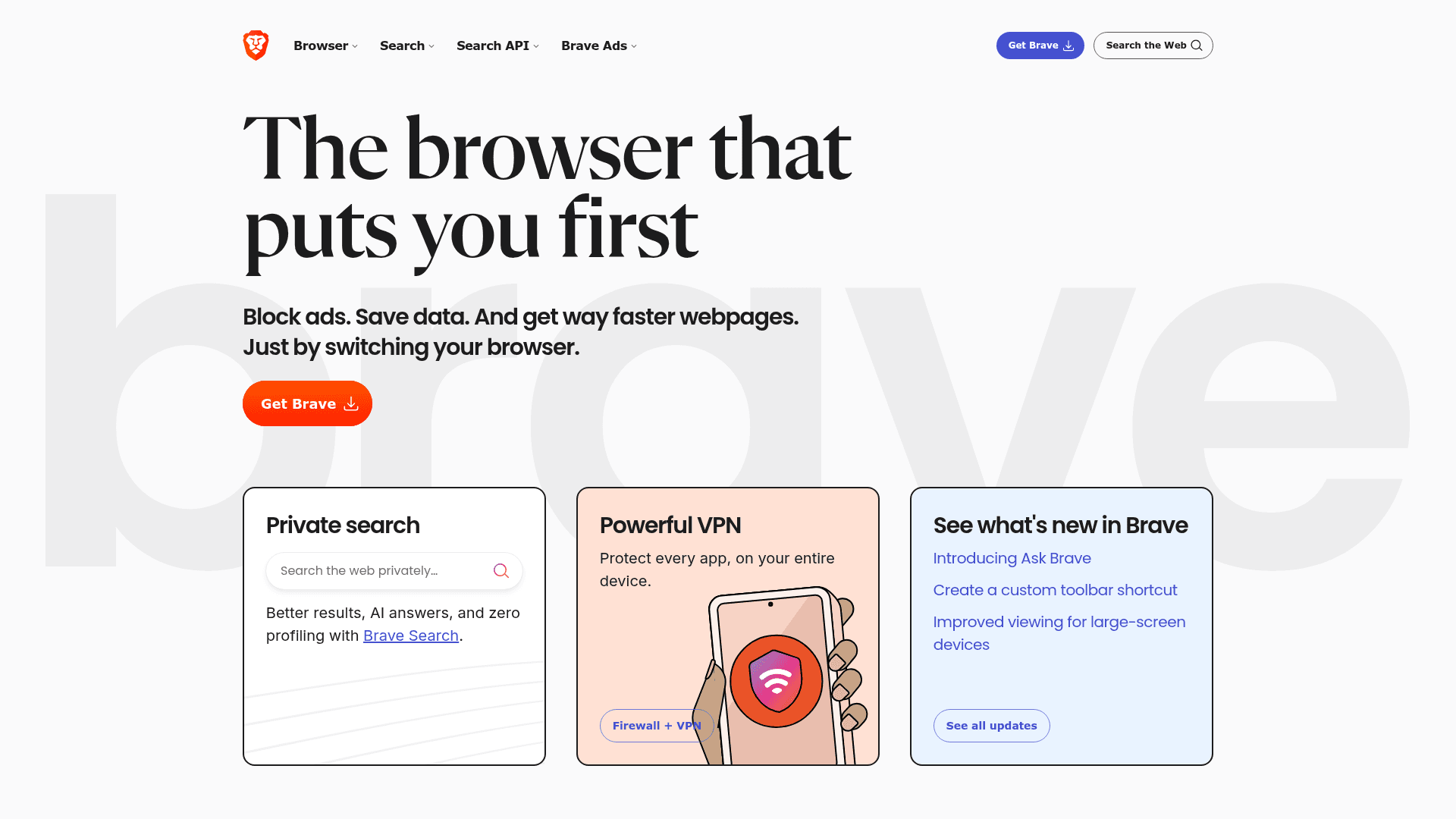
Brave is free on Windows, macOS, Linux, iOS and Android. Brave Shields blocks ads and trackers by default, and the Leo AI assistant is free, needs no account and works across any tab. Paid extras are optional: Leo premium is $14.99 a month ($149.99 a year), the VPN $9.99 a month, and Search premium $3 a month.
What it lacks versus Arc: a traditional browser layout without Arc style Spaces. Pair it with a tab manager extension if you miss Arc's organization, for example from the best tab management Chrome extensions.
9. Orion: for Safari users who want more
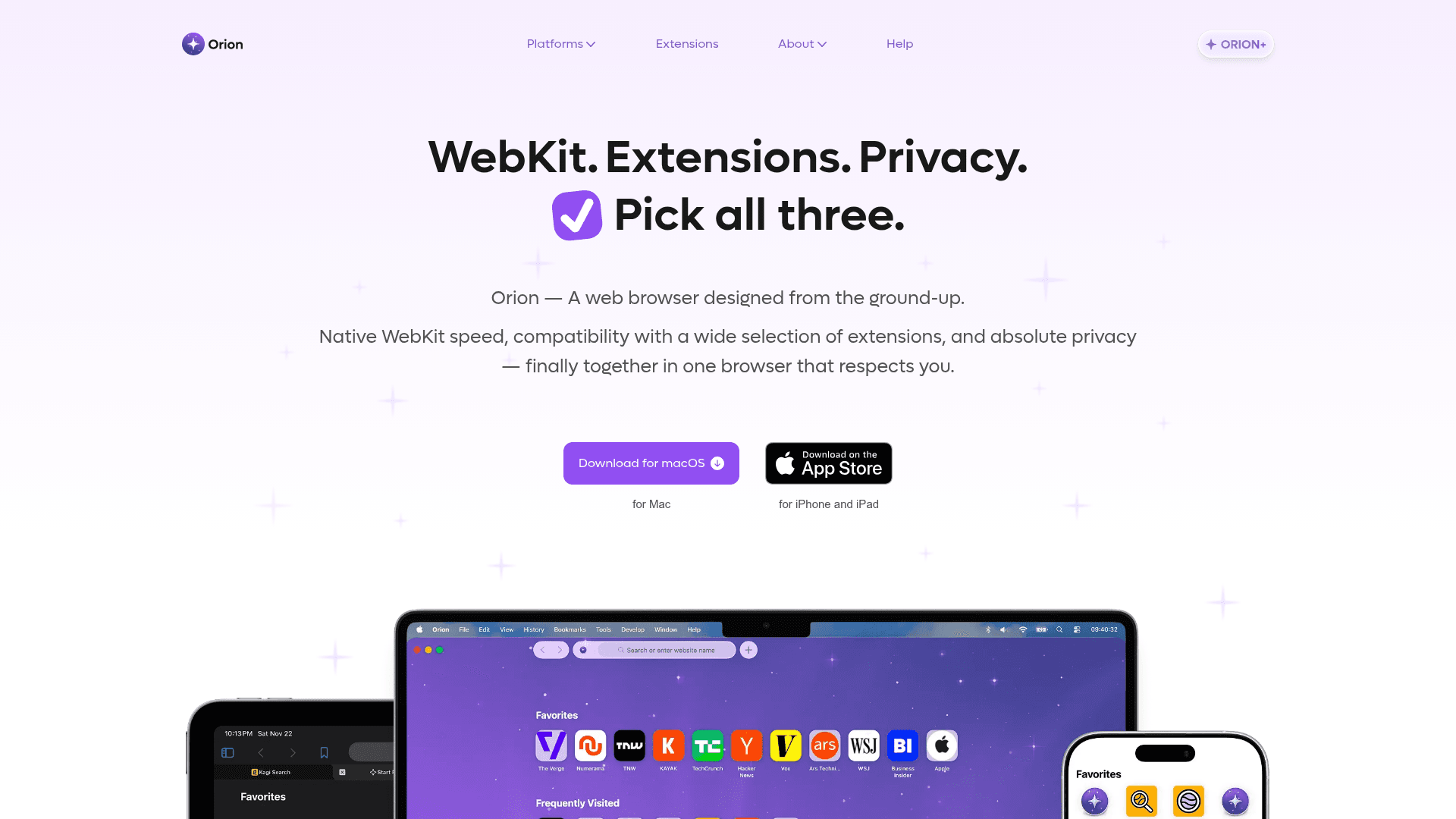
Orion is Kagi's WebKit browser, with zero telemetry, built in ad blocking and anti tracking, and extension support. It is free. Orion+ is an optional $5 a month, $50 a year or $150 lifetime supporter plan (it does not include Kagi Search). Note that Kagi announced on October 2, 2026 that Orion for Windows and Linux is discontinued, so it is now macOS and iOS only, even though the Orion site still lists other platforms.
What it lacks versus Arc: no Spaces style workspaces and no Windows version.
What about ChatGPT Atlas?
Not an option anymore. OpenAI retired ChatGPT Atlas on August 9, 2026, and it no longer receives updates. OpenAI moved its browser agent features into the ChatGPT desktop app, which has a built in browser, and a ChatGPT Chrome extension that works with the page you are on. If you still use ChatGPT, that is where its agent now lives, but neither is a replacement for Arc's sidebar and Spaces. For an AI browser, look at Dia, Comet or Aside above.
Which Arc alternative should you pick?
- You want the most Arc like Mac experience: Crest or Ardia (both free and open source), or Dia for the official path.
- You are on Windows: Zen, Dia, Vivaldi, Brave, Aside or Comet. Crest and Ardia are Mac only.
- You want AI in the browser: Dia for an optional assistant, Comet or Aside for an agent, Brave for free Leo. ChatGPT Atlas is retired, so it is not on the list.
- You want free and open source: Zen, Crest or Ardia.
- You care most about privacy: Brave, Orion or Zen.
- You use Linux: Zen or Brave.
How to move off Arc before December 22
- Open Arc and use the export option added on October 22 to save your data.
- Pick a browser from the list above and import. Dia, Crest and Ardia can read Arc data (Dia says it carries over logins, extensions, Spaces, favorites, pinned tabs and folders); with Zen you will mostly rebuild by hand.
- Re-pin your Essentials and favorites, recreate your Spaces as Profiles, Workspaces or Spaces, and reinstall the extensions you rely on.
- Check that your passwords and bookmarks are synced somewhere before Arc accounts are deactivated.
FAQ
Is Arc browser shutting down?
Yes. The Browser Company says Arc stops working on macOS and Windows on December 22, 2026, with accounts deactivated and personal data deleted within 30 days. New accounts have been blocked since October 22, 2026.
Is Arc browser built on Chrome?
Arc is built on Chromium, the open source engine behind Chrome, which is why Chrome extensions work in it. Among the alternatives here, Ardia, Dia, Brave and Crest use Chromium (Crest also uses WebKit), while Zen is Firefox based and Orion uses WebKit.
Which is better, Arc or Zen Browser?
Arc is the more polished product, but it is ending, so Zen is the better choice now. Zen offers Workspaces, Essentials, Split View and Compact Mode for free, and also runs on Linux. The tradeoff is Firefox add-ons instead of Chrome extensions.
Which browser is better, Arc, Dia or Zen?
Since Arc is closing, it is Dia or Zen. Choose Dia if you want AI and an official Arc import path, and Zen if you want a free, open source browser with no AI and Linux support.
How do I switch from Arc to Zen?
Export your Arc data before December 22, install Zen, then rebuild your Spaces as Workspaces and re-pin your key sites as Essentials. Zen does not advertise an Arc importer, so plan on doing the layout by hand.
Is Dia browser free?
Partly. Dia's free plan (Better Browser) includes profiles, tab groups, split view and an ad and tracker blocker, but no AI. Paid plans add AI: Better Answers (shown as $10 and $20 a month on different parts of the plans page) and Better Days at $100 a month.
Is Dia available for Windows?
Yes. Dia launched on Windows 11 in early October 2026, and its changelog shows Windows v1.3.0 on October 22, with sync to your Mac. The download page lists Windows 11 along with macOS on Apple silicon.
What is the best Arc browser alternative for Windows?
Zen Browser is the best free pick, and Dia is the closest to Arc. Vivaldi, Brave, Aside and Comet also run on Windows. Crest, Ardia and Orion do not.
Is ChatGPT Atlas still available as an Arc alternative?
No. OpenAI retired ChatGPT Atlas on August 9, 2026. Its agent features now live in the ChatGPT desktop app and a ChatGPT Chrome extension. Comet, Dia and Aside are the current AI browsers.
What is better than Zen?
It depends what you need. For AI, Dia, Comet or Aside. For an Arc style sidebar on Mac with Chrome extensions, Crest or Ardia. For maximum customization, Vivaldi.
Prices, platforms and plans were checked on each browser's official site on October 25, 2026 and can change. Toolfolio is not affiliated with any of these browsers.