
Zen Browser
Experience a serene web with Zen Browser's customizable productivity and user privacy features.
Loading section…
Experience a serene web with Zen Browser's customizable productivity and user privacy features.

Vivaldi is a customizable web browser that focuses on privacy and versatility.
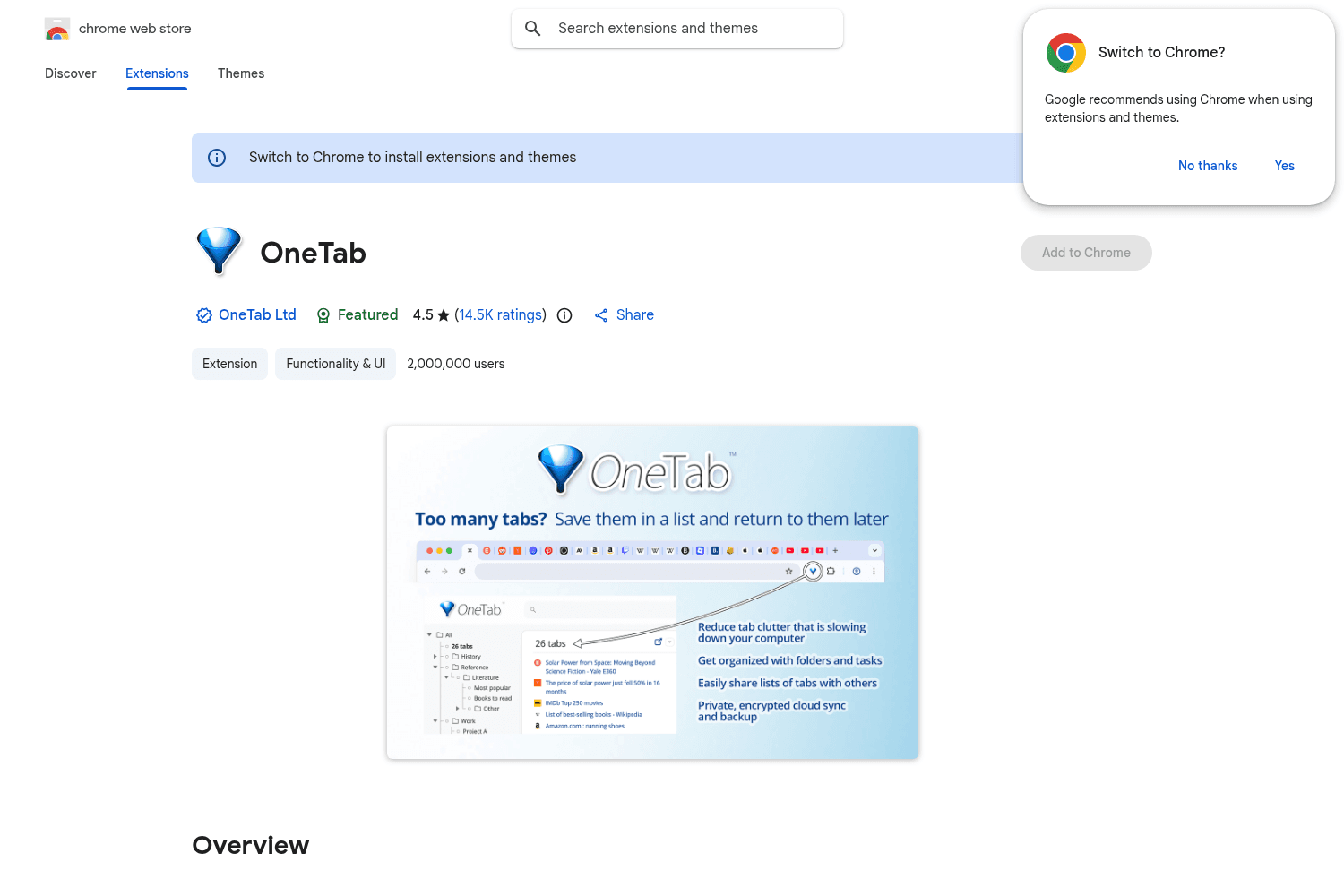
Consolidate browser tabs into a single list for easy access and better performance.
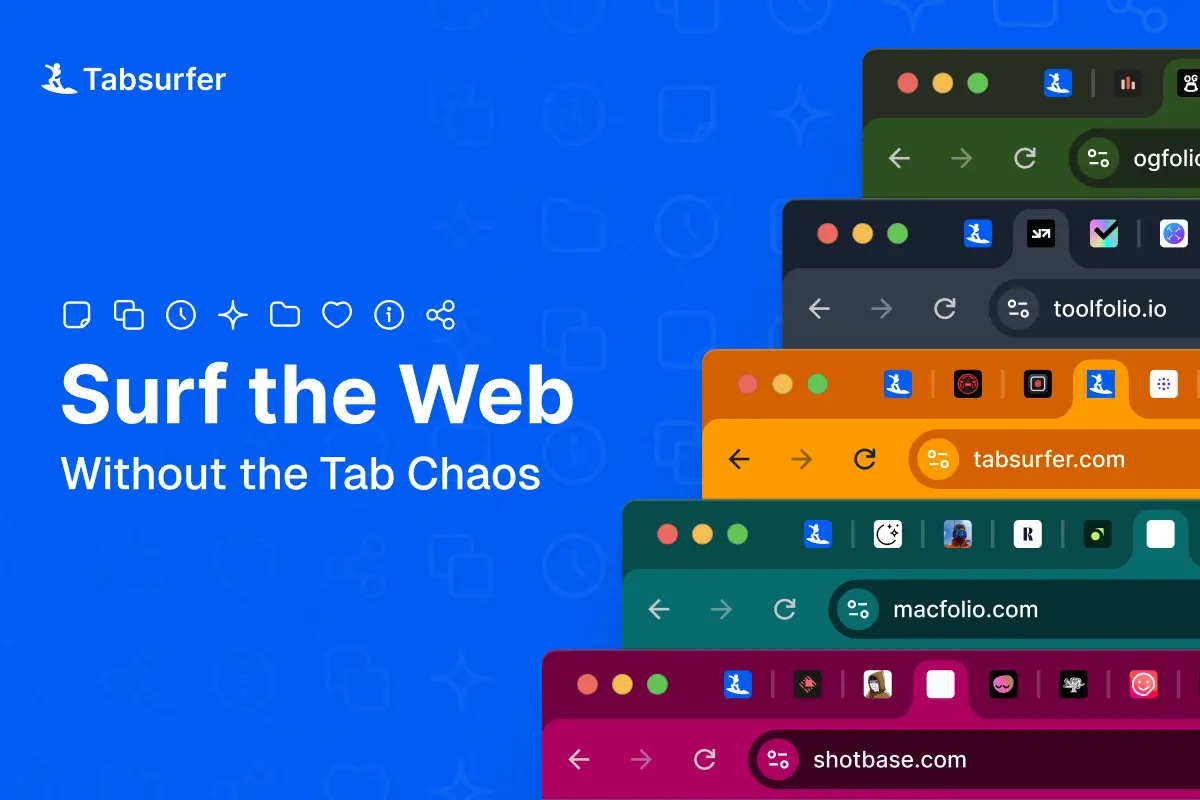
Streamline your browsing by managing tabs with Tabsurfer. It reduces clutter and saves memory.
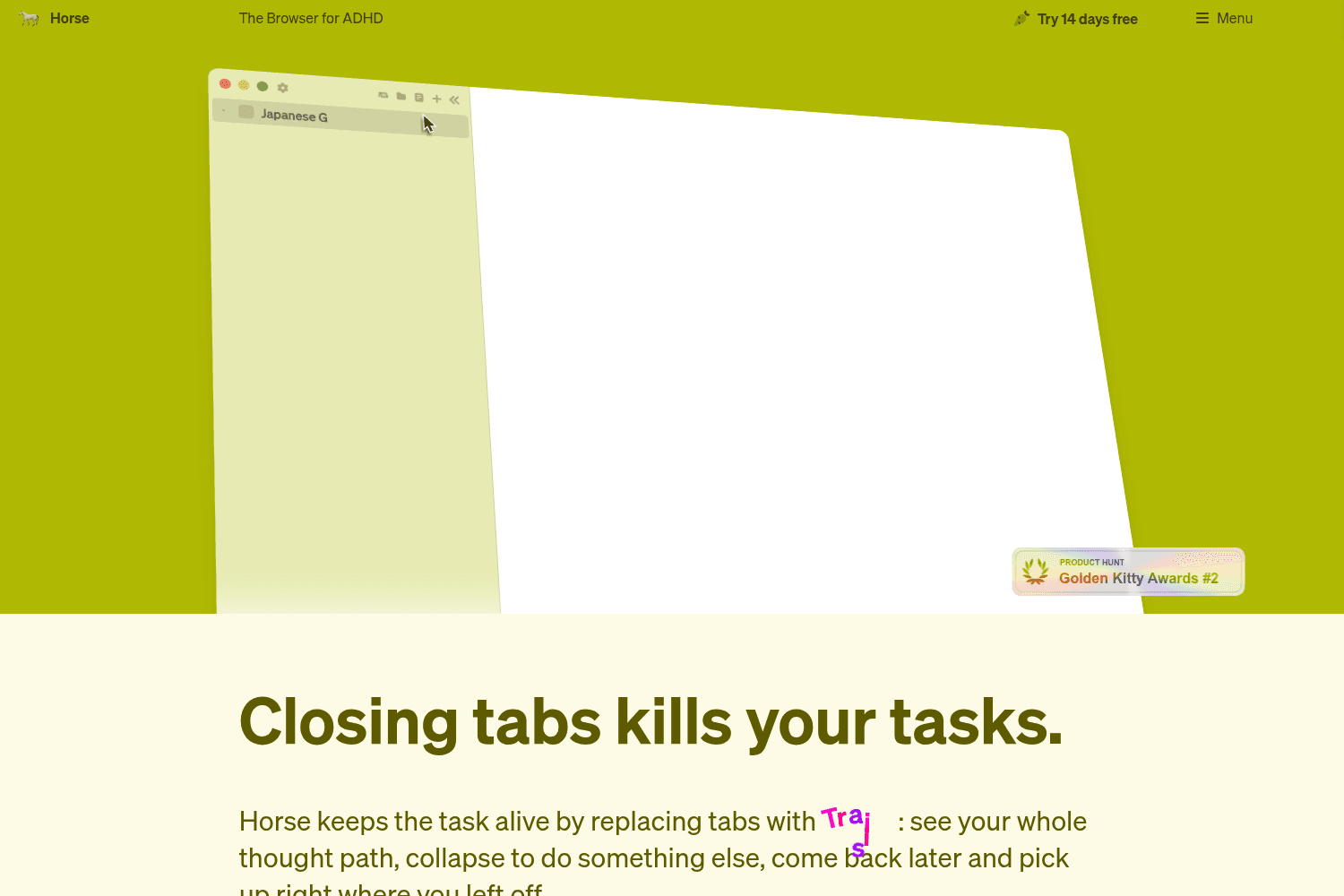
Horse Browser is a web browser designed specifically for individuals with ADHD, helping them manage ...

A browser extension for boosting productivity and minimizing distractions.
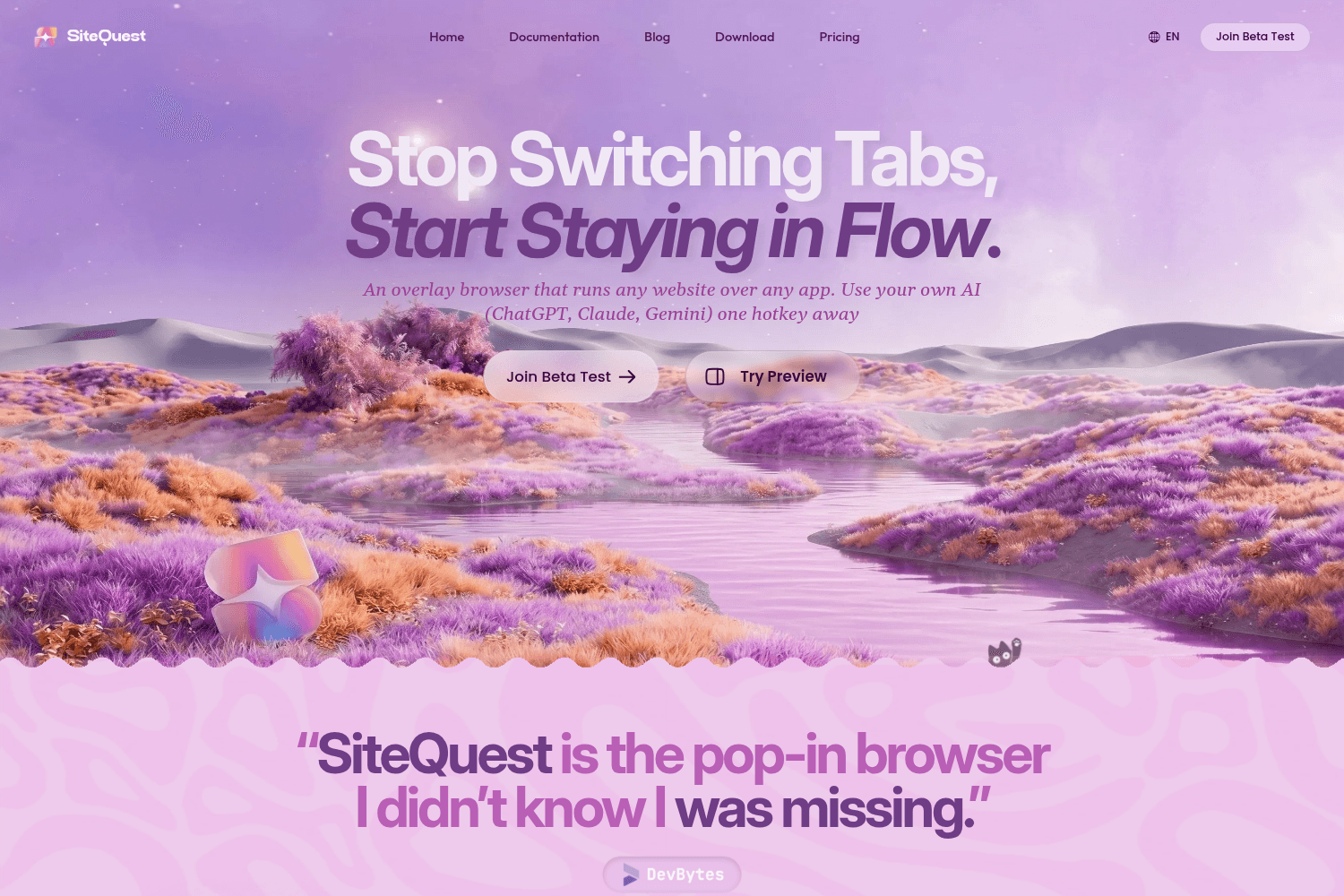
SiteQuest is an overlay browser that allows users to run any website over any application, providing...

Simplified CMS for developers and marketers, seamlessly integrates with any tech stack.
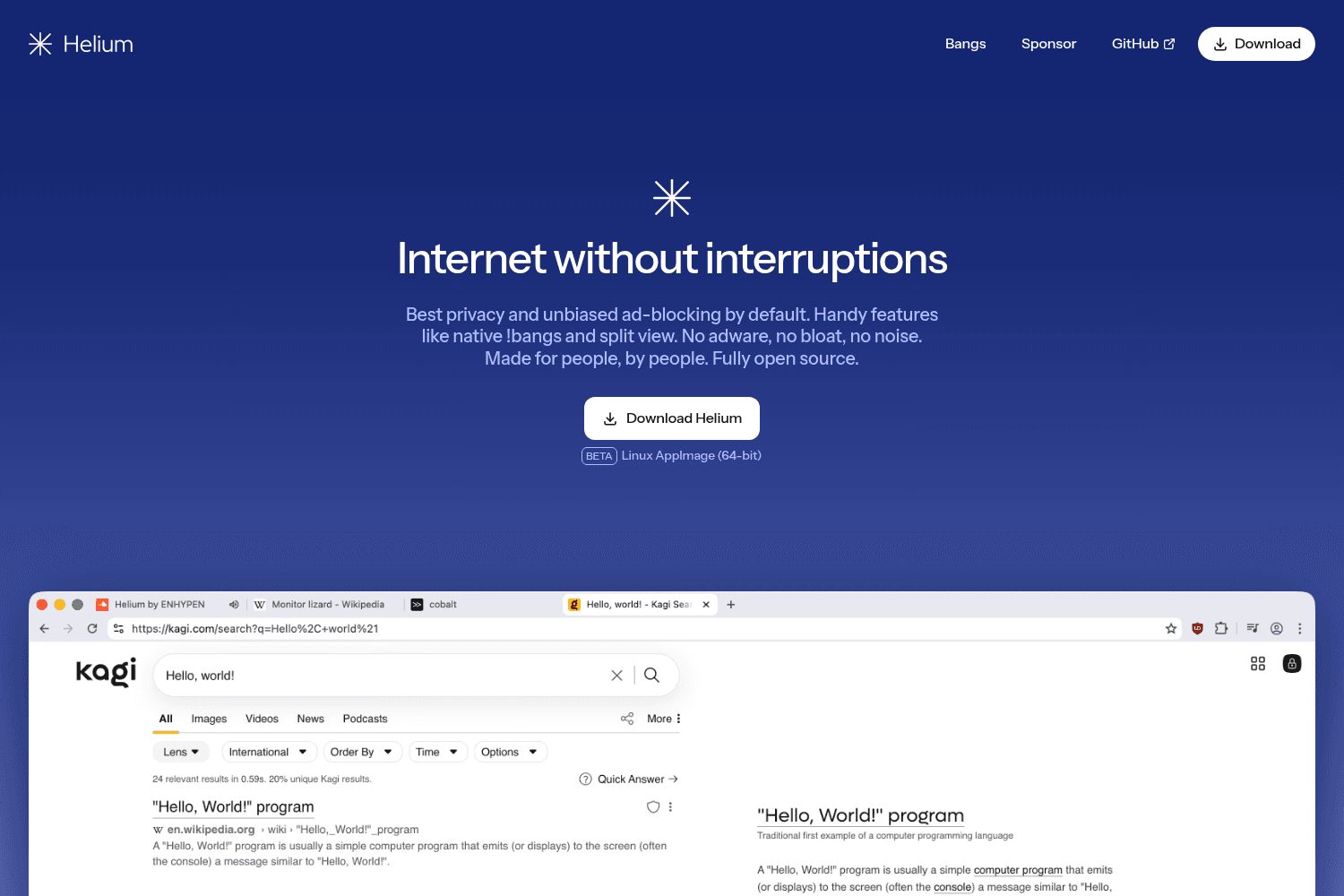
Helium is a privacy-focused web browser that blocks ads, trackers, and unwanted interruptions by def...
Boosts are now in Zen! This allows you to tint colors, customize fonts and styles, zap elements and enable automatic dark mode on any website! Overflowing web extensions will now appear below the URL bar instead of being added back into the site control panel. This only happens in single-sidebar mode.
Various security fixes, including fixes for security vulnerabilities CVE-2026-45150. Fixed native popovers not working after using dropdowns, unresponsive tabs when opening external links, and tab renaming input fields being too narrow. Other minor bug fixes and performance improvements.
Various security fixes including CVE-2026-44658, CVE-2026-44659. Fixed search engines not being visible in settings, Previous Space in MacOS menu bar not working, and loading indicator issues in double toolbar mode.
Various security fixes. Fixed topbar dropping down when titlebar is enabled, auto-hide issues with extensions, and dragging folders. Added a space-only search mode for the URL bar.
Fixed video controls being off screen in compact mode and startup crashes. Added an option to split merged tabs by clicking. Other minor bug fixes and performance improvements.
Various security fixes including CVE-2026-41431. Fixed halts in responsiveness, duplicate bookmarks, and issues with emoji characters. Updated to Firefox 150.0.
Fixed accessibility issues and animations not respecting 'reduce motion' settings. Modified sidebar context menu for improved usability.
Various security fixes. Fixed MacOS settings issues, double separator lines in context menus, and unresponsive toolbars in Linux.
Fixed compact mode toggle issues, improved animations on low-end devices, and addressed various notification and toolbar text color issues.
Fixed issues with new profiles freezing on startup and problems with drag and drop of tabs in folders.