The best Viktor alternatives are Tasklet ($100 a month for 40,000 shared credits, no seat fees), Lindy ($29.99 per user a month), Dust (best for Microsoft Teams, from €30 per seat), Manus (300 free credits a day), OpenClaw (free and open source) and Zapier Agents. Viktor itself starts free with up to $100 in credits. Checked November 25, 2026.
 Viktor on Toolfolio. Updated November 25, 2026.
What is Viktor and how does it work?
Viktor is an AI employee that works inside Slack and Microsoft Teams. Your team messages it like a colleague, by @mentioning it in a channel or sending it a DM, and it does the work across the tools you connect: reports, dashboards, spreadsheets, research, CRM updates, campaign changes, code and small internal apps. One Viktor serves the whole workspace, and it asks before anything it cannot undo.
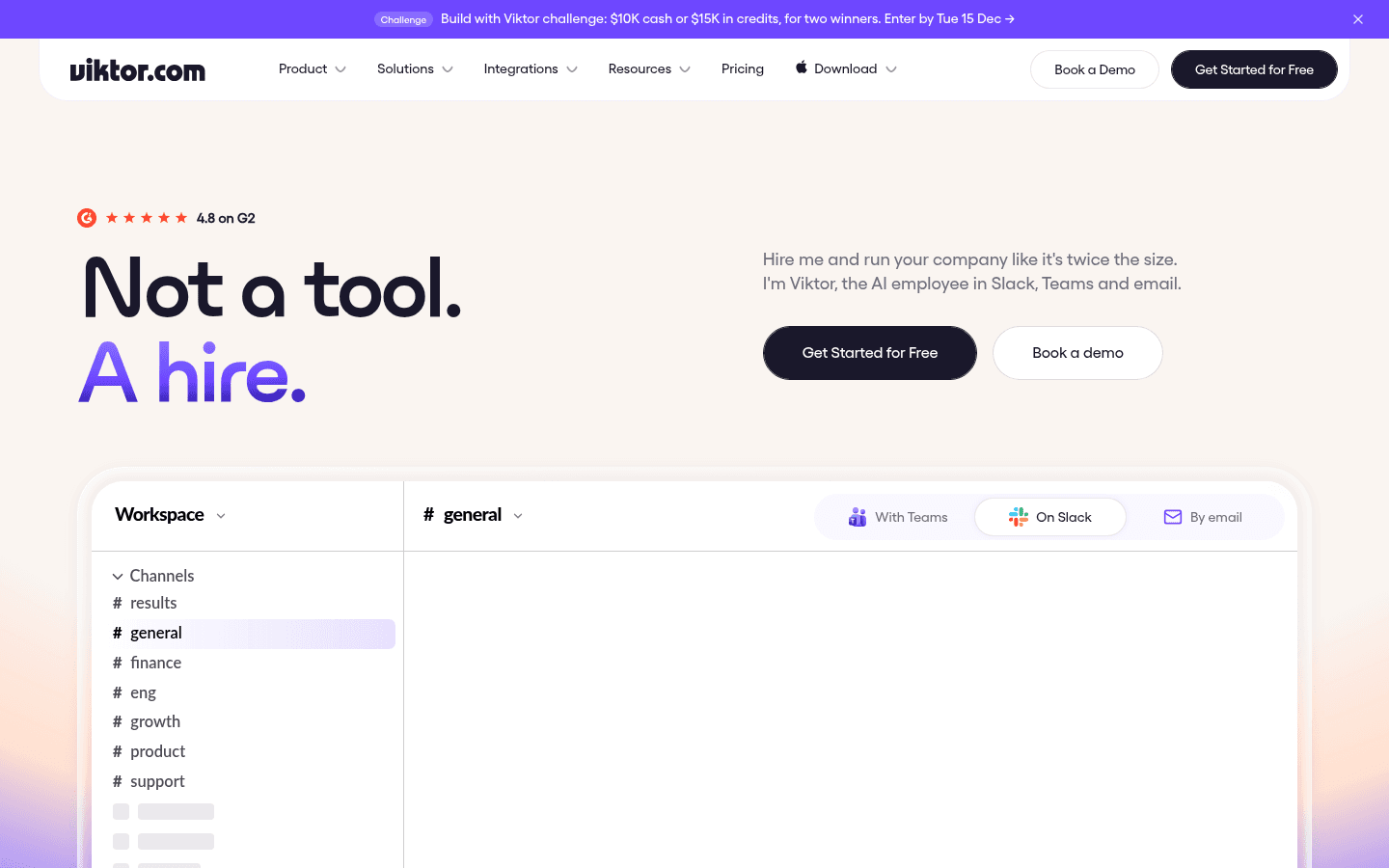
Here are the facts Viktor publishes about itself, checked on November 25, 2026:
| Fact | Detail |
|---|---|
| Where it works | Slack, Microsoft Teams, email, a web app and Discord, plus desktop apps for Mac, Windows and Linux |
| Integrations | 9,800+ tools, with a browser fallback for tools that have no API |
| Adoption | 82,000+ teams (workspaces, not individual users) |
| Rating | 4.8 out of 5 on G2 |
| Security | SOC 2 Type 1, approvals and audit logs |
| Company | Zeta AI, Inc., founded 2023 by Fryderyk Wiatrowski and Peter Albert, with a $75M Series A led by Accel announced May 19, 2026 |
| Developer access | MCP server, REST API and an OpenAI and Anthropic compatible API (API keys need a paid plan) |
One naming note: Viktor (viktor.com) is not the same company as VIKTOR.AI (viktor.ai), an engineering automation platform for the building and construction industry. Google mixes the two in results for "viktor ai", so check the domain before you read a review.
How much does Viktor cost?
Viktor charges for work done, measured in credits, not for seats. Everyone in the workspace draws from one shared pool. Here are the plans on the Viktor pricing page:
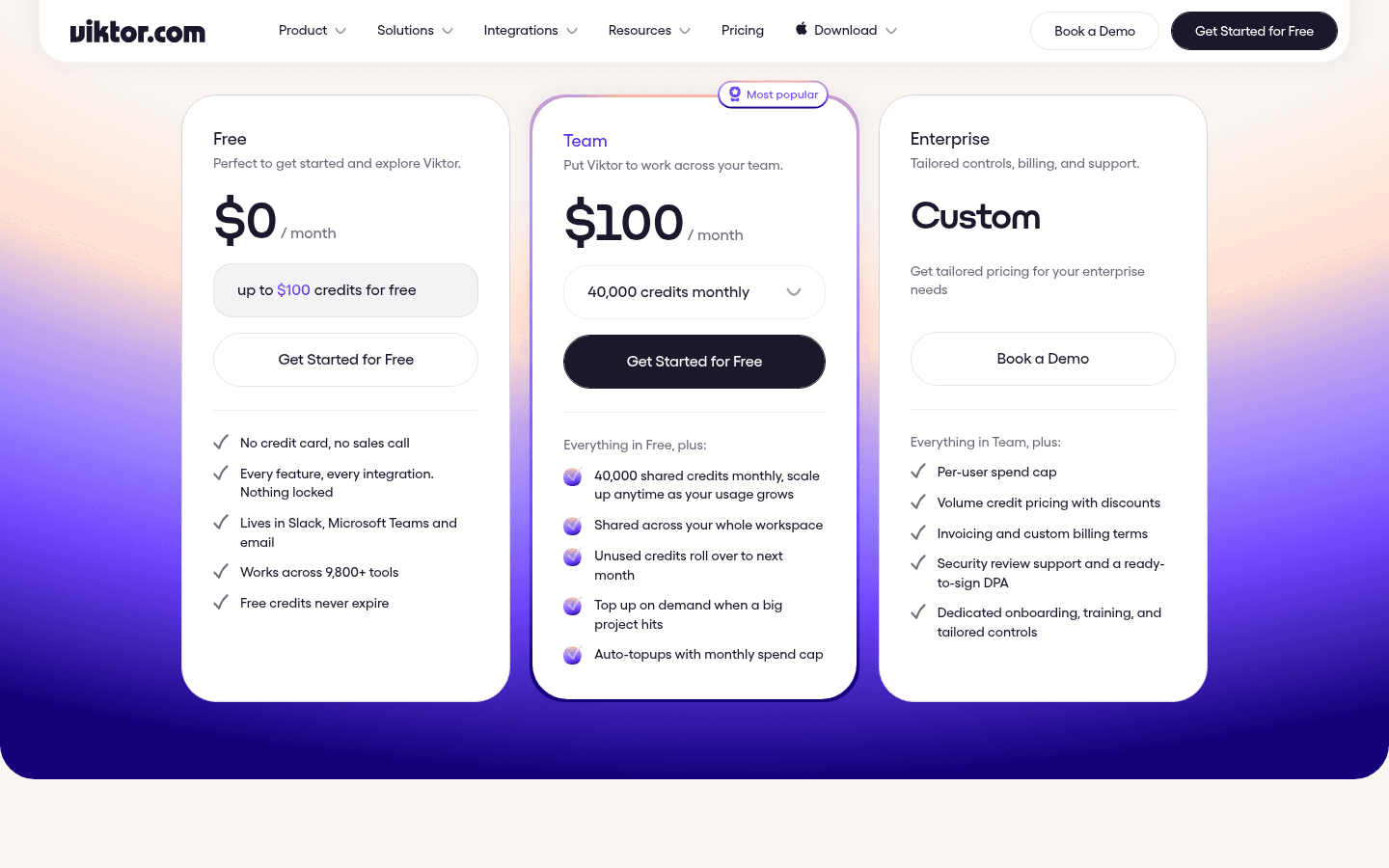
| Plan | Price | Credits | Rollover | Top-ups |
|---|---|---|---|---|
| Free (Starter) | $0 | Up to $100 in one-time credits | Free credits never expire | No |
| Team | $100 a month | 40,000 a month, shared by the workspace | Unused plan credits roll over for one month | Yes, plus auto top-ups with a spend cap |
| Larger plans | $50 to $120,000 a month | 20,000 to 48,000,000 a month | One month | Yes |
| Enterprise | Custom | Volume pricing with discounts | Custom | Invoicing, per-user spend caps |
How Viktor credits work
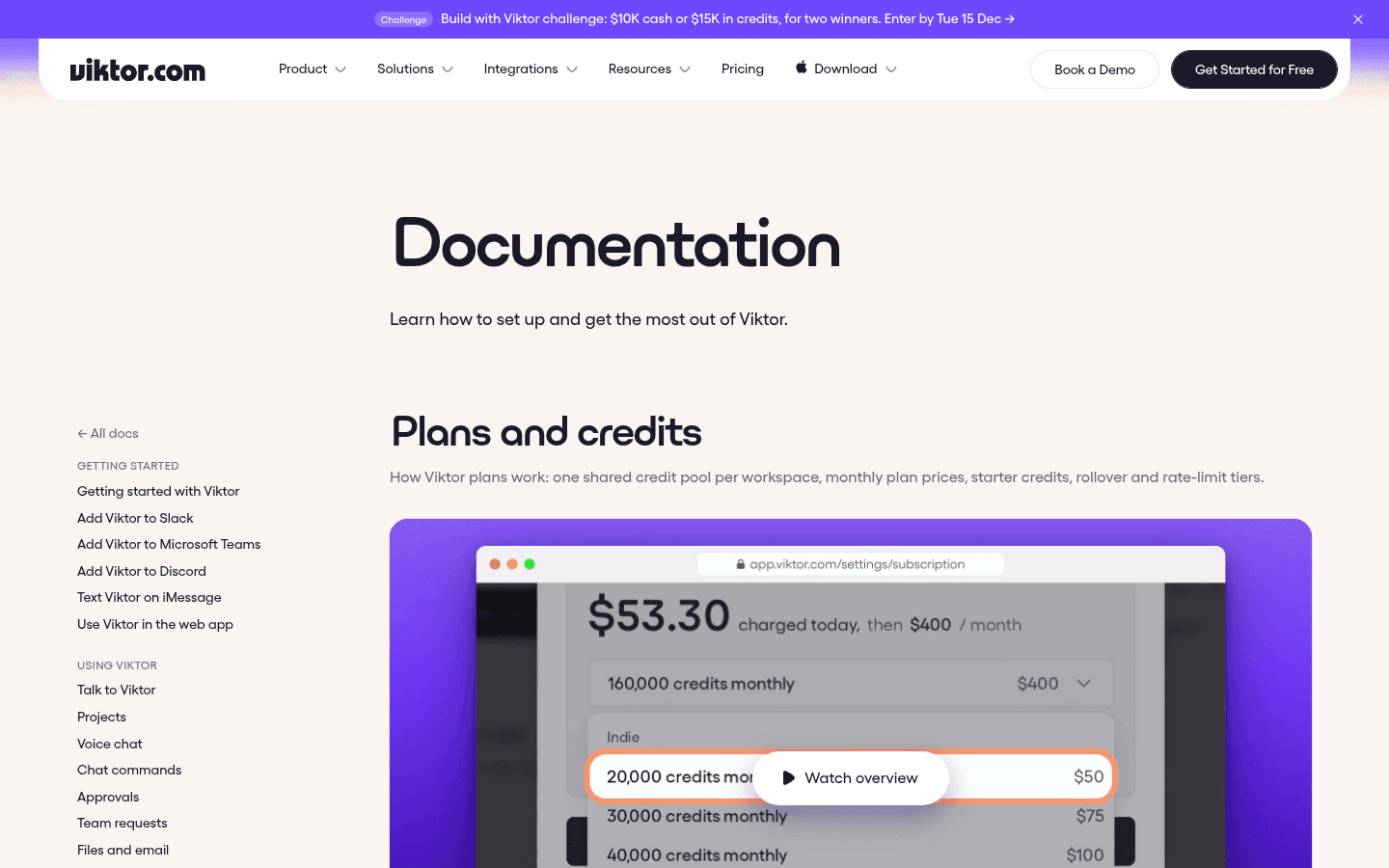
Every current plan costs the same rate: $25 per 10,000 credits, or $2.50 per 1,000 credits. The plans and credits docs list monthly plans from 20,000 credits for $50 up to 48 million credits, although some workspaces only see plans from $100 a month in the picker. Plans are monthly only, because annual plans are no longer offered.
How far do credits go? Viktor's own estimates:
- Quick tasks: a Slack summary plus a CRM follow-up is about 100 to 300 credits. The FAQ says a quick Slack question can cost 50 to 100.
- Complex workflows: a website change ready for review is about 500 to 1,500 credits.
- Full projects: an internal app connected to HubSpot and Stripe is about 2,000 to 5,000 credits.
- 40,000 credits: roughly 80 to 400 tasks a month, depending on complexity.
Scheduled automations also spend credits every time they run, so a daily report costs more over a month than a weekly one. Registered nonprofits get 15% off every monthly plan.
Is Viktor free?
Yes, to start. A new workspace gets one-time starter credits worth up to $100, with no credit card and every feature and integration unlocked. The exact amount depends on how the workspace signed up. The free tier has no rollover and no top-ups, runs at half the rate limits of the entry paid plan, and Viktor pauses when the starter credits run out until you pick a plan.
Why teams look for a Viktor alternative
- Usage based billing is hard to predict. A busy team with many scheduled automations can burn through 40,000 credits faster than expected.
- They want one bot per job. Viktor is one shared employee. Some teams prefer several named agents, each with its own tools and permissions.
- They live in Microsoft Teams or another chat app. Viktor supports Teams, but some alternatives are Slack only, and some teams want WhatsApp, Telegram or iMessage.
- They want to self-host. Viktor is a hosted service. An open source agent keeps your data and model keys on your own machine.
- They only need one task done. A research or slide deck agent, or a classic automation tool, can be cheaper for a narrow job.
Viktor alternatives compared
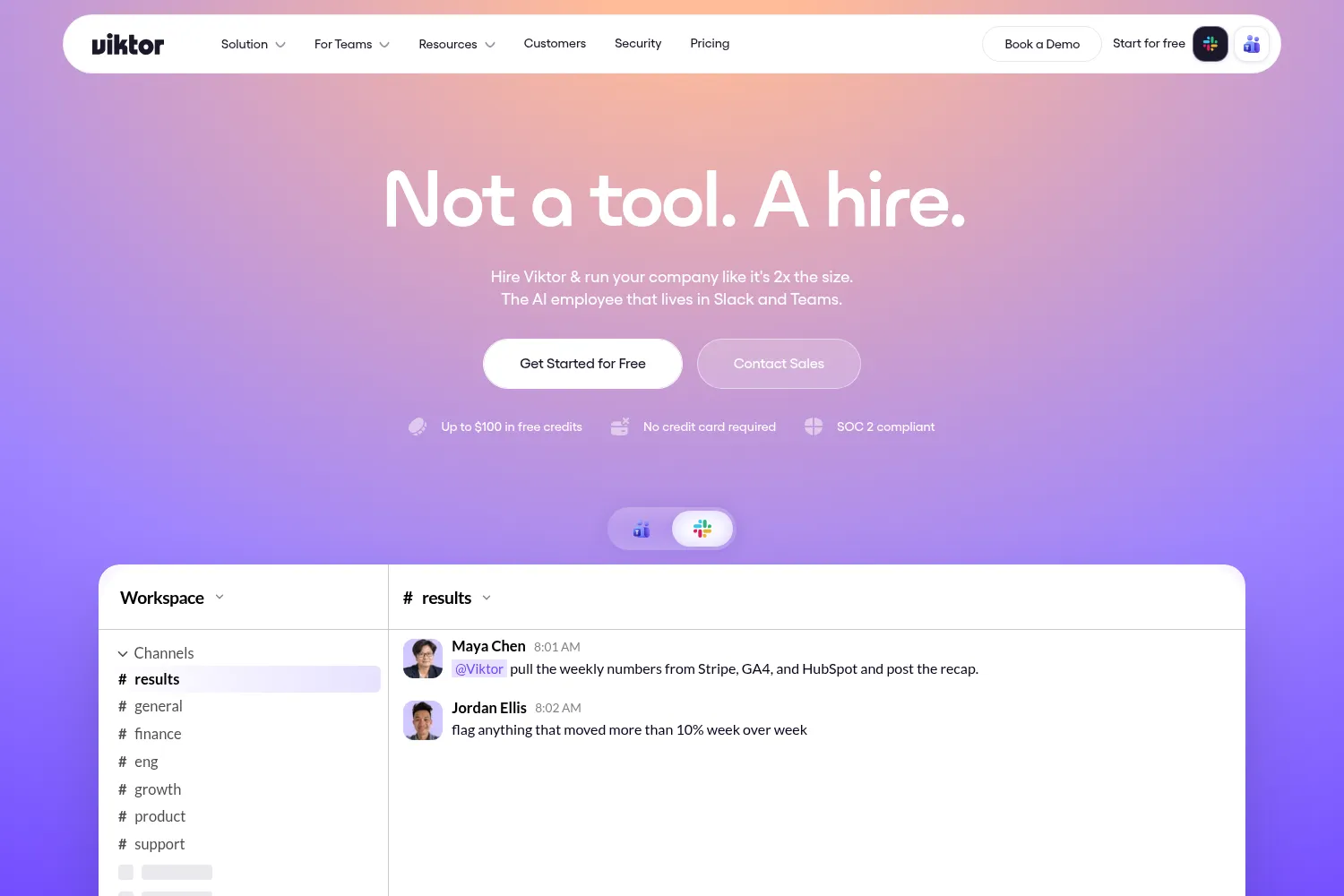
Viktor is an AI employee that lives in Slack and Teams, handling tasks that teams can't get to.
All prices come from each tool's public pricing page, checked on November 25, 2026. Credits are not the same size across products, so compare what each plan includes, not the raw credit numbers.
| Tool | Best for | Free option | Paid from | Billing | Slack | Microsoft Teams |
|---|---|---|---|---|---|---|
| Viktor | One shared AI employee for the whole workspace | Up to $100 in credits | $100 a month | Shared credits, no seats | Yes | Yes |
| Tasklet | Several named agents for one flat price | Limited trial credits | $25 a month | Shared credits, no seats | Yes | Not listed |
| Lindy | Slack plus inbox, meetings and iMessage | $50 in credits for 7 days | $29.99 per user a month | Per seat, pooled credits | Yes | Not listed |
| Dust | Microsoft Teams companies and custom agents on company data | 500 lifetime credits per Free seat | €30 per seat a month | Per seat | Yes | Yes |
| Manus | Research, websites and slides from a Slack thread | 300 credits a day | $100 a month | Per account | Yes | Not listed |
| OpenClaw | Self-hosted agent in any chat app | Free and open source | $0 (you pay for models) | Your own hardware and model keys | Yes | Yes |
| Zapier Agents | Agents that act in thousands of Zapier apps | 400 activities a month | $33.33 a month billed yearly | Activities | Via Zapier apps | Via Zapier apps |
| Gumloop | Agents built by an ops team for the company | None listed | $37 a month | Credits plus an 8% fee | Connector | Connector |
| Slackbot | Teams already paying for Slack | No | $18 per user a month (Business+) | Per Slack seat | Built in | No |
The best Viktor alternatives in 2026
1. Tasklet: the closest match on price and setup
Tasklet is the alternative that looks most like Viktor on paper. It bills at the organization level with no per-user fees, everyone shares one credit pool, and its Pro plan has the same headline as Viktor's Team plan: $100 a month for 40,000 credits. Viktor even publishes a Viktor vs Tasklet comparison page, which shows how directly the two compete.
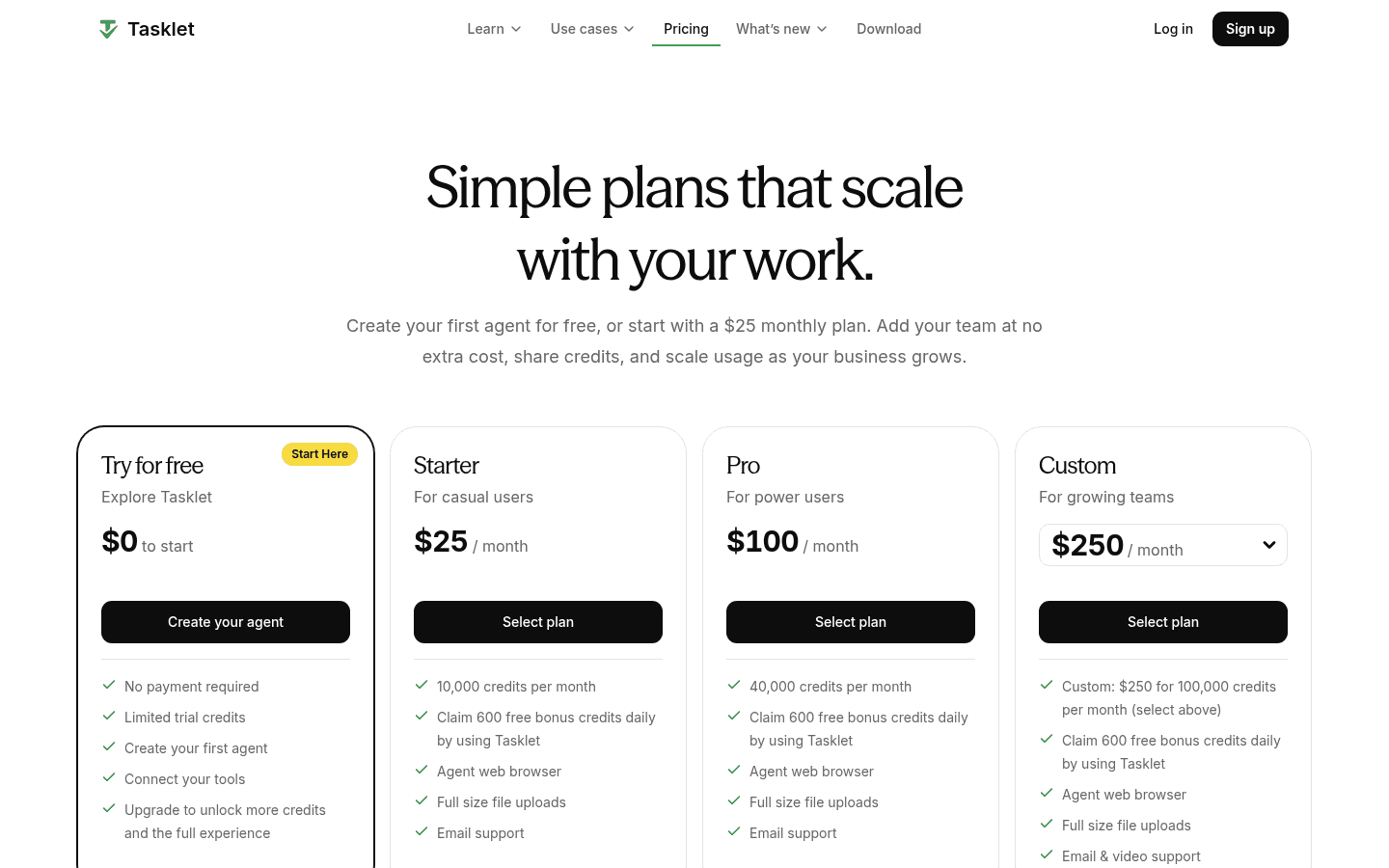
| Plan | Price | Credits a month |
|---|---|---|
| Try for free | $0 | Limited trial credits, first agent |
| Starter | $25 a month | 10,000, plus 600 bonus credits on each day you use Tasklet |
| Pro | $100 a month | 40,000, plus the daily bonus |
| Custom | $250 to $10,000 a month | 100,000 to 4,000,000 |
The big difference is how agents show up in Slack. Since October 27, 2026, each Tasklet agent can have its own Slack app with its own name and icon, so you can run several agents side by side. Tasklet's own examples include an @OpsBot that tracks deploys and a @Sky agent that keeps the sales pipeline and CRM current. Agents can also have their own email address and phone number. Monthly credits do not roll over, while one-time credits cost $5 per 1,600 (minimum $25) and last a year. Tasklet is SOC 2 Type II compliant and offers refunds within 14 days for payments up to $250.
2. Lindy: a Slack teammate that also runs your inbox and meetings
 Lindy pitches itself as "the teammate that punches above its price". It lives in Slack threads and mentions, and it also clears inboxes, records and summarizes meetings, schedules calls and texts with you over iMessage. It connects to 3,000+ integrations plus MCP, and lets you pick the model for each task.
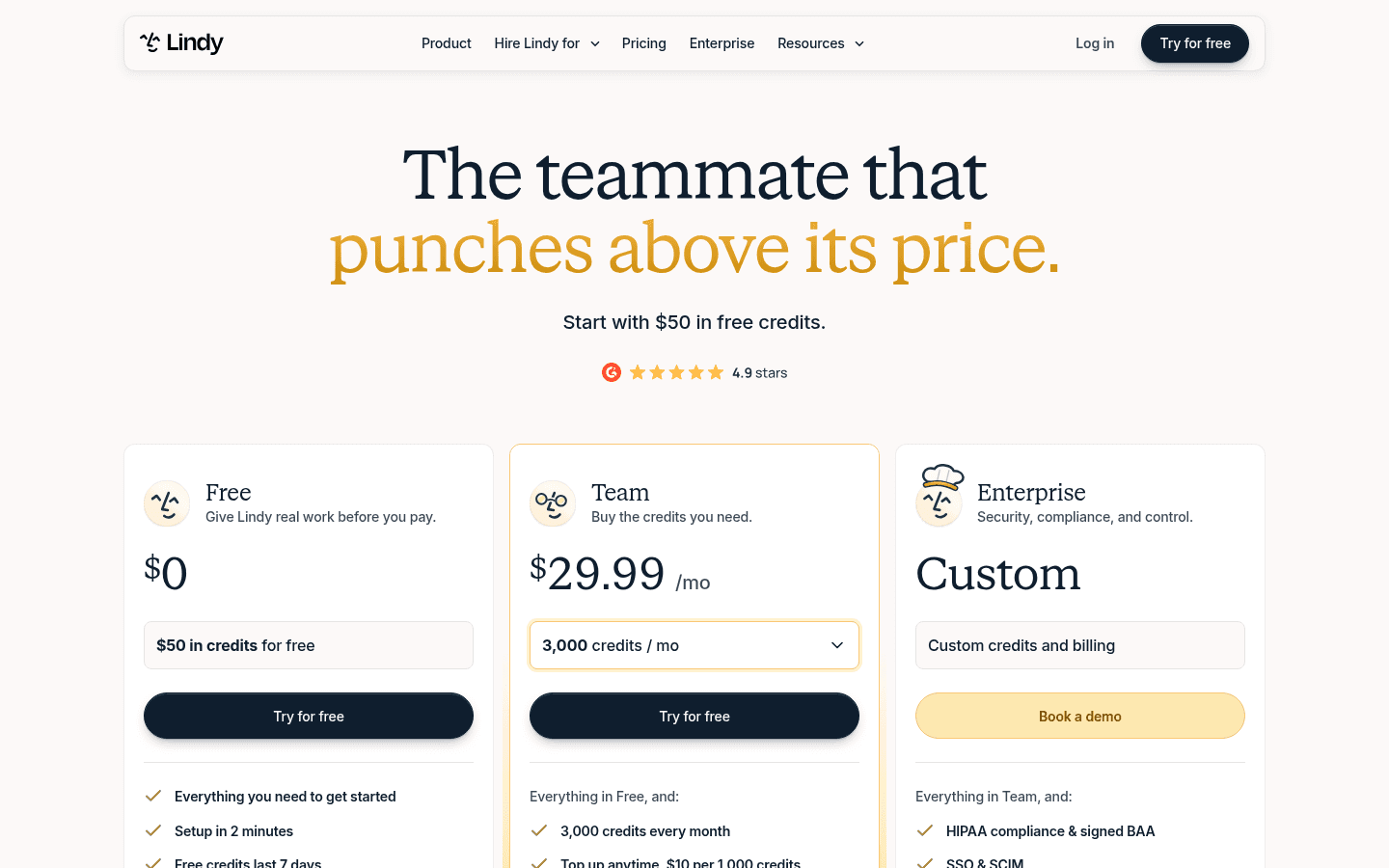
- Free: $50 in credits that last 7 days.
- Team: $29.99 a month per active user, with 3,000 credits each, pooled for the whole workspace. Top-ups cost $10 per 1,000 credits.
- Enterprise: custom, with HIPAA and a signed BAA, SSO, SCIM and audit logs.
The catch is seats. Anyone who uses Lindy takes a paid seat, including people who only @mention it in Slack (new teammates who join through Slack get a 7-day trial first). Monthly credits do not roll over. For a 10-person team that is about $300 a month, three times Viktor's Team plan. Lindy does not list Microsoft Teams among its channels.
3. Dust: the best fit for Microsoft Teams companies
Dust is a platform for building custom AI agents on top of your company data. Admins enable a Slack bot and a Microsoft Teams bot, and people call any agent with @dust followed by the agent name, in channels, threads and DMs. In Teams it reads thread context and shared files. It includes 20+ models from OpenAI, Anthropic, Google, Mistral and DeepSeek, SOC 2 Type II, and US or EU data residency.
Dust's Business plan (for teams up to 100 people) prices each seat by type, excluding VAT:
| Seat type | Monthly | Billed yearly | Credits |
|---|---|---|---|
| Free | €0 | €0 | 500 lifetime |
| Pro | €30 | €24 | 8,000 a month |
| Max | €150 | €120 | 40,000 a month |
Credits reset every month with no rollover, and pooled credits across the workspace are an Enterprise feature. The Business plan connects up to 3 company data sources and 5 remote MCP servers. Pick Dust if your company runs on Microsoft 365, or if you want an AI team that answers from Notion, Drive and GitHub rather than one employee that does tasks.
4. Manus: an autonomous agent you can tag in Slack threads
Manus is an AI engine that automates tasks and workflows while extending human capabilities.
 Manus is a general AI agent that builds research reports, websites, slides, images and videos. Its Slack app lets you tag @manus in a thread or DM the bot, and it reads the whole thread as context and posts results there. Every person who prompts it needs a Manus account, and Manus says a paid Slack plan is required for the AI features in its bot.
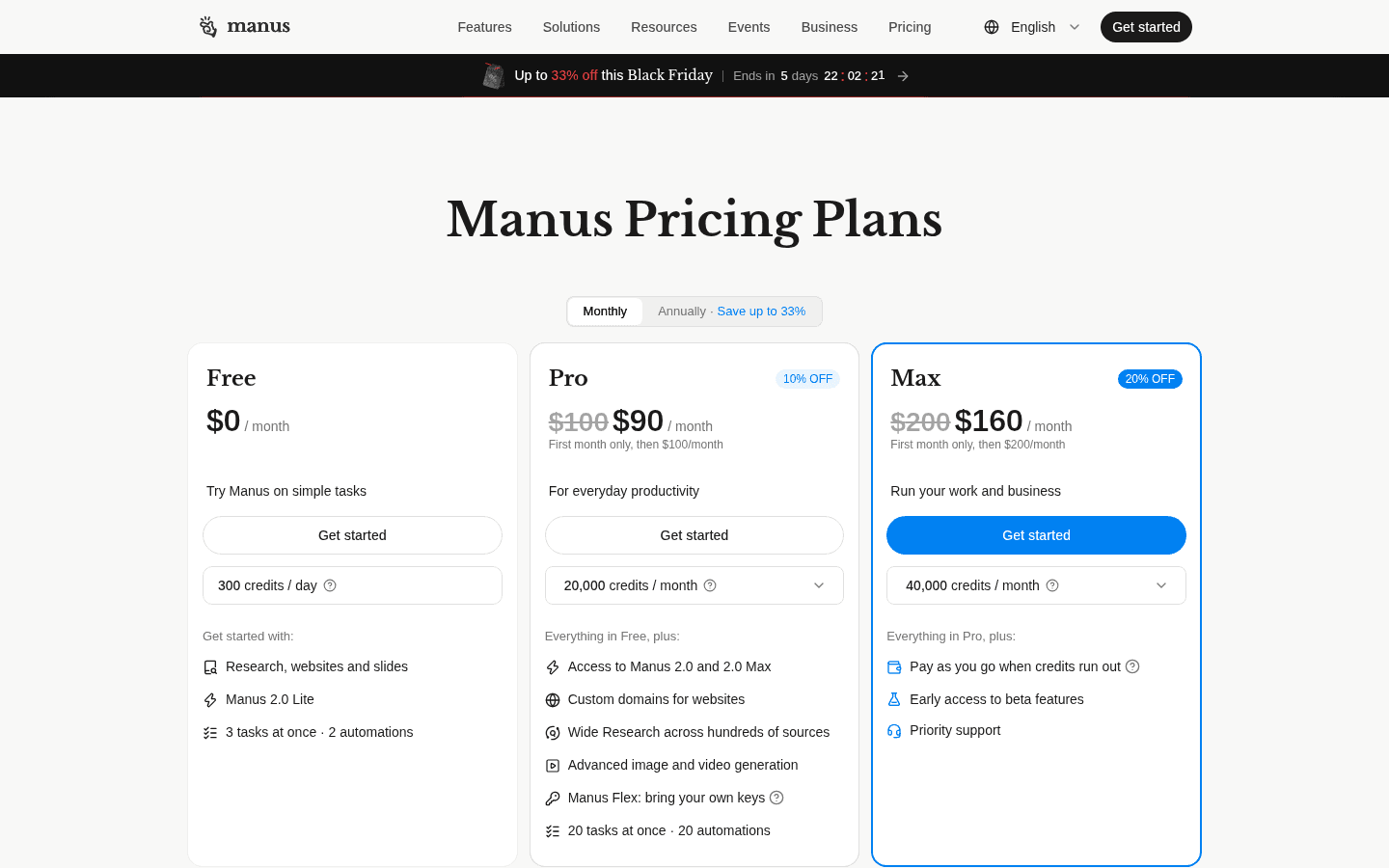
- Free: 300 credits a day, Manus 2.0 Lite, 3 tasks at once and 2 automations.
- Pro: $100 a month for 20,000 credits, with Manus 2.0 and 2.0 Max, Wide Research, custom domains and 20 tasks at once.
- Max: $200 a month for 40,000 credits, plus pay as you go when credits run out.
During the Black Friday sale running at the time of writing, the first month of Pro is $90 and Max is $160. Billed yearly, Pro is $900 for the first year, then $1,000 a year. Manus is a better fit for big one-off deliverables than for an always-on employee that updates your CRM every morning. There is also a Team plan through sales.
5. OpenClaw: free, open source and self-hosted
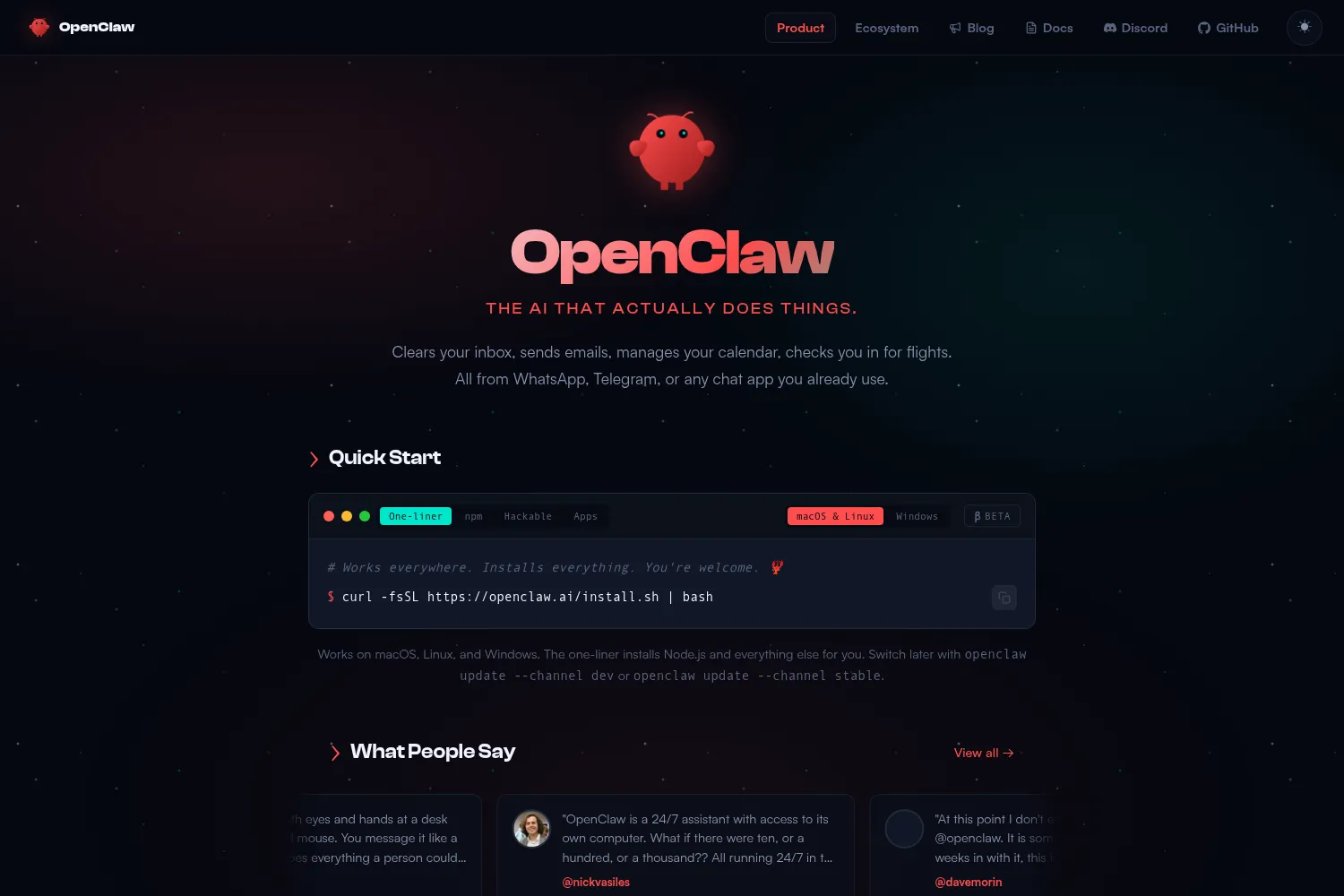
OpenClaw is an open-source personal AI assistant that automates a variety of tasks through popular chat applications. It allows seamless integration with your day-to-day operations while maintaining data privacy and offering full system control.
 OpenClaw is the open source personal AI agent that organizes inboxes, sends emails, manages calendars and runs tasks from the chat apps you already use. Its gateway connects Slack, Microsoft Teams, Discord, WhatsApp, Telegram, iMessage, Signal, Google Chat and more. The code is MIT licensed with about 395,000 stars on GitHub, and it is stewarded by an independent 501(c)(3).
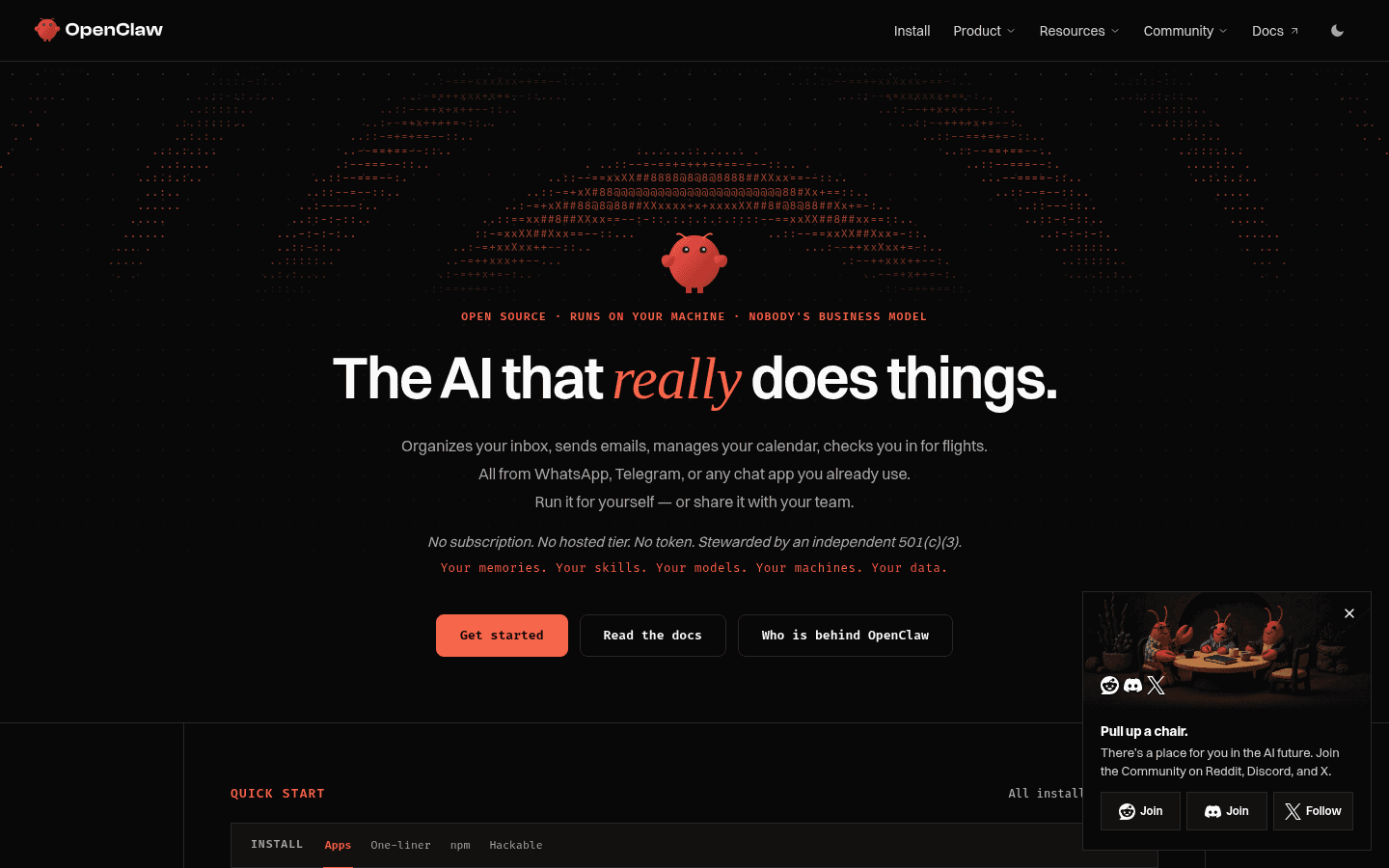
OpenClaw has "no subscription, no hosted tier". You install the desktop app for macOS, Windows or Linux (or the CLI), bring your own model keys or subscription, and run it on your own machine. That makes it the cheapest option in this list if you are technical, but you own the setup, the security and the upkeep. If you like the idea but not the self-hosting, see our OpenClaw alternatives guide.
6. Zapier Agents: agents with access to the Zapier app catalog
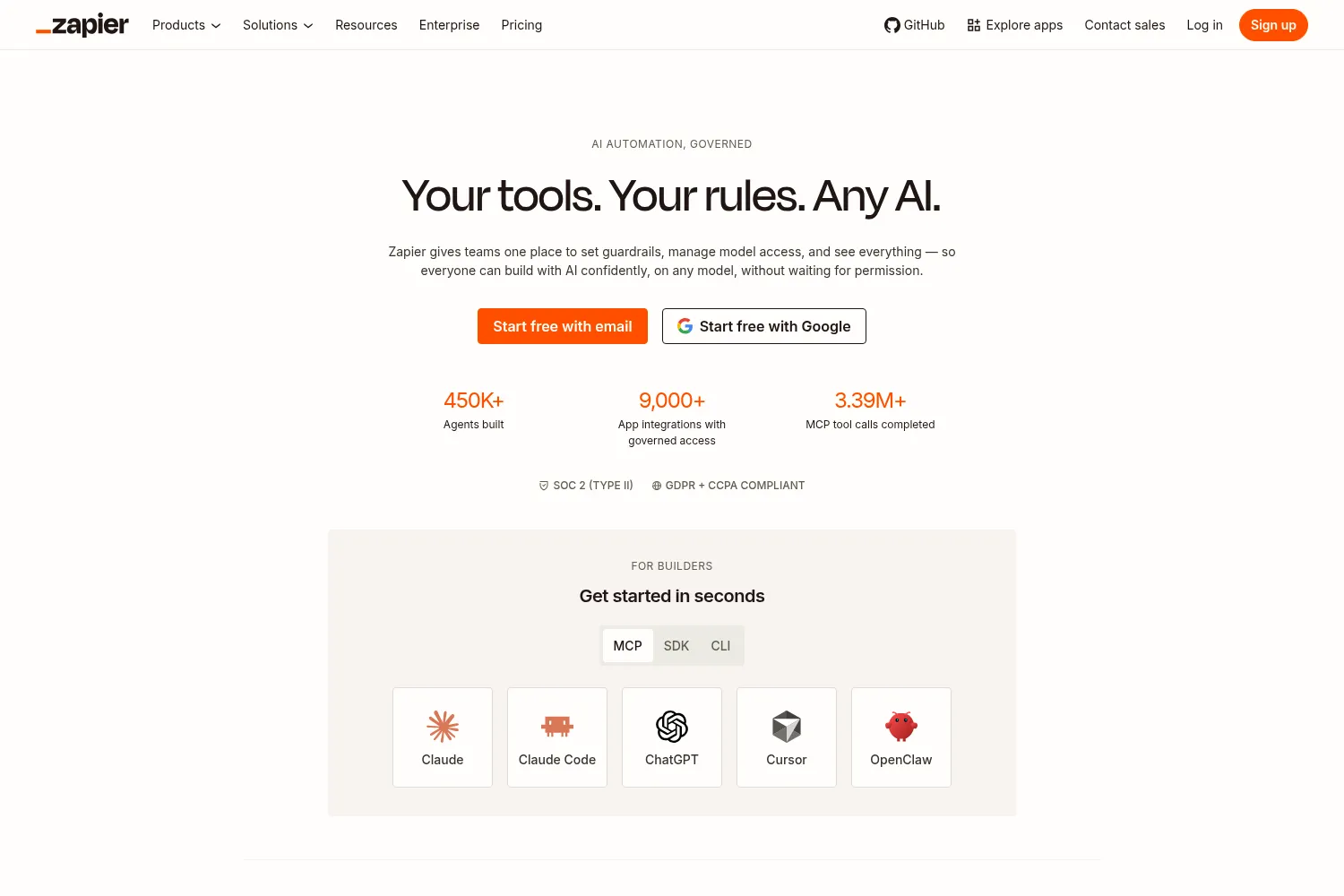

- Agents Free: 400 activities a month.
- Agents Pro: $33.33 a month billed yearly ($400 a year) for 1,500 activities.
- Agents Enterprise: a custom number of activities.
An activity is one action, such as a step in a behavior, a chat reply, a web lookup or a knowledge search. On Zapier Team accounts, the team shares one pool of activities. Zapier MCP tool calls are also free until January 5, 2027, so you can connect Claude or another agent to Zapier's apps at no extra cost for now.
7. Gumloop: agents your ops team builds for everyone
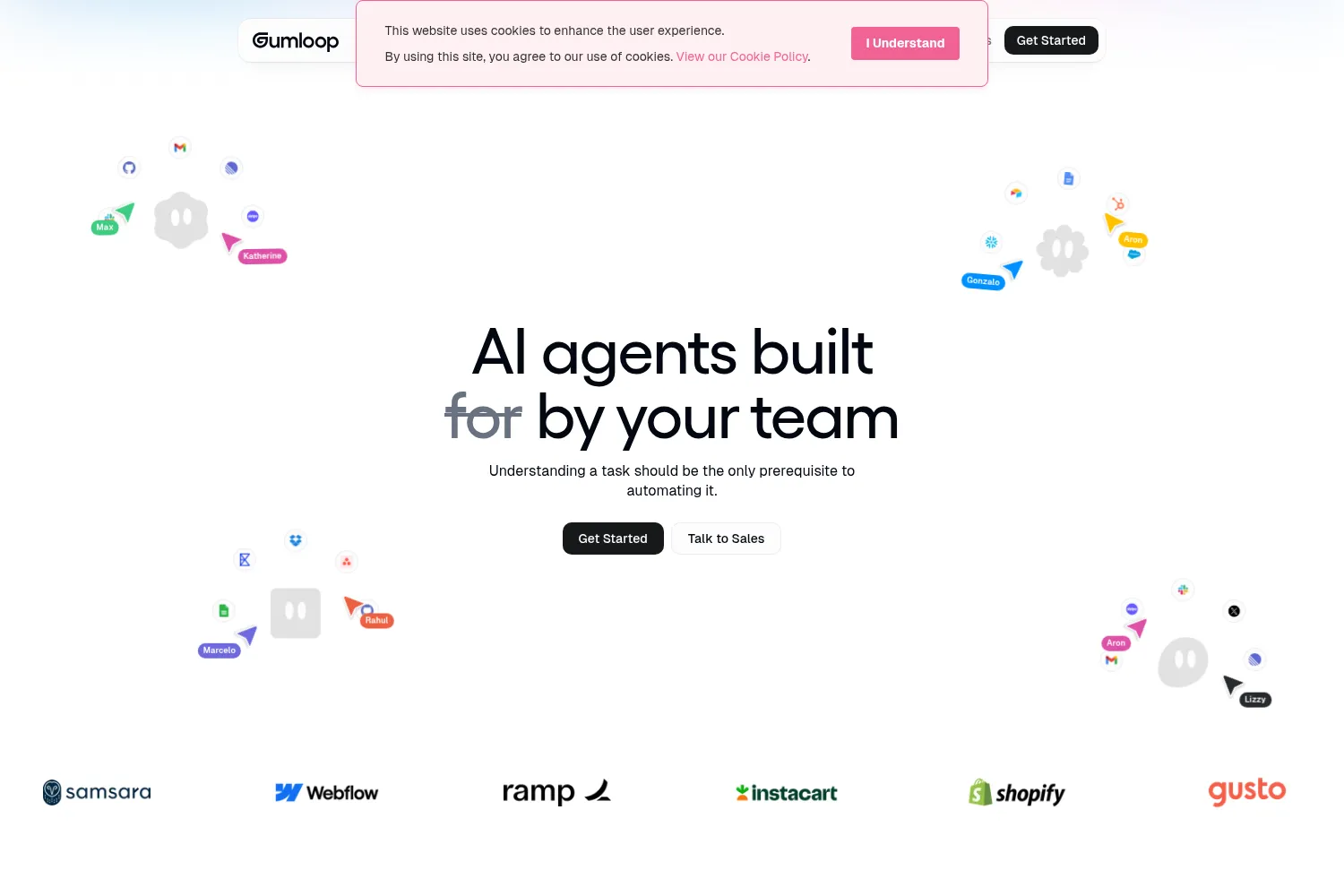
Build and host AI-driven automations without coding. Optimize business workflows with ease.

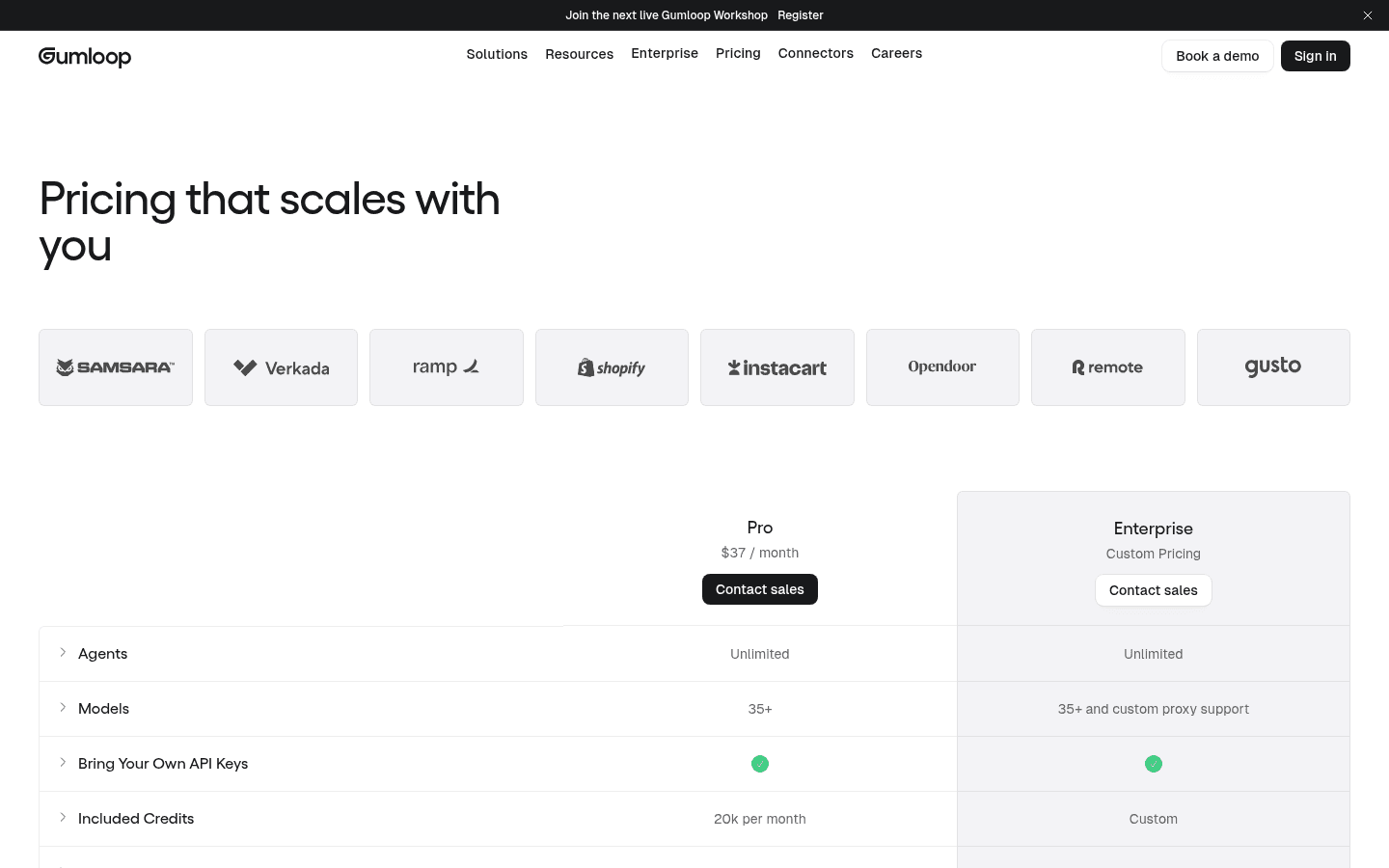
Pro is $37 a month with 20,000 credits (credits are indexed at $0.005 each), unlimited agents, seats and teams. On top of the list cost of tokens and tool calls, Gumloop adds an 8% orchestration fee, or 16% if you bring your own model keys. Credits do not roll over, and overage at $0.005 a credit is off until you turn it on. No free plan is listed.
8. Slackbot: the AI already inside Slack
If your team mainly wants answers, summaries and search, check the Slack plan you already pay for. Slack's Business+ plan ($18 per user a month, or $15 billed yearly) includes Slackbot as an AI teammate that finds answers, summarizes channels and works across your apps, with 15 Slackbot messages per user each week, plus AI search, recaps and workflow generation. It will not build an internal app or run a multi-step project for you the way Viktor does.
Other options worth a look
- Sintra: 12 AI "helpers" for social media, support, SEO, email and more in one web app, from $48.50 a month on a one-month plan or $15.60 a month on a 12-month plan (both sale prices), with 250 monthly credits and a 14-day money-back guarantee. Aimed at solo founders, not Slack teams.
- Relevance AI: an AI workforce platform for sales and support teams. Its pricing page only shows a sales-led Enterprise plan.
 Claude and
 ChatGPT: per-seat chat assistants. Fine for individuals, but they are not a shared employee for the workspace.
Motion: an AI work suite for projects, tasks and calendars, from $19 per seat a month billed yearly on Teams plans, if your real problem is planning rather than doing.
 Composio: if you would rather build your own agent, Composio gives it secure access to 1,800+ tools, with a free plan of 10,000 tool calls a month. See our Composio alternatives guide.
How to choose the right Viktor alternative
What a 10-person team pays each month
These are list prices for a team of 10 on the most common plan, before taxes and discounts. Credits are not comparable across products, so read the second column as "what you get", not "how much work".
| Tool and plan | What you get | Monthly cost for 10 people |
|---|---|---|
| Viktor Team | 40,000 shared credits, one-month rollover | $100 |
| Tasklet Pro | 40,000 shared credits plus daily bonus credits | $100 |
| Gumloop Pro | 20,000 credits, unlimited seats | $37 |
| Lindy Team | 10 seats with 3,000 credits each (30,000 pooled) | $299.90 |
| Dust Business, Pro seats | 10 seats with 8,000 credits each | €300 (€240 billed yearly) |
| Slack Business+ with Slackbot | 15 Slackbot messages per user a week | $180 ($150 billed yearly) |
| OpenClaw | Self-hosted software | $0 plus model and hosting costs |
Of the credit-based plans in this table, Viktor is the only one that rolls unused plan credits into the next month. Lindy, Tasklet, Dust and Gumloop all reset monthly credits at the end of each cycle.
Quick picks
- You want the closest like-for-like swap: Tasklet Pro, same $100 for 40,000 credits, with multiple named Slack agents.
- You work in Microsoft Teams: Viktor or Dust. OpenClaw also connects to Teams if you self-host.
- You want inbox, meetings and Slack in one assistant: Lindy, if you can live with per-seat billing.
- You want big research, website or slide deliverables: Manus.
- You want free and private: OpenClaw on your own machine.
- You already pay for Zapier or Slack: try Zapier Agents Free or Slackbot on Business+ before buying anything new.
- You want one shared employee with no seat math: stay with Viktor and start on the free credits.
You can also browse every option side by side on the Viktor alternatives page.
Frequently asked questions
What is Viktor AI?
Viktor is an AI employee from Zeta AI, Inc. that works in Slack, Microsoft Teams, email, Discord and a web app. Your team messages it like a colleague and it does the work across 9,800+ connected tools, from reports and CRM updates to dashboards and internal apps, asking for approval before sensitive actions.
Is Viktor AI free?
Viktor is free to start. New workspaces get up to $100 in one-time starter credits with no credit card, and every feature and integration is included. When the credits run out, Viktor pauses until you choose a paid plan. The free tier has no rollover or top-ups.
How much does Viktor AI cost?
The Team plan is $100 a month for 40,000 credits shared by the whole workspace, with no per-seat charge. Every plan costs $2.50 per 1,000 credits, and the docs list monthly plans from $50 for 20,000 credits, although some workspaces see $100 as the smallest plan. Unused plan credits roll over for one month, and Enterprise is custom.
What are the best alternatives to Viktor AI?
The best Viktor alternatives are Tasklet for the same shared-credit model, Lindy for a Slack teammate that also handles inbox and meetings, Dust for Microsoft Teams, Manus for research and slide deliverables, OpenClaw for a free self-hosted agent, and Zapier Agents or Gumloop for automation-heavy teams.
What is the best alternative to Viktor AI for a business that wants the AI set up and managed for them?
Look at sales-led plans with onboarding. Viktor Enterprise includes dedicated onboarding, training and a ready-to-sign DPA. Dust Enterprise adds a dedicated customer success manager, and Lindy Enterprise includes onboarding and enablement. Relevance AI only sells through its sales team, with curated agent systems such as a BDR agent.
Does Viktor work in Microsoft Teams?
Yes. You can mention Viktor in a Teams chat or channel, or DM it, after adding it to your Teams workspace. You can also sign up with "Continue with Microsoft Teams". Among the alternatives, Dust and the self-hosted OpenClaw also support Teams.
Does Slack have an AI assistant?
Yes. Slack's Business+ plan includes Slackbot as an AI teammate that finds answers, summarizes channels and works across your apps, with 15 messages per user each week, plus AI search and daily recaps. For multi-step work across your tools, teams add an agent such as Viktor, Tasklet, Lindy or Manus.
Is Viktor AI actually good?
Viktor has a 4.8 out of 5 rating on G2 and says 82,000+ teams use it. Its strengths are no seat fees, every feature on every plan and one-month credit rollover. The main risk is cost control: scheduled tasks and big projects use thousands of credits, so set a spend cap and check the Usage page.