
PixelSnap
Effortlessly measure screen distances and dimensions for precise UI design and engineering.
Loading section…
Effortlessly measure screen distances and dimensions for precise UI design and engineering.
Fine-tune guide position using the arrow keys while adding new guide. Smarter snapping and better guide interactions.
Improved compatibility with macOS 26 Tahoe.
PixelSnap now displays the actual capture area when using padding and hovering over the screenshot button. Fixed an issue where the app didn't appear in the Screen Recording permissions on macOS Catalina. Fixed Figma integration.
Easily restore the previous measurement session after closing the app. Guides now snap to area objects and align to the midpoint between guides. Hold Shift to maintain the aspect ratio of resized areas or to create perfect squares. A new context menu is now available when right-clicking on an object. PixelSnap now returns focus to the previous app after taking a screenshot with CleanShot integration. Improved compatibility with macOS Sequoia. Improved displaying guide distances below the notch. Fixed issues with Figma integration.
Screenshot sound will now respect CleanShot's settings when the integration is enabled. Added support for control+click to be recognized as right-click. Fixed Figma integration. Improved compatibility with macOS 13.0.
Improved compatibility with macOS Ventura. Changed minimum system version to macOS 10.13.
Added option to disable snapping in Guide and Area tools by holding ⌘ Command key. Added option to toggle screenshot padding by holding ⌥ (alt/option) when taking a screenshot. Improved compatibility with Figma. Minor fixes and improvements.
Improved compatibility with CleanShot X. You can now start PixelSnap with right-click on the menu bar icon. Minor bug fixes and UI improvements.
Distance tool can snap to guides and selected objects now. Added option to display aspect ratio. Guide tool will now work with Sketch, Figma, Adobe XD and Affinity integrations. New preferences icons on macOS Big Sur. Added option to show width/height indicators. Improved compatibility with macOS Monterey. Many small bug fixes and improvements.
Improved compatibility with macOS Big Sur. New app icon. Bug fixes and UI improvements.

Top screenshot app for Mac with cloud upload for developers, designers, creators

Comprehensive screenshot and screen recording tool.

Screen shot tool for easy social sharing
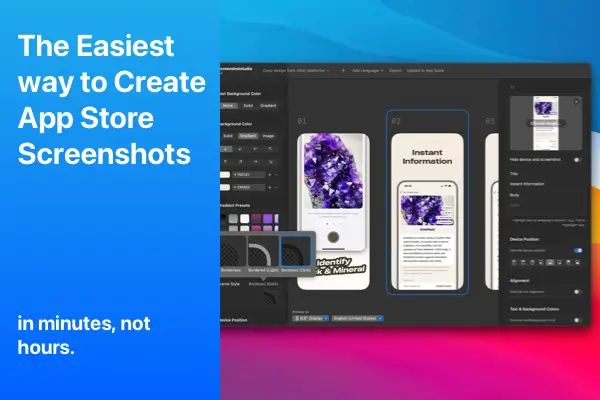
Create stunning App Store screenshots effortlessly with Screenshot Studio.

Picasso helps create stunning app screenshots effortlessly.

Streamlined screenshot application
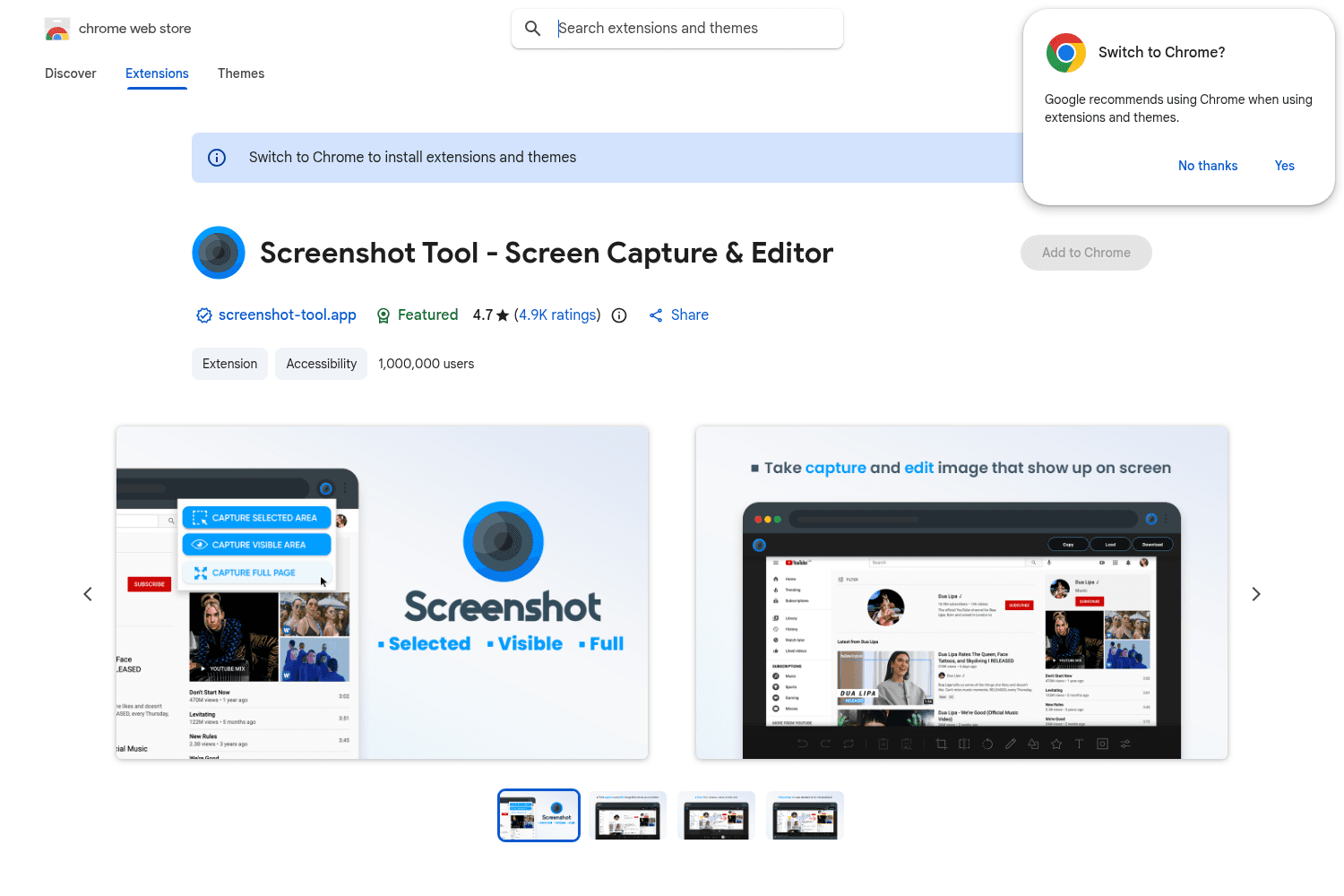
Chrome tool for versatile screenshot capabilities.

MakeShot is a web-based tool that allows developers to generate designer-quality screenshots for the...


