
Xnapper
Capture and share stunning screenshots effortlessly with advanced editing tools.
Loading section…
Capture and share stunning screenshots effortlessly with advanced editing tools.

Top screenshot app for Mac with cloud upload for developers, designers, creators

Comprehensive screenshot and screen recording tool.

Capture text from your screen

Measure distances and dimensions on your screen with pixel-perfect precision.
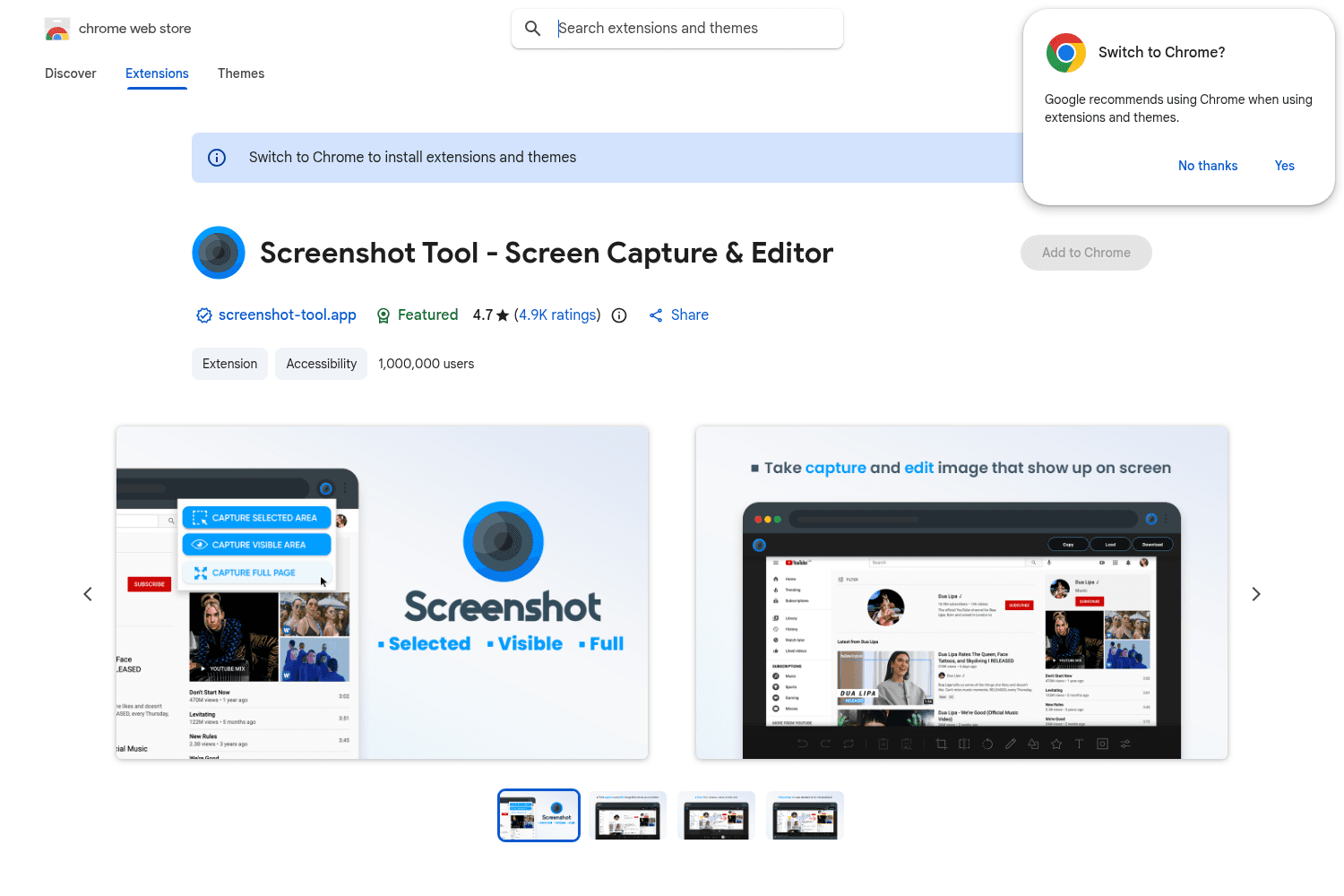
Chrome tool for versatile screenshot capabilities.

Streamlined screenshot application
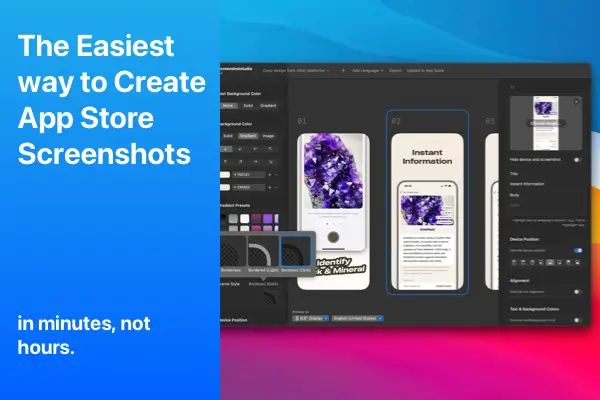
Create stunning App Store screenshots effortlessly with Screenshot Studio.
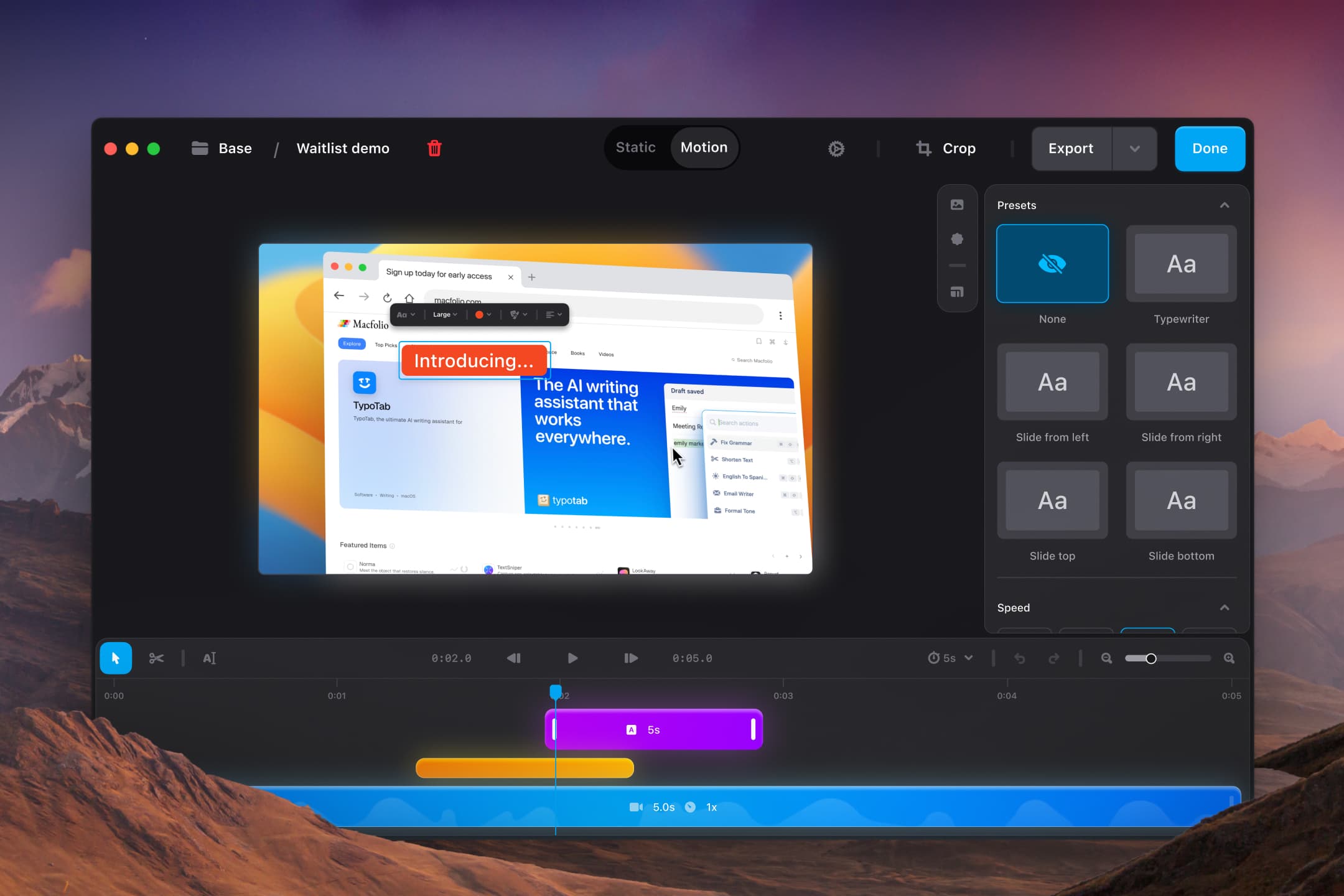
Shotbase is a comprehensive capture tool for screenshots, recordings, and organized workflows, desig...
Added screen recording support on macOS with floating hub (full screen, partial, window), enabled user preferences for video, integrated video editor with cutting and clip rearranging, implemented export with quality options and clipboard support, extended cloud upload and link sharing to support video.
Added monitor DPI scaling support for screenshot capture, switched from static full-screen screenshots to dynamic region capturing, updated zoom calculation and safe padding when adding or uploading images, improved scale handling in comparison algorithm, and included bug fixes and stability improvements.
Fixed update bug preventing proper version refresh, added full-page scrolling screenshot support, enabled GIF recording functionality, introduced redesigned capture interface, added content-aware cropping for better visual balance, and improved inset logic with automatic background color detection.
Fixed issue with transparent background color not applying correctly, removed unintended rounded corners on exported images, and resolved annotation shortcut inconsistencies and annotations initial styling.
Introduced cloud storage for Xnapper images with upload speed improvements, updated cloud image URL, and made security improvements, as well as updated redact feature and enhanced Google login UX.
Improved annotations with color picker, default color, autofocus on text, and tool-specific cursors; introduced drag-to-create system for annotations, added adjustable blur slider to redacted tool, enhanced stroke width scaling, and removed 4-image upload limit.
Resolved license issue, fixed zoom to fit issue, added preset feature, updated title bar, improved watermark behavior, and supported custom export file names.
Introduced cloud storage allowing images to be saved to the cloud and shared instantly; also included the ability to save custom presets for quick access.
Enhanced redaction options allowing users to choose between transparent or solid color redaction.
Added new mockup frames for Safari and iPad, included a text tool for captions, arrow tool for pointing to details, shape tool for highlighting areas, and redact tool for sensitive information.


