The best Descript alternatives are Riverside for podcasts (from $24 a month), Adobe Premiere Pro for pro text-based editing ($22.99 a month), DaVinci Resolve as the best free editor, Kapwing for browser teams ($16), CapCut for free social video and OpusClip for AI clips. Descript itself starts free, then $16 to $50 per person a month.
 Descript on Toolfolio. Updated November 27, 2026.
Descript alternatives at a glance

Video editing and podcast production software.
Every price below was checked on each tool's official pricing page on November 27, 2026. Yearly billing is shown where the page offers it. Some pages show local currency, so we note where we saw euros from our EU check.
| Tool | Best for | Free plan | Paid from | Text-based editing | Main AI features |
|---|---|---|---|---|---|
| Descript | Editing video and podcasts like a doc | Yes, 60 media minutes a month | $16 per person a month (yearly) | Yes, core feature | Underlord AI co-editor, Studio Sound, filler word removal, AI voices |
 Riverside | Remote podcast and interview recording | 14-day free trial | $24 a month (yearly), $29 monthly | Yes, unlimited | AI editing agent, Magic Clips, Magic Audio, AI show notes |
| Async (formerly Podcastle) | Podcast recording plus AI generation | Yes | 11.99 a month (yearly, shown in euros) | Chat-based editing | Magic Dust audio cleanup, AI video and image models |
 Adobe Premiere Pro | Professional long-form editing | 7-day free trial | US$22.99 a month (annual, billed monthly) | Yes | Generative credits, auto transcription |
 DaVinci Resolve | Free pro-grade editing | Yes, full free version | $295 one time for Studio | Studio only | DaVinci AI Neural Engine (Studio) |
| Kapwing | Browser editing for teams | Yes, 10 credits, watermark | $16 a month (annual) | Yes, Trim with Transcript | Smart Cut, clean audio, dubbing, MCP |
 VEED | Browser video with subtitles | Yes, up to 10 minute videos, 720p, watermark | €11 per user a month (yearly, EU view) | Not listed on pricing page | AI editing agent, AI talking videos, one-click AI fixes |
 CapCut | Free social and short-form video | Yes | €19.99 a month (EU view, varies by region) | Not a core workflow | EditPilot, AI video models, auto captions |
 OpusClip | Turning long videos into shorts | Yes, 60 credits a month | $15 a month | Paid plans only | AI clipping, Virality Score, AI B-roll |
 Submagic | Captions and short-form edits | Free trial, no card | $12 a month (yearly, Black Friday price) | Text-based trimming | Iris AI editor, Magic Clips, AI clean audio |
 Klap | Cheap AI clipping at volume | Free trial on 1 video | $14.50 a month (yearly), $29 monthly | No | AI clipping, reframing, captions |
| Gling | YouTubers cutting bad takes | Yes, 1 hour a month, watermark | $20 a month | No | Removes bad takes, silences and filler words |
| Kdenlive | Free open source editing | Free forever | Free | No | Automatic transcription for subtitles |
What does Descript cost, and why look for an alternative?
Descript is an AI video and audio editor built around one idea: you edit the transcript and the video follows. Its AI co-editor, Underlord, can do edits for you, and tools such as Studio Sound, Remove Filler Words and Create Clips run on AI credits.
Descript plans in November 2026
Video editing and podcast production software.
| Plan | Yearly billing | Monthly billing | Media hours | AI credits | Export |
|---|---|---|---|---|---|
| Free | $0 | $0 | 1 hour a month | 100 (one time) | 720p |
| Hobbyist | $16 per person a month | $24 | 10 hours a month | 400 a month | 1080p, no watermark |
| Creator | $24 per person a month | $35 | 30 hours a month | 800 a month | 4K, up to 3 seats |
| Business | $50 per person a month | $65 | 40 hours a month | 1,500 a month | 4K, up to 5 seats, Brand Studio |
| Enterprise | Custom | Custom | Custom | Custom | SSO, SCIM, custom terms |
Media hours count everything you upload or record in Descript, whether or not you transcribe it. AI credits cover Underlord, Studio Sound, Green Screen, Eye Contact, AI speech, avatars and generated media. Creator and Business can buy top-ups: 350 AI credits for $35, 1,000 for $80 or 4,000 for $200, and media time from $25 for 5 hours, per Descript's help center.
The annual-billing bonus credits and hours that Creator and Business used to get are no longer listed on the pricing page. Third-party price trackers logged that change in 2026; the list prices did not change.
Why people switch from Descript
- Credits run out. Heavy use of Underlord, Studio Sound or AI speech burns through 400 to 1,500 credits fast, and plan credits do not roll over.
- Media hours cap uploads. Long podcasts or multicam footage count against your hours even if you never transcribe them.
- They need a different job done. Remote recording, short-form clipping or high-end color and audio work are handled better by specialist tools.
- They want a free or one-time option. Descript's Free plan is limited to 1 hour of media a month and 720p exports.
Best Descript alternatives for podcasts
Riverside
Riverside is your go-to online studio for high-quality podcast and video recording.
Riverside is the closest match for podcasters. You record remote guests locally in up to 4K video and 48kHz audio, then edit by transcript in the same app. Pro includes unlimited text-based editing, an AI editing and repurposing agent, AI B-roll, eye contact, silence and filler word removal, Magic Clips and podcast hosting.
| Plan | Yearly | Monthly | Highlights |
|---|---|---|---|
| Pro | $24 a month | $29 | 1 studio, 15 hours of separate track downloads, 400 AI credits to start |
| Grow | $34 a month | $39 | Live streaming, 2 shows, Riverside MCP, AI thumbnails |
| Webinar | $79 a month | $99 | Webinars with up to 100 registrants |
| Business | Custom | Custom | Unlimited studios, collaborative editing, SSO |
Recording itself is unlimited on every paid plan. Core AI features such as Magic Clips and Magic Audio do not use credits; AI Translation, AI B-roll and animated clips do. The pricing page now leads with a 14-day free trial rather than a free plan.
Pick it if: you record interviews with remote guests and want recording, transcript editing and clips in one place.
Async (formerly Podcastle)
Podcastle now redirects to Async, which pairs a podcast recording studio with chat-based video editing and AI generation models such as Kling, Veo, Seedance and Nano Banana. Every plan includes AI audio enhancement (Magic Dust, noise reduction and silence removal).
On our EU check the yearly plans were Essentials at €11.99 a month (450 credits, 4 recording hours), Pro at €23.99 (1,200 credits, 20 hours) and Teams at €49.99 per creator (3,000 credits, 50 hours), with a $0 free plan. A Black Friday code took 25% off annual plans on the day we checked.
Pick it if: you want podcast recording and AI-generated b-roll or visuals under one credit balance.
Best Descript alternatives for full video editing
Adobe Premiere Pro
Adobe Premiere Pro is a professional video editing app that provides advanced tools for content creators, featuring AI enhancements and integration with Adobe Creative Cloud.
Adobe Premiere Pro is the step up from Descript for long-form and client work. It includes text-based editing, so you can still cut from a transcript, plus a full timeline, color and audio tools. Premiere on its own is US$22.99 a month on an annual plan billed monthly, with a 7-day free trial and 25 generative credits a month. Creative Cloud Pro adds 20+ apps and 4,000 generative credits a month.
Pick it if: you already know timeline editing or need to hand projects to other editors.
DaVinci Resolve
Comprehensive software for video editing, color correction, VFX, and audio post production.
DaVinci Resolve is the strongest free option. The free version of DaVinci Resolve 21 covers editing, Fusion effects, color grading and Fairlight audio on Mac, Windows and Linux. Text-based editing and the DaVinci AI Neural Engine are only in DaVinci Resolve Studio, a one-time $295 purchase, which also adds AI noise reduction and magic mask.
Pick it if: you want no subscription at all, or a one-time license instead of credits.
Kapwing
Kapwing is a browser editor with a Trim with Transcript tool, Smart Cut for silences, clean audio, dubbing in 40+ languages and an MCP connection for ChatGPT and Claude.
The Free plan gives 10 credits, 720p exports up to 4 minutes and a watermark. Pro is $16 a month on annual billing with 1,000 credits, 4K exports and projects up to 2 hours. Business is $50 a month with 4,000 credits, voice clones and lip sync.
Pick it if: your team edits in the browser and shares one workspace.
VEED
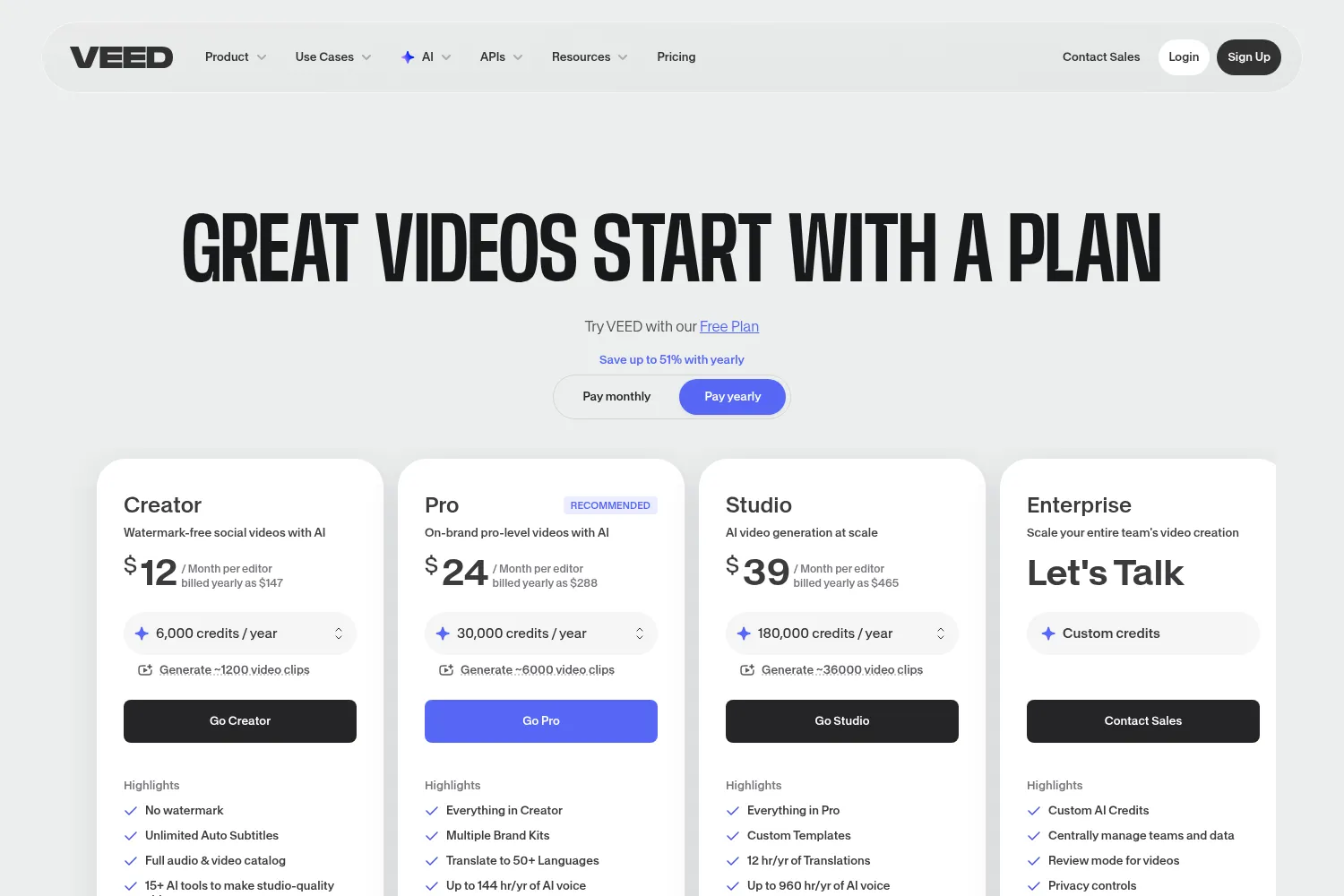
Online video editor for creating professional videos.
Pick it if: most of your work is subtitled marketing or training video.
CapCut
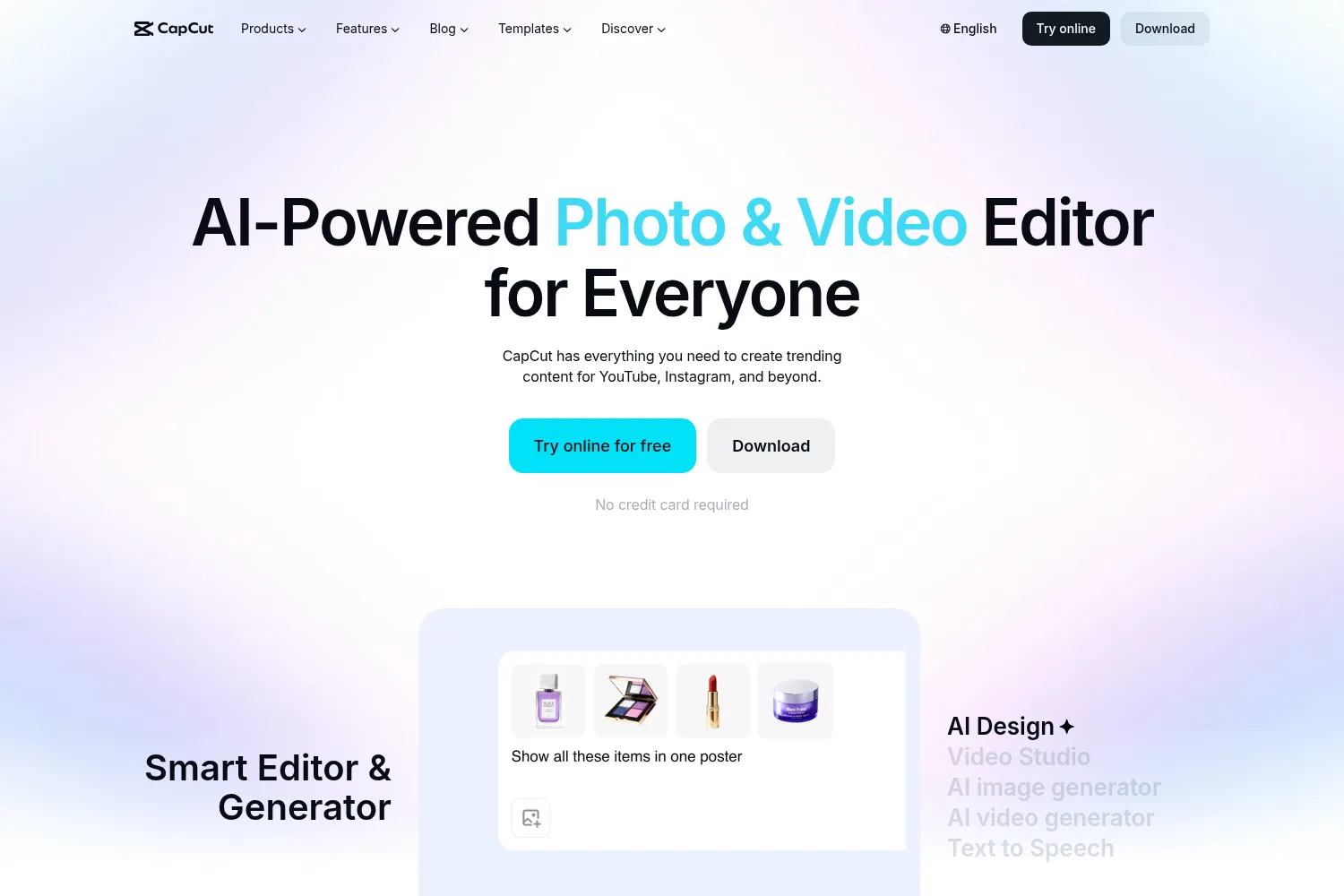
Pick it if: you make short vertical videos and do not need transcript-first editing.
Best AI clip makers if you used Descript for social clips
OpusClip
OpusClip finds the best moments in a long video, reframes them and adds animated captions, with a Virality Score for each clip.
The Free plan gives 60 credits a month with watermarked clips, no editing and a 3-day export window. Starter is $15 a month (monthly only, 150 credits). Pro is $29 monthly or $14.50 a month billed yearly ($174 for 3,600 credits), with text and timeline editing, AI B-roll and export to Premiere Pro and DaVinci Resolve.
Submagic
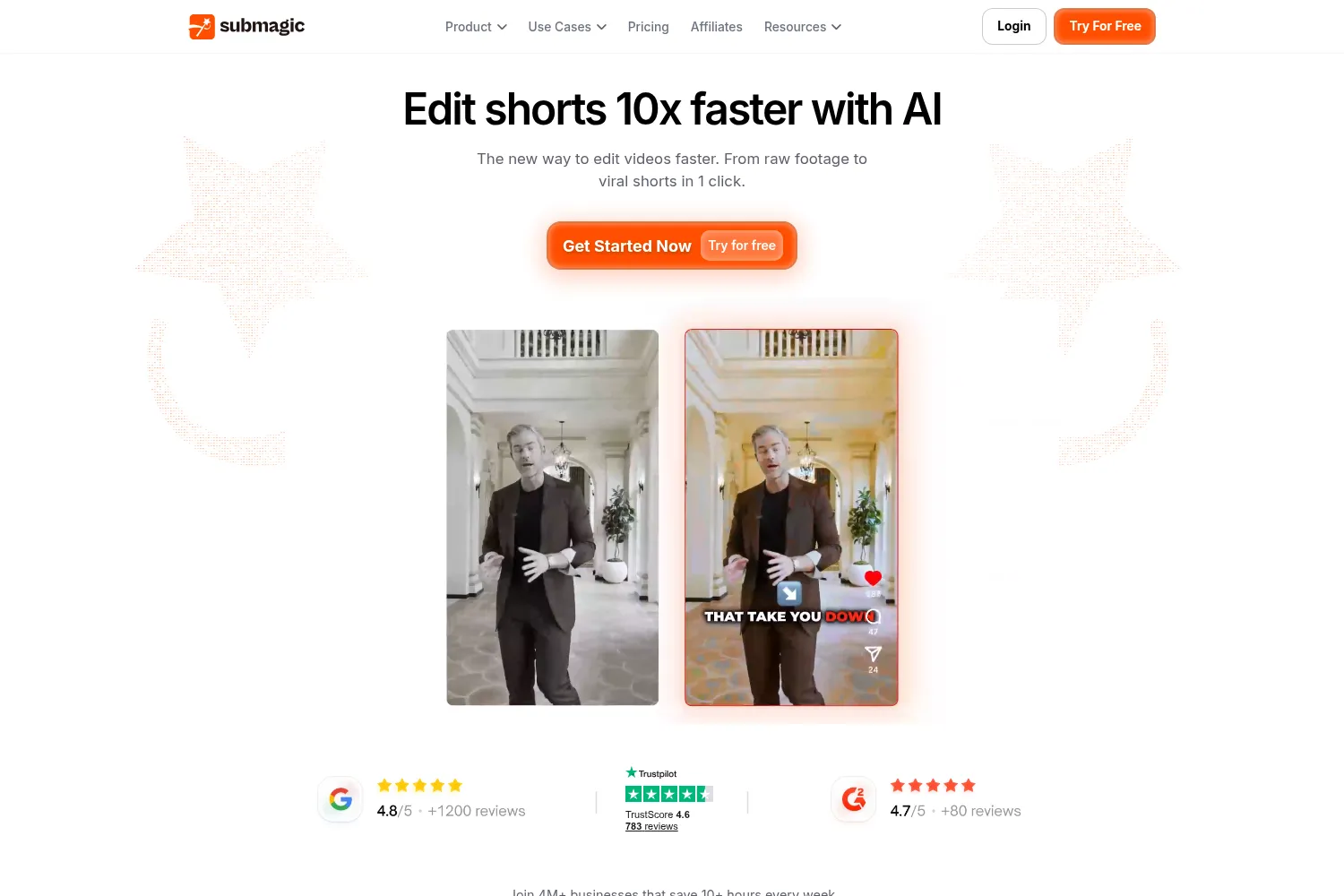
AI tool for creating short-form content 10x faster
Submagic focuses on captions and short-form edits, with text-based trimming, an AI editor called Iris and Magic Clips for long videos. During its Black Friday sale the yearly plans were $12 (Starter), $19 (Pro, billed $228 a year) and $27 (Business) a month, and the page says the price stays locked while you remain subscribed. You can start without a credit card.
Klap
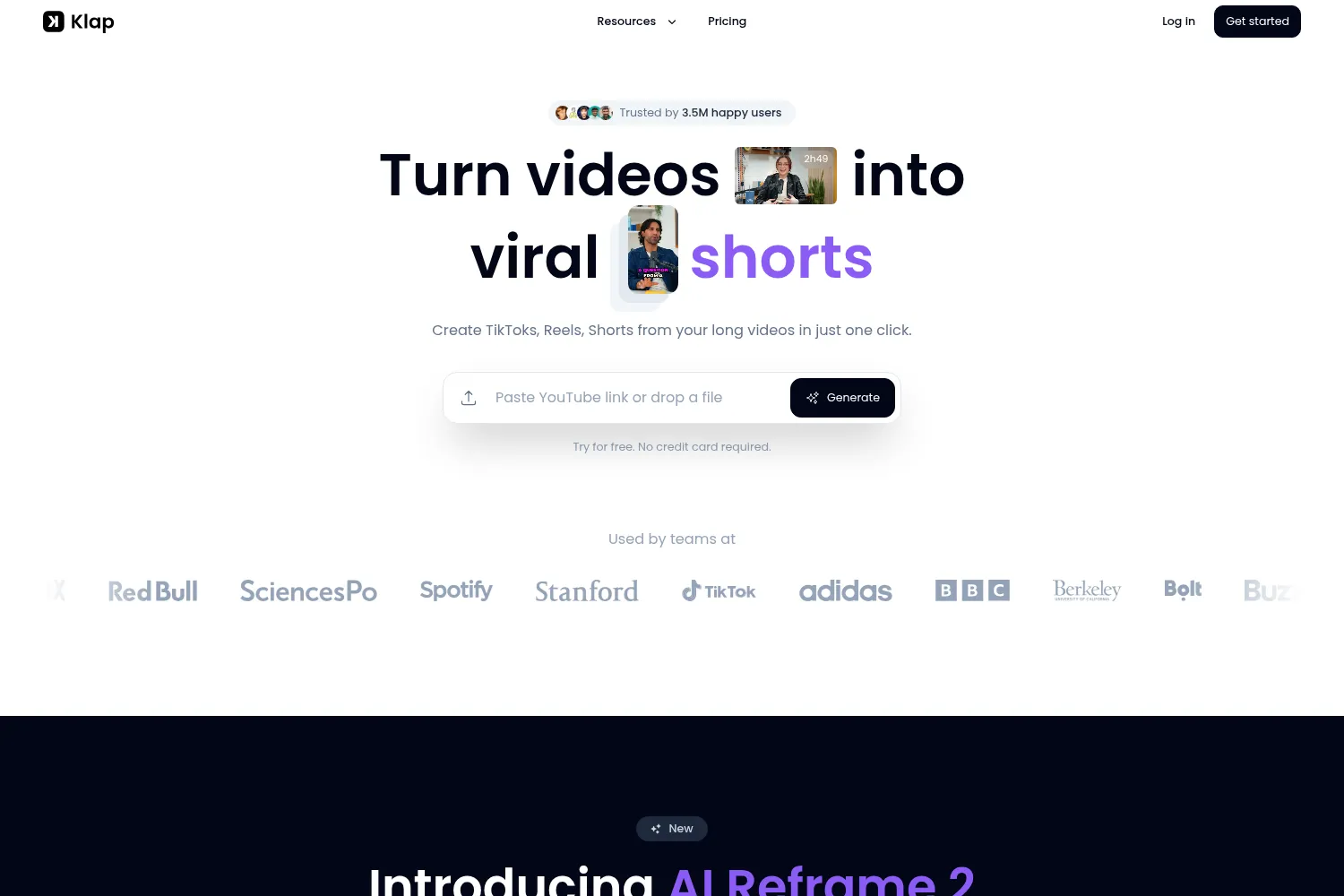
AI-powered tool that turns YouTube videos into TikToks, Shorts, and Reels in one click.
Gling
Gling is built for YouTubers who record talking-head videos. It removes bad takes, silences and filler words automatically, adds AI captions and B-roll, and exports XML to Premiere, Final Cut Pro or Resolve. The Free plan covers 1 hour of AI-edited media a month with a watermark. Paid plans are $20 (Plus), $40 (Pro) and $100 (Elite) a month, with 50% off on annual billing.
Free and open source Descript alternatives
If the main goal is to stop paying, these are the realistic options:
- DaVinci Resolve (free version): full editing, color and audio, no watermark. Text-based editing needs Studio.
- Kdenlive: a free, open source editor from KDE for Linux, Windows, macOS and BSD. It creates subtitles with automatic transcription. Version 26.08.3 was released on November 7, 2026.
- CapCut Free: best for short social videos with auto captions.
- Descript Free: still useful for one short episode a month (1 media hour, 100 one-time AI credits, 720p).
Which Descript alternatives offer text-based editing?
| Tool | Edit by transcript? | Notes |
|---|---|---|
| Descript | Yes | The whole editor is built around the transcript |
| Riverside | Yes | Unlimited text-based editing on paid plans |
| Adobe Premiere Pro | Yes | Built into Premiere |
| DaVinci Resolve | Studio only | Part of the $295 Studio license |
| Kapwing | Yes | Trim with Transcript tool |
| OpusClip | Paid plans | Text and timeline editing from Starter up |
| Submagic | Trimming only | Text-based trimming on every paid plan |
| Async | Chat-based | You describe edits in chat |
How to choose a Descript alternative
- You record podcasts with remote guests: Riverside. Also see our list of AI tools for podcasters.
- You want a professional editor and still edit by text: Adobe Premiere Pro.
- You want to pay nothing or pay once: DaVinci Resolve, or Kdenlive if you prefer open source.
- You edit in the browser as a team: Kapwing or
- You mostly post short clips: OpusClip, Submagic or
- You make short vertical videos for free:
- You like Descript but want to spend less: stay on Descript Hobbyist at $16 a month and watch your AI credit use.
You can also compare every option side by side on the Descript alternatives page.
Frequently asked questions
What is the best free Descript alternative?
DaVinci Resolve is the best free alternative for full video editing, with no watermark, but its text-based editing needs the paid Studio version. For short social videos CapCut is free, and Kdenlive is a free open source editor with automatic transcription for subtitles.
Is there a free version of Descript?
Yes. Descript Free costs $0 and needs no credit card. It includes 1 media hour a month, 100 one-time AI credits, limited access to Underlord and the AI tools, and 720p exports. Paid plans start at $16 per person a month on yearly billing.
How much is Descript?
Descript Hobbyist is $16, Creator $24 and Business $50 per person a month billed yearly, or $24, $35 and $65 billed monthly. Plans include 10, 30 or 40 media hours and 400, 800 or 1,500 AI credits a month. Creator and Business can buy top-ups.
Is CapCut better than Descript?
It depends on the job. CapCut is better and cheaper for short vertical videos, templates and effects, with a free plan. Descript is better for podcasts, interviews and long talking videos because you edit the transcript and AI tools like Studio Sound clean up speech.
Is Descript really worth it?
Descript is worth it if you edit lots of spoken content, since text-based editing and Underlord save real time. It is less worth it if you mainly make short clips (OpusClip or Klap cost less) or hit your AI credit limits every month, because plan credits do not roll over.
Descript vs Riverside: which is better for podcasts?
Video editing and podcast production software.
Riverside is better if you record remote guests, since it captures local 4K video and 48kHz audio per guest and includes unlimited text-based editing from $24 a month. Descript is better if you mainly edit recordings you already have and want deeper AI editing with Underlord.
Is DaVinci Resolve a good Descript alternative?
Yes, if you are ready for a timeline editor. The free version handles editing, color and audio with no watermark. Text-based editing and AI features come with DaVinci Resolve Studio, a one-time $295 license, so there are no monthly credits to track.
Is Descript better than Audacity?
For video and transcript-based editing, yes: Audacity is a free, open source audio-only editor. If you only edit audio podcasts and do not need transcripts or AI cleanup, Audacity can replace Descript at no cost.