


The best MCP servers for non developers are Figma, Paper and 21st.dev for design, Mobbin and A1 Gallery for references, Melius, TubeLab and Nexlev for creators, and Post Bridge and AppKittie for marketing. Most connect to Claude, ChatGPT, Cursor or Claude Code with one URL and a sign in, and several have a free tier.
Figma, Paper, ForgeGUI, 21st.dev, UX Pilot, Mobbin, A1 Gallery, Originkit, Melius, TubeLab, Nexlev, Post Bridge and AppKittie on Toolfolio. Updated October 31, 2026.
What is an MCP server, in plain words?
MCP stands for Model Context Protocol. It is an open standard that lets an AI app call outside tools. An MCP server is the piece a tool publishes so your AI can use it. Once you add, say, Mobbin's server to Claude, you can type "find me good paywall screens" and Claude searches Mobbin for you instead of guessing.
Most "best MCP servers" lists you will find are written for developers: GitHub, Postgres, Playwright, file system servers. This list is different. Every server here is useful to someone who designs, makes content or markets a product, and almost all of them connect with a URL and a normal sign in, no JSON or terminal needed.
The 13 best MCP servers at a glance
| MCP server | Best for | Free to use? | Works with (per the official page) |
|---|---|---|---|
| Figma | Design to code and code to canvas | Remote server available; writing to canvas free during beta | Most MCP clients, remote server recommended |
| Paper | Agents designing on an HTML canvas | Yes, 100 MCP tool calls a week | Claude, Claude Code, Codex, ChatGPT, Cursor, VS Code and more |
| ForgeGUI | AI game assets for Roblox | Yes, ForgeGUI says ForgeMCP is free | Claude, plus Roblox Studio |
| 21st.dev | React UI components | Search free, 2 installs a day | Claude Code, Cursor, Codex, Lovable, VS Code, Windsurf, Cline |
| UX Pilot | UX reviews and React prototypes | Needs a UX Pilot account | Claude, ChatGPT, Claude Code, Cursor, Devin, VS Code |
| Mobbin | Real app screen references | No, Pro and Team plans | ChatGPT, Claude, Codex, v0, Cursor |
| A1 Gallery | Website, font and section inspiration | Yes, free with an account | Claude, Claude Code, Cursor, Codex, Windsurf, VS Code, Zed |
| Originkit | Framer safe components | Key or OAuth required | Claude Code, Codex, Cursor |
| Melius | AI image, video and audio canvases | Generations use credits | Claude, ChatGPT, Codex and other MCP clients |
| TubeLab | YouTube outliers and niches | Needs a TubeLab login | Claude, ChatGPT, Codex, Cursor |
| Nexlev | YouTube research data | Yes, a Free tier with daily limits | Claude, ChatGPT, n8n |
| Post Bridge | Scheduling social posts from chat | Needs a Post Bridge account | Claude, ChatGPT, Claude Code, Grok and more |
| AppKittie | App Store and ad intelligence | Runs on plan credits | Claude Code, Cursor, Codex, Claude, Windsurf, VS Code, Zed, Gemini CLI |
Best MCP servers for designers
1. Figma MCP server
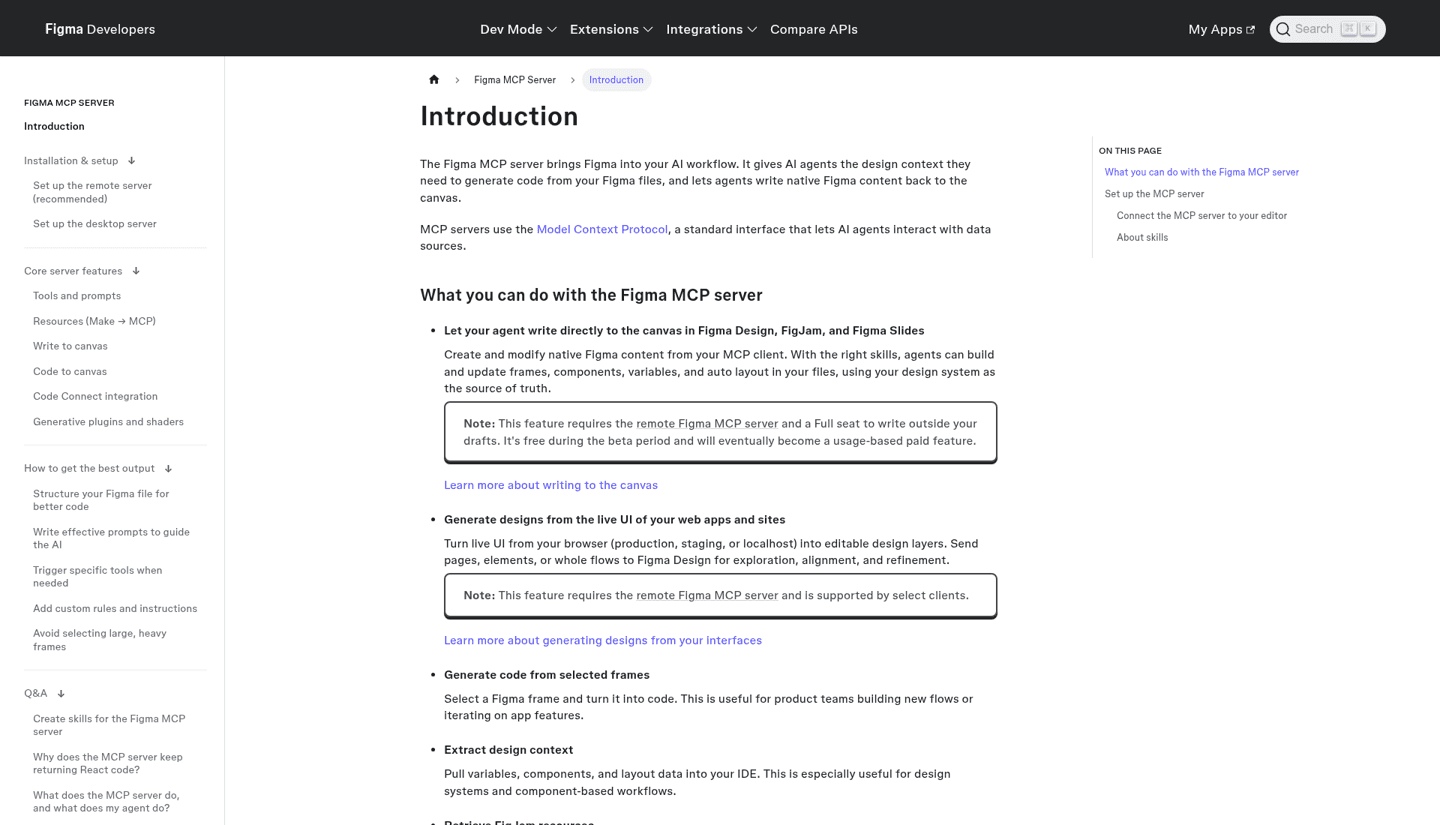
The Figma MCP server is the one most designers should add first. Figma says it "gives AI agents the design context they need to generate code from your Figma files, and lets agents write native Figma content back to the canvas."
What it can do, according to Figma's docs:
- Generate code from selected frames and pull variables, components and layout data into your editor.
- Write to the canvas in Figma Design, FigJam and Figma Slides: frames, components, variables and auto layout.
- Turn live UI into editable layers from production, staging or localhost.
- Keep code consistent with your real components through Code Connect.
There are two versions. The remote server at https://mcp.figma.com/mcp is the recommended one and does not need the desktop app. The desktop server needs a Dev or Full seat on a paid plan. Writing to the canvas outside your drafts needs a Full seat, and Figma says it is "free during the beta period and will eventually become a usage-based paid feature."
Try asking: "Build this pricing section in Figma using our design system components."
2. Paper MCP
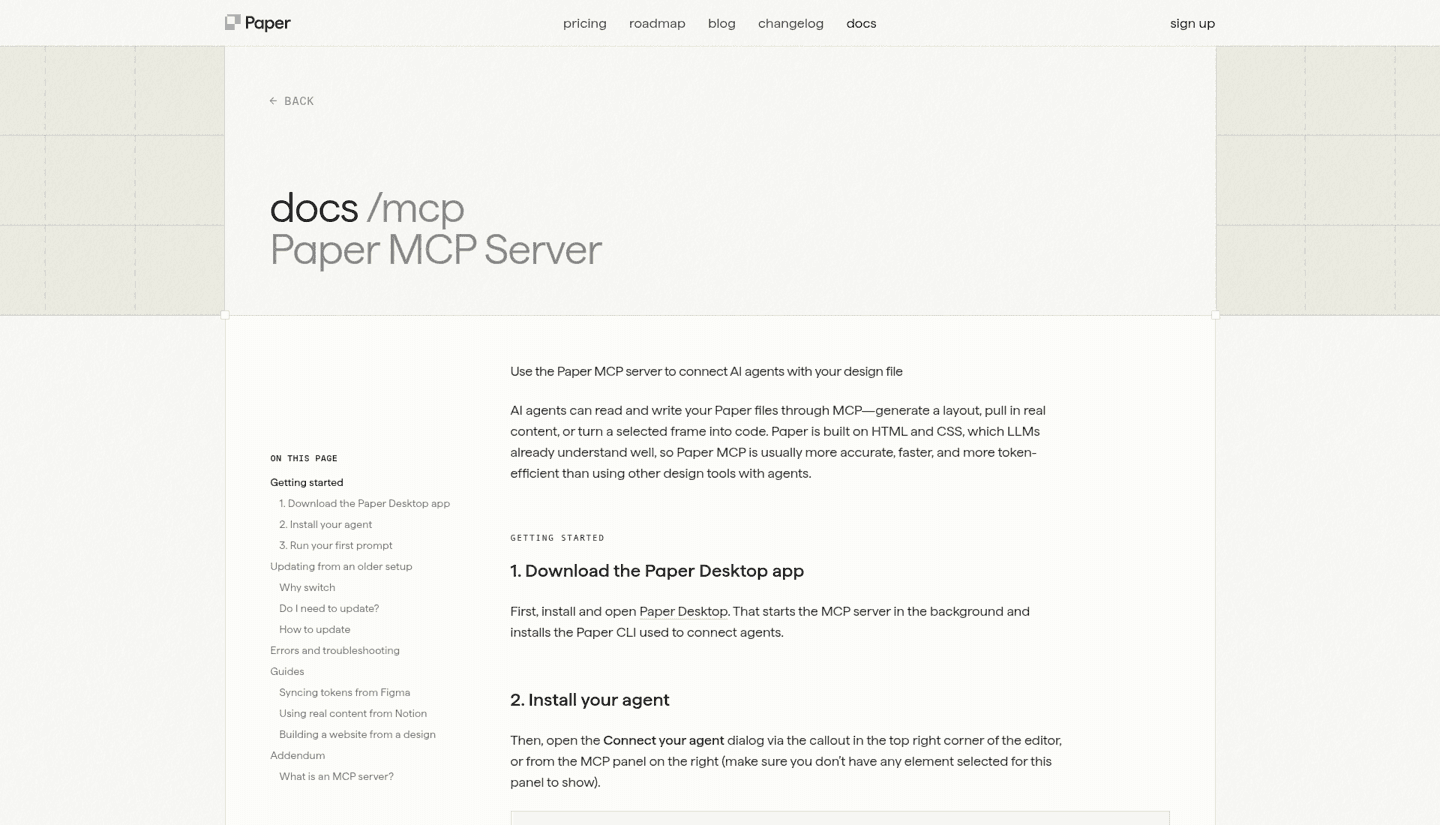
Paper is a design tool built on HTML and CSS, which makes it a natural fit for AI agents. Install and open Paper Desktop and the MCP server starts on its own. From there your agent can read and write Paper files, generate layouts, pull in real content and turn frames into code. Paper also has guides for syncing tokens from Figma and real content from Notion.
Paper lists one click setup for Claude (it installs to both Claude and Claude Code), Codex (ChatGPT and the Codex CLI), Cursor (through the Cursor Marketplace), OpenCode, Antigravity, the GitHub Copilot app, VS Code and any stdio agent.
Is Paper MCP free? Yes. Paper's pricing page lists 100 MCP tool calls a week on the $0 Free plan, and 1M a week on Pro, which is $20 per editor a month or $16 on the discounted rate shown next to it.
3. ForgeGUI (ForgeMCP)
ForgeGUI is an AI platform for game creators, and ForgeMCP is its server. The ForgeGUI homepage says "ForgeMCP lets you build anywhere. Check out ForgeMCP, it's free!" The setup flow opens Claude with ForgeGUI's connection details filled in, then you sign in to ForgeGUI, connect your Roblox account and turn on Roblox Studio's own MCP server. After that you can generate GUIs, icons and thumbnails from chat and bring them into your game.
ForgeGUI's Free plan lists 10,000 credits a month with MCP and API access. For the full walkthrough, see our guide on how to use ForgeGUI in Roblox Studio and our ForgeGUI pricing breakdown.
Try asking: "Make a fantasy style inventory GUI for my Roblox game."
4. 21st.dev (21st MCP)
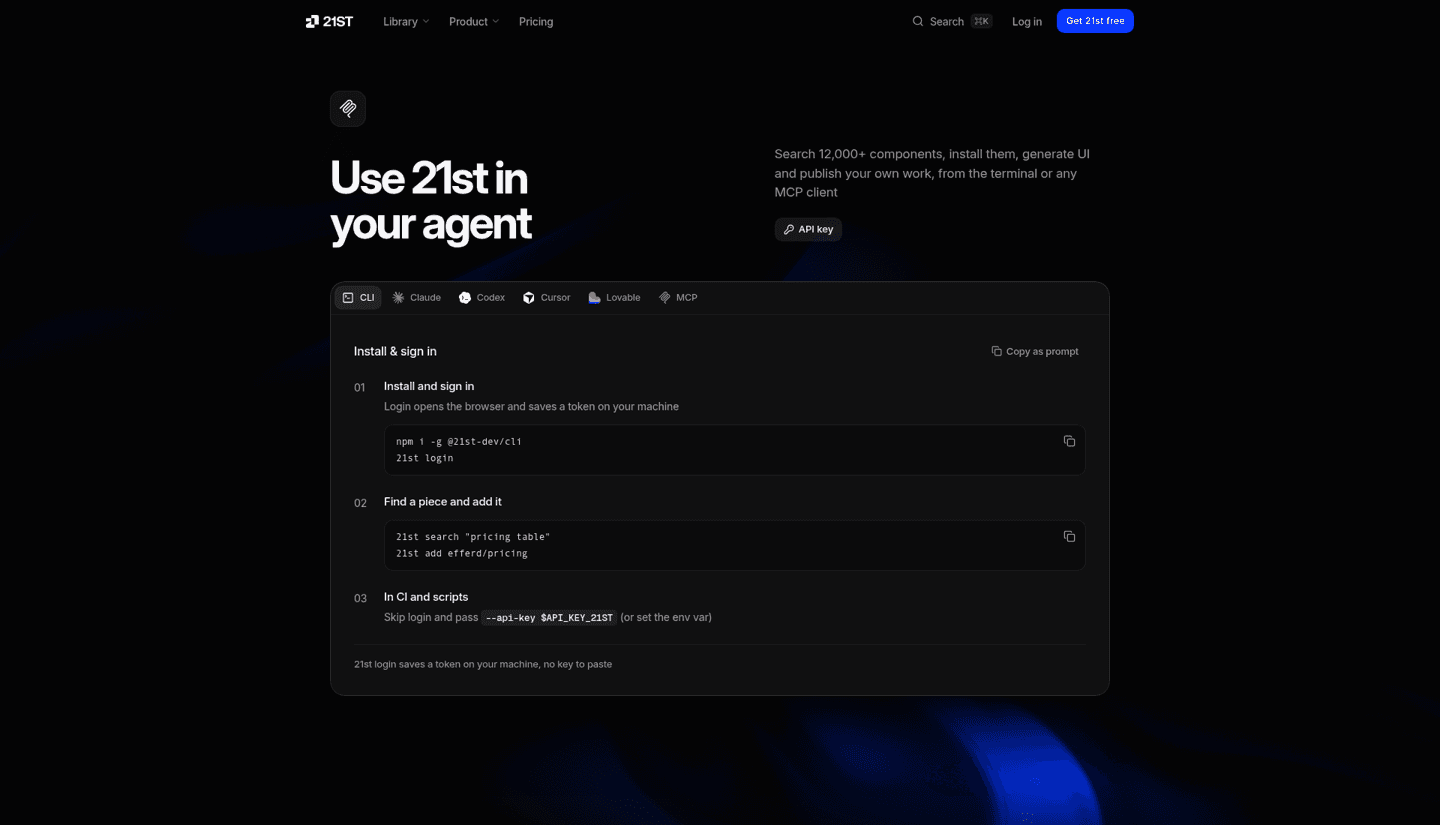
21st.dev lets your coding agent search 12,000+ React components, install them into your project and generate new UI. It used to be called Magic MCP. Any client that speaks streamable HTTP connects to https://21st.dev/api/mcp, and Claude Code, Claude Desktop, Codex, Cursor and Lovable have their own setup steps.
Search is free on every plan. A free account gets 2 component code retrievals a day across the web, MCP and CLI, and any paid plan installs without limits. Paid plans start at $6 a month.
Try asking: "Add a pricing table with a monthly and yearly toggle from 21st."
5. UX Pilot MCP
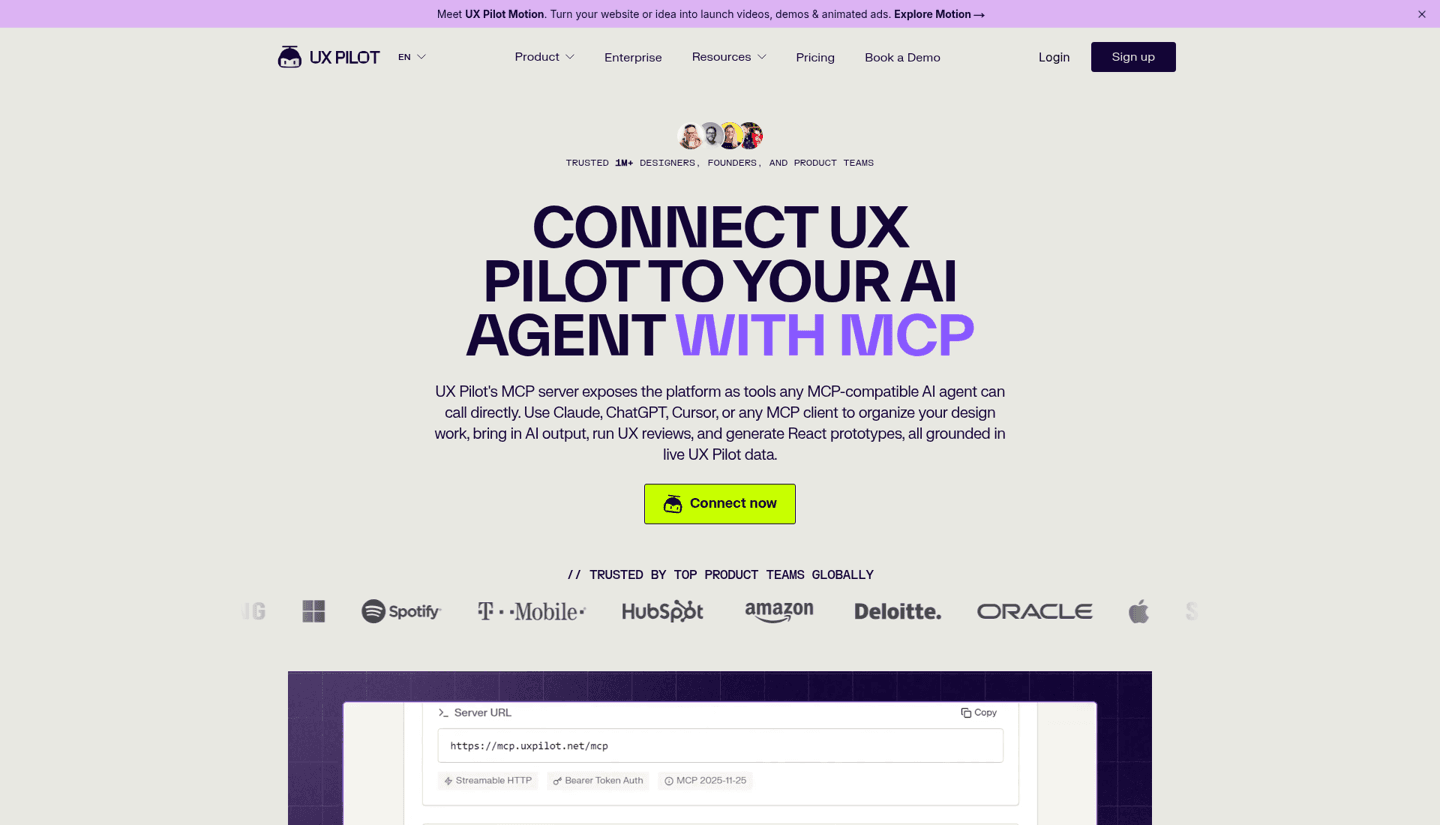
UX Pilot exposes its platform as tools so Claude, ChatGPT, Cursor or any MCP client can "organize your design work, bring in AI output, run UX reviews, and generate React prototypes." It is in the Claude Connectors Directory and available as a ChatGPT plugin. You sign in with your UX Pilot account and approve, so there is no API key to paste. Other clients use https://mcp.uxpilot.net/mcp.
New to the tool? Read our UX Pilot review and our guide to the free UX Pilot Labs effects.
6. Mobbin MCP
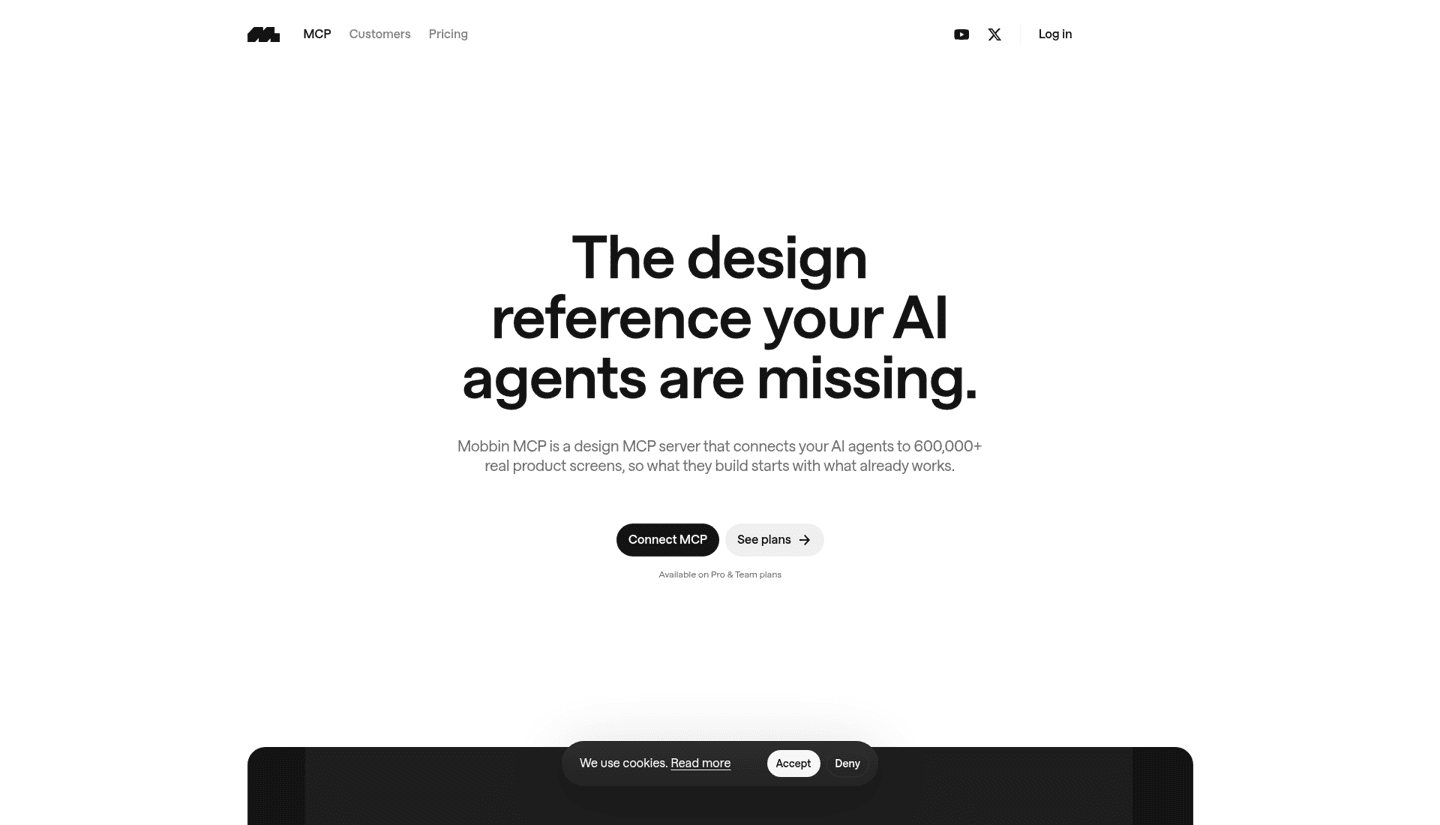
Mobbin MCP connects your agent to more than 600,000 real product screens, so what it designs starts from patterns that shipped. Mobbin's own example: ask for "a paywall for our Pro plan" and the agent pulls annotated paywalls from Revolut, Duolingo and Uber. It works with ChatGPT, Claude, Codex, v0 and Cursor.
The catch is price. Mobbin MCP is available on Pro and Team plans only. If you are choosing between libraries, see Mobbin vs Refero.
7. A1 Gallery MCP
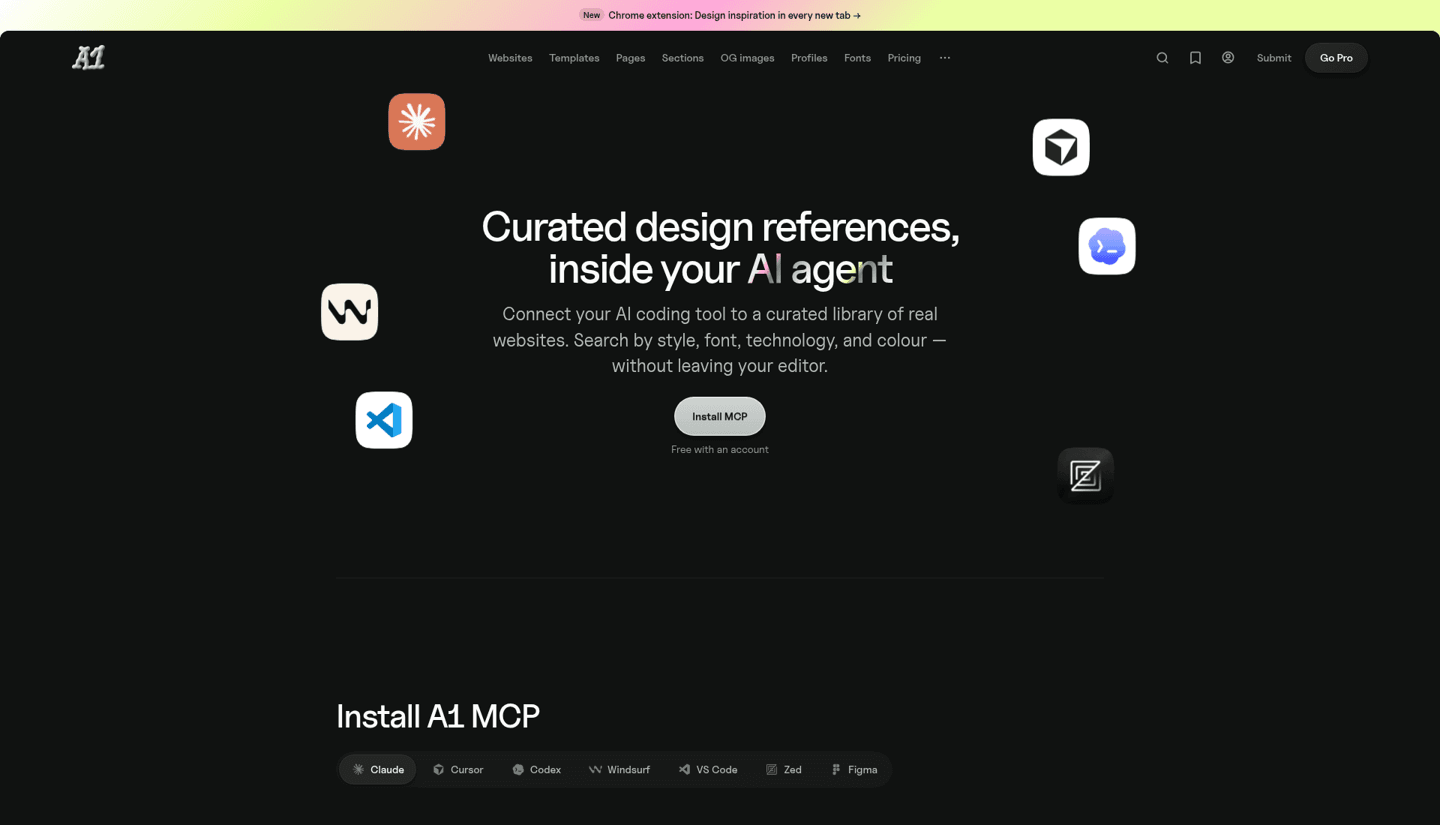
A1 Gallery is the free alternative to Mobbin for websites. Its MCP has 17 tools that search a hand curated library of 1,255 sites, 3,305 captured sections and 584 fonts by style, font, technology and colour. It is free with an account, and Pro gets 40x higher limits.
A1 suggests prompts like "Find sites with a similar feel to Stripe" and "What fonts are commonly paired with Inter?" Claude Code users can add it with claude mcp add --transport http a1 --scope user https://www.a1.gallery/api/mcp.
8. Originkit MCP
Originkit delivers 897 Framer safe components to your agent through four tools: list_components, get_component, search and fetch. The server lives at https://mcp.originkit.dev/mcp and needs either a Bearer key or an OAuth custom connector. Originkit has connect commands for Claude Code, Codex and Cursor. It is the pick if you build sites in Framer and want your agent to hand you components that actually work there.
Best MCP servers for creators
9. Melius MCP
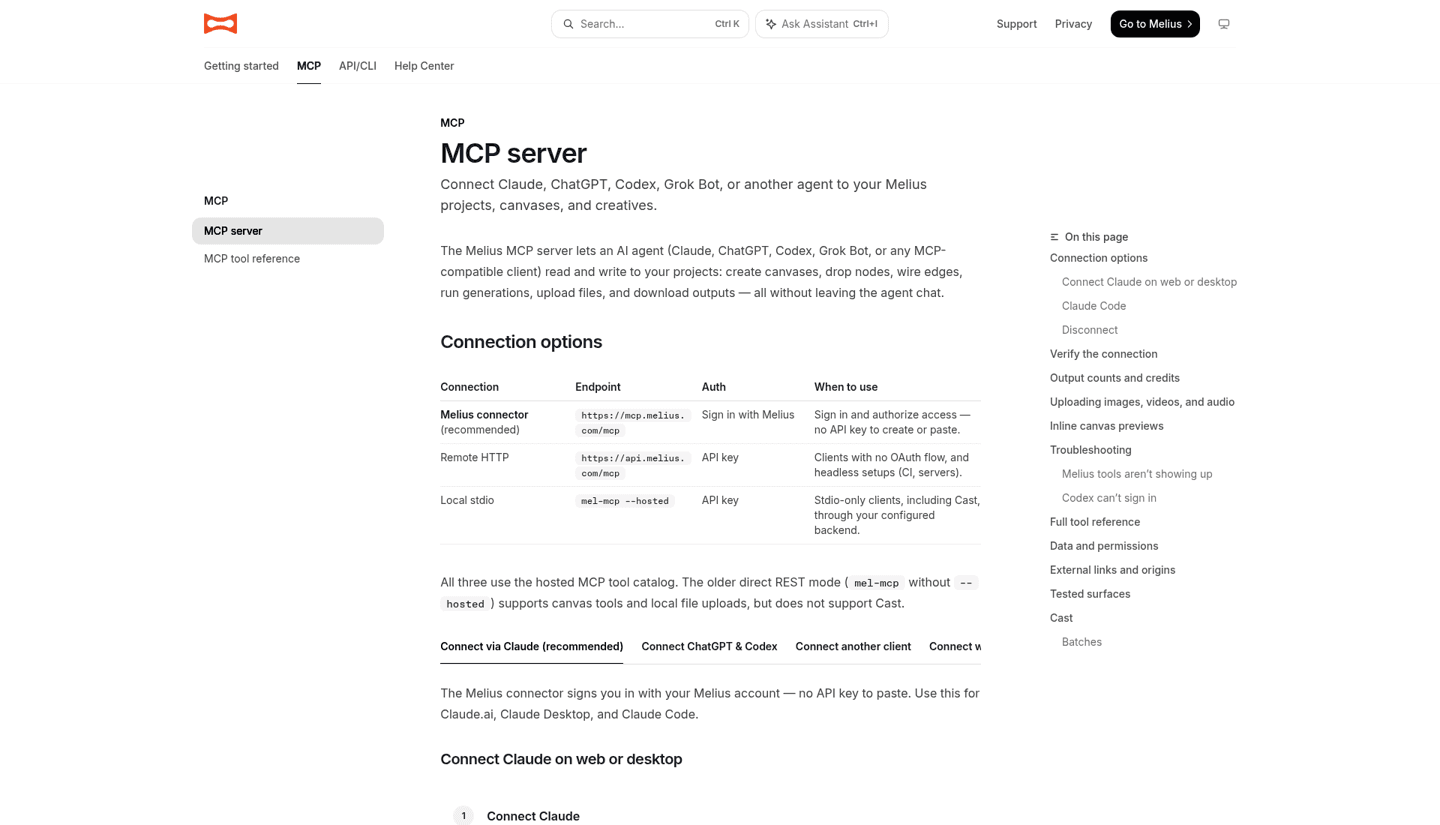
Melius lets an agent "read and write to your projects: create canvases, drop nodes, wire edges, run generations, upload files, and download outputs," all from chat. Generations cover images, video, audio and text. The recommended connector, https://mcp.melius.com/mcp, signs you in with your Melius account, so no API key is needed. Melius lists Claude, ChatGPT, Codex and Grok Bot as clients.
Every extra output uses credits, so "make three versions of this video" means three paid outputs.
10. TubeLab MCP
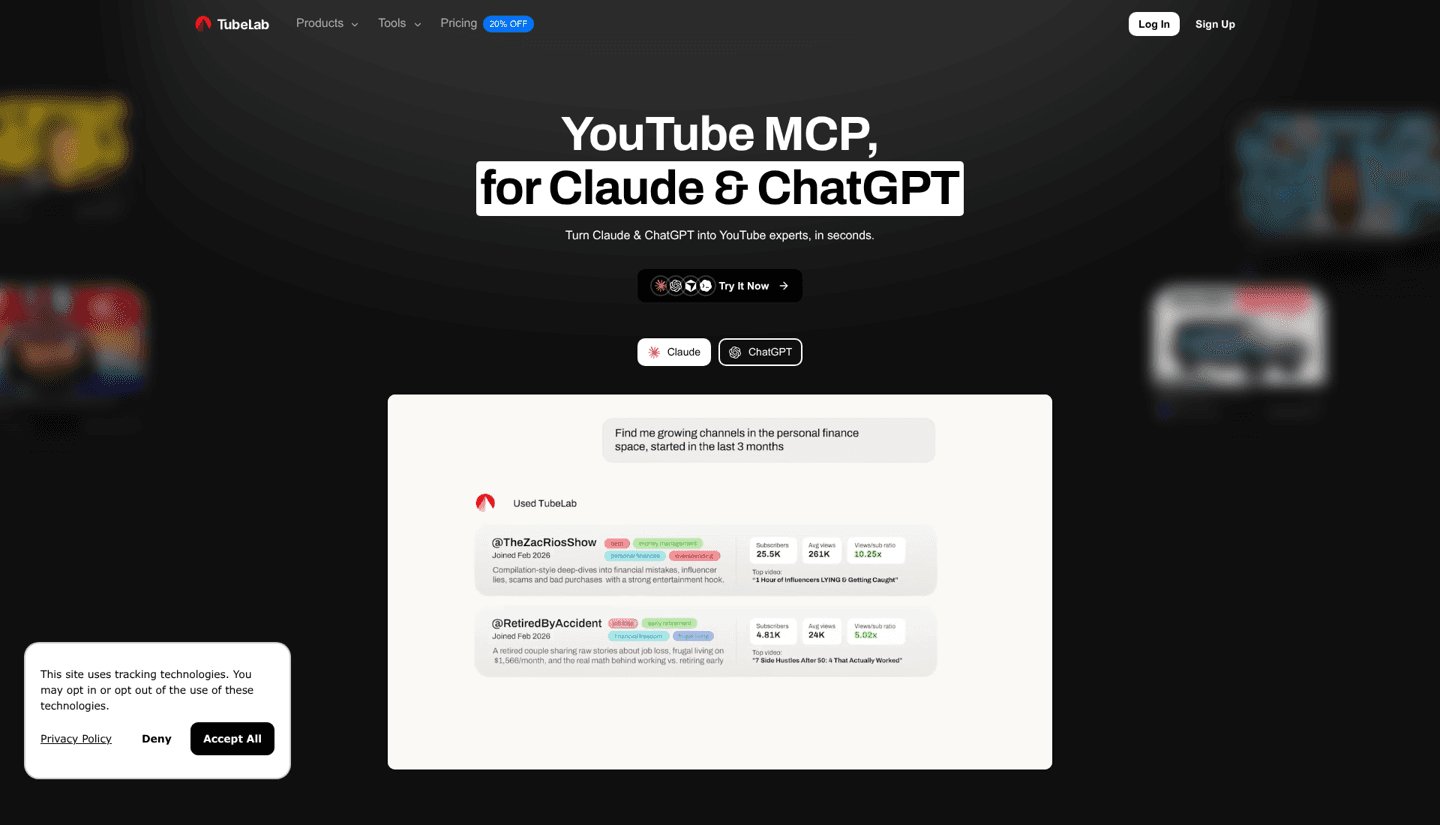
TubeLab turns Claude and ChatGPT into YouTube researchers. Its tools search channels by niche, find outlier videos, show trending title formats, and pull channel stats, transcripts and top comments. To add it in Claude, go to Settings, Connectors, Add custom connector, name it TubeLab and use https://public-api.tubelab.net/mcp, then log in and approve. Codex and Cursor setups are on the same page.
Try asking: "Find faceless channels under 6 months old with outlier videos about personal finance."
11. Nexlev MCP
Nexlev is the other strong YouTube data server, with 60+ tools for outlier videos, channels, faceless niches and market saturation. It connects through Claude, ChatGPT or n8n. In Claude, add a custom connector with https://prod.dashboard.nexlev.io/api/claude-mcp and sign in with your Nexlev account.
It has Free, Lite and Pro limits per tool that reset every 24 hours. For example, long form channel search allows 10 calls a day on Free, 150 on Lite and 300 on Pro. Some tool groups, like personal channel analytics, need Lite or Pro.
Best MCP servers for marketers
12. Post Bridge MCP
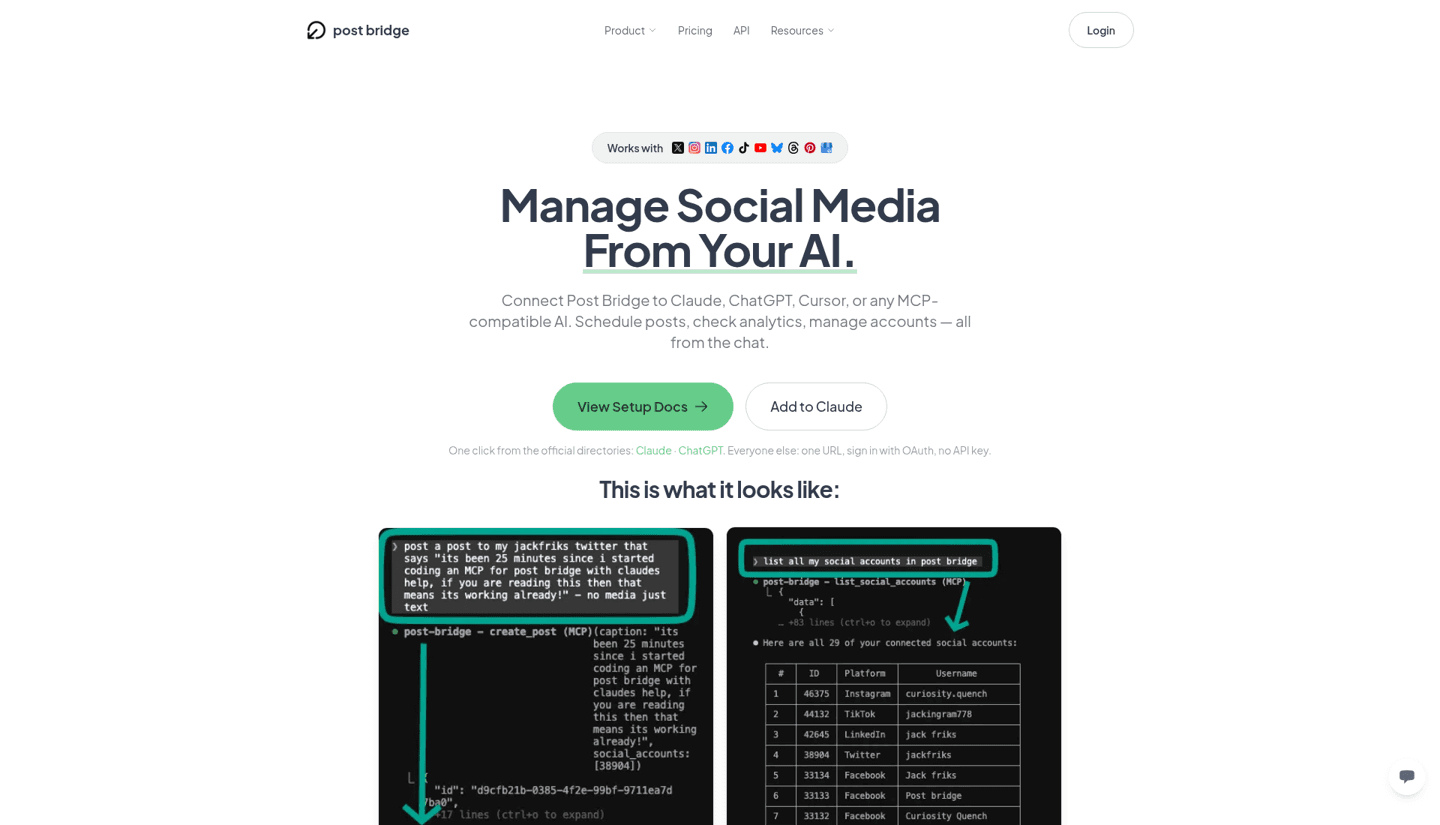
Post Bridge lets you "schedule posts, check analytics, manage accounts, all from the chat" across the 10 social platforms it supports. It is one click from the Claude and ChatGPT directories. Everything else uses one URL, https://www.post-bridge.com/api/mcp/mcp, with an OAuth sign in. Claude Code users run claude mcp add --transport http post-bridge https://www.post-bridge.com/api/mcp/mcp.
Try asking: "Schedule this post for tomorrow at 9am on Instagram and TikTok."
13. AppKittie MCP
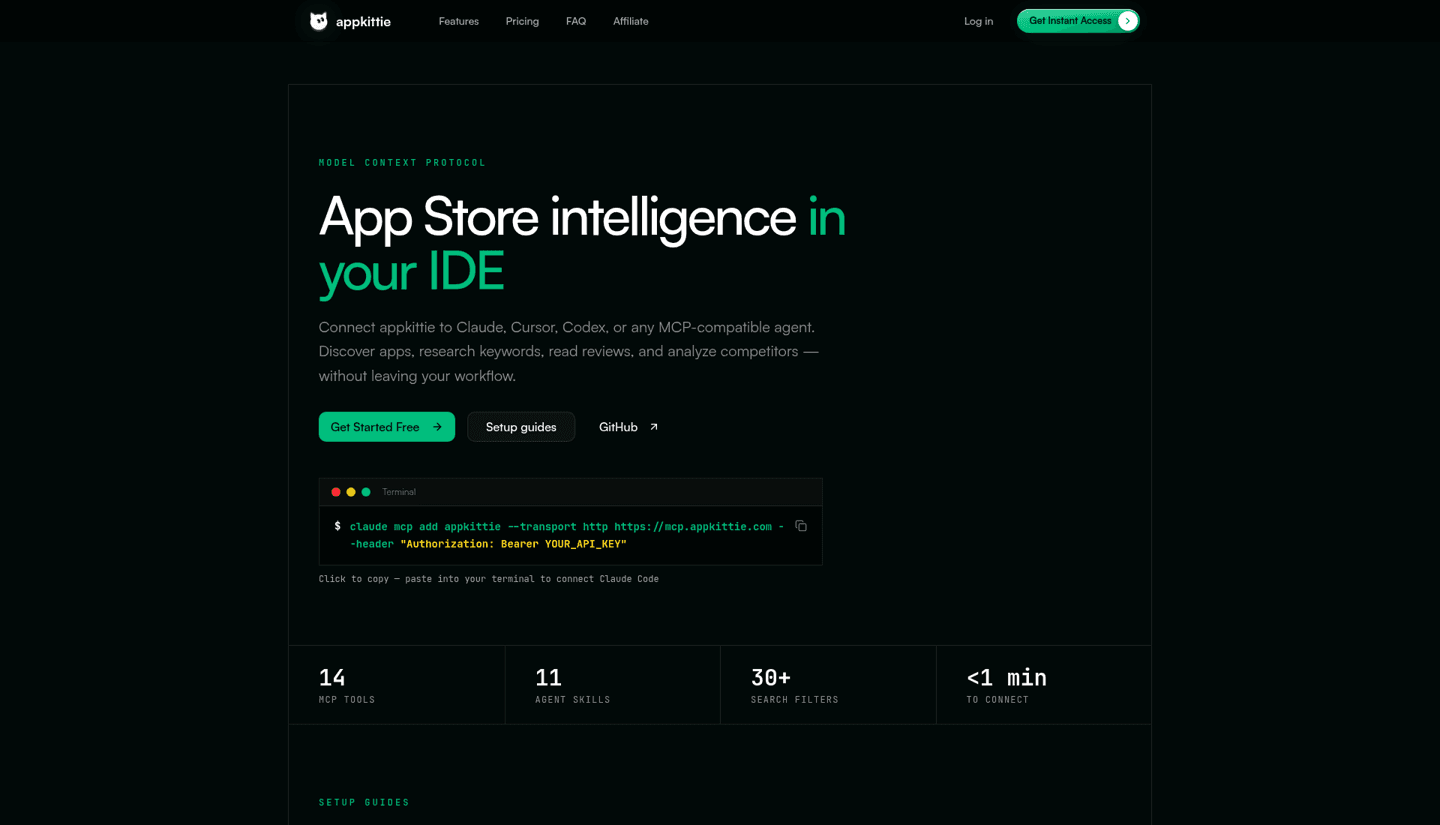
AppKittie brings App Store intelligence into your agent: discover apps, research keywords, read reviews, check store rankings and look at competitors' ads. It has 14 MCP tools and 11 agent skills, priced in the same API credits as the dashboard. For example, search_apps costs 1 credit per app and ranking history costs 10 credits. You connect with an API key from your AppKittie dashboard at https://mcp.appkittie.com/mcp.
Try asking: "Find apps making $10K to $50K a month with fewer than 1,000 reviews."
How to add an MCP server to Cursor, Claude Code and ChatGPT
Claude (web and desktop). Go to Settings, Connectors. Pick the tool from the directory if it is listed (UX Pilot, Post Bridge and A1 Gallery are), or choose Add custom connector, paste the server URL and sign in.
Claude Code. Run claude mcp add --transport http <name> <server-url> in your terminal, then type /mcp inside Claude Code to sign in and confirm it is connected.
Cursor. MCP servers live in Cursor Settings under Tools & MCP. Some tools, like Paper, are one click installs from the Cursor Marketplace. Otherwise add the server to ~/.cursor/mcp.json (or .cursor/mcp.json inside a project) with its URL.
ChatGPT. Tools that ship a ChatGPT app or plugin, like UX Pilot and Post Bridge, can be enabled from ChatGPT directly. To add any other server, turn on Developer Mode in ChatGPT's settings, then add a custom MCP server with its URL. Developer Mode is not on every ChatGPT plan, so check OpenAI's help page for yours.
Which MCP server should you start with?
- You design in Figma: start with the Figma server, then add Mobbin or A1 Gallery for references.
- You want an AI native canvas: try Paper. It is free up to 100 tool calls a week.
- You build UI with code: 21st.dev for React, Originkit for Framer.
- You make YouTube videos: TubeLab or Nexlev.
- You run social or app marketing: Post Bridge and AppKittie.
Looking for design tools beyond MCP? See our lists of the best Figma alternatives and best Figma Make alternatives, or how to connect Claude to Canva.
FAQ
What are the best MCP servers?
For designers, creators and marketers, the best MCP servers are Figma, Paper, 21st.dev, UX Pilot, Mobbin and A1 Gallery for design, Melius, TubeLab and Nexlev for content, and Post Bridge and AppKittie for marketing. Developers usually add GitHub, browser and database servers on top.
Which MCP server should I use?
Pick the server for the tool you already use every day. If your work lives in Figma, add Figma's server. If you post on social media, add Post Bridge. One or two servers you actually use beat ten you forget about.
Can I connect my MCP server to ChatGPT?
Yes. Some tools are available as ChatGPT apps you enable directly. For any other server, turn on Developer Mode in ChatGPT's settings and add a custom MCP server with its URL. Developer Mode is not available on every plan.
How do I add a new MCP server in Cursor?
Open Cursor Settings, go to Tools & MCP and add a new server, or install it from the Cursor Marketplace if it is listed there. You can also paste the server's config into ~/.cursor/mcp.json.
Can I run an MCP server locally?
Yes. Some servers run on your computer, like Paper's, which starts when you open Paper Desktop, and Figma's desktop server. Most servers in this list are remote, so you just paste a URL and sign in.
What do MCP servers connect to?
An MCP server connects an AI app, like Claude, ChatGPT or Cursor, to an outside tool or data source. In this list that means design files, screen libraries, component libraries, YouTube data, social accounts and App Store data.
Are MCP servers free?
Many have a free tier. Paper gives 100 MCP tool calls a week for free, A1 Gallery is free with an account, 21st.dev allows free search and 2 installs a day, Nexlev has a Free tier and ForgeGUI says ForgeMCP is free. Mobbin's MCP needs a Pro or Team plan.
What is better than an MCP server?
For many tasks, MCP is now paired with agent skills rather than replaced. Figma, 21st.dev and AppKittie all ship skills that tell the agent which MCP tools to use and in what order, which gives more reliable results than the server alone.