CleanShot X
Elevate your screen capturing with advanced features for seamless sharing and productivity.
Loading section…
Elevate your screen capturing with advanced features for seamless sharing and productivity.

Top screenshot app for Mac with cloud upload for developers, designers, creators
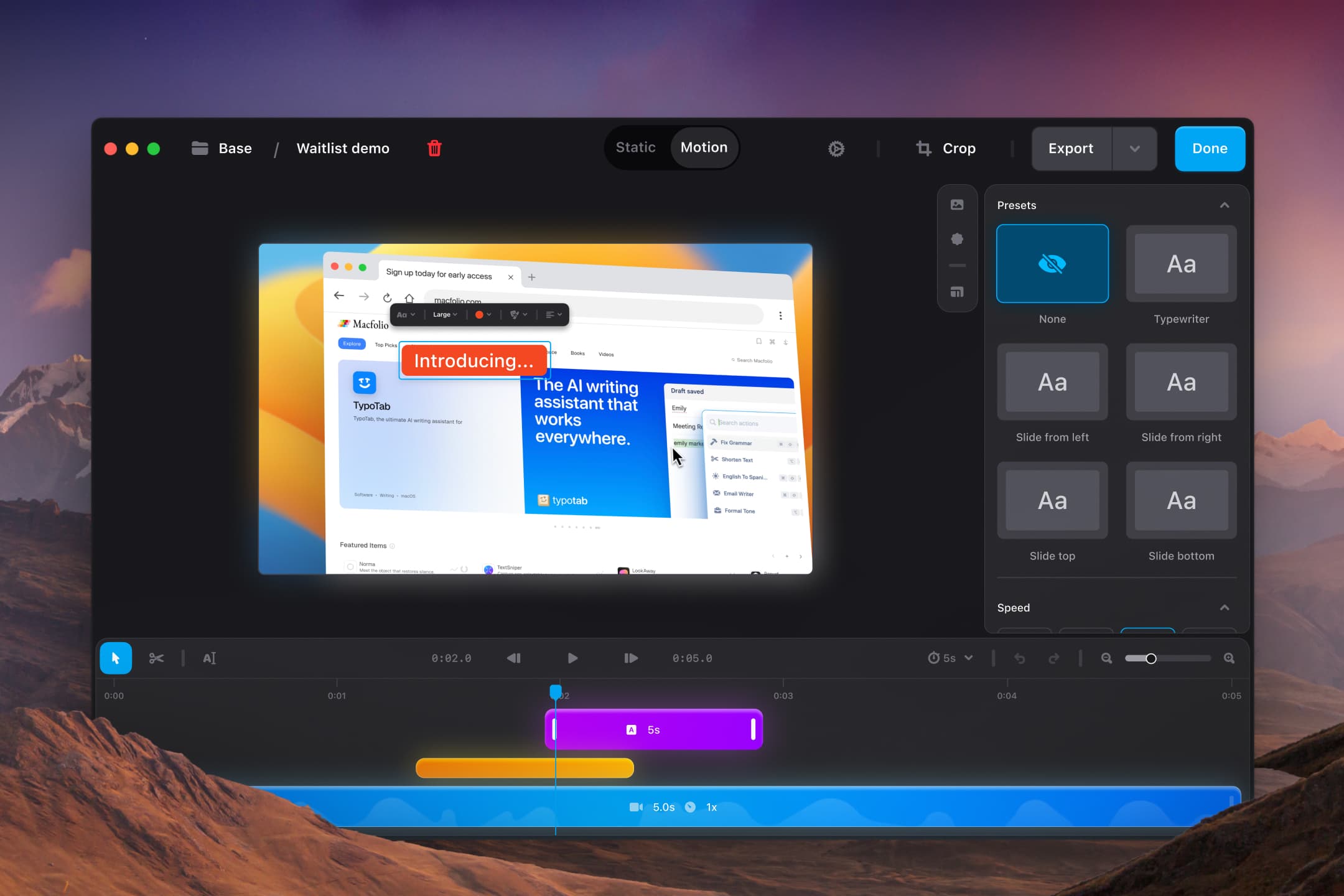
Shotbase is a comprehensive capture tool for screenshots, recordings, and organized workflows, desig...
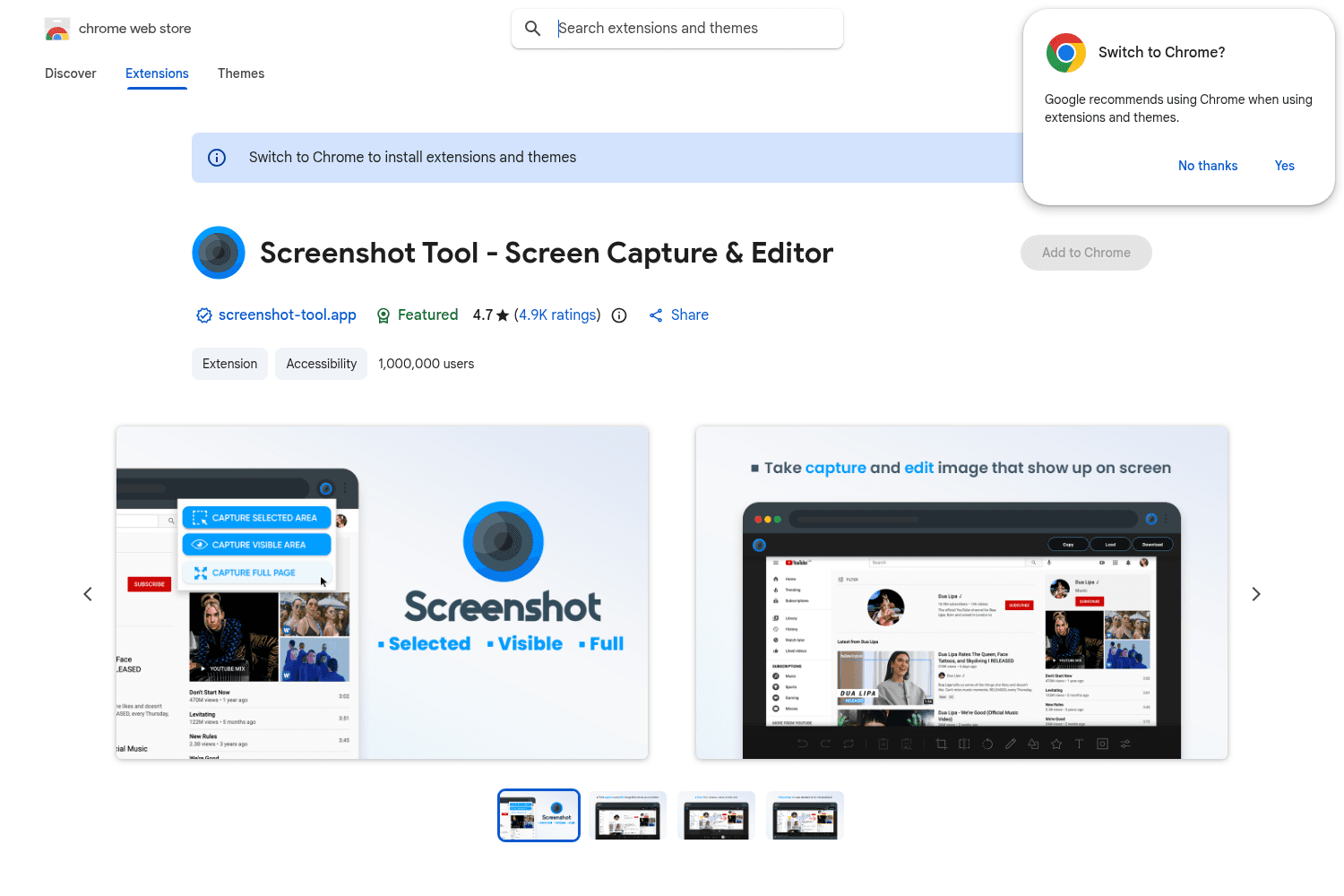
Chrome tool for versatile screenshot capabilities.

Screen shot tool for easy social sharing
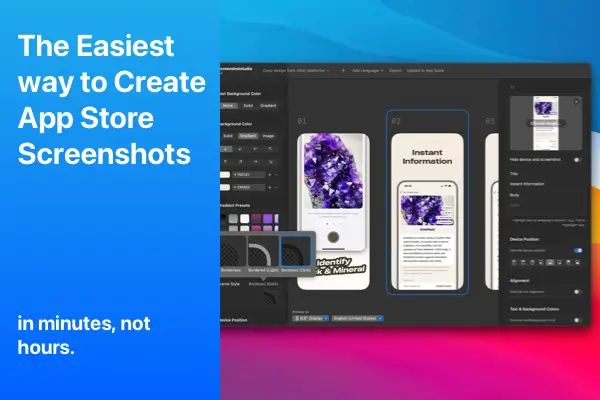
Create stunning App Store screenshots effortlessly with Screenshot Studio.

MakeShot is a web-based tool that allows developers to generate designer-quality screenshots for the...

Streamlined screenshot application

Measure distances and dimensions on your screen with pixel-perfect precision.
The best design apps for MacBook Air and Pro: Sketch and Figma for UI and web design, plus Mac apps for fonts, screenshots, references and whiteboarding.

Shottr vs CleanShot X vs Xnapper vs Shotbase: current prices, best use cases and key features of the top Mac screenshot tools, with a quick comparison table.
Dropbox Capture was a tool designed for quickly capturing and sharing screenshots, screen recordings, and GIFs. It allowed users to annotate images, record their screen with or without webcam footage, and share content instantly via a link.
 cleanshot.com·
The discontinuation of Dropbox Capture means that users will soon lose a convenient way to capture and share visual content. Whether you use it for quick feedback, tutorials, or team communication, it’s essential to find a smooth transition to another tool.
cleanshot.com·Before we dive into CleanShot Cloud, let’s acknowledge why Dropbox Capture was so widely used: Quick Screen Recording & Screenshots, Instant Link Sharing, Basic Annotation Tools, Integration with Dropbox.
cleanshot.com·If you’re looking for a replacement that does everything Dropbox Capture did (and a lot more), CleanShot Cloud is the answer. It’s a feature-rich tool designed for effortless screen capture, annotation, and sharing.
cleanshot.com·CleanShot Cloud is perfect for professionals, teams, developers, designers, educators, trainers, and anyone who relied on Dropbox Capture, offering a seamless transition with enhanced capabilities.
cleanshot.com·