














By Mailchimp · Official
Search Mailchimp’s published Marketing API documentation from an MCP client. Use it to find API reference pages, check pagination or authentication behavior, and locate guidance on reports or batch operations. It does not access Mailchimp accounts.

By Calendly · Official
Connect your agent to Calendly's official hosted MCP server for scheduling workflows backed by the Calendly API. Use it to inspect scheduling context or carry out an authorized meeting task. The server requires a client supporting OAuth dynamic client registration and PKCE; personal access tokens and manually provisioned OAuth credentials are not supported.

By Jotform · Official
Connect your agent to Jotform's official text-based MCP server for creating, editing, and analyzing forms and submissions. Use it when building a form workflow or reviewing collected responses, within the access you grant. This listing uses the standard server; Jotform documents separate endpoints for interactive MCP Apps and other product workflows.

By Cloudflare · Official
Connect your agent to Cloudflare's ephemeral container sandbox through the official MCP server. It provides container lifecycle, filesystem, and command-execution tools for short development or data tasks. Use it to explore code or run a small analysis; the publisher describes the server as work in progress and the containers as temporary.
By Intercom · Official
Connect your agent to Intercom conversations, contacts, companies, and Help Center content through the official hosted MCP server. Use it to gather customer support context or locate an article within your workspace permissions. US and EU workspaces use different regional endpoints; Australian hosted workspaces are not currently supported.

By Cal.com · Official
Connect your agent to Cal.com scheduling through the official hosted MCP server. It can work with availability, bookings, schedules, and event types according to the authorized account's permissions. Use it to find a meeting time or manage a booking, providing the participants, timezone, and intended scheduling change.

By HeyGen · Official
Guide your agent through creating an avatar in HeyGen using authorized reference material. Use it when preparing a presenter for a video project, with the intended visual style and the reference assets you have permission to use.

By Make · Official
Guide your agent in building or modifying a Make automation. Use it to translate a workflow into connected modules, routes, and mappings. Provide a sample payload, the expected output, and the target scenario or test workspace.

By Obsidian · Official
Guide your agent in creating and editing Obsidian Bases files. Use it to organize notes into views driven by properties, filters, and formulas. Provide example notes and the fields you want the view to show.
By Figma · Official
Help your agent create and maintain Code Connect templates that map published Figma components to implementation snippets. The skill covers the required template format, prerequisites, and the official MCP workflow. Use it when connecting a design system to code, supplying the component URLs, repository, framework, and the usage examples designers and developers should see.

By Netlify · Official
Help your agent store and retrieve files, JSON objects, and cache-like state with Netlify Blobs. The skill explains store scope, deploy-specific data, and runtime access. Use it when implementing uploads or persisted generated output, supplying the data shape, access requirements, and deployment context so the agent can choose the appropriate store.
By Notion · Official
Guide your agent through scaffolding a Notion App with the Notion Apps SDK and CLI. The skill covers the initial access check, explicit project destination, and the generated project's development guidance. This workflow requires Notion Apps alpha access. Use it when starting an App project and supply the target directory and intended application.
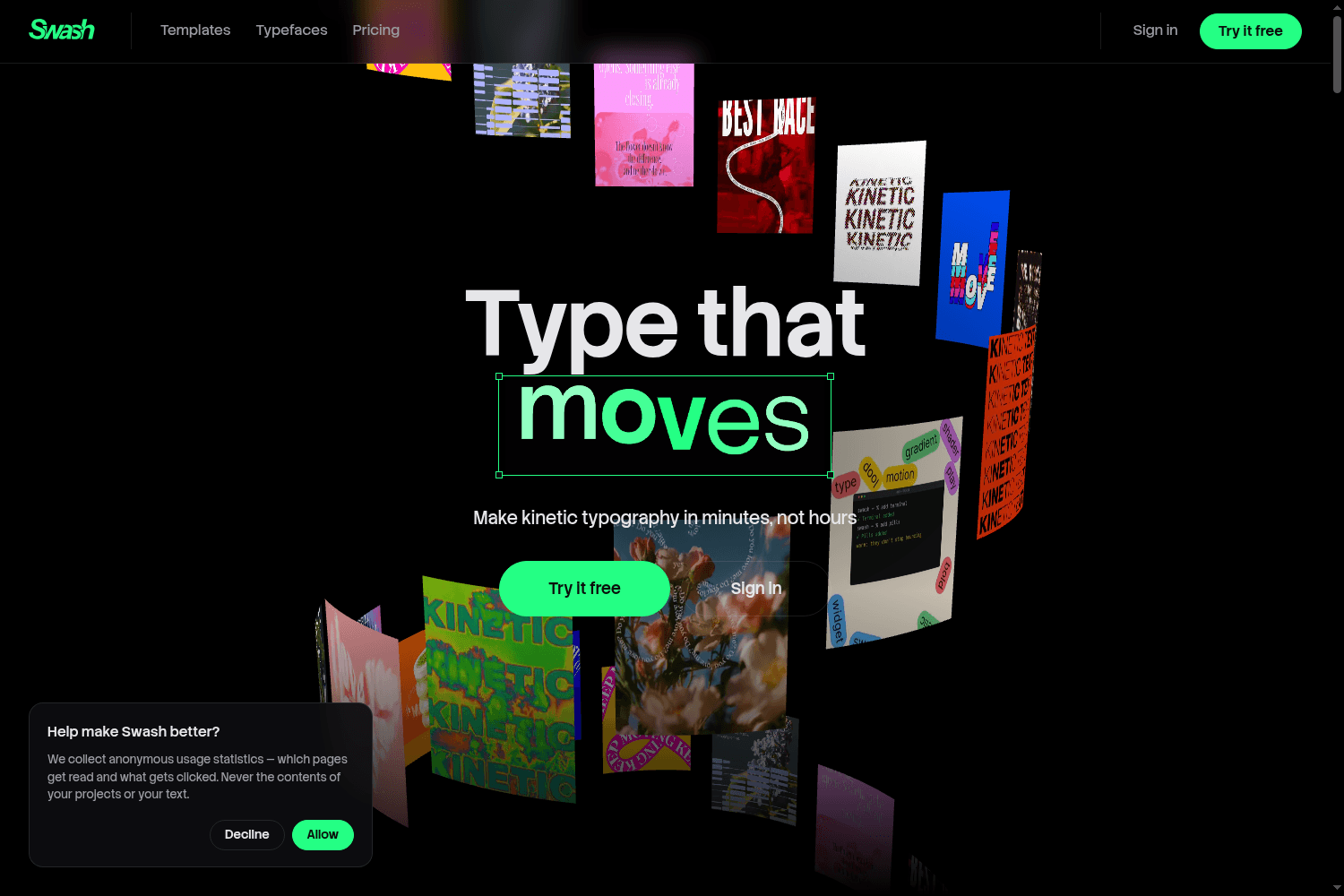
Swash is a browser-based tool for creating kinetic typography and animations effortlessly. Users can...
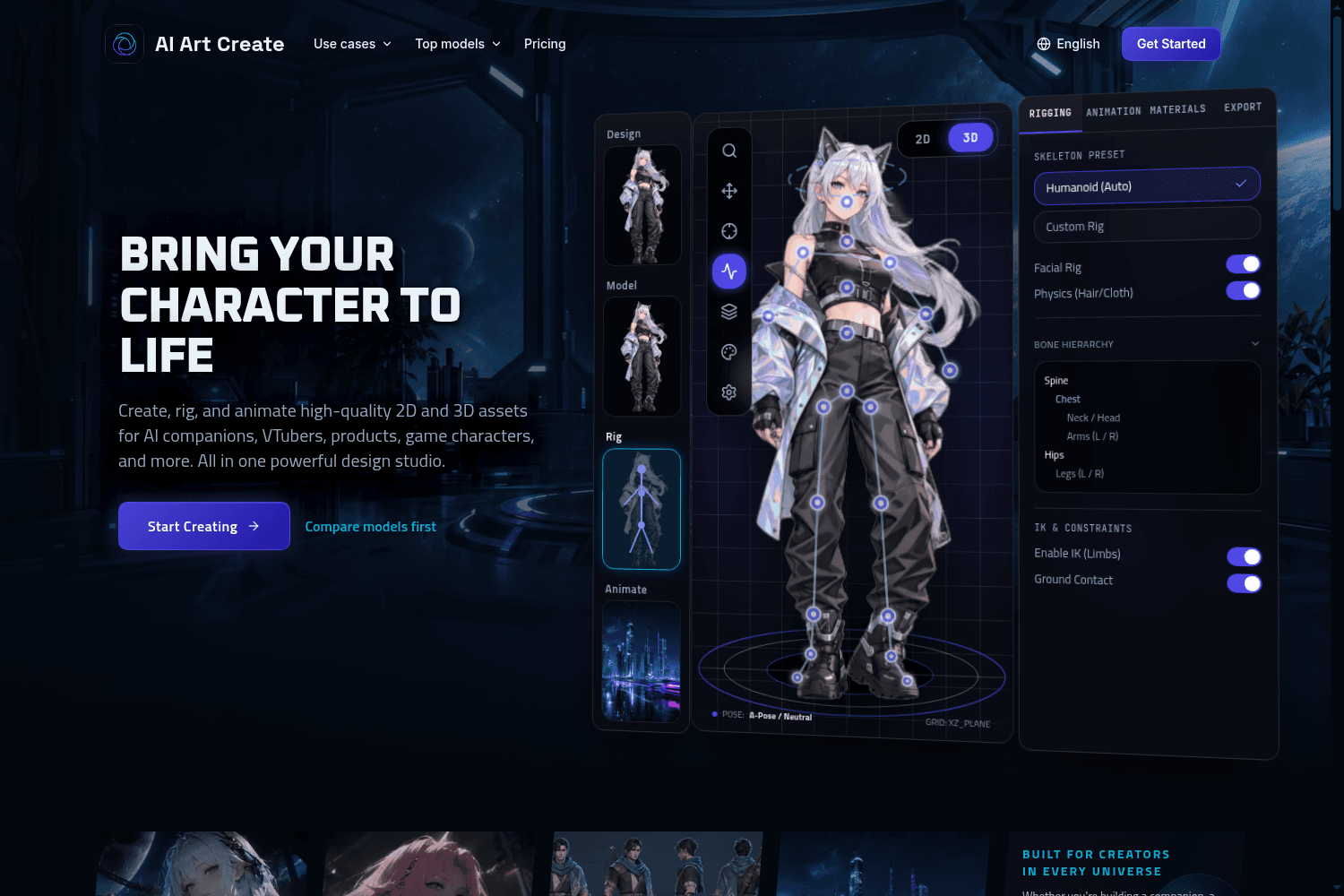
AI Art Create is a versatile AI asset studio specifically designed to generate character assets, com...
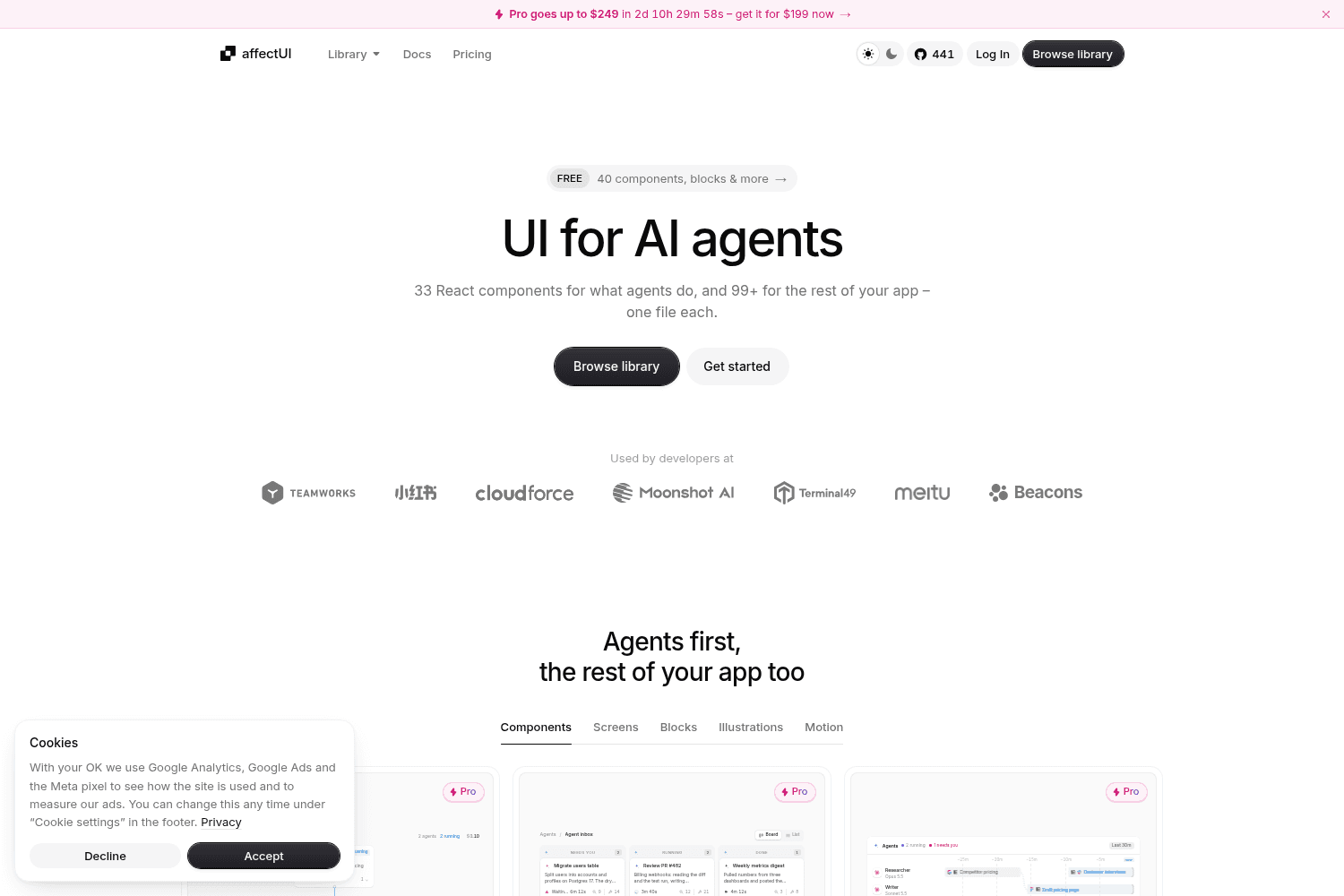
affectUI is a library of hand-designed React components designed specifically for AI applications. I...
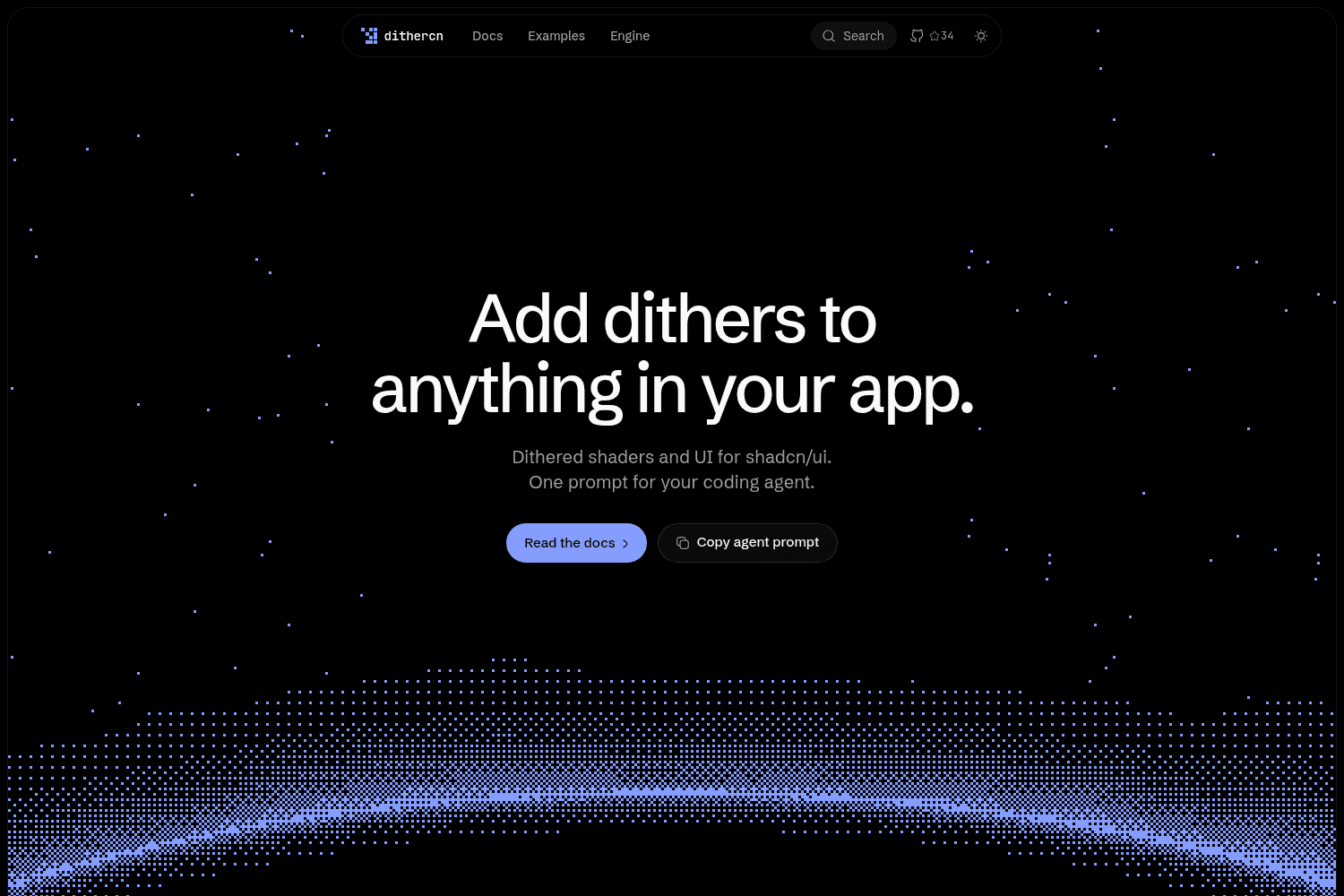
dithercn is an open-source dither engine designed for use in shadcn/ui projects, enabling developers...
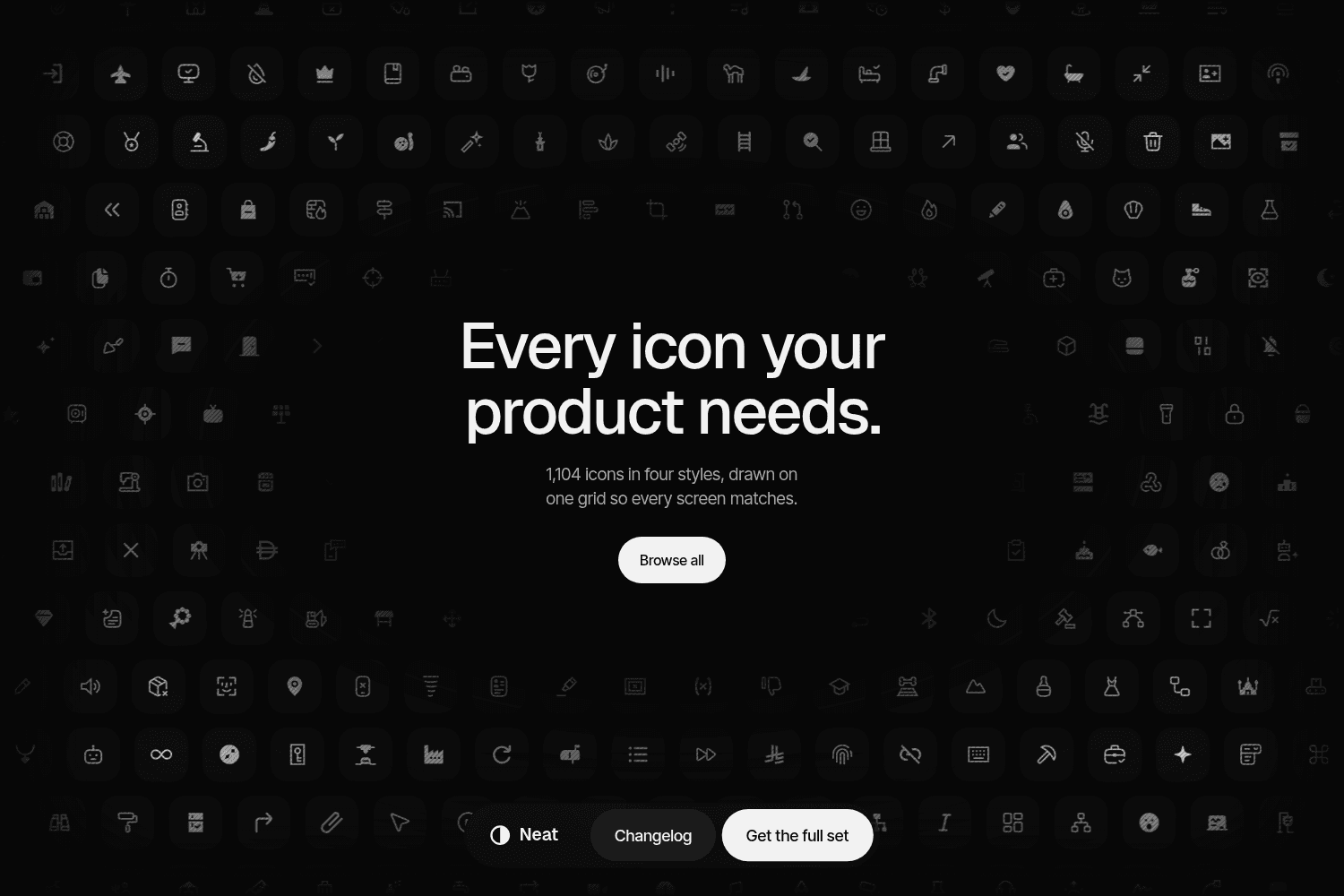
Neat Icons offers a comprehensive set of 1,104 icons designed for seamless integration into various ...
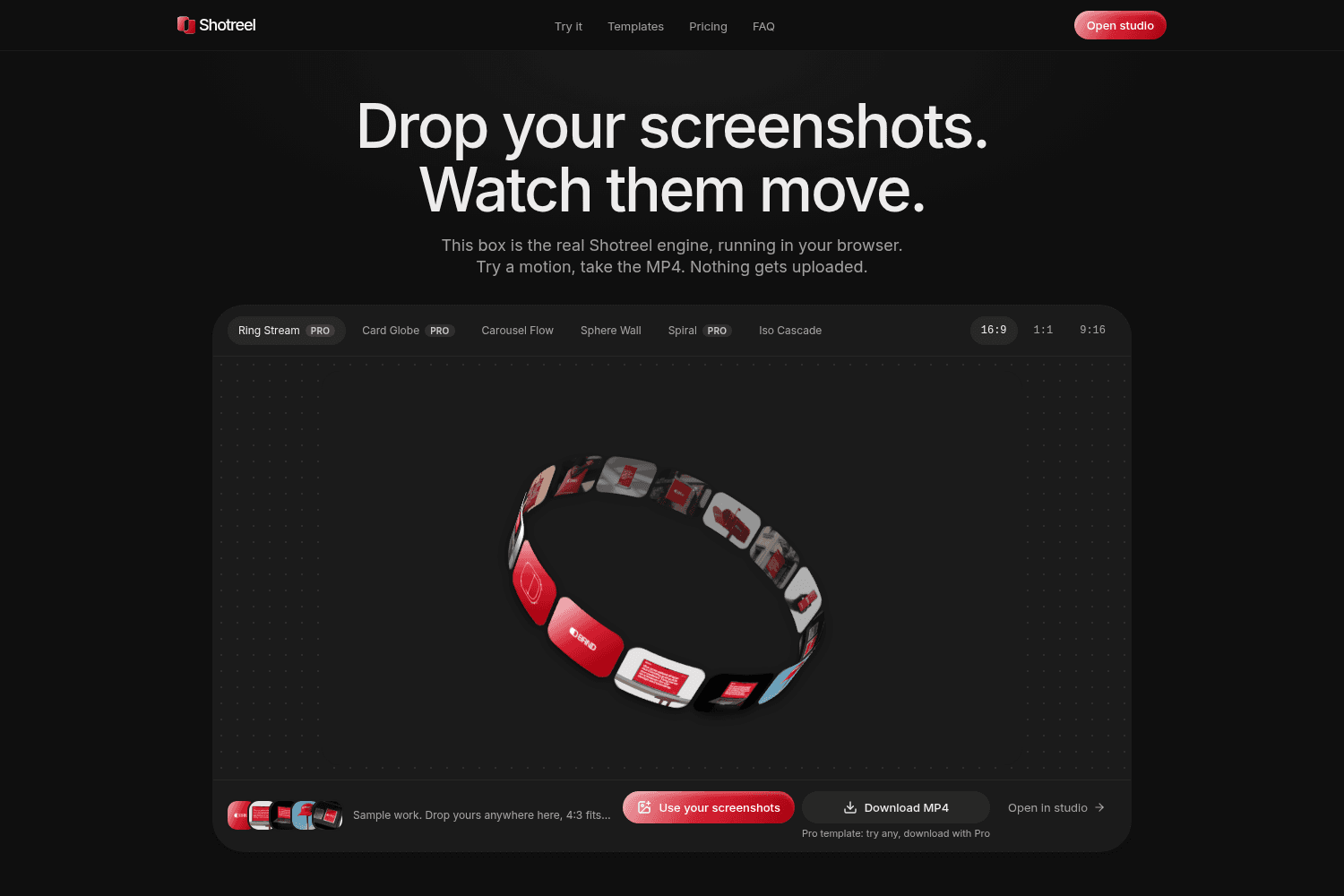
Shotreel is a powerful tool for creating animated presentations by transforming static screenshots i...
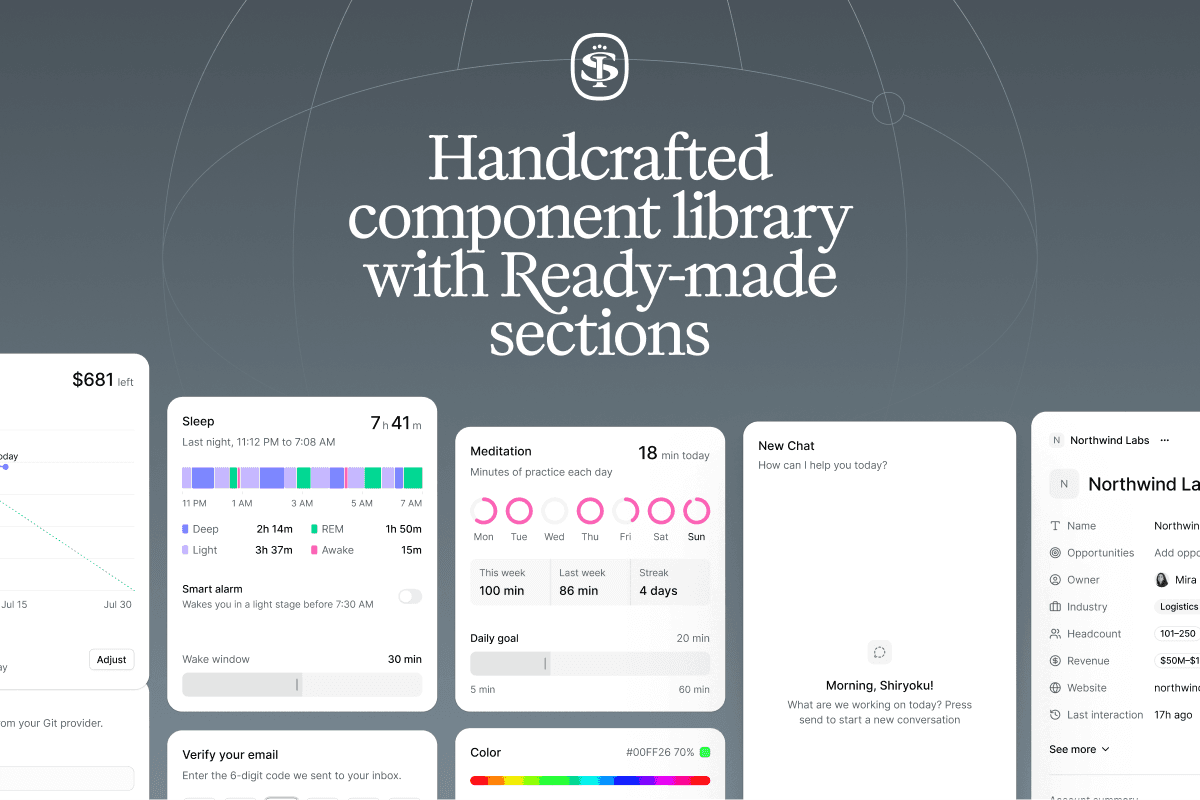
Sort UI is a Figma UI kit and React component library built on shadcn/ui, offering thousands of comp...
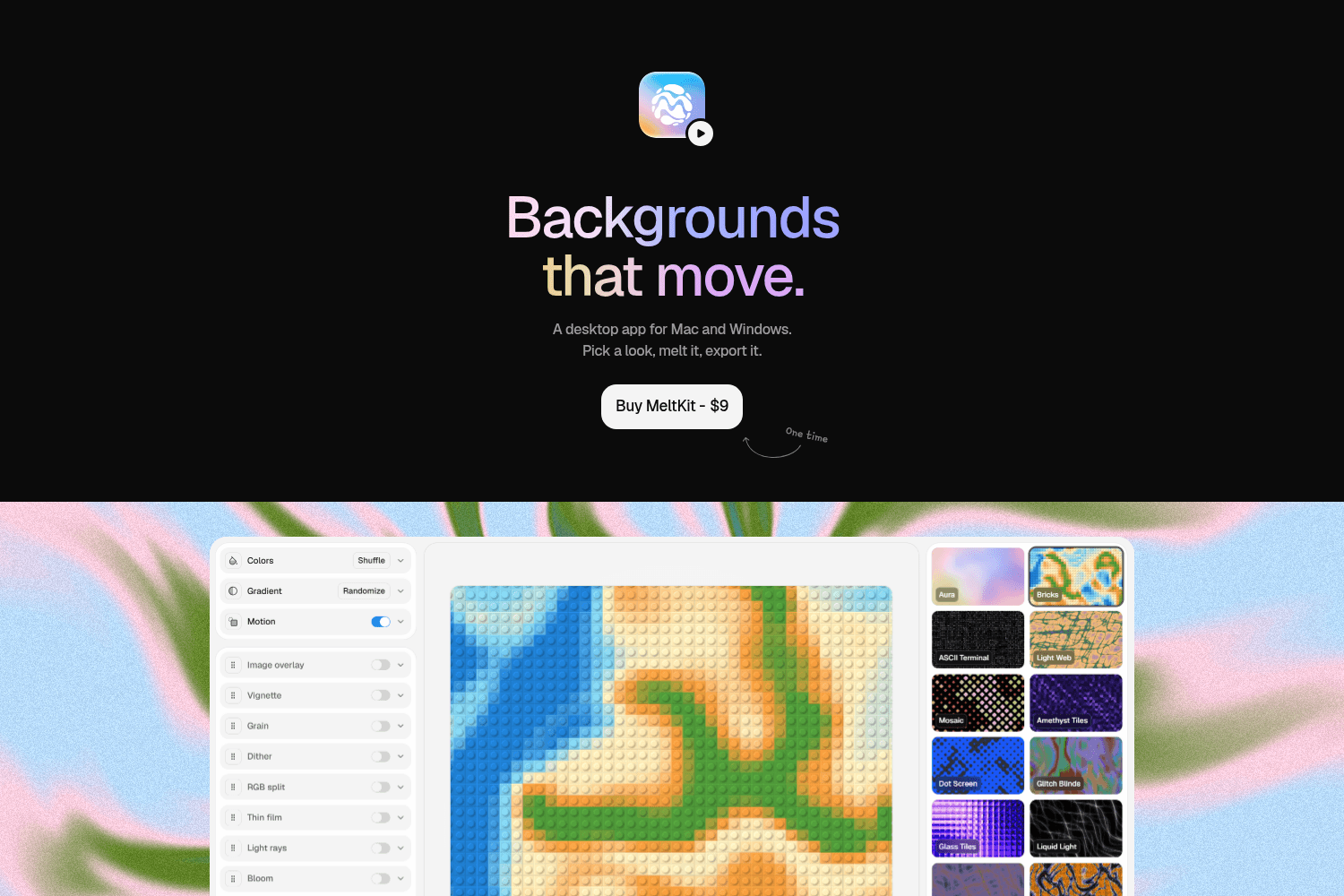
MeltKit is a desktop app for creating and exporting dynamic animated backgrounds for both Mac and Wi...
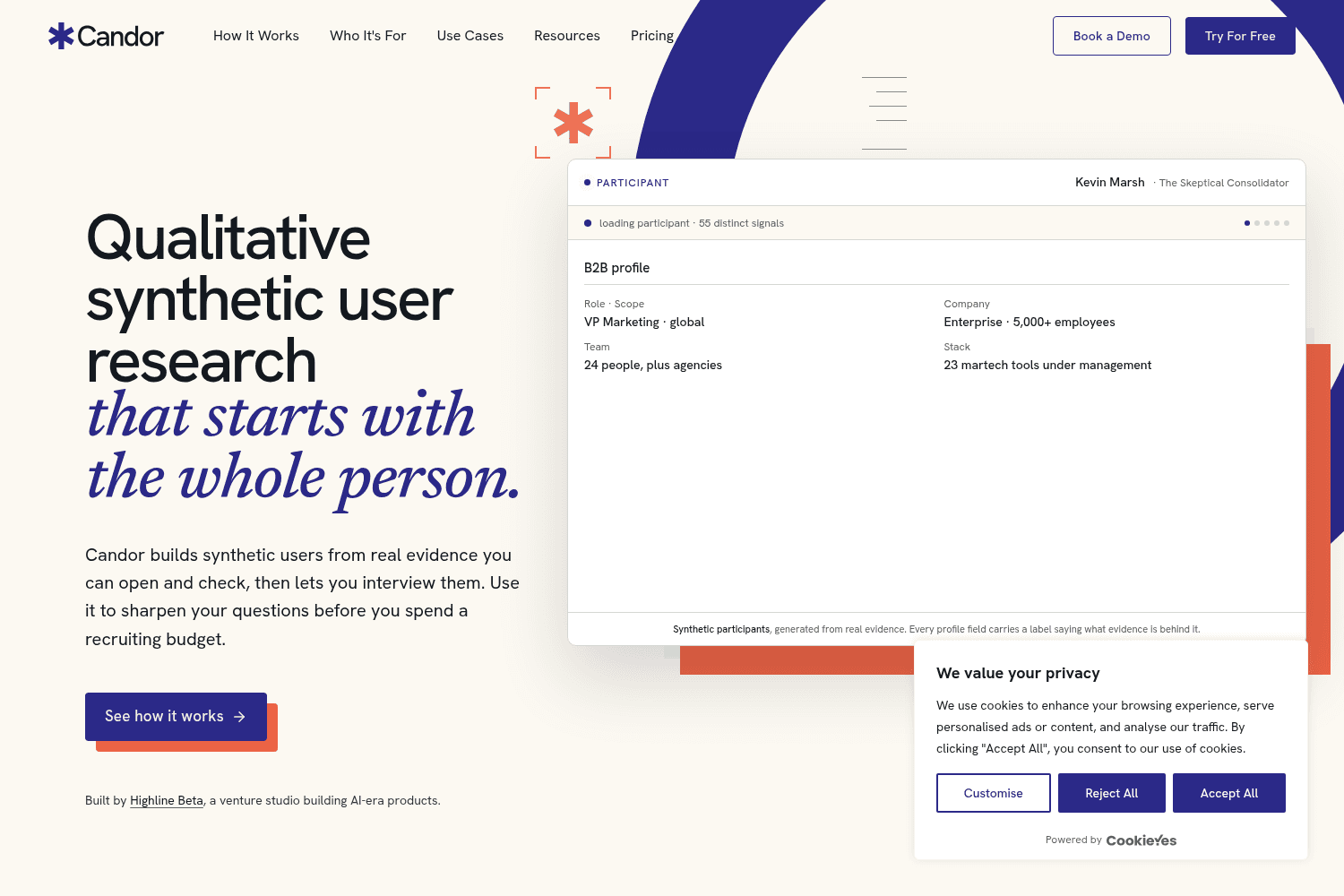
Candor is a qualitative research tool that helps product teams create synthetic users from real data...
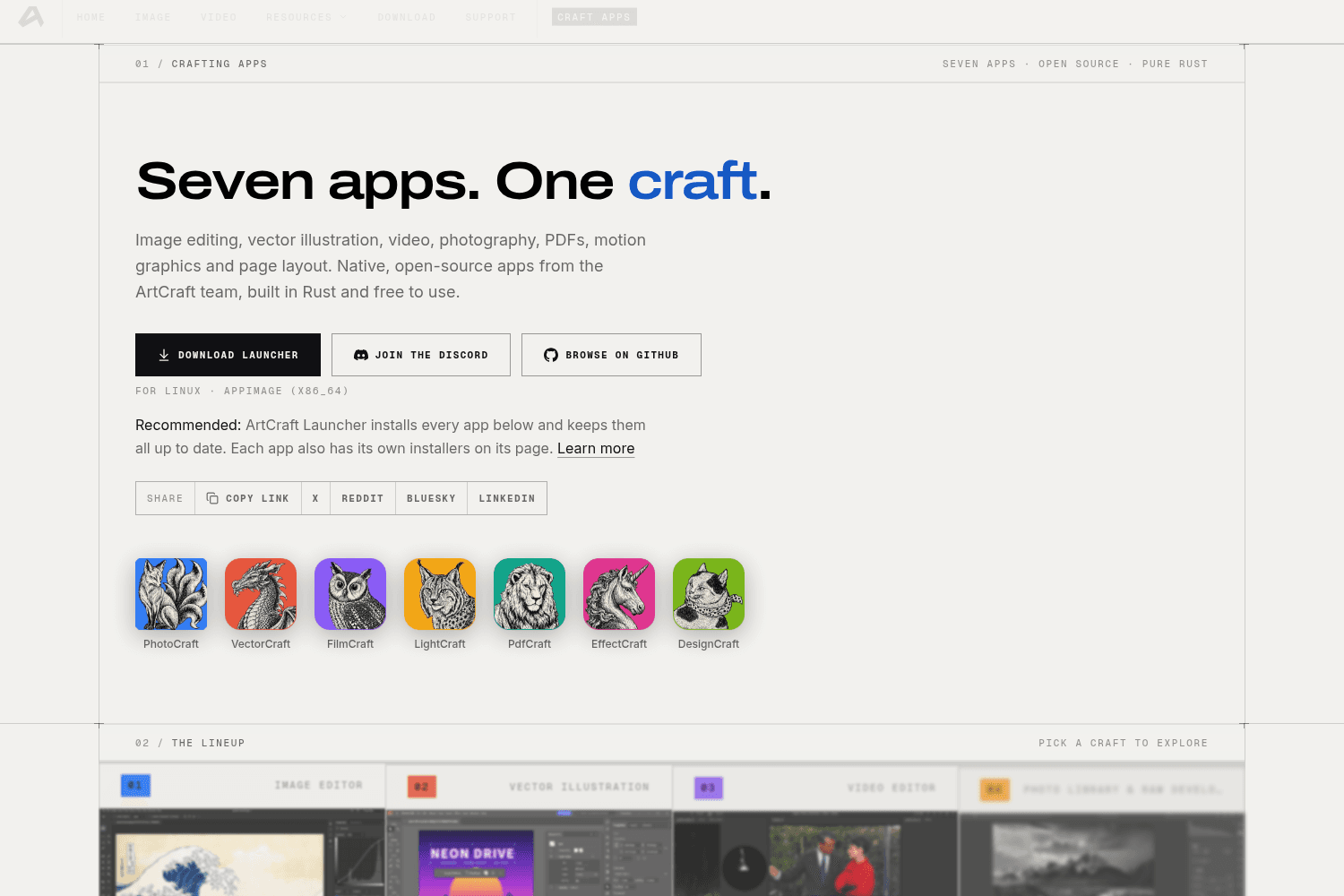
ArtCraft is an open-source suite of creative applications designed for image editing, vector illustr...
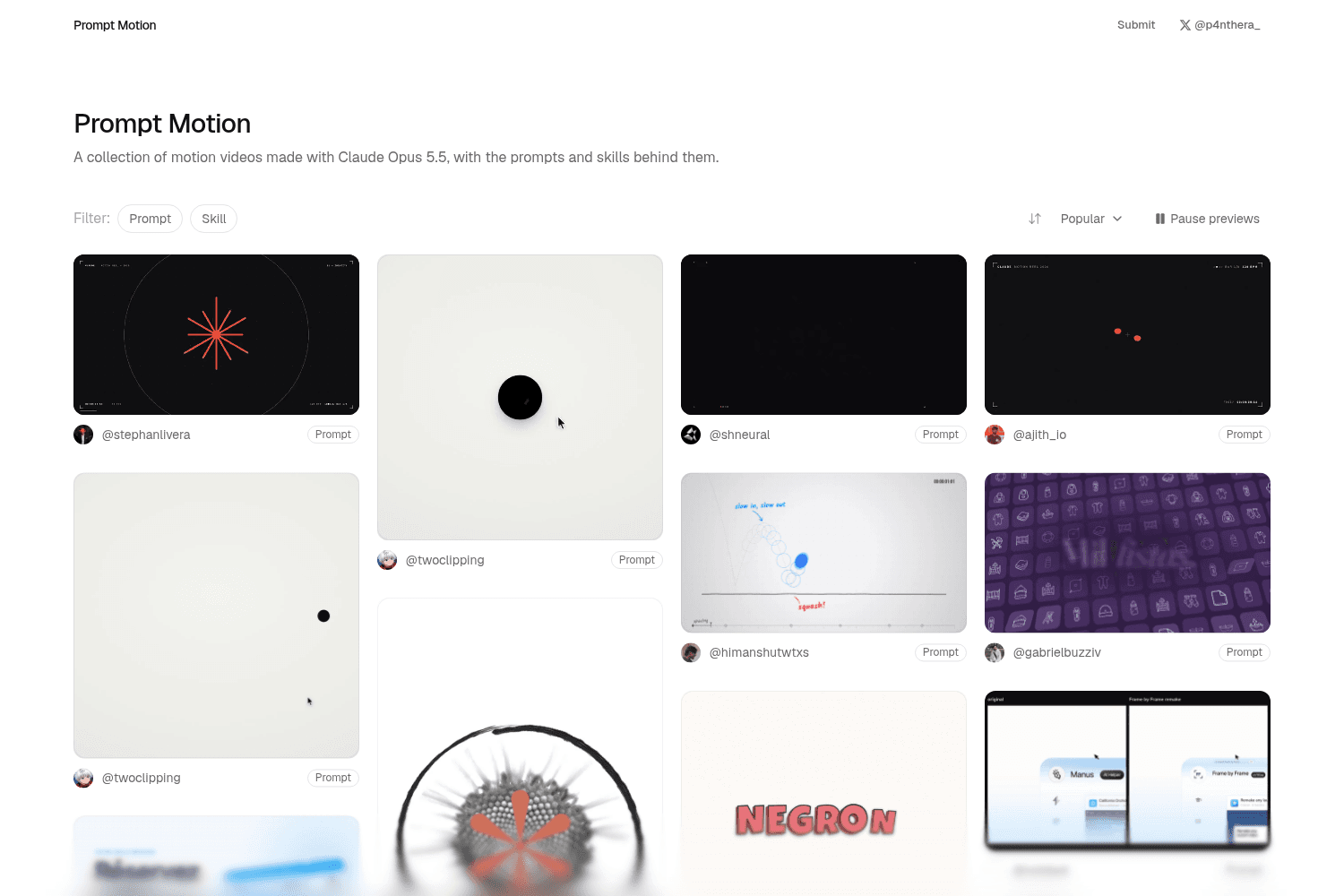
Prompt Motion is a curated platform showcasing a diverse collection of motion videos created using A...
Graphical UI offers a comprehensive tool for designing custom themes for applications, allowing user...
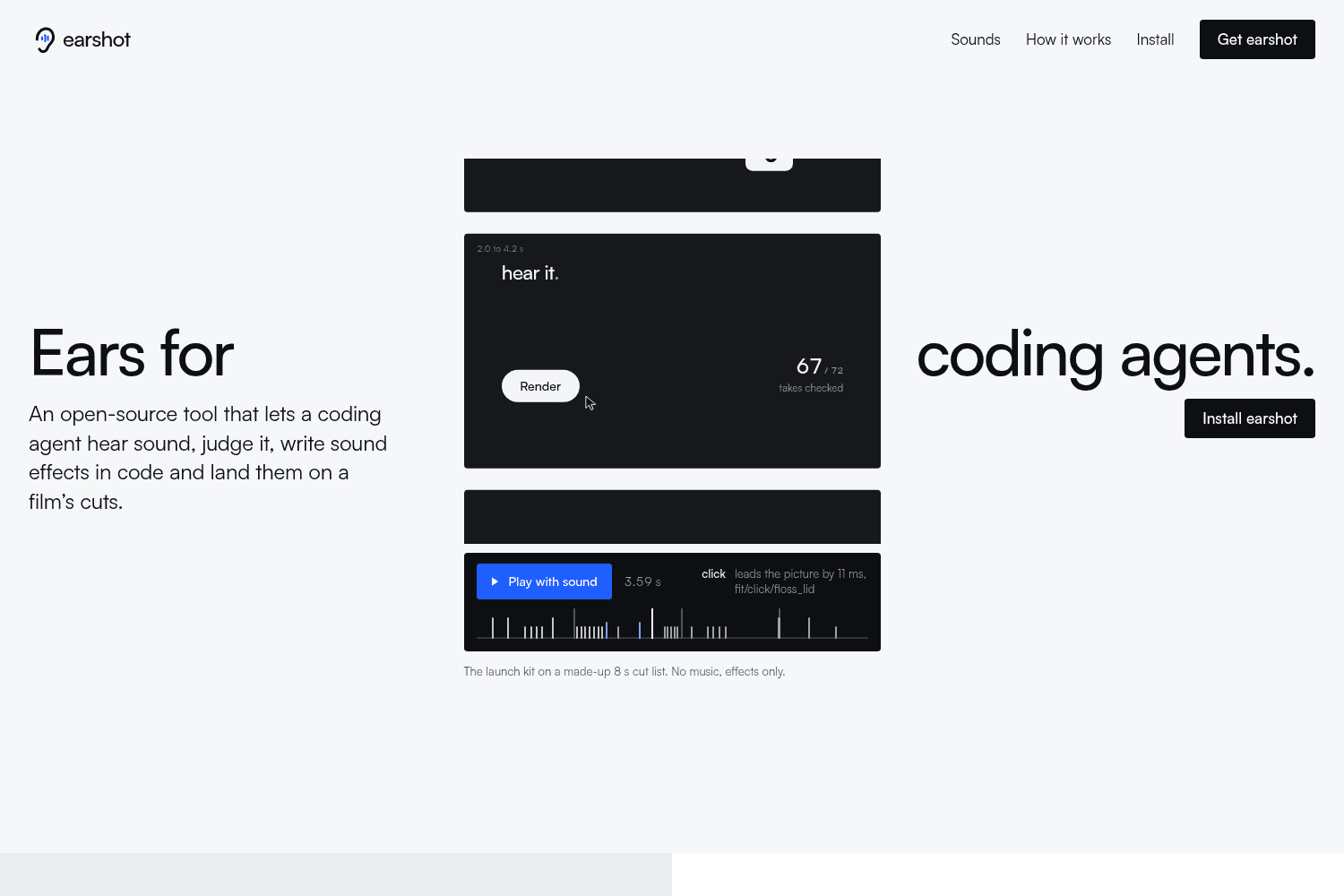
earshot is an open-source MCP and CLI that lets coding agents hear, judge, and make sound.
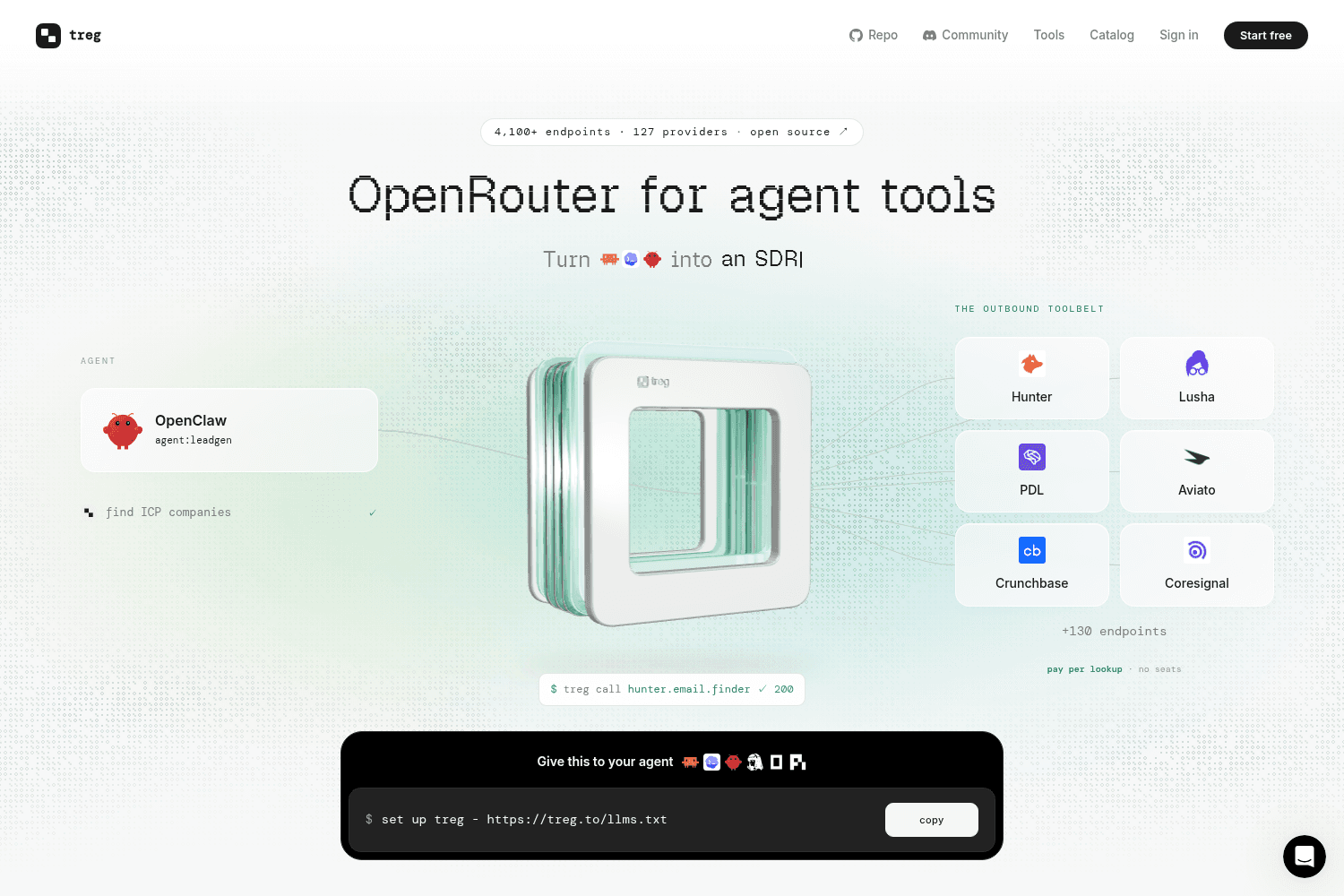
treg is an open-source catalog of 4,100+ agent tools with one key and pay-per-call pricing.
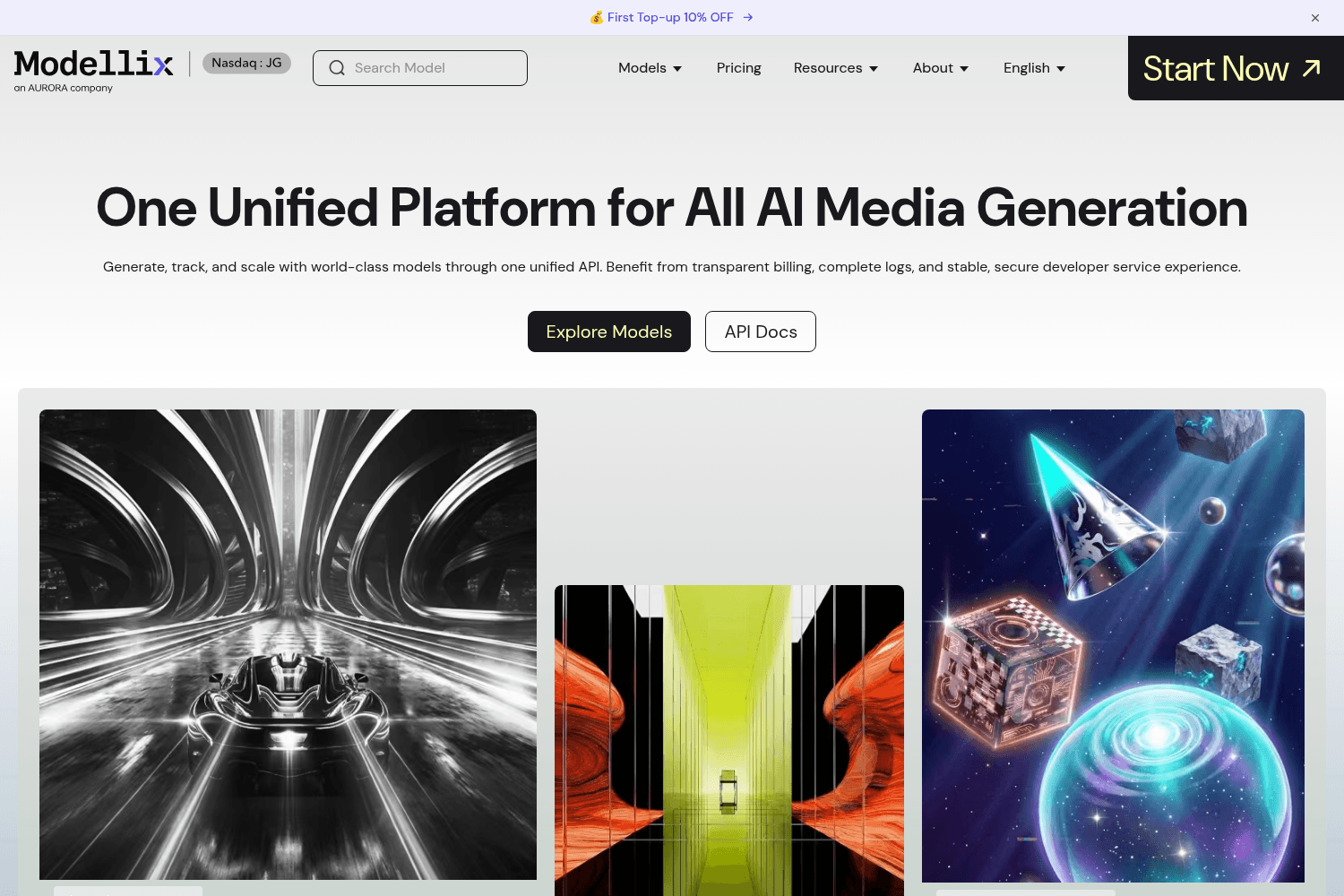
Modellix is a comprehensive platform that provides unified access to various AI models for generatin...
AI Art Create is a versatile AI asset studio specifically designed to generate character assets, com...
dithercn is an open-source dither engine designed for use in shadcn/ui projects, enabling developers...
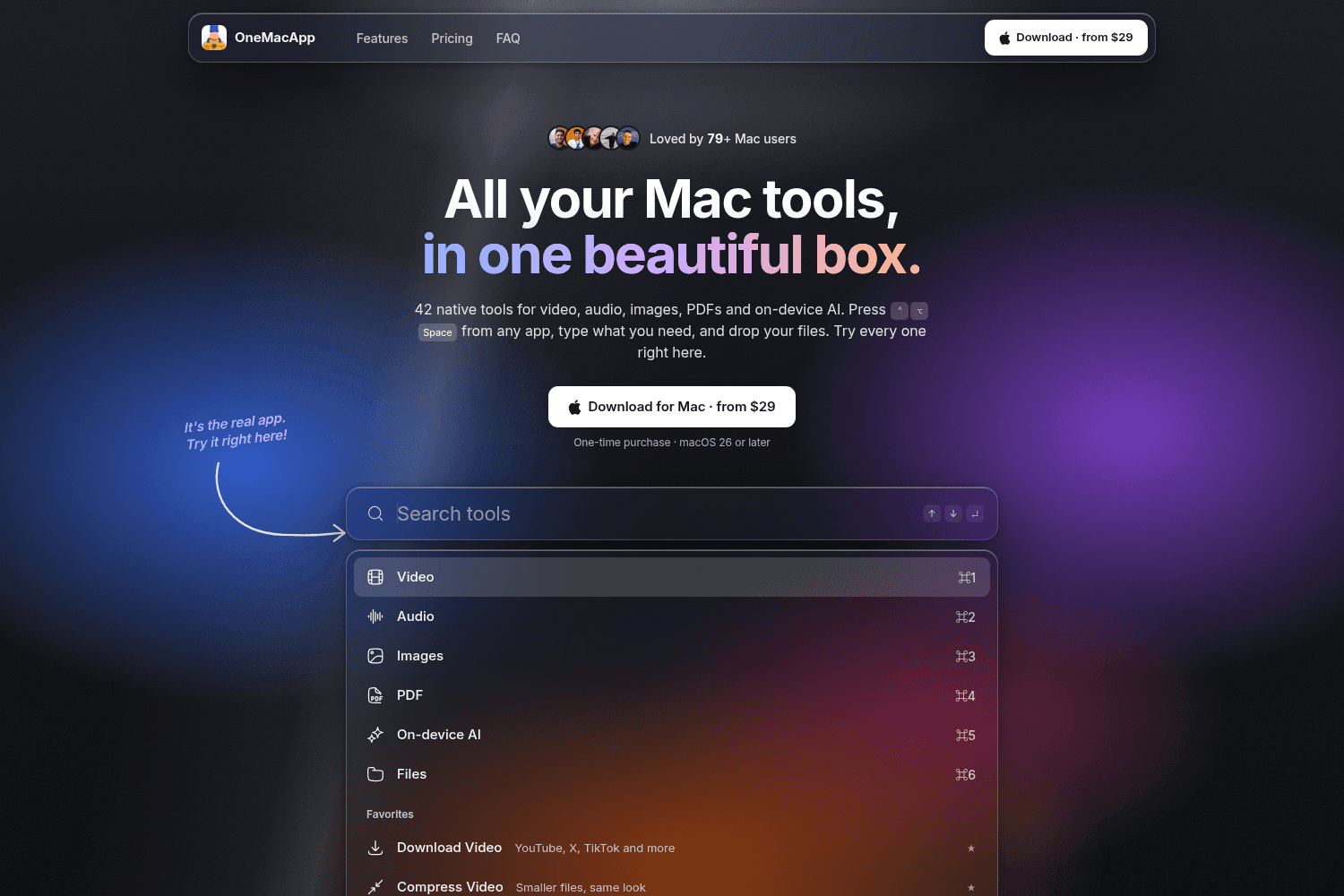
OneMacApp provides a suite of 42 native tools for various media tasks on Mac, enabling seamless edit...
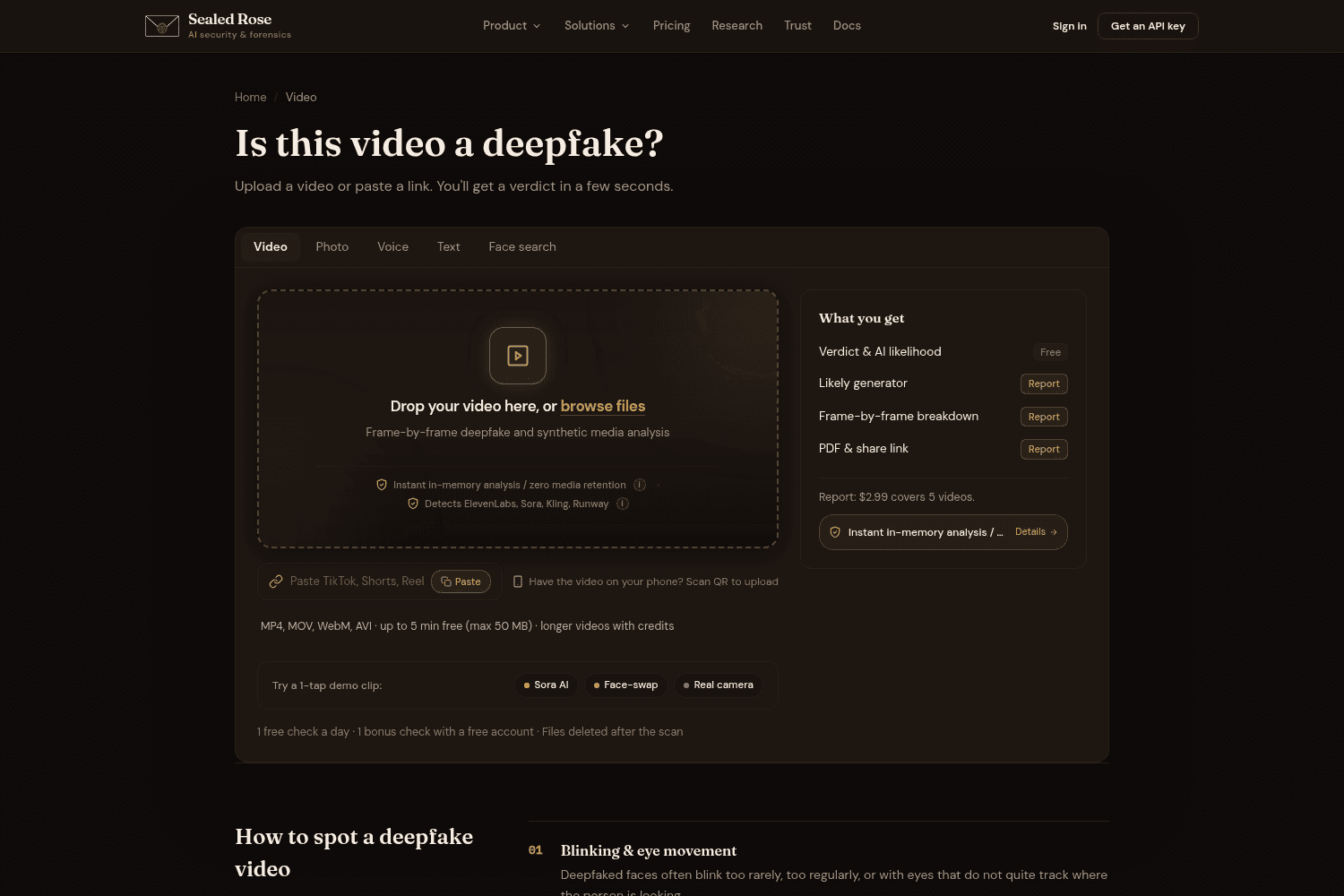
Sealed Rose provides advanced AI tools for detecting deepfakes in video, audio, text, and images, em...
Candor is a qualitative research tool that helps product teams create synthetic users from real data...

Inkome empowers creators to convert their audience into customers by automating product creation and...
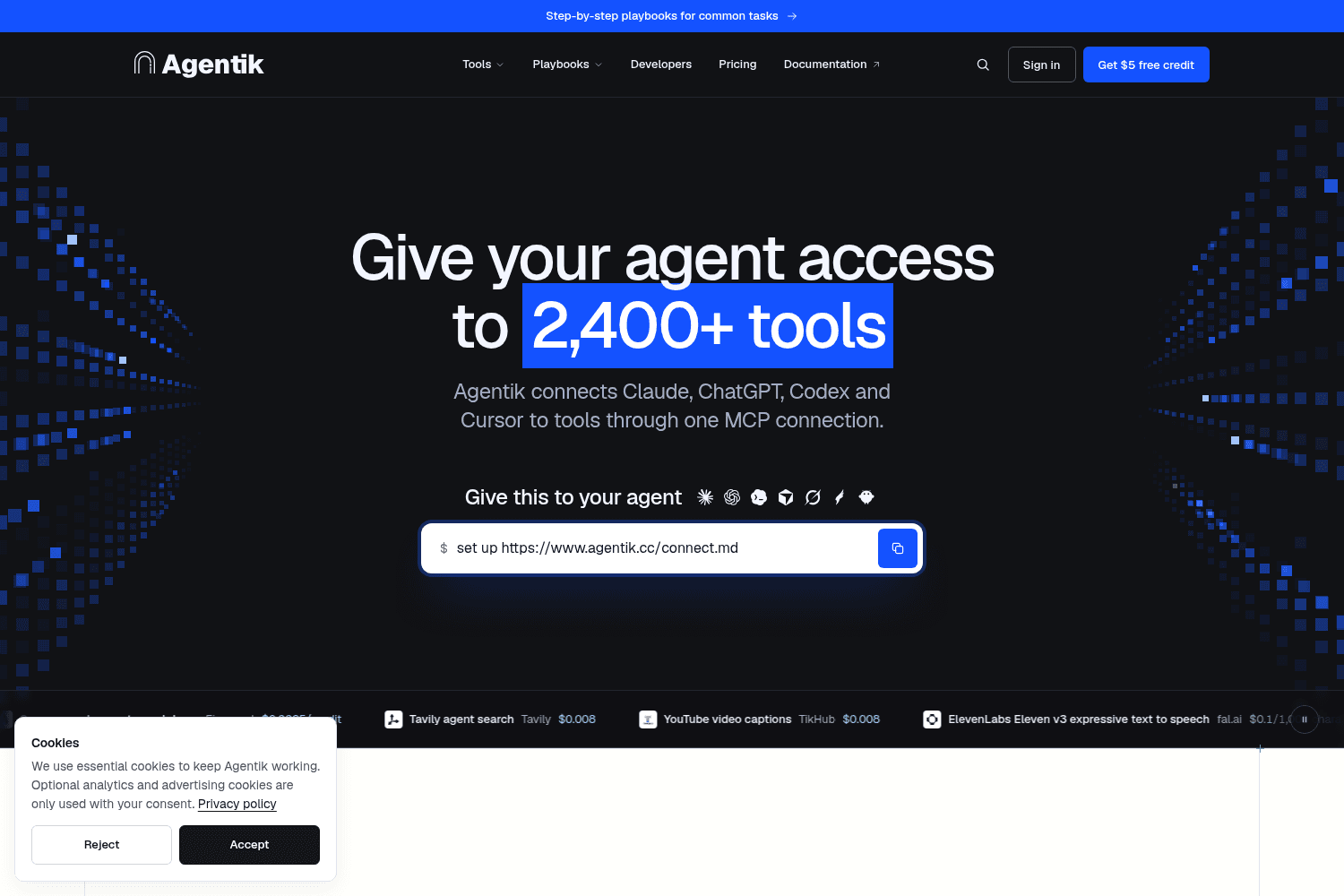
Agentik connects your AI agents to over 2,400 tools from 52 providers through one seamless interface...
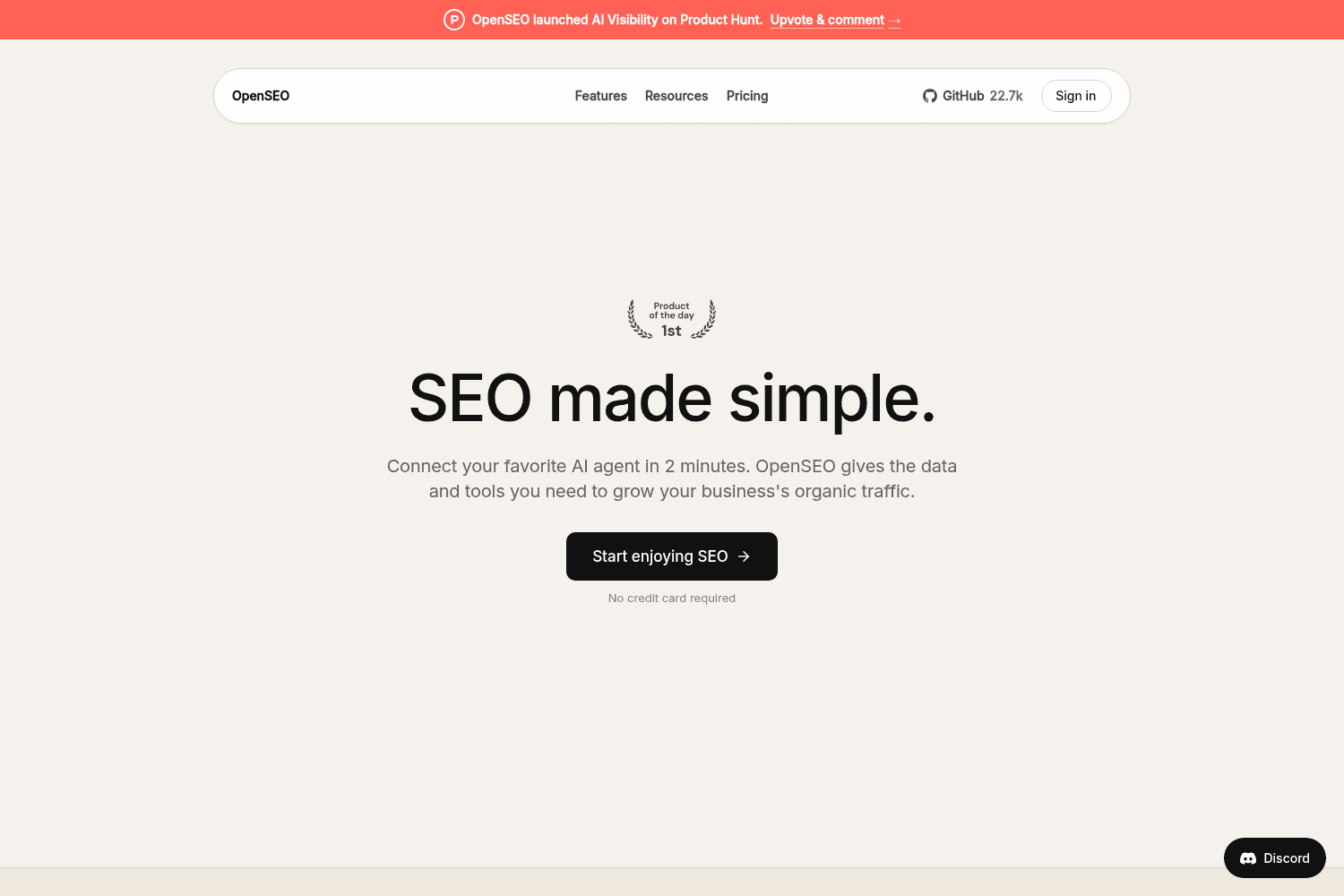

OpenSEO provides a comprehensive SEO toolkit designed to enhance organic traffic through keyword res...
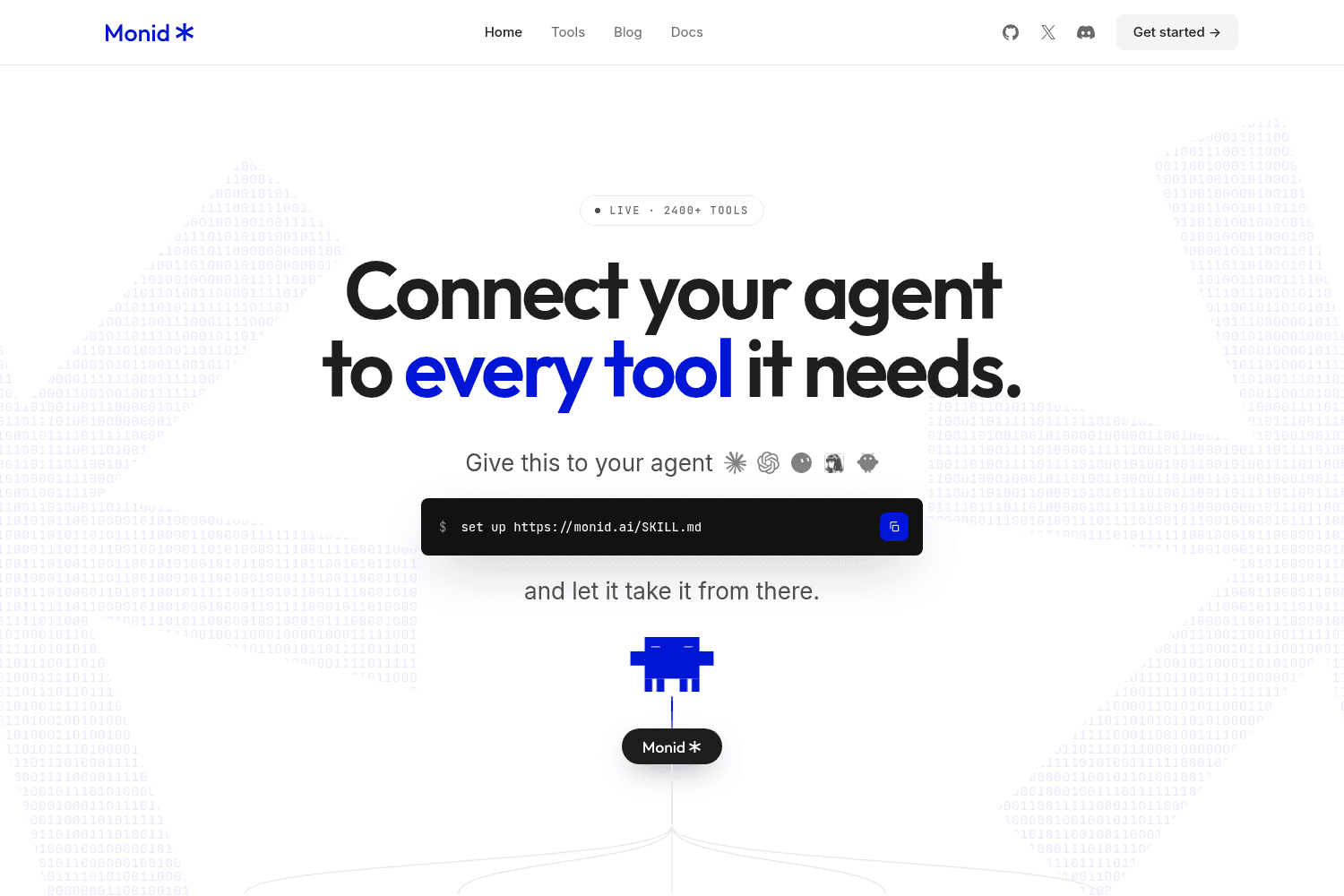
Monid connects your AI agents to a vast library of tools and APIs, allowing seamless integration and...
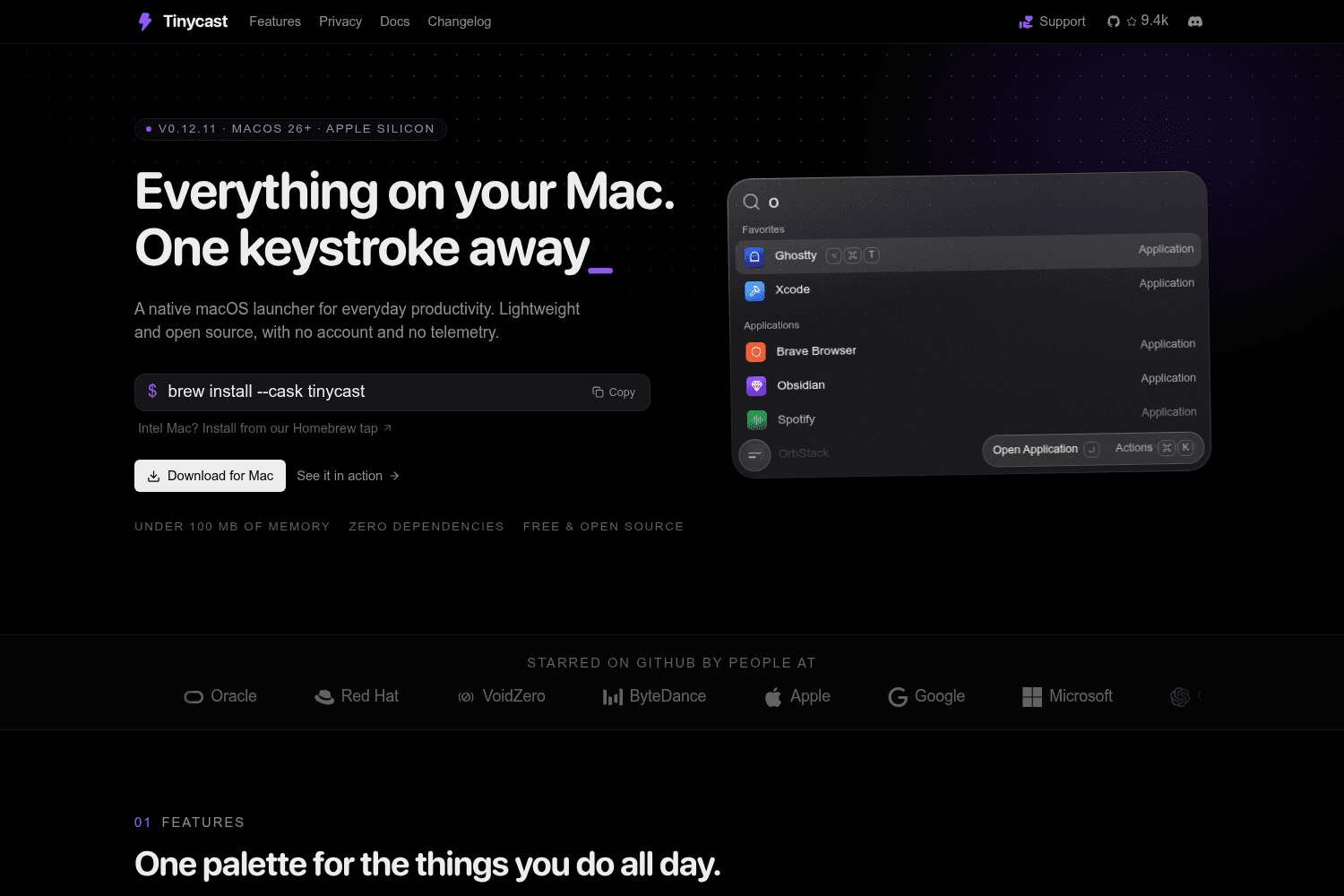
Tinycast is a native, open-source macOS launcher with no account, no telemetry, and no Pro tier.

SupaSidebar is a Mac application that replicates the sidebar features of the Arc browser across all ...
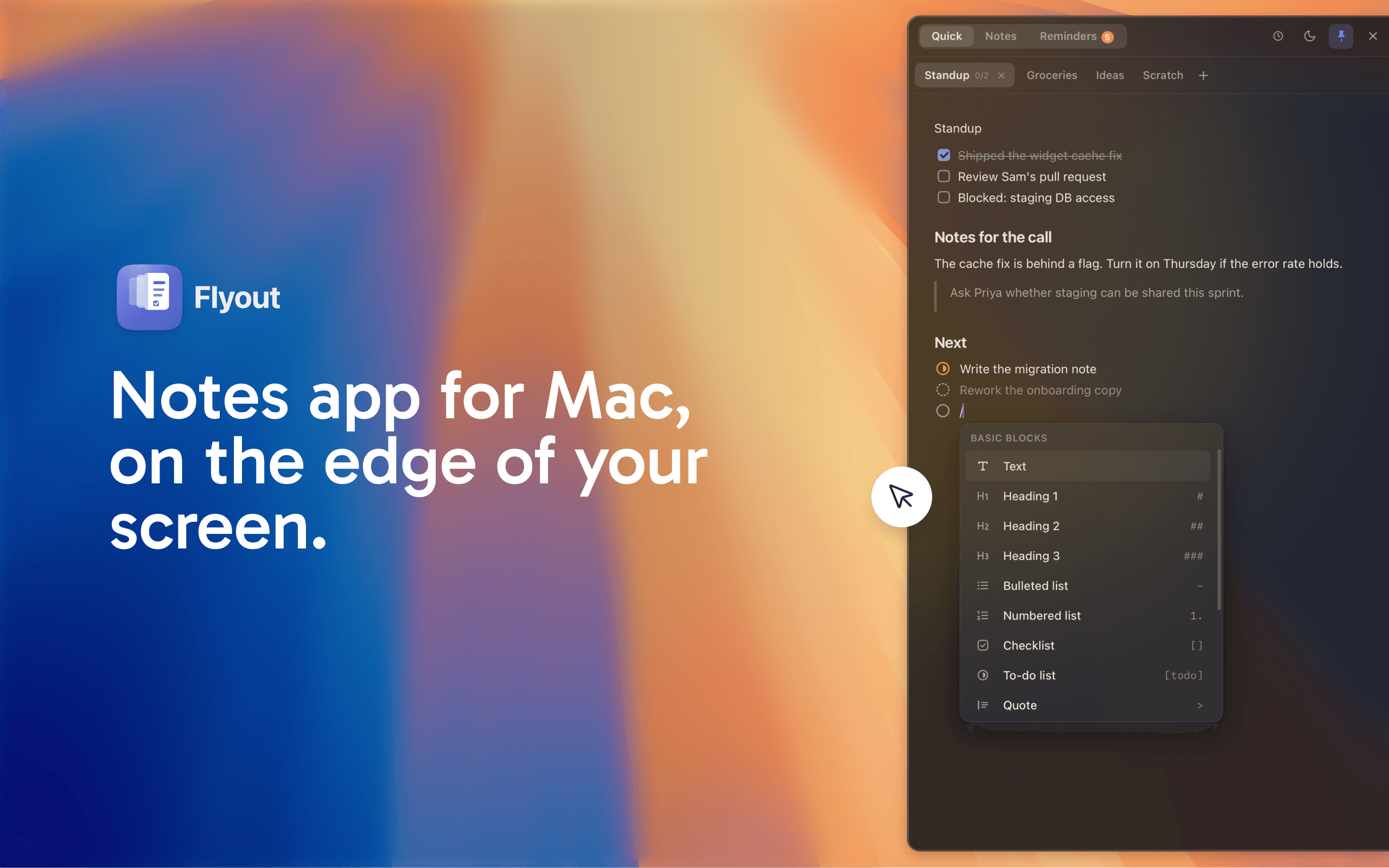
Flyout is a native macOS menu-bar app that allows users to capture notes, reminders, and tasks with ...
OneMacApp provides a suite of 42 native tools for various media tasks on Mac, enabling seamless edit...
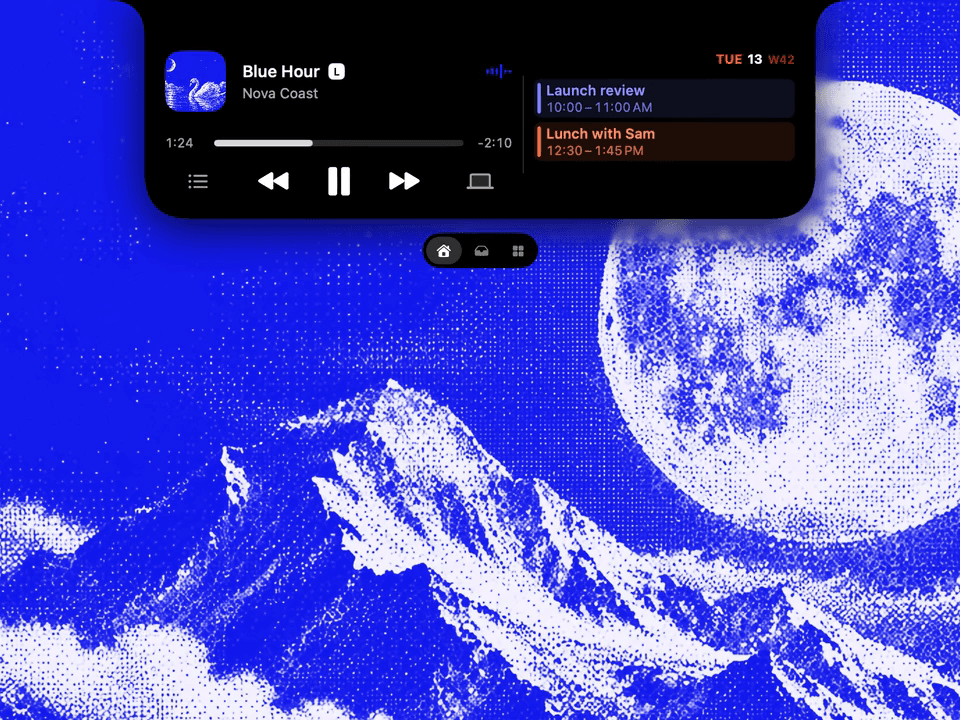
Droppy is a supercharged Dynamic Island productivity app for macOS that combines multiple utilities ...
Candor is a qualitative research tool that helps product teams create synthetic users from real data...
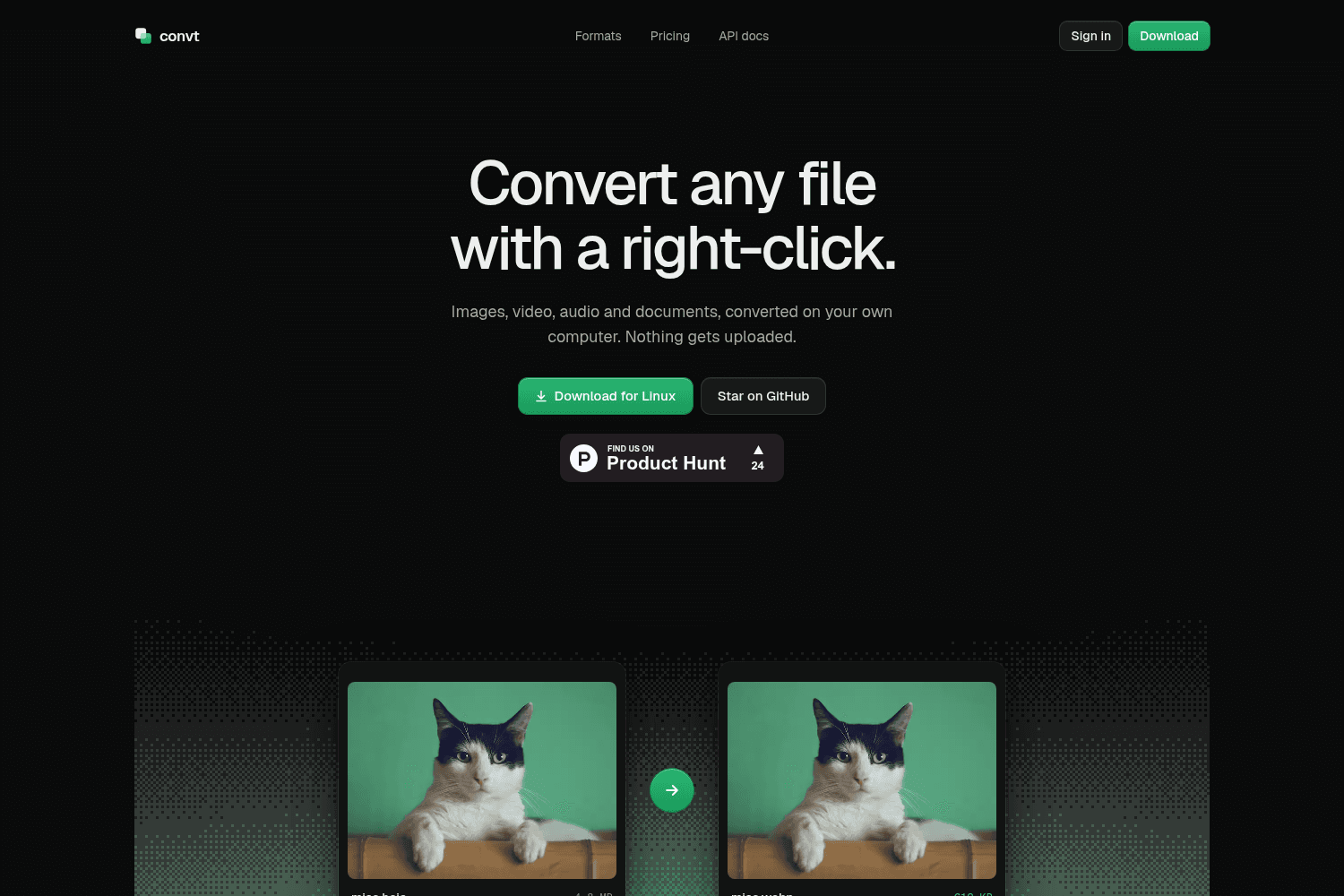
Convt is a local file conversion tool for images, video, audio, and documents, allowing users to con...
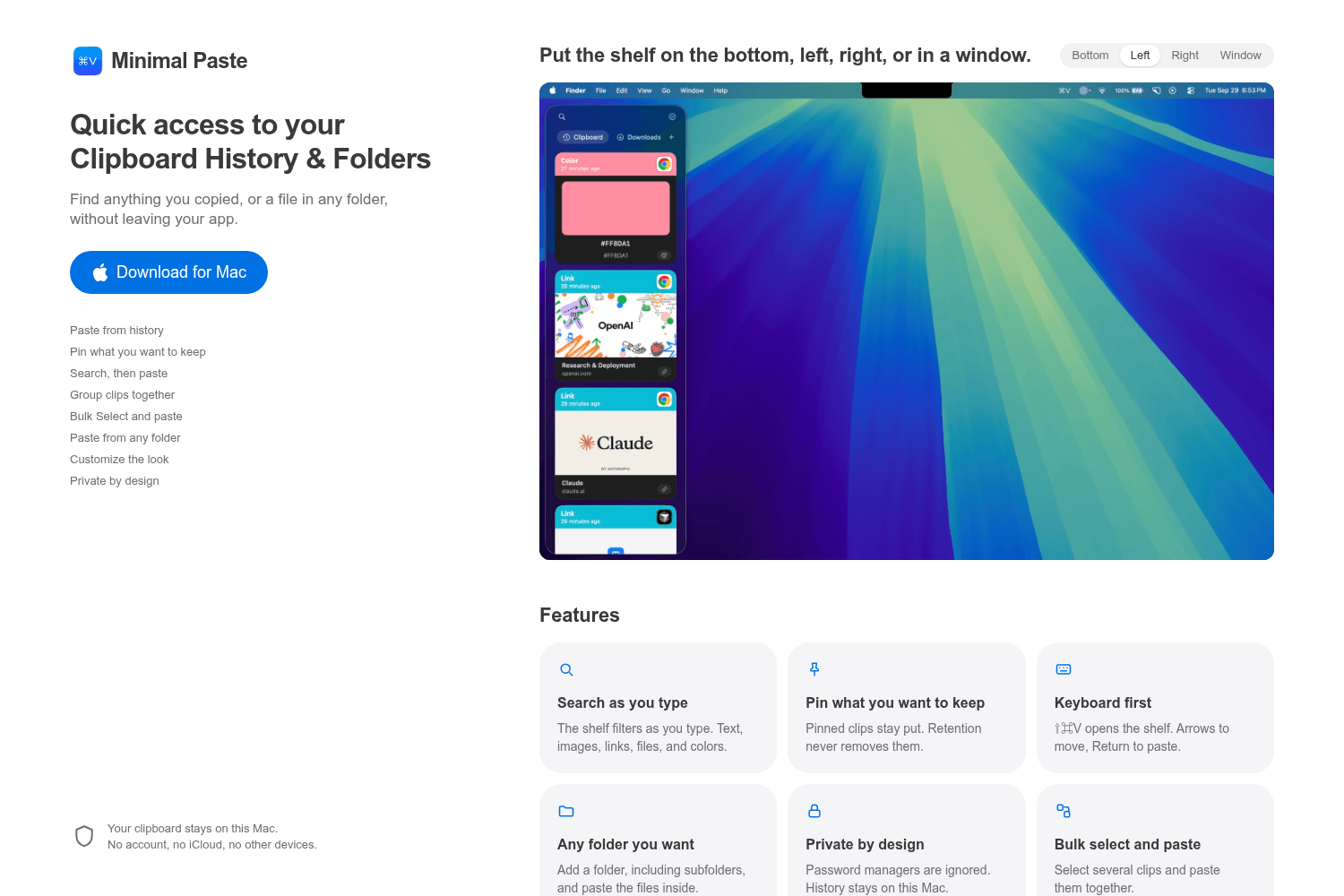
Minimal Paste is a clipboard manager for Mac that allows users to access their clipboard history and...

Lorka AI is an all-in-one platform that aggregates multiple top AI models, allowing users to easily ...
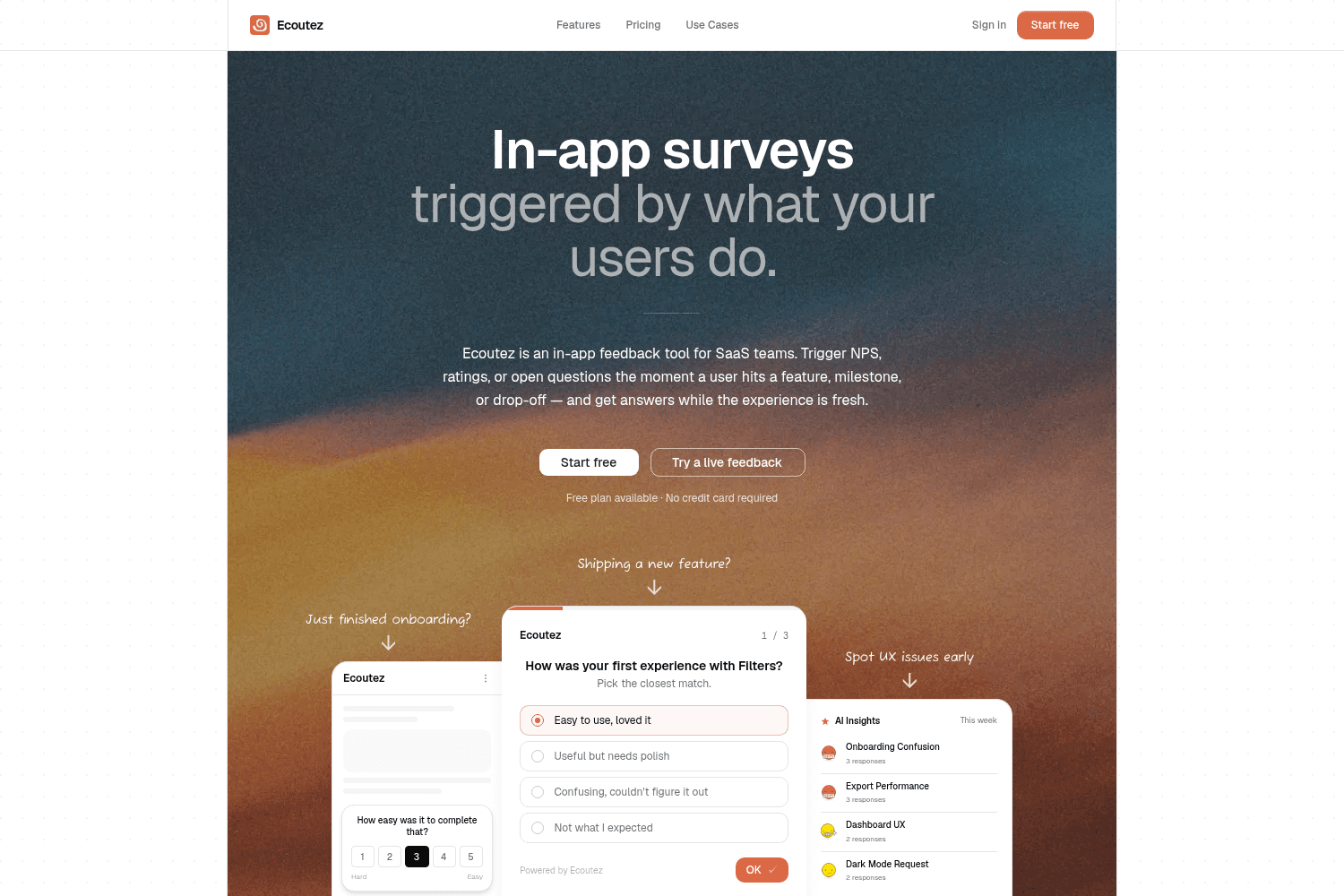
Ecoutez is an in-app feedback tool that helps SaaS teams gather user insights in real-time by trigge...
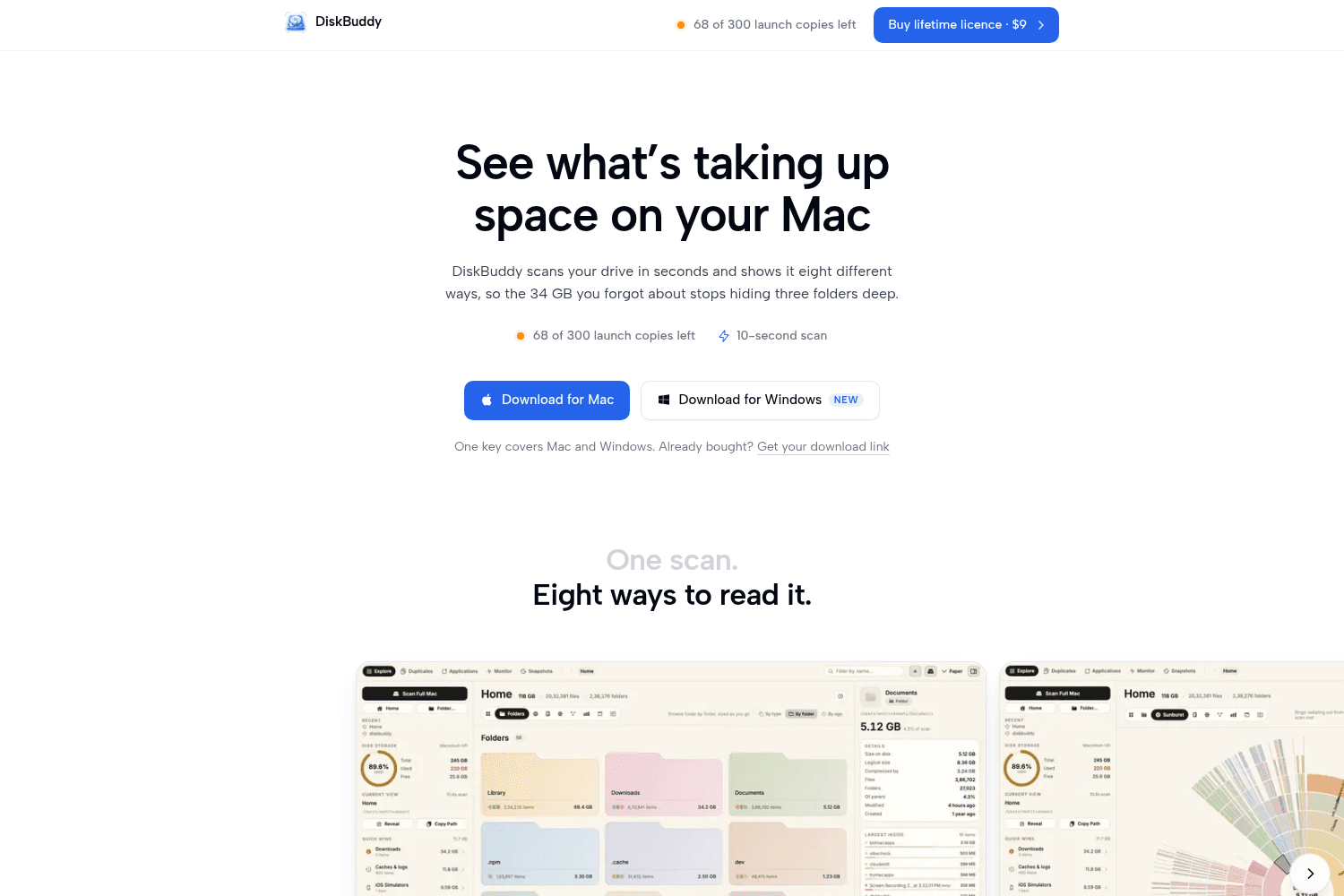
DiskBuddy is a disk space analyzer for Mac and Windows, providing visual representations of file usa...
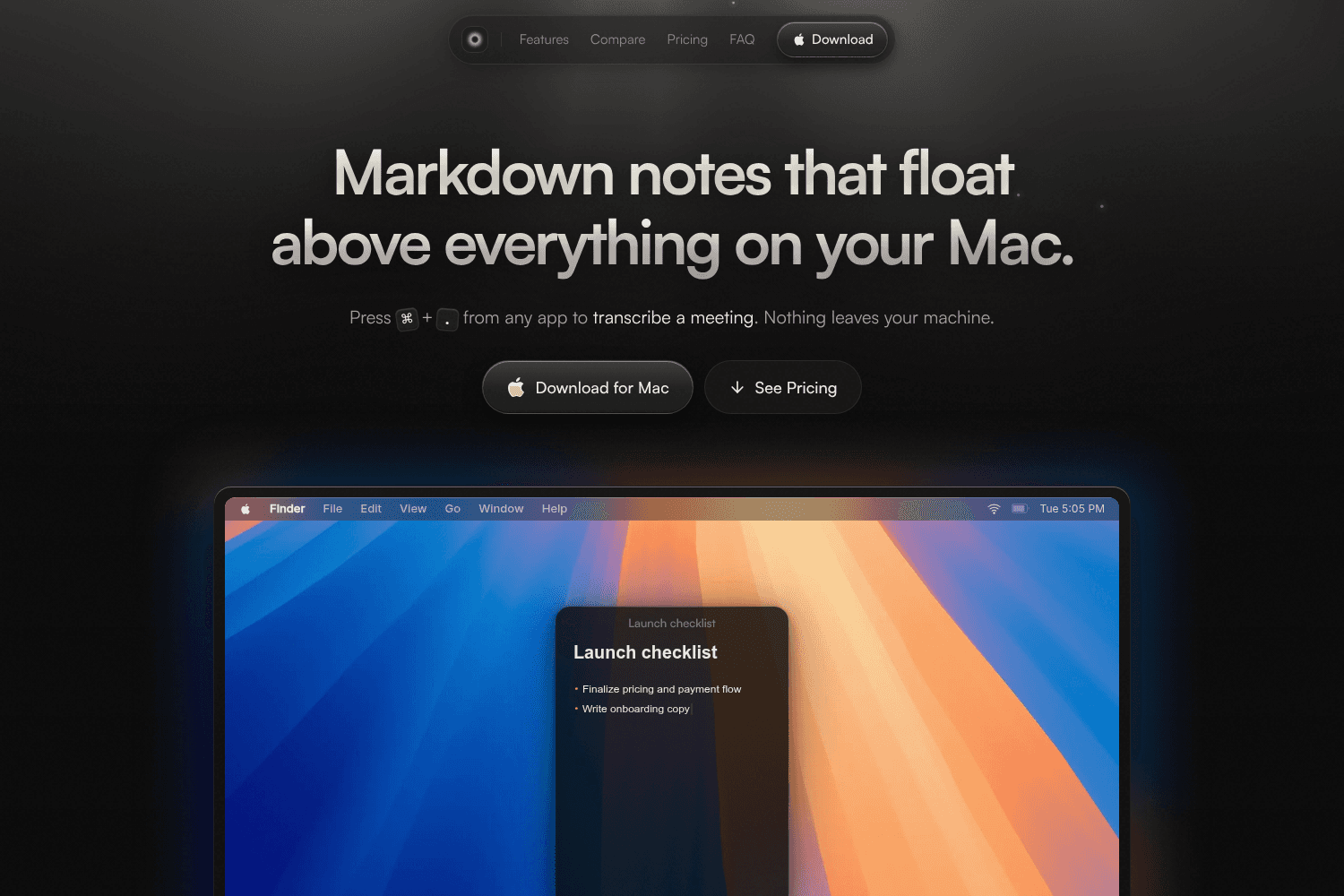
Mote is a floating note-taking app for Mac that stores notes locally without any account or cloud se...