


The best AI browser for most people in 2026 is Comet: free on Mac, Windows, iOS and Android, with Perplexity's assistant and agent built in. Pick Dia for AI that works inside your apps, Aside for hands off agent tasks, and ego(lite) if you want Claude Code or Codex to drive your browser.
Comet, Dia, Aside and ego (lite) on Toolfolio. Updated November 2, 2026.
What is an AI browser, and why the list changed in 2026
An AI browser is a web browser with an AI model built in. The basic version reads the page you are on and answers questions about it. The newer version is an agent: you describe a task ("compare these three hotels", "collect every invoice from these portals") and the browser clicks, types and opens tabs for you, inside the sites you are already logged into.
Three things reshaped this category in 2026:
- OpenAI retired ChatGPT Atlas on August 9, 2026. It no longer receives updates, and OpenAI moved its browser agent into the ChatGPT desktop app and a ChatGPT Chrome extension (details below).
- Agent first browsers arrived. Aside calls itself "the most intelligent AI assistant, but it's a browser", and ego(lite) is built so your coding agents can drive it.
- Local AI landed in a mainstream browser. Opera shipped WebAI in Opera 139 on October 27, 2026, letting websites and extensions use an AI model that runs on your own device.
Best AI browsers at a glance
Prices and platforms come from each browser's own site, checked November 2, 2026.
| Browser | Price | Platforms | Agent that acts for you | Best for |
|---|---|---|---|---|
| Comet | Free; Comet Plus $5/mo | Mac, Windows, iOS, Android | Yes | Most people, AI search and tasks |
| Dia | Free browser; AI from $10/mo | Mac, Windows | Yes, inside connected apps | Work AI across Slack, Gmail, Notion |
| Aside | Free; Pro $20/mo; Max $200/mo | Mac, Windows | Yes, the main feature | Handing off multi step web tasks |
| ego (lite) | Free, no account | Mac; Windows beta | Yes, via your own agent | Claude Code, Codex, Cursor users |
| Opera Neon | Free; Standard $19.90/mo | Mac, Windows | Yes (paid plan) | Model choice and research agents |
| Brave | Free; Leo Premium optional | Windows, Mac, Linux, iOS, Android | No, chat assistant | Private AI with no account |
| Microsoft Edge | Free; higher limits with Microsoft 365 | Windows, Mac, mobile | Copilot built in | People already on Microsoft 365 |
| ChatGPT Atlas | Retired Aug 9, 2026 | None | Moved to ChatGPT app | Not an option anymore |
The best AI browsers, one by one
1. Comet: best AI browser for most people
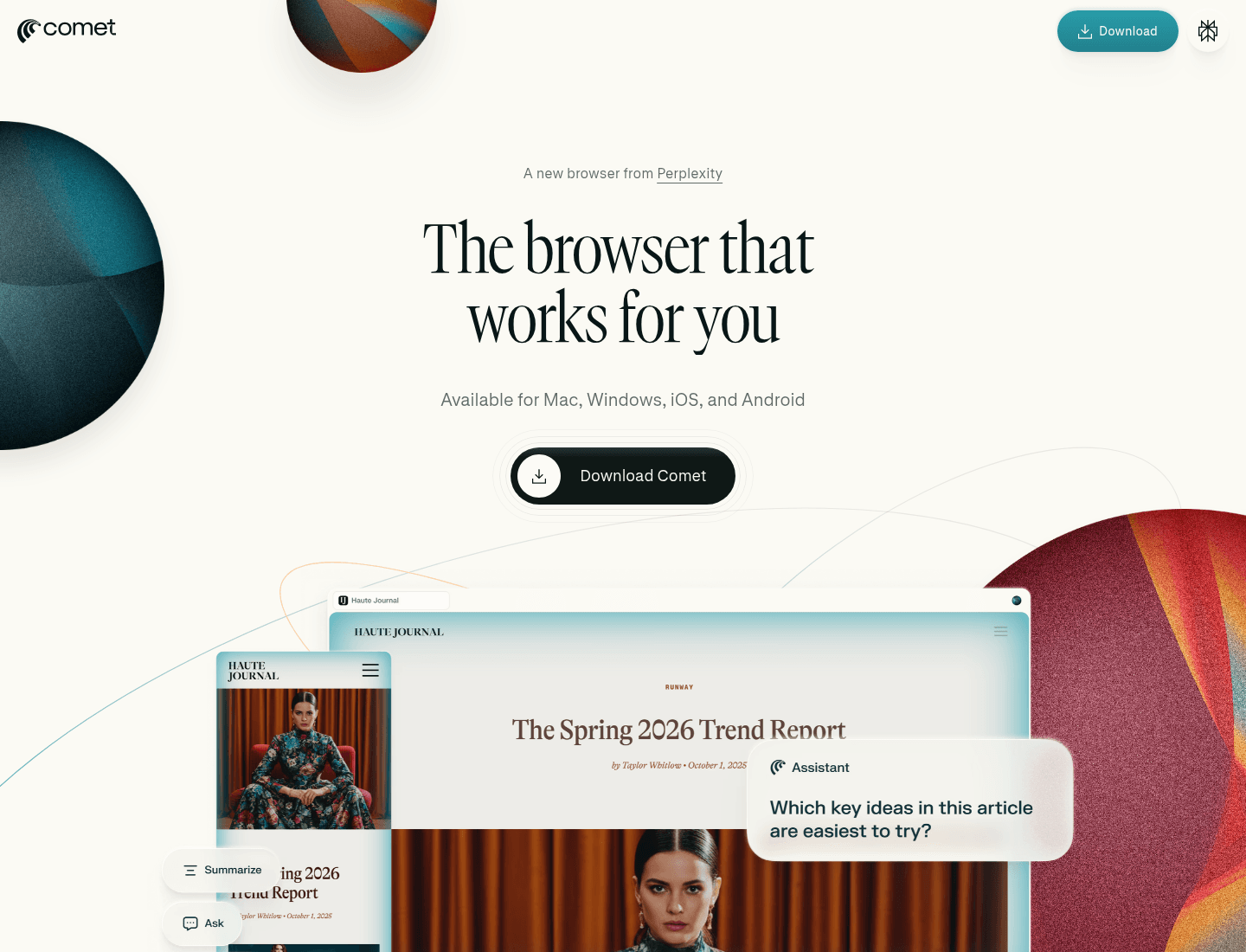
Comet is Perplexity's AI browser. It pairs a normal Chromium browser with the Comet Assistant, which can compare how different news outlets cover a story, draft an email reply that shares your schedule, build a basic website, make a study plan or buy an office chair for you. Perplexity made Comet free for everyone on October 2, 2025, and it now runs on Mac, Windows, iOS and Android, the widest platform list in this roundup.
Comet Plus is an optional $5 a month subscription that adds premium journalism from partner publishers, and it is included with Perplexity Pro and Max. You only need Pro or Max if you hit the free assistant limits or want Perplexity's top models.
What it lacks: heavy agent use still runs into plan limits, and the agent works best on tasks you can watch. If tab organization matters more to you than AI, see our Arc alternatives guide.
2. Dia: best for AI inside your work apps
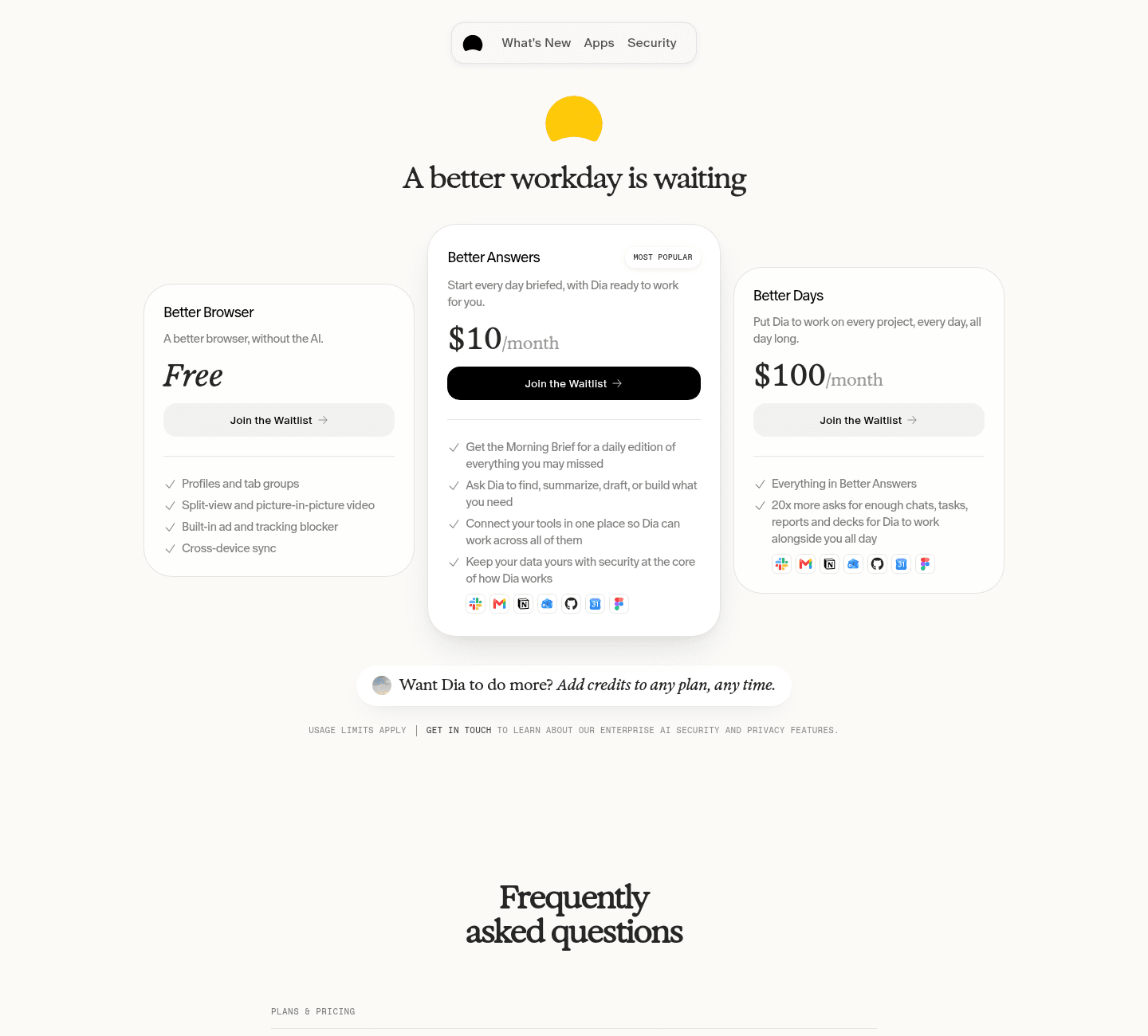
Dia comes from The Browser Company, the team behind Arc. Its AI side connects to the tools you work in (Slack, Gmail, Notion, Outlook, GitHub, Google Calendar and Figma) and can find, summarize, draft and build from that context, plus a Morning Brief to start your day.
The plans, from diabrowser.com/plans:
- Free (Better Browser): profiles and tab groups, split view, picture in picture, ad and tracker blocking and sync. No AI.
- Better Answers, $10 a month: the AI features and app connections.
- Better Days, $100 a month: 20x more asks.
New users get a 14 day Better Days trial with no credit card. When it ends, you choose a paid plan or keep using Dia as a free browser. Usage is measured in Tasks: simple requests use a fraction of one, longer jobs with more tools use more. If you cancel, AI access lasts to the end of the billing cycle. Full breakdown in is Dia browser free.
New in the last two weeks:
- Dia 1.54 for Mac (October 22, 2026): faster Chat starts, a Cmd+Shift+D shortcut to pin tabs to Favorites, and an upgrade to Chromium M156 that adopts Chrome's Perplexity search integration.
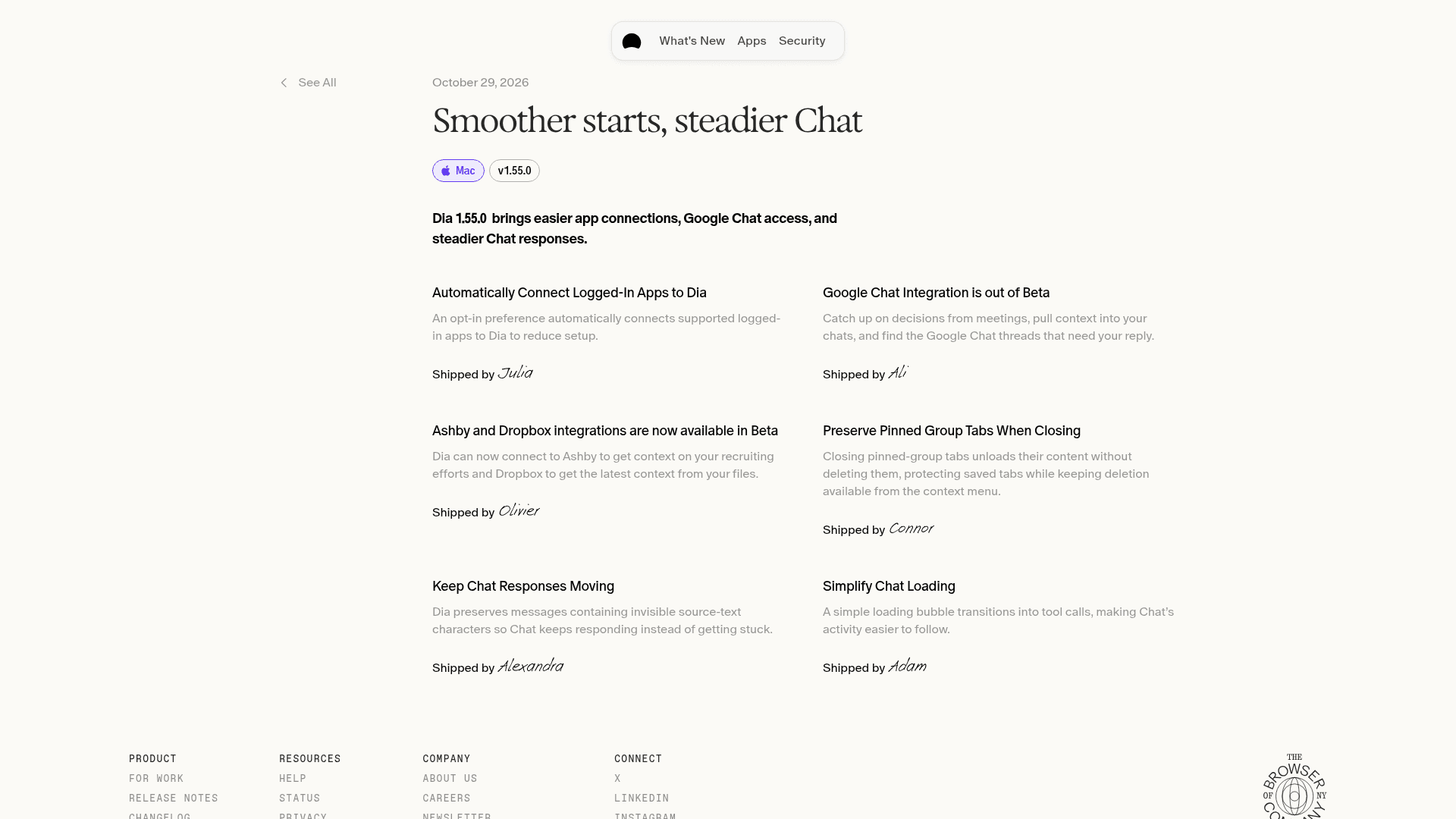
- Dia 1.55 for Mac (October 29, 2026): an opt in setting that automatically connects apps you are logged into, Google Chat integration out of beta, Ashby and Dropbox integrations in beta, and steadier Chat responses.
- Dia 1.4.0 for Windows (October 29, 2026): startup progress, remembered window size and tab hover previews.
What it lacks: the AI is not free after the trial, and there is no Linux or mobile browser.
3. Aside: best for handing off whole tasks
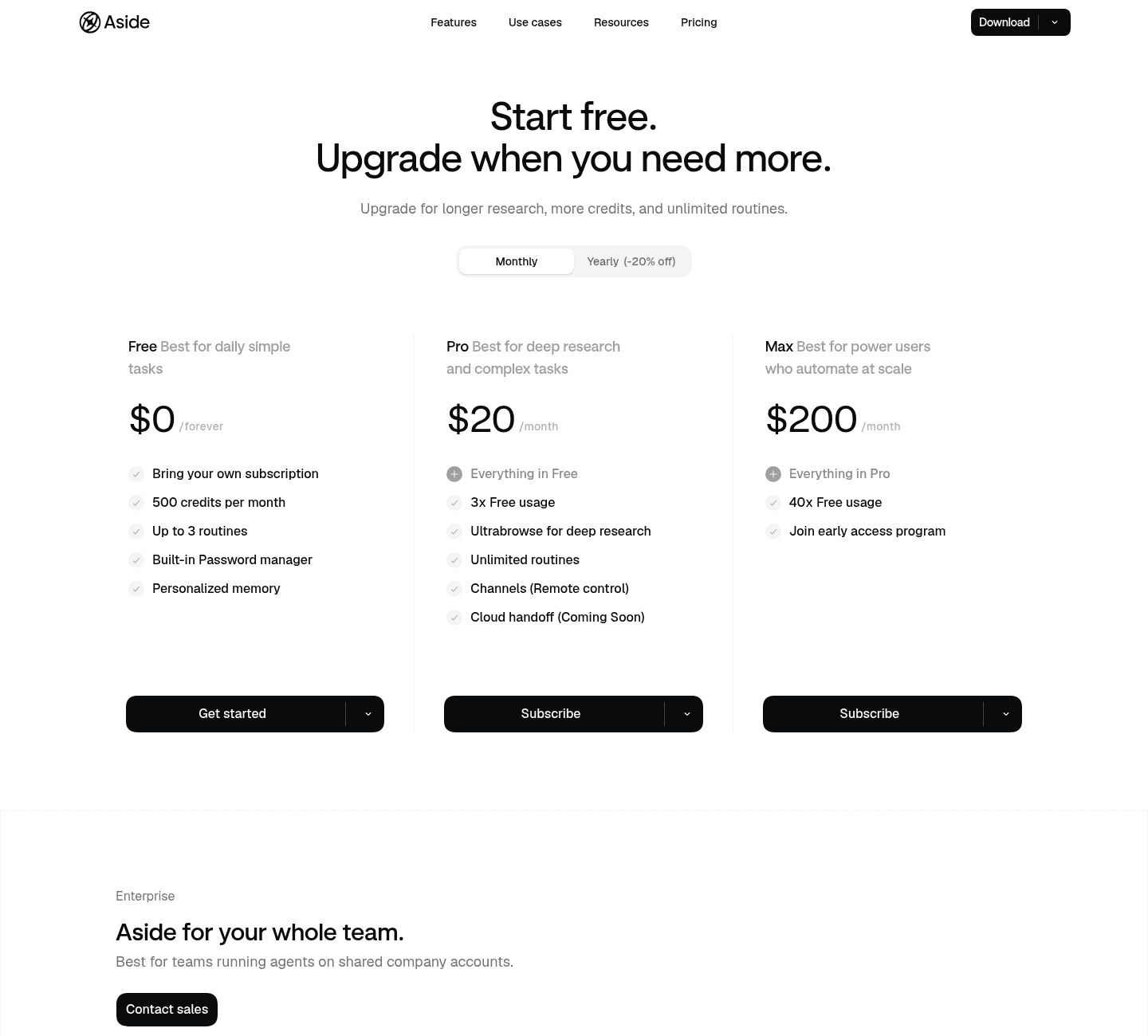
Aside is a Y Combinator backed AI browser for macOS and Windows that treats the agent as the product. You sign in to the sites you use, then ask it to do research, answer messages or work in spreadsheets, and it operates those sites directly, with no separate integrations to set up. Routines let you rerun a task on a schedule.
Pricing from aside.com/pricing:
- Free, $0 forever: bring your own AI subscription, 500 credits a month, up to 3 routines, a built in password manager and personalized memory.
- Pro, $20 a month: 3x the free usage, Ultrabrowse deep research, unlimited routines and Channels (remote control), with cloud handoff listed as coming soon.
- Max, $200 a month: 40x the free usage and early access.
Yearly billing takes 20% off. Aside's site claims first place on web agent benchmarks such as Online Mind2Web and BU Bench V1. Those are the company's own claims, so treat them as marketing until independent tests agree.
What it lacks: only macOS and Windows are listed (no mobile version), and the free tier is capped by credits, so long research runs push you to Pro.
4. ego (lite): the browser your coding agents can drive
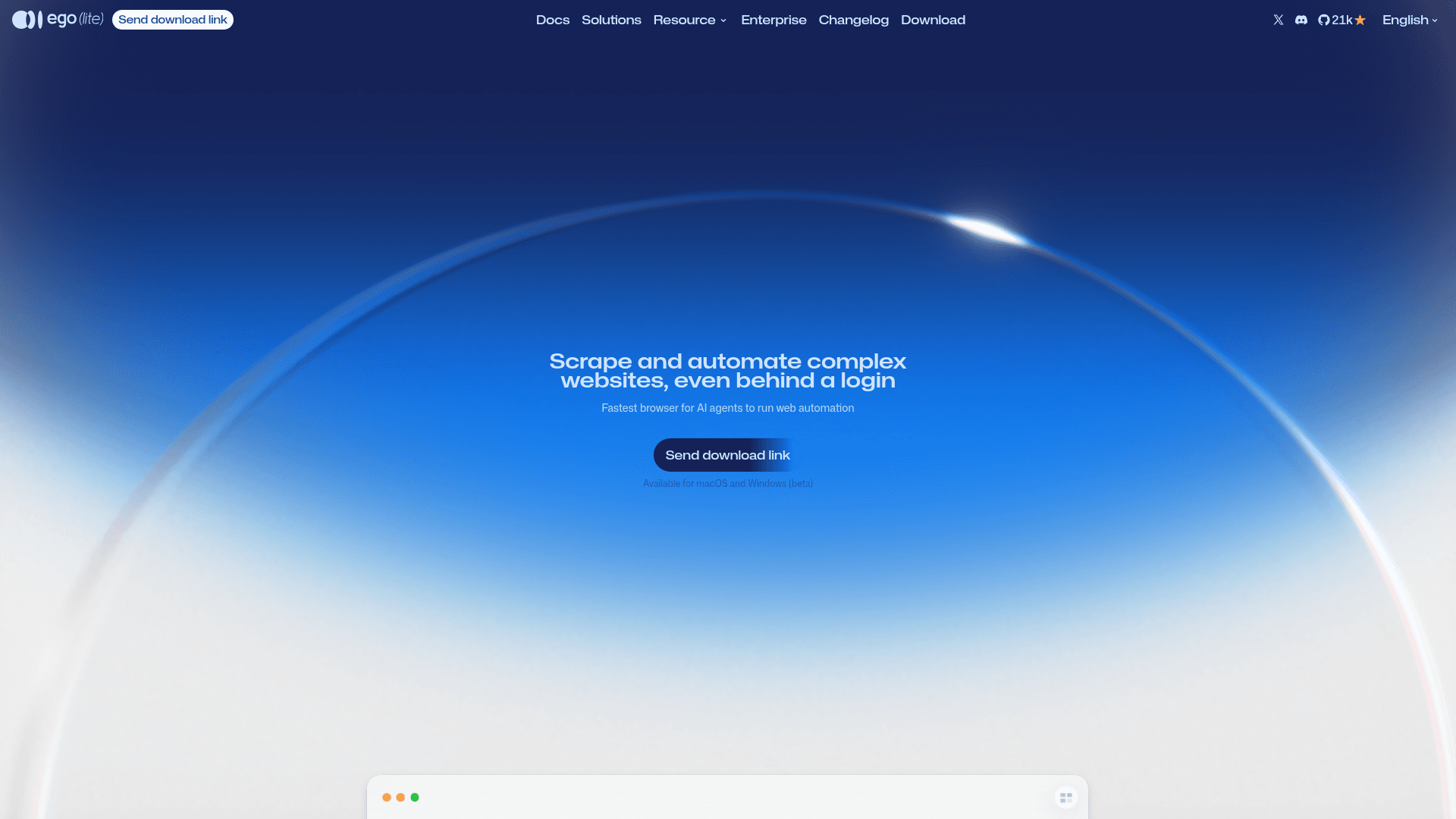
ego (lite) is a different take on the AI browser. It has no built in chatbot to pay for. Instead it is a free Chromium browser that your existing AI agent (Claude Code, Codex, Cursor, Gemini CLI, OpenClaw and others) can drive through a skill called ego-browser. The agent works in its own Space, so it does not grab your mouse or your tabs, and it inherits the logins you imported from Chrome in one click.
According to lite.ego.app, ego(lite) is completely free, needs no account or sign in, runs on Intel and Apple silicon Macs with a Windows beta, and keeps bookmarks, passwords and cookies on your computer. Its own benchmark puts it ahead of agent-browser, Browser Harness, Playwright CLI and Chrome DevTools CLI on speed, success rate and cost per task. Again, that is a vendor benchmark.
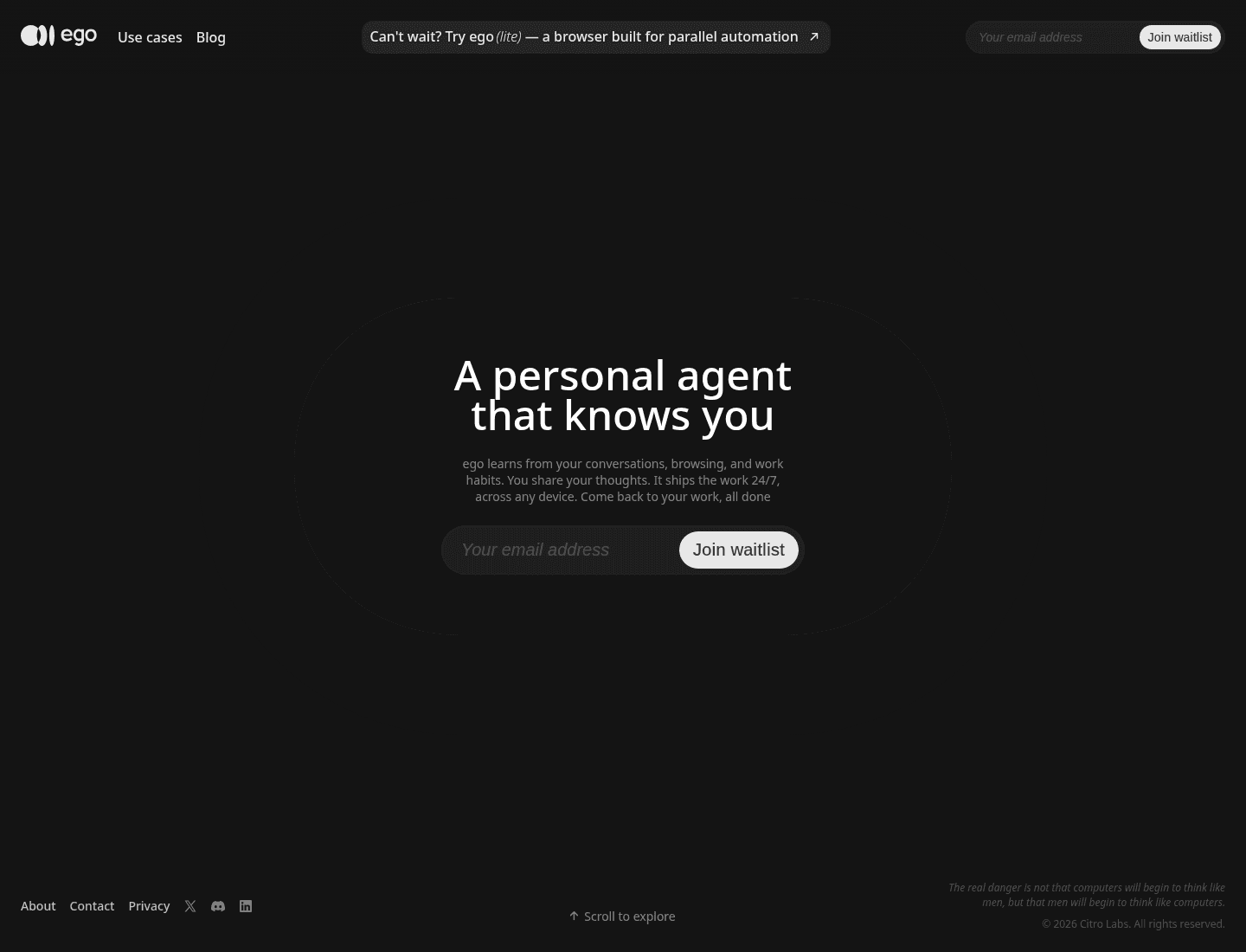
The full ego product, a personal agent across your browser, desktop and phone, is still waitlist only and launches on macOS first.
What it lacks: you need an agent of your own and you pay that model provider, and page content the agent reads goes to whichever model you chose. If you want a browser automation tool rather than a daily browser, compare it with agent-browser.
5. Opera Neon: most models in one agentic browser
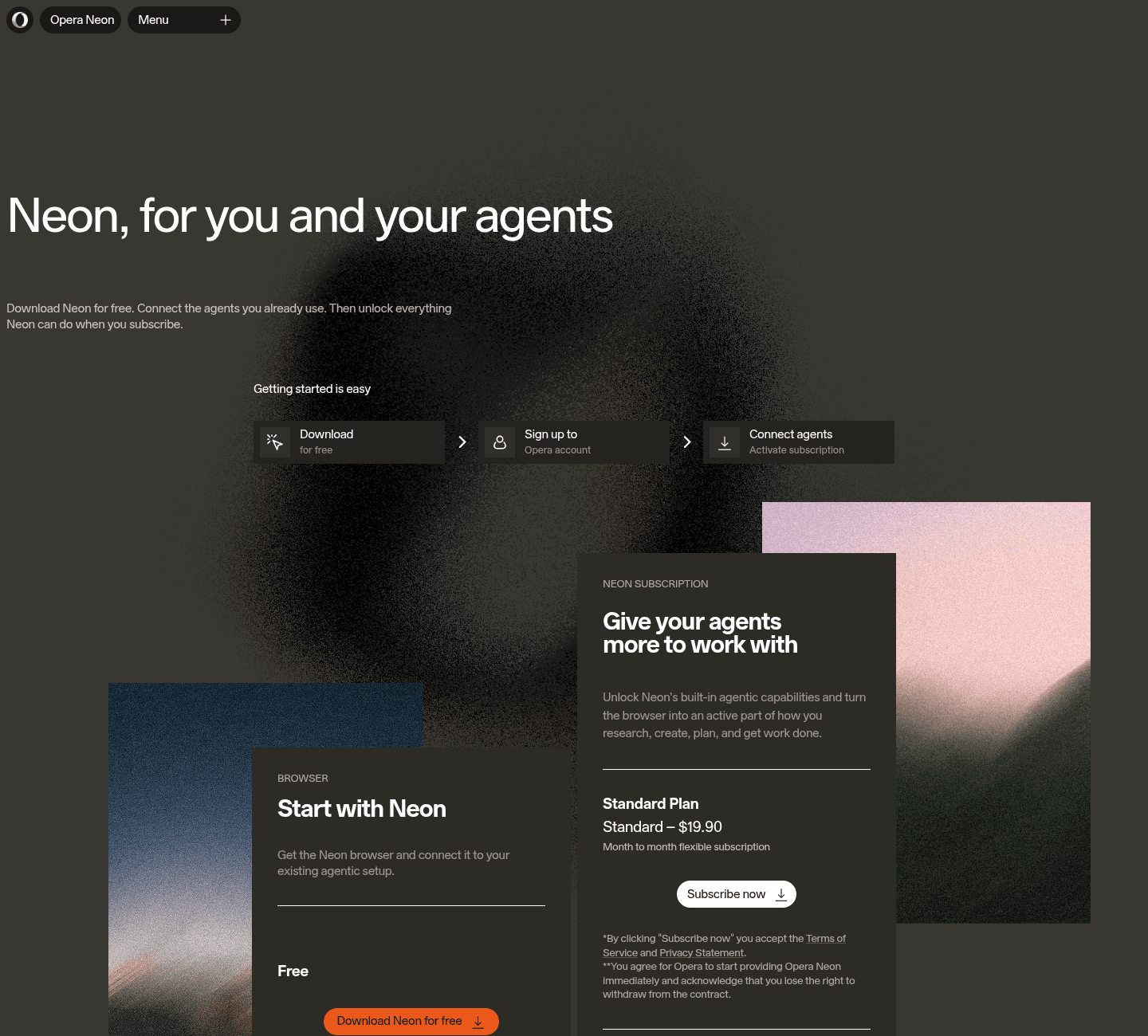
Opera Neon is free to download for Windows and macOS, with an ad blocker, free VPN, AI chat and a browser CLI and MCP connector so you can plug in agents like Claude Code. The Standard plan at $19.90 a month unlocks Neon Do (the agent that acts on pages), deep research, image and video generation, scheduled tasks and a model lineup that, per Opera's FAQ, includes GPT, Claude, Gemini, Grok, DeepSeek and Qwen. An Opera account is required before you subscribe. Opera says your login credentials, passwords, card details and cookies stay on your device and are never sent to third party servers, including Opera's.
What it lacks: the agent is behind the paid plan, and chats are kept on Opera's servers for 365 days.
6. Brave with Leo: private AI, no account
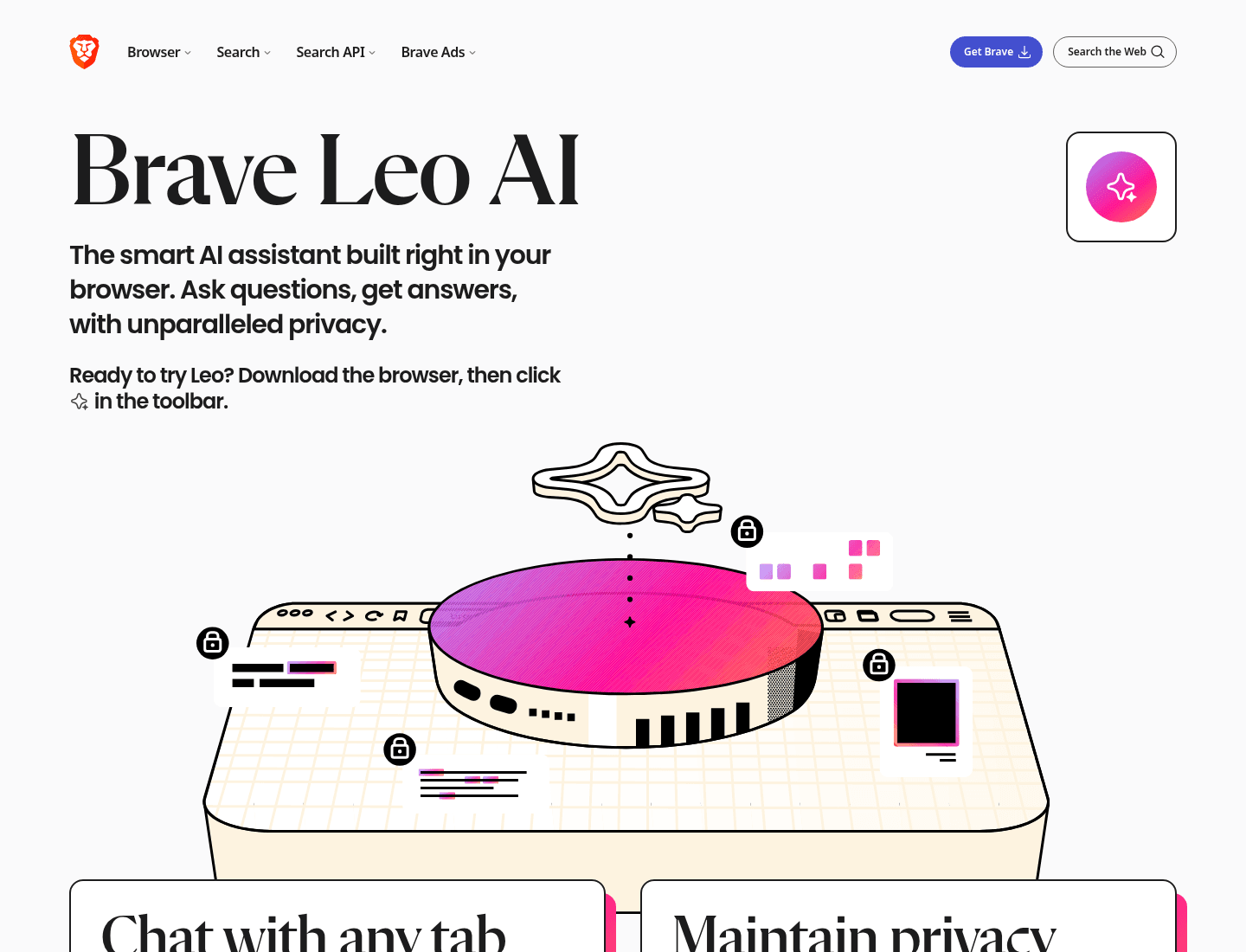
Brave is not an agent browser, but its Leo assistant is free, needs no account or login, and Brave says it does not retain chats or use them for training. You can also bring your own model, local or remote. Leo Premium adds more models and higher limits.
What it lacks: Leo answers and summarizes; it does not run multi step tasks for you.
7. Microsoft Edge with Copilot
Edge has Copilot built in, with Journeys (your browsing grouped into topics), multi tab context and Vision. It is free with usage limits; Microsoft 365 subscribers get higher limits and agent features. Edge has no Toolfolio page yet, so this is a plain mention: it suits people who already live in Microsoft 365.
What replaced ChatGPT Atlas?
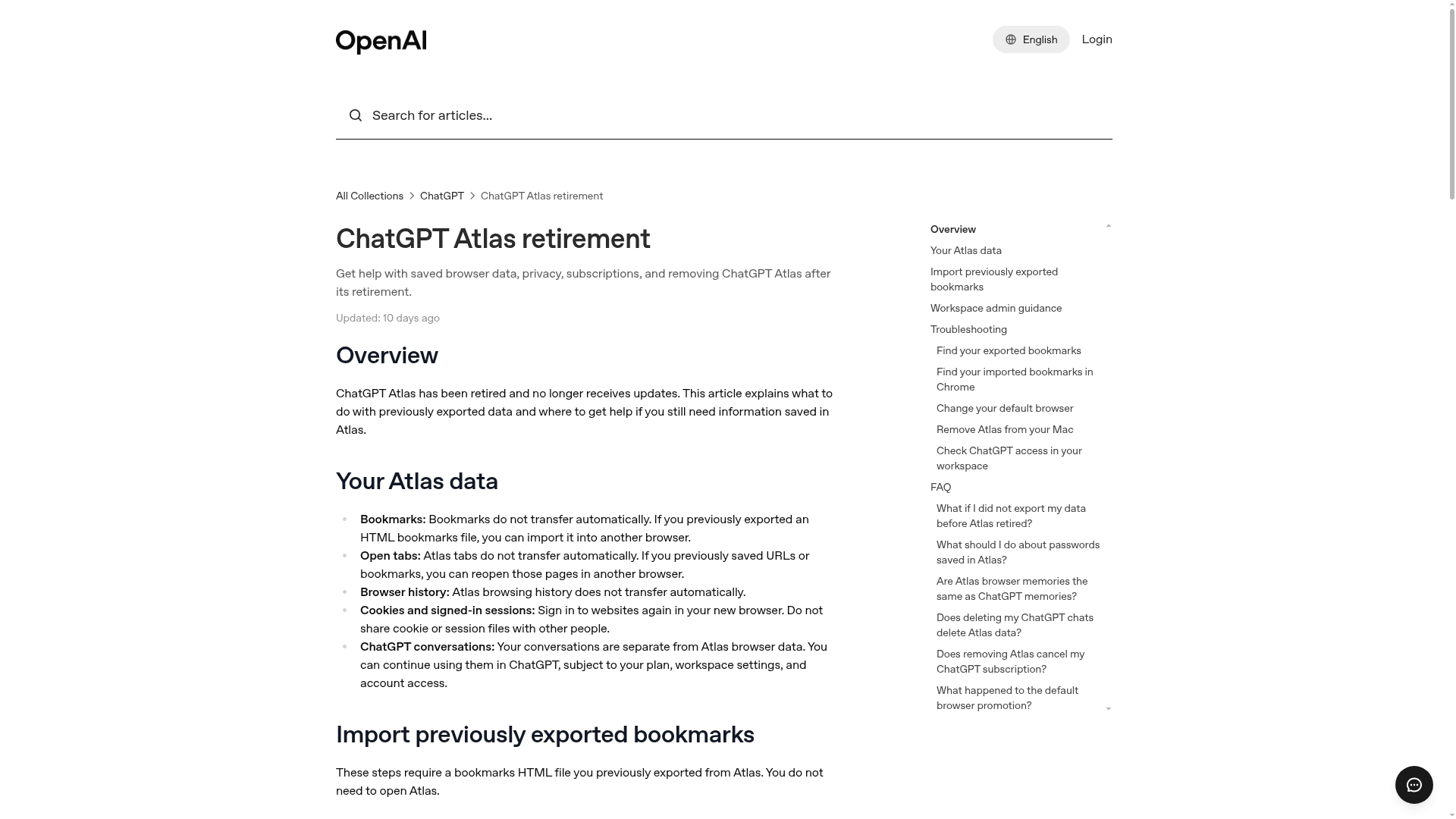
ChatGPT Atlas, OpenAI's Mac browser launched in October 2025, is gone. OpenAI announced the shutdown on July 9, 2026, Atlas stopped working on August 9, 2026, and OpenAI's help center now says it "has been retired and no longer receives updates." ChatGPT Atlas on Toolfolio is marked as retired.
OpenAI did not drop browser agents. It split them in two:
- The ChatGPT desktop app now has a built in browser that can open sites, log into accounts, download files and interact with pages, plus a cloud browser on OpenAI's servers where agents finish tasks for you.
- A ChatGPT extension for Chrome reads the page you are on, answers questions, summarizes and can start longer tasks.
If you still have Atlas installed: bookmarks, tabs and history do not transfer automatically. Import a previously exported HTML bookmarks file into Chrome, sign back into your sites, and note that deleting ChatGPT chats does not delete Atlas data and removing Atlas does not cancel your ChatGPT subscription.
For a standalone AI browser instead, Comet is the closest match to what Atlas offered. Our older pieces, what is ChatGPT Atlas and ChatGPT Atlas vs Perplexity Comet, were written while Atlas was live in 2025 and are kept for reference.
Opera WebAI: local AI is coming to the browser
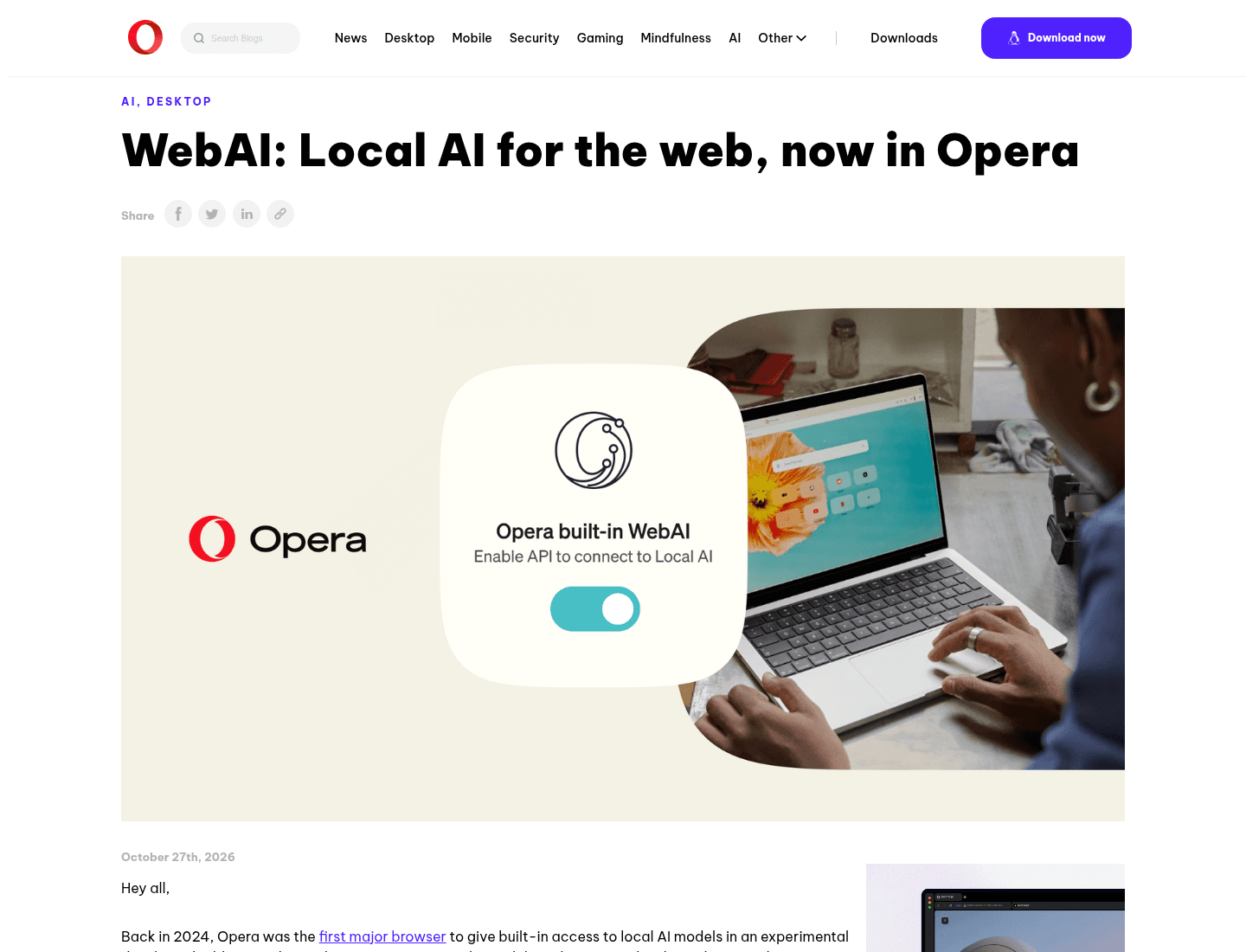
On October 27, 2026, Opera launched WebAI in Opera 139 as an early preview across Opera One, Opera GX and Opera Neon. WebAI lets websites and extensions use an AI model running on your own device instead of the cloud, through Prompt, Decision and Semantic Embeddings APIs. Opera describes it as a proposed web standard backed by companies including Google and Microsoft.
It is opt in: go to Settings, then Opera AI, then turn on Enable Web AI API, which downloads a local model. It works on 64 bit Windows (Intel or AMD) and Apple silicon Macs, not Intel Macs, Linux or Windows on Arm. Opera published six experimental extensions as examples, such as Project Lens, which highlights the paragraphs that matter to your project.
Why it matters for agents: local models mean page content does not have to leave your device for simple tasks, which is the main privacy worry with cloud AI browsers.
Which AI browser should you pick?
- You want one free AI browser everywhere: Comet.
- You want AI that knows your Slack, Gmail and Notion: Dia (Better Answers, $10 a month).
- You want to hand off whole web tasks and walk away: Aside.
- You already use Claude Code, Codex or Cursor: ego(lite), free with no account.
- You want to choose between many models and research agents: Opera Neon.
- You want AI help without an account or data retention: Brave with Leo.
- You were on ChatGPT Atlas: the ChatGPT desktop app or Chrome extension, or Comet for a full browser.
- You want an Arc style sidebar more than AI: see the best Arc alternatives, Ardia or Crest. Safari fans can read why Orion for Windows is cancelled and look at Orion on Mac.
Are AI browsers safe?
AI browsers see far more than a normal browser: the pages you read, and for agents, the accounts you are logged into. A few habits keep the risk down:
- Watch agents on sensitive sites. Pages can contain hidden text written to steer an AI (prompt injection), so do not leave an agent alone in your bank or email.
- Check where data goes. Opera says Neon keeps credentials and payment details on your device; ego(lite) stores browser data locally but sends page content to the model you chose; Brave says Leo does not retain chats.
- Approve payments and sends yourself. If your agent can ask before it buys, sends or submits, keep that on.
- Prefer local AI where it works. Opera's WebAI keeps simple tasks on your device.
FAQ
Is there any AI browser?
Yes, several. Comet, Dia, Aside, ego(lite) and Opera Neon are browsers built around AI, and Brave and Microsoft Edge add an AI assistant to a traditional browser.
What is the best AI browser right now?
For most people, Comet: it is free and runs on Mac, Windows, iOS and Android. Dia is better for work apps, Aside for delegating tasks, and ego(lite) for people who already use a coding agent.
Is the AI browser safe?
Reasonably, if you supervise it. The risks are what the AI can see and do while you are logged in. Watch agents on sensitive sites, approve payments yourself, and read each browser's data policy.
Is the Comet browser free?
Yes. Perplexity made Comet free for everyone on October 2, 2025. Comet Plus, a $5 a month add on for premium publisher content, is optional and included with Perplexity Pro and Max.
What is the Comet browser?
Comet is Perplexity's Chromium based AI browser. Its assistant can compare how news outlets cover a story, draft email replies, build a basic website or shop for you, on Mac, Windows, iOS and Android.
Is Comet a better browser than Google Chrome?
For AI tasks, yes, because the assistant and agent are built in. For pure browsing, both use Chromium, so speed and extension support are similar. Chrome users can also add AI with Google's Gemini or the ChatGPT Chrome extension.
Is Comet a legit browser?
Yes. Comet is made by Perplexity AI and is listed on Apple's App Store, Google Play and the Microsoft Store. Download it only from perplexity.ai/comet or those official stores.
Does ChatGPT have its own browser?
Not anymore. ChatGPT Atlas was retired on August 9, 2026. ChatGPT's browsing agent now lives in the ChatGPT desktop app's built in browser and in a ChatGPT extension for Chrome.
What is the best free AI browser?
Comet for a full AI assistant, ego(lite) if you bring your own agent (free with no account), and Brave with Leo for private chat with no sign up. Dia's browser is free, but its AI needs a paid plan after the 14 day trial.
What is the best AI browser for Windows?
Comet, Dia, Aside, Opera Neon and Edge all run on Windows. ego(lite) for Windows is in beta, and Orion for Windows has been cancelled.
Prices, platforms and plans were checked on each browser's official site on November 2, 2026 and can change. Toolfolio is not affiliated with any of these browsers.