







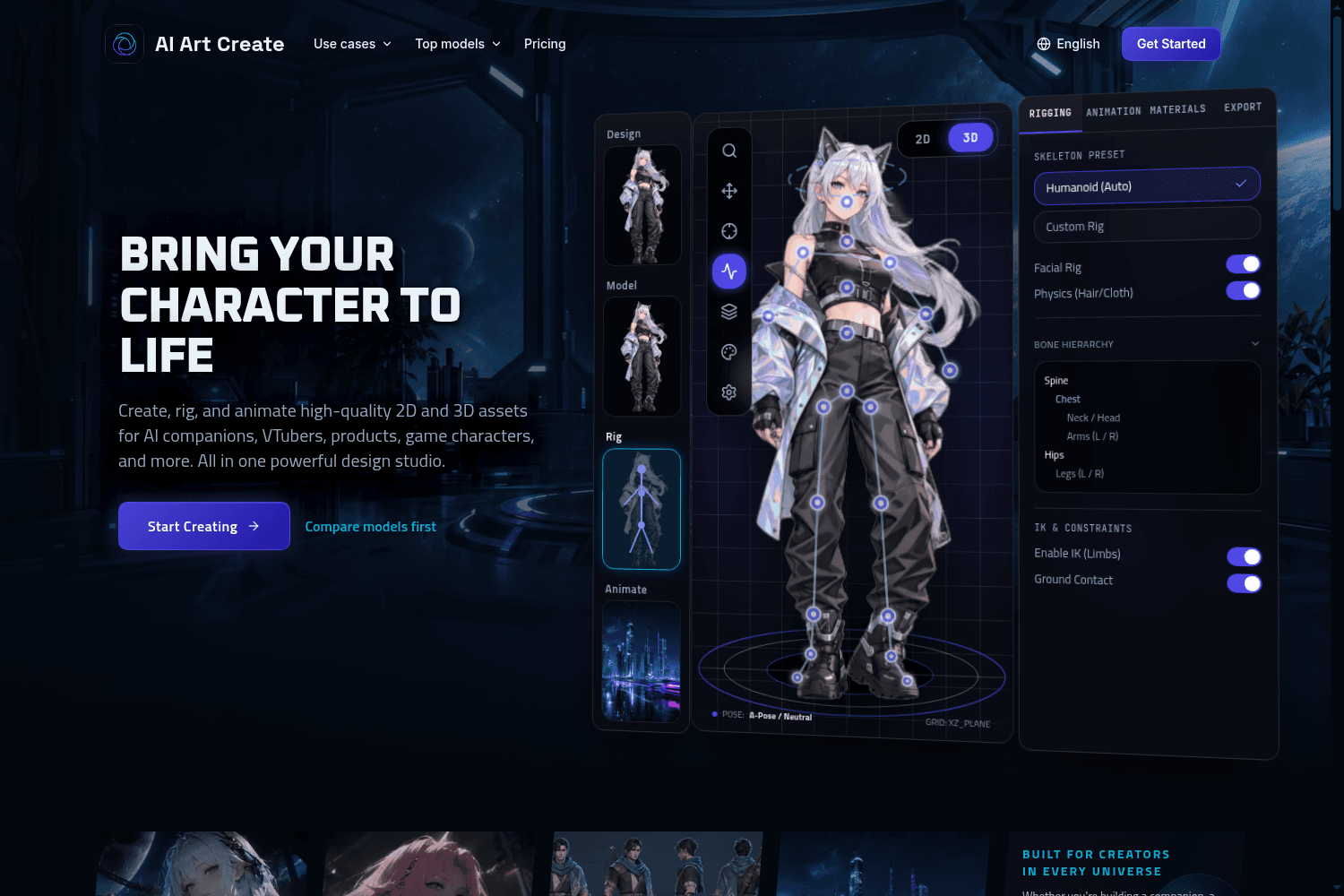
AI Art Create is a versatile AI asset studio specifically designed to generate character assets, com...
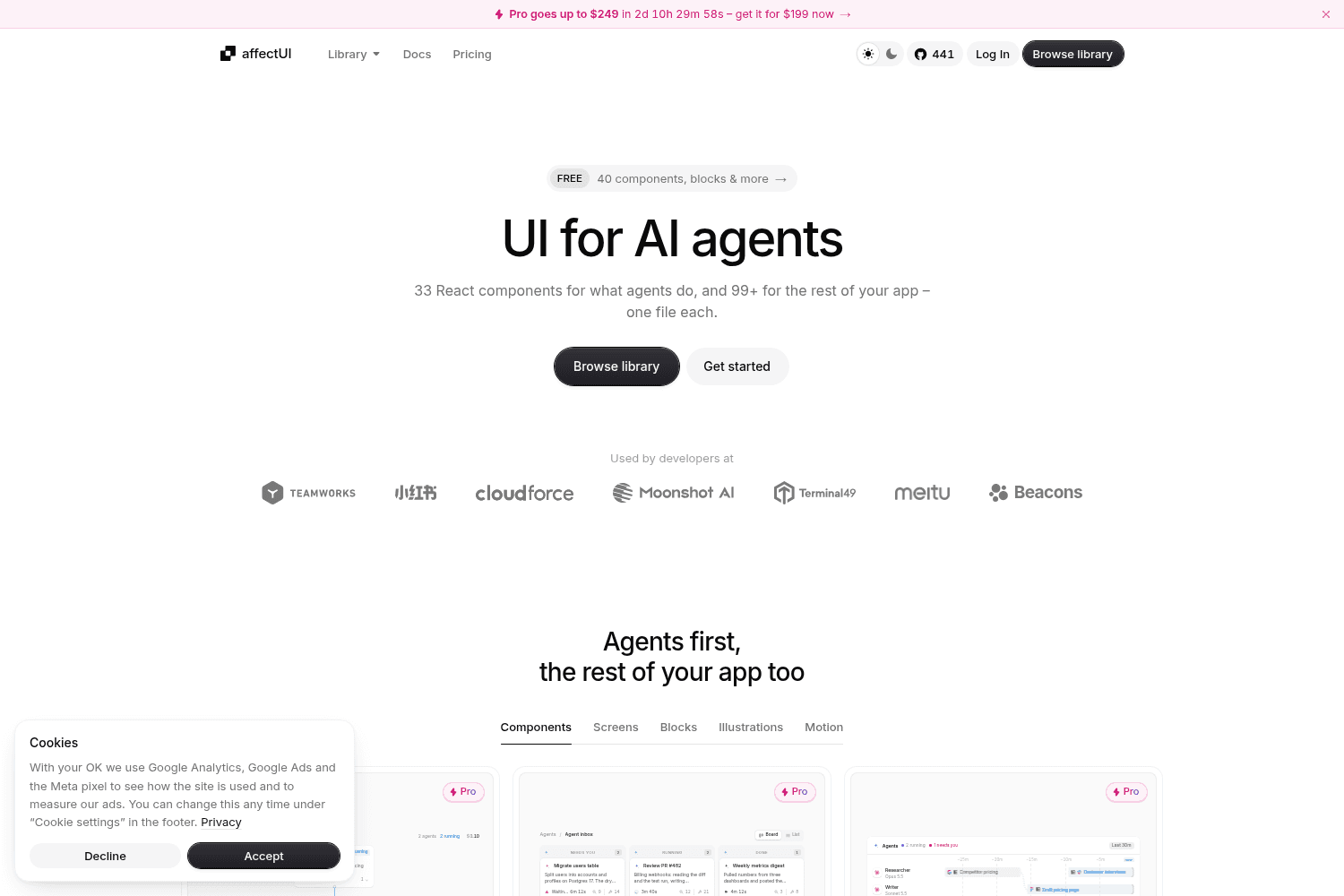
affectUI is a library of hand-designed React components designed specifically for AI applications. I...
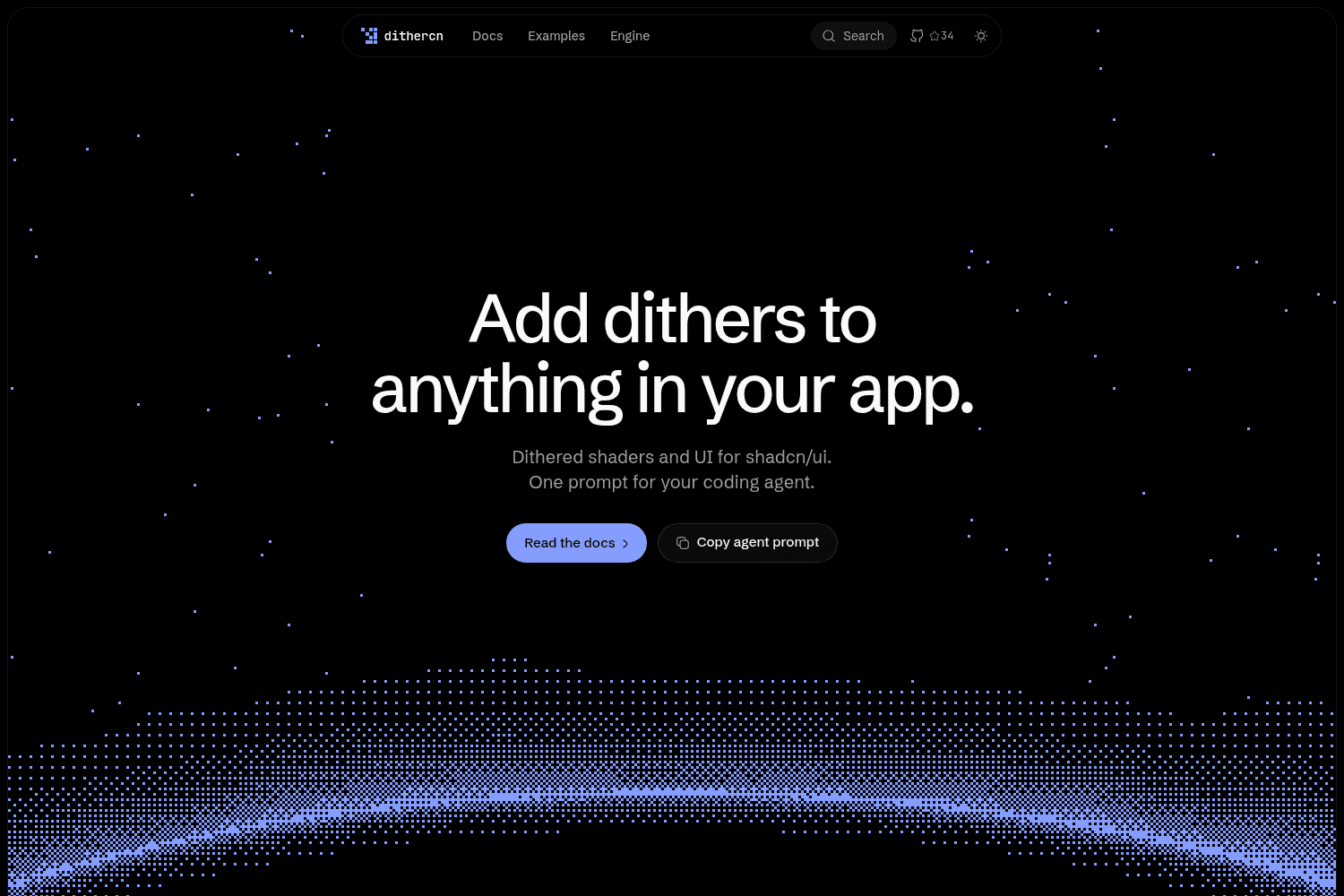
dithercn is an open-source dither engine designed for use in shadcn/ui projects, enabling developers...
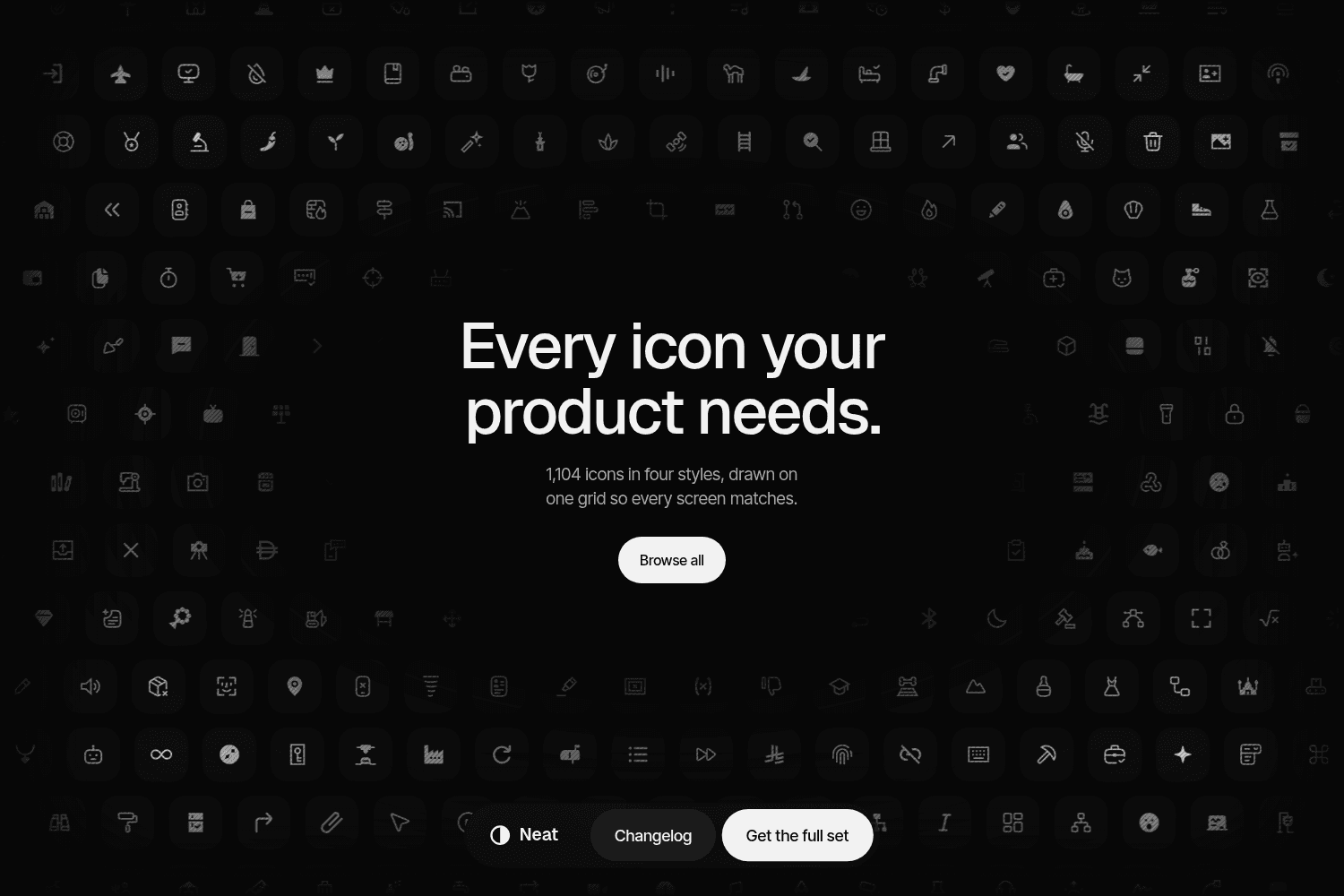
Neat Icons offers a comprehensive set of 1,104 icons designed for seamless integration into various ...
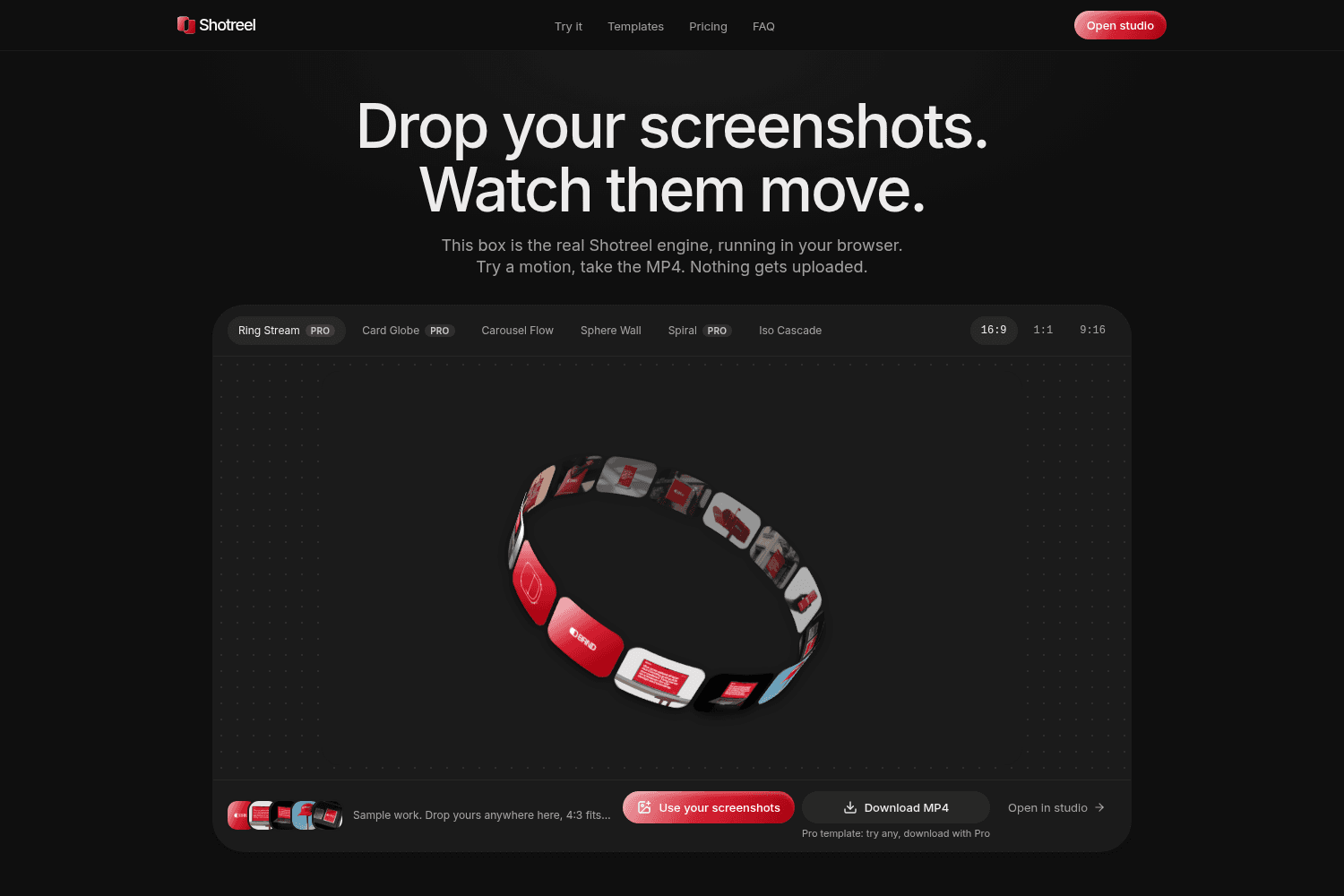
Shotreel is a powerful tool for creating animated presentations by transforming static screenshots i...
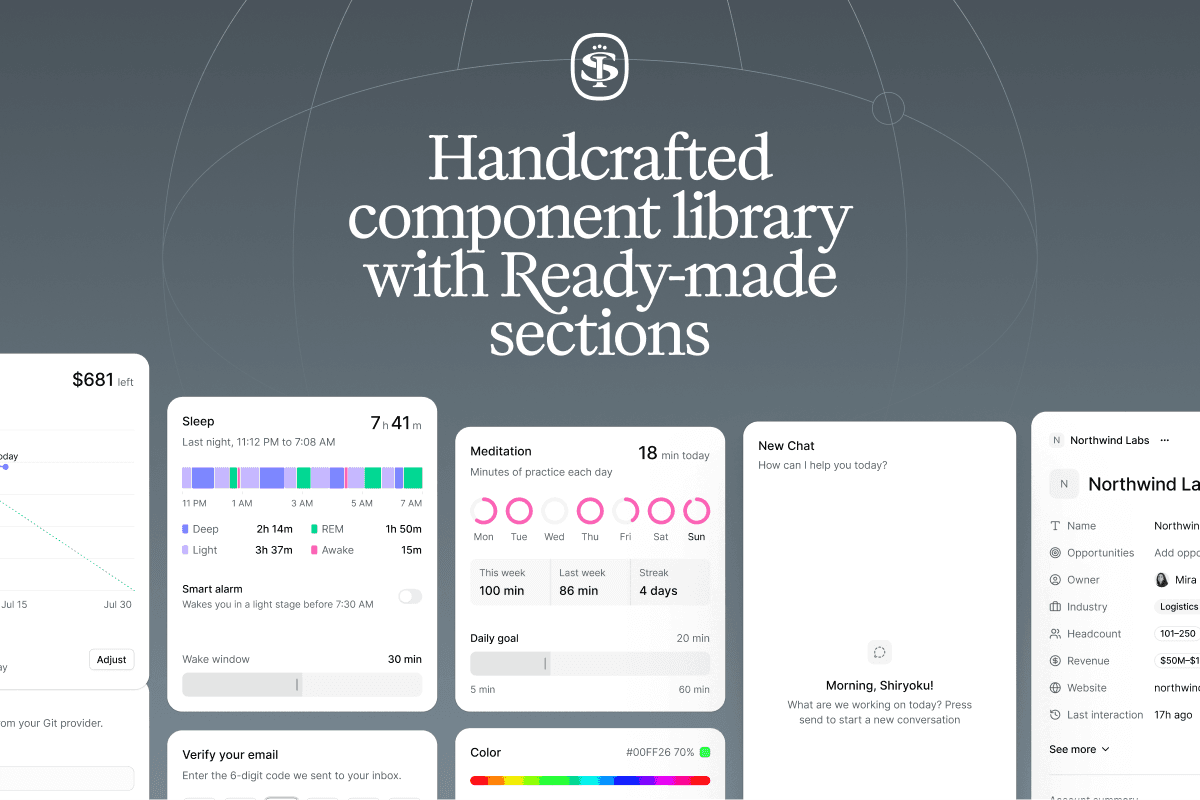
Sort UI is a Figma UI kit and React component library built on shadcn/ui, offering thousands of comp...
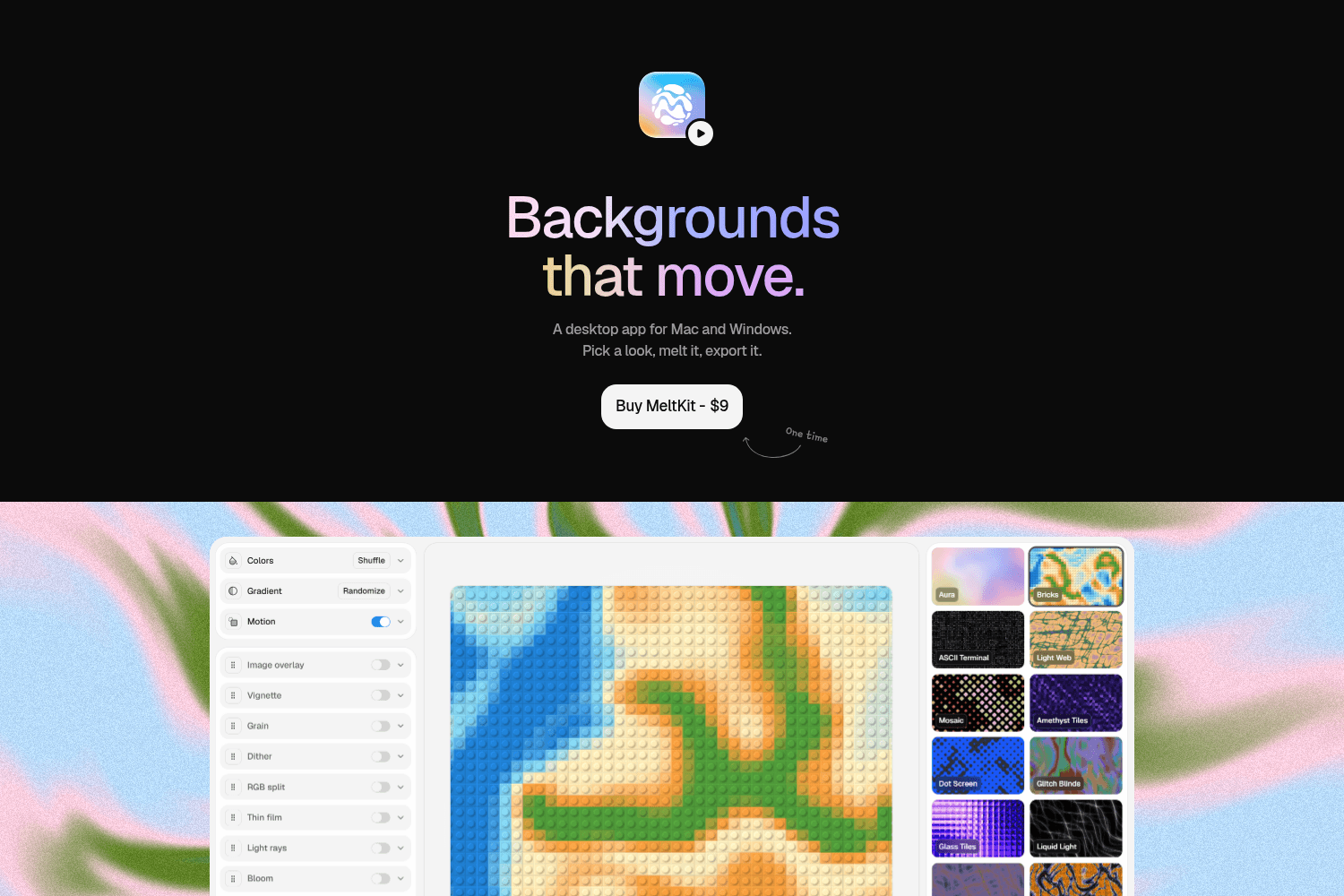
MeltKit is a desktop app for creating and exporting dynamic animated backgrounds for both Mac and Wi...
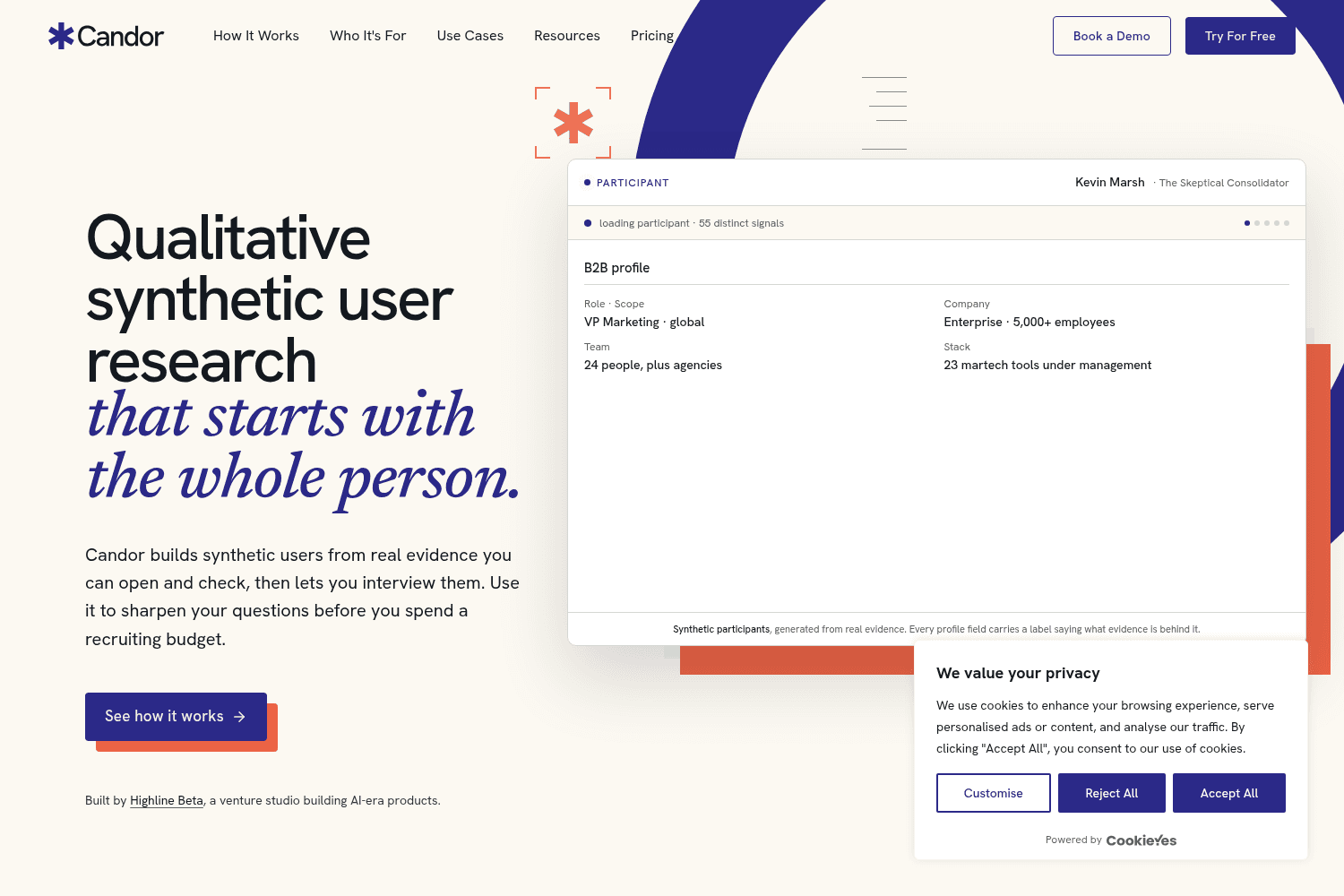
Candor is a qualitative research tool that helps product teams create synthetic users from real data...
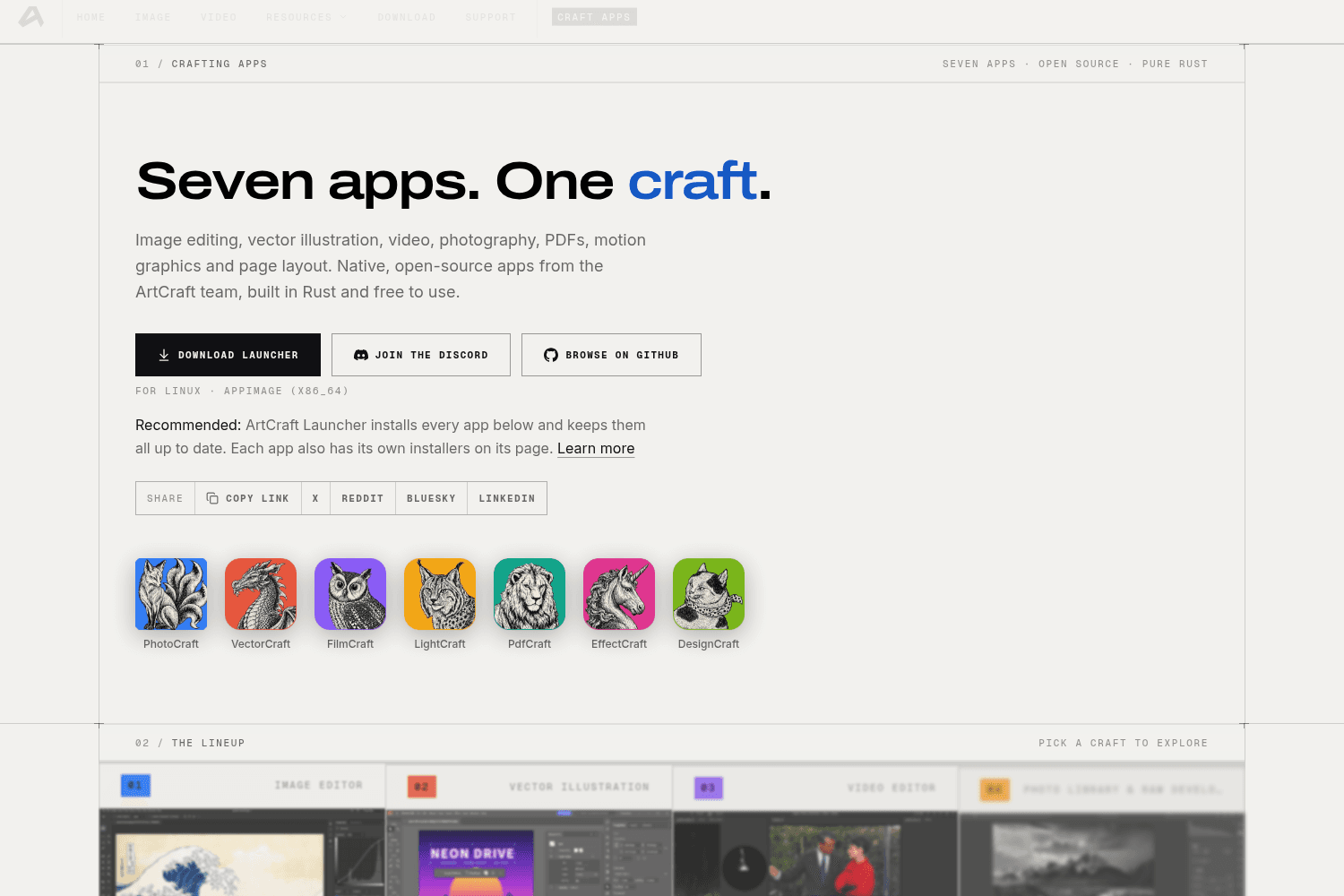
ArtCraft is an open-source suite of creative applications designed for image editing, vector illustr...
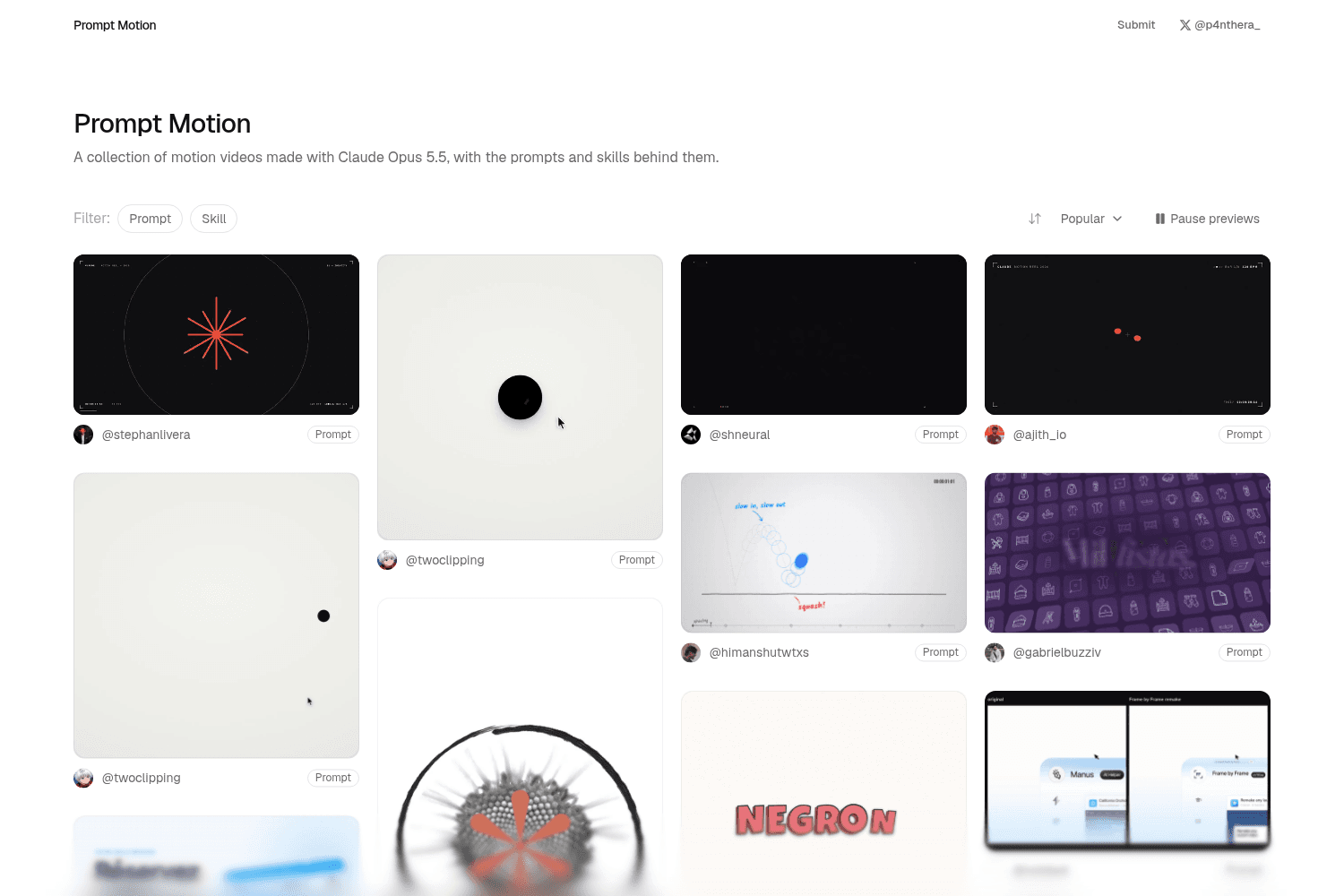
Prompt Motion is a curated platform showcasing a diverse collection of motion videos created using A...
Graphical UI offers a comprehensive tool for designing custom themes for applications, allowing user...

Appllama is a comprehensive platform that curates and showcases designs from top-grossing iOS apps, ...

By Cal.com · Official
Connect your agent to Cal.com scheduling through the official hosted MCP server. It can work with availability, bookings, schedules, and event types according to the authorized account's permissions. Use it to find a meeting time or manage a booking, providing the participants, timezone, and intended scheduling change.

By ClickUp · Official
Connect your agent to ClickUp tasks, documents, and workspace information through the official remote server. It can search for relevant work and perform supported updates within your account permissions. Use it to gather project context or prepare task changes, specifying the workspace and intended outcome before the agent takes action.

By HubSpot · Official
Give your coding agent HubSpot's local developer tools for app and CMS development. The server is installed through the official CLI and supports supported IDE and coding-agent clients. Use it when building an app, theme, template, or module, supplying the HubSpot project, target account, and development task.

By Perplexity · Official
Give your agent Perplexity's web search, research, and reasoning tools through the official API Platform MCP server. The hosted integration brings current sources into an assistant without running a local server. Use it to investigate a topic or compare sources, supplying the research question, source constraints, and desired output.

By Todoist · Official
Connect your agent to Todoist tasks and projects through the official hosted MCP server. It supports reading, creating, and updating work using your authorized account. Use it to review upcoming tasks, plan a project, or capture an action from a conversation, providing the intended project and relevant scheduling details.

By Atlassian · Official
Connect your agent to team work and knowledge in Atlassian. The remote server brings relevant tickets, specifications, and workspace context into your existing AI client. Use it to investigate a task or prepare an update grounded in the team’s current work; available tools and information depend on your Atlassian account permissions.


By Clerk · Official
Give your agent a workflow for testing Clerk authentication with browser test tools. It helps structure checks around sign-in and protected application flows. Use it when adding authentication regression coverage, providing a suitable test environment, the expected user journey, and the Playwright or Cypress setup already used by the project.

By Cloudflare · Official
Give your agent a workflow for integrating Cloudflare Turnstile into a frontend and backend. The skill covers client integration and server-side verification as parts of the same user flow. Use it when adding bot verification to a form, supplying the framework, submission endpoint, and behavior for successful or failed verification.

By Expo · Official
Give your agent guidance for defining automated workflows with Expo Application Services. The skill helps connect project configuration with the build and delivery steps your mobile application needs. Use it when automating an EAS process, sharing the repository, existing EAS configuration, target platforms, and the conditions that should trigger each step.
By Hugging Face · Official
Give your agent a workflow for using the Hugging Face command-line interface. It brings Hub operations into a coding session with guidance grounded in the publisher's tooling. Use it when working with model or dataset repositories, providing the repository identity, required operation, local files, and account permissions before choosing commands.

By Neon · Official
Give your coding agent guidance for adding Neon Auth to an application. The skill covers the managed authentication workflow and integration choices relevant to the project. Use it when implementing login or planning an explicitly requested authentication migration, sharing the current framework, existing identity setup, and the account behavior the application needs.


By Vercel · Official
Give your agent React Native and Expo guidance for building mobile application features. The skill supplies patterns for common implementation and performance concerns. Use it when adding a mobile screen or reviewing an existing feature, sharing the project framework, target devices, relevant components, and the behavior or performance issue you want to improve.
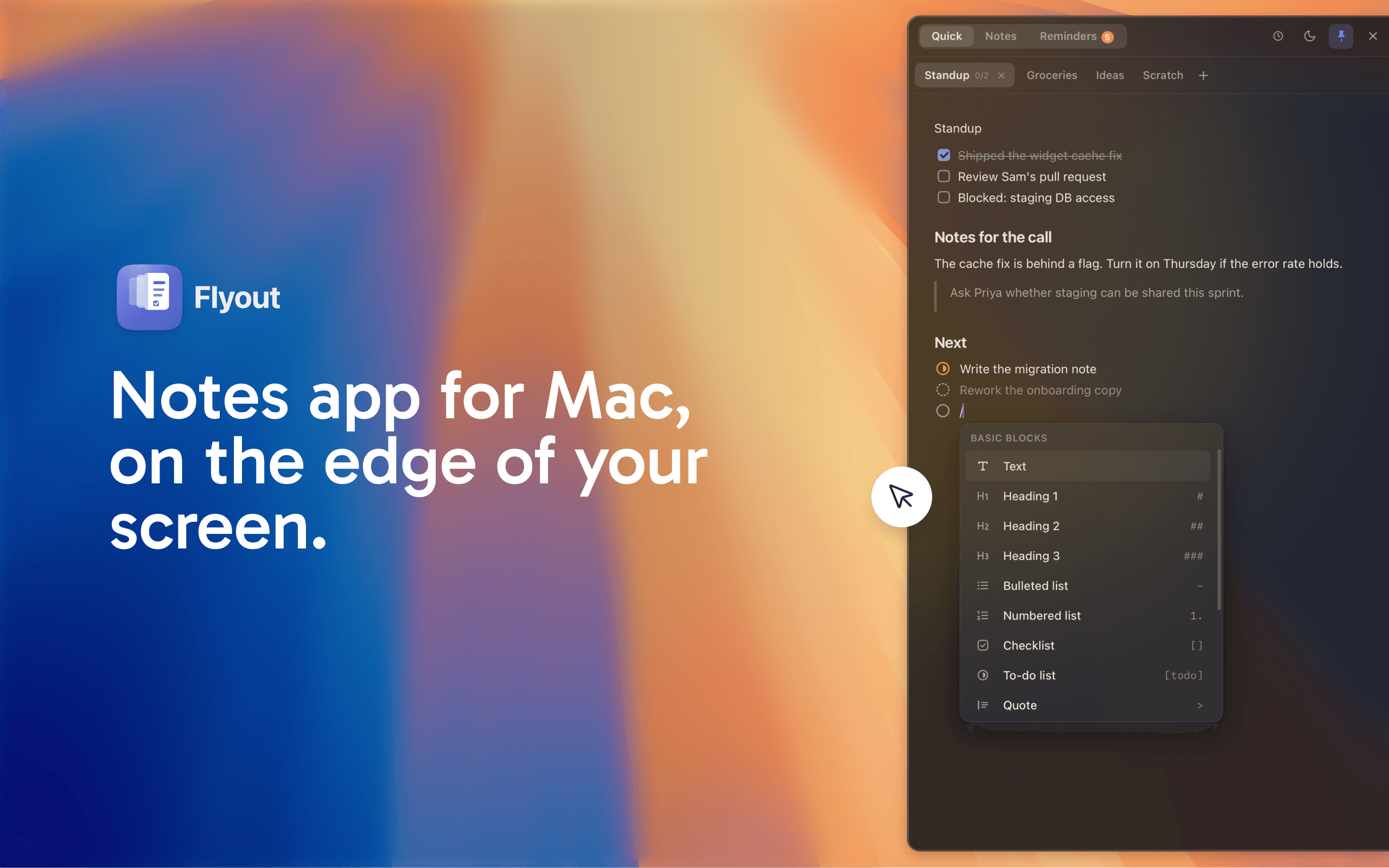
Flyout is a native macOS menu-bar app that allows users to capture notes, reminders, and tasks with ...
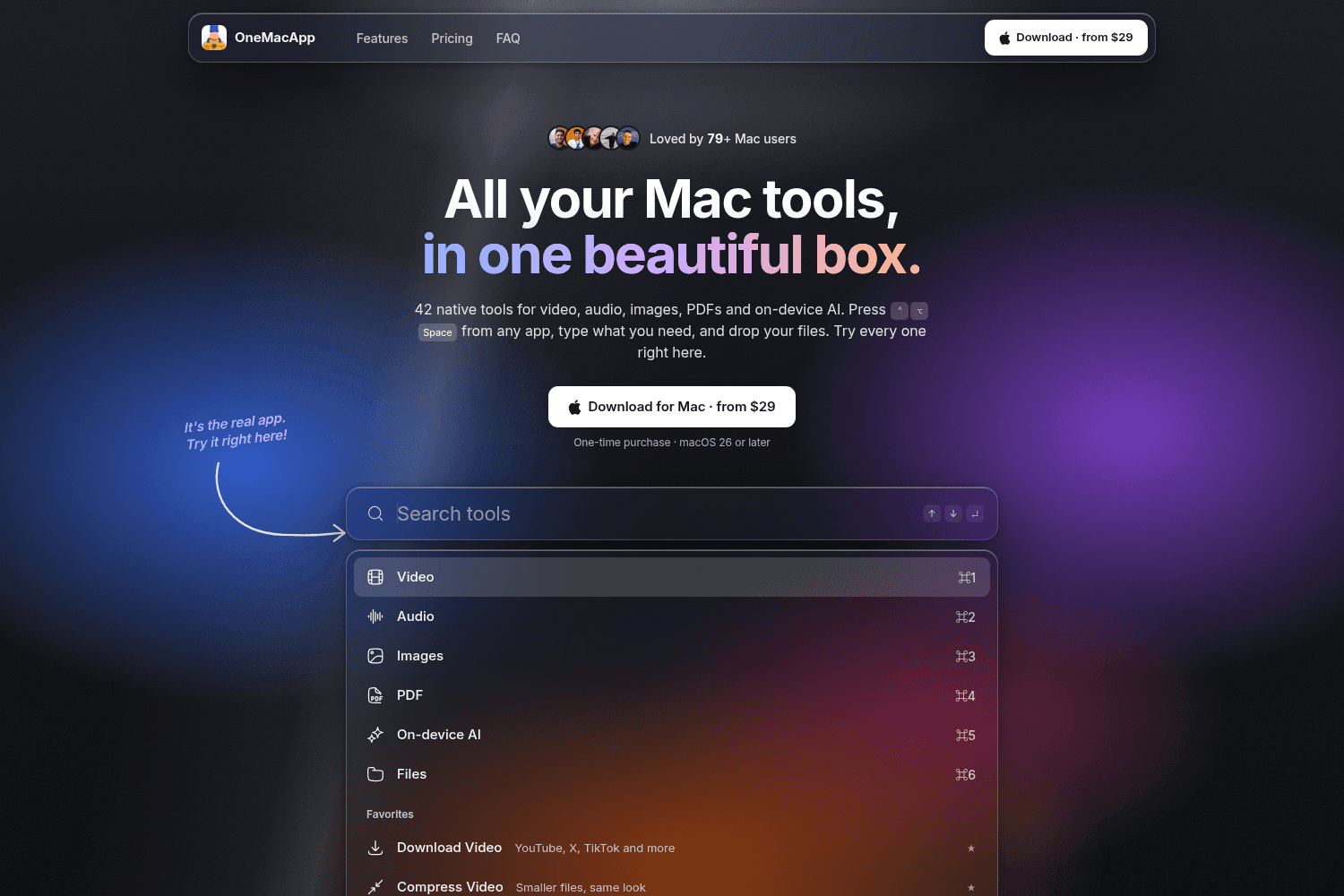
OneMacApp provides a suite of 42 native tools for various media tasks on Mac, enabling seamless edit...
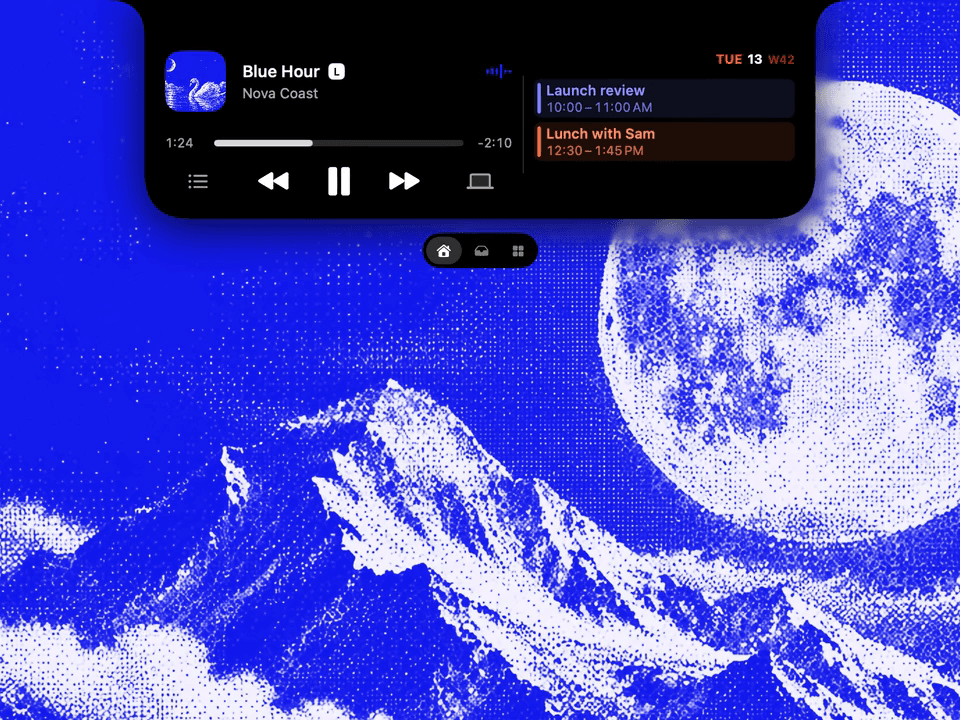
Droppy is a supercharged Dynamic Island productivity app for macOS that combines multiple utilities ...
Candor is a qualitative research tool that helps product teams create synthetic users from real data...
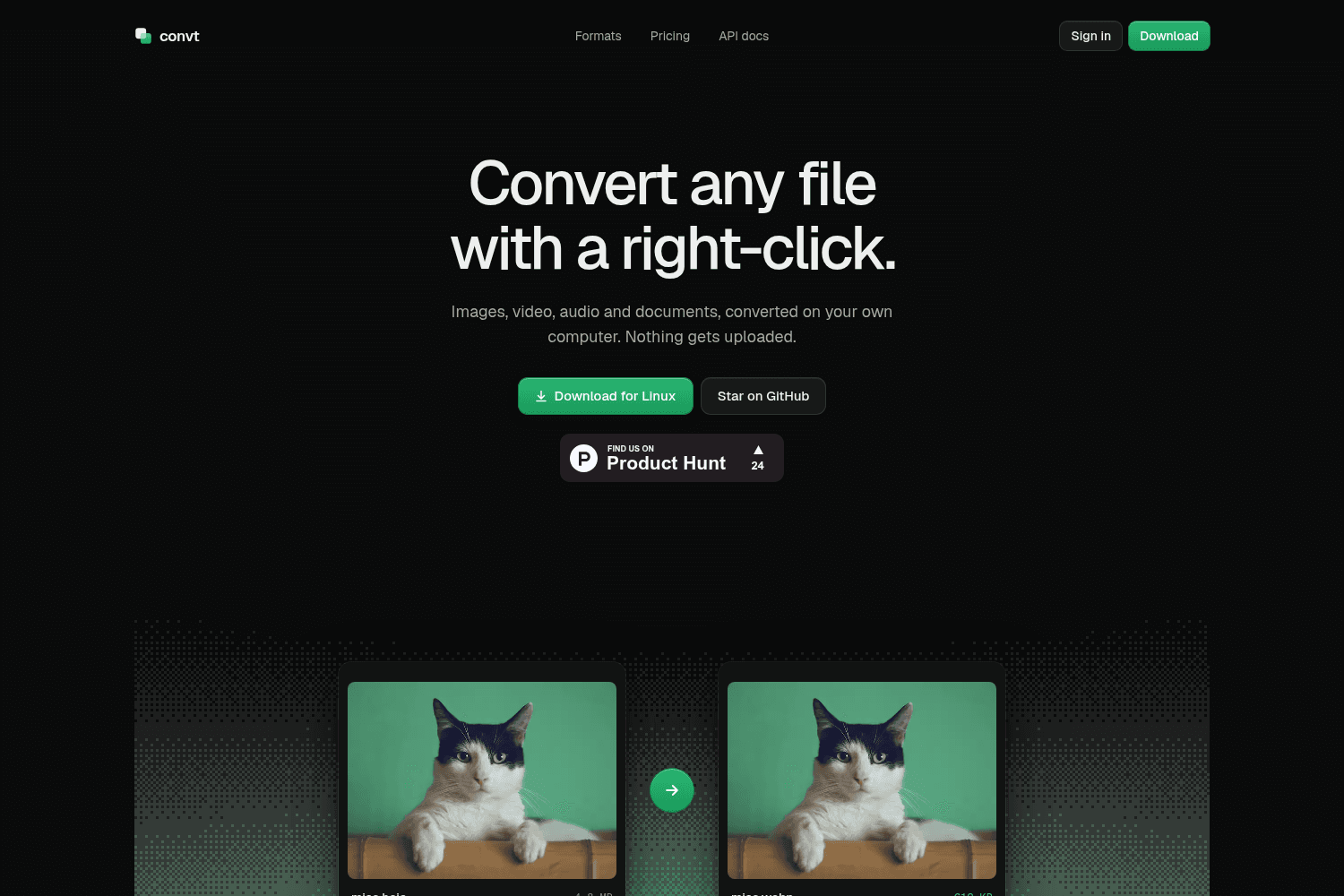
Convt is a local file conversion tool for images, video, audio, and documents, allowing users to con...
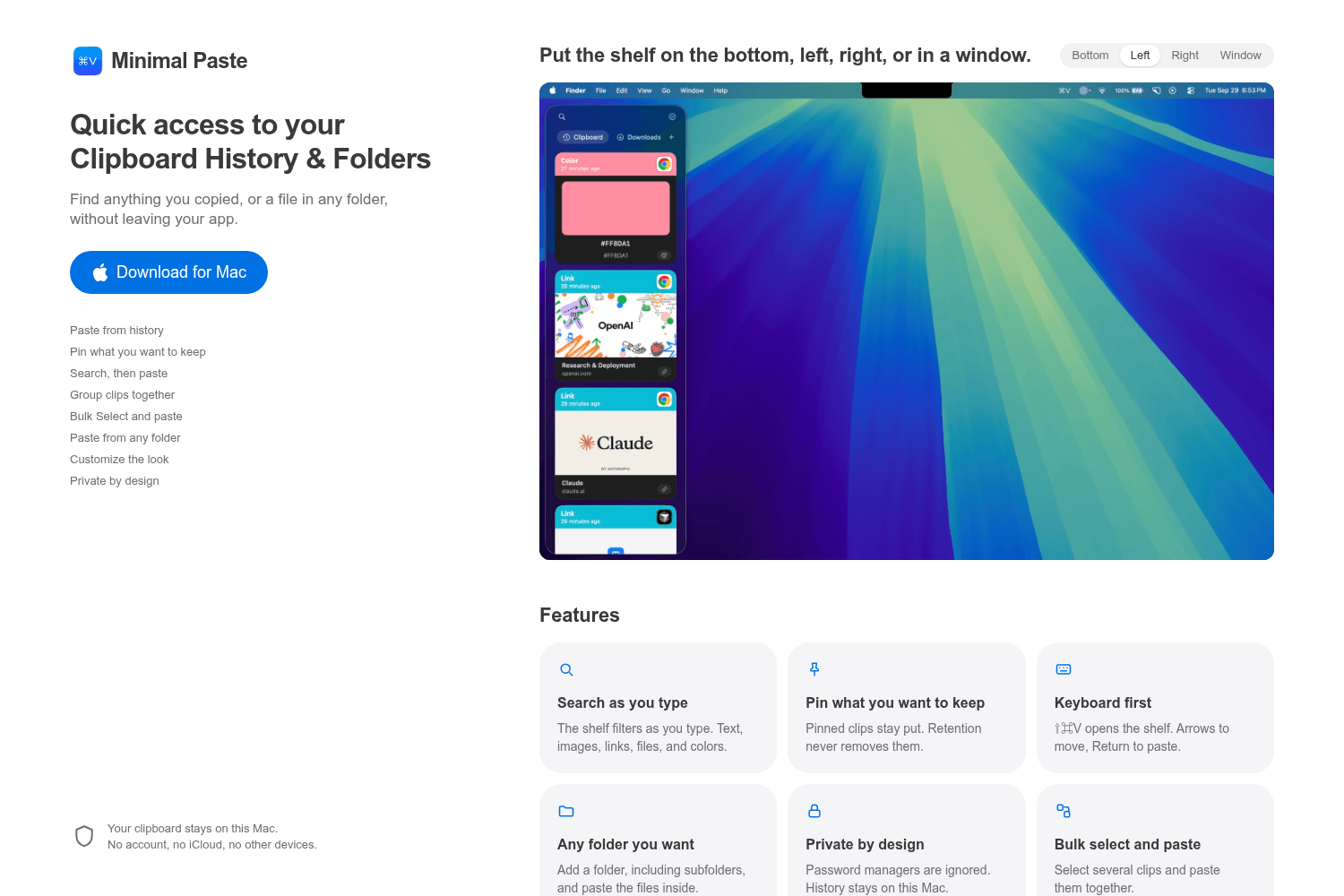
Minimal Paste is a clipboard manager for Mac that allows users to access their clipboard history and...
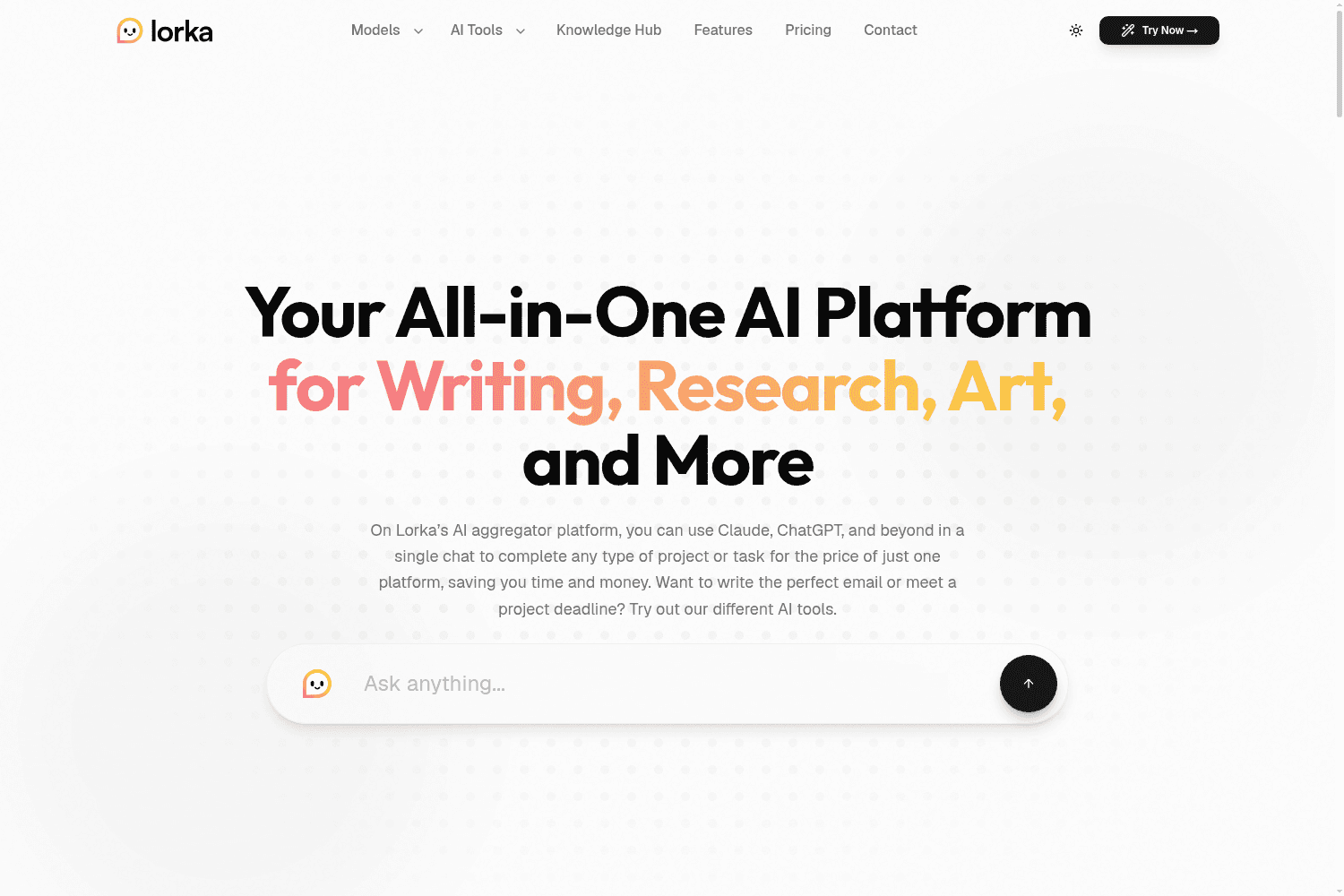
Lorka AI is an all-in-one platform that aggregates multiple top AI models, allowing users to easily ...
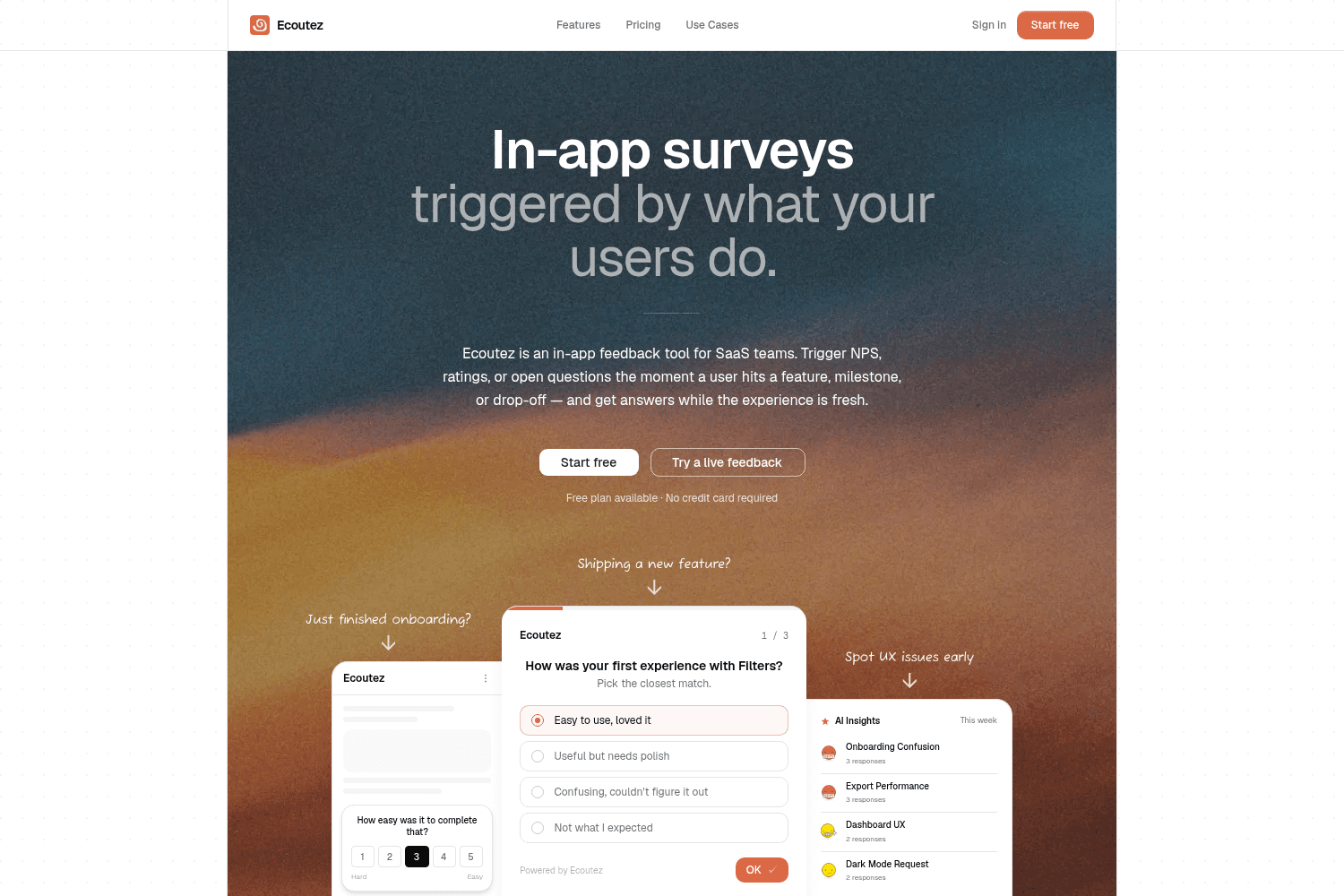
Ecoutez is an in-app feedback tool that helps SaaS teams gather user insights in real-time by trigge...
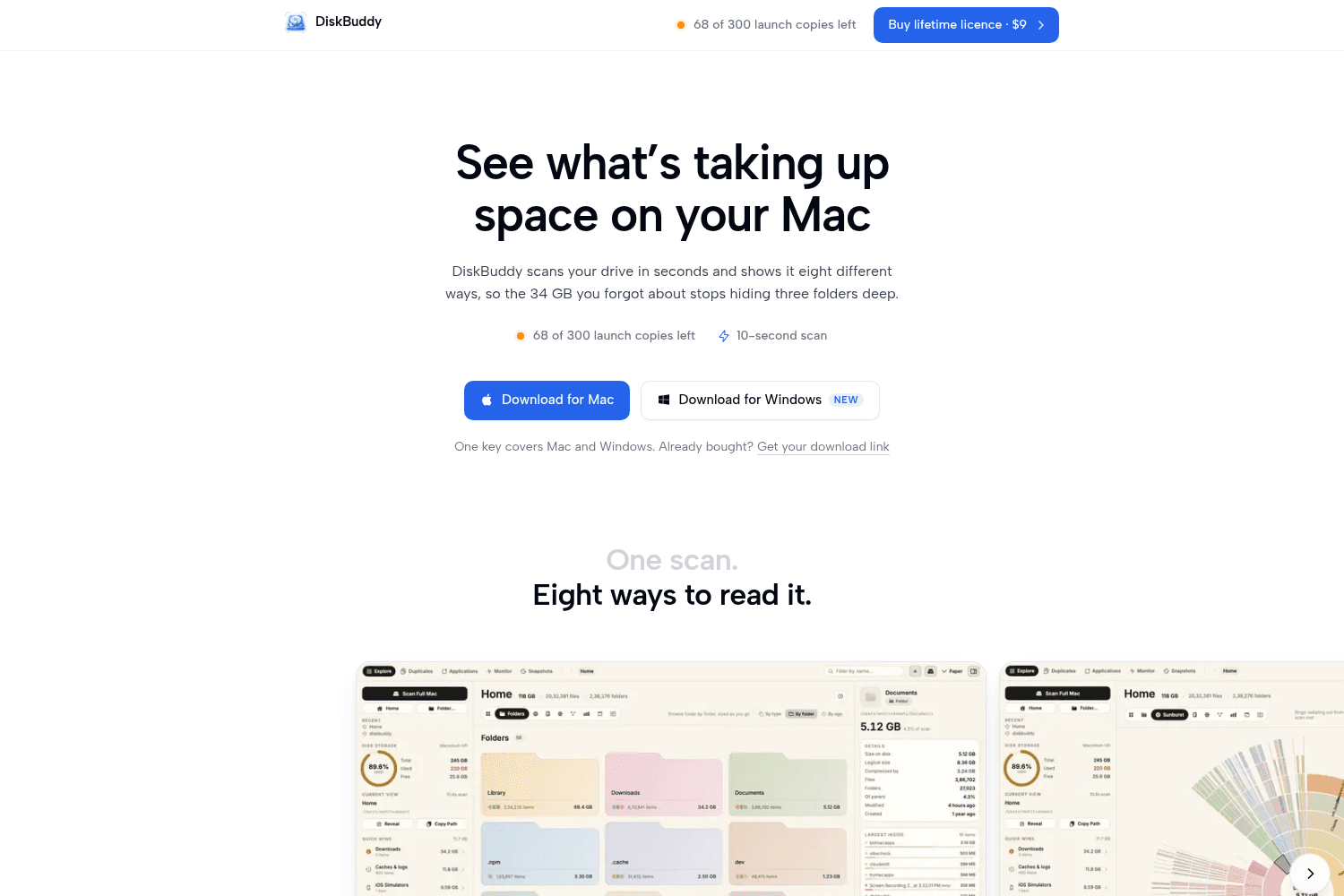
DiskBuddy is a disk space analyzer for Mac and Windows, providing visual representations of file usa...
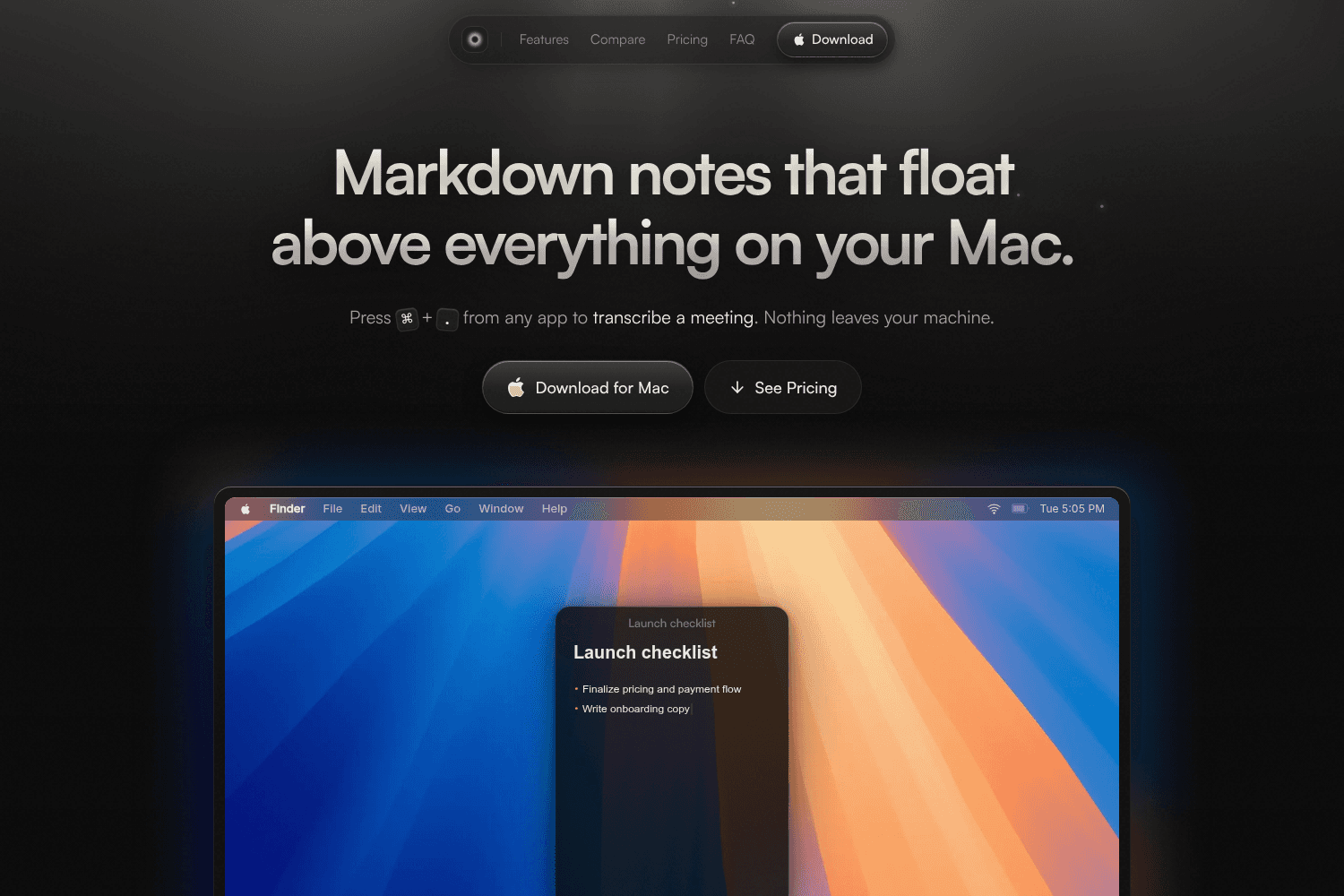
Mote is a floating note-taking app for Mac that stores notes locally without any account or cloud se...
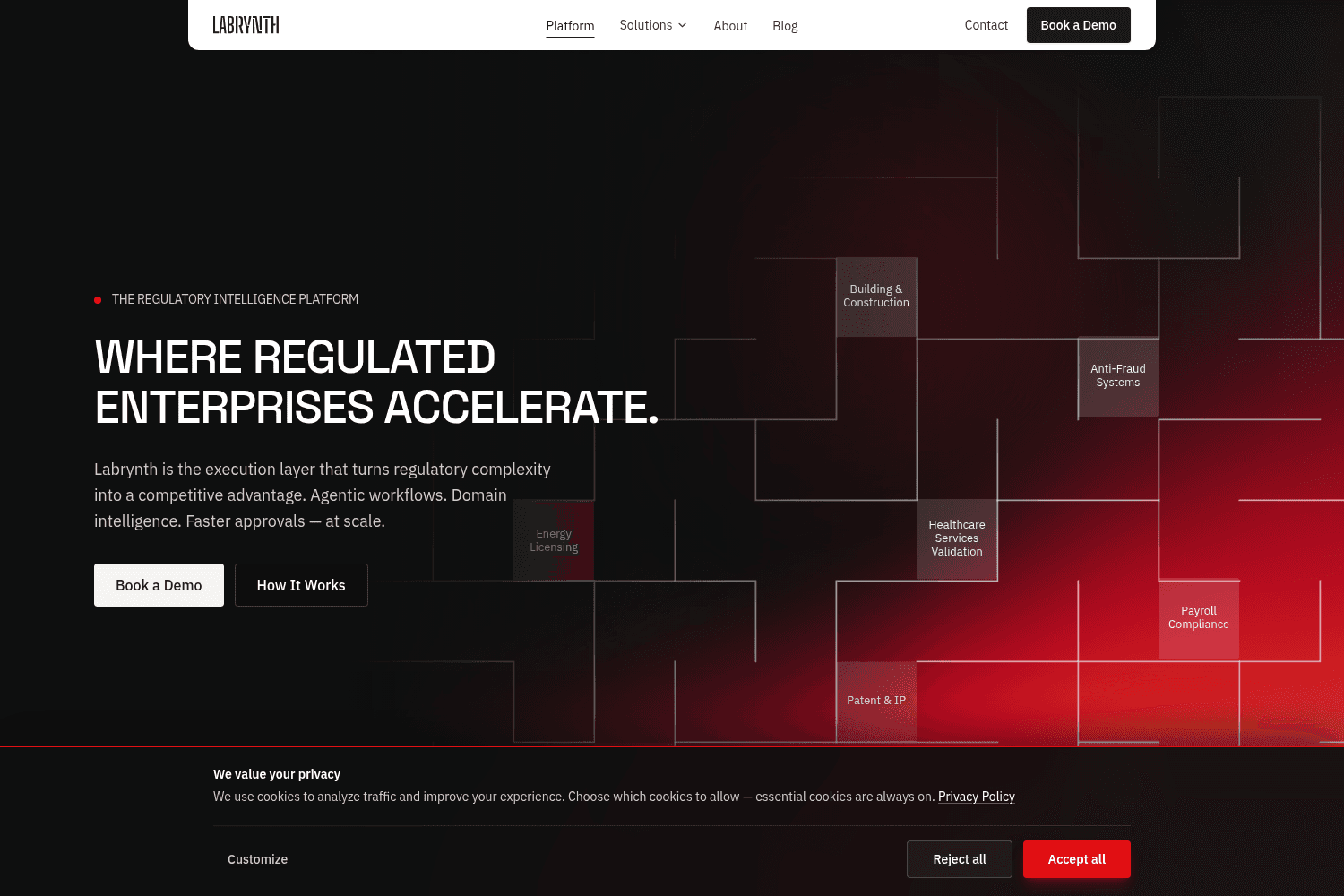
Labrynth is a regulatory intelligence platform that streamlines compliance workflows and accelerates...
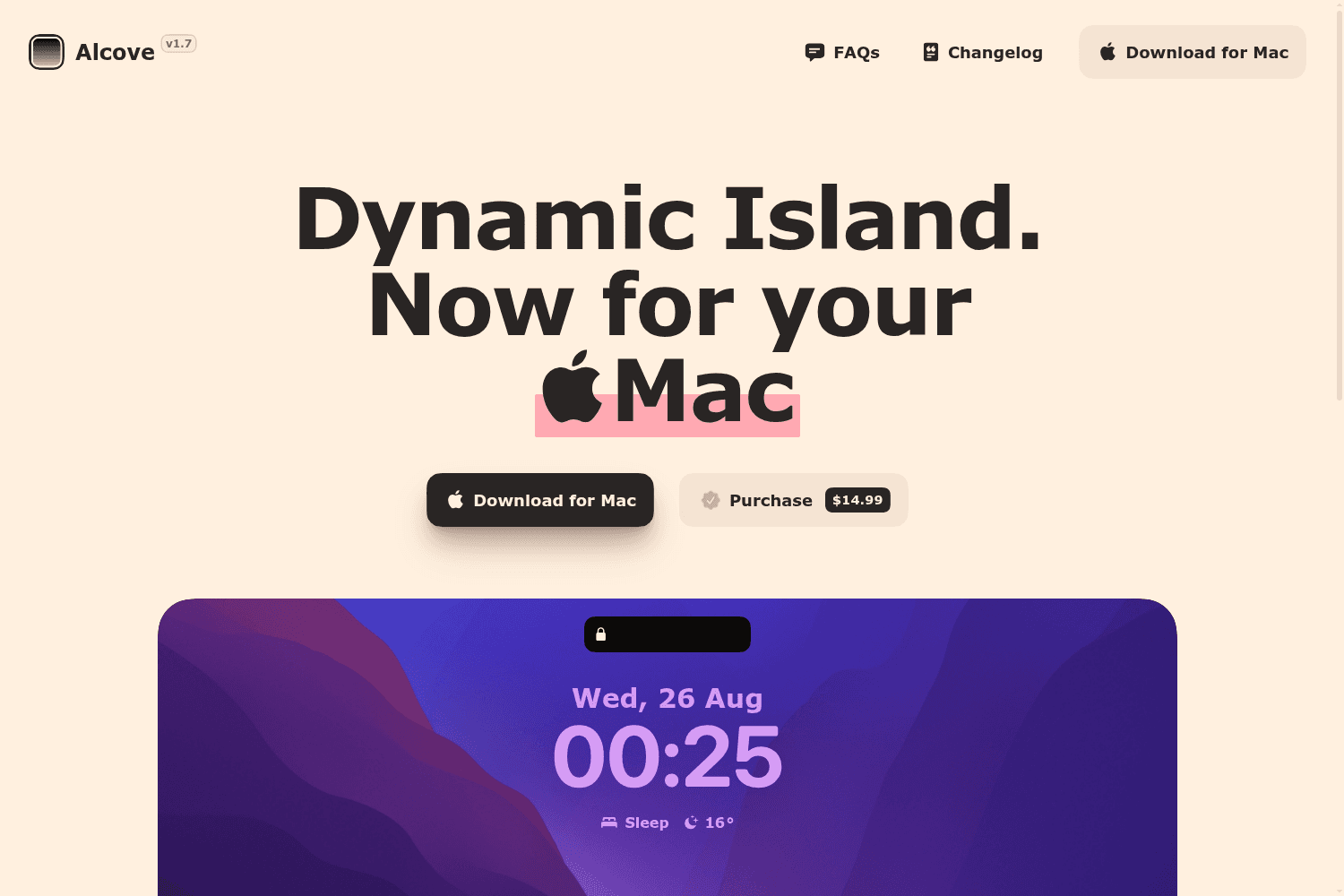
Alcove brings Dynamic Island features to your Mac, enhancing your experience with fluid animations a...
AI Art Create is a versatile AI asset studio specifically designed to generate character assets, com...
dithercn is an open-source dither engine designed for use in shadcn/ui projects, enabling developers...
OneMacApp provides a suite of 42 native tools for various media tasks on Mac, enabling seamless edit...
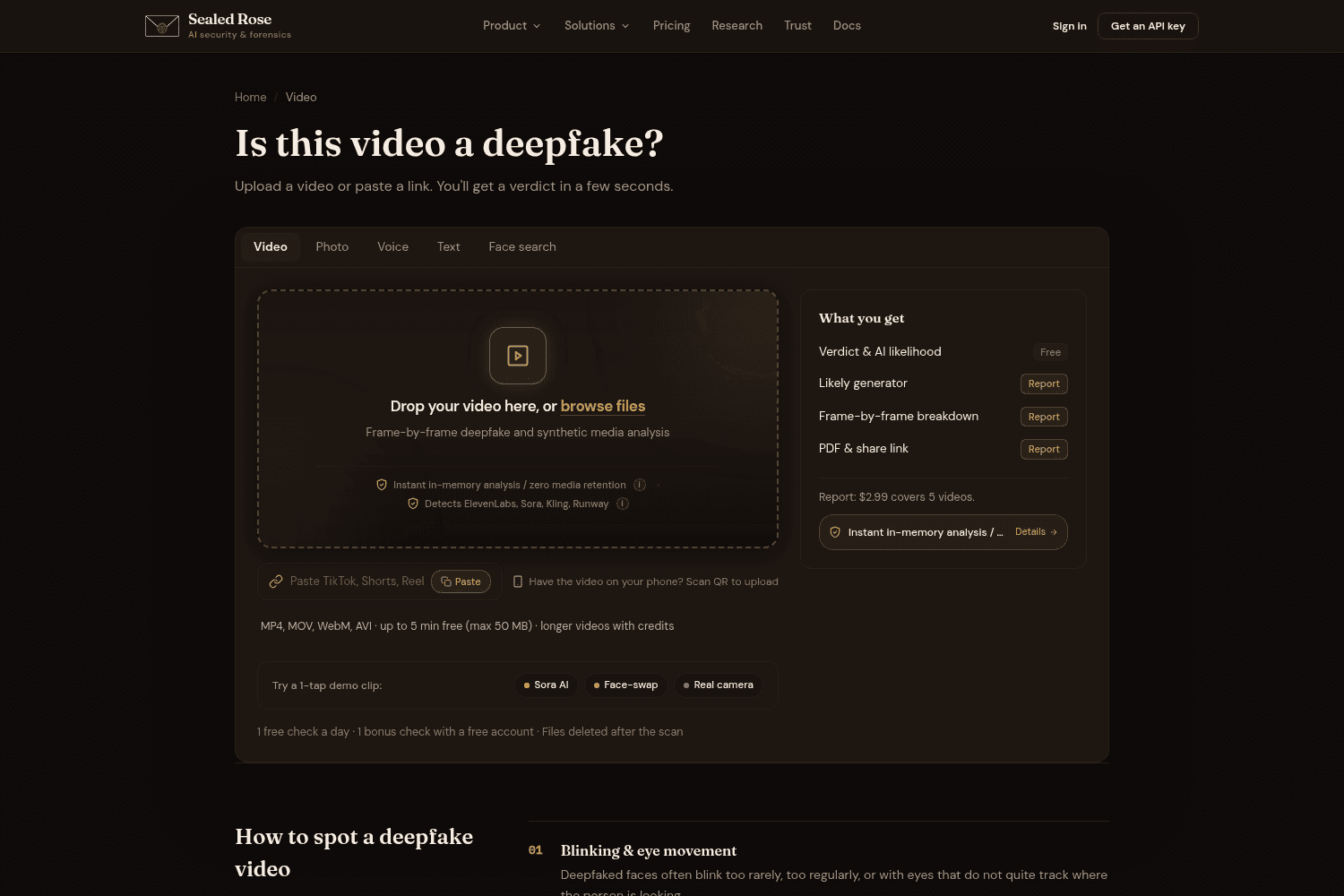
Sealed Rose provides advanced AI tools for detecting deepfakes in video, audio, text, and images, em...
Candor is a qualitative research tool that helps product teams create synthetic users from real data...
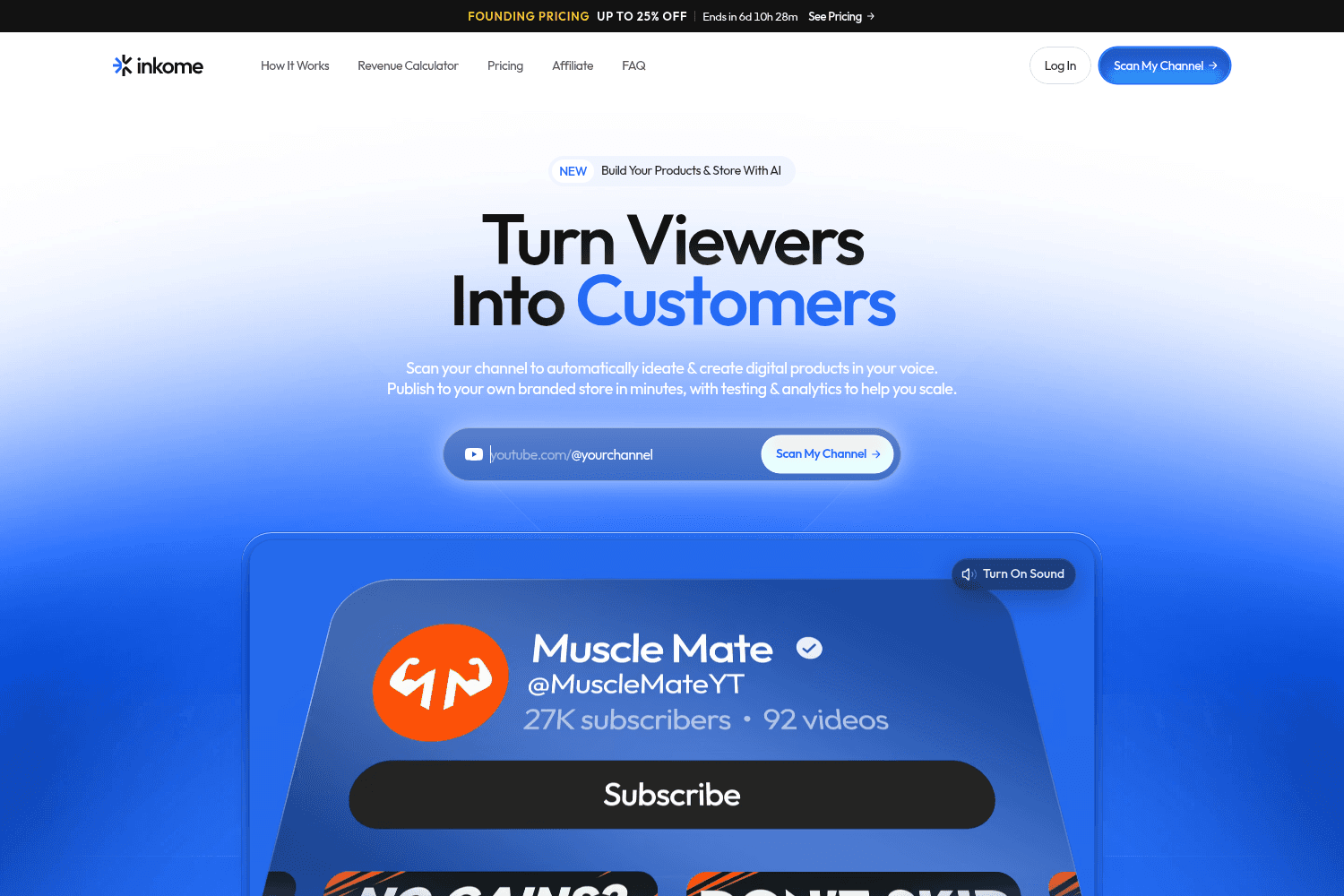
Inkome empowers creators to convert their audience into customers by automating product creation and...
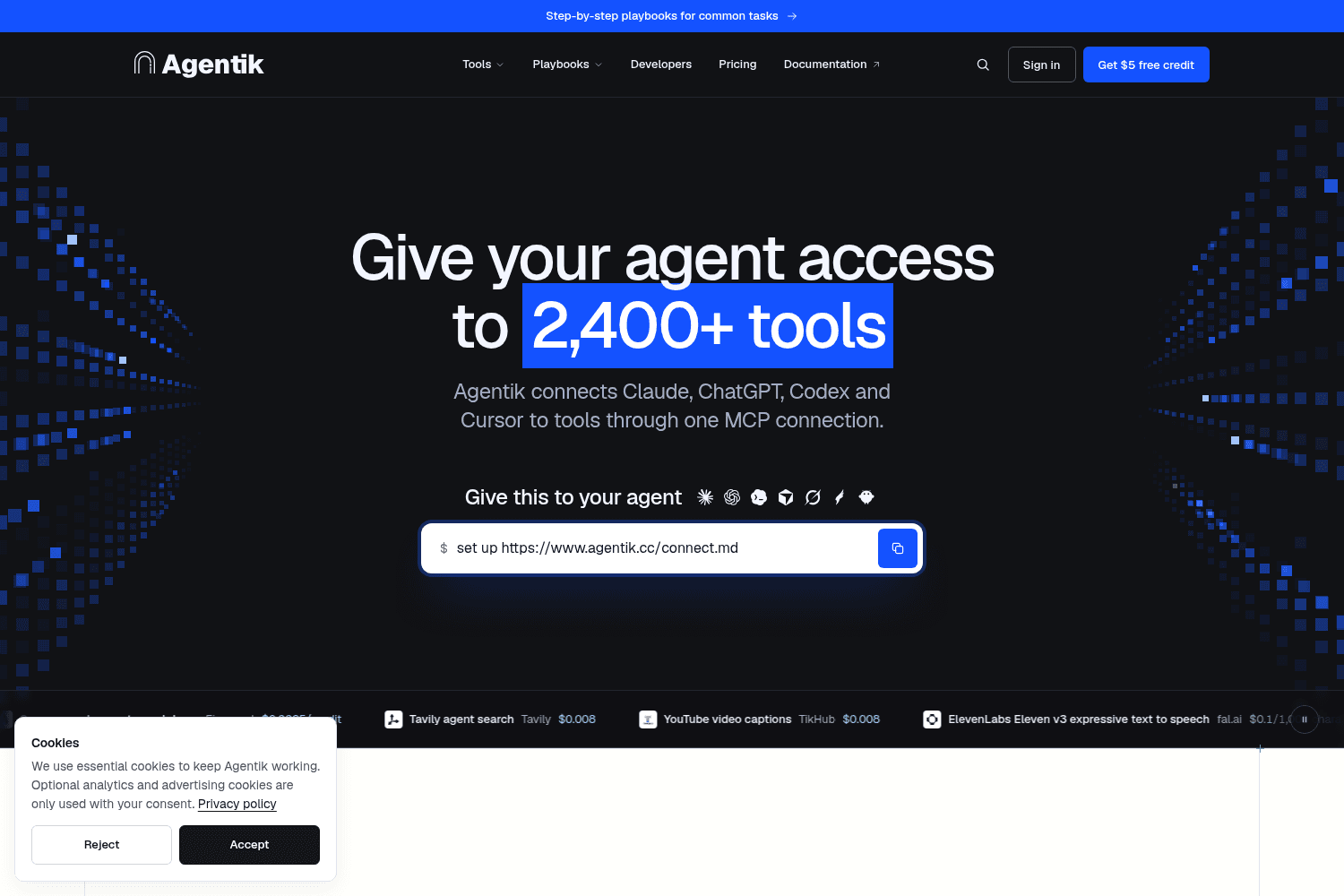
Agentik connects your AI agents to over 2,400 tools from 52 providers through one seamless interface...
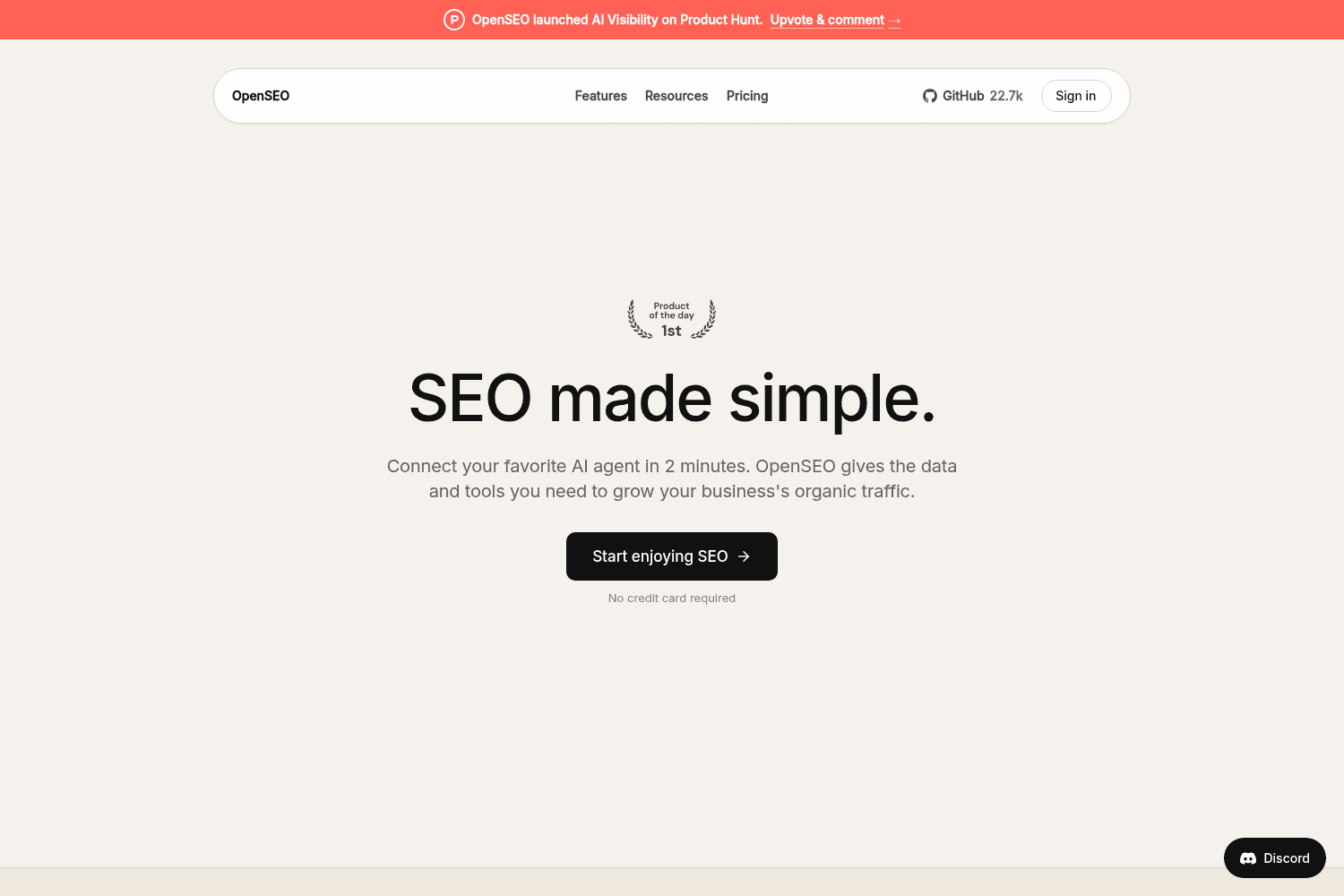

OpenSEO provides a comprehensive SEO toolkit designed to enhance organic traffic through keyword res...
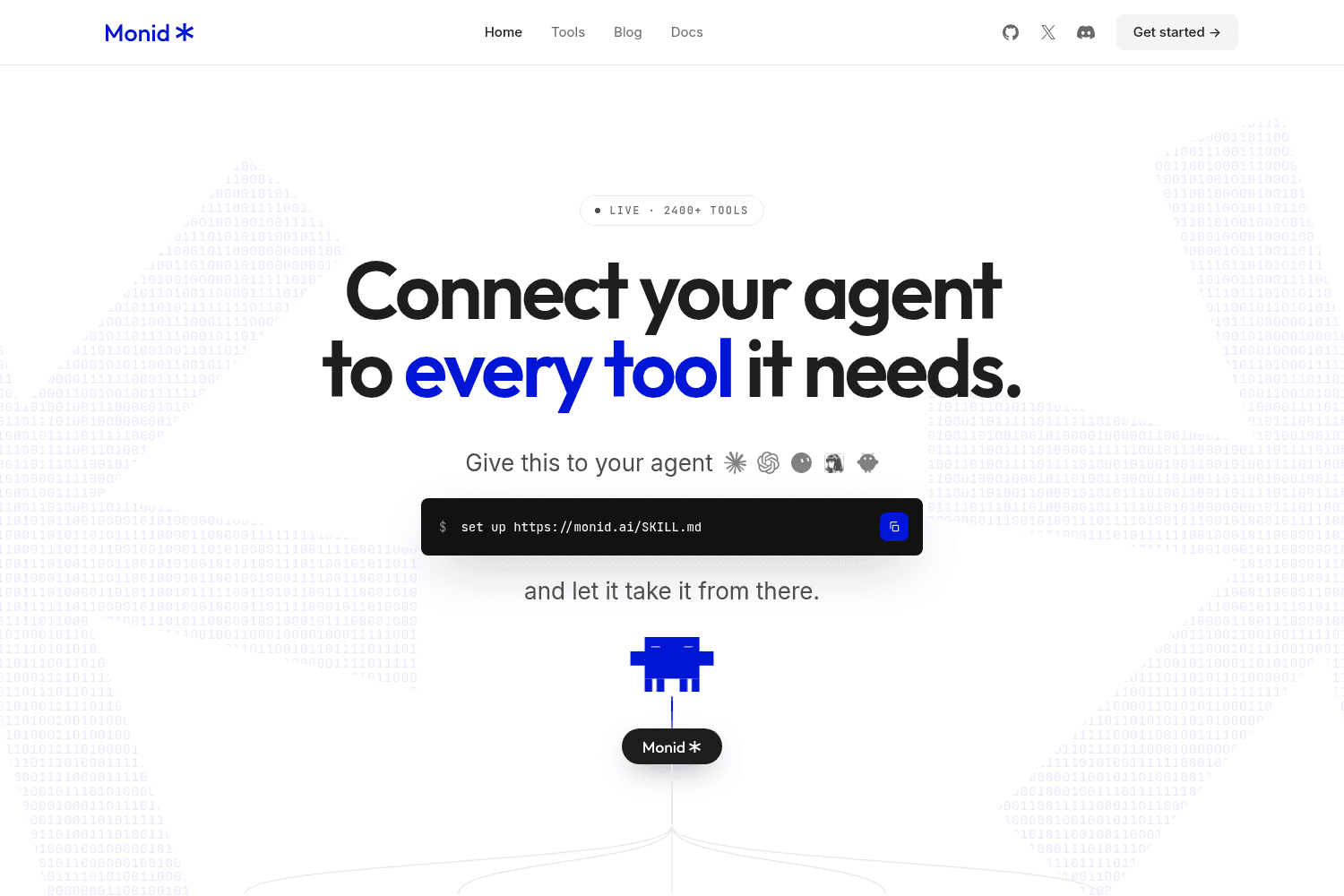
Monid connects your AI agents to a vast library of tools and APIs, allowing seamless integration and...
Prompt Motion is a curated platform showcasing a diverse collection of motion videos created using A...

Volume is a platform designed to create and automate TikTok and Instagram slideshow posts powered by...
Lorka AI is an all-in-one platform that aggregates multiple top AI models, allowing users to easily ...