







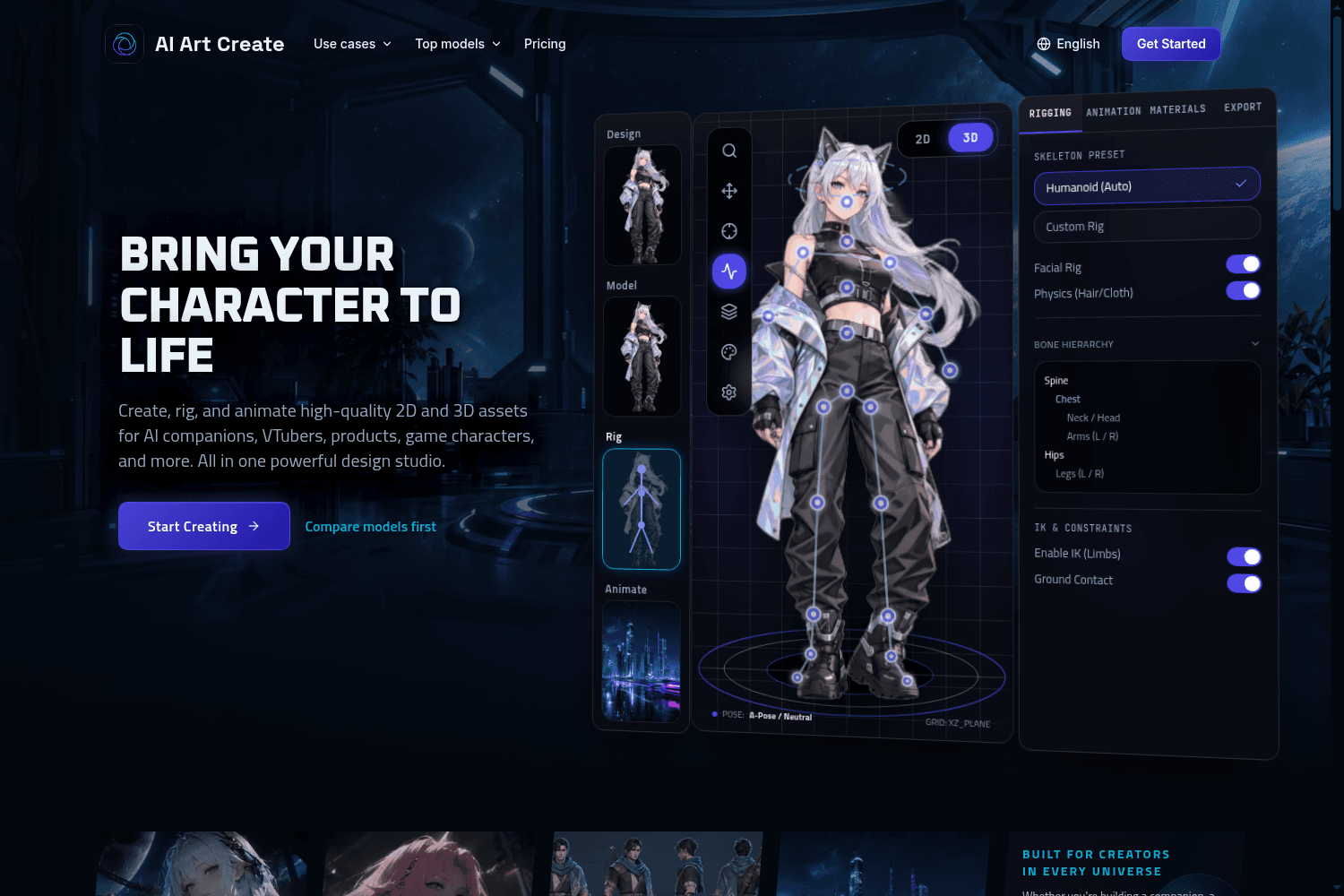
AI Art Create is a versatile AI asset studio specifically designed to generate character assets, com...
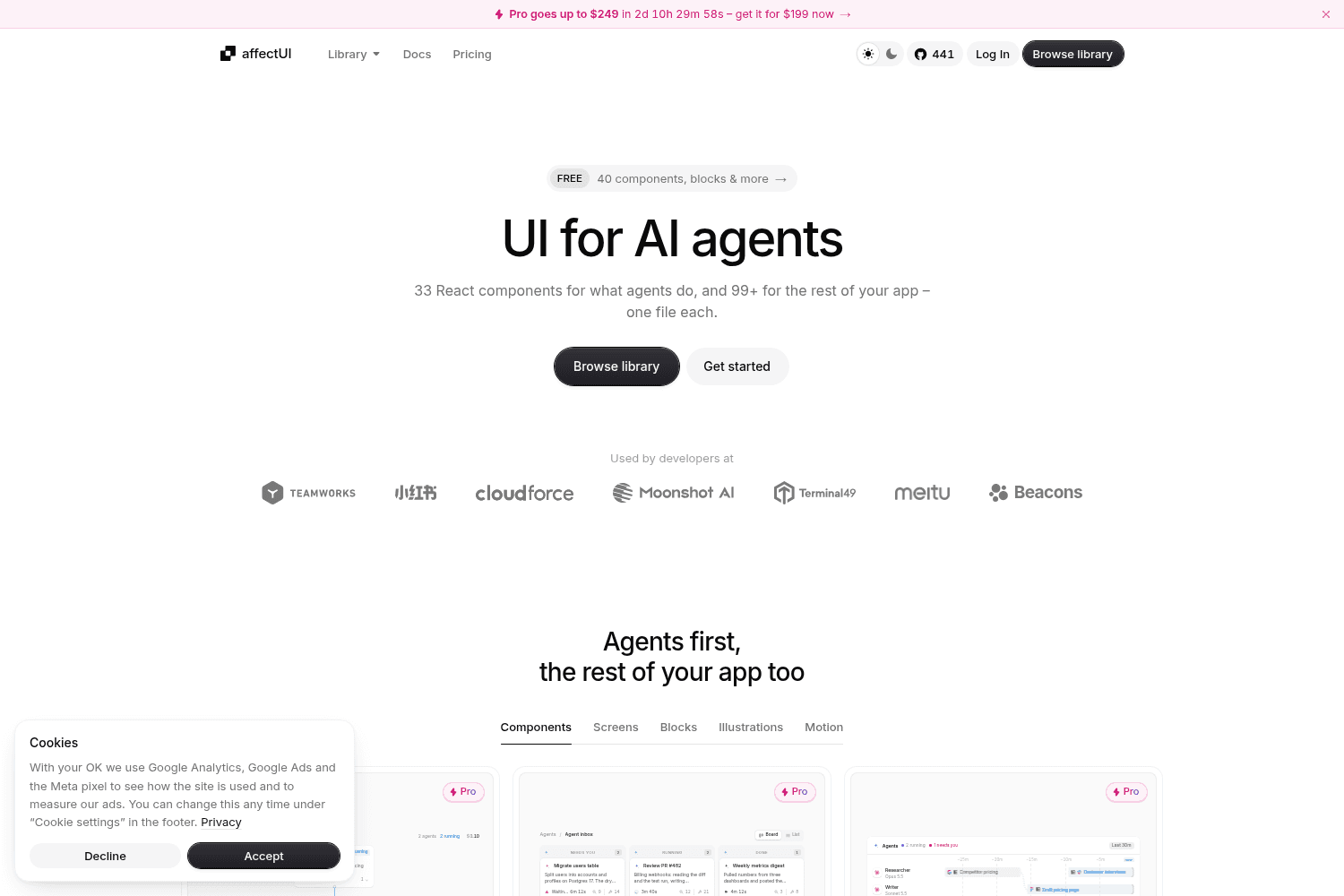
affectUI is a library of hand-designed React components designed specifically for AI applications. I...
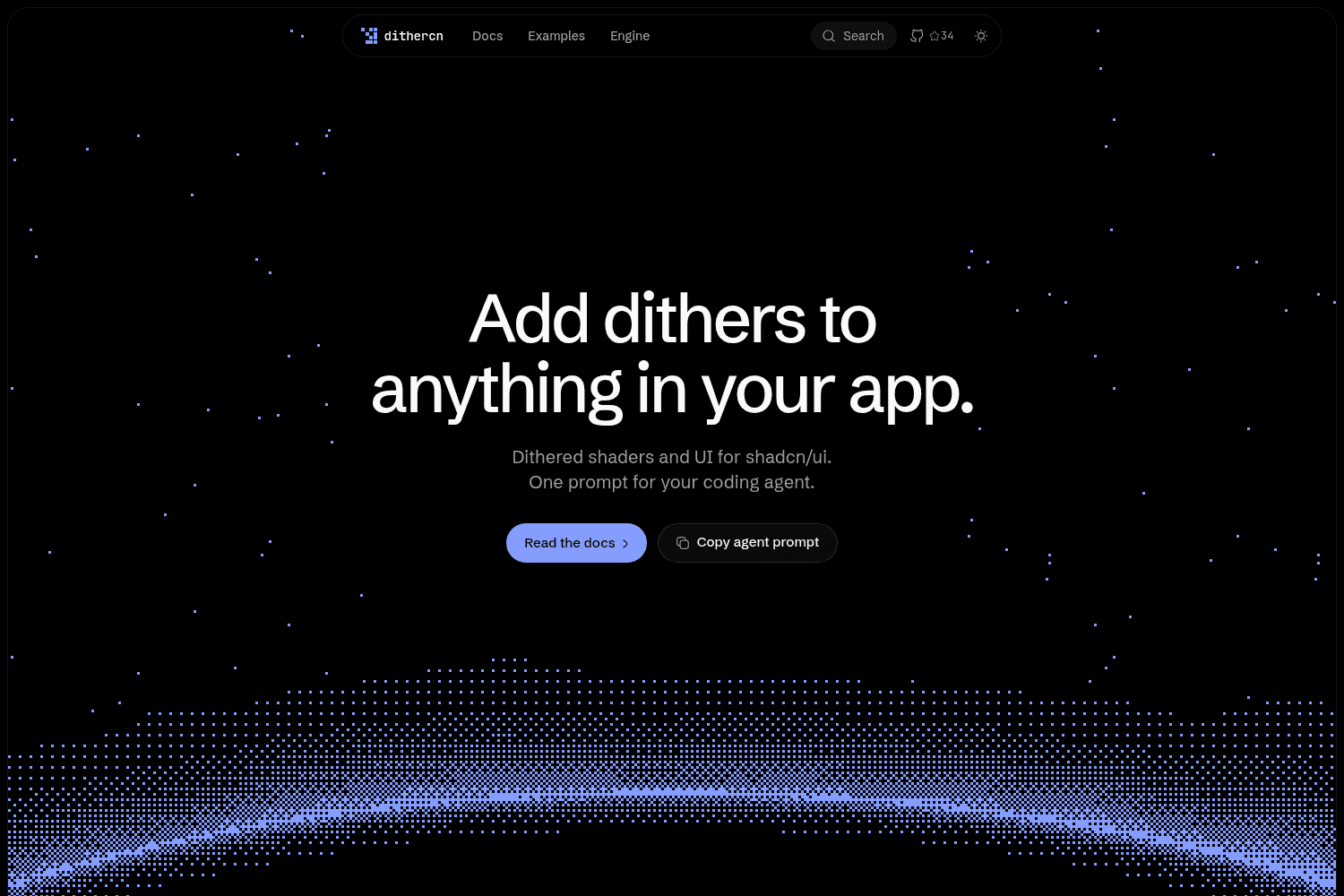
dithercn is an open-source dither engine designed for use in shadcn/ui projects, enabling developers...
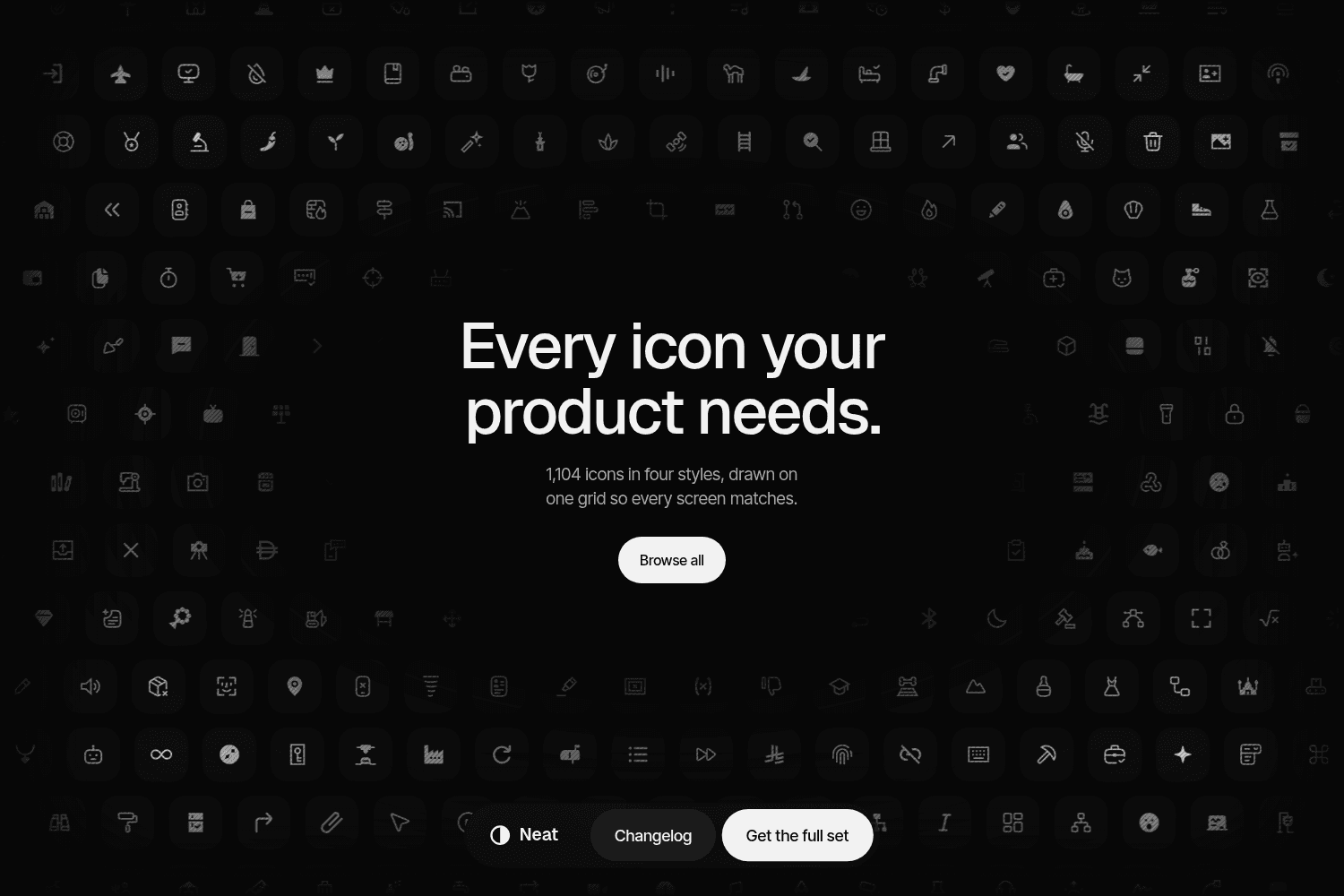
Neat Icons offers a comprehensive set of 1,104 icons designed for seamless integration into various ...
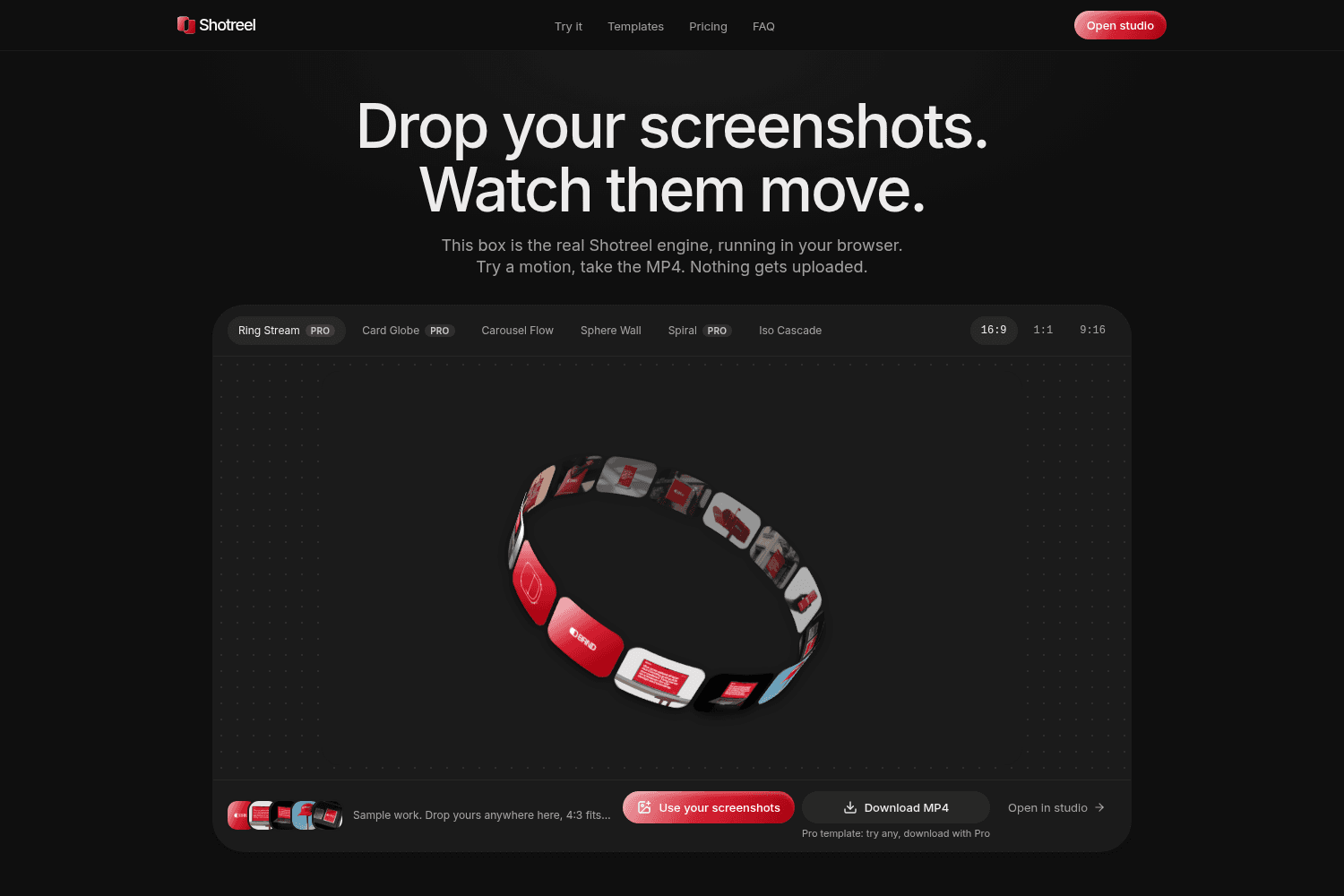
Shotreel is a powerful tool for creating animated presentations by transforming static screenshots i...
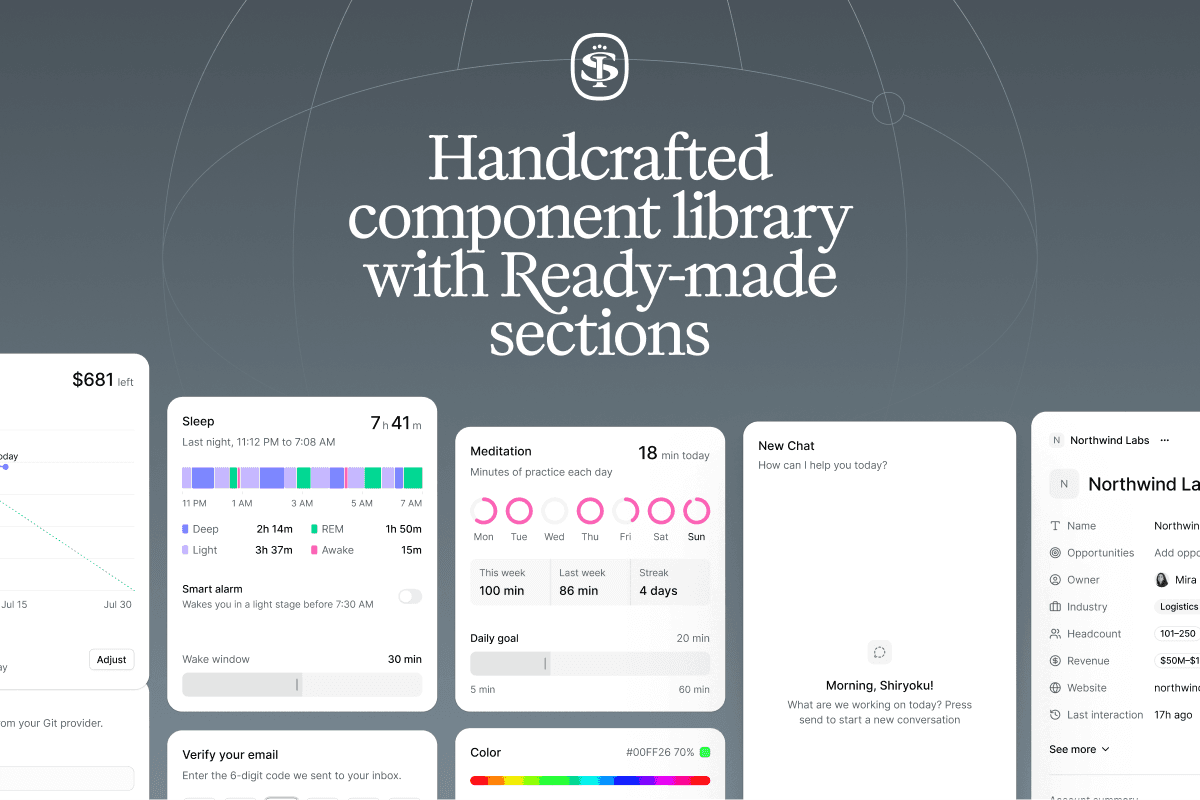
Sort UI is a Figma UI kit and React component library built on shadcn/ui, offering thousands of comp...
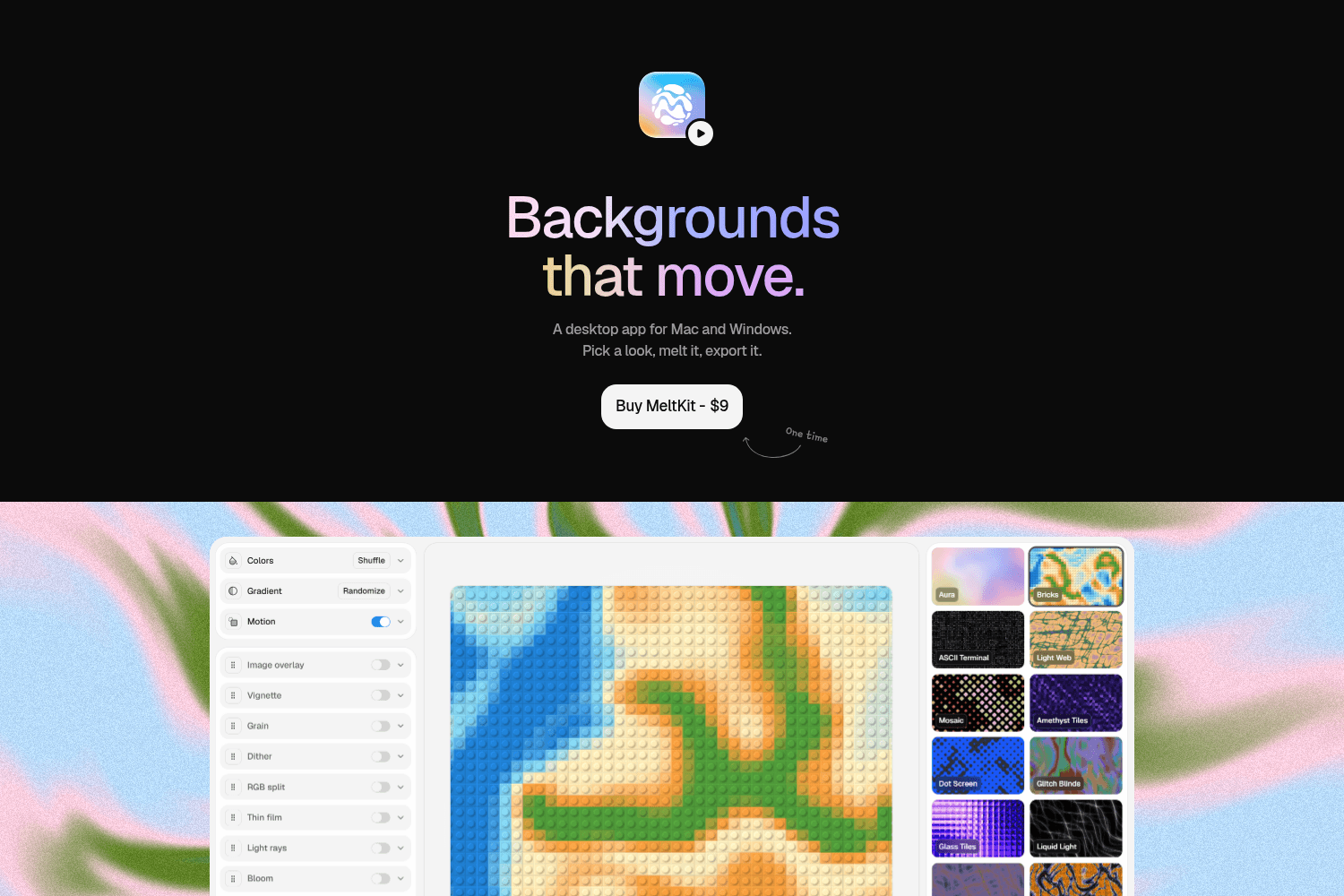
MeltKit is a desktop app for creating and exporting dynamic animated backgrounds for both Mac and Wi...
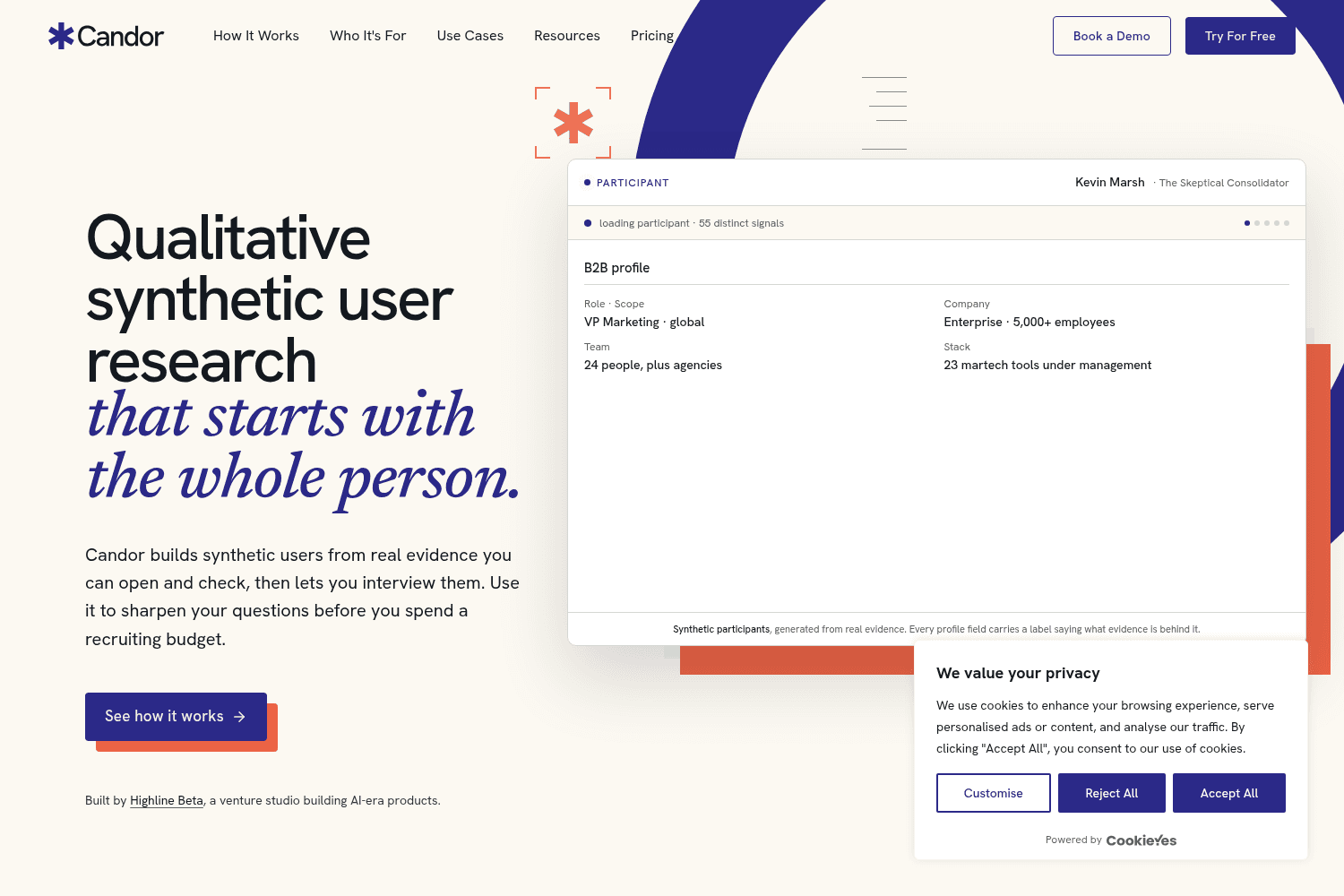
Candor is a qualitative research tool that helps product teams create synthetic users from real data...
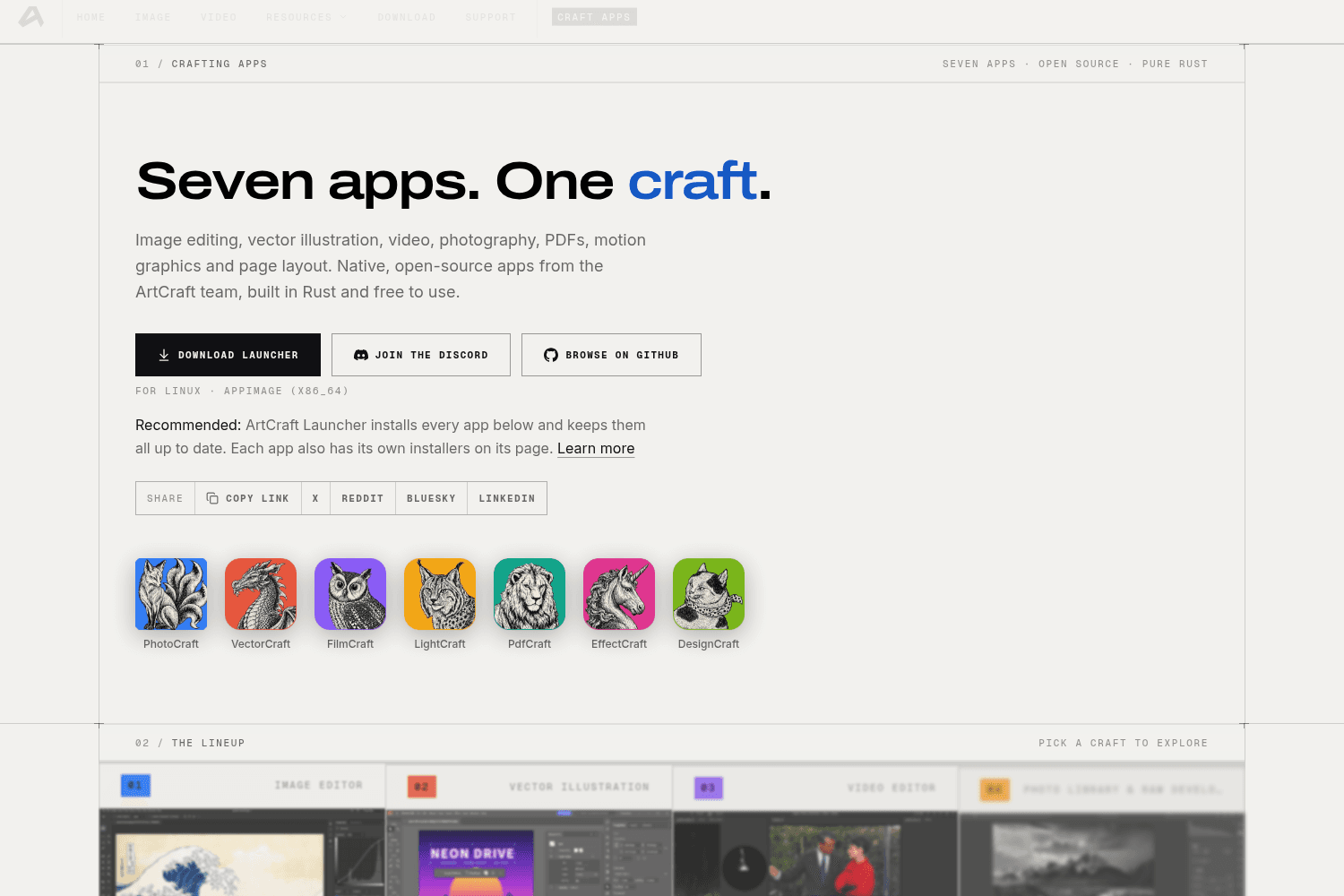
ArtCraft is an open-source suite of creative applications designed for image editing, vector illustr...
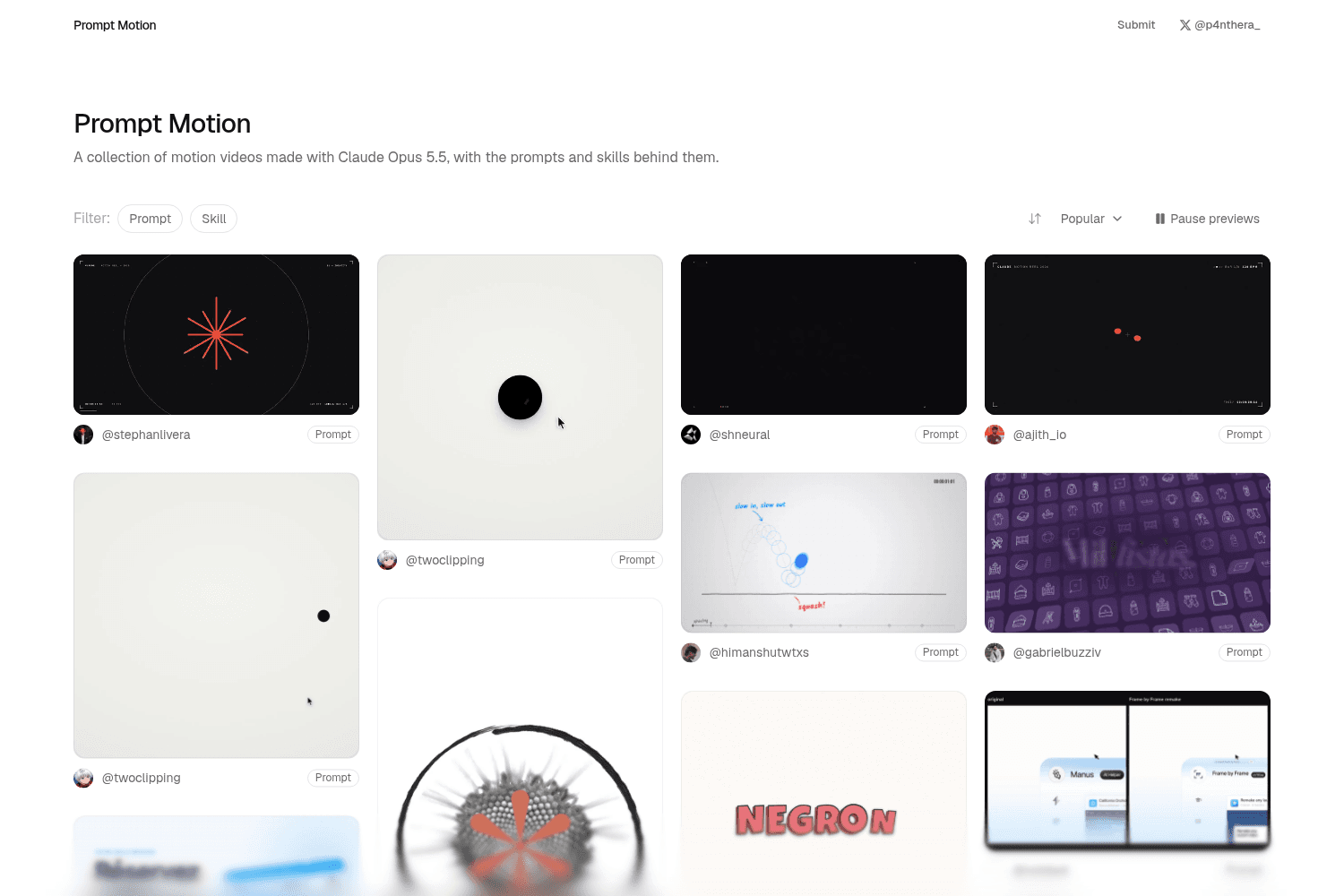
Prompt Motion is a curated platform showcasing a diverse collection of motion videos created using A...
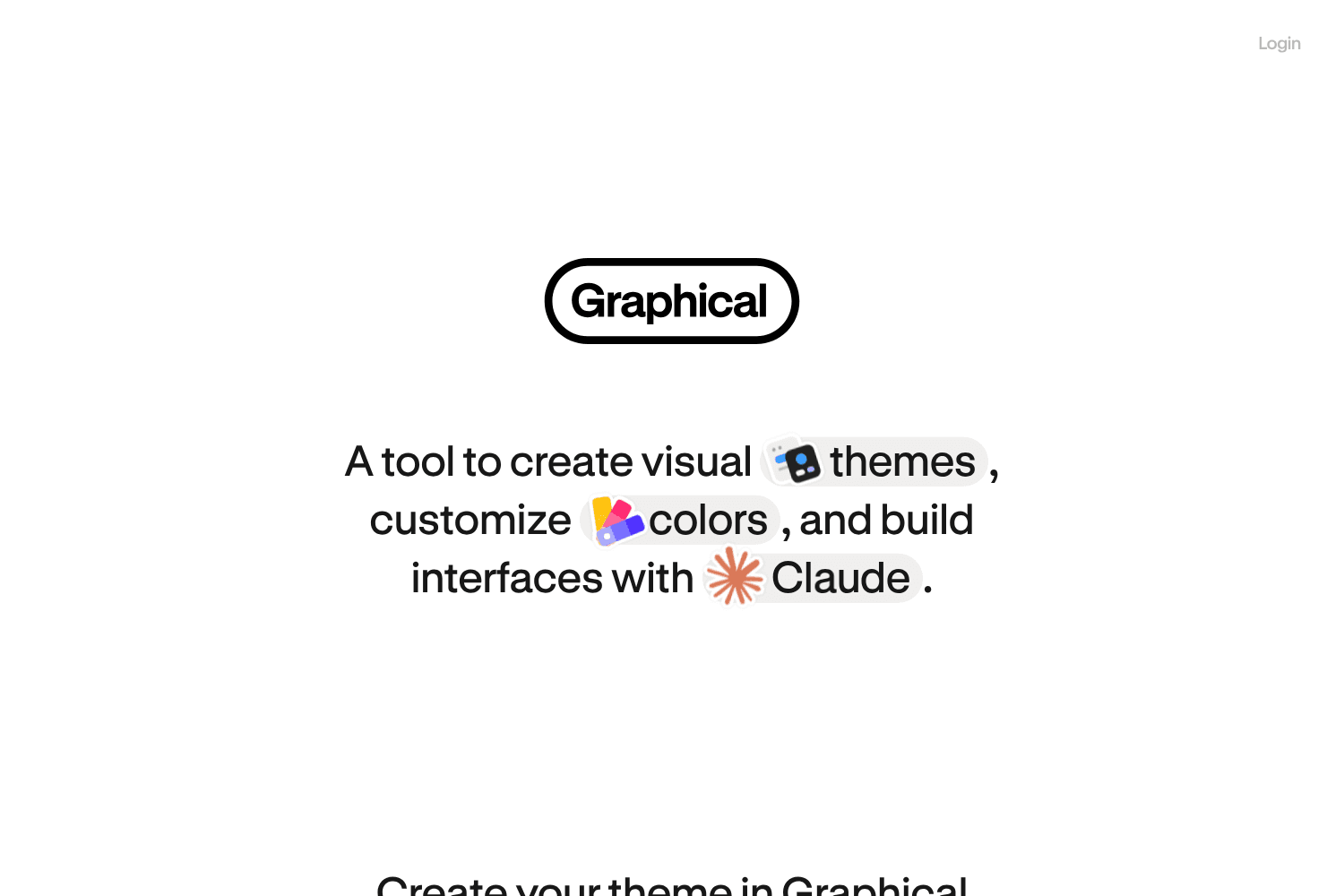
Graphical UI offers a comprehensive tool for designing custom themes for applications, allowing user...

Appllama is a comprehensive platform that curates and showcases designs from top-grossing iOS apps, ...
AI Art Create is a versatile AI asset studio specifically designed to generate character assets, com...
dithercn is an open-source dither engine designed for use in shadcn/ui projects, enabling developers...
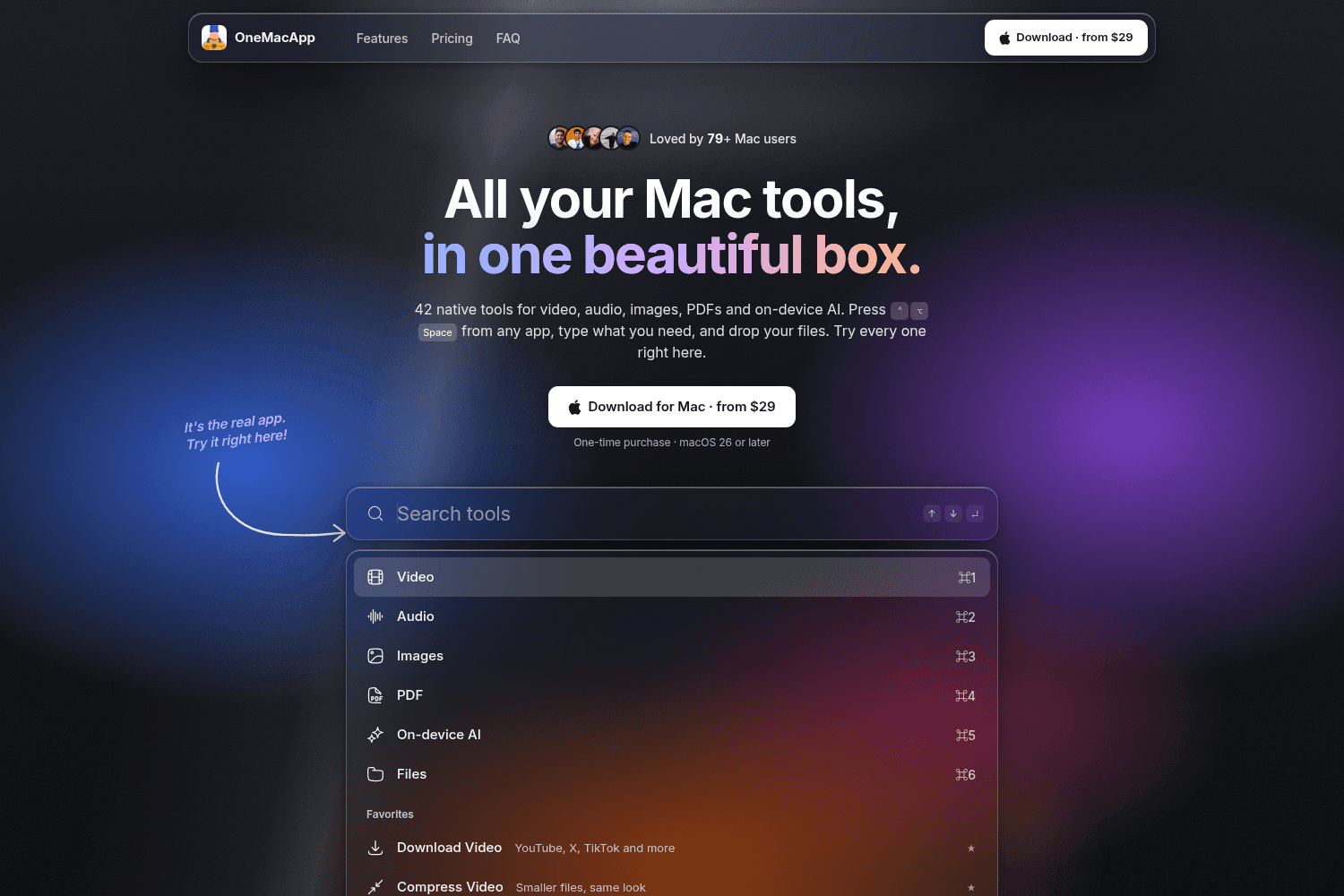
OneMacApp provides a suite of 42 native tools for various media tasks on Mac, enabling seamless edit...
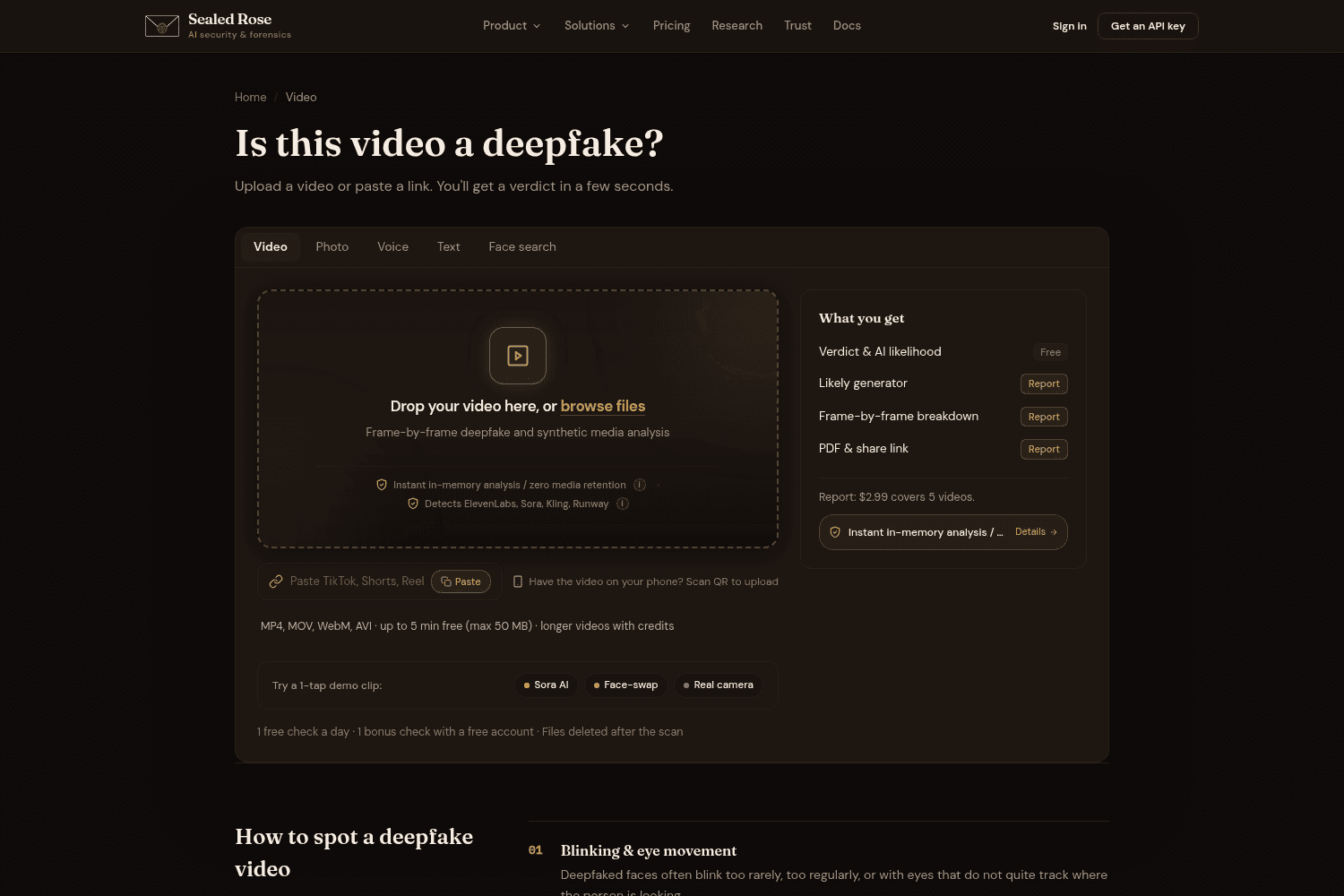
Sealed Rose provides advanced AI tools for detecting deepfakes in video, audio, text, and images, em...
Candor is a qualitative research tool that helps product teams create synthetic users from real data...
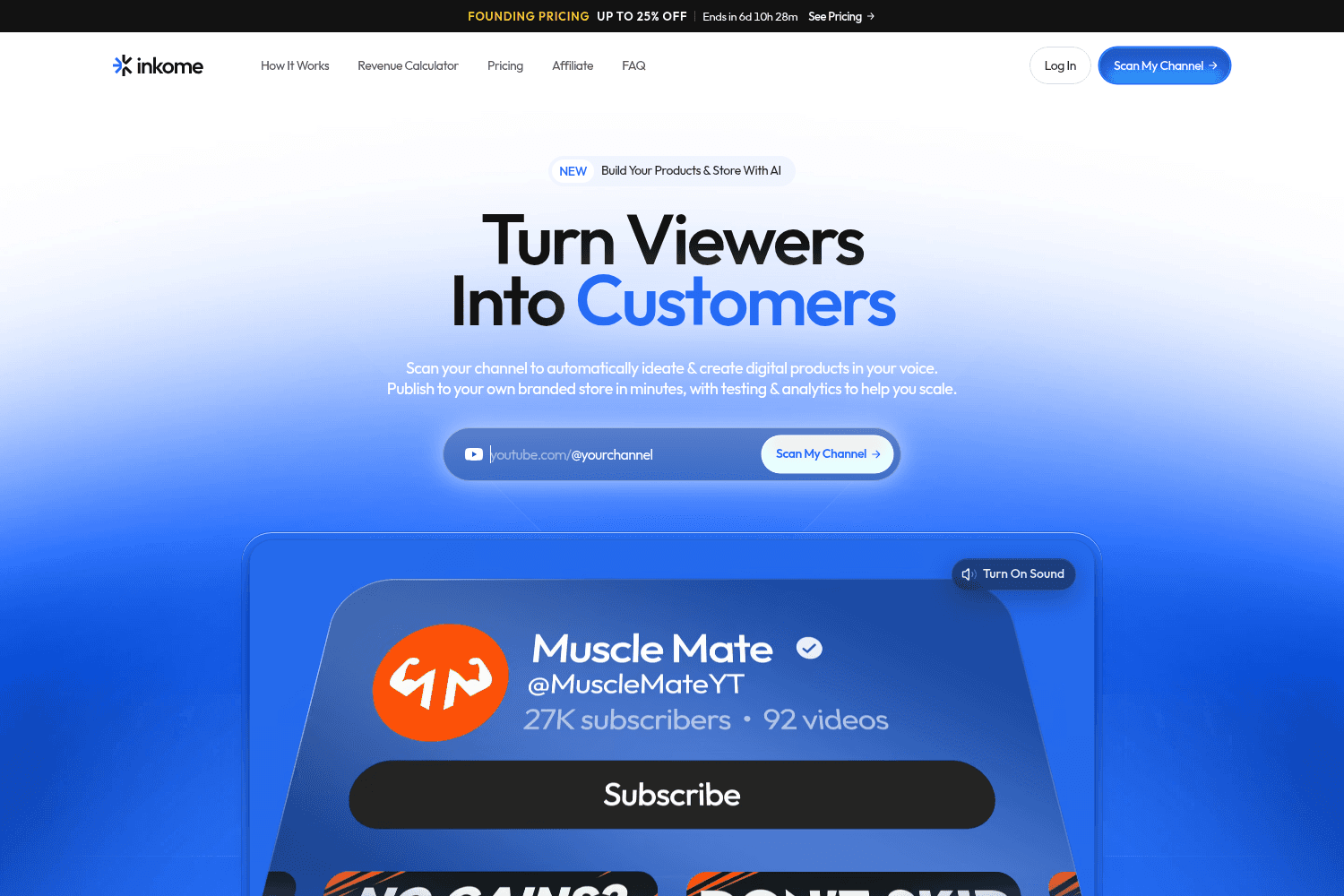
Inkome empowers creators to convert their audience into customers by automating product creation and...
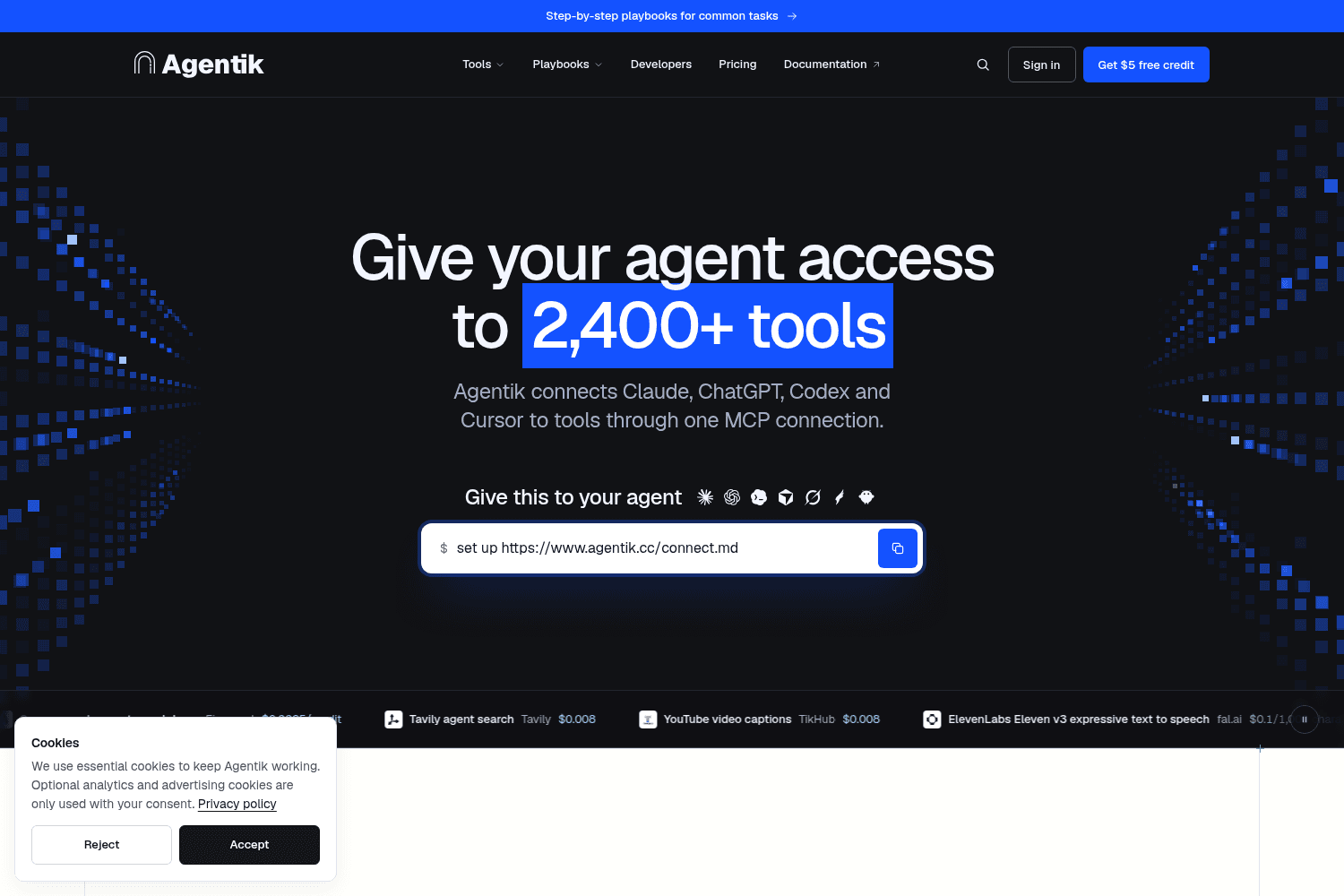
Agentik connects your AI agents to over 2,400 tools from 52 providers through one seamless interface...
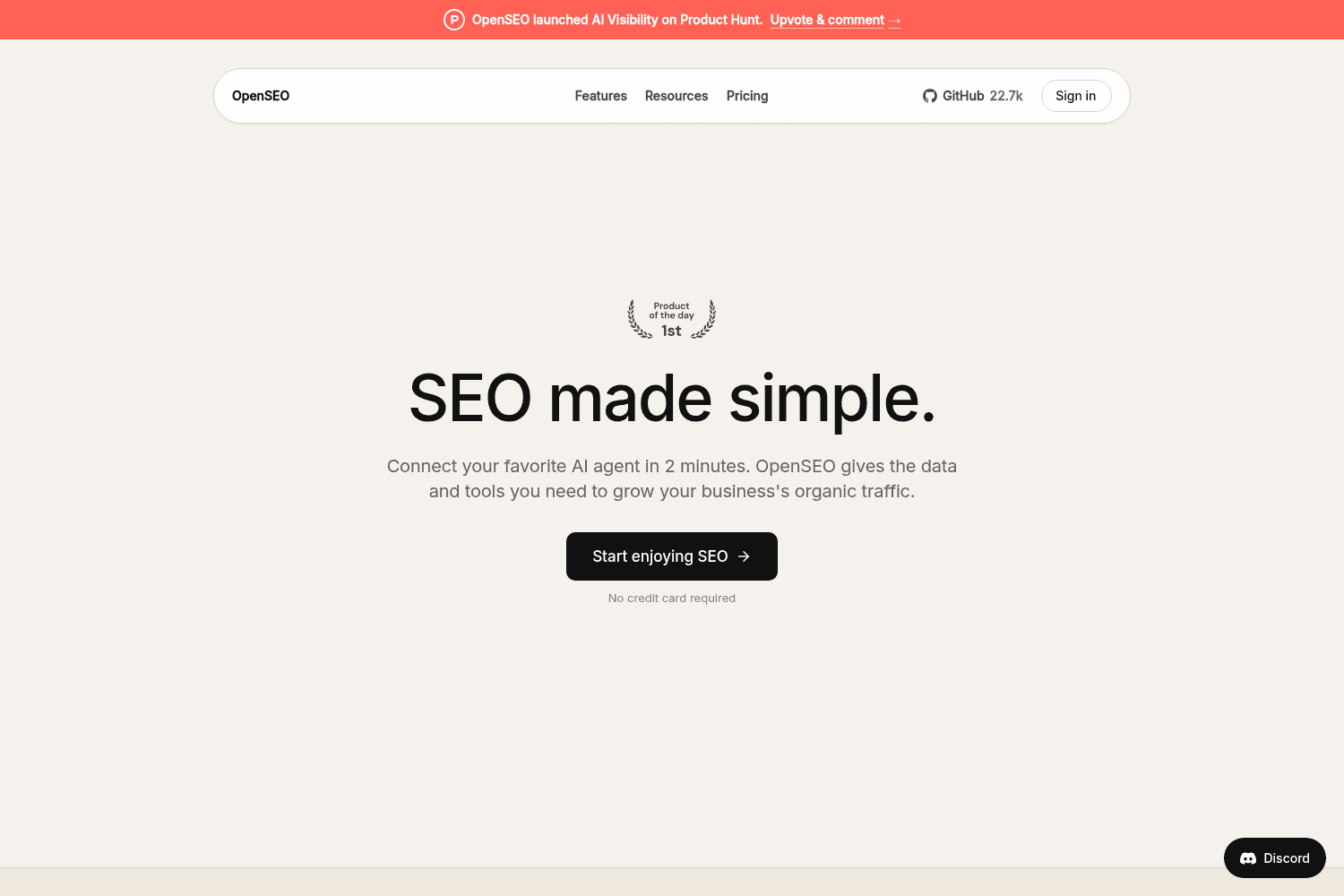

OpenSEO provides a comprehensive SEO toolkit designed to enhance organic traffic through keyword res...
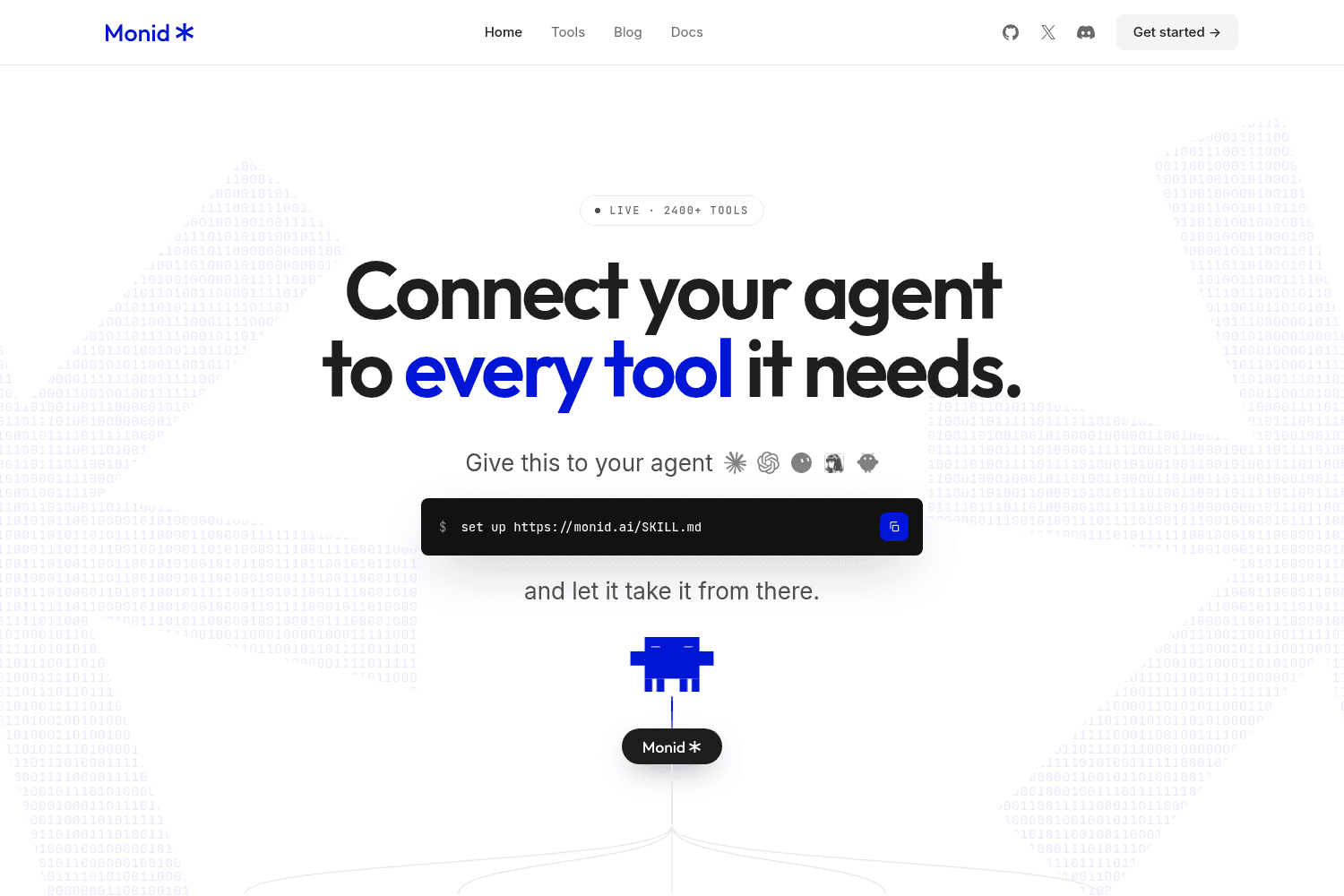
Monid connects your AI agents to a vast library of tools and APIs, allowing seamless integration and...
Prompt Motion is a curated platform showcasing a diverse collection of motion videos created using A...

Volume is a platform designed to create and automate TikTok and Instagram slideshow posts powered by...
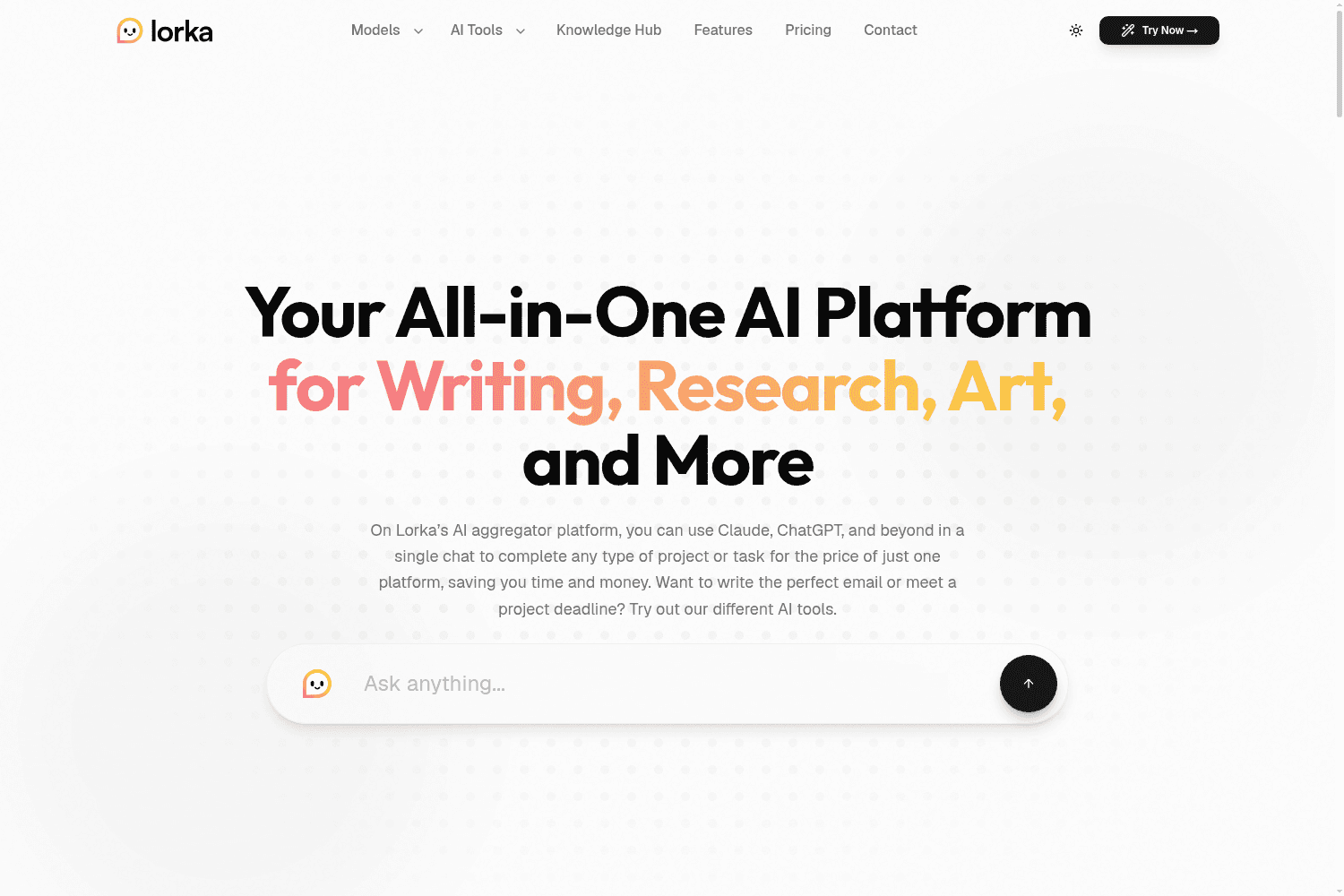
Lorka AI is an all-in-one platform that aggregates multiple top AI models, allowing users to easily ...
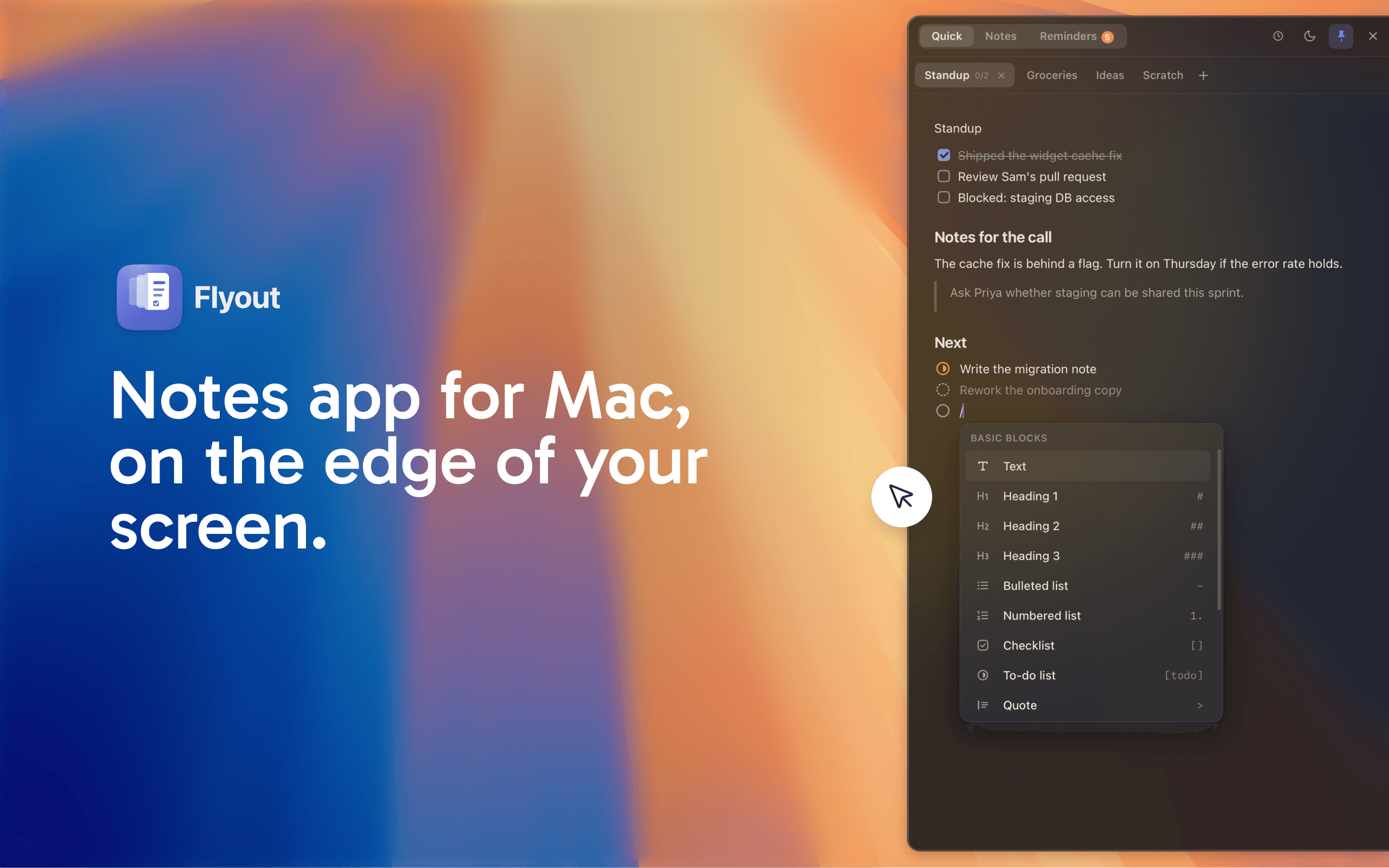
Flyout is a native macOS menu-bar app that allows users to capture notes, reminders, and tasks with ...
OneMacApp provides a suite of 42 native tools for various media tasks on Mac, enabling seamless edit...

Droppy is a supercharged Dynamic Island productivity app for macOS that combines multiple utilities ...
Candor is a qualitative research tool that helps product teams create synthetic users from real data...
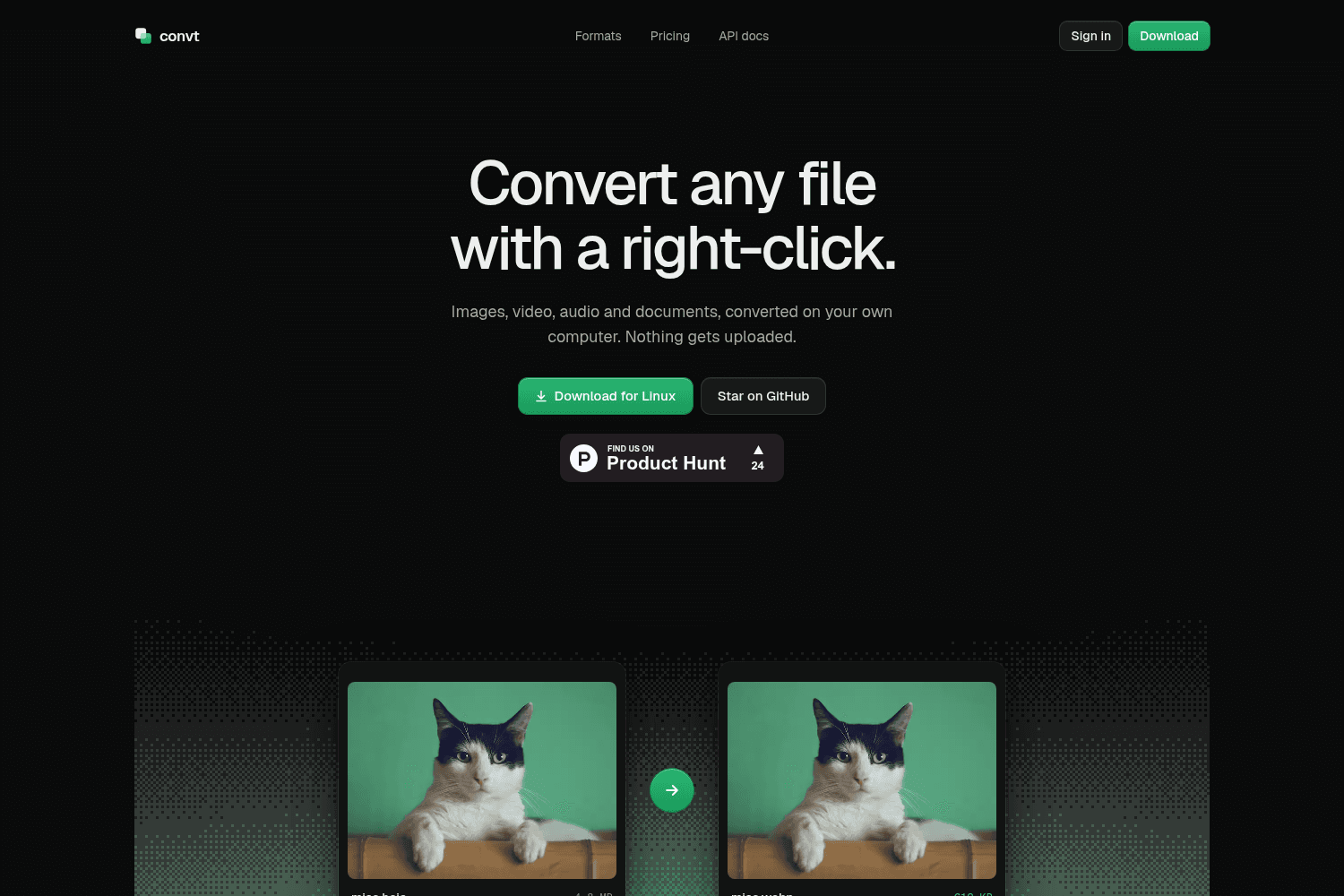
Convt is a local file conversion tool for images, video, audio, and documents, allowing users to con...
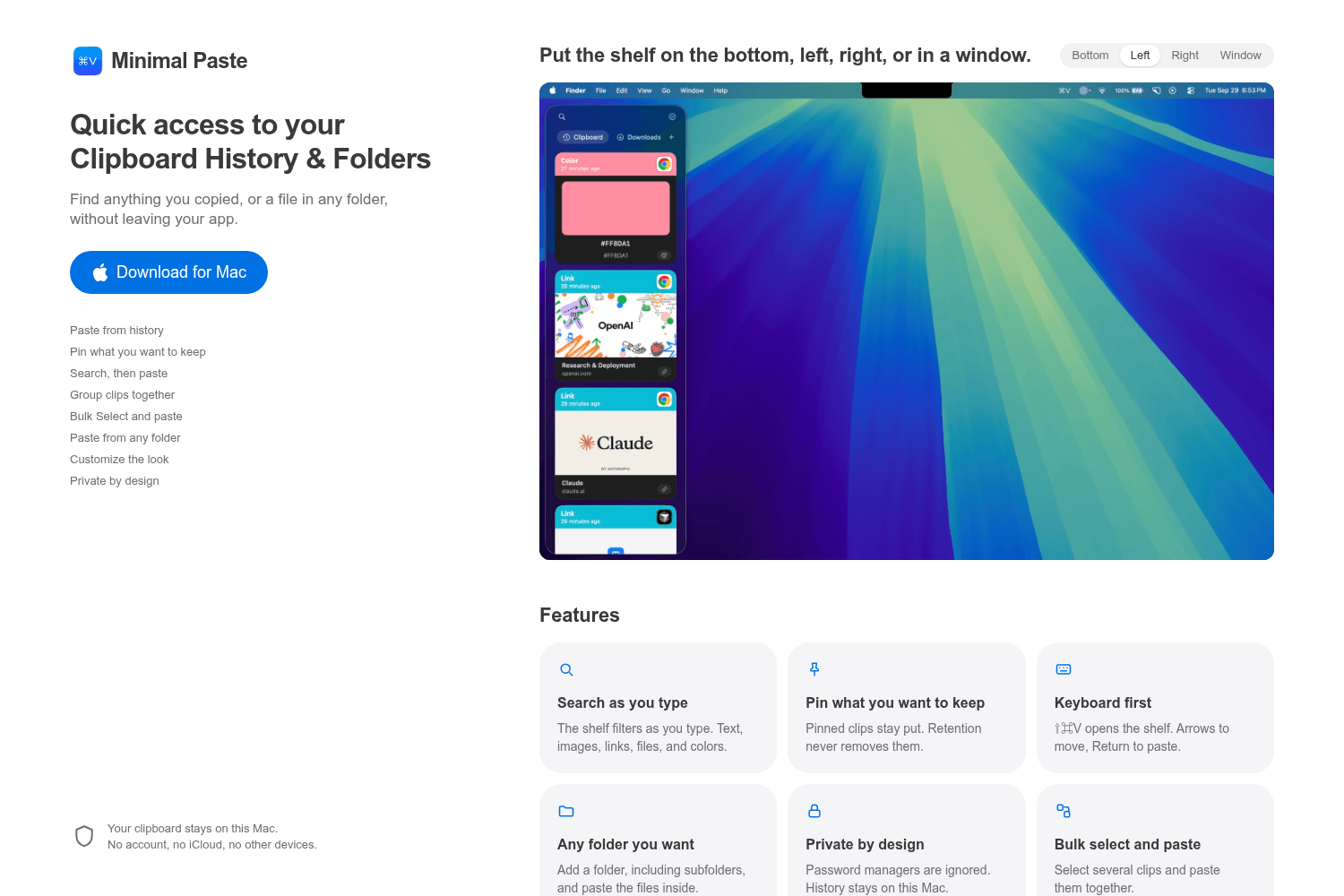
Minimal Paste is a clipboard manager for Mac that allows users to access their clipboard history and...
Lorka AI is an all-in-one platform that aggregates multiple top AI models, allowing users to easily ...
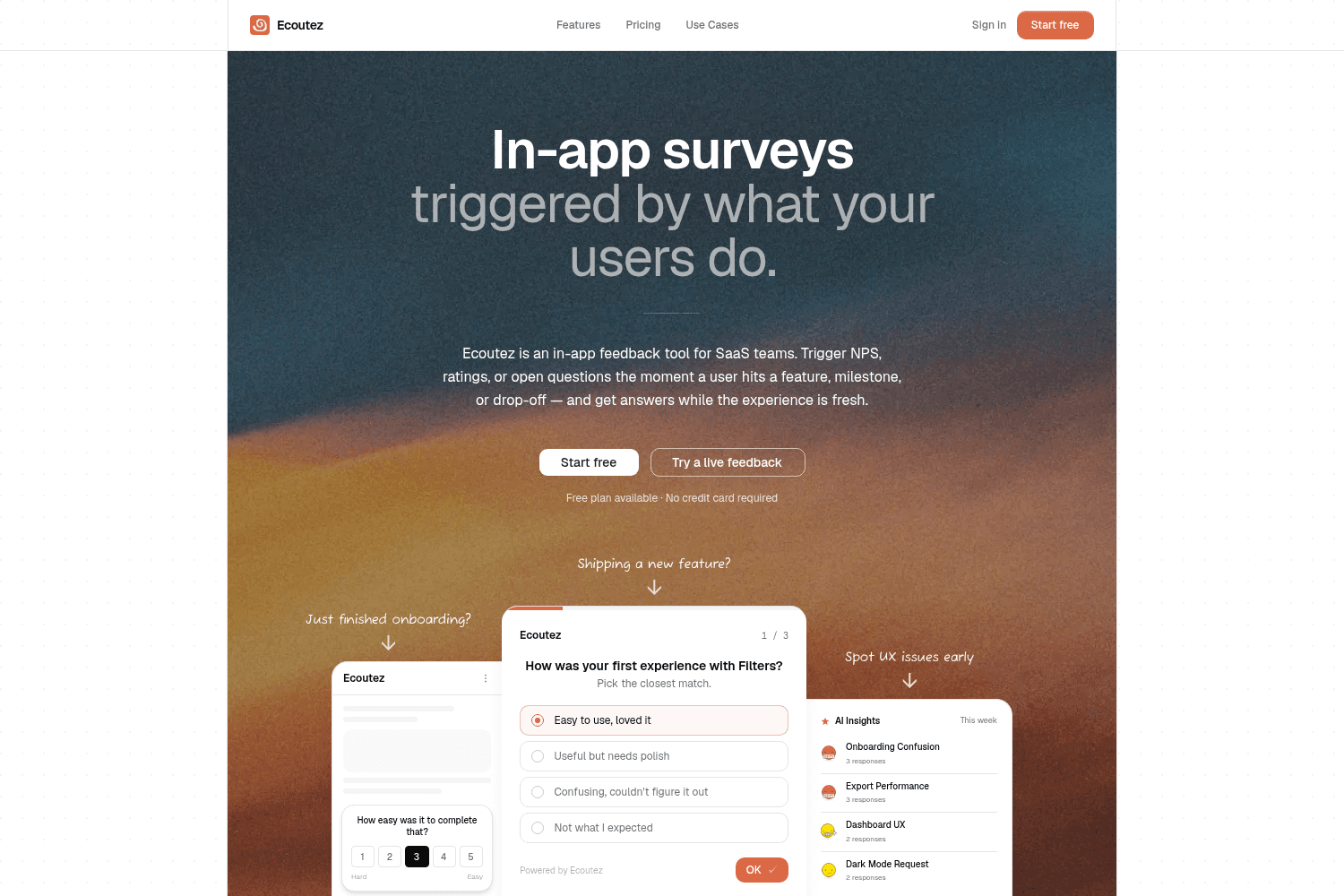
Ecoutez is an in-app feedback tool that helps SaaS teams gather user insights in real-time by trigge...
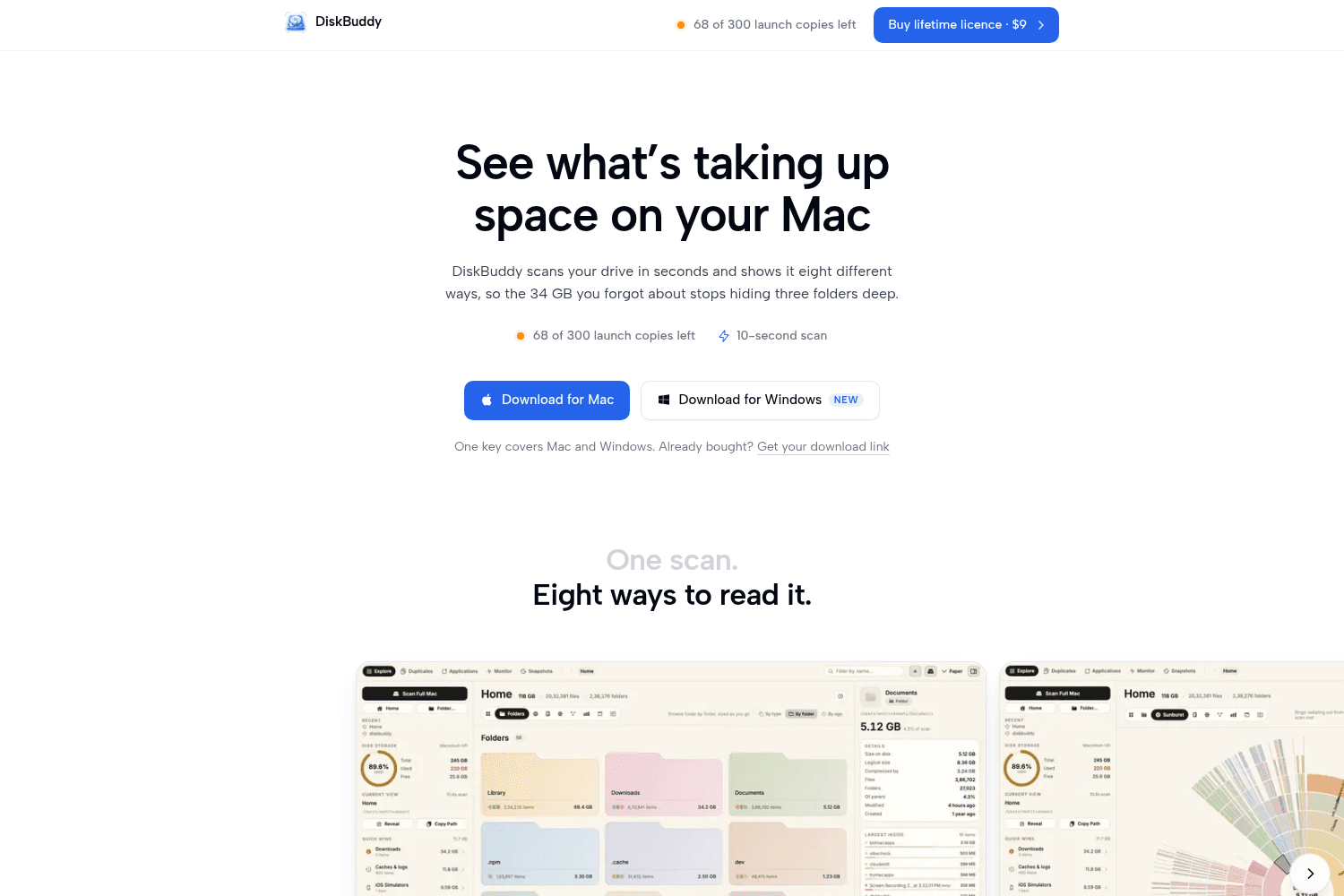
DiskBuddy is a disk space analyzer for Mac and Windows, providing visual representations of file usa...
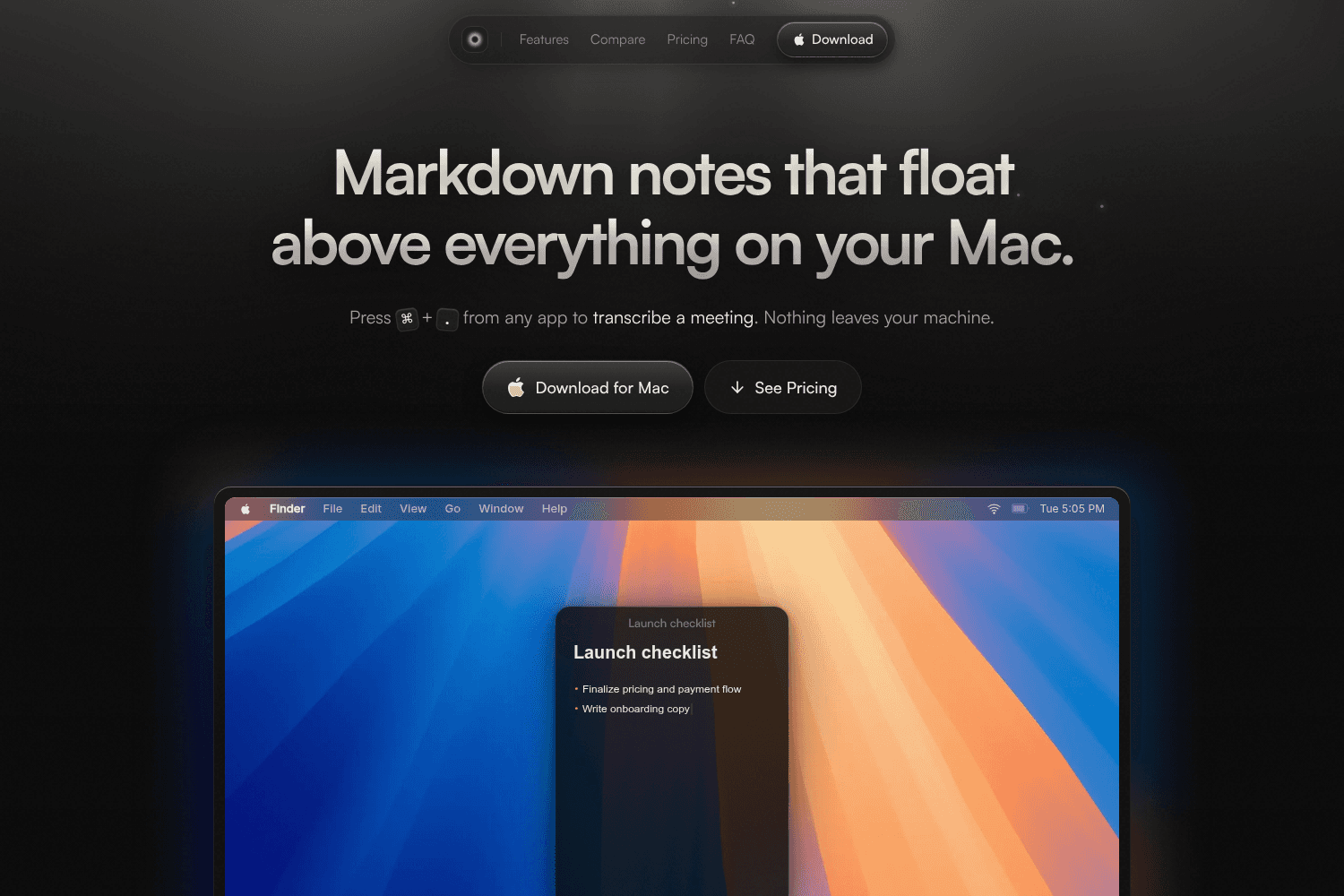
Mote is a floating note-taking app for Mac that stores notes locally without any account or cloud se...
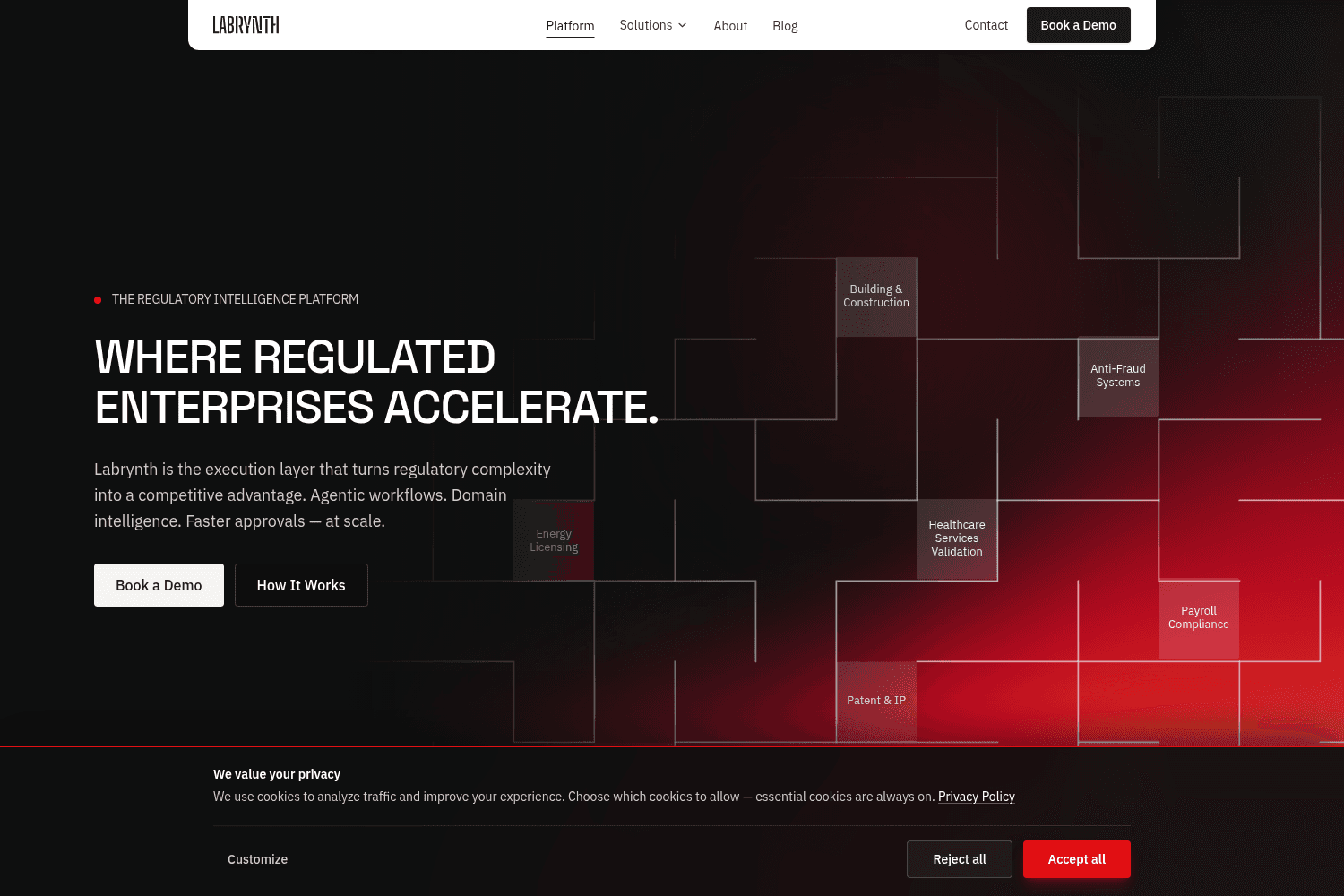
Labrynth is a regulatory intelligence platform that streamlines compliance workflows and accelerates...
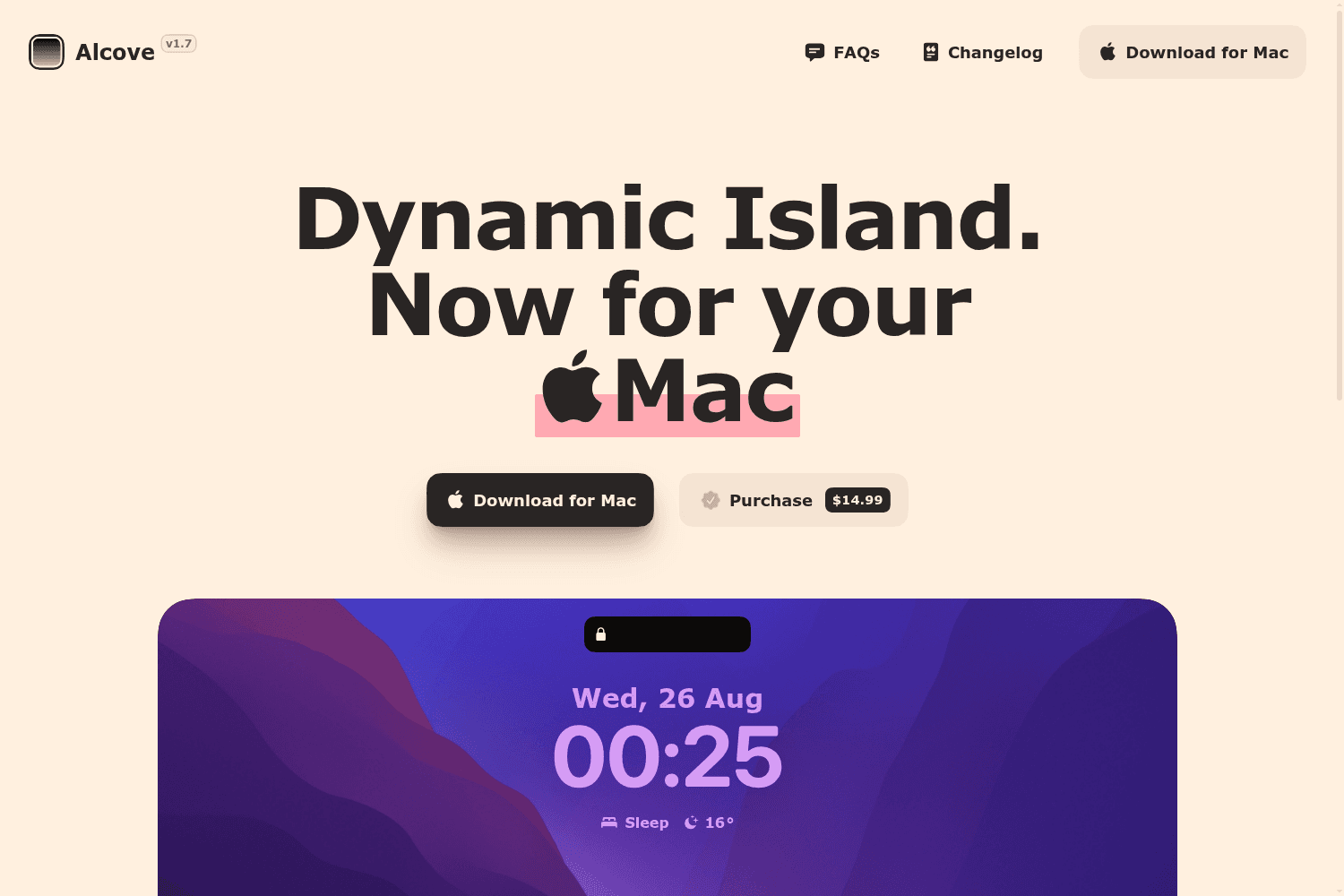
Alcove brings Dynamic Island features to your Mac, enhancing your experience with fluid animations a...

By Atlassian · Official
Connect your agent to team work and knowledge in Atlassian. The remote server brings relevant tickets, specifications, and workspace context into your existing AI client. Use it to investigate a task or prepare an update grounded in the team’s current work; available tools and information depend on your Atlassian account permissions.


By Auth0 · Official
Give your coding agent Auth0 integration guidance selected for your application framework. The skill detects the project stack and routes to relevant SDK setup, authentication routes, and login flows. Use it when adding authentication or migrating an existing system, supplying your framework and the account and session behavior the application needs.


By Clerk · Official
Give your agent a setup workflow for adding Clerk authentication to an application. It can guide integration in an existing project, scaffold a supported framework, or link an existing Clerk application. Use it when implementing sign-in and user sessions, sharing your framework, current authentication setup, and the routes that need protection.
By Brave · Official
Give your agent search tools backed by the Brave Search API. The official server covers web, news, image, video, and local search, with available results depending on the requested operation and account access. Use it to research a topic or compare sources, providing the query, region, and type of information needed.

By Browserbase · Official
Give your agent a hosted browser through Browserbase and Stagehand. The integration supports navigation, form interactions, structured extraction, and browser session management with natural-language commands. Use it to test a web journey or collect information from a website, defining the target pages and intended actions before starting a browser session.
By Google · Official
Give your coding agent access to Chrome DevTools for inspecting a running browser. It can investigate network requests, console errors, screenshots, and performance traces while working through an interface. Use it to diagnose a slow page or failed request, sharing reproduction steps and the browser environment involved in the problem.
By GitHub · Official
Connect your agent to GitHub repositories, issues, pull requests, and workflows. The official server exposes configurable toolsets so a client can focus on the operations it needs. Use it to investigate a repository, prepare a pull request, or check CI results; available actions follow the account permissions and enabled tools.

By Grafana · Official
Connect your agent to Grafana dashboards and observability data. The server provides dashboard discovery and inspection, with datasource and investigation tools depending on configuration and permissions. Use it to examine an incident or understand a dashboard, starting with the affected service, time range, and signals you want the agent to investigate.


By Vercel · Official
Give your agent React composition patterns for building reusable components with clear APIs. It covers compound components, shared state, and alternatives to growing collections of boolean props. Use it when refactoring a component library or reviewing component boundaries, sharing the current API and the variations the interface needs to support.


By Sanity · Official
Give your agent a framework for planning content experiments and A/B tests. The skill addresses experiment design, measurement, and statistical foundations so a test starts with a clear question. Use it when comparing page copy or content variants, sharing your hypothesis, target audience, success metric, and available measurement system.

By Resend · Official
Give your agent a workflow for building reliable email systems, from sender authentication and deliverability to retries, webhooks, and list hygiene. It connects email content with the infrastructure that sends and tracks it. Use it to review transactional email delivery or plan an email integration with the current provider and application.


By Anthropic · Official
Give your coding agent guidance for choosing a visual direction, typography, spacing, and interface details. The skill encourages deliberate design choices while building or reshaping a frontend. Use it when creating a landing page or product screen and share the existing design system, audience, and reference material.